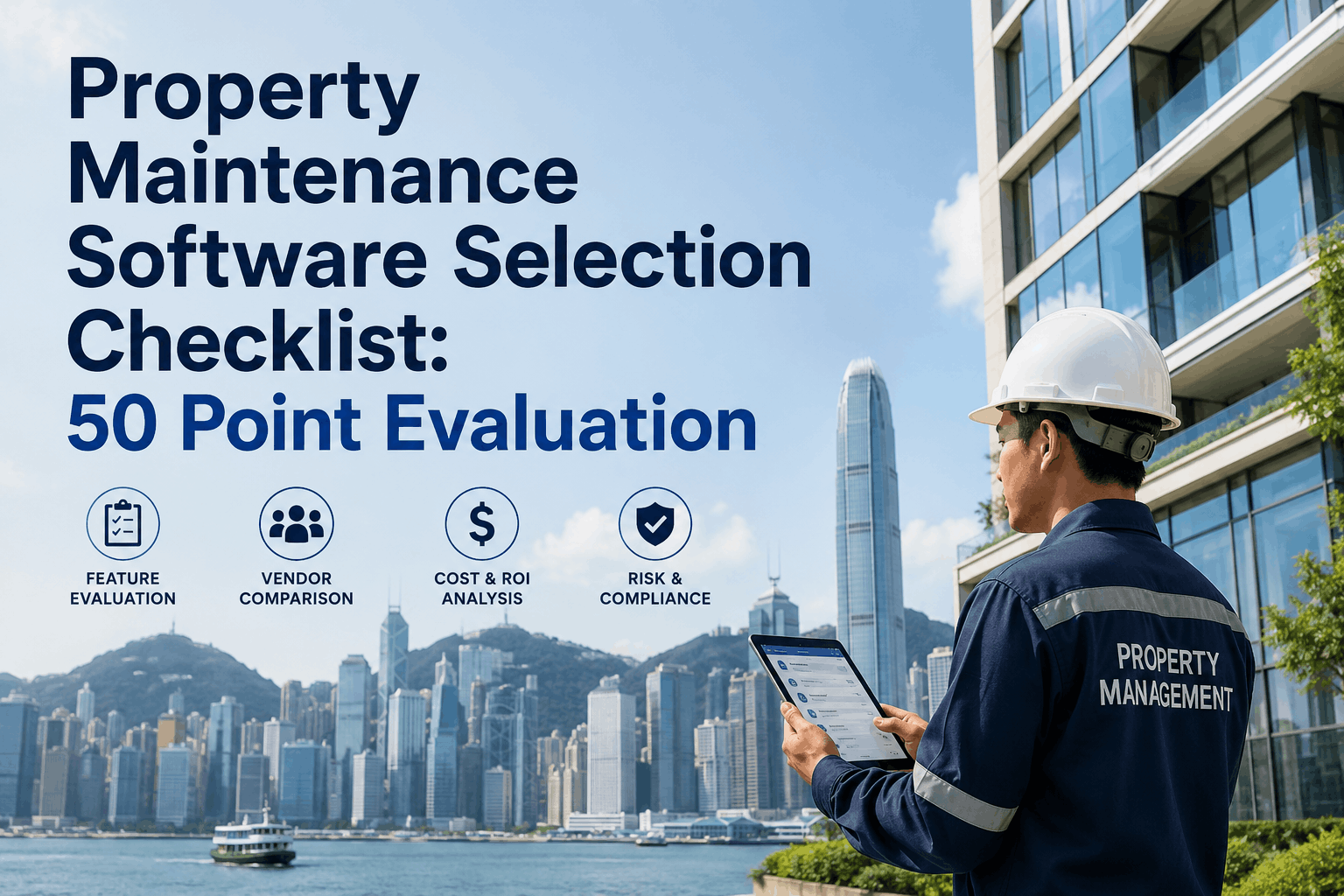
Evaluating property maintenance software vendors without a structured framework is how organizations end up with expensive shelfware that teams resist using and executives regret funding. When property managers sit through vendor demos, every CMMS looks capable—they all generate work orders, track assets, and have mobile apps. The real difference emerges 6-12 months post-implementation when your team is still fighting friction, adoption lags, integrations are broken, or vendor support evaporates. A 50-point evaluation checklist built around usability, mobile functionality, scalability, integration capability, vendor stability, and post-implementation support prevents costly vendor missteps. Oxmaint CMMS is purpose-built for property management—designed from the ground up for residential, commercial, and mixed-use portfolios with intuitive interfaces, unlimited user seats, pre-built tenant request portals, and vendor management tools that actually work. Start Free Trial to evaluate Oxmaint against your criteria. Schedule a Demo to see how Oxmaint stacks up against other vendors on usability, mobile, scalability, and support. This guide gives property management procurement teams a comprehensive vendor evaluation framework—50 criteria across functional, technical, financial, and support dimensions—so you select the CMMS that will still be in active use three years after go-live.
Why Software Vendor Evaluation Quality Directly Controls Implementation Success and Team Adoption
Most property management software implementations fail silently—the system is deployed, users resist it, adoption stalls, and by year two leadership stops asking about ROI because the software has become expensive deadweight. The root cause is rarely bad technology; it is usually bad vendor evaluation. Property managers selected software based on demo appeal or price instead of usability, mobile-first design, or integration capability. Six months into implementation, the interface frustrates field technicians, mobile app drains battery or loses connectivity, integrations never get built, vendor support is slow, or the system doesn't scale as portfolio grows. By then switching costs are too high—you are stuck with a 3-year contract on software teams hate using. Start Free Trial to see how Oxmaint's property management focus delivers native capabilities other CMMS platforms forced-fit from industrial origins. A 50-point evaluation checklist that grades vendors on functional capabilities, technical architecture, usability, scalability, integrations, vendor financial stability, implementation methodology, and post-implementation support prevents those catastrophic missteps. Properties that evaluate vendors rigorously achieve 90%+ team adoption, measurable payback within 6 months, and sustained ROI across the contract term. Conversely, properties that skip rigorous evaluation report 40-60% adoption, extended implementation timelines, support frustration, and eventual abandonment of the system for workarounds.
Common Vendor Evaluation Mistakes That Lead to Failed Implementation
Most property management teams make predictable vendor evaluation mistakes because they lack a structured framework. These mistakes compound during implementation and create years of operational friction. Schedule a Demo to see how Oxmaint scores against a comprehensive vendor evaluation checklist.
Vendor sales engineer runs a polished 60-minute demo on a clean demo database with ideal data. You see beautiful dashboards and smooth workflows. Real production data, legacy asset records, and messy tenant histories create friction the demo never showed. System bogs down with large datasets; what looked fast is slow with real data.
Evaluation focuses on web interface; mobile is afterthought. Technicians hate the app—it's slow, requires network connectivity, uploads are unreliable, interface doesn't match phone screen. Field teams resort to paper; system sits unused. Real evaluation requires 30-minute hands-on field trial with actual technician workflow.
Vendor says they integrate with your property management system (AppFolio, Buildium, Yardi). Implementation team realizes the integration is shallow, doesn't sync what you need, and requires custom API work at $50K+ cost. Budget was never approved for integrations; project gets delayed 6 months.
Choosing vendor because they are 20% cheaper than alternatives. Later discover you get what you pay for—support is slow, features are limited, customization costs extra. Three-year TCO (total cost of ownership) was actually more expensive than premium vendor, and you are stuck in a bad contract.
Vendor goes out of business; cloud service shuts down or gets acquired. Your data is hostage; migration off the platform is painful. Before signing 3-year contract, check vendor funding, revenue, customer count, and recent layoffs. Stability matters more than features.
Vendor promises "30-day deployment." Your data is messy, integrations are complex, team adoption is slower than expected. Implementation stretches to 6+ months, goes over budget, and drains internal resources. Rigorous vendor evaluation should include asking similar customers about true implementation timelines.
The 50-Point Vendor Evaluation Checklist: Criteria, Scoring, and Decision Framework
Use this 50-point checklist to evaluate property maintenance software vendors objectively. Score each vendor 1-5 on every criterion; total score out of 250 provides data-driven comparison that survives sales pressure.
| Evaluation Category | Specific Criteria (Score 1-5) | Weight for Property Mgmt | Oxmaint Strength |
|---|---|---|---|
| USABILITY & USER INTERFACE (8 Criteria) | |||
| Ease of Use | Intuitive first impression; no manual needed for basic tasks; color-coded dashboards; logical navigation | Critical | Purpose-built for property ops; visual hierarchy optimized for property managers and technicians |
| Mobile-First Design | Native iOS/Android app; offline capability; photo/signature capture; responsive design; battery efficiency | Critical | Full offline mobile app; field technicians never need network; photo/inspection documentation built-in |
| Multi-Language Support | English + Spanish + additional languages; translations accurate; cultural localization | Medium | English + Spanish fully supported; growing language coverage |
| Customization without Code | Workflow builder; custom fields; automation rules; conditional logic drag-and-drop interface | High | No-code workflow customization; property-specific SLA rules; custom asset hierarchies |
| Role-Based Access Control | Granular permissions by role; field technician view different from admin; tenant portal isolation; compliance controls | High | Field tech, supervisor, manager, tenant roles with precise permission control |
| Reporting Flexibility | Pre-built reports + custom report builder; export to PDF, Excel, email automation | High | 50+ property-specific reports; custom report builder; automated monthly executive summaries |
| Dark Mode / Accessibility | Dark mode option for field work; ADA compliance; high contrast for legibility; keyboard navigation | Medium | Dark mode; WCAG AA accessibility compliance; built for outdoor use visibility |
| Configuration Time to Value | How many hours to get first work order live; complexity of asset setup; PM schedule creation effort | High | 30-60 minutes to first work order; asset import from CSV; pre-built PM templates by property type |
| MOBILE & FIELD CAPABILITIES (5 Criteria) | |||
| iOS / Android Native Apps | Fully native apps; not responsive web wrapped as app; app store distribution; regular updates | Critical | Native iOS and Android; auto-update; $0 cost to teams; full offline functionality |
| Offline Work Capability | Full offline work order viewing/completion; sync when network returns; no data loss if connection drops | Critical | Complete offline mode; work orders, assets, assignments all available offline; auto-sync on reconnect |
| Photo & Documentation Capture | Built-in camera; before/after photo workflow; video capture; document attachment; digital signature | High | In-app camera with timestamping; before/after workflow; quality photo compression for fast upload |
| GPS & Location Tracking | GPS tracking of technician arrivals; automated check-in/check-out; route optimization suggestion | Medium | GPS timestamped arrival; location-based work order dispatch; no privacy invasion controls |
| Voice Note & Dictation | Voice-to-text notes; hands-free work order completion; voice command shortcuts | Medium | Voice-to-text work order notes; voice-activated asset search in field |
| PROPERTY MANAGEMENT FEATURES (8 Criteria) | |||
| Tenant Request Portal | Self-service portal; multi-channel intake (web/SMS/email); priority classification; status tracking; push notifications | Critical | Comprehensive tenant portal; SMS request intake; real-time status; emergency routing to on-call tech |
| Vendor / Contractor Portal | Separate vendor login; work order assignment visibility; SLA timers; invoice submission; performance feedback | High | Full vendor portal; SLA timer visibility; work order closure required before invoice submission; performance scorecard |
| Preventive Maintenance Templates | Pre-built PM templates by asset type; customizable schedules (time/usage/condition); seasonal adjustments; compliance checklists | Critical | 200+ property-specific PM templates; HVAC, electrical, plumbing, appliance-specific checklists |
| Unit Turnover Workflows | Move-in inspection checklist; move-out inspection; unit condition scoring; damage documentation; cost allocation | High | Pre-built turnover inspection templates; before/after photo workflow; damage cost tracking per unit |
| COI & Insurance Tracking | Certificate of Insurance tracking; expiration alerts 60 days prior; vendor compliance dashboard; audit trail | High | Automated COI expiration alerts; work order blocking for uninsured contractors; compliance reporting per property |
| Multi-Property Dashboard | Portfolio-level view; work order status across all properties; emergency alerts; comparative KPI reporting | Critical | One-glance portfolio dashboard; property heat maps showing maintenance backlog; cross-property KPI comparison |
| CAM & Cost Allocation | Common area maintenance tracking; tenant-attributable cost separation; CAM reconciliation; triple-net calculations | Medium | Work order cost allocation by property/building/unit; CAM reconciliation reporting for property tax filings |
| Housekeeping & Turnover Audit Trail | Work order completion timestamp; technician sign-off; tenant access logging; security compliance documentation | Medium | Full audit trail per property; completed work order documentation for liability protection |
| INTEGRATION CAPABILITY (6 Criteria) | |||
| PMS Integration (AppFolio, Buildium, Yardi) | Bi-directional sync of tenant, lease, unit data; work order to PMS communication; rent tracking in maintenance context | Critical | Native integration with AppFolio, Buildium, Yardi; unit data auto-sync; tenant profile linking |
| Accounting Software Integration | QuickBooks, Xero, etc. integration; invoice sync; cost category mapping; GL code assignment | High | Native QuickBooks Online and Xero integration; cost auto-categorization; weekly sync |
| API Documentation & Webhooks | Public REST API; webhook support; rate limits published; sandbox environment for development | High | Full REST API with webhooks; real-time event triggers; documented code samples |
| Bulk Data Import/Export | CSV import of assets, work orders, tenants; bulk upload via UI; data mapping interface; validation reporting | High | One-click asset CSV import with error reporting; bulk work order creation; legacy data migration tools |
| Single Sign-On (SSO) | SAML 2.0 support; Azure AD, Okta integration; user provisioning/deprovisioning automation | Medium | SAML 2.0 compliant; Azure AD and Okta tested integration paths |
| Third-Party App Marketplace | App marketplace for extensions; partner ecosystem; pre-built connectors for common tools | Medium | Partner integrations with property-focused apps; expanding marketplace |
| SCALABILITY & PERFORMANCE (5 Criteria) | |||
| Unlimited Users / Seats | No per-user licensing; add unlimited team members and contractors without cost increase; field tech cost-effective at scale | Critical | Unlimited users at all plan levels; field technicians, supervisors, tenants all unlimited |
| Database Performance at Scale | System performance stable with 100K+ work orders; asset database of 50K+ items; no slowdown as portfolio grows | High | Cloud-native architecture; scales to enterprise portfolios; performance tested to 500K+ work orders |
| Multi-Tenant / Multi-Property Isolation | Complete data isolation between properties; tenant-specific views; permissions segregation; compliance with data residency | High | Property-level data isolation; compliance with HIPAA, GDPR, state privacy regulations |
| Uptime & Availability SLA | 99.9% uptime guarantee; redundant infrastructure; disaster recovery; SLA credits for breaches | High | 99.95% uptime SLA; real-time status page; automatic failover; multi-region backup |
| Load Testing & Capacity Planning | Vendor shares load test results; explains scaling architecture; provides capacity planning guidance | Medium | Published infrastructure whitepaper; capacity planning consulting included |
| SECURITY & COMPLIANCE (6 Criteria) | |||
| Data Encryption (In-Transit & At-Rest) | TLS 1.2+ for all data in motion; AES-256 encryption for stored data; encryption key management transparent | Critical | TLS 1.3 for all APIs; AES-256 at rest; FIPS-certified key management (AWS KMS) |
| Security Certifications (SOC 2, ISO 27001) | SOC 2 Type II audit completed; ISO 27001 certification; regular penetration testing; bug bounty program | High | SOC 2 Type II certified; annual security audit; responsible disclosure program |
| Data Residency & Jurisdiction | Choice of US/EU/APAC data centers; contractual residency guarantees; no cross-border data transfer without consent | Medium | US data centers in AWS; EU option available; no cross-border transfer without consent |
| HIPAA / Compliance Requirements | HIPAA-eligible architecture for healthcare properties; GDPR compliance; state privacy law adherence | Medium | GDPR compliant; state privacy law (CCPA, VCDPA) compliant; healthcare-suitable architecture |
| Audit Trail & Compliance Logging | Complete audit trail of all actions; user, timestamp, change details logged; 7-year retention; exportable for compliance | High | Full audit trail; exportable compliance reports; 7-year retention configurable |
| Data Backup & Recovery | Automated daily backups; 30-day retention minimum; recovery time objective (RTO) < 1 hour; tested restore procedures | High | Continuous incremental backups; 30-day retention; RTO < 15 minutes; tested monthly |
| VENDOR STABILITY & SUPPORT (8 Criteria) | |||
| Company Financials & Funding | Stable funding history; profitable or path to profitability; employee headcount trends; recent layoffs or restructuring | High | Venture-backed with runway; profitable SaaS metrics; stable team; transparent company blog |
| Customer References & Case Studies | Speak directly to 3+ property management customers; ask about implementation timeline, adoption rate, actual ROI achieved | Critical | Published case studies; reference calls with 50+ property management customers; LinkedIn customer list |
| Implementation Support & Onboarding | Dedicated implementation manager; onboarding timeline clear; training modules; success milestones tracked; go-live support | Critical | Dedicated onboarding; 4-week launch program; live training sessions; go-live war room support |
| Support Response Times & Escalation | 24/7 support availability; critical issue response < 1 hour; escalation path to engineers; support SLA in contract | High | 24/7 US-based support; 30-min response SLA for critical issues; escalation to engineering for bugs |
| Knowledge Base & Self-Service | Searchable knowledge base; video tutorials; community forum; webinar archives; FAQ coverage comprehensive | High | 500+ help articles; video library; weekly webinars; community Slack channel; searchable FAQs |
| Roadmap Transparency & Feature Velocity | Public product roadmap; quarterly feature releases; user feature voting; transparent prioritization; ship velocity demonstrated | Medium | Public roadmap updated quarterly; monthly feature releases; user feedback integrated; 2+ years of consistent updates |
| Professional Services Availability | Custom development services; integration build-out support; API documentation; estimated costs transparent | Medium | Professional services for complex integrations; API development support; transparent pricing |
| Contract Terms & Lock-In | Month-to-month or 1-year commitment options; no long-term lock-in; transition support if you leave; data export easy | High | Flexible 1-year or month-to-month terms; 30-day exit clause; free data export on departure |
| PRICING & FINANCIAL TERMS (4 Criteria) | |||
| Transparent Per-Property Pricing | Clear per-property cost; no surprise per-user fees; all-inclusive plan; annual discount published | High | Simple per-property pricing; unlimited users included; 20% annual discount; no hidden fees |
| Implementation & Setup Costs | Implementation fee quoted upfront; no surprise consulting costs; data migration included or clear costs stated | High | Data migration included in onboarding; no surprise setup fees; transparent professional services pricing |
| Cost of Ownership (TCO) Calculation | Vendor helps calculate 3-year TCO including software, implementation, training, support; compare against alternatives transparently | Medium | 3-year TCO calculator provided; ROI projection tool; comparison against industry benchmarks |
| Free Trial Availability | 30-day free trial with full features; no credit card required; sandbox environment for setup; trial extension available | Medium | 14-day free trial with 1 property; full feature access; no credit card; setup support included |
How to Use This Checklist: Scoring, Weighting, and Selection Decision
- Review all 50 criteria; remove any not applicable to your property type or size
- Add custom criteria specific to your needs (e.g., "Spanish language tenant portal" or "integration with specific PMS")
- Identify which criteria are non-negotiable vs nice-to-have; non-negotiable must score 4+
- Score vendors independently; don't let one vendor's strength bias other scores
- Test each vendor hands-on; score based on real experience, not demo performance
- Document scoring rationale for each criterion; you'll need to explain decisions to stakeholders
- Assign weights: Critical (5x), High (3x), Medium (1x) based on your needs
- Calculate weighted score for each vendor: (vendor score × criterion weight) for every criterion, sum totals
- Highest weighted score indicates best fit for your specific property portfolio needs
- Talk to 3+ property management customers of each finalist vendor; ask about real implementation timeline and adoption
- Ask references specifically: "Would you select this vendor again?" and "What surprised you (good and bad) after go-live?"
- Let reference feedback validate or challenge your scoring; adjust final decision if references reveal critical issues
Red Flags That Should Disqualify a Vendor Immediately
Property Maintenance Software Vendor Evaluation KPIs
Property management teams that use rigorous vendor evaluation frameworks achieve higher team adoption, faster payback, and better long-term outcomes. Start Free Trial to evaluate Oxmaint against these comprehensive criteria.
Complete all 50 criteria for every vendor you evaluate; don't skip difficult ones. Incomplete evaluation usually predicts post-selection regrets.
Talk to at least 3 customers for each finalist vendor; ask about implementation timeline, adoption rate, actual vs promised ROI. References validate or challenge your scoring.
Test software hands-on for at least one week; have field technician actually use mobile app in real workflow. Demo feels different from daily use; extended trial reveals friction.
If your final two vendors score within 10 points total, your evaluation framework isn't discriminating enough. A 25+ point gap indicates clear winner backed by data.
Measure by % of eligible staff logging in weekly. Below 80% indicates vendor evaluation missed critical fit issue; adoption problems compound over years.
Compare actual implementation timeline to vendor estimate. Large variance indicates vendor underestimated complexity or your evaluation didn't pressure-test feasibility assumptions.