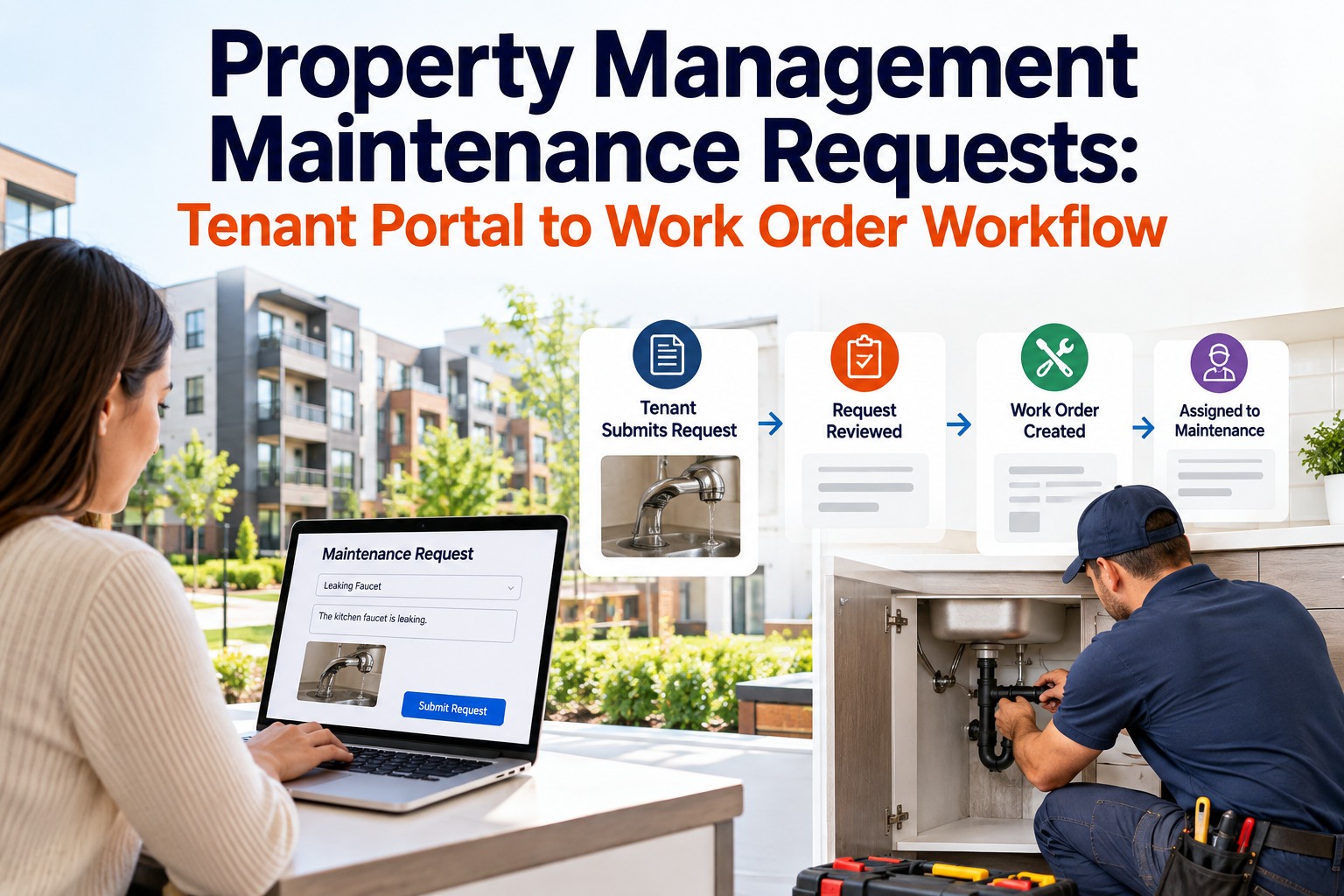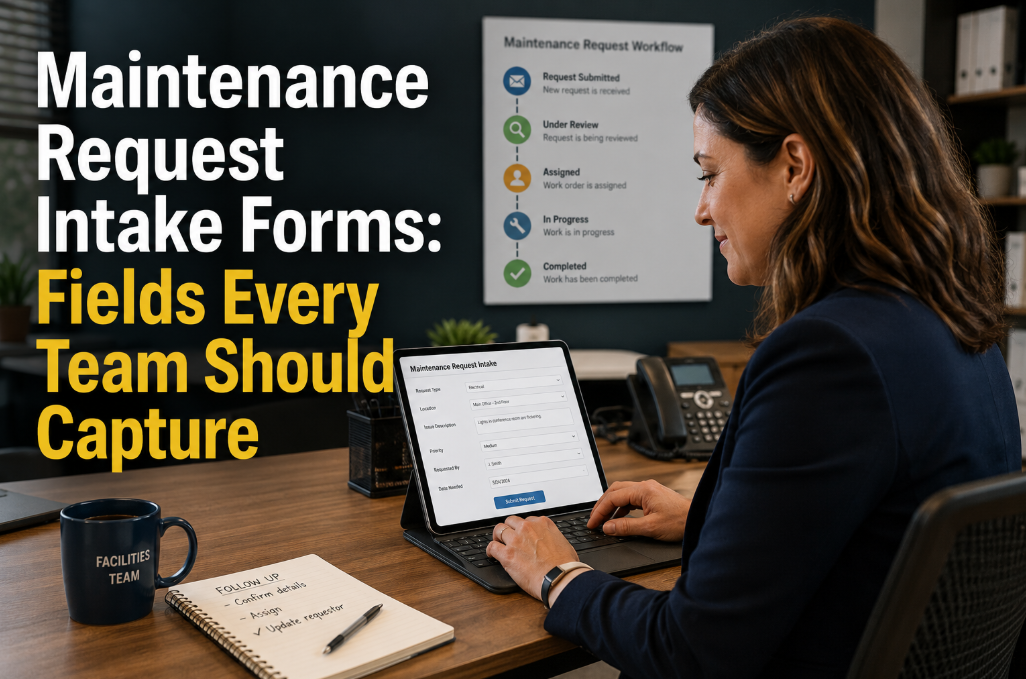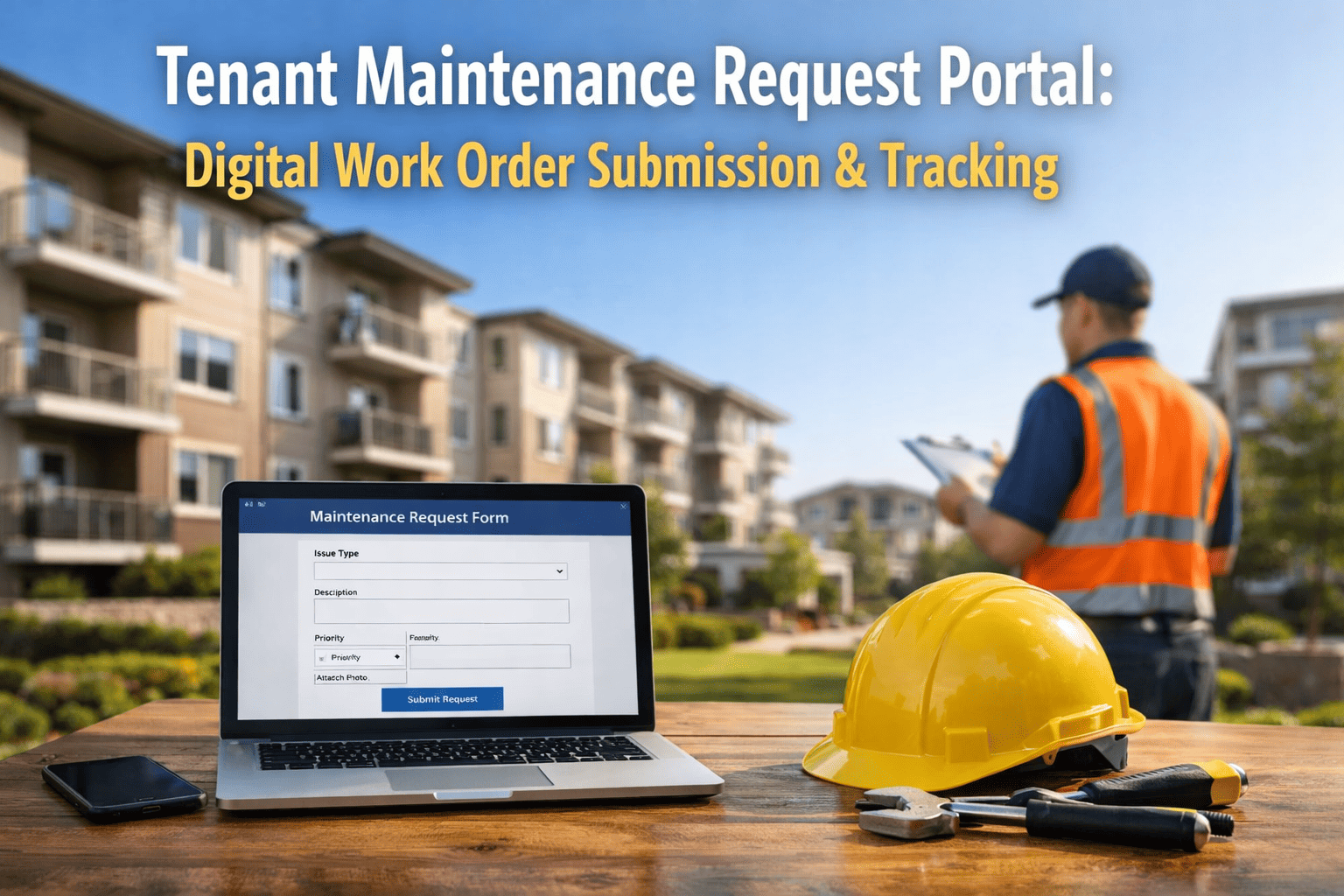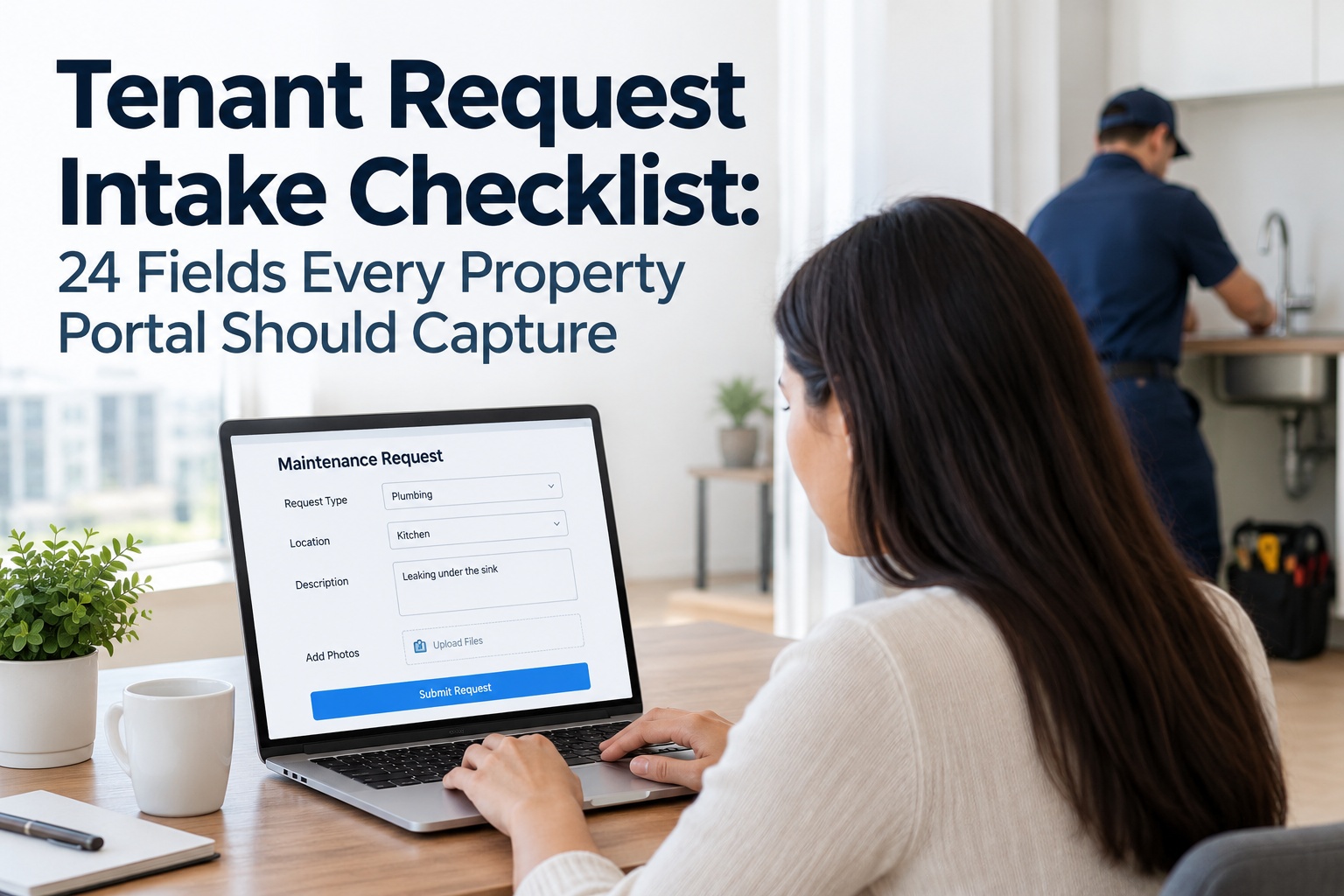
The tenant request form looks like the most boring screen in your property software. It's actually where your SLAs are won or lost — before a technician is even assigned. A request that arrives as "sink broken" triggers a phone call, a scheduling round, and a wasted truck roll when the tech shows up without the right part and nobody's home. A request that arrives with the unit, the exact fixture, a 10-second video, entry permission, and a preferred window becomes a job that closes on the first visit. The gap between those two outcomes is the fields you chose to capture. But there's a trap: require too much and tenants abandon the form; require too little and you get "it's broken." This checklist gives the 24 fields worth capturing, which to make required, and how to group them so the form still gets finished. And it shows how OxMaint's maintenance management software turns each submission into a routed, SLA-timed work order.
Tenant Request Intake Checklist: 24 Fields Every Property Portal Should Capture
Every follow-up call your team makes is a field the form should have captured. Here are the 24 — grouped, flagged required or optional — that turn a vague request into a first-visit fix.
The Rule Before the Fields: Required vs. Optional
More fields isn't better intake — completed fields are. A focused form with the right required set gets finished; a 30-field catch-all gets abandoned, and an abandoned form is a phone call you're back to taking. So every field below is flagged: Required means the form won't submit without it, Optional means capture it if the tenant will, and Auto means the portal fills it so the tenant never types it. Sign up free and OxMaint auto-populates identity and unit for authenticated tenants, cutting the fields they actually type.
Group 1 · Who & Where (Fields 1–5)
Identity and location must match lease records for verification — and for an authenticated portal, most of this auto-fills, so the tenant starts several fields ahead. Getting the exact location inside the unit is what stops the "which drain?" phone call. Book a demo to see auto-populated tenant identity.
Group 2 · What's Wrong (Fields 6–12)
This is the diagnostic core — the fields that decide whether the tech arrives with the right part. A category dropdown routes the request; category-triggered follow-up questions ("kitchen sink → which drain? constant or intermittent?") pull the detail a free-text box alone would miss. Sign up free to configure category-conditional questions.
Group 3 · How Urgent (Fields 13–16)
Priority is where the SLA clock starts. Let the tenant flag urgency, map each tier to a response window, and route emergencies out of the normal queue entirely — because a no-heat or flooding request that waits behind a squeaky door is how you lose a tenant and invite liability. Book a demo to see emergency routing bypass the queue.
Put the Emergency-Line Notice at the Top of the Form.
A gas leak, active flooding, or fire is not a form submission — it's a phone call. Every well-designed intake form opens with a plain line telling tenants to call the emergency number for life-safety issues, not wait on a portal. It protects the tenant and it keeps true emergencies out of a queue. OxMaint pairs that notice with emergency-priority routing that pushes a same-day request straight to the on-call tech and the property manager.
Group 4 · Access & Scheduling (Fields 17–21)
This is the group most forms skip and most truck rolls die on. Capturing entry permission and a preferred window upfront saves two or three rounds of phone tag — and a pet or alarm note keeps the tech from being turned away at the door. Sign up free to capture access details at submission.
Group 5 · Consent & Confirmation (Fields 22–24)
The closing fields turn a submission into a tracked, acknowledged commitment. The immediate confirmation and displayed response time are what lift satisfaction — tenants value visibility as much as speed. Book a demo to see instant confirmation and status tracking.
A Form Field Is Only Half the Job — It Has to Route
Capturing 24 fields into an inbox still leaves your team doing the triage by hand. The value lands when each field drives something automatically: category and priority route the work, the timestamp starts the SLA, access details flow to the tech, and the tenant sees status the whole way. Here's what changes when the form feeds a CMMS. Start free and connect intake to routing this week.
What OxMaint Gives the Property Team
OxMaint turns the 24-field form into a routed, SLA-timed, tenant-visible work order — so intake stops generating follow-up calls and starts generating first-visit fixes. Here's the concrete mapping. Book a demo to see it on your portfolio.
Use this 24-field checklist plus OxMaint to design intake that captures what technicians actually need, routes on priority the moment it's submitted, and gives tenants the visibility that keeps them renewing. Try OxMaint free or book a demo to see it on your properties.
Our old form had four fields — name, unit, description, and a submit button — and every single request generated two or three follow-up calls before a tech could even go out. Half the time nobody was home or there was a dog we didn't know about. We rebuilt intake in OxMaint around the fields that actually matter: exact location, category with follow-up questions, photos, priority, entry permission, a preferred window, pets. The required set is tight enough that tenants finish it, and now most requests go straight to a first-visit fix. Emergencies jump the queue automatically, tenants see status the whole way, and our renewal-driving satisfaction scores climbed within a quarter. The form was the fix.
Frequently Asked Questions
The Form Is Where the SLA Starts. Build It Right.
OxMaint turns a well-designed 24-field intake into a routed, SLA-timed, tenant-visible work order — auto-filling identity, routing on priority, pushing access details to the tech, and confirming instantly — so intake drives first-visit fixes and renewals, not follow-up calls. Start free — no credit card, unlimited users, forever.