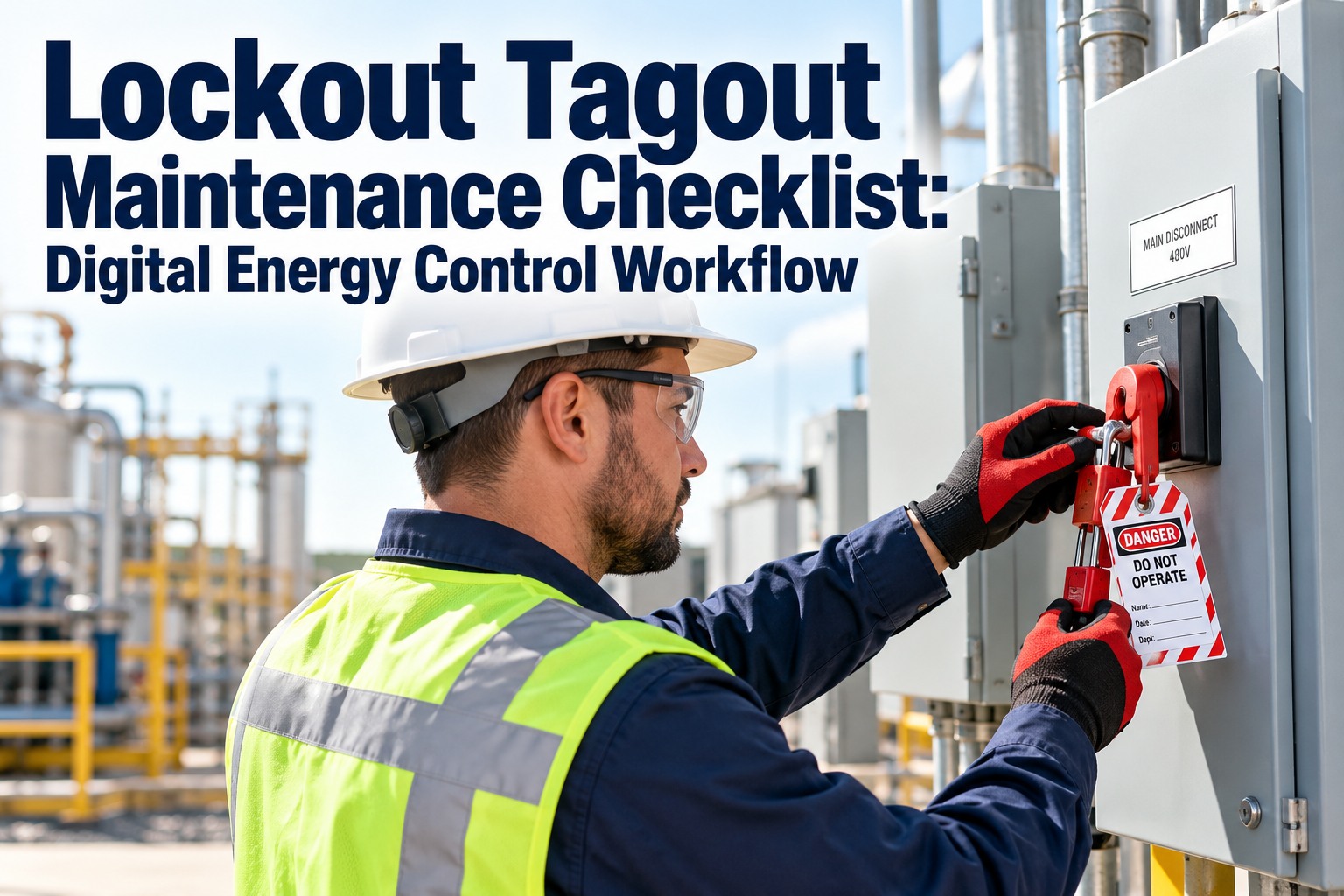
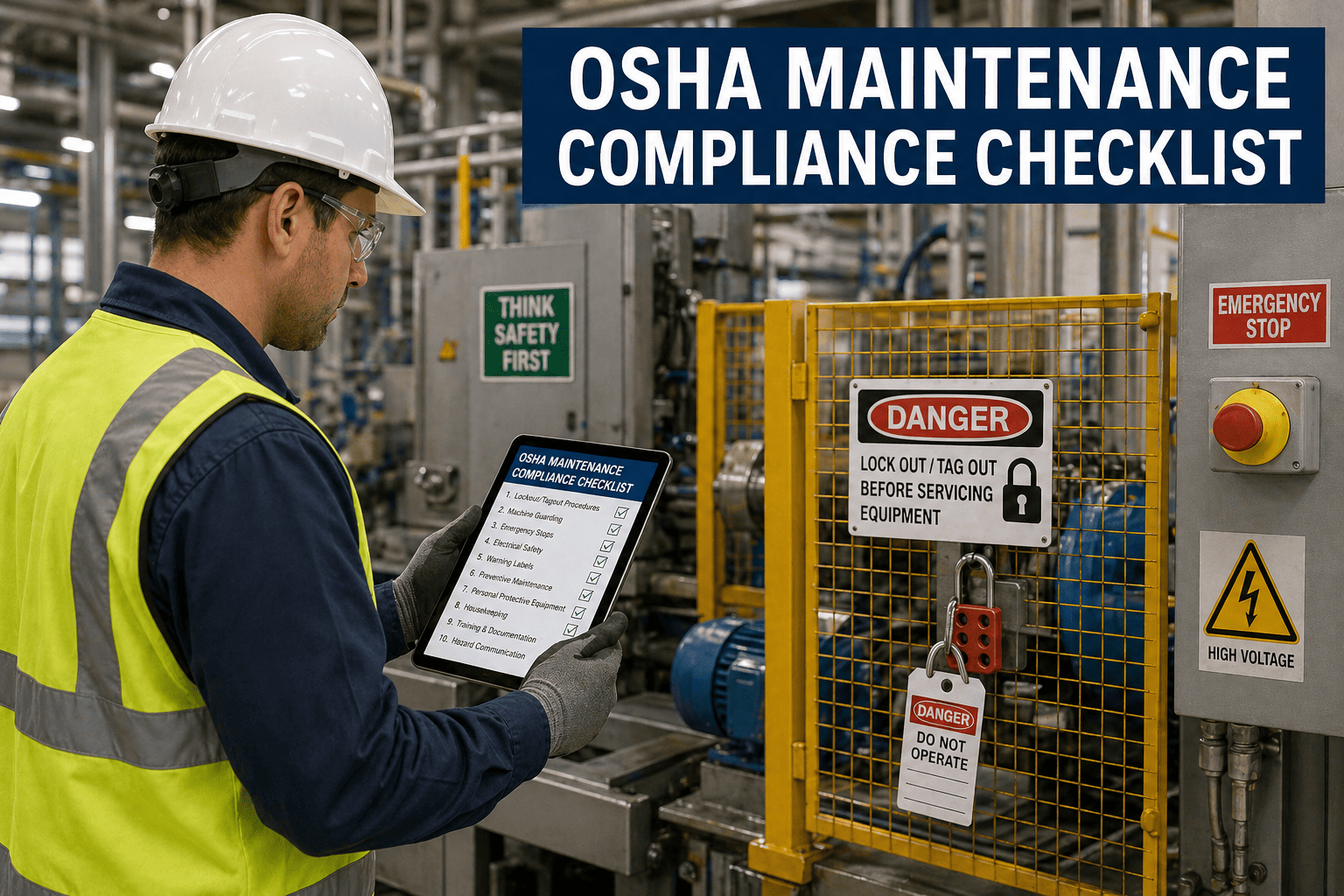
An ADA facility accessibility checklist is the operational backbone that determines whether your compliance program survives an audit or unravels under scrutiny — and the format you use is the single biggest variable in that outcome. It maps every accessible route, parking ratio, door pressure, ramp slope, signage mount height and auxiliary aid to a defensible pass/fail record with photo evidence, e-signatures and a corrective-action trail regulators expect to see. OxMaint operationalizes that workflow by turning a static ADA facility accessibility checklist template into a digital, mobile-first inspection procedure linked directly to assets, work orders and preventive maintenance schedules. Teams that deploy OxMaint replace clipboard audits with real-time compliance visibility, cutting audit preparation time by up to 70% while building a safety program that protects occupants every shift. Start Free Trial to see how a connected checklist transforms your next audit cycle.
Your ADA checklist should hold up under audit — not fall apart the week before.
Most facilities lose compliance points not because the work wasn't done, but because there's no defensible record of it. OxMaint turns every required accessibility check into a timestamped, photo-verified, electronically signed audit trail — linked to the asset and ready for any OSHA, ISO 14001 or internal audit review.
What a complete ADA facility accessibility checklist covers
An effective ADA facility accessibility checklist SOP spans at least eight inspection zones, each tied to measurable ANSI/ADA standards. Below is the scannable framework auditors expect — every item becomes a digital pass/fail record inside OxMaint.
Parking & Passenger Loading
- Accessible spaces = 1 per 25 total (up to 50), scaling to 1 per 6 spaces for 501–1000
- At least 1 of every 6 accessible spaces is van-accessible (96-inch minimum width)
- Signage mounted 60 inches AFF, visible from inside the vehicle
- Access aisle slope ≤ 1:48 in all directions, marked with hatched striping
Accessible Routes
- Minimum clear width 36 inches; 60-inch passing spaces every 200 feet
- Running slope ≤ 1:20; cross slope ≤ 1:48
- Curbs ramps with detectable warnings at transitions
- Protruding objects limited to 4 inches into walkways below 80 inches AFF
Doors & Entry Hardware
- Clear opening width ≥ 32 inches at 90 degrees open
- Interior door operating force ≤ 5 lbs; exterior ≤ 8.5 lbs
- Hardware operable with one hand, no tight grasping or twisting
- Thresholds ≤ 0.5 inch beveled, or 0.25 inch if not beveled
Restrooms & Fixtures
- Grab bars 1.25–1.5 inch diameter, mounted 33–36 inches AFF
- Water closet centerline 16–18 inches from side wall
- Lavatory rim ≤ 34 inches AFF; 29-inch knee clearance minimum
- Mirror bottom edge ≤ 40 inches AFF above sink
Signage & Wayfinding
- Tactile characters raised 1/32 inch, mounted 48–60 inches AFF
- Grade 2 braille positioned directly below corresponding text
- Non-glare finish with 70% light-on-dark or dark-on-light contrast
- Pictograms accompanied by equivalent tactile verbal descriptor
Ramps, Lifts & Elevators
- Ramp slope ≤ 1:12; rise no greater than 30 inches per run
- Handrails on both sides, 34–38 inches above ramp surface
- Platform lifts travel ≥ 42 inches, capacity ≥ 600 lbs
- Elevator call buttons centered 35 inches AFF, tactile and visual
Communication & Alarms
- Visible fire alarms in every public assembly area and restroom
- Strobe candela rating matched to room size and mounting height
- TDD/TTY availability where public phones are provided
- Assistive listening systems in assembly spaces ≥ 50 occupants
Workstations & Service Counters
- Service counter surface ≤ 36 inches AFF, 30-inch clear approach
- Forward- and side-reach controls within 15–48 inches AFF
- Operable parts usable with one hand without pinching or twisting
- Clear floor space of 30 × 48 inches at each accessible element
How to turn ADA checklist findings into closed corrective actions
A compliance audit is only as strong as its corrective-action workflow. 68% of facilities that fail an ADA or OSHA audit cite "incomplete documentation" — not missing fixes — as the root cause. Here's the four-stage procedure that links every gap finding to verified resolution.
Baseline gap analysis
Run the full ADA facility accessibility checklist procedure across every zone. Log each item as Pass, Fail or N/A with a mandatory photo and technician e-signature. OxMaint auto-tags failures as "Gap — Open" and assigns a priority score based on risk severity and public-facing exposure.
Generate corrective work orders
Every failed check auto-generates a work order linked to the originating asset or location — door hardware, ramp surface, restroom fixture or signage panel. Priority, assigned technician, parts needed and due date are pre-populated based on your SOP, eliminating manual triage and the risk of a finding slipping through.
Execute, verify & photo-prove
Technicians complete the repair, then re-inspect the same checklist item from their mobile device. A new photo, timestamp and e-signature close the loop. OxMaint stores the before-and-after evidence against the asset record — creating a defensible audit trail that satisfies ISO 14001 internal audit checklist requirements and OSHA compliance reviewers.
Management review & reporting
At each management review cycle, OxMaint exports a compliance dashboard showing gap closure rate, mean time-to-remediate, recurring failure zones and upcoming preventive inspections. This is the exact documentation auditors ask for — generated in seconds, not assembled from spreadsheets the night before.
Paper checklist vs digital ADA facility accessibility checklist
A 180-asset facility running a paper-based ADA facility accessibility checklist form typically spends 12–15 hours per audit cycle just compiling records — and still loses points for missing photo evidence or unsigned entries. Here's what changes when that same SOP runs inside OxMaint.
| Requirement | Paper / Spreadsheet Checklist | OxMaint Digital Checklist |
|---|---|---|
| Photo evidence | Manual camera, printed, stapled to form | Captured in-app, auto-linked to asset and check item |
| E-signature & timestamp | Wet signature, often backdated | Cryptographic timestamp, technician identity locked |
| Corrective action workflow | Separate work order system or email thread | Auto-generated work order with parts, labor and due date |
| Audit trail | Binder in a filing cabinet, pages missing | Immutable, cloud-backed history per asset and inspection |
| Recurrence & scheduling | Calendar reminder, manual follow-up | Automated PM trigger based on frequency and asset class |
| Management review prep | 8–12 hours assembling reports | Live dashboard, exportable in one click |
How OxMaint operationalizes your ADA compliance program
OxMaint's AI-powered CMMS and EAM platform doesn't just store your ADA facility accessibility checklist — it transforms it into an active compliance engine that works every shift. Here are four capabilities that map directly to audit-readiness and operational ROI.
Mandatory safety checks on high-risk work orders
OxMaint forces required accessibility and LOTO checks before any high-risk work order can be closed — no bypass, no skipped steps. Teams eliminate 100% of "checklist completed but not verified" audit findings.
Photo evidence & e-signature capture
Every checklist line supports inline photo capture, annotation and technician e-signature directly from a mobile device — even offline. Audit preparation time drops by up to 70% because evidence is collected at the point of inspection, not reconstructed later.
Inspection records linked to assets
Every ADA checklist is permanently linked to the specific door, ramp, restroom or signage asset it covers. When a component fails, OxMaint surfaces its full inspection history, PM schedule and parts inventory — cutting mean time-to-repair by 30–50%.
Real-time compliance analytics
Live dashboards track pass/fail rates by zone, asset class, facility and technician — surfacing recurring failure patterns before they become audit findings. Maintenance and reliability leaders get the same visibility EHS directors need for ISO 14001 and OSHA compliance reporting.
A 320,000-square-foot corporate campus in Ohio was spending $42,000 annually on outsourced ADA compliance audits and still receiving conditional findings for missing photo documentation. After deploying OxMaint's digital ADA facility accessibility checklist procedure across 14 zones and 860 assets, the facility cut external audit prep time from 14 hours to 3, eliminated all documentation-related findings in the first cycle, and redirected 210 labor hours per year from report assembly to preventive maintenance. The platform paid for itself in under four months — and the EHS team walked into their next OSHA compliance review with a live, asset-linked audit trail on a tablet.
See OxMaint on your assets — book a 30-minute demo
Watch your ADA facility accessibility checklist come alive with photo capture, auto-generated work orders and a defensible audit trail your regulators will respect.
Common questions about ADA facility accessibility checklists
What is an ADA facility accessibility checklist and who needs one?
An ADA facility accessibility checklist is a structured inspection tool that verifies a building's compliance with the Americans with Disabilities Act accessibility standards across parking, routes, doors, restrooms, signage and communication systems. Any facility open to the public or employing 15+ people is required to maintain accessible features and should document compliance through a recurring checklist procedure.
How often should an ADA facility accessibility checklist be completed?
Most EHS teams run a full ADA checklist quarterly, with high-traffic zones like entrances, restrooms and parking inspected monthly. Any modification to the facility — renovation, signage replacement, door hardware change — should trigger an immediate re-inspection of the affected zone. OxMaint automates this scheduling so no inspection window is ever missed.
Can a digital ADA facility accessibility checklist satisfy OSHA and ISO 14001 audit requirements?
Yes — a digital checklist that captures photo evidence, technician e-signatures, timestamps and corrective-action closure provides a stronger audit trail than any paper form. OxMaint's inspection records are linked to assets and exportable as management-review-ready reports, satisfying the documentation requirements of OSHA compliance audits and ISO 14001 internal audit checklist procedures. You can Start Free Trial to test the workflow on your own assets.
What happens when an ADA checklist item fails inspection?
A failed item should immediately generate a corrective work order with a priority level, assigned technician, required parts and a due date. The finding stays open until the repair is completed, re-inspected and photo-verified. OxMaint automates this entire loop — from failure flag to closed corrective action — so no gap finding is lost between the inspection and the fix.
How long does it take to deploy OxMaint for ADA compliance workflows?
Most facilities are live within 7–14 days. OxMaint onboarding includes importing your existing ADA facility accessibility checklist template or SOP, configuring asset records, setting inspection frequencies and training technicians on mobile capture. Book a 30-minute demo to see a tailored deployment plan for your facility footprint.
Build a compliance program that protects your people — and survives every audit
Replace clipboard checklists with a digital ADA facility accessibility workflow that captures evidence, drives corrective actions and gives your EHS team real-time visibility across every facility.
Free 14-day trial · No credit card