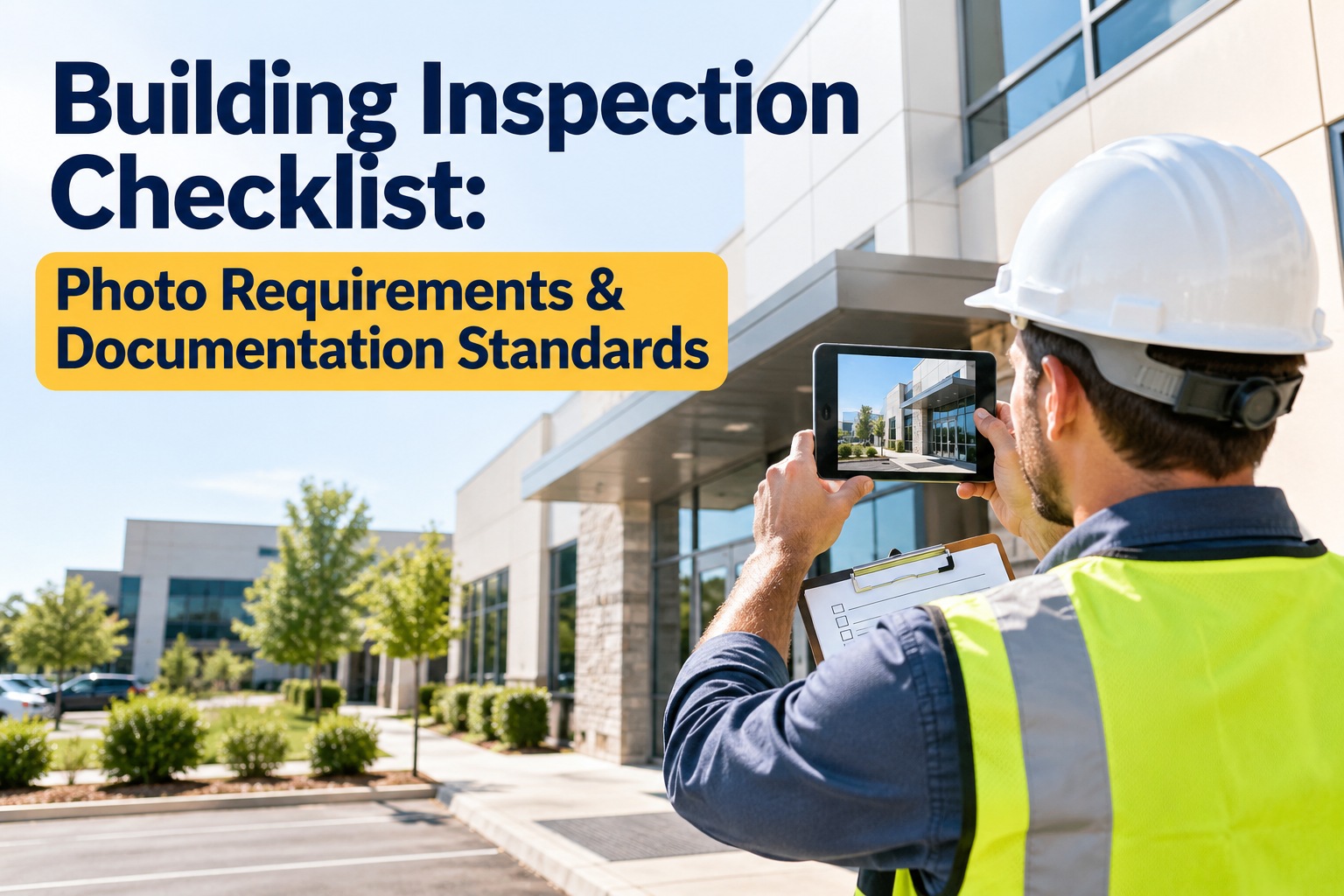
Building Inspection Checklist: Photo Requirements & Documentation Standards

Connect with Industry Experts, Share Solutions, and Grow Together!

Join Discussion Forum
building-inspection-checklist-photo-requirements

A finding with no photo is an opinion. A photo with no timestamp, location or context is barely better — and the first time a dispute, an insurer or an auditor asks "when and where was this taken?", a blurry image stripped of its metadata proves nothing. Good inspection photos follow a standard, every time. OXMAINT AI is the AI-powered maintenance management software that captures inspection photos to standard and attaches them to the work order they justify — or book a demo of photo-backed inspections in OXMAINT AI.

BUILDING INSPECTION CHECKLIST · PHOTO REQUIREMENTS & DOCUMENTATION STANDARDS · 2026

Building Inspection Checklist: Photo Requirements & Documentation Standards

A defect photo is only evidence if it carries the right angles, a timestamp, a location and a comment that says what it shows. OXMAINT AI is the AI-powered CMMS that runs the inspection, enforces the photo standard at capture, and turns each flagged defect into a ranked work order with the image attached. Consistent documentation, a defensible record, and nothing lost between the walk and the repair.

1 · Capture 2 · Tag & meta 3 · Attach to WO 4 · Archive
3
shots per defect — wide, mid and close — give an auditor a sequence to follow
4
metadata fields that make a photo evidence: time, location, author, comment
0
evidentiary value in a photo stripped of its metadata on export
1
record per defect — photo, comment and work order held together

Anatomy of a Compliant Inspection Photo

Before the checklist, the standard: six things turn a snapshot into a record that holds up. Miss one and the photo weakens — start free and capture photos to standard in OXMAINT AI.

T
Timestamp
Date and time baked into the file at capture — proves when the condition existed.
G
Geotag / Location
GPS or a building-and-level tag — proves where, down to the asset position.
A
Author
Who took it, traceable to the inspector — a photo with no author is anonymous.
R
Resolution
Low for context and volume, high for a close-up of a hairline crack or corrosion.
C
Comment
The photo shows what; the comment says why — condition, location and action.
ID
File Name & Asset Link
Named from site, asset and date, and tied to the asset record so it stays findable.
SIGNATURE RULEThree Shots Per Defect — Always

One photo of a defect is a claim. Three is a case. Capture the same defect at three distances so anyone reading the report later can place it, see it, and judge it — without having been there.

1
Wide / Context
The room or elevation — where the defect sits in the building.
2
Mid / Location
The asset or surface — which column, wall or unit it is on.
3
Close / Detail
The defect itself, high-res, with a scale reference where it helps.

The Building Inspection Photo Checklist

Work the list top to bottom — it moves from setup, through capture and tagging, to the per-defect sequence and final assembly. Tick each item as you go; in OXMAINT AI the same steps are enforced in the mobile form so nothing is skipped.

01 · Pre-Inspection Setup6 items
02 · Required Angles & Coverage6 items
03 · Metadata & Tagging5 items
04 · Per-Defect Record5 items
05 · Report Assembly & Archive5 items

Photo Type → What It Must Capture

Different photos do different jobs on the record. This reference pairs each shot type with the standard it has to meet.

Photo type Must capture Resolution
Area overviewRoom or elevation, entry proofLow
System shotThe asset in its settingLow–mid
Defect — wideThe defect's place in the areaMid
Defect — closeThe flaw, with a scale referenceHigh
Nameplate / labelLegible serial, model, ratingHigh
Before / afterSame angle, both statesMatch the pair

How OXMAINT AI Runs Photo-Backed Inspections

OXMAINT AI isn't a camera roll — it is the AI-powered maintenance management software where the photo, its metadata, the defect and the work order live on one record. Put your first site on it when you start free and set your photo standard in OXMAINT AI.

Mobile Inspection Forms
The checklist built into the app, with required-photo fields so a step can't be skipped before submit.
Metadata at Capture
Timestamp, location and author attached as the photo is taken, and preserved through export.
Photo → Work Order
A flagged defect becomes a ranked work order with its photo set attached as the evidence behind it.
Asset Photo History
Every image tied to the asset, so this inspection sits beside the last for before-and-after comparison.
Searchable Archive
Find any photo by asset, date or defect type — not by scrolling a folder of unnamed files.
Report & Sign-Off
Each photo beside its finding, signed and dated, with originals retained per policy.

A Photo Without Metadata Is a Memory, Not a Record.

The difference between an inspection that holds up and one that gets argued is the standard behind the photos — the angles captured, the time and place stamped, the comment written, the work order raised. OXMAINT AI enforces that standard on every shot.

EXPERT REVIEW

Written for facility-management, inspection and maintenance teams. OXMAINT AI is a maintenance management platform — it standardizes photo capture, attaches metadata and links images to work orders, but it does not replace a qualified building inspector or the documentation rules of your jurisdiction, insurer or standard. Photo and metadata practices here reflect common inspection-documentation guidance; confirm retention and evidentiary requirements with the relevant authority.

Frequently Asked Questions

What makes an inspection photo count as evidence?
Four things: a timestamp, a location, a traceable author and a comment describing the condition — all preserved through export. A photo stripped of its metadata proves little, however clear the image. Start free and capture photos to standard in OXMAINT AI.
How many photos should I take per defect?
At least three — a wide shot for context, a mid shot for location on the asset, and a high-resolution close-up of the defect with a scale reference. The sequence lets someone who wasn't there follow the finding. Book a demo of the per-defect capture in OXMAINT AI.
Do I need high resolution for every shot?
No. Match resolution to purpose — low for overviews and high-volume walks to keep files manageable, high for close-ups where a hairline crack or corrosion must be visible. Set it per form. Start free and set resolution profiles in OXMAINT AI.
Why photograph areas with no defects?
To prove they were inspected. A record showing a clear area on a given date is as valuable as a defect photo when coverage is questioned later. Walk the coverage record in a demo of OXMAINT AI.
How does a photo become a repair?
The defect is classified and graded, the photo set is attached to it, and a ranked work order is raised on the exact asset — so the image is the evidence behind the job, not a loose file in a gallery. Start free and link photos to work orders in OXMAINT AI.

Every Finding Backed by a Photo That Holds Up.

Run your inspections on OXMAINT AI: the checklist in a mobile form, the photo standard enforced at capture, metadata preserved, each defect linked to a work order, and a searchable archive — so the record proves what was found, when, and where.
By Willam Jerry

✨

Experience
Oxmaint's
Power

Take a personalized tour with our product expert to see how OXmaint can help you streamline your maintenance operations and minimize downtime.

Book a Tour

Share This Story, Choose Your Platform!

Connect all your field staff and maintenance teams in real time.

Report, track and coordinate repairs. Awesome for asset, equipment & asset repair management.

Schedule a demo or start your free trial right away.

iphone

Get Oxmaint App
Most Affordable Maintenance Management Software

Download Our App