A kiln liner fails at 2 a.m. The technician needs a part, the CMMS says it's in stock, SAP says it isn't, and the shelf is empty. Now a planner is keying a purchase request by hand while the kiln sits cold. Cement plants typically hold thousands of spare parts across crushers, mills, kilns and packing lines, and when the maintenance system and SAP disagree, the cost shows up as emergency buys, duplicate stock and stoppages that were avoidable. OxMaint AI is a mobile-first, AI-powered CMMS that links predictive alerts, work orders, spare parts and SAP PM/MM in one workflow, so parts get reserved, requisitions get raised and costs get posted without re-keying.
Cement Plants · AI-Powered CMMS · SAP Inventory & Procurement
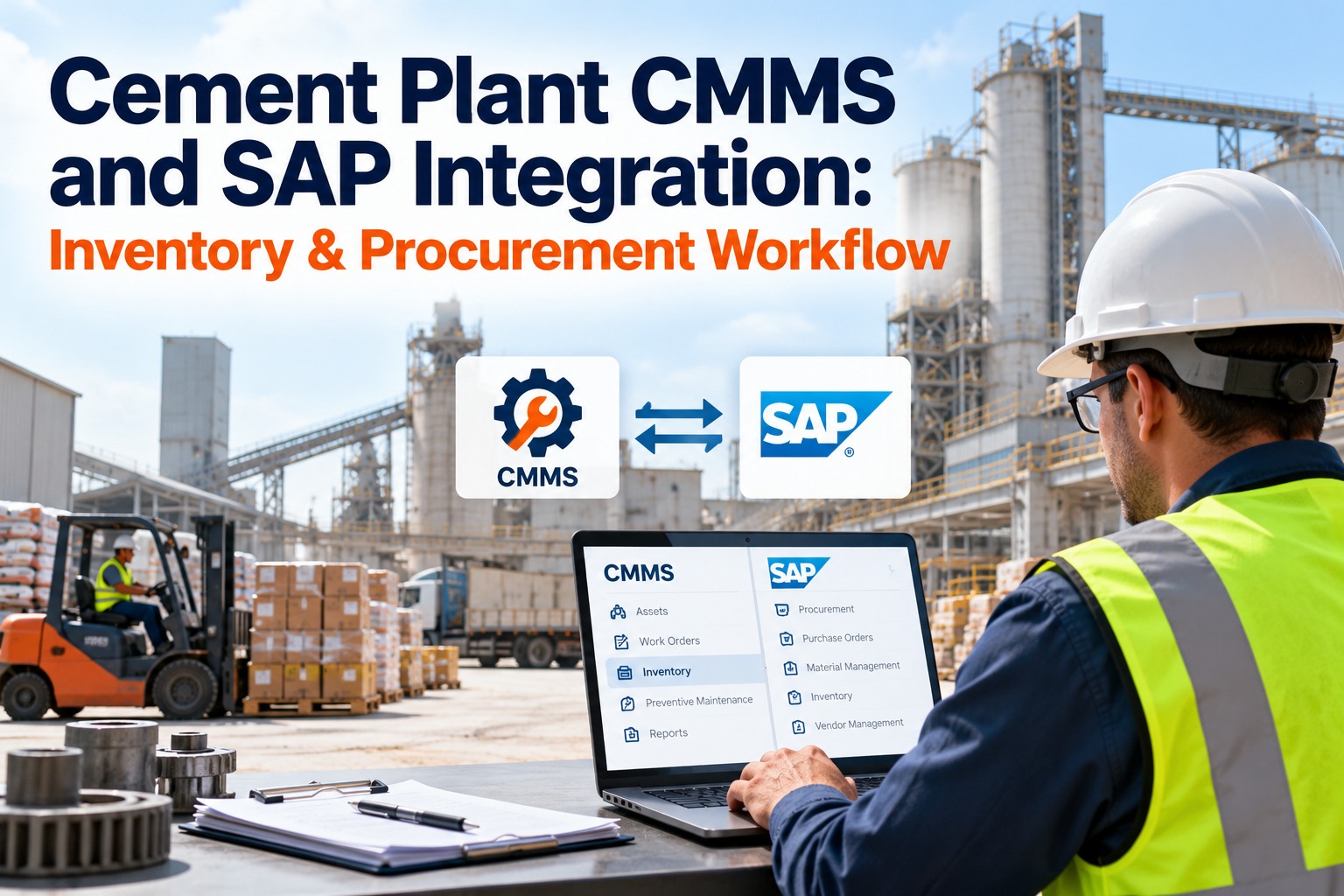
Cement Plant CMMS and SAP Integration: Inventory & Procurement Workflow
A defect is reported, but the part isn't on the shelf, and the purchase request waits on someone to re-key it into SAP. OxMaint AI connects the whole path in one platform: requests and inspections become issues, issues become work orders, and work orders check live SAP stock, reserve parts or raise the requisition, then feed preventive and predictive maintenance.
1Request or inspection
→
2Issue or defect
→
3Work order + SAP parts check
→
4PM & predictive alerts
Faster issue-to-work-order action, with spare parts and purchase requisitions handled in the same flow.
8,000–15,000
unique spare parts in a typical cement plant store
52%
less unplanned kiln downtime in an OxMaint cement plant case study
4–8 weeks
typical integration timeline for a single-site plant
Offline-first
mobile app for technicians with poor connectivity
Two Systems, One Problem: The Data Gap
Most cement plants already run SAP and don't want to replace it. The trouble is that technicians don't work in SAP. They work on a kiln shell, a vertical roller mill or a crusher, and parts used on a job often never reach SAP until someone reconciles by hand. Start free and see both views in one place.
Without Integration
- Parts issued on a job, SAP stock updated days later in a batch
- Planner checks stock in two places before ordering
- Purchase requisitions typed by hand from a work order
- Stockouts discovered at the shelf, mid-breakdown
- Maintenance cost reaches finance late and incomplete
With OxMaint AI + SAP
- Goods issue posts to SAP when the part is consumed
- Live SAP stock visible on the work order
- Shortage raises a purchase requisition automatically
- Reorder alerts before a critical spare runs out
- Labor, parts and cost land on the right cost center
The Inventory-to-Procurement Loop
Think of it as one continuous loop. SAP owns the material master and the purchase. The CMMS owns the job. Each step hands the data to the next without anyone retyping it. Book a demo to walk the loop on your own parts list.
1
Work order raised
A PM schedule, a QR-scan fault report or an AI predictive alert creates the job and its parts list in OxMaint AI.
2
Live stock check
Availability is read from SAP MM, so the planner sees real quantities.
3
Reserve or requisition
In stock: parts are auto-reserved. Short: a purchase requisition goes to SAP MM with material code, quantity and cost center.
4
Goods receipt
When SAP posts the receipt, CMMS stock updates and the technician is notified.
5
Issue and consume
Parts used on the job post a goods issue to SAP against the work order.
6
Cost closes the loop
Parts and labor cost flow to the cost center, ready for finance and planning.
What Syncs, and Which Way
Good integration is about direction. Each record has one owner, and the other system receives it. Start free and map your own data fields.
| Data | Direction | What it gives the plant |
|---|
| Equipment & functional locations | SAP PM → CMMS | One asset hierarchy, no re-entry |
| Material master | SAP MM → CMMS | Spare parts catalogue that matches purchasing |
| Stock levels | SAP MM → CMMS | Planners see live availability |
| Purchase requisition | CMMS → SAP MM | Shortages become requests, not phone calls |
| Goods receipt | SAP MM → CMMS | Technicians know the moment a part lands |
| Parts consumption (goods issue) | CMMS → SAP MM | Accurate inventory and valuation |
| Labor & parts cost | CMMS → SAP PM / CO | True maintenance cost by cost center |
The OxMaint AI Toolkit Behind This Workflow
Integration only works if the maintenance side is just as strong. These are the OxMaint AI capabilities that feed SAP clean, accurate data. Start free and explore them hands-on.
Parts & Inventory
Spares linked to the assets that use them, with consumption tracking and automated reorder alerts.
AI Predictive Maintenance
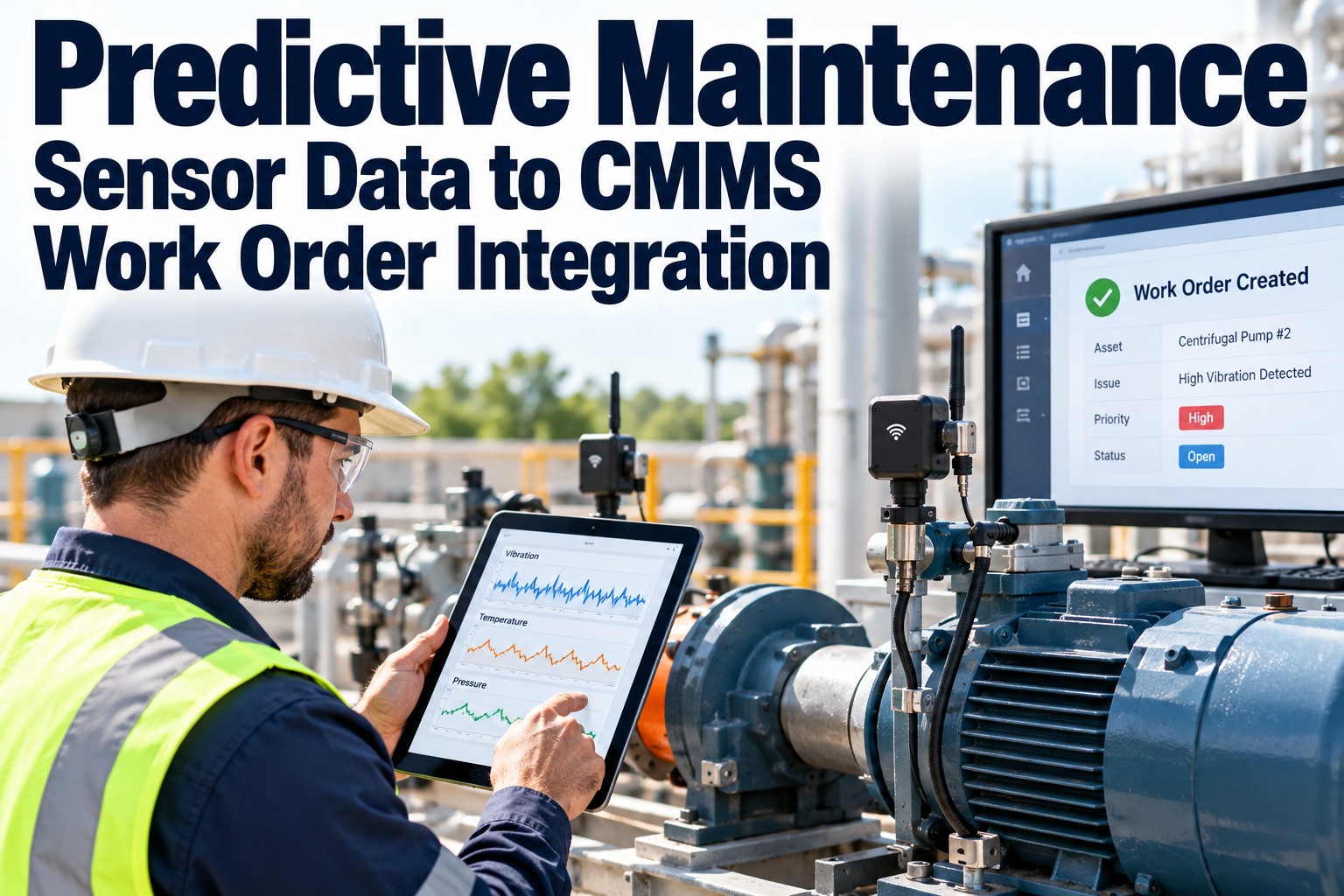
Sensor data flags degradation early and auto-creates the work order with parts reserved from stock.
Mobile Work Orders
Create, assign and close jobs on a phone, with an offline-first app for low-signal areas of the plant.
QR Asset Scanning
Scan any kiln, mill or conveyor to open its history, report an issue or start an inspection.
AI Vision & Inspections
Checklist and photo inspections where a failed item triggers a corrective work order instantly.
Scrap & Stock Control
Track scrap inventory and stock movements alongside active spares, for a cleaner store.
Bi-directional SAP Sync
Work orders, parts, costs and asset data flow between OxMaint AI and SAP PM and MM.
Live Dashboards
PM compliance, downtime and parts cost update from closed work orders, no monthly report scramble.
Preventive Scheduling
Time-based and usage-based PMs, because cement equipment wears with tonnes, not just days.
From Predictive Alert to Parts on the Shelf
The biggest procurement win is moving from reacting to planning. When an alert fires weeks before failure, procurement has time to buy normally instead of expediting. Book a demo to see an alert become a work order.
Sensor alertVibration or temperature trend on a mill or fan
→
Work orderAuto-created, technician assigned
→
Parts checkReserved from stock or requisition raised in SAP
→
Planned fixDone in a scheduled stop, not a breakdown
52%
In an OxMaint case study, a cement plant cut unplanned kiln downtime by 52% within eight months and moved from mostly reactive to mostly planned maintenance, with spare parts mapped to critical asset profiles. Results vary by plant and starting point.
The Part Was in the System. It Just Wasn't on the Shelf.
Inventory that is wrong by a few percent still stops a kiln when it is wrong on the one part that matters. OxMaint AI keeps the work order, the stock level and the SAP requisition tied together, so what the screen says is what the store holds.
Where It Pays Off: Cement Plant Scenarios
Cement equipment wears with tonnes, not calendar days, so parts demand is lumpy and lead times are long. These are the situations where integration earns its keep. Book a demo to model your critical spares.
Kiln & mill liners
Long-lead items. Wear-based triggers raise the requisition early; the SAP receipt updates stock the day liners arrive.
Crusher wear parts
Hammers, blow bars and jaw plates are reserved against the planned shutdown job, so none are borrowed for something else.
Bearings & gearbox spares
Reorder points trigger a requisition before the last unit is issued, not after.
Emergency breakdown buys
A shortage on a breakdown job creates the request with the asset and cost center already filled in.
Shutdown planning
Every part for the shutdown scope is checked against SAP stock weeks ahead, so gaps surface while there is time.
Vendor performance
Lead-time and delivery data from SAP purchases feeds back into spares planning.
Go-Live Roadmap: Four Phases
Most single-site cement plants complete asset, work order, inventory and requisition sync in roughly four to eight weeks. Start free and begin the mapping.
Weeks 1–2
Scope & map
Review SAP PM/MM setup, map material masters and cost centers, define what syncs.
Weeks 2–4
Connect & load
Link the systems, import equipment and parts, check data quality.
Weeks 4–6
Pilot
Run live work orders on one area, test requisitions and goods postings.
Weeks 6–8
Roll out
Train planners and technicians, extend to the whole plant, switch off manual reconciliation.
Frequently Asked Questions
Do we have to replace SAP PM to use a CMMS?
No. OxMaint AI works alongside SAP. SAP keeps procurement, finance and cost accounting, while OxMaint AI handles plant-floor work orders, mobile use and PM scheduling.
Start free and keep your SAP investment.How does a parts shortage become a purchase requisition?
When a work order needs a part and live SAP stock is short, a requisition is created in SAP MM carrying the material code, quantity, asset reference and cost center.
Book a demo to watch it happen.What happens when a technician uses a part?
Confirming consumption on the work order posts a goods issue to SAP, so stock quantity, valuation and cost center stay correct without a weekly reconciliation.
Start free and try it.How long does the integration take?
Can technicians use it without a reliable connection?
Yes. OxMaint AI has an offline-first mobile app, so work orders and parts usage can be captured on the floor and synced when the signal returns.
Start free and try the mobile app.Does it work with S/4HANA and ECC?
Stop Reconciling. Start Running.
Every manual entry between your CMMS and SAP is a chance for the wrong stock count, a late order or a missed cost. Connect them once and let the work order drive inventory, procurement and cost automatically.