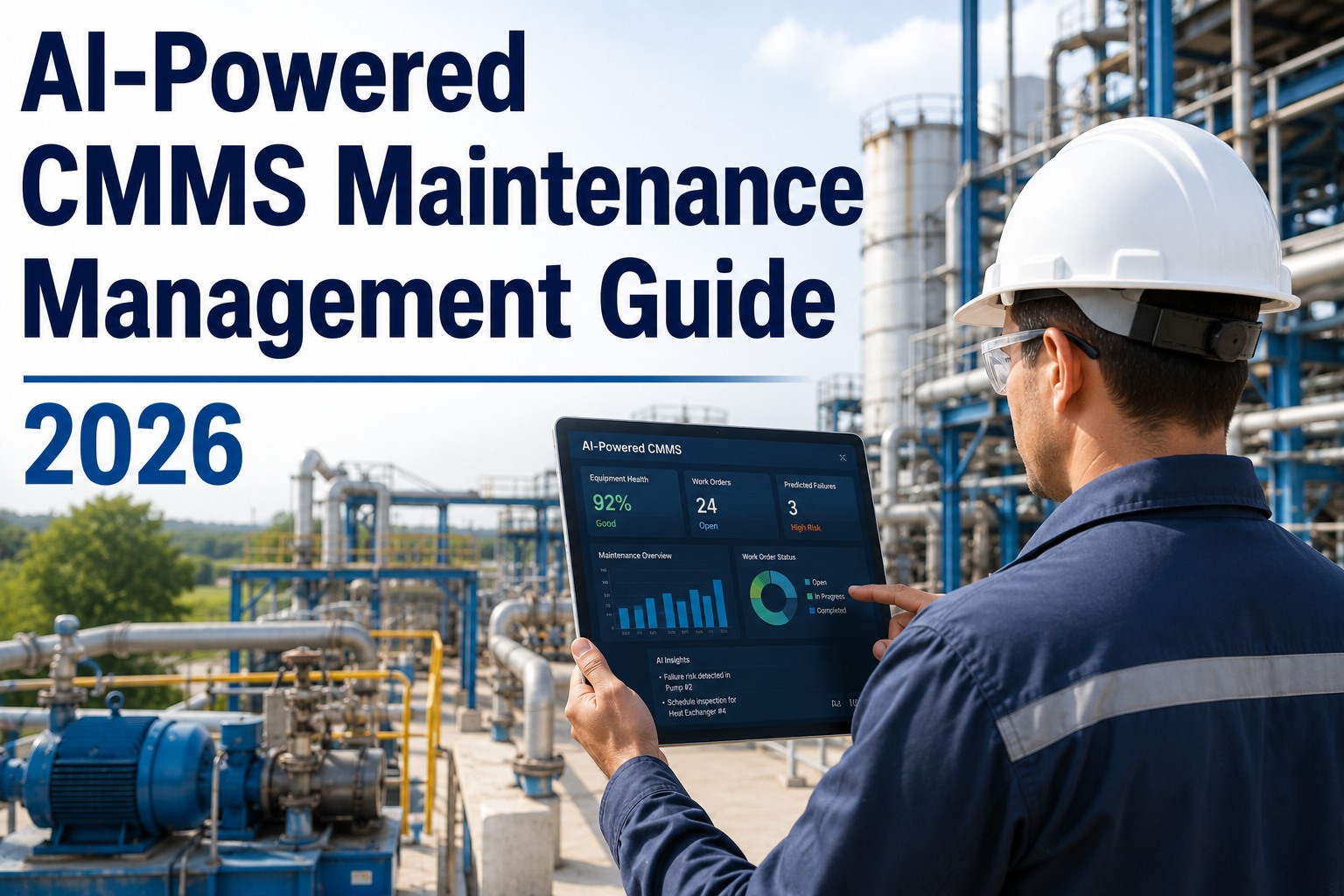
Evaluating an AI-powered CMMS before you buy is one of the most consequential decisions a maintenance or operations leader will make — and most vendor demos are designed to hide the gaps, not reveal them. This guide gives you a structured checklist to cut through the noise, validate AI claims, and choose a platform your team will actually use.
See exactly how Oxmaint's AI stacks up against every criterion on this checklist — in 30 minutes.
- ✓ Live AI Vision Camera detecting faults in real time
- ✓ Predictive failure alerts 2–4 weeks before breakdown
- ✓ Auto-generated, prioritized work orders from sensor data
Trusted by 1,000+ maintenance teams across 9 industries · Live in days, not months
What is an AI-powered CMMS — and what separates real AI from marketing?
An AI-powered CMMS (Computerized Maintenance Management System) is a platform where artificial intelligence actively runs maintenance decisions — predicting failures, detecting faults via computer vision, auto-generating work orders, and optimizing technician routing — rather than simply organizing data. The "AI" label is real when the platform ingests sensor or image data and acts on it without human initiation.
The problem: dozens of legacy CMMS vendors have rebranded existing features as "AI" to ride market demand. Rule-based alerts are not AI. A chatbot layered on top of a work-order form is not AI. Genuine AI in maintenance means machine learning models trained on equipment behavior, computer vision processing camera feeds, and predictive analytics that flag failures 2–4 weeks before they occur.
Before you spend $50,000–$500,000 on a platform and implementation, you need a structured way to separate the real from the rebranded. The eight evaluation criteria below — and the questions to ask in every demo — are your filter. Teams that switch to genuine AI-driven maintenance see 62% less unplanned downtime; teams that buy mislabeled AI see their budget evaporate — start a free trial to see the difference on your own assets, or book a demo and we'll run this checklist against your requirements.
8 criteria every AI-powered CMMS must pass before you sign
Use these as your structured demo script. Ask the vendor to demonstrate each capability live — not in a pre-recorded video.
Real Predictive AI — Not Rule-Based Alerts
Ask: "Does the system use ML models trained on failure data, or are alerts triggered by static thresholds I set manually?" True predictive maintenance learns from sensor patterns and flags anomalies before they cross any predefined limit. Rule-based alerts are a 1990s feature dressed up with a new name.
Demo test: Ask them to show a failure prediction that fired before any threshold was manually set.
Computer Vision — Live, Not Canned
AI Vision Cameras that detect cracks, corrosion, thermal anomalies, and PPE violations from live camera feeds are a genuine differentiator. Ask to see it process a live or recent feed — not a staged demo clip. Verify the detection accuracy claim with a sample false-positive rate.
Demo test: Supply an unlabeled image and ask the system to classify the fault type.
Auto Work Order Generation — Full Cycle
The AI should detect a fault or predict a failure and create, prioritize, assign, and route a work order — without a human initiating anything. If a technician still needs to manually create the WO after an AI alert, the automation loop is broken and you're paying for a fancy notification system.
Demo test: Trigger a sensor anomaly and watch whether a work order appears automatically with priority assigned.
IoT and Sensor Integration — Real Connectivity
Ask exactly which PLC brands, sensor protocols (Modbus, OPC-UA, MQTT), and IoT platforms the CMMS connects to natively — and which require a third-party middleware layer you'll need to buy and manage separately. Middleware dependencies inflate TCO and create failure points.
Demo test: Ask for a live view of sensor data streaming into the platform from a real integration, not a simulated feed.
Mobile-First Technician Experience
Maintenance happens on the floor, not at a desk. The mobile app must support QR-code asset scanning, offline work order completion, photo capture for inspection records, and push notifications — without requiring a full-page reload or desktop handoff for any common task.
Demo test: Ask a technician on their team to complete a work order on mobile while you watch the clock.
Compliance and Audit Trail Automation
OSHA, ISO 55000, GMP, and regional safety regulations require documented, timestamped inspection records that can be produced in an audit within hours. Ask whether the system auto-generates audit trails from completed work orders — or whether compliance documentation is manual entry after the fact.
Demo test: Pull an audit-ready compliance report for a single asset covering the last 90 days. Time it.
Enterprise Integration Without Enterprise Complexity
SAP PM/MM/EAM, ERP, fuel card, telematics, and accounting integrations determine whether the CMMS becomes your maintenance hub or an isolated silo. Ask which integrations are native versus API-only, and what the implementation cost and timeline is for your specific stack.
Demo test: Ask them to show live data flowing between the CMMS and an ERP system — not a scheduled export.
Time-to-Value — Days, Not Quarters
Long implementation timelines (6–18 months) are a red flag that the platform is architected for consultants, not operators. Ask for the median time from contract to first work order completed on the platform for a site of your size. Ask to speak to a reference customer who went live in under 30 days.
Demo test: Ask for three customer references you can contact — not testimonials they've pre-selected for you.
Oxmaint passes all eight — book a demo and run this checklist live against our platform, or start a free trial and test it yourself on your own assets.
4 ways CMMS vendors mislead buyers on AI — and how to spot them
The Roadmap Bait
The vendor demos AI features that are "coming in Q3" or "available in the enterprise tier." Ask explicitly: is every AI feature you've shown me available to a customer at my contract size, today, in production — not beta? If the answer is hedged, those features don't count in your evaluation. Buying roadmap promises is how teams end up with a $200K manual CMMS with an "AI coming soon" banner.
Staged Demo Data
The most common vendor tactic: run every demo on a curated dataset where the AI performs perfectly, asset history is clean, and alerts are pre-configured. Ask to demo on your own asset data, imported from your current system. If they resist, ask why. A platform confident in its AI welcomes messy real data — it's what the AI is built to handle.
Hidden Implementation Costs
Quoted software costs exclude the implementation, integration, data migration, training, and ongoing consultant fees that make the real 3-year TCO 3–5x the headline price. Ask for a fully loaded cost estimate including all professional services to go live at your site. Then ask what happens if you go over their implementation hours estimate.
Accuracy Claims Without Evidence
Any vendor claiming "95% prediction accuracy" should be able to show you the methodology: accuracy measured against what baseline, on which equipment types, over what time horizon, and with what false positive rate? A number without a methodology is a marketing figure, not a performance benchmark. Ask for a customer case study where failure predictions were logged and outcomes verified.
Oxmaint publishes its 94% prediction accuracy methodology — see how predictive maintenance works or ask us to walk you through the evidence in a demo.
What genuine AI maintenance looks like — inside Oxmaint
AI Vision Camera — 99.2% Detection Accuracy
NVIDIA-powered computer vision processes live camera feeds 24/7, detecting cracks, corrosion, leaks, thermal anomalies, and PPE violations — then auto-creates a prioritized work order, no human trigger needed. Up to 80% less inspection time versus manual walkthroughs. See AI Vision Camera →
Predictive Maintenance — 94% Failure Forecast Accuracy
IoT, PLC, and sensor data feeds ML models that identify vibration, temperature, and runtime anomalies weeks before failure. Auto-generated PM work orders stop breakdowns before they start — not after. See Predictive Maintenance →
Smart Work Order Management — QR to Closed in Minutes
Technicians scan a QR code to access full asset history, open a WO, capture photos, and close out — on mobile, offline if needed. AI routes the WO to the nearest certified tech automatically. See Work Order Management →
Compliance Automation — Audit-Ready in One Click
Every inspection and work order builds a timestamped, OSHA/ISO/GMP-compliant audit trail automatically. Compliance reports generate in seconds, not hours of manual compilation. See Safety & Compliance →
SAP-Grade Integration — Without Enterprise Complexity
Native SAP PM/MM/EAM/FI integration, plus PLCs, GPS telematics, fuel cards, and accounting — live data flows, not scheduled exports. Built for multi-site, multi-system environments. See SAP Integration →
Live in Days — Not a 6-Month Project
Oxmaint is designed for fast deployment: QR labels on assets, mobile app download, and first work order in production within days of contract. 1,000+ clients across 9 industries went live without a consultant-heavy implementation. See all features →
Legacy CMMS vs AI-native CMMS — what you actually get
This is the comparison your vendor doesn't want you to run during the evaluation. Use it as a scoring sheet.
| Evaluation Criterion | Legacy CMMS (Rebranded AI) | AI-Native CMMS (Oxmaint) |
|---|---|---|
| Failure prediction method | Static threshold alerts you configure manually | ML models trained on failure patterns — no threshold setup |
| Visual inspection | Manual technician walkthroughs, paper or form | NVIDIA AI Vision Camera — 24/7, 99.2% accuracy |
| Work order creation | Manual entry after fault is noticed | Auto-generated from sensor alert or camera detection |
| Technician assignment | Supervisor manually assigns from a list | AI routes to nearest certified tech automatically |
| Compliance documentation | Manual report compilation before audit | Auto-generated audit trail from every completed WO |
| Sensor / IoT connectivity | Requires middleware layer, added cost | Native PLC/IoT integration, live data streaming |
| Mobile experience | Responsive web page with limited offline | Native mobile app, QR scan, full offline capability |
| Time to go live | 6–18 months implementation project | Days — first WO in production within a week |
| Unplanned downtime impact | 10–15% downtime reduction typical | 62% reduction in unplanned downtime (documented) |
Want to run this comparison against your current system? Use the ROI Calculator to quantify what staying on legacy costs you each month, or book a demo and we'll do it together.
What teams switching to genuine AI maintenance actually achieve
Ready to put numbers on your facility? Run the free ROI Calculator — or start a free trial and let the platform show you on your own data.
CMMS buyer questions — answered directly
How do I know if a CMMS vendor's AI is real or just marketing?
Ask three questions: (1) Does the AI generate predictions without any threshold you've manually configured? (2) Can you show me a failure prediction from a production customer that fired before any alert threshold was crossed? (3) What is your documented false positive rate? If the vendor can't answer all three with live evidence, the "AI" is likely a rule engine or a chatbot layer. Real AI in CMMS means ML models trained on equipment data — not smarter notifications. See how Oxmaint's predictive maintenance works →
What questions should I ask in a CMMS demo to evaluate AI capabilities?
Beyond the standard feature walkthrough, ask: "Can we demo on my own asset data?" — a confident vendor will say yes. "What was the last failure your AI predicted for a customer in my industry, and how far in advance?" — ask for specifics, not a generic case study. "Show me a work order that was created automatically from a sensor alert, start to finish, in under 60 seconds." These live tests cut through pre-staged demos faster than any RFP checklist. You can also book a live demo with Oxmaint and bring your toughest questions.
How long does it take to implement an AI-powered CMMS?
Implementation timelines vary dramatically — from days to 18+ months — depending on whether the platform is designed for fast deployment or architected around consultant services. A genuinely mobile-first, QR-driven CMMS can have technicians completing real work orders within a week of contract. Platforms requiring custom integration builds, data migration projects, and administrator certification courses are typically legacy systems with an AI rebrand. Ask any vendor: "What is the median time to first completed work order for a site our size?" Oxmaint customers typically go live in days. See Oxmaint's full feature set →
What is the true cost of an AI-powered CMMS beyond the quoted price?
The quoted software license is often 30–50% of the real 3-year TCO. Add: implementation and data migration (frequently $50K–$200K for enterprise platforms), integration middleware for IoT and ERP connectivity, ongoing consultant support fees, user training programs, and annual license escalation clauses. Before signing, ask for a fully loaded cost estimate — software, implementation, integrations, training, and Year 2/3 pricing. Then compare that against platforms designed for fast, low-overhead deployment. Use the Oxmaint ROI Calculator to model your fully loaded cost comparison.
Stop Evaluating AI CMMS Software on Slides — Test It on Your Assets
Every vendor looks credible in a pre-staged demo. The only way to evaluate an AI-powered CMMS honestly is to put it to work on your real equipment data, your real failure history, and your real technicians. Oxmaint makes that easy — start free, go live fast, and measure the downtime difference in weeks, not quarters.
- ✓ AI Vision Camera + Predictive Maintenance running on your assets from day one
- ✓ Auto-generated, prioritized work orders — no manual trigger needed
- ✓ Compliance, analytics, and SAP integration included — no hidden implementation fees
Trusted by 1,000+ maintenance teams across manufacturing, facilities, fleet, healthcare & more · Live in days, not months