Airport CMMS Implementation: Pilot vs Full Rollout Guide 2026

By Willam Jerry on October 1, 2026

airport-cmms-implementation-pilot-full-rollout

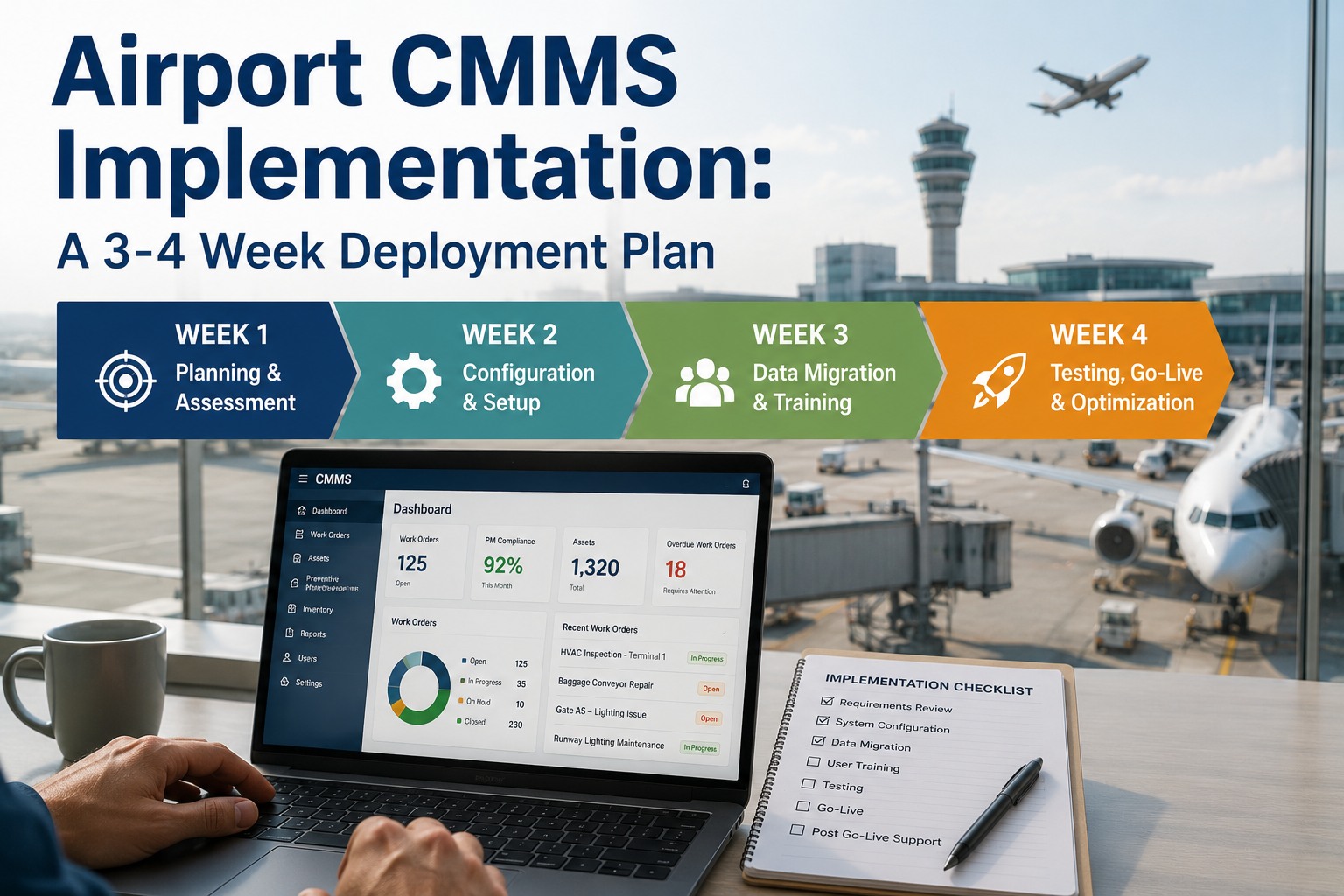
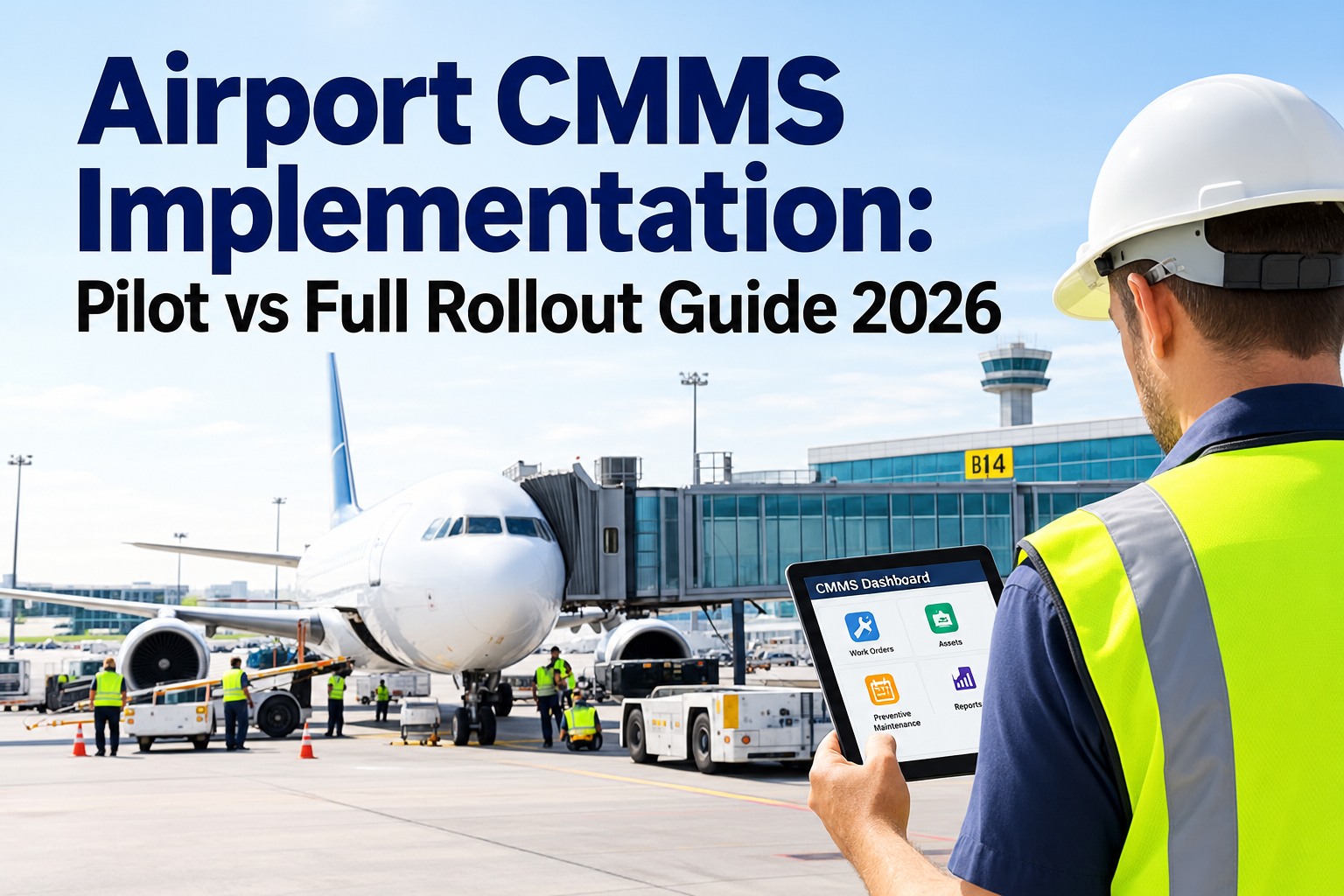
Bringing a CMMS into an airport is not a software install — it's an operational change across terminals, airfield, baggage, HVAC and dozens of contractors, and most failed rollouts fail before anyone logs in. The choice that shapes everything is pilot versus full rollout: prove it on one zone first, or go live everywhere at once. Get that decision and the preparation behind it right, and adoption follows; get it wrong, and the system becomes shelfware. This guide compares the two paths and lays out the phased plan behind both, with OXMAINT AI, the AI-powered airport CMMS, as the platform underneath.

Airport Operations · CMMS Implementation · Pilot vs Rollout · 2026

Airport CMMS Implementation: Pilot vs Full Rollout

A big-bang go-live that stalls. A pilot that never scales. Dirty data and no adoption. Most CMMS failures are decided before configuration even starts. OXMAINT AI, the AI-powered CMMS and maintenance management software, runs a phased deployment on one platform: scope and clean the data, prove it on a pilot zone, then roll out airport-wide with role-based training — so the system gets used, not shelved.

1Scope → 2Migrate → 3Pilot → 4Roll Out
DEPLOYMENT · 60–90 DAYS
Scope & baselineswk 1–2 ✓
Data & asset registrywk 2–4 ✓
Pilot zonewk 5–7 · live
Airport-wide go-livewk 7–9
Optimize & reviewwk 10–12
Pilot proves it before the airport-wide go-live
60–90 d
typical start-to-full-operation deployment window
78%
of failed implementations trace to poor data quality
80%
of the outcome is decided by preparation, before config
90%
technician active-user target within 30 days of go-live

Two Paths to Live — and When Each Wins

Pilot-first and full rollout aren't right-and-wrong; they're a trade of speed against risk. A pilot proves the configuration on one zone and builds internal champions before scale; a full rollout gets the whole airport onto one system fast but concentrates the risk. The right call depends on your data quality, team readiness and how many stakeholders move at once. Here's the honest comparison. Book a demo to map the right path for your airport in OXMAINT AI.

DimensionPilot FirstFull Rollout
Scope One zone or asset class (e.g. airfield lighting or HVAC) All zones, all teams, at once
Risk Contained — problems surface on a small footprint Concentrated — a stumble hits the whole operation
Speed to full value Slower — scales after the pilot proves out Fastest — everyone on one system immediately
Best when Data needs work, teams are new to CMMS, many stakeholders Data is clean, team is ready, strong executive backing
Change management Builds champions who carry the rollout Needs heavy support on day one across every team
Parallel systems Retired zone by zone as each goes live Retired airport-wide on go-live day — no running both

Most airports land in the middle: a 2–3 week pilot on one zone to prove the configuration and train champions, then a fast phased rollout to the rest. The one rule both paths share — never run paper and CMMS in parallel past go-live; it's the single biggest adoption killer.

The Phased Plan Behind Both

Whether you pilot or go full, the same six phases run underneath — and the work before configuration is what decides the outcome. OXMAINT AI structures the deployment across roughly 60–90 days. Start free and run the phased plan in OXMAINT AI.

Weeks 1–2
Scope & Baselines
Map current workflows, quantify the top pain points, set 2–3 KPI targets, and name an executive sponsor and champions.
Weeks 2–4
Data & Asset Registry
Collect every source, dedupe and standardize, and build the asset hierarchy — clean data is the top predictor of success.
Weeks 3–5
Configure & Set PMs
Match the platform to real workflows, build PM schedules and work-order templates, and set role-based access.
Weeks 5–7
Train & Pilot
Role-based training — techs, planners, managers — then a 2–3 week pilot on one zone before scaling.
Weeks 7–9
Go Live
Deploy airport-wide, retire the parallel system, and put floor-level support in place for the first two weeks.
Weeks 10–12+
Optimize & Review
Review KPIs at 30, 60 and 90 days, tune PM schedules on real data, and flag chronically problematic assets.

Why CMMS Rollouts Fail — and How to Avoid It

Almost every stalled implementation traces to a handful of preventable causes, and none of them is the software. Knowing the failure patterns is how you design around them — and OXMAINT AI's deployment is built to head off each. Book a demo to de-risk your rollout with OXMAINT AI.

78%
Poor Data at Migration
Dirty asset data is the top cause of failed implementations. Clean, standardize and structure it before you configure — not after.
65%
No Executive Sponsor
Rollouts stall without an owner with authority. Name a sponsor and champions in the first two weeks.
58%
Generic Training
One-size training breeds resistance. Techs, planners and managers each need role-specific, short sessions.
47%
Parallel Systems
Running paper alongside the CMMS lets everyone fall back. Retire the old system hard at go-live.

The Platform Isn’t What Fails — the Preparation Is.

Preparation decides most of the outcome, and dirty data sinks more rollouts than any feature gap. OXMAINT AI structures the phases, cleans the asset data with AI assistance, and proves the configuration on a pilot before the airport-wide go-live — so the system launches and sticks.

Winning Adoption From Day One

A rollout succeeds or fails on whether technicians actually use it — the target is 80%+ daily active users within two weeks. Three levers drive that, and OXMAINT AI builds each into the deployment. Here's the loop that gets a team to real adoption. Start free and drive adoption in OXMAINT AI.

01
Simple Field UX
Standard tasks completed in fewer than three taps on mobile — if it's harder than paper, techs won't switch.
↓
02
Role-Based Training
Short, specific sessions — technicians on mobile work orders, planners on PM scheduling, managers on dashboards.
↓
03
Hard Paper Retirement
The old system goes away on go-live day — no parallel fallback, the single biggest adoption killer removed.
↓
04
Floor-Level Support
On-the-floor help the first two weeks turns hesitation into habit while the new workflow settles.
↓
05
Measure & Reinforce
Track daily active users and KPI progress at 30/60/90 days — reinforce what's working, fix what isn't.

What the CMMS Brings to an Airport Rollout

An airport is a multi-zone, multi-contractor environment, and the rollout has to account for all of it. OXMAINT AI is built to phase in across that complexity and integrate with what's already running. Book a demo to see the airport rollout in OXMAINT AI.

DATA
AI-Assisted Migration
Asset-data cleanup accelerated with AI, cutting manual effort so the registry is clean before configuration.
ZONE
Zone-by-Zone Deployment
Pilot one zone, then scale across airfield, terminal, baggage and HVAC on a phased plan.
INTEGRATE
ERP, BMS & Sensor Links
Integrations with ERP, building management and IoT/sensor data so the CMMS fits the existing stack.
MOBILE
Sub-3-Tap Mobile Work Orders
Field-first work-order capture that beats paper for speed — the foundation of technician adoption.
TRAIN
Role-Based Training
Short, role-specific onboarding for techs, planners and managers, built into the deployment timeline.
REVIEW
30/60/90-Day KPI Review
Adoption and KPI dashboards that prove the rollout is working and guide optimization after go-live.
“

Our first attempt at a CMMS was a big-bang rollout that collapsed — the asset data was a mess, half the teams never got proper training, and people quietly kept using paper. The second time we did it right: cleaned the data first, piloted on airfield lighting for three weeks, built a few champions, then rolled out zone by zone and killed the paper on each go-live. We hit real adoption in the first month. The difference wasn't the software — it was everything we did before we turned it on.

Airport Facilities & Maintenance Director · Regional Airport

Frequently Asked Questions

Should we pilot first or roll out airport-wide?
It depends on your data quality, team readiness and stakeholder count. A pilot contains risk and builds champions when data needs work or teams are new to CMMS; a full rollout is faster when data is clean and executive backing is strong. Most airports pilot one zone, then phase out the rest. Book a demo to choose your path.
How long does an airport CMMS implementation take?
Roughly 60–90 days from start to full operation across six phases — scoping, data prep, configuration, training and pilot, go-live, and optimization. The data-preparation phases before configuration are what most determine whether that timeline holds. Start free and run the phased plan.
Why do so many CMMS rollouts fail?
Rarely the software — it's preparation. Poor data quality at migration is behind the majority of failed implementations, followed by no executive sponsor, generic training, and running paper in parallel after go-live. Design around those and the rollout holds. Book a demo to de-risk yours.
What data do we need before we start?
A clean asset registry with consistent naming, locations, install dates and criticality; ideally 12–24 months of maintenance history; and a spare-parts list with minimum stock levels. AI-assisted cleanup can cut the manual effort substantially. OXMAINT AI structures the migration. Start free and prep your data.
How do we get technicians to actually use it?
Three things: a mobile UX that completes standard tasks in under three taps, short role-specific training, and hard retirement of paper on day one so there's no fallback — backed by floor-level support the first two weeks. The target is 80%+ daily active users by week two. Book a demo to see the adoption plan.

Roll Out a CMMS That Actually Gets Used.

Plan your airport CMMS implementation on the OXMAINT AI maintenance management software — a clear pilot-vs-rollout decision, AI-assisted data migration, a phased 60–90-day plan, role-based training, and 30/60/90-day KPI reviews. Launch it once, launch it right, and make it stick.

Share This Story, Choose Your Platform!