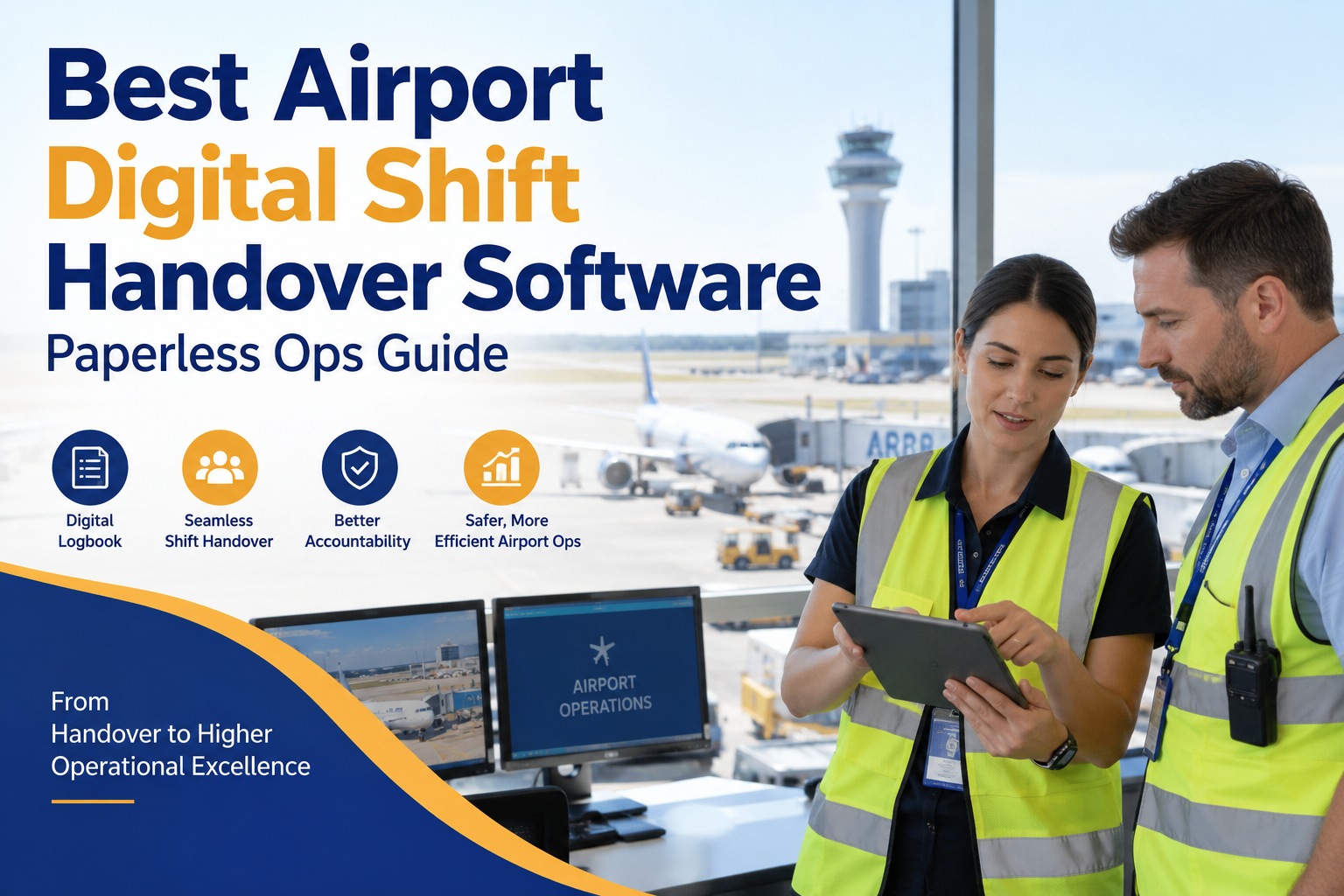
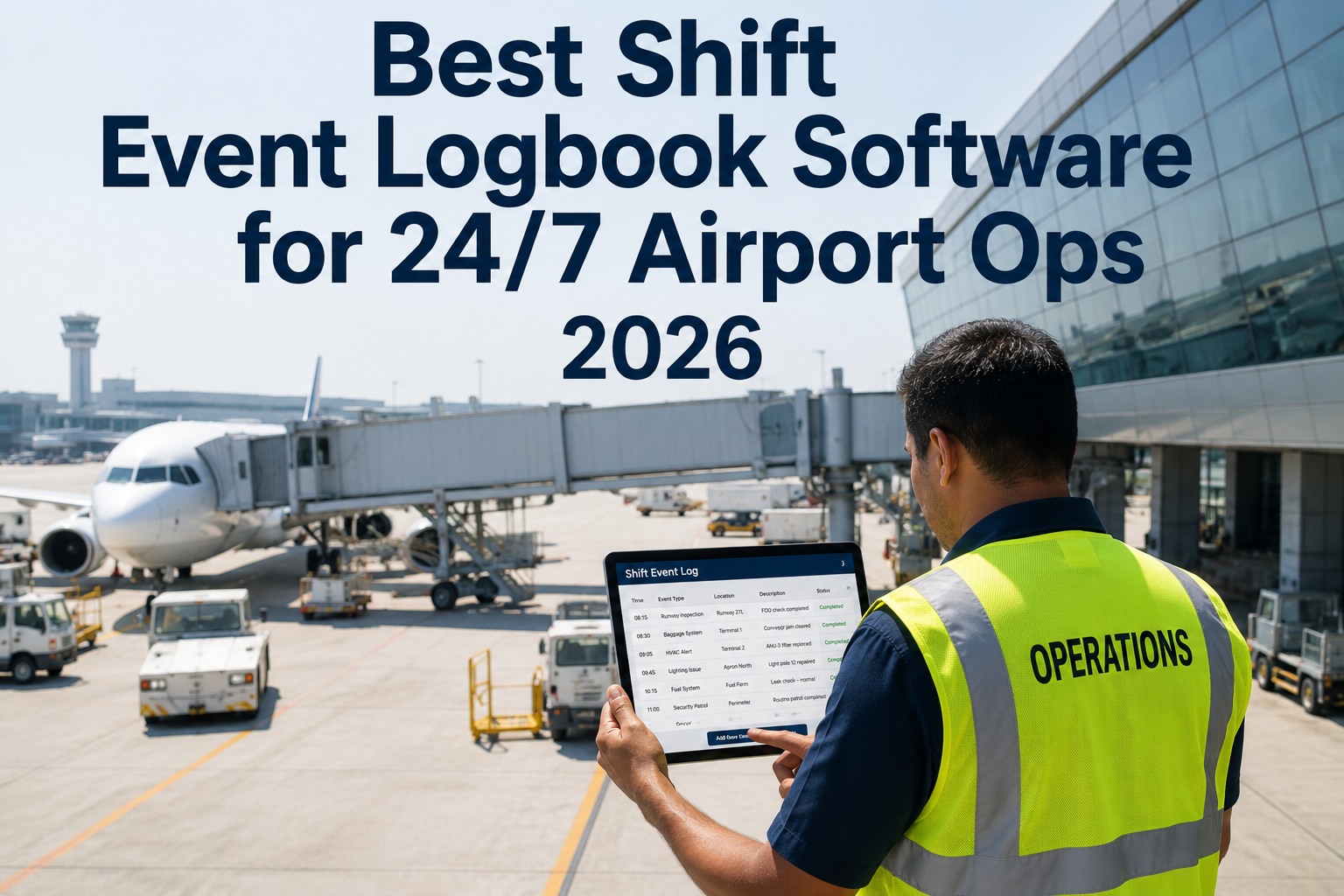
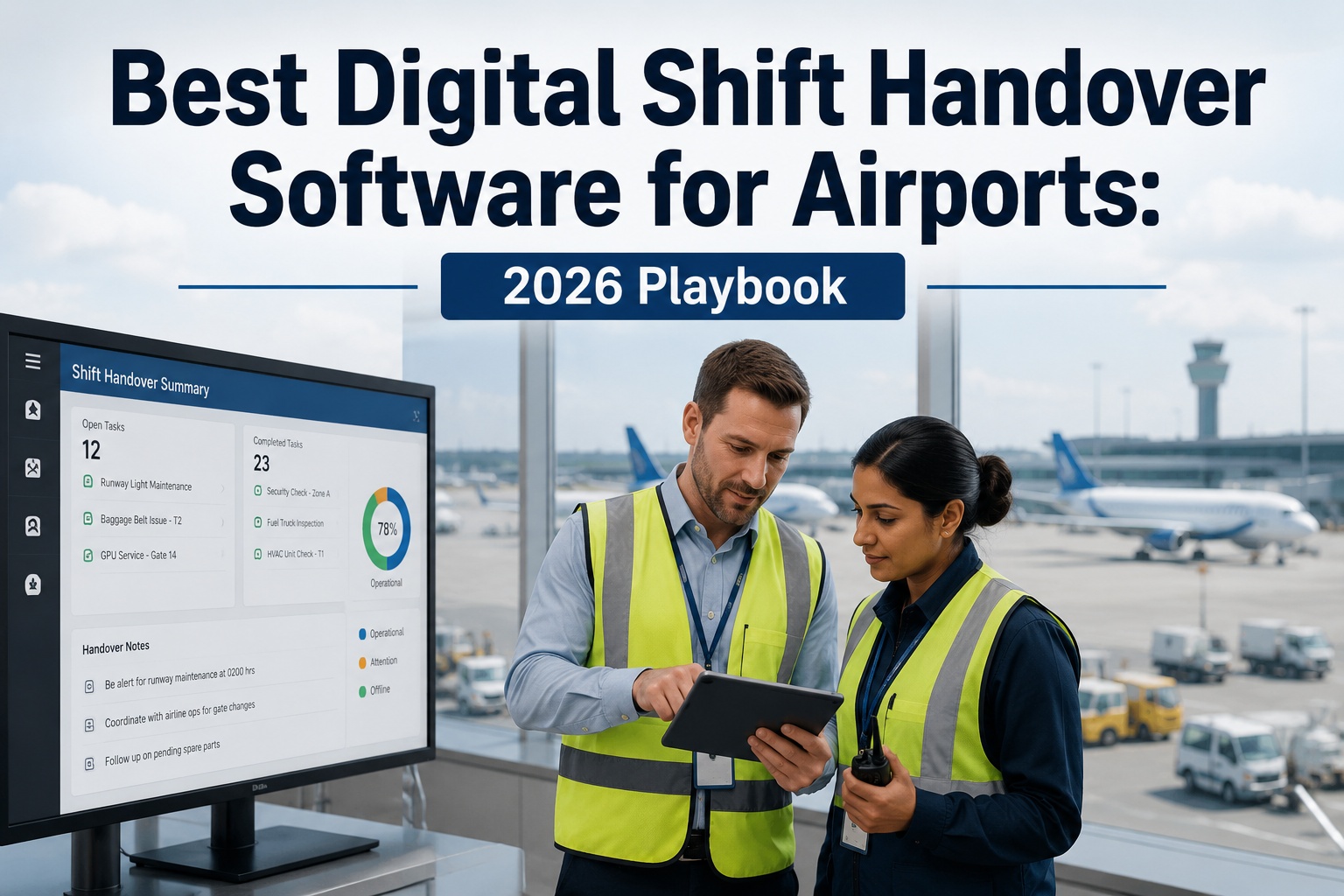
Digital Shift Handover Logbook for Airports: Improving Maintenance & Operations Coordination
By Oxmaint on February 6, 2026
A single miscommunication during a shift change once caused a Continental Express aircraft to crash, killing all 14 onboard—because an outgoing maintenance crew failed to log missing fasteners. In airport operations where thousands of passengers, hundreds of flights, and dozens of maintenance tasks overlap every hour, a verbal "heads up" between shifts is not enough. A digital shift handover logbook replaces guesswork with structured, searchable, and accountable records that travel seamlessly from one team to the next. Book a demo to see how OXmaint transforms shift transitions into your strongest operational link.
Why Shift Handover Is the Riskiest Moment in Airport Operations
Research from Yokogawa found that while shift changeovers account for less than 5% of total operations time, they contribute to 40% of all plant incidents. In aviation, the FAA's Human Factors "Dirty Dozen" lists poor communication—especially across shifts—as the number one precursor to maintenance errors. Airports operate 24/7 across terminals, runways, baggage systems, and security zones. Every shift change is a potential knowledge gap waiting to become an incident.
The 5/40 ProblemWhy the smallest window creates the biggest risk
5%of operations time
Shift Changeover Duration
40%of all incidents
Occur During These Windows
18%of critical content is missed in unstructured handover logs
80%of production logbooks are unstructured in format
What Goes Wrong with Paper and Verbal Handovers
Most airports still rely on a patchwork of paper logbooks, spreadsheets, WhatsApp messages, and quick verbal briefings between shift supervisors. These methods feel familiar—but they systematically fail when it matters most.
Paper Logbooks vs. Digital Shift Handover
Manual / Paper-Based
✗Illegible handwriting causes misinterpretation
✗No timestamp or audit trail
✗Information stays with one person or one notebook
✗No way to search past shift records quickly
✗Equipment issues fall through the cracks
✗Compliance audits require manual record retrieval
Digital Logbook (OXmaint)
✓Structured fields ensure consistent data entry
✓Every entry timestamped with user accountability
✓Real-time access for supervisors and planners
✓Instant search across all historical shift data
✓Equipment status auto-forwarded to next shift
✓Audit-ready reports generated in one click
Still using paper logbooks or spreadsheets for shift handovers? Create a free OXmaint account and digitize your first shift in under an hour.
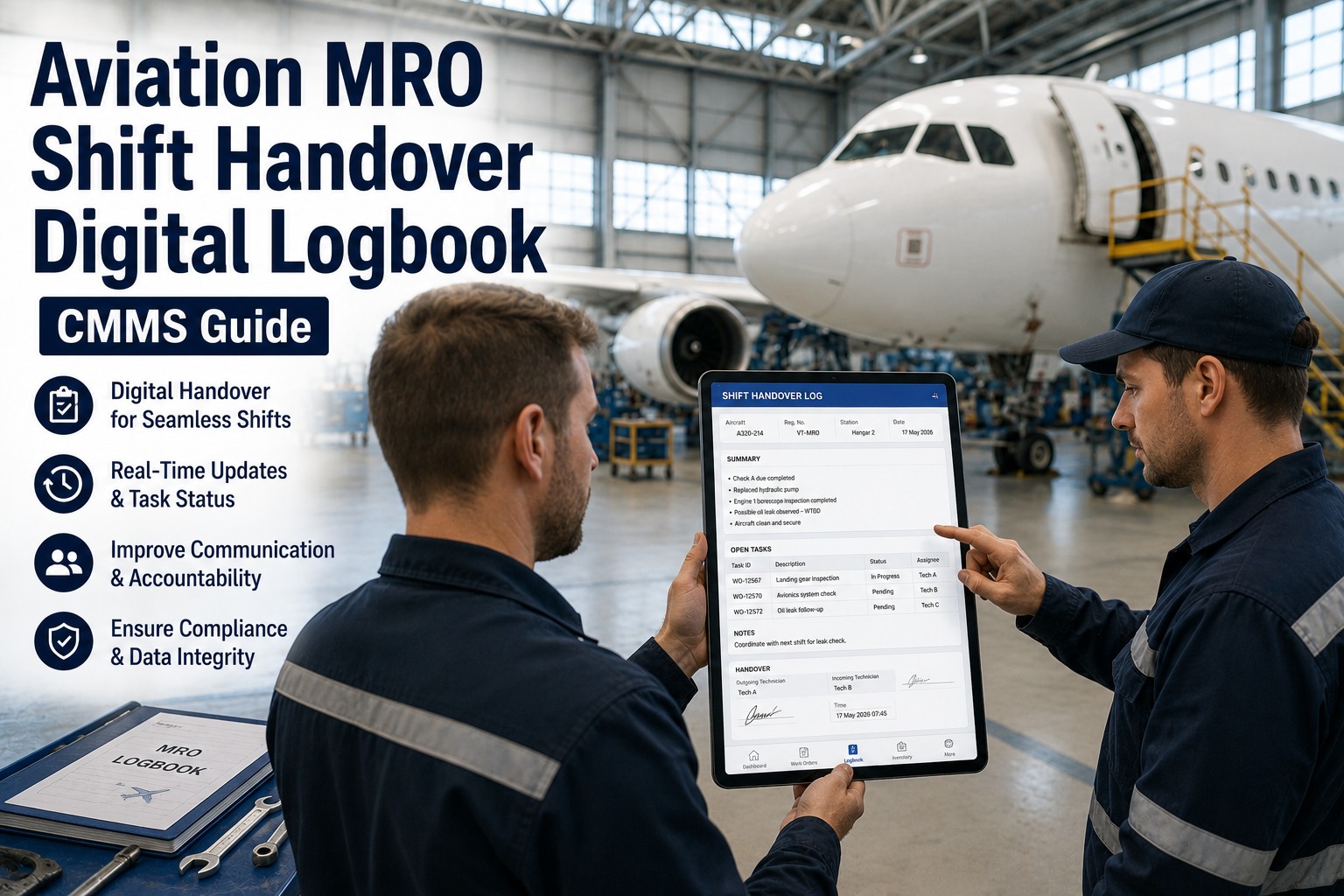
OXmaint's Shift Event Logbook gives airport operations teams a centralized, real-time view of everything that happened during a shift—inspections completed, tasks assigned, messages exchanged, and equipment conditions recorded. When the next team walks in, every piece of context is already waiting for them.
Shift Event Logbook — Live OverviewActive Shift
Active ShiftMorning (06:00 – 14:00)
Date14 Jan 2026
DepartmentTerminal Operations
Shift SupervisorSarah Mitchell
Observations 2
Messages 4
Tasks 6
Equipment Status 3
Power socket is not working ActiveProduction
Terminal B > Domestic Check-in Hall B · Created by Sarah Mitchell · 07:49 PM
Fire extinguisher F12 in Concourse B replaced; gauge normal ActiveHSE
Terminal A > Fire Command Center · Created by Sarah Mitchell · 03:24 PM
Baggage Claim Carousel E3 stopped intermittently; service team notified ActiveGeneral
Terminal A > Cargo Operations Area · Baggage Handling System · 02:15 PM
Four Pillars of a Complete Shift Record
A shift handover is only as good as the information it captures. OXmaint structures every shift around four integrated modules that work together to give incoming teams a complete operational picture—not just a list of notes.
01
Inspection Routes
Track every inspection route assigned during the shift. See which are completed, in progress, or pending—with percentage progress bars and assigned engineers visible at a glance.
Log operational messages—equipment faults, safety observations, environmental issues—with location tags, category labels, and photo attachments. Messages can be forwarded to the next shift for follow-up.
Example"Baggage Carousel E3 stopped intermittently during last 30 minutes; service team notified."
03
Tasks & Work Orders
Every corrective, preventive, predictive, and emergency task is visible with real-time status. Tasks link directly to inspections, work orders, and maintenance requests—so nothing exists in isolation.
ExampleTSK: "CCTV Cracked. Replace with a new one." — Completed, Corrective
04
Equipment Status
Real-time status of every critical asset—running, under maintenance, breakdown, or idle. Downtime is tracked automatically, and statuses carry forward to the next shift if unresolved.
ExamplePower Supply Terminal A — Breakdown, 4 hrs downtime, Work Order WO41081352 linked
See all four modules working together in a live demo. Our team will walk you through a real airport shift handover scenario.
What Happens During a Shift Change — With vs. Without a Digital Logbook
The difference between a smooth handover and a dangerous one comes down to structure. Here's what the same shift transition looks like under both approaches.
Shift Transition: Morning to Afternoon
Without Digital Logbook
13:45Outgoing supervisor scribbles notes on a pad
13:55Quick verbal briefing in the hallway — 3 of 6 open tasks mentioned
14:00New shift starts — incoming supervisor pieces together context
14:30Power supply issue in Terminal A overlooked — no record found
16:00Carousel breakdown escalates — was flagged but never forwarded
With OXmaint Digital Logbook
13:45All shift data already logged in real time throughout the morning
14:10Power supply issue visible with linked work order — team dispatched
14:20Carousel issue forwarded with full history — preventive action scheduled
Real Impact: Measurable Improvements
Airports that move from manual to digital shift handovers consistently report faster response times, fewer missed issues, and stronger compliance records. Here's what the data shows.
80%
Fewer missed handover items
65%
Faster issue response time
95%
Audit readiness score
50%
Reduction in repeat incidents
Compliance, Safety, and Audit Benefits
Aviation regulators and airport authorities require documented proof that inspections were completed, safety issues were addressed, and maintenance was properly coordinated. A digital shift logbook doesn't just help you operate better—it protects you during audits and investigations.
FAA
FAA Human Factors Guide
Requires documented shift turnover procedures including task status, problems encountered, and next steps for aviation maintenance operations.
ICAO
ICAO Safety Management
Mandates systematic documentation of safety-related events, hazard reporting, and operational communications for airport operators.
OSHA
Workplace Safety Records
Requires employers to maintain accurate records of workplace incidents, safety observations, and corrective actions taken.
ISO
ISO 55001 Asset Management
Demands documented evidence of asset condition monitoring, maintenance activities, and operational decision-making processes.
Connecting Shift Logs with Your Airport Systems
A shift logbook is only useful if it connects to the systems your teams already use. OXmaint integrates directly with CMMS, work order management, asset monitoring, and inspection platforms—so shift data flows automatically instead of being re-entered manually.
OXmaint Shift Logbook
CMMS
Work orders, maintenance requests, and asset histories sync in real time
Inspection System
Route progress and inspection results feed directly into shift records
Asset Monitoring
Equipment status, downtime tracking, and condition alerts
Notifications
Email, SMS, Slack, and Teams alerts for critical handover items
Frequently Asked Questions
How quickly can we deploy a digital shift logbook at our airport?
Most airports go live within 1–2 weeks. OXmaint's setup involves configuring your shift schedules, defining zones and equipment, and importing your team roster. No complex IT infrastructure changes are needed—the platform runs in the cloud and works on any device. Sign up free to start your setup today.
Can the logbook handle multiple departments and shift patterns?
Yes. OXmaint supports unlimited departments, shift schedules (8-hour, 12-hour, rotating), and supervisor assignments. Each department sees its own shift data while airport-wide dashboards give management a unified operational view.
What happens to unresolved issues when a shift ends?
Unresolved equipment statuses, active messages, and incomplete tasks are automatically forwarded to the incoming shift. Nothing falls through the cracks—the next team sees exactly what needs attention before they start their rounds.
Does it integrate with our existing maintenance management system?
OXmaint's shift logbook connects natively with its own CMMS for work orders, inspections, and asset management. It also offers REST API integration for connecting with third-party systems. Schedule a consultation to discuss your specific infrastructure.
Is the data secure and audit-ready?
Every entry is timestamped, user-attributed, and immutable once submitted. Role-based access controls ensure only authorized personnel can view or create entries. Complete shift histories are exportable for regulatory audits at any time.
Make Every Shift Change Your Strongest Link
Stop losing critical information between shifts. OXmaint's digital shift handover logbook ensures every inspection, every task, every equipment status, and every message travels seamlessly from one team to the next—so your airport never misses a beat.