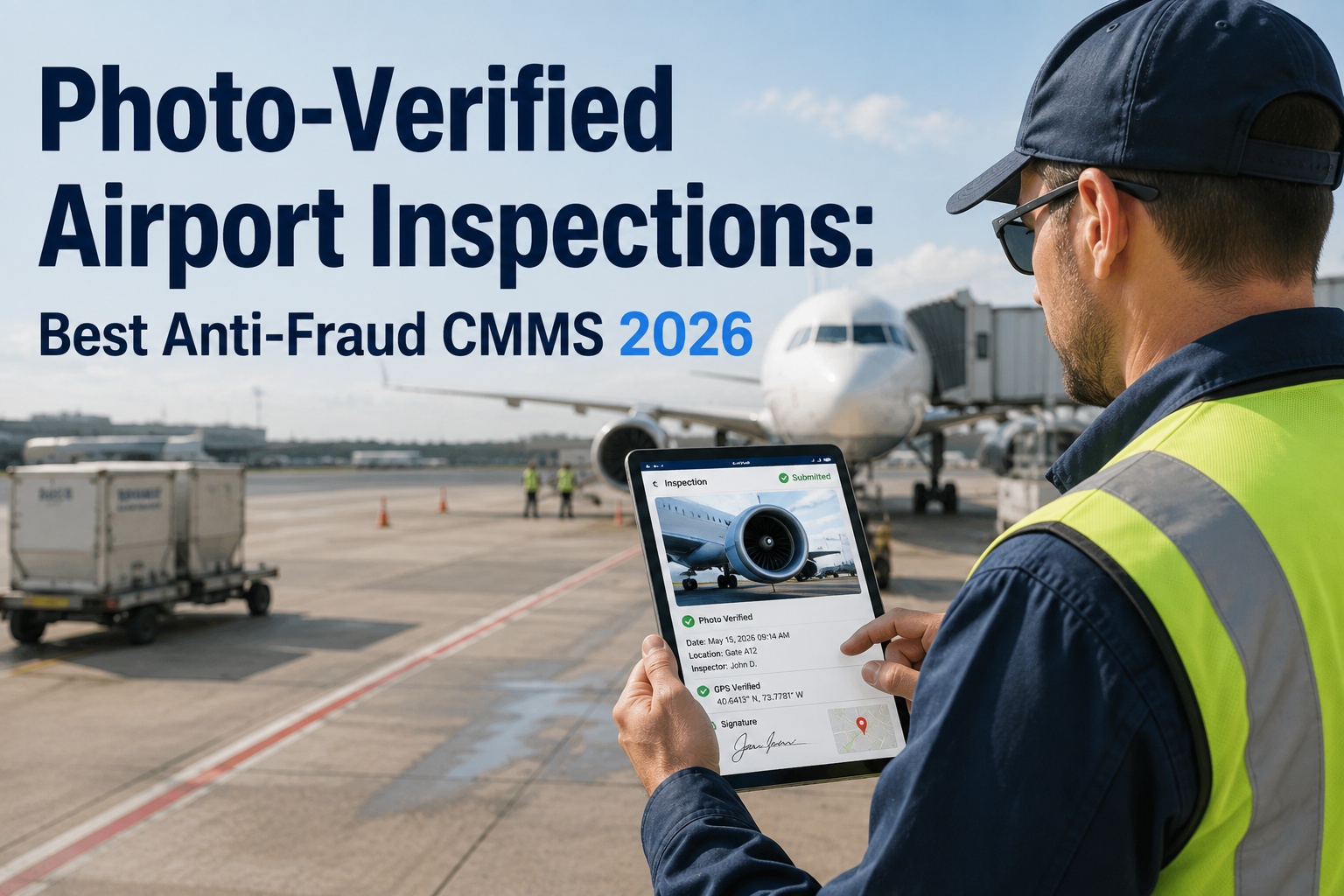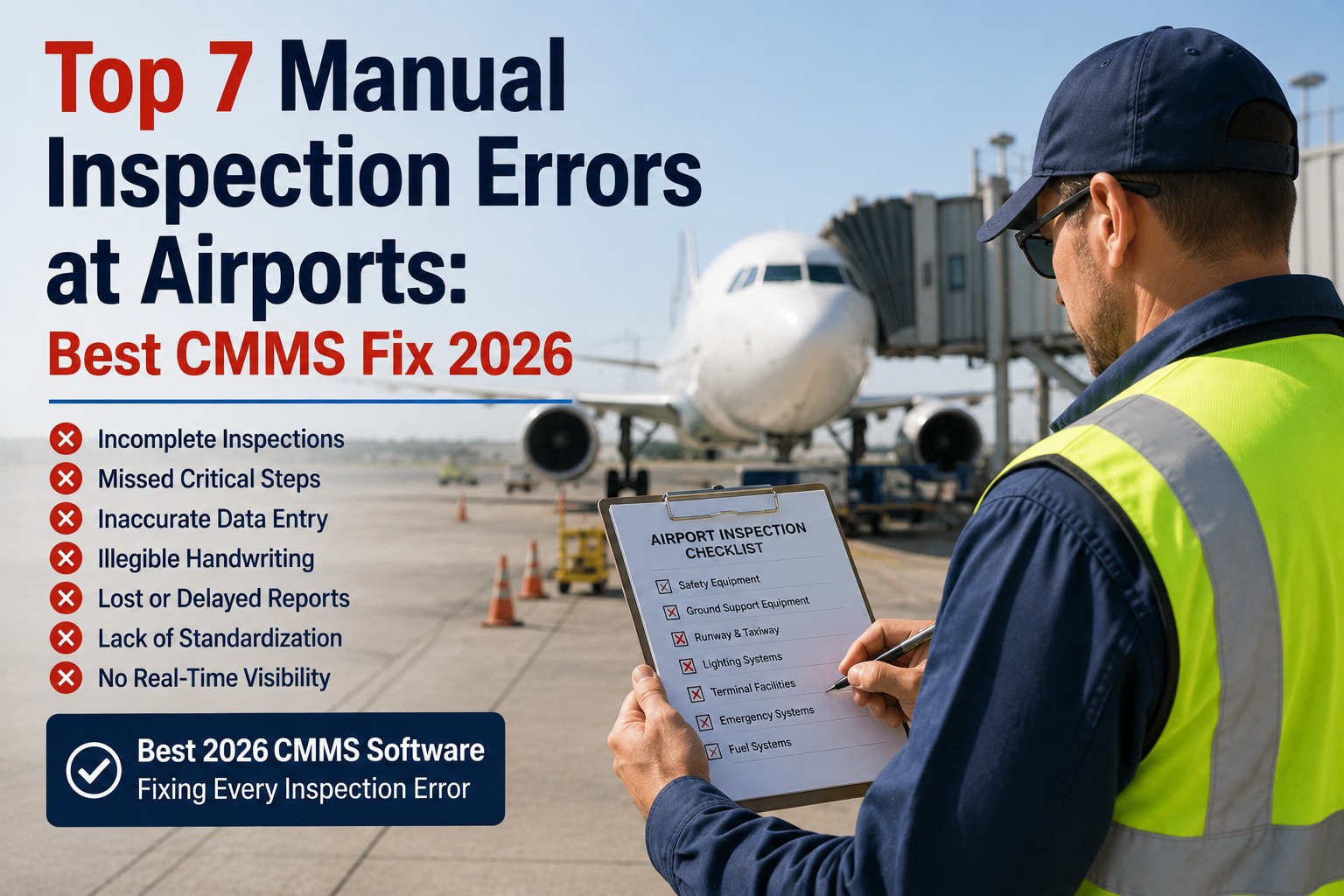
The FAA's 35 Airport Certification Safety Inspectors do not find new mistakes in the field — they find the same six or seven, over and over, at airport after airport. An unsigned Part 139 self-inspection form. A pavement deficiency closed verbally with no timestamp. A wildlife log missed on the shift after a strike. An ARFF pump test three days past its quarterly interval with no documentation. Every one of these is a documentation problem before it is a maintenance problem — and every one is preventable when the inspection runs on a mobile-first CMMS with mandatory fields, GPS-tagged photos, and auto-generated corrective actions. Below are the top seven manual inspection errors that airport authorities keep making, ranked from most-cited to most-costly, with the specific digital control that fixes each one. Oxmaint is the maintenance management software that scores on all seven. Start free and close every one of these gaps on your airfield this week, or book a demo mapped to your Part 139 self-inspection routes and ARFF documentation.
Aviation · FAA Part 139 · Inspection Quality · 2026 Buyers Guide
Top 7 Manual Inspection Errors at Airports: Best CMMS Fix 2026
The seven errors that drive the majority of §139.327 citations, why paper clipboards keep producing them, and the specific 2026 CMMS controls that close each one. Built around what the FAA's Airport Certification Safety Inspectors actually cite — unsigned forms, missing timestamps, un-tracked closures, ARFF documentation gaps.
-
§139.327
the single most cited deficiency category in FAA Part 139 inspections
-
35
FAA Airport Certification Safety Inspectors — small pool, repeat findings
-
Same-Day
safety-critical corrective actions must be initiated on the day of discovery
-
24 mo
training-record retention under §139 Subpart D; 12 mo minimum for inspections
The Root Cause
Why Every One of These Errors Is a Documentation Problem First
A pattern shows up over and over in Part 139 findings. The maintenance work usually happened. The vehicle was serviced, the pump was tested, the runway was walked. What did not happen is the timestamped, signed, evidence-backed record of the work — and to the FAA, an unsigned record is a missing record. Fix the seven documentation gaps below and the underlying compliance profile improves without adding a single maintenance task.
The Countdown
Seven Manual Inspection Errors — Ranked
Ranked by citation frequency at Class I and Class II airports. Each entry gives the error as the FAA actually writes it up, why paper causes it, and the specific CMMS control that closes it. The list runs from the single most common finding down to a lower-frequency but higher-consequence gap that airports keep making.
Unsigned Self-Inspection Form
The Error
An inspection happened. The technician walked the movement area, cleared the FOD, checked the signs. The form did not get signed at the end of shift, or a supervisor sign-off line was left blank. To the FAA, an unsigned record is a missing record — and a missing §139.327 record is a violation.
The 2026 CMMS Fix
Per-user authentication with biometric or SSO. Route cannot close without a valid, personally-attributed digital sign-off. The signature is bound to the user, the device, and the server-set timestamp — no unsigned records physically possible.
No Corrective Action Timestamp on Deficiency Closure
The Error
A pavement deficiency found on Tuesday closed verbally on Friday. No timestamp on the closure, no photograph of the corrected condition, no record of who verified it. The finding stays open on the audit until the closure is reconstructed — and reconstruction after the fact is exactly what the falsification rule targets.
The 2026 CMMS Fix
Every fail on the inspection auto-generates a corrective work order with owner and due date. Closure requires a verification photo and a second-person sign-off. Full timeline — first observation to verified fix — filterable on any date range.
Missing Timestamp or Inspector Name on the Record
The Error
Records without inspector name or exact timestamp are rejected as non-compliant by FAA auditors. A daily FOD walk with just "Tuesday" and initials at the bottom is not a Part 139 record. Nor is a checklist where the time is filled in but the exact clock reference is missing.
The 2026 CMMS Fix
Tamper-proof server timestamps on every field submission — the client clock is never trusted. Inspector identity attached to every action from route dispatch to sign-off. Offline captures preserve the original capture time; sync does not overwrite it.
ARFF Documentation Gaps
The Error
Quarterly pump tests, hose inspection records, foam proportioner verification, agent-level checks. A top-5 finding category at Class I and II airports because paper log books lose entries and quarterly cycles slip without a scheduling backstop.
The 2026 CMMS Fix
ARFF vehicle asset records with quarterly pump test, response-time drill, and agent-level PM schedules. Automatic 30/7/1-day escalations before the interval expires. Signed test records with photo evidence per pump proportioner.
Wildlife Strike Not Logged in the Shift It Occurred
The Error
A strike happens on night shift, the observation gets radioed but not logged, and the wildlife record has a gap on the day the FAA-approved Wildlife Hazard Management Plan says a report was required. Coverage gaps in the wildlife log are among the top reasons airports fail wildlife assessment reviews.
The 2026 CMMS Fix
Wildlife observation and strike reporting as a mobile route with mandatory fields — species, location, action taken, photo evidence. Strike auto-triggers a follow-up inspection of the runway environment. Coverage gaps surface on the daily dashboard.
Lighting Outage Fixed But Not Documented Against the Asset
The Error
A failed approach-light bar is replaced, but the record lives on a job ticket in a filing cabinet, not against the light-bar asset itself. Six months later during a certification review the airport cannot show maintenance history per lighting asset — and per-asset history is what the auditor asks for.
The 2026 CMMS Fix
Every lighting element as its own numbered asset. Failure logs, bulb replacement tracking, and automated maintenance triggers when the asset reaches service thresholds. Complete lifecycle history per light bar retrievable in seconds.
Training Records Not Produced on Demand
The Error
Part 139 requires all operations personnel to complete initial and recurrent training documented per FAA-approved programs. Training records must be produced on demand, and retained for 24 consecutive calendar months. Certificates expired quietly on paper systems are one of the fastest citations to earn.
The 2026 CMMS Fix
Per-person training matrix with certificate expiry dates, automated 60/30/7-day expiry alerts, and blocking on route assignment when a required certification lapses. Full 24-month retention with legal-hold on any record under review.
The Pattern Behind All Seven
Missing Timestamps, Undocumented Closures, and Coverage Gaps
These three are the most common reasons airports fail certification audits — and they map directly onto errors 01, 02, and 05 above. A digital CMMS with mandatory fields does not stop maintenance from happening; it stops the record of it from being incomplete. That is what turns a manual programme with a 60% audit-preparation overhead into a digital programme with a 10-minute export.
Error-to-Control Map
One-Page Summary — Every Error, Every Fix
Quick reference for the buyer's shortlist. Print or share this with the airport authority procurement team when evaluating any 2026 inspection CMMS — every row is a capability the platform must score on, mapped to the exact citation-category it prevents.
| # | Manual Inspection Error | Part 139 Impact | Required CMMS Control |
|---|---|---|---|
| 01 | Unsigned self-inspection form | §139.327 violation on missing record | Per-user auth, blocked closure without sign-off |
| 02 | No corrective-action timestamp | Open finding until closure reconstructed | Auto WO with verification photo requirement |
| 03 | Missing timestamp / inspector name | Record rejected as non-compliant | Tamper-proof server timestamps + user attribution |
| 04 | ARFF documentation gap | Top-5 citation category | Quarterly ARFF PM with 30/7/1-day escalations |
| 05 | Wildlife strike coverage gap | Wildlife assessment review failure | Mobile strike log with mandatory fields + auto follow-up |
| 06 | Lighting fix not tied to asset | Cannot produce per-asset history | Per-light asset record with lifecycle log |
| 07 | Training expiry not tracked | Personnel certification lapse | Per-person training matrix with expiry alerts |
Built for Airport Operations
How Oxmaint Fixes All Seven at Once
-
Signed Routes
No Route Closes Without Per-User Sign-Off
Biometric or SSO authentication bound to every closure. Unsigned records — the number-one FAA finding — become physically impossible.
-
Auto CAPA
Every Fail Becomes a Tracked Corrective Action
Fail on any inspection item auto-generates a work order with owner, due date, and Part 139 citation. Verification photo required to close.
-
Server Timestamps
Client Clock Never Trusted for the Record
Every field submission stamped on the server. Offline captures preserve original capture time on sync. Directly addresses the 14 CFR Part 3 Subpart D falsification rule.
-
ARFF Program
Quarterly Pump Tests and Drills Scheduled Automatically
Every ARFF asset carries quarterly, monthly, and annual cadences with 30/7/1-day pre-expiry escalations. Signed test records with photo evidence per proportioner.
-
Wildlife Log
Strike Reporting With Auto Follow-Up Inspection
Mobile route with mandatory species, location, action, and photo. A logged strike auto-triggers a runway-environment follow-up so the coverage gap does not open.
-
Per-Asset History
Every Light Bar, Sign, and Vehicle Its Own Record
Complete lifecycle history per asset retrievable in seconds — exactly what the FAA auditor asks for during a certification review. Training matrix per person with 60/30/7-day expiry alerts.
Measured Outcomes
What Airports Gain When Every Manual Error Is Closed
-
0
Unsigned Records at Close of Shift
Per-user authentication and mandatory sign-off make the number-one Part 139 finding physically impossible.
-
60%
Faster FAA / TSA Audit Response
Digital inspection programmes complete audits 60% faster with zero documentation gaps versus paper clipboards.
-
< 10 min
Compliance Package Export
Filter by date, asset, or citation and export a full PDF pack — inspector signatures, GPS coordinates, and photo evidence included.
-
$0
Free Forever Plan to Start
Airport operations teams start on the free plan, digitise a core self-inspection route library, and scale as scope grows.
Frequently Asked
Manual Airport Inspection Error Questions
What is the single most cited Part 139 deficiency?
§139.327 self-inspection documentation gaps. Missing daily records, unsigned checklists, and untracked deficiency closures create immediate compliance exposure — every one of them prevented by mandatory digital sign-off and auto-generated corrective actions. Start free and close the §139.327 gap this week.
How long must airport inspection and training records be retained?
Inspection records: minimum 12 consecutive calendar months under §139.301. Training records: 24 consecutive calendar months after completion under §139 Subpart D. FAA program guidance recommends 3 years for inspection records to support certification renewals and incident investigations.
Why does an "OK" answer without a photo fail an audit?
Because it is un-verifiable evidence. The FAA cannot distinguish a real "OK" from a pencil-whipped one, so the record is treated as low-integrity. Mandatory in-app photo capture on high-risk points converts every pass answer into evidence-backed pass, which is what survives a certification review. Book a demo to see mandatory photo capture on your routes.
Can the platform handle offline capture in ramp dead zones?
Yes. Inspections work fully offline; photos, readings, and pass/fail results are captured locally and sync automatically on reconnection. The app preserves the original capture time — it does not stamp the upload time — so the audit trail stays honest even for records captured hours before sync.
Is there a free plan for smaller Class III or Class IV airports?
Yes. Oxmaint offers a free forever plan — enough to digitise a core Part 139 self-inspection route library, run daily FOD and lighting walks, and store photo evidence per asset. Scale into the full platform when scope, retention, or multi-terminal rollout expands. Sign up for the free plan and stand up your first digital self-inspection today.
Sign · Timestamp · Photo · Close
The Same Seven Errors, at Airport After Airport, Year After Year
The FAA inspectors know exactly what they will find on the next visit — because it is the same pattern every time. Oxmaint is the airport-ready CMMS that closes all seven manual inspection errors at once, from unsigned forms to un-tracked ARFF pump tests. Walk into the next unannounced FAA inspection with the record already assembled and the finding categories already closed.