TSA Part 1542 Compliance Guide for Airport Maintenance Teams
By Lewis Abbott on April 16, 2026
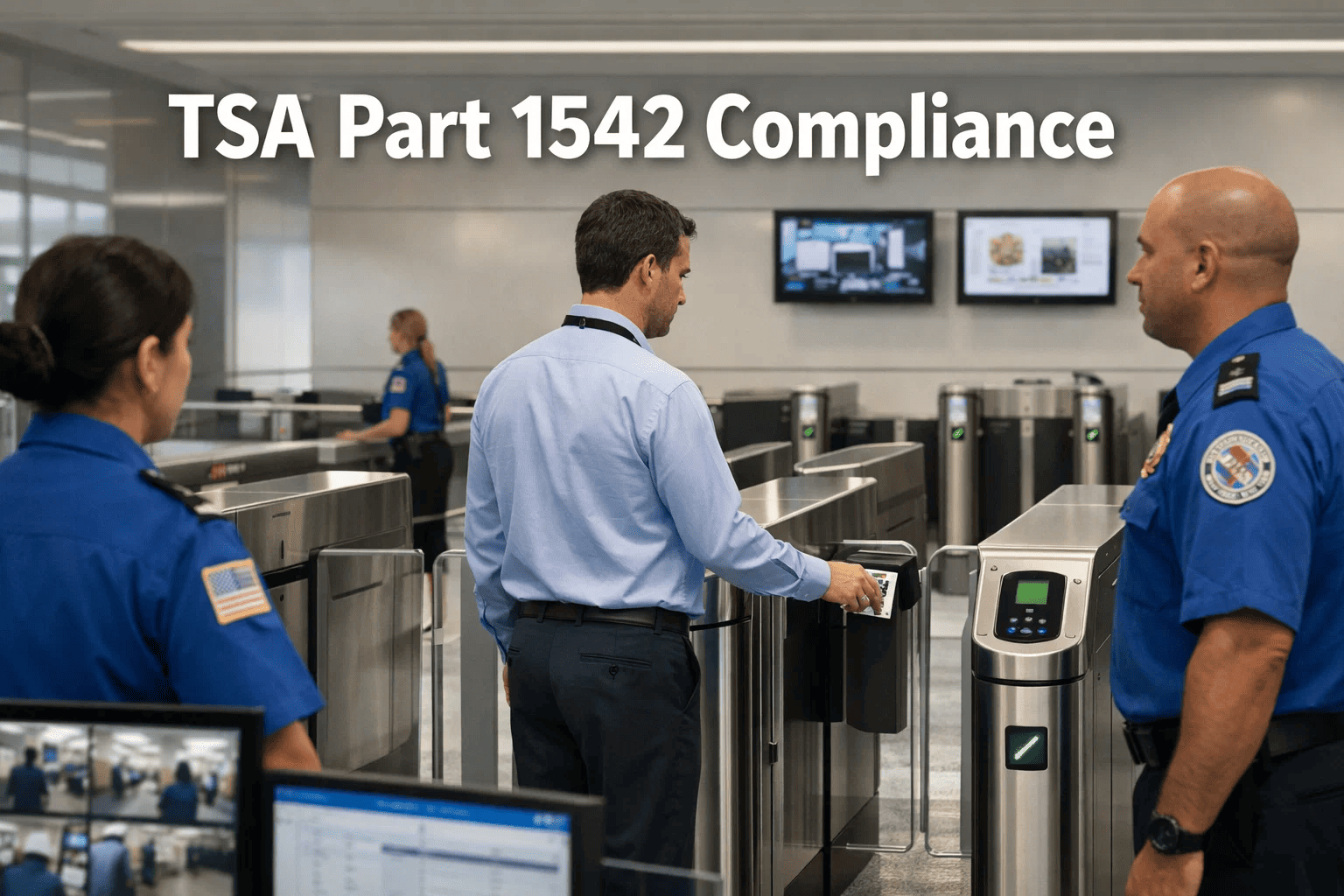
TSA Part 1542 does not give airport security coordinators the luxury of a soft audit. Inspectors arrive with a checklist that reaches into access control logs, badge credentialing records, perimeter inspection documentation, and employee vetting — and they expect every record to be retrievable on demand. Airports that manage this compliance trail on spreadsheets, binders, and disconnected systems fail audits not because they don't perform the work, but because they can't prove it. Start a free OxMaint trial today and build your audit-ready security compliance documentation from day one — or book a 30-minute demo to see how the platform handles TSA documentation.
Aviation Compliance · TSA Part 1542
TSA Part 1542 Compliance Guide for Airport Maintenance Teams
Access control, credential tracking, perimeter inspections, and audit documentation — built into daily maintenance operations so compliance isn't a sprint before inspection day.
Per-day civil penalty for Part 1542 access control violations
68%
Of TSA findings are documentation failures, not operational ones
2 yrs
Minimum record retention required for security inspections
1 in 3
Airport security audits result in a finding when using paper records
What Is TSA 49 CFR Part 1542?
TSA 49 CFR Part 1542 is the federal regulation governing Airport Security Programs (ASPs) at commercial service airports in the United States. It mandates that airport operators establish, implement, and maintain a written security program covering access control, credentialing, perimeter security, employee security training, and incident response. The regulation applies to every airport certificated under 14 CFR Part 139 that operates scheduled or charter air carrier service — meaning the compliance obligation is continuous, not event-driven.
Access Control
Physical and electronic control of all SIDA, sterile area, and secured area entry points
Credentialing
Background checks, badge issuance, expiry tracking, and revocation procedures
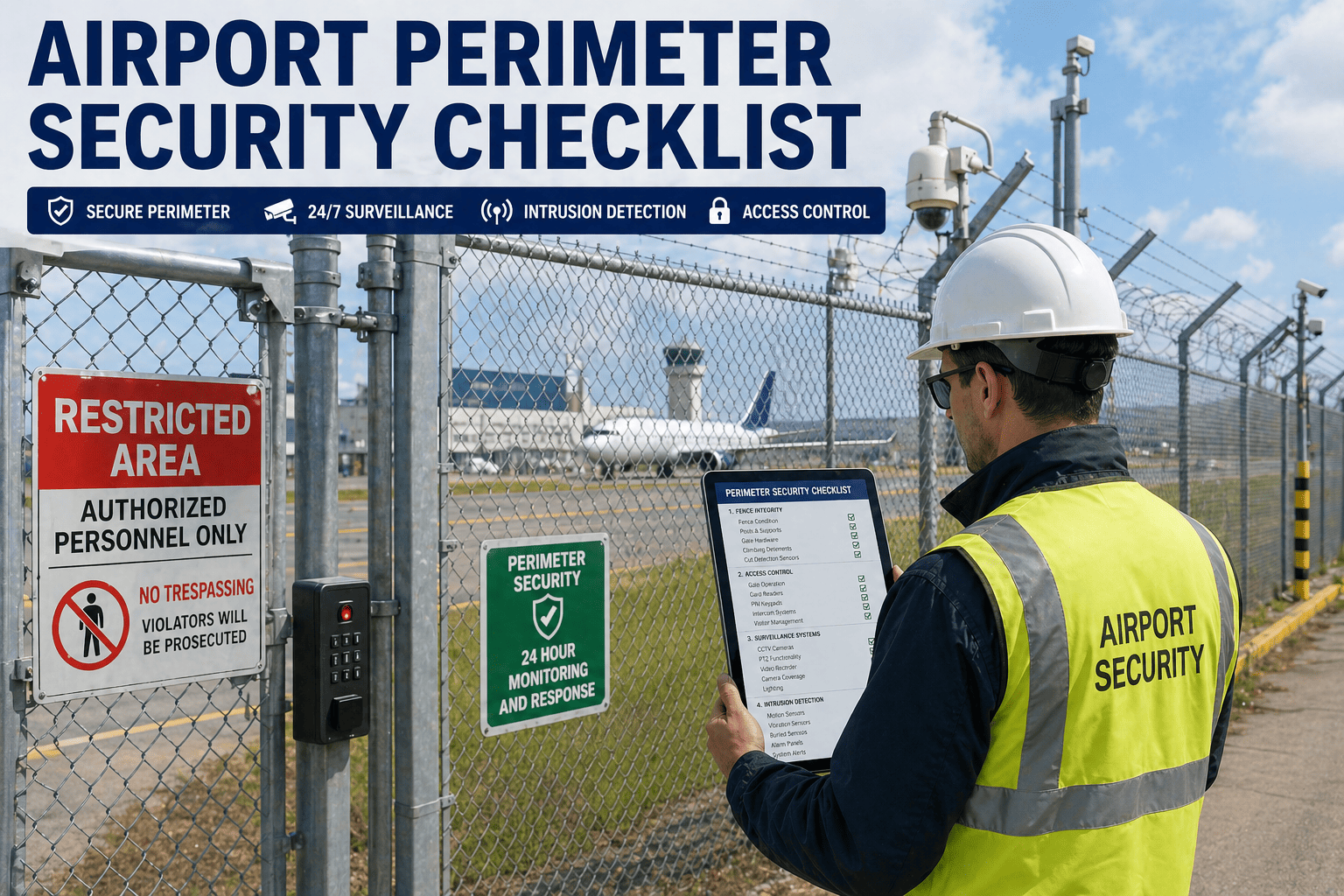
Perimeter Inspections
Mandatory scheduled inspections of all fence lines, gates, and secured boundaries
Documentation
Audit-ready records of every inspection, incident, and corrective action — minimum 2 years
Part 1542 Compliance Requirements: The Core Obligations
These six requirement categories represent the areas most frequently cited in TSA enforcement actions. Each demands both operational execution and verifiable documentation.
1542.103
Airport Security Program
Written ASP must be submitted to and approved by TSA. Amendments require TSA notification. The ASP defines all security procedures, boundaries, and responsibilities — and must reflect actual operational practice.
Written program + TSA approval required
1542.201
Access Control Systems
All SIDA, sterile area, and secured area access points must have functioning access control. Badge readers, door alarms, and biometric devices must be maintained in working order. Every malfunction requires a documented corrective action.
System maintenance records mandatory
1542.205
Secured Area Identification
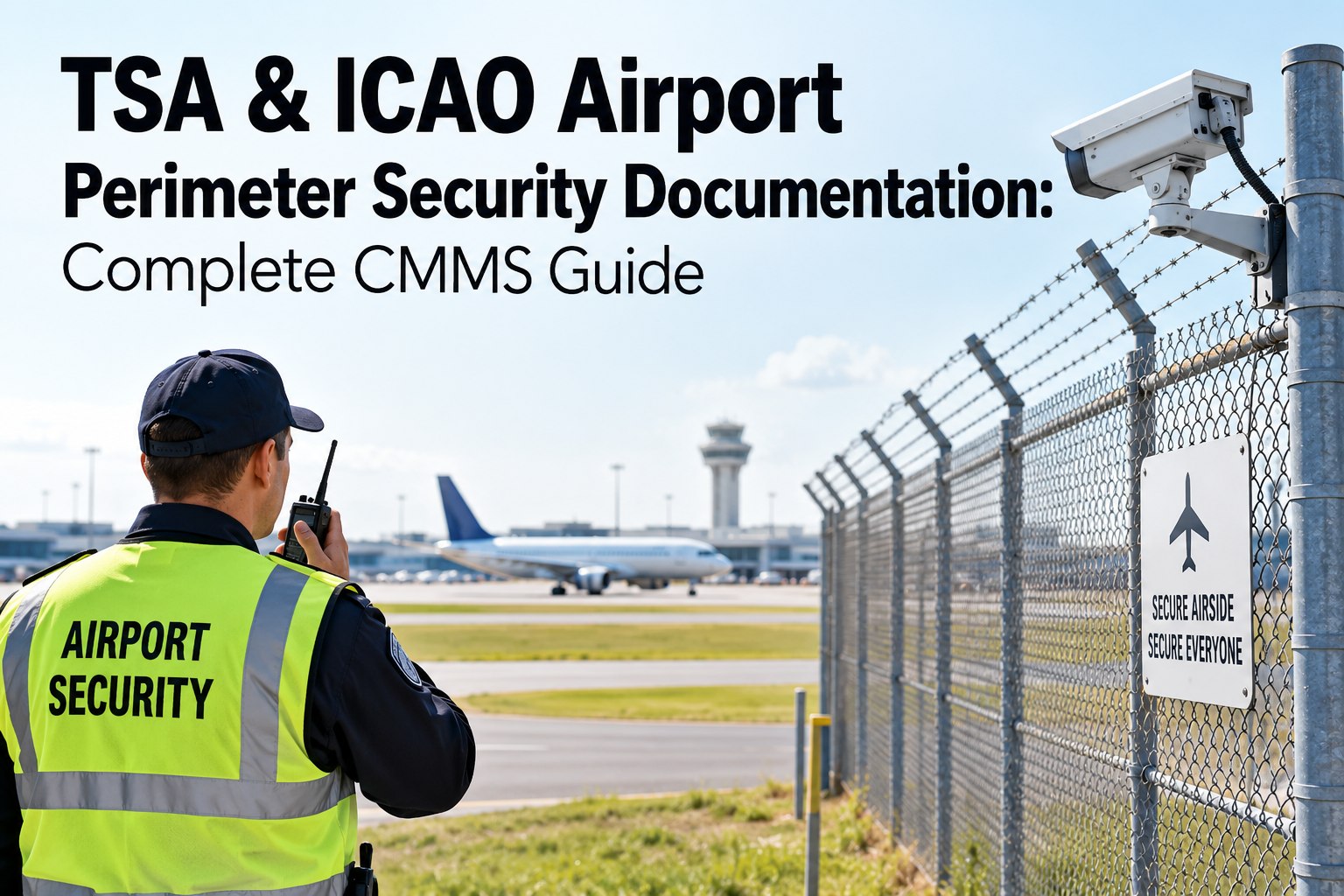
Physical security boundaries must be clearly defined, maintained, and inspected. Fence lines, gates, barriers, and lighting must meet TSA specifications. Deterioration or damage triggers immediate documentation and repair.
Perimeter condition documentation required
1542.207
Sterile Area Procedures
Sterile area access must be controlled through passenger screening checkpoints. Unauthorized access incidents must be documented, investigated, and reported to TSA within the timeframes specified in the ASP.
Incident reports with 24-hour notification
1542.209
Fingerprint-Based Criminal History
All SIDA badge holders must undergo fingerprint-based criminal history record checks (CHRC). Records of CHRC completions, badge activations, and revocations must be maintained. Expired CHRCs require immediate badge suspension.
Expiry tracking with automated alerts required
1542.303
Security Directives
TSA Security Directives must be implemented within the specified timeframe. Implementation records must be created and retained. Failure to implement a Security Directive is among the most serious Part 1542 violations.
Implementation within TSA-specified window
Where Airport Security Compliance Teams Fail Audits
TSA enforcement data consistently shows the same four documentation failures accounting for the majority of Part 1542 findings. None of them are operational — they're all record-keeping problems.
Incomplete Perimeter Inspection Logs
Inspections are performed but not documented in a retrievable format. Paper logs go missing, get damaged, or are never transferred to a central record. When an inspector asks for 90 days of perimeter patrol records, the team can't produce them.
Most common Part 1542 finding category
Expired Badge Credentials Still Active
CHRC expirations, badge renewals, and security training re-certifications are tracked in spreadsheets that don't send proactive alerts. Inspectors find active badges for employees whose background checks expired months ago.
Avg. 14 expired credentials per medium airport per audit
Access Control Maintenance Gaps
Badge reader malfunctions and gate alarm faults are repaired verbally, with no documented work order trail. Inspectors ask: "When did this door sensor fail, and how long was it out of service?" — and the team has no answer.
Second most cited Part 1542 violation category
Security Directive Implementation Records Missing
The airport implemented the Security Directive — but no one created a record of when, who, and how. Months later, during an audit, the implementation can't be proven. The finding stands even though the actual security measure is in place.
35% of SD findings are documentation failures only
How OxMaint Supports TSA Part 1542 Compliance
OxMaint gives airport security and maintenance teams a single platform for scheduling, executing, and documenting every compliance task — so every inspection is logged, every credential expiry is tracked, and every access control repair has a complete work order trail.
Perimeter Inspection Scheduling & Digital Logs
Configure daily, weekly, or shift-based perimeter patrol routes in OxMaint. Inspectors complete digital checklists on mobile — every gate, fence segment, and lighting check creates a timestamped, GPS-logged record. No paper. No gaps. Instant export for TSA inspectors.
Credential Expiry Tracking with Automated Alerts
Log every badge holder's CHRC expiry date, security training recertification, and badge renewal deadline as asset attributes in OxMaint. Automated alerts fire 60, 30, and 7 days before expiry. The security coordinator sees exactly which credentials are approaching expiry — before they become a finding.
Access Control System Maintenance Records
Every badge reader, door controller, alarm sensor, and biometric device is an asset in OxMaint. Faults generate work orders with timestamps. Repairs are documented with technician name, action taken, and completion time. When an inspector asks "how long was Gate 7 reader offline?" — the answer is one click away.
Security Directive Implementation Documentation
Create a work order for each Security Directive implementation task, assign it with a required completion date, and attach the TSA directive document. When the task closes, the implementation record is created automatically — with who completed it, when, and what actions were taken. Audit-ready from day one.
Incident Documentation with Corrective Action Trails
Security incidents, sterile area breaches, and perimeter violations are logged as work orders with incident type, time, location, description, and corrective actions taken. The full incident trail — from detection to resolution — is stored in the asset record of the affected security system or boundary.
Instant Filtered Export for TSA Inspectors
When a TSA inspector requests records, generate a filtered export in minutes — not hours. Filter by date range, asset type, inspection category, or badge holder. Export as PDF or CSV. No manual document retrieval, no searching through binders, no explaining why records are missing.
Paper-Based vs. CMMS-Driven TSA Compliance
Compliance Requirement
Paper-Based Approach
OxMaint CMMS Approach
Perimeter inspection logs
Paper forms — frequently incomplete or lost
Digital checklist — timestamped, instant export
Badge credential expiry
Spreadsheet — no automated alerts
Auto-alerts at 60/30/7 days before expiry
Access control repairs
Verbal repair — no documented trail
Work order with timestamp, technician, action
Security Directive implementation
Action taken — no implementation record
Work order creates record automatically on close
Incident reporting
Incident form filed separately — no asset link
Incident logged to security asset with full trail
Audit record retrieval
Hours of manual searching across binders
Filtered export generated in under 5 minutes
2-year record retention
Physical storage — risk of loss or damage
Cloud-stored, searchable, retrievable anytime
Multi-terminal compliance
Each terminal manages records independently
Portfolio dashboard — all terminals, unified view
Scroll right to view full table on mobile
Build Your Compliance Foundation
OxMaint turns TSA Part 1542 compliance from a documentation scramble into a built-in daily process.
Digital perimeter logs, credential expiry alerts, access control work order trails, and instant audit exports — all in one platform. Most airport security teams are running their first digital inspection routes within 48 hours. Start your free trial or book a demo to walk through the compliance workflow.
Every inspection, work order, and incident — searchable and retrievable
Frequently Asked Questions
Does TSA Part 1542 require a specific format for maintenance records?
Part 1542 does not prescribe a specific format for maintenance records, but requires that records be retrievable and retained for the period specified in the Airport Security Program (typically a minimum of 2 years for most record types, 5 years for certain incident records). Digital records maintained in a CMMS satisfy the retrieval requirement and have the advantage of being instantly searchable — which paper binders cannot match during a live TSA inspection.
How should airports document access control system malfunctions under Part 1542?
Every access control malfunction — badge reader failure, door alarm fault, gate controller offline — should generate a documented record that includes: the date and time the malfunction was identified, the specific device and location, the security risk created by the malfunction, the compensating measure implemented (additional patrol, manual screening), and the repair completion date and time. OxMaint captures all of this through the work order workflow — the malfunction opens a work order, the compensating measure is noted in the work order body, and the repair closes the record with timestamps automatically applied.
What is the inspection frequency required for airport perimeters under Part 1542?
Part 1542 does not specify a fixed frequency — the inspection frequency is defined in the airport's approved Security Program document. Most approved ASPs require perimeter patrols at least twice per 24-hour period, with additional inspections triggered by adverse weather, security alerts, or known vulnerabilities. The critical compliance requirement is not the frequency itself but that the inspections defined in the ASP are actually performed and documented consistently. OxMaint enforces this by generating scheduled inspection work orders that cannot be marked complete without digital checklist submission.
Can OxMaint support compliance at airports with multiple terminals or concourses?
Yes. OxMaint's multi-site architecture allows each terminal or concourse to maintain its own asset registry, inspection schedules, and work order history while rolling up to a portfolio-level compliance dashboard for the Airport Security Coordinator. Access control devices, perimeter segments, and security checkpoints are assigned to their specific terminal — inspections are terminal-specific, and reporting can be filtered by terminal or viewed across the entire airport simultaneously. This is particularly valuable at international airports with multiple terminals operating under different sections of the ASP.
Audit-Ready Compliance Starts Here
Stop Failing TSA Audits on Documentation. OxMaint Creates the Paper Trail Automatically.
Digital perimeter inspection logs. Credential expiry alerts. Access control work order trails. Security Directive implementation records. Incident documentation. Instant audit exports. OxMaint makes every Part 1542 requirement traceable — without a compliance team searching through binders on inspection day.