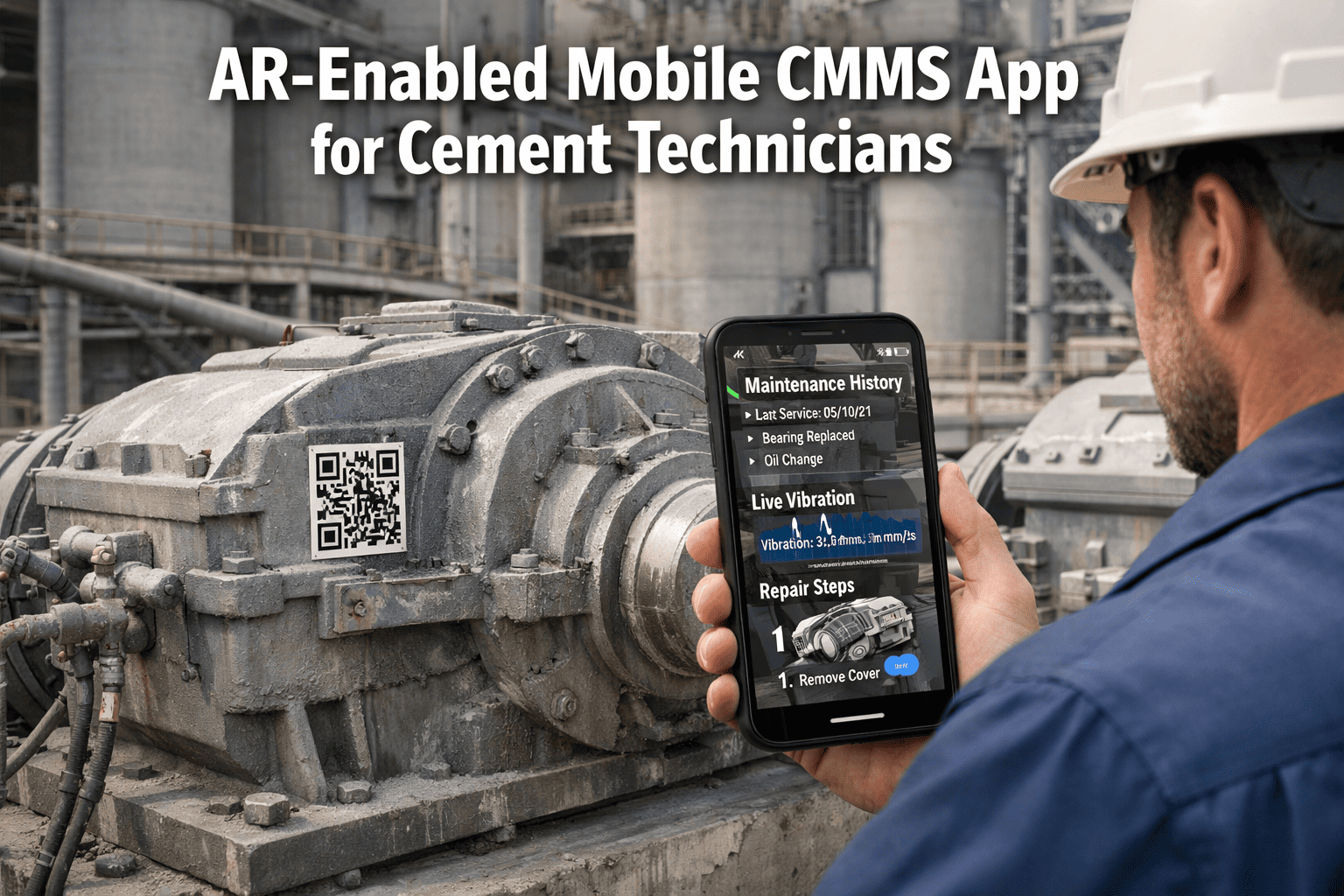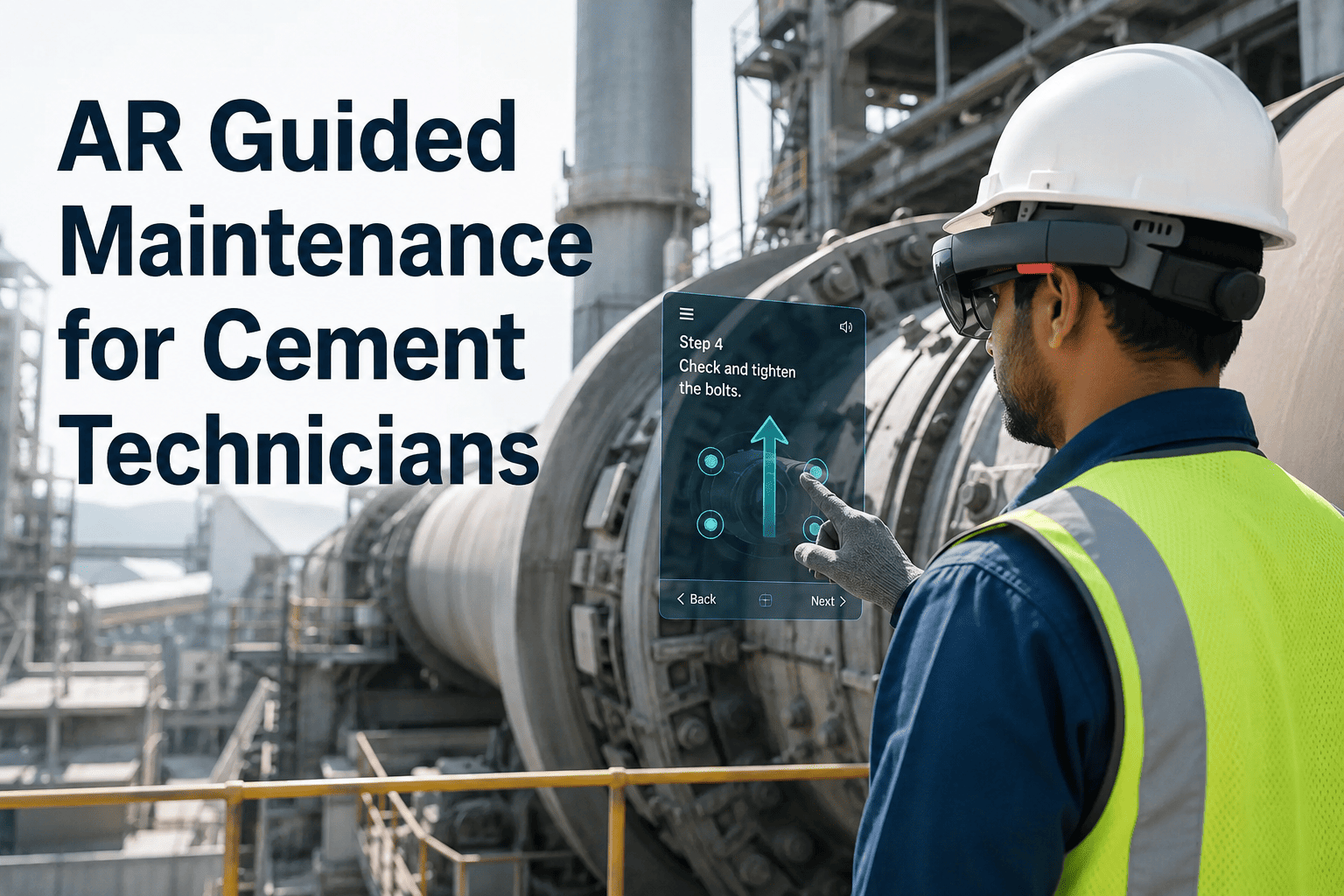
A new technician at a 6,000 TPD cement plant once stood in front of a tripped VRM gearbox holding a printed manual in one hand and a phone call to a retired supervisor in the other. The repair that should have taken ninety minutes took almost four hours, because the only reliable knowledge left in the plant lived inside the head of someone who no longer worked there. Cement plants are losing experienced hands to retirement faster than they can train replacements, and paper manuals were never built to close that gap in real time. Augmented reality changes what a junior technician can do alone, the moment they stand in front of the asset, without waiting for someone senior to be free. Book a demo to see guided AR procedures, live asset data, and remote expert support working together in a technician's hands.
AR-Guided Maintenance for Cement Technicians: Overlay Instructions, Live Data, and Remote Experts at the Asset
Oxmaint connects augmented reality overlays to your CMMS asset records, so a technician standing at a kiln drive or VRM gearbox sees the correct procedure, the live sensor reading, and the full repair history without leaving the equipment.
The 47-Minute Walk Between a Technician and the Answer
Every cement plant maintenance team carries the same hidden cost: the time spent travelling between the asset and the place where the answer lives, whether that is a filing cabinet, a control room terminal, or a senior technician on another shift. That walk is rarely measured, but it is rarely small.
How an AR-Guided Repair Actually Runs, Step by Step
Every Retiring Technician Takes Knowledge With Them. AR Guidance Keeps It on the Plant Floor.
Oxmaint links AR overlays to live CMMS asset records, so junior technicians can complete complex repairs correctly the first time, without waiting for someone senior to be available.
Four Capabilities Behind Every AR-Guided Repair
AR guidance only works in a cement plant if it is connected to the same system that holds asset history, work orders, and spare parts. These four capabilities make that connection real.
Every tagged asset opens its current AR procedure the moment it is scanned, eliminating outdated PDFs and mismatched equipment revisions on the shop floor.
A senior engineer joins the technician's live view from anywhere, drawing spatial annotations directly onto the equipment instead of describing it over the phone.
Each completed step can be confirmed with a photo or voice note attached directly to the work order, building an evidence trail no paper form ever captured.
New technicians practise and perform real repair sequences with AR step confirmation, reaching independent competency far faster than shadowing alone.
What Changes on the Floor When AR Guidance Goes Live
AR Guidance Across the Equipment That Causes Most Downtime
| Equipment | AR Use on the Floor | Typical Trigger | Outcome Logged |
|---|---|---|---|
| Kiln Drive Gearbox | 3D overlay of internal gear train during teardown and reassembly | Vibration alarm or scheduled drive inspection | Step-confirmed work order with photo evidence |
| VRM Roller Bearing | Guided bearing clearance check with live tolerance overlay | Bearing temperature trend or PM due date | Condition reading attached to asset history |
| Preheater Refractory | Remote expert review of refractory wear during shutdown window | Visual inspection flag during kiln stop | Annotated photo set linked to shutdown plan |
| Cooler Grate Plate | Overlay-guided replacement sequence for grate plate sections | Wear inspection or unplanned plate failure | Replacement count logged to spares record |
| ID Fan Bearing | Guided alignment check with live runout tolerance display | Vibration spike or alignment PM | Alignment values written to maintenance log |
| Electrical Panel | Thermal overlay comparison against baseline panel signature | Thermal imaging round or breaker trip | Hot spot finding routed to priority work order |
See AR Guidance Running Against Your Own Equipment Structure
AR-Guided Maintenance for Cement Plants — Common Questions
A standard tablet or phone camera view is enough to run Oxmaint's AR-guided procedures, since the overlay renders through the device screen rather than requiring dedicated headset hardware. Plants that already issue rugged tablets to maintenance crews can activate AR guidance on that existing hardware without a new procurement cycle. Headsets remain an option for hands-free tasks but are not a requirement to get started. Sign up to see which devices your current fleet already supports.
Every AR procedure is version-linked to the specific asset record in Oxmaint's CMMS, so a modification, rebuild, or component swap updates the procedure tied to that QR tag immediately. Technicians scanning the asset always see the current revision rather than a printed copy that may be months out of date. Engineering teams update the procedure once, centrally, and every future scan reflects that change. Book a demo to see how procedure versioning is managed for a modified asset.
Remote expert support in Oxmaint is a live, two-way session where the off-site expert sees the technician's exact camera view and can draw spatial annotations directly onto the equipment in real time. This is closer to standing beside the technician than to a phone call, since the expert can point at a specific bolt or panel rather than describing its location verbally. Sessions can be recorded for later training reference if the plant chooses. Start a free trial to test a live remote session on your own equipment.
Yes. New technicians can step through the same AR-guided procedure used for live repairs while a supervisor reviews their pace and step accuracy, building real competency before they are assigned to an asset unsupervised. Because the steps are step-confirmed, supervisors can see exactly where a trainee hesitates or makes an error. This shortens the path from new hire to independently qualified technician considerably. Book a demo to see the onboarding workflow for a new technician.
Every confirmed step, photo, voice note, and reading captured during an AR-guided session writes directly into the linked CMMS work order as the technician progresses through the procedure, with no manual re-entry required afterward. If a step reveals a part that needs replacement, the system can flag it against current spares stock immediately. The result is a closed loop between the repair performed and the permanent asset record. Sign up to see how AR sessions populate your work order history automatically.
Stop Letting Institutional Knowledge Walk Out the Gate Every Time Someone Retires.
Oxmaint connects AR overlays, live asset data, and remote expert support directly to your CMMS, so every technician — junior or senior — has the right procedure in front of them at the equipment, every single time.