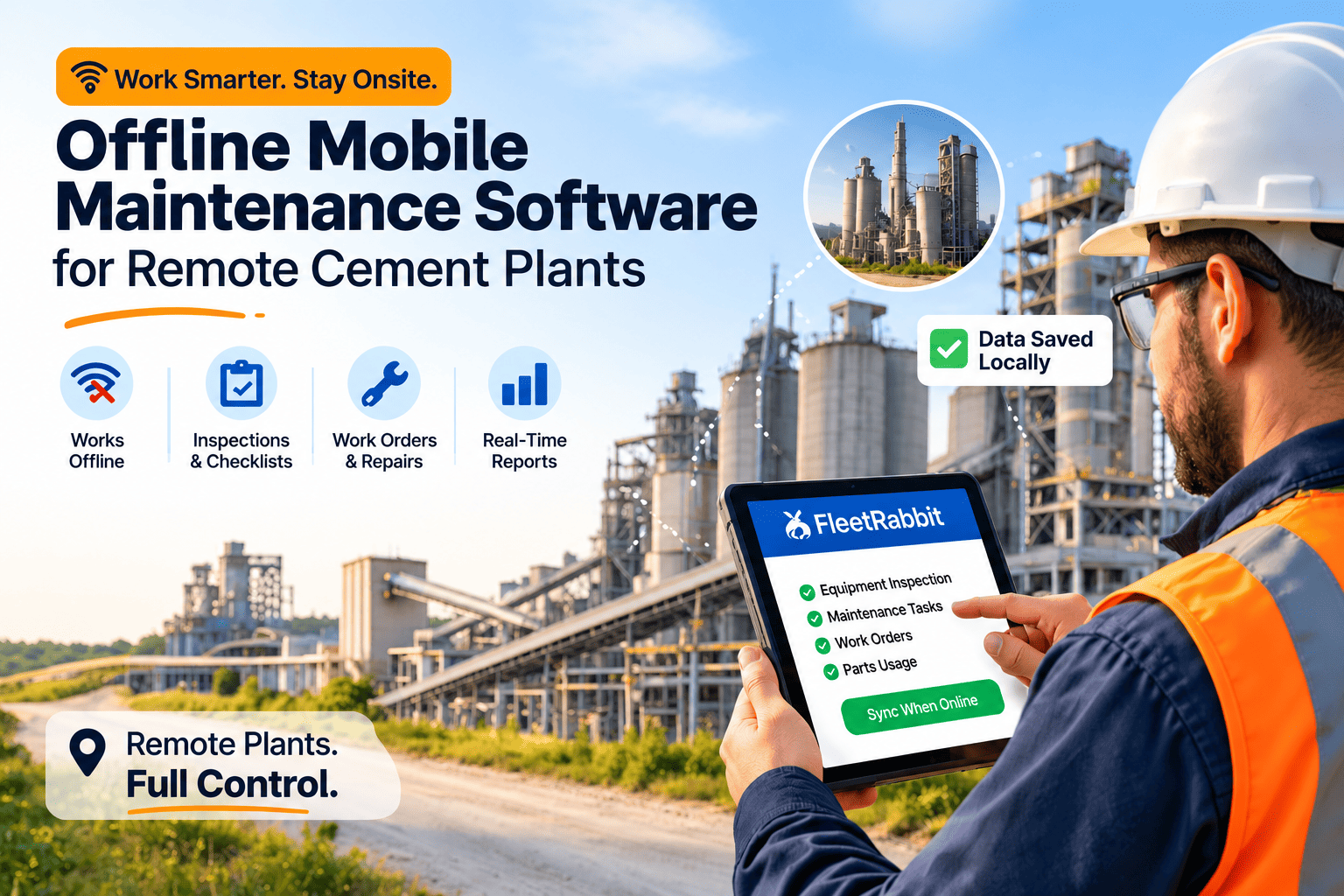
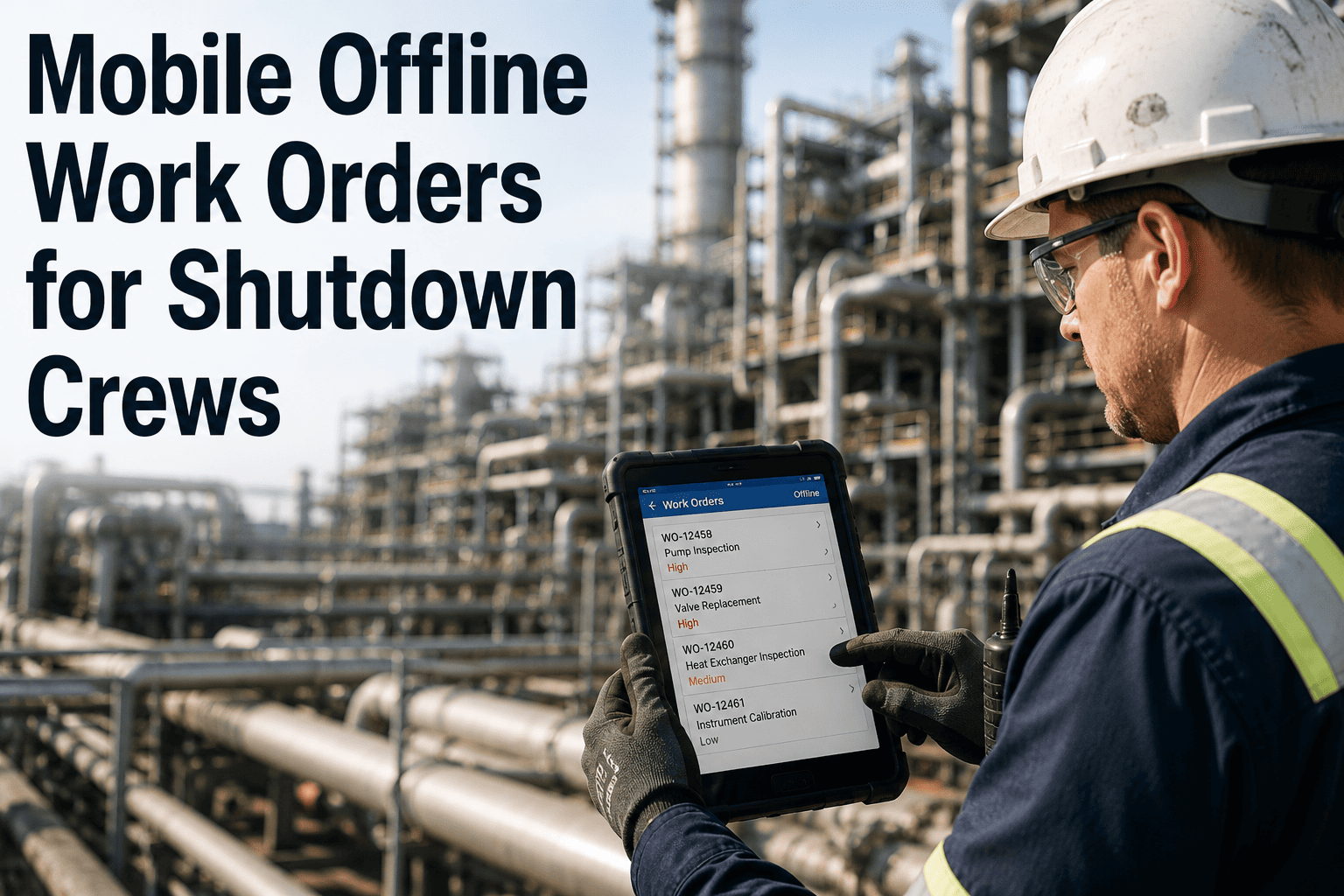
Cement plant technicians spend their day between the raw mill, the kiln, and the cooler — not behind a desk. But most maintenance systems are built for desktops. Paper job cards get lost, WhatsApp updates disappear, and shift handovers miss critical observations from the field. OxMaint gives technicians an app built for the plant floor: offline work orders, inspection checklists, parts logging, and photo evidence — all synced to your CMMS when connectivity returns. Start a free trial and see what mobile maintenance looks like for cement teams.
Mobile CMMS · Cement Technicians · Offline Maintenance
Mobile CMMS Built for Cement Plant Technicians
Jobs assigned. Checklists filled. Parts logged. Photos attached. All done in the field — no paper, no desk, no connectivity required.
100%
Offline capable — no network required in field
40%
Reduction in missed PM tasks after mobile rollout
A Day in the Field
What Changes When Technicians Go Mobile
Supervisor prints work orders in the morning — three pages, often outdated
Technician writes observations on paper during inspection — often illegible later
Parts needed are estimated from memory — wrong parts brought half the time
Shift handover is verbal — critical observations do not transfer reliably
Work order closure happens in the office, hours after the job — memory loss fills the gaps
Technician opens the app — assigned jobs listed with priority, equipment ID, and checklist
Checklist filled on-screen with pass/fail, readings, and typed observations during the job
Parts list pulled from asset BOM — technician confirms what was consumed in real time
Shift notes attach to the work order — next shift sees exact status with photos on mobile
Work order closes in the field with technician sign-off and timestamp — CMMS updates instantly
App Capabilities
What the OxMaint Mobile App Gives Technicians
WO
Work Order Management
Receive, start, update, and close work orders from the mobile app. Prioritized job queue shows what needs attention first — no supervisor call needed to know the next job.
INS
Inspection Checklists
Structured checklists with pass/fail, numeric input, and dropdown fields. Abnormalities automatically flag a corrective work order — no manual follow-up step needed.
PHO
Photo and Video Capture
Attach photos directly to the work order from the camera. Visual evidence of before/after, wear conditions, or defects stays linked to the asset record permanently.
PRT
Parts Logging
Log parts consumed from the asset BOM or search by name. Parts usage posts to inventory in real time — no separate store ticket or manual entry at shift end.
OFF
Offline Mode
Work orders, checklists, and asset data cache on the device. Technicians complete full jobs in zero-connectivity zones — all data syncs automatically when back in range.
HND
Shift Handover Notes
Add handover notes to any open work order. The incoming technician sees the exact status — no verbal briefing, no lost context between shifts.
Put Maintenance Where the Work Happens
OxMaint mobile works on any Android or iOS device. No hardware purchase required. Start with a single team and expand across the plant at your pace.
Cement-Specific Use Cases
How Cement Teams Use OxMaint Mobile on the Plant Floor
Rotary Kiln
Daily shell temperature scan logging with photo of hot spot
Thermal trends tracked per kiln section — early refractory wear detected before failure
Vertical Roller Mill
Roller wear measurement recorded in checklist with numeric input
Wear trend visible over 30 days — roller swap planned before forced stop
Bag Filter
Differential pressure reading entered per compartment during rounds
Blocked bags flagged automatically when reading exceeds threshold
Clinker Conveyor
Belt tension and idler condition checked on mobile inspection route
Failed idlers logged with photo — corrective order raised before belt damage
Common Questions
Mobile CMMS for Cement — What Teams Ask
Does OxMaint mobile work in underground or low-signal areas of a cement plant?
Yes. OxMaint operates fully offline. Work orders, checklists, and asset data are downloaded to the device before the technician enters a low-signal zone. All completed work syncs when the device reconnects — nothing is lost.
Try it in a free trial with your own device.
What devices does OxMaint mobile support?
OxMaint runs on Android 8.0+ and iOS 13+. It works on standard smartphones and rugged devices used in cement plant environments. No proprietary hardware or dedicated tablets are required — most cement plant technicians can use their existing devices.
How long does it take to train a cement technician on OxMaint mobile?
Most technicians are productive in OxMaint within one shift. The job queue and checklist interface follows the technician's natural workflow. A two-hour onboarding session covers work orders, inspections, parts logging, and photo capture.
Book a demo to see the technician interface live.
Can supervisors see real-time job status from the office?
Yes. When a technician updates a work order on mobile, the supervisor dashboard reflects it instantly. Job start, in-progress status, parts consumed, and closure are all visible in real time — no phone calls or WhatsApp updates needed during the shift.
Give Your Technicians the Tool They Actually Need
OxMaint mobile works where your technicians work — at the kiln, the mill, the conveyor. Offline-ready, photo-enabled, and connected to your CMMS automatically when they return to coverage.