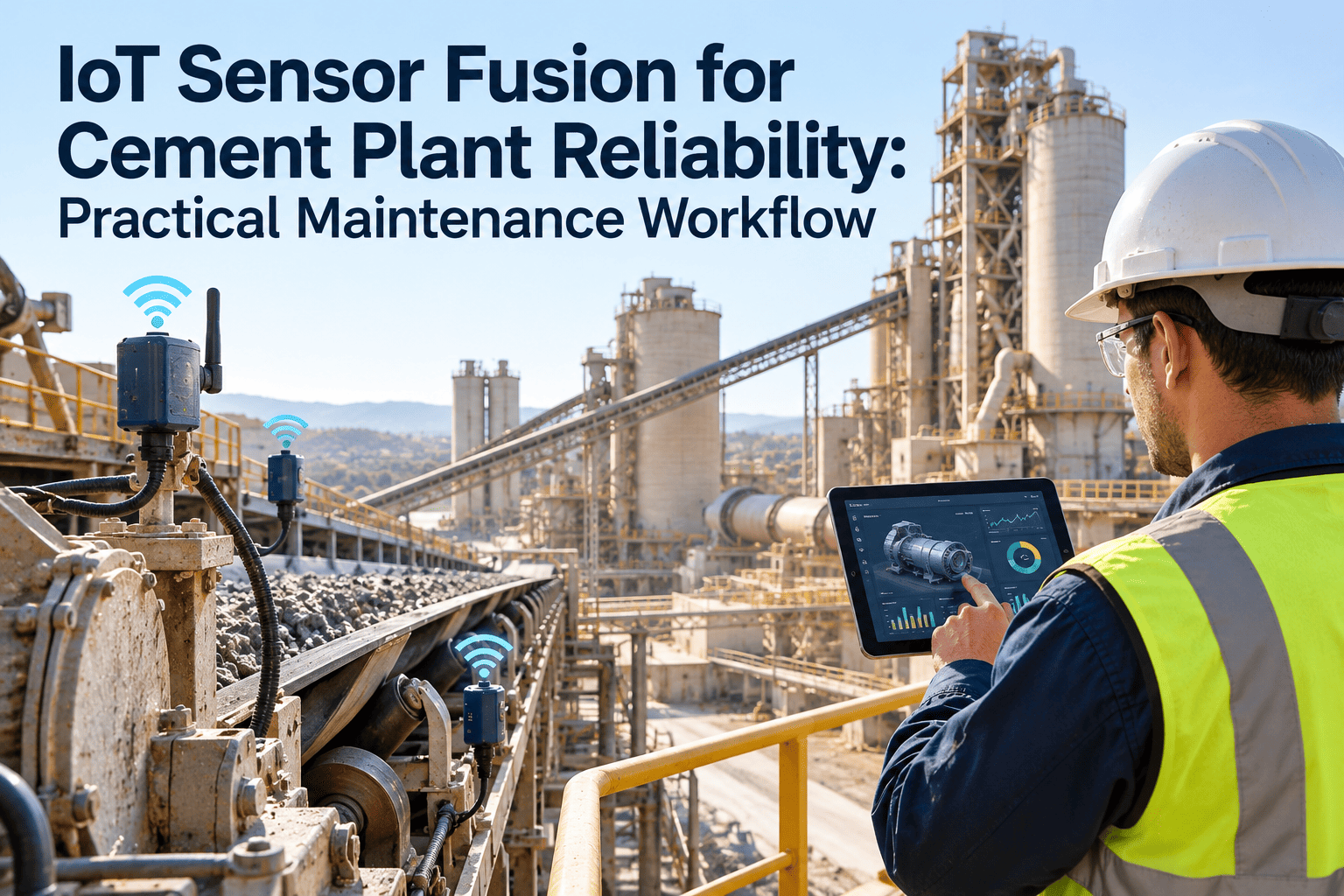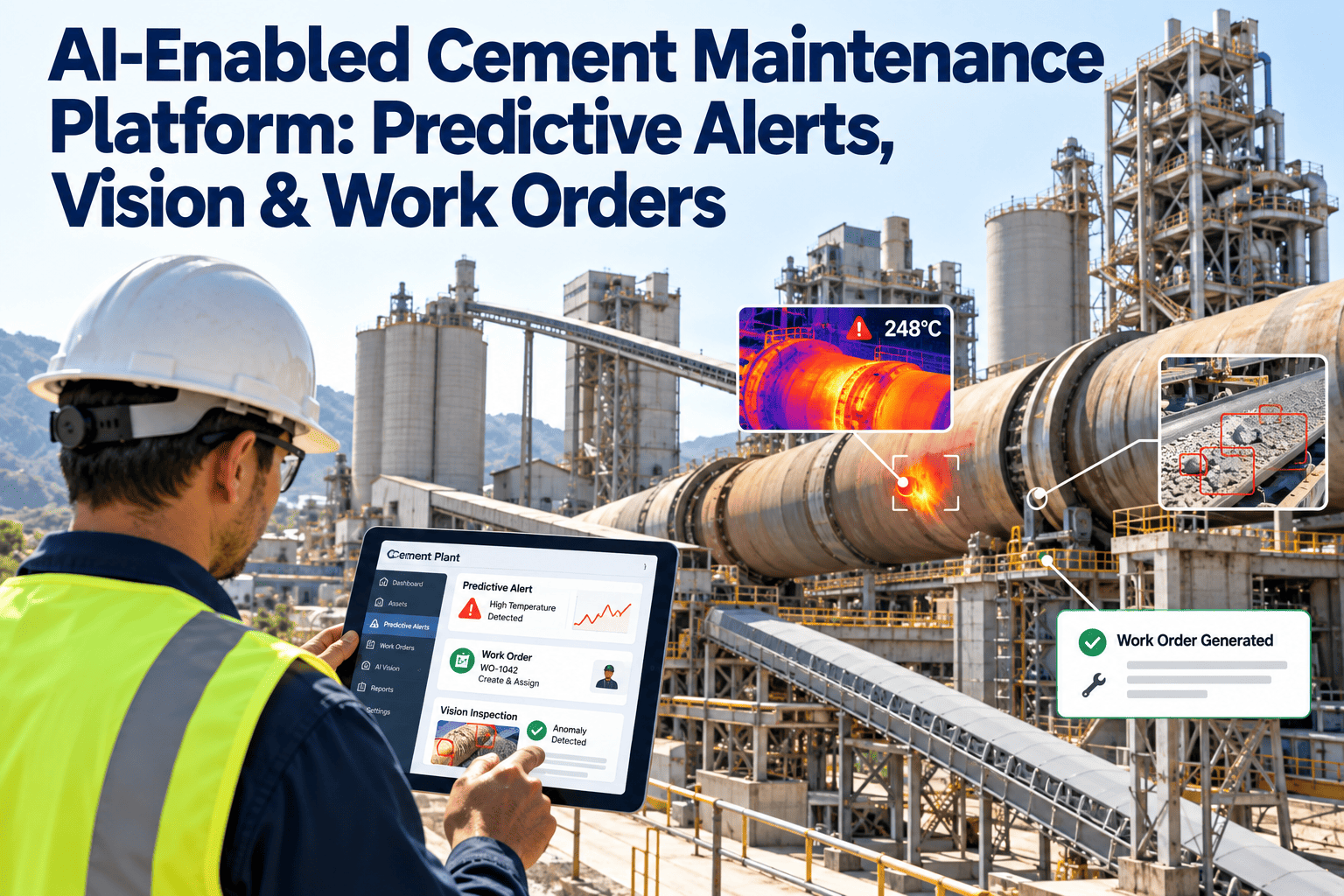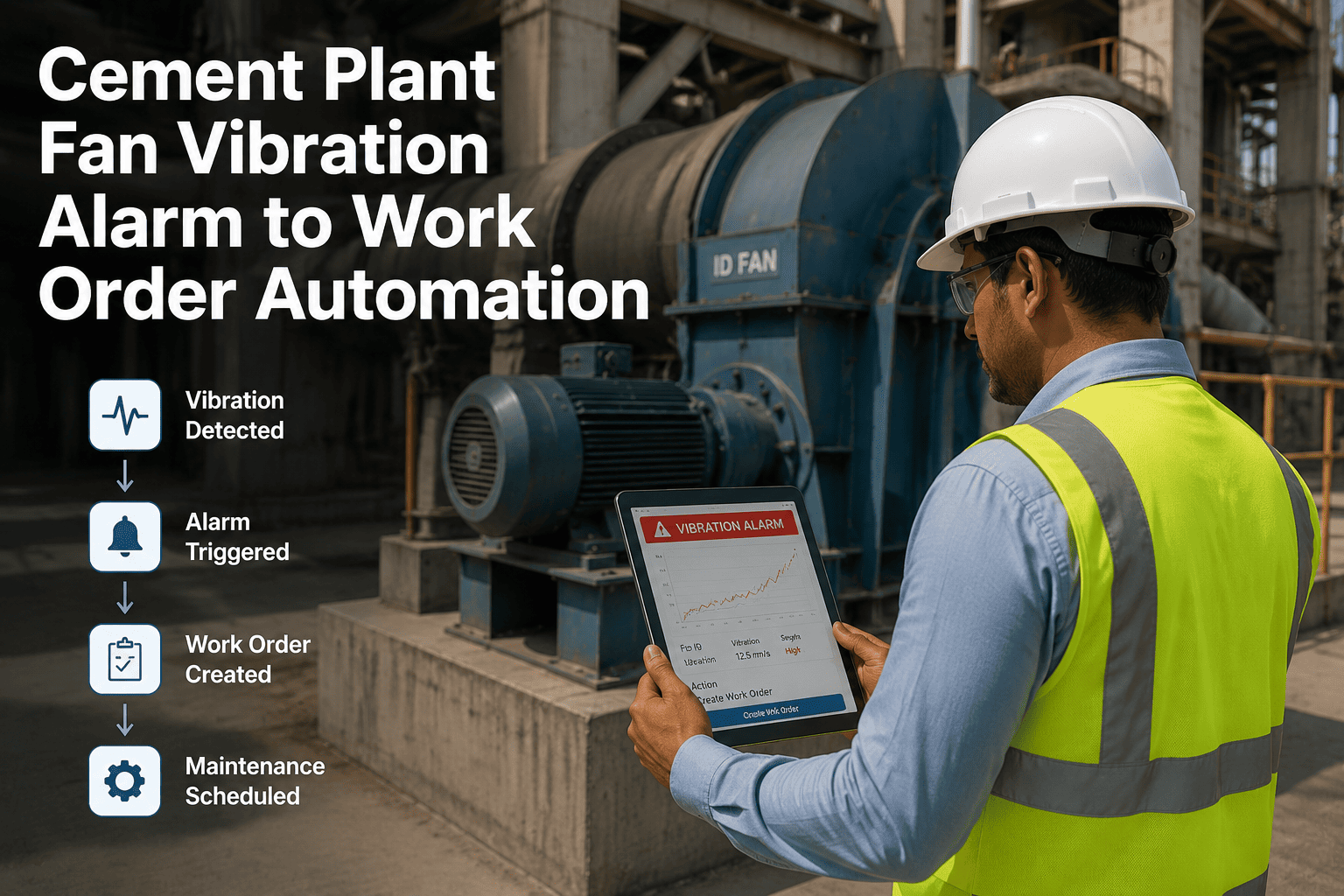
A cement plant running IoT condition monitoring across kilns, mills, fans, and conveyors can generate hundreds of alerts a day, and once that volume crosses a certain point, technicians stop reacting to individual alarms the way the system was designed for. This is alert fatigue, and it is one of the most common reasons plants invest in predictive sensors but still get caught by failures the sensors technically flagged days earlier. Prioritizing alerts by asset criticality and failure risk inside OxMaint cuts through the noise so technicians act on the alarms that actually matter, and a demo walkthrough shows the prioritization logic applied to your own sensor feed.
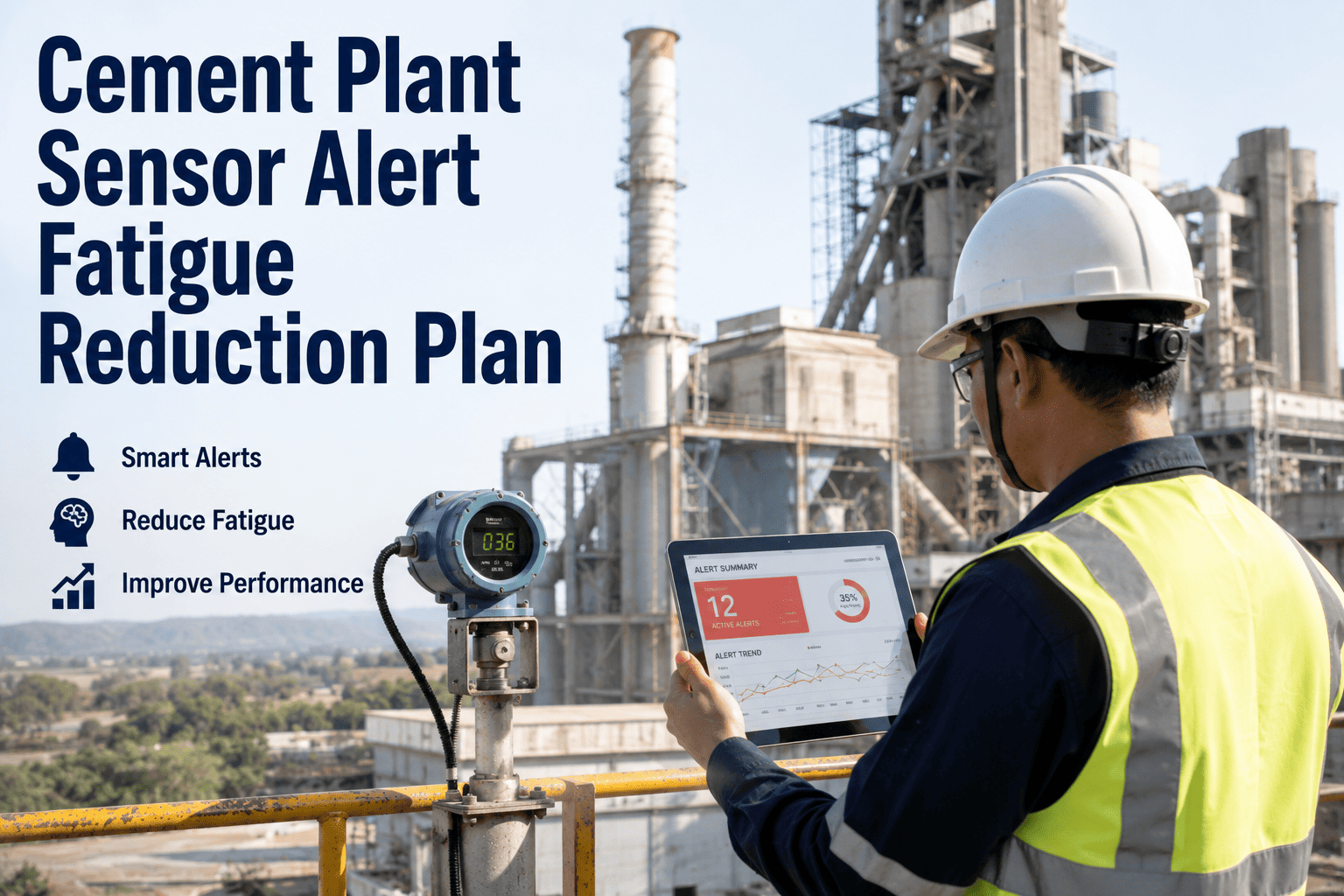
Cement Plant Sensor Alert Fatigue Reduction Plan
More sensors should mean fewer surprises, not more noise. Here is how to cut alert volume without losing the warnings that matter.
Why Alert Volume Gets Out of Control
Alert fatigue rarely comes from too many sensors. It comes from every sensor treating every threshold breach with the same urgency, regardless of whether the asset behind it is a critical kiln drive or a backup conveyor that has spare capacity.
Every sensor uses the same deviation percentage to trigger an alert, regardless of how critical the underlying asset actually is to production.
A minor vibration drift and an imminent bearing failure land in the same inbox with the same visual weight and the same notification sound.
The same failure condition triggers separate alerts from temperature, vibration, and current sensors instead of one consolidated alert.
Without tracking who saw which alert and when, the same condition keeps re-alerting even after a technician has already responded to it.
Not All Alarms Deserve the Same Reaction Time
OxMaint ranks every alert against asset criticality and failure probability so the right alarm reaches the right technician first.
Four-Tier Alert Classification
Every alert is scored against two factors together: how critical the asset is to plant output, and how close the reading is to an actual failure threshold.
Technician Inbox Before and After Prioritization
Typical Alert Sources by Equipment Type
Different equipment categories generate different alert patterns, and knowing the dominant signal type for each helps set realistic thresholds instead of applying one generic rule plant-wide.
| Equipment Type | Primary Signal | Common False Trigger | Recommended Tier |
|---|---|---|---|
| Kiln main drive | Vibration, current draw | Startup transient spikes | Tier 1 |
| Raw mill bearings | Temperature, vibration | Ambient heat variation | Tier 1-2 |
| ID fan assembly | Vibration, bearing temp | Load fluctuation noise | Tier 2 |
| Belt conveyor idlers | Temperature, speed drift | Material load variance | Tier 3-4 |
Implementing Tiered Alerts Without Disrupting Operations
Switching from a flat alert stream to a tiered model works best as a gradual transition rather than a single cutover, so technicians can build trust in the new prioritization before it fully replaces the old workflow.
Keep the existing alert stream active alongside the new tiered system so any missed conditions are caught during the transition.
Confirm that every Tier 1 critical alert during the parallel run reflects a genuine high-risk condition before trusting the model fully.
Once Tier 1 and Tier 2 accuracy is confirmed, switch off the legacy flat notifications and move fully to the tiered model.
Frequently Asked Questions
How is asset criticality actually determined for the matrix?+
Will lowering alert volume cause us to miss real failures?+
Can the priority tiers be adjusted after deployment?+
How are duplicate alerts from multiple sensors handled?+
What happens to alerts that are acknowledged but not yet resolved?+
Turn Sensor Noise Into Signal Technicians Trust
Prioritize alerts by what actually matters to production and stop letting real warnings get lost in volume.