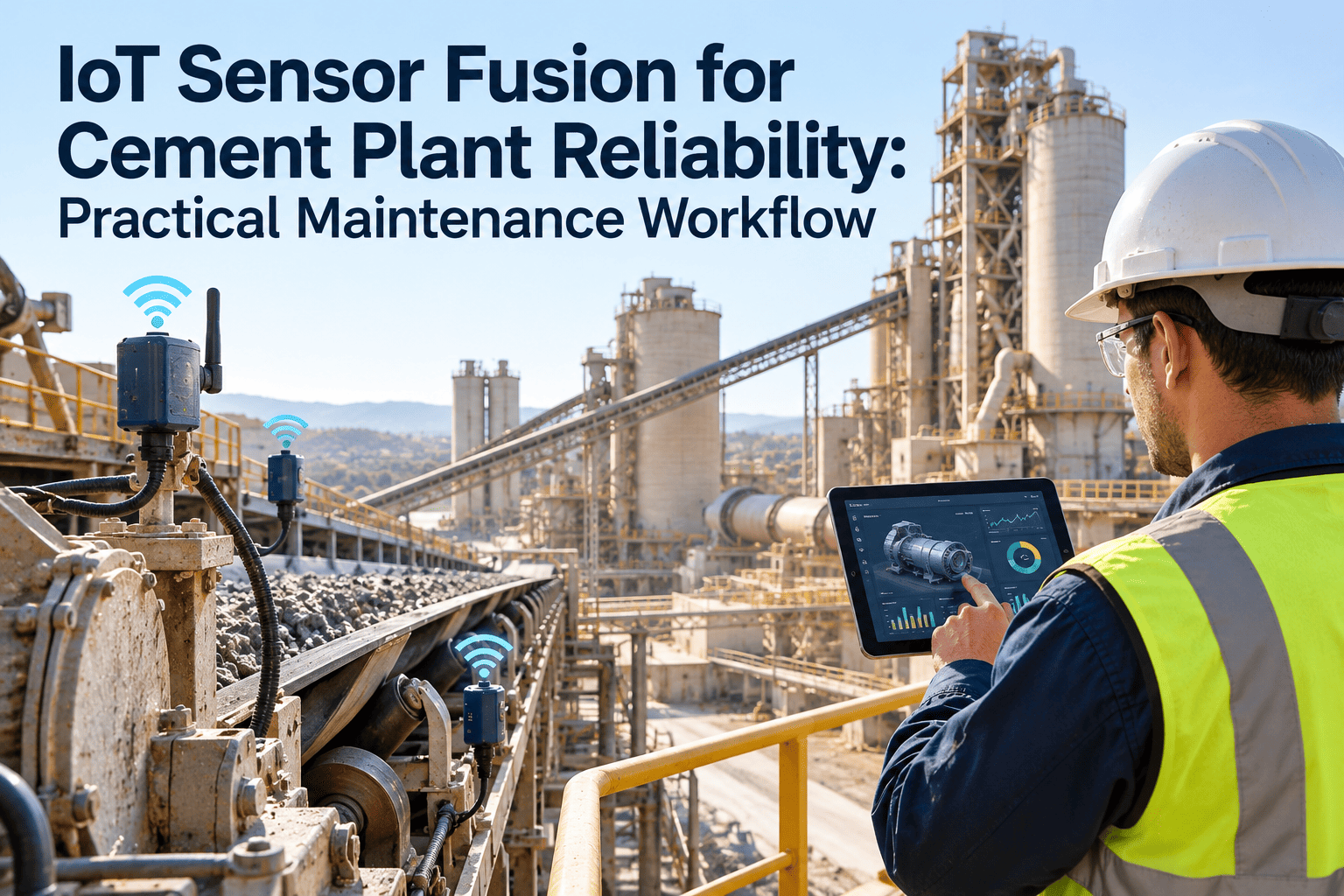
A single vibration alarm on a kiln fan tells you something changed, but not why. It could be buildup on the impeller, a loosening bearing, a raw meal change, or a sensor fault. Sensor fusion combines several signals from the same asset, such as vibration, temperature, motor current, and process load, so a maintenance team can judge whether a reading is a real developing fault. This guide explains a practical fusion workflow for cement plants, and how a cement maintenance management platform turns the result into tracked work.
IoT Sensor Fusion for Cement Plant Reliability: Practical Maintenance Workflow
Stop reacting to single alarms. Combine vibration, temperature, current, and process context into one confidence-ranked view, then route confirmed findings into planned work orders.
Why Single-Signal Monitoring Struggles in Cement Plants
The environment creates noise
- Dust, heat, and washdown contaminate sensors and cabling, so readings can drift without any mechanical change.
- Process swings, such as a change in raw material hardness or fuel mix, move vibration and current without a fault.
- Large, slow machines like mill drives and kiln support stations produce subtle early signatures that a single threshold often misses.
The result is alarm fatigue
- Teams learn which alarms are usually false and start ignoring them.
- Real developing faults hide inside the same alarm list.
- Reliability engineers spend time validating alerts rather than planning repairs.
What Sensor Fusion Means in Maintenance Terms
- One reading crosses one limit
- Alarm sent to whoever is on shift
- Cause unknown until someone inspects
- Limits set once and rarely revisited
- Several signals agree, or disagree, on the same asset
- Process context explains normal changes
- Confidence level guides urgency
- Findings feed back to improve rules
A simple definition to share with your team
- Fusion is not a black box. It is cross-checking signals against each other and against operating conditions.
- It works with existing sensors, historians, and inspection data before any new hardware is bought.
- A reliability engineer stays in the decision loop.
Signal Pairings That Improve Diagnosis
The value comes from pairing signals that respond differently to the same fault. These pairings are common starting points, adapted to each plant.
| Asset | Signal Combination | What Agreement Suggests | What Disagreement Suggests |
|---|---|---|---|
| Preheater and ID fan | Vibration, bearing temperature, motor current | Bearing wear or imbalance from buildup | Process change or sensor issue, verify on site |
| Vertical roller mill | Vibration, differential pressure, hydraulic pressure | Roller or table wear, grinding bed instability | Feed variation rather than mechanical fault |
| Main gearbox | Vibration, oil temperature, oil analysis | Gear wear or lubrication breakdown | Cooling issue or sampling error |
| Kiln drive and support rollers | Motor current, shell temperature, alignment data | Misalignment or roller surface issue | Load change from feed or coating |
| Bucket elevator | Motor current, speed, ultrasound | Chain stretch, bearing or head shaft problem | Material surge or feed irregularity |
| Bag filter system | Differential pressure, valve cycles, emission reading | Bag leak or cleaning system fault | Moisture or dust load variation |
Fusion Maturity Ladder
Most plants do not need advanced analytics on day one. Move up one rung at a time and confirm value at each step.
The Practical Maintenance Workflow
Fusion only pays off when the output reaches the people who plan and execute work.
Give Every Signal a Path to a Work Order
Connect condition findings, inspection rounds, and maintenance history in one system so the right team acts on the right alert.
Confidence Scoring: Deciding How Fast to Respond
| Confidence | Typical Evidence | Maintenance Response |
|---|---|---|
| Low | One signal outside normal range, no process explanation | Add to watch list, schedule a targeted operator check |
| Medium | Two signals agree, trend is rising over several days | Raise inspection work order within the planning cycle |
| High | Multiple signals agree, trend is accelerating, criticality is high | Plan repair for next window, confirm parts and skills |
Illustrative scenario
This is a hypothetical example, not a client case. On an ID fan, drive-end bearing temperature rises slowly while vibration in the bearing frequency band increases, and motor current stays flat.
- Because temperature and vibration agree and current does not point to a process change, confidence is raised.
- An inspection work order is created with trend charts attached.
- Findings after the inspection are logged, refining the rule for similar fans.
Data Quality Checklist Before You Trust Any Fusion Output
- Sensors mounted correctly and cables protected from heat and dust
- Calibration and last-check dates recorded per sensor
- Timestamps aligned across historian, DCS, and inspection records
- Asset names matched between monitoring tools and maintenance records
- Operating mode tagged so normal variation can be filtered
- Failed or bypassed sensors clearly flagged, not silently ignored
- Alert ownership assigned to a named role
- False alarm outcomes recorded for every review
Reducing False Alarms Without Missing Real Faults
Where Oxmaint Fits in the Fusion Workflow
Oxmaint does not replace your sensors or historian. It gives fused findings a maintenance home, so they become assigned, tracked, and documented work.
| Workflow Need | Maintenance Software Capability |
|---|---|
| Know which asset an alert belongs to | Asset management with hierarchy, criticality, and history |
| Confirm a finding on site | Mobile inspections with readings, notes, and photos |
| Act on confirmed findings | Work orders with planning, assignment, and completion records |
| Prevent routine faults | Preventive maintenance schedules, including lubrication and alignment checks |
| Have the right parts ready | Inventory tracking for critical spares |
| Learn from outcomes | Reporting on repeat failures, backlog, and downtime causes |
Common Pitfalls
Frequently Asked Questions
Turn Condition Data into Planned Reliability Work
Bring inspections, alerts, and work orders into one workflow, and let your reliability team focus on the assets that truly need attention.