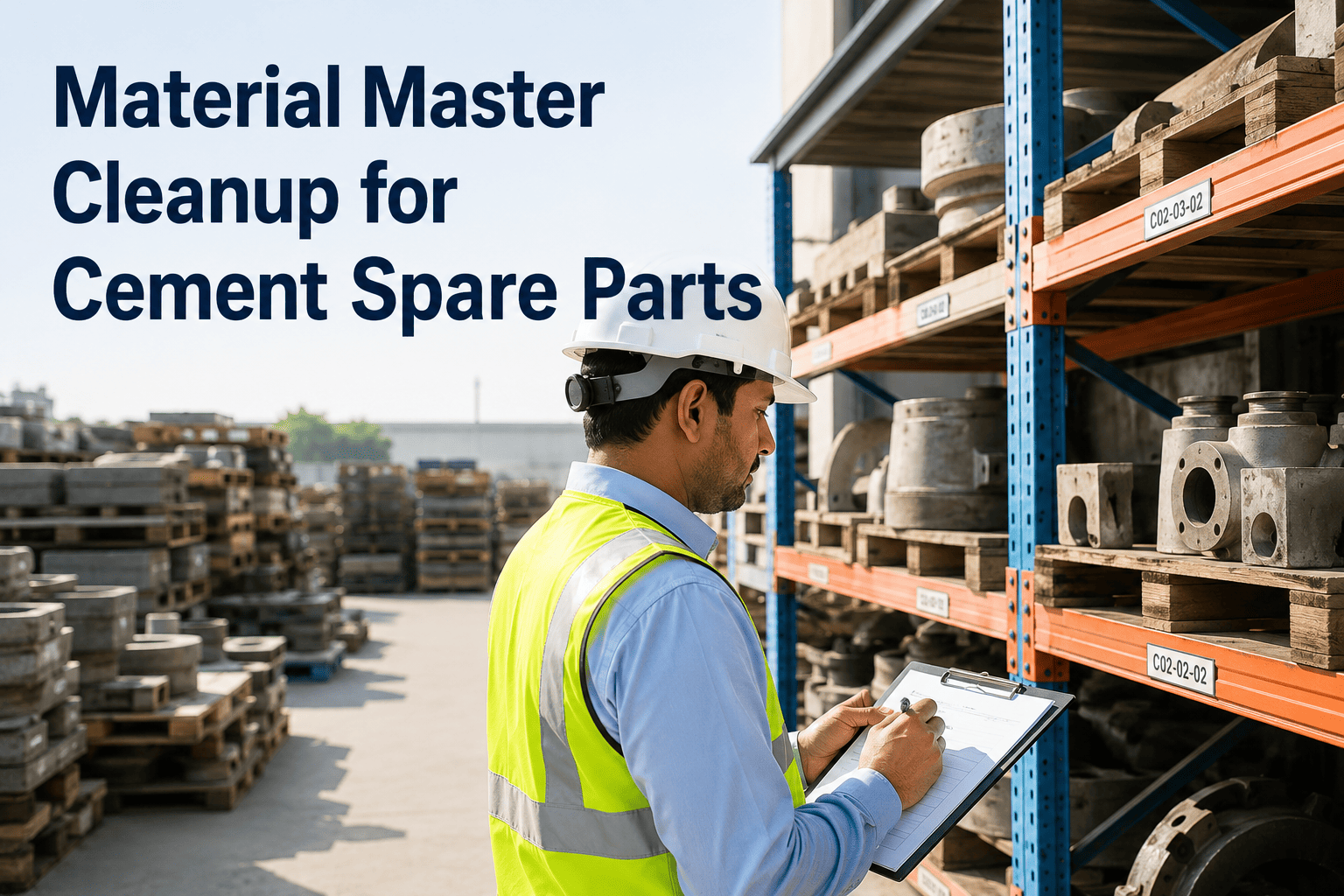
A cement plant maintenance team needed to add 340 new spare parts for a kiln upgrade project. Manually creating each material master in SAP—entering basic data, plant data, purchasing views, and storage location details—would take weeks. Using the Oxmaint API integration, they bulk-created material masters directly from their spare parts database, completing the entire catalog in hours with consistent data quality. This guide covers how to create material masters via API for cement plant equipment, including required fields, data mapping, and error handling.
Material master records form the foundation of SAP Materials Management. Each spare part, consumable, and equipment component needs a material master with correct views for procurement, inventory, and costing. Manual creation is time-consuming and error-prone—especially for cement plants with thousands of parts across crushers, mills, kilns, and packaging equipment. API-based material creation automates this process, enabling bulk imports from maintenance systems like Oxmaint while ensuring data consistency. Book a demo to see automated material master creation in action.
Create Material Master via API for Cement Plant Equipment
Step-by-step guide for MM-001 transaction sync between Oxmaint and SAP Materials Management.
Prerequisites
Before creating material masters via API, ensure the following requirements are met.
SAP API Access
RFC/BAPI connectivity or OData API access configured. Service user with authorization for BAPI_MATERIAL_SAVEDATA or equivalent.
Master Data Setup
Material types, material groups, units of measure, and plant/storage location configuration completed in SAP.
Data Mapping
Field mapping between Oxmaint spare parts and SAP material master views defined and validated.
Test Environment
Non-production SAP system available for testing API calls before production deployment.
API Methods
Two primary methods for creating material masters programmatically.
BAPI_MATERIAL_SAVEDATA
Standard SAP BAPI for material master creation. Supports all material types and views. Includes built-in validation and returns detailed error messages.
OData API (S/4HANA)
RESTful API for S/4HANA environments. JSON-based payloads with modern authentication. Ideal for cloud integrations and microservices architecture.
Automate Material Master Creation
Oxmaint handles API complexity—create materials from your spare parts catalog without writing code.
Required Fields
Minimum data required to create a valid material master for cement plant spare parts. Oxmaint maps these fields automatically from your spare parts data.
| SAP Field | BAPI Parameter | Description | Example |
|---|---|---|---|
| Material Number | HEADDATA-MATERIAL | Unique material identifier (external or auto-generated) | BEAR-6205-2RS |
| Industry Sector | HEADDATA-IND_SECTOR | Industry classification (M = Mechanical) | M |
| Material Type | HEADDATA-MATL_TYPE | SAP material type (ERSA, HIBE, etc.) | ERSA |
| Description | MATERIALDESCRIPTION-MATL_DESC | Material short text | Ball Bearing 6205-2RS |
| Base Unit | CLIENTDATA-BASE_UOM | Base unit of measure | EA |
| Material Group | CLIENTDATA-MATL_GROUP | Material grouping for reporting | MECH-BRG |
| Plant | PLANTDATA-PLANT | Plant code where material is used | 1000 |
| Storage Location | STORAGELOCATIONDATA-STGE_LOC | Default storage location | 0001 |
API Request Structure
Example BAPI call structure for creating a material master record.
HEADDATA:
MATERIAL      = 'BEAR-6205-2RS'
IND_SECTOR    = 'M'
MATL_TYPE     = 'ERSA'
BASIC_VIEW    = 'X'
PURCHASE_VIEW = 'X'
STORAGE_VIEW  = 'X'
CLIENTDATA:
BASE_UOM      = 'EA'
MATL_GROUP    = 'MECH-BRG'
CLIENTDATAX:
BASE_UOM      = 'X'
MATL_GROUP    = 'X'
PLANTDATA:
PLANT         = '1000'
PLANTDATAX:
PLANT         = '1000'
STORAGELOCATIONDATA:
PLANT         = '1000'
STGE_LOC      = '0001'
MATERIALDESCRIPTION:
LANGU         = 'EN'
MATL_DESC     = 'Ball Bearing 6205-2RS Sealed'
Cement Plant Material Types
Common SAP material types used for cement plant equipment spare parts.
Spare Parts
Standard spare parts for equipment maintenance. Bearings, seals, filters, belts. Inventory-managed with purchasing views.
Operating Supplies
Consumables and MRO supplies. Lubricants, cleaning materials, PPE. Often managed as non-valuated inventory.
Maintenance Assemblies
Configurable assemblies and kits. Gearbox rebuild kits, pump repair kits. May include BOM structures.
Non-Stock Materials
Direct-purchase items not held in inventory. Special order parts, one-time purchases. No storage location required.
Step-by-Step Process
Complete workflow for creating material masters via API from Oxmaint spare parts data.
Prepare Source Data
Export spare parts from Oxmaint with required fields. Validate data completeness and format consistency before API submission.
Map to SAP Structure
Transform Oxmaint data to SAP BAPI parameter structure. Apply material type logic based on part category.
Execute API Call
Submit BAPI_MATERIAL_SAVEDATA with prepared parameters. Process in batches for bulk creation.
Handle Response
Process return messages for success confirmation or error handling. Log results and update Oxmaint with SAP material numbers.
Skip the API Complexity
Oxmaint handles SAP integration—create materials from your spare parts catalog with a few clicks.
Error Handling
Common errors when creating material masters and how to resolve them.
Material number already assigned in SAP. Use BAPI_MATERIAL_GET_DETAIL to check existence before creation, or implement update logic.
Invalid material type for industry sector. Verify material type configuration in SAP customizing (T-code OMS2).
Plant code not configured in SAP. Validate plant codes against T001W table before submission.
Base unit not maintained in SAP. Check T006 table for valid UoM codes. Map Oxmaint units to SAP equivalents.
Best Practices
Guidelines for reliable material master creation via API.
Validate Before Submit
Check required fields, valid values, and data formats before API calls. Pre-validation reduces error rates and processing time.
Use Batch Processing
Group multiple materials into batch submissions. Reduces RFC overhead and improves throughput for bulk creation.
Implement Idempotency
Check for existing materials before creation. Support retry logic that doesn't create duplicates if initial call times out.
Log Everything
Capture API requests, responses, and error messages. Detailed logs enable troubleshooting and audit trails.
Frequently Asked Questions
Automate Your Material Master Creation
Join cement plants using Oxmaint to sync spare parts with SAP Materials Management automatically.