Cement plants run on spare parts — and spare parts run on data. When your material master is full of duplicate entries, inconsistent naming, and missing criticality flags, procurement slows, stockouts happen, and planners waste hours reconciling what should be simple lookups. This page covers how structured material master cleanup transforms spare parts management in cement operations. If your plant is dealing with SAP MM clutter or CMMS mismatches, book a 30-minute demo to see how OxMaint brings order to your inventory data.
Spares & Procurement · SAP/ERP Integration · Cement Maintenance
Material Master Cleanup for Cement Spare Parts
Duplicate SKUs, vague part names, and missing criticality tags are costing your plant more than you think. Here is how cement teams fix it — and what they gain.
34%
of cement plant spare part records contain duplicates or naming inconsistencies
2x
faster parts identification after structured master data cleanup
60%
reduction in emergency procurement when criticality flags are correctly set
The Real Problem
Why Cement Plant Material Masters Degrade
Cement plants accumulate equipment over decades. Each expansion, OEM change, or ERP migration leaves behind inconsistent naming conventions, duplicate part entries, and missing asset linkages. The result is a material master that technicians cannot trust — so they work around it.
Problem 01
Duplicate Part Records
The same bearing appears as "SKF 6205", "6205-2RS", and "Bearing-Kiln-Drive-05". Three records, one part, split stock — planners order excess or stockout.
Problem 02
Vague or Missing Descriptions
Entries like "SEAL-MISC" or "SPARE-GEN" have no manufacturer, no dimension, and no equipment link. New technicians cannot find or verify them during a breakdown.
Problem 03
No Criticality Classification
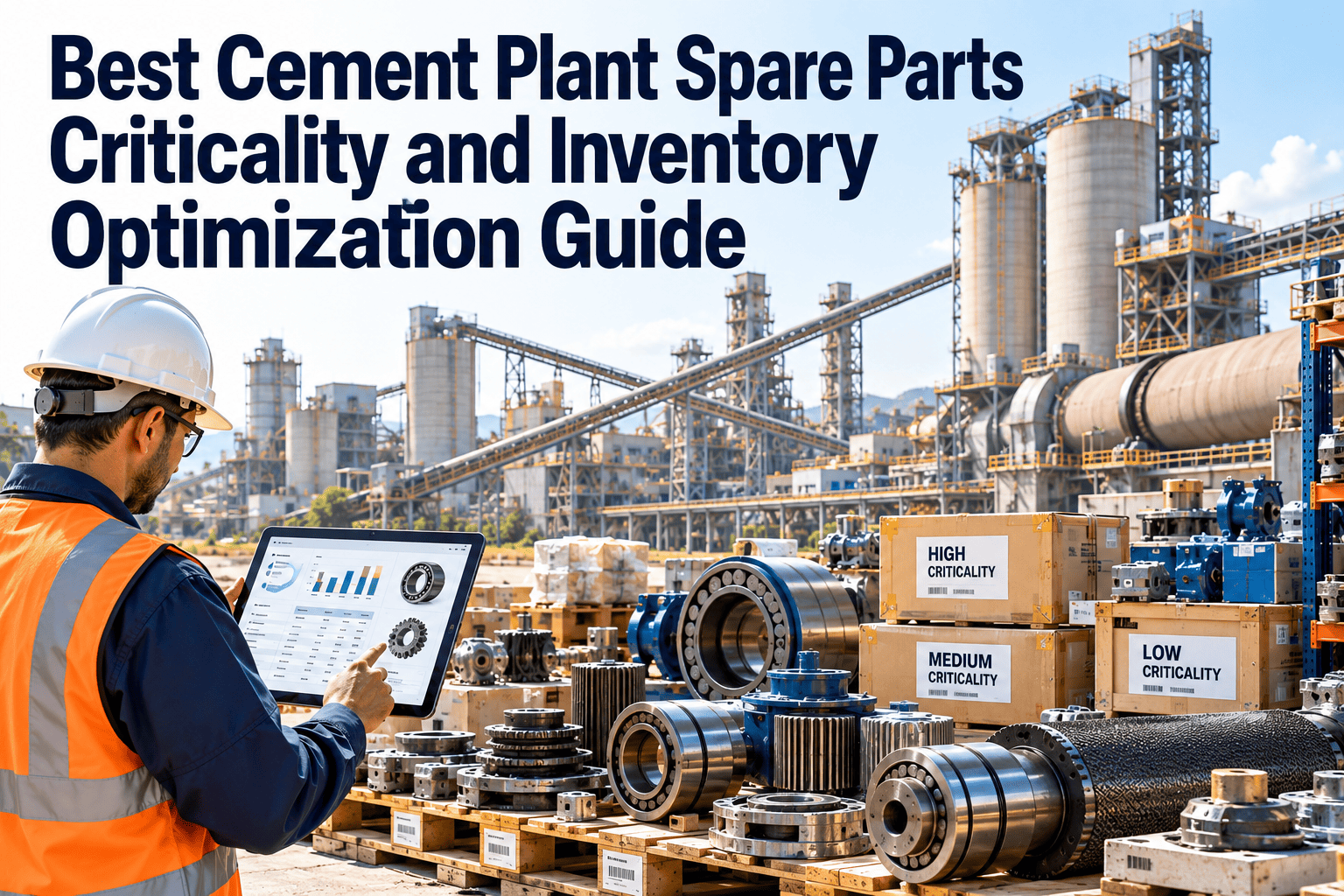
Without A/B/C criticality flags, every part looks the same in the system. Critical rotary kiln seals and office chair casters carry identical procurement priority.
Problem 04
Broken Asset Hierarchy Links
Parts are not linked to the equipment they serve. When a vertical roller mill fails, planners cannot quickly pull the bill of materials for that specific asset in SAP.
Cleanup Methodology
A Structured Approach That Actually Works
1
Data Extraction and Audit
Pull all spare part records from SAP MM. Flag entries with missing manufacturer part numbers, blank equipment assignments, or description length under 20 characters. This audit typically reveals 20–40% of records need action.
2
Duplicate Identification and Merge
Use manufacturer part number and dimensional specs as merge keys. Consolidate duplicate records into a single material number, reassign stock quantities, and archive superseded entries. OxMaint surfaces these matches automatically against your asset hierarchy.
3
Naming Convention Standardization
Apply a consistent naming schema: NOUN — MODIFIER — SPECIFICATION — MANUFACTURER. Example: "BEARING — DEEP GROOVE — 6205-2RS — SKF". This format is searchable, sortable, and unambiguous across shifts and teams.
4
Criticality Classification
Assign A/B/C criticality based on equipment impact (does failure stop production?), lead time (is the OEM the only source?), and cost of stockout. Class A parts drive minimum stock levels and preferred supplier contracts.
5
Asset Hierarchy Linkage in CMMS
Link each part to the functional location and equipment ID it serves in OxMaint. When a work order is raised for the kiln main drive, the bill of materials pulls automatically — no manual lookups during downtime.
Before vs After
What Changes After Material Master Cleanup
| Area |
Before Cleanup |
After Cleanup |
Impact |
| Part Search Time |
8–15 minutes per lookup |
Under 2 minutes |
Faster breakdown response |
| Duplicate SKUs |
20–40% of records |
Near zero |
Accurate stock visibility |
| Emergency Procurement |
Frequent, costly |
Reduced by 50–60% |
Lower procurement cost |
| Criticality Flags |
Missing or inconsistent |
100% classified |
Right parts stocked right |
| Asset-Part Linkage |
Manual, error-prone |
Automated via CMMS |
BOM pulls on work order |
Ready to Clean Up Your Material Master?
OxMaint connects your asset hierarchy to your spare parts inventory — so every work order pulls the right parts list automatically. No more manual lookups, no more duplicate SKUs hiding your real stock position.
OxMaint Capability
How OxMaint Supports SAP MM and Spare Parts Integrity
Asset-Linked Inventory
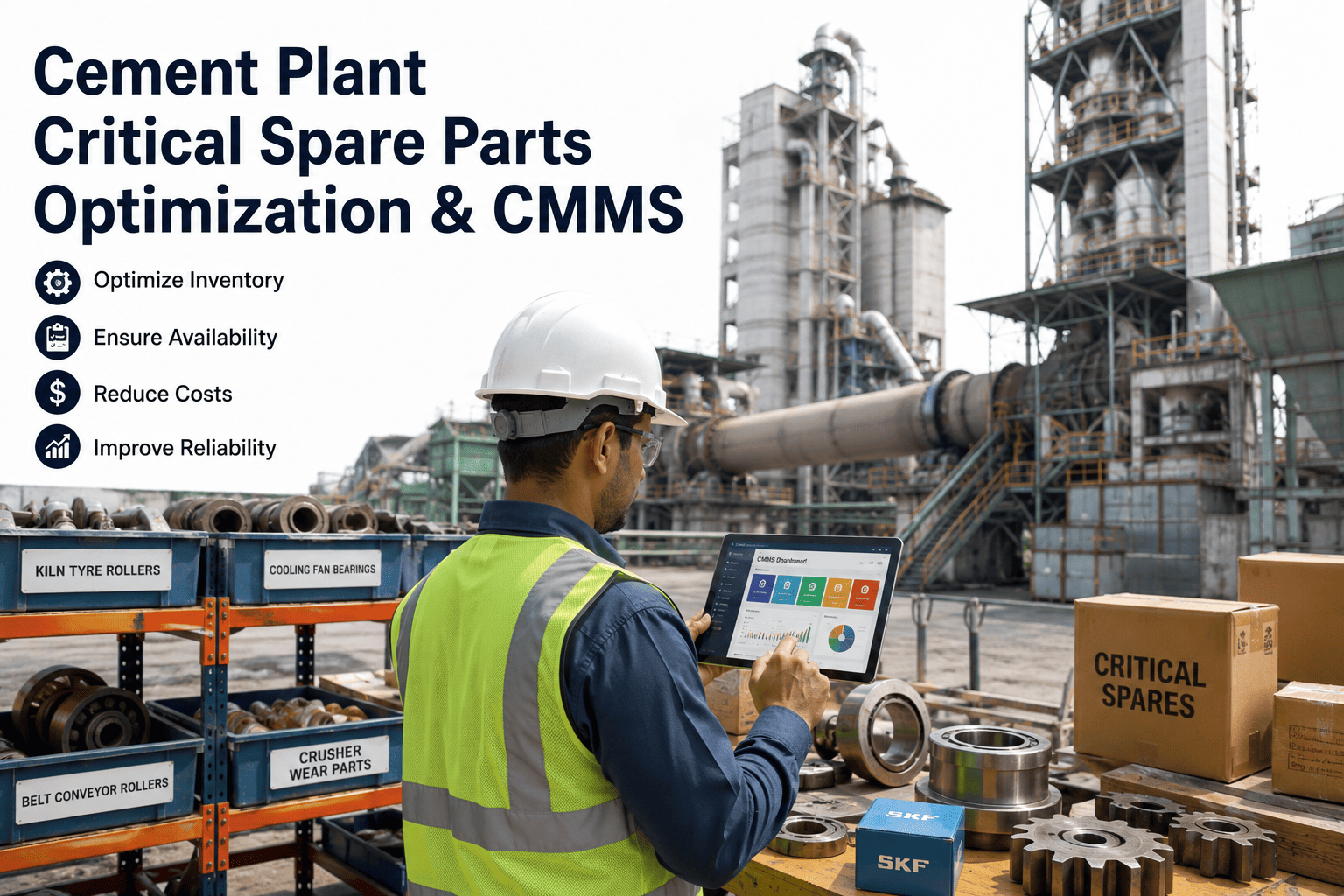
Every part in OxMaint is linked to the equipment it supports. Raise a work order on any asset and the associated spare parts list appears — no spreadsheet lookup needed.
SAP MM Sync
OxMaint syncs material numbers, stock quantities, and reorder points with SAP MM. Technicians see live stock levels in the mobile app when planning a job.
Criticality Flags on Parts
Set A/B/C criticality in OxMaint and link it to PM frequency. Class A parts trigger automatic reorder alerts and are flagged on every associated PM task.
Parts Usage History
Every closed work order logs which parts were consumed. Over 6–12 months this data drives accurate reorder quantities — replacing guesswork with consumption patterns.
Common Questions
Material Master Cleanup — What Teams Ask
How long does a cement plant material master cleanup take?
For a mid-size cement plant with 5,000–15,000 spare part records, a structured cleanup takes 8–12 weeks. The audit and duplicate identification phase takes 2–3 weeks; standardization and criticality classification take the rest. OxMaint accelerates this by surfacing duplicate matches and missing fields automatically.
Talk to our team about a scoped cleanup plan for your plant.
Do we need to shut down SAP to run the cleanup?
No. Cleanup work happens in a staging environment or directly on non-active records. Material master changes in SAP MM can be batched and uploaded during low-activity windows without affecting live procurement or work order processing.
What naming convention works best for cement spare parts?
The NOUN-MODIFIER-SPEC-MANUFACTURER format works consistently across cement plant equipment types. It keeps records sortable, searchable, and unambiguous for both SAP users and field technicians on mobile.
OxMaint enforces this format through configurable naming templates at part creation.
How does criticality classification reduce emergency procurement?
When Class A critical parts have defined minimum stock levels in the CMMS, reorder alerts fire before stockout occurs. Most emergency orders happen because the system had no minimum stock rule or the rule was not monitored — criticality flags fix both gaps.
Bring Structure to Your Spare Parts Data
OxMaint gives cement maintenance teams a live, asset-linked spare parts inventory that stays clean — with SAP MM sync, criticality flags, and usage-based reorder logic built in.