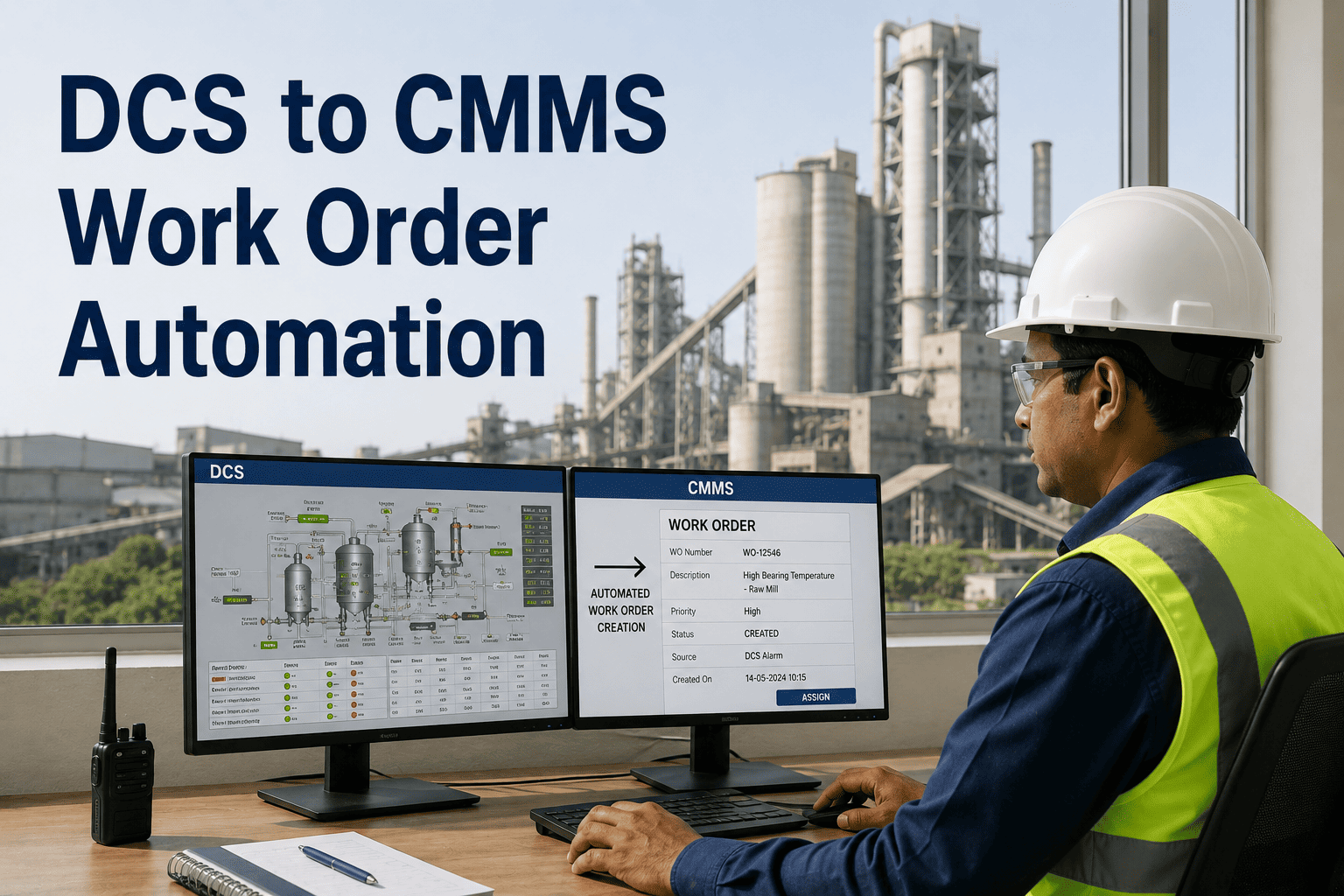
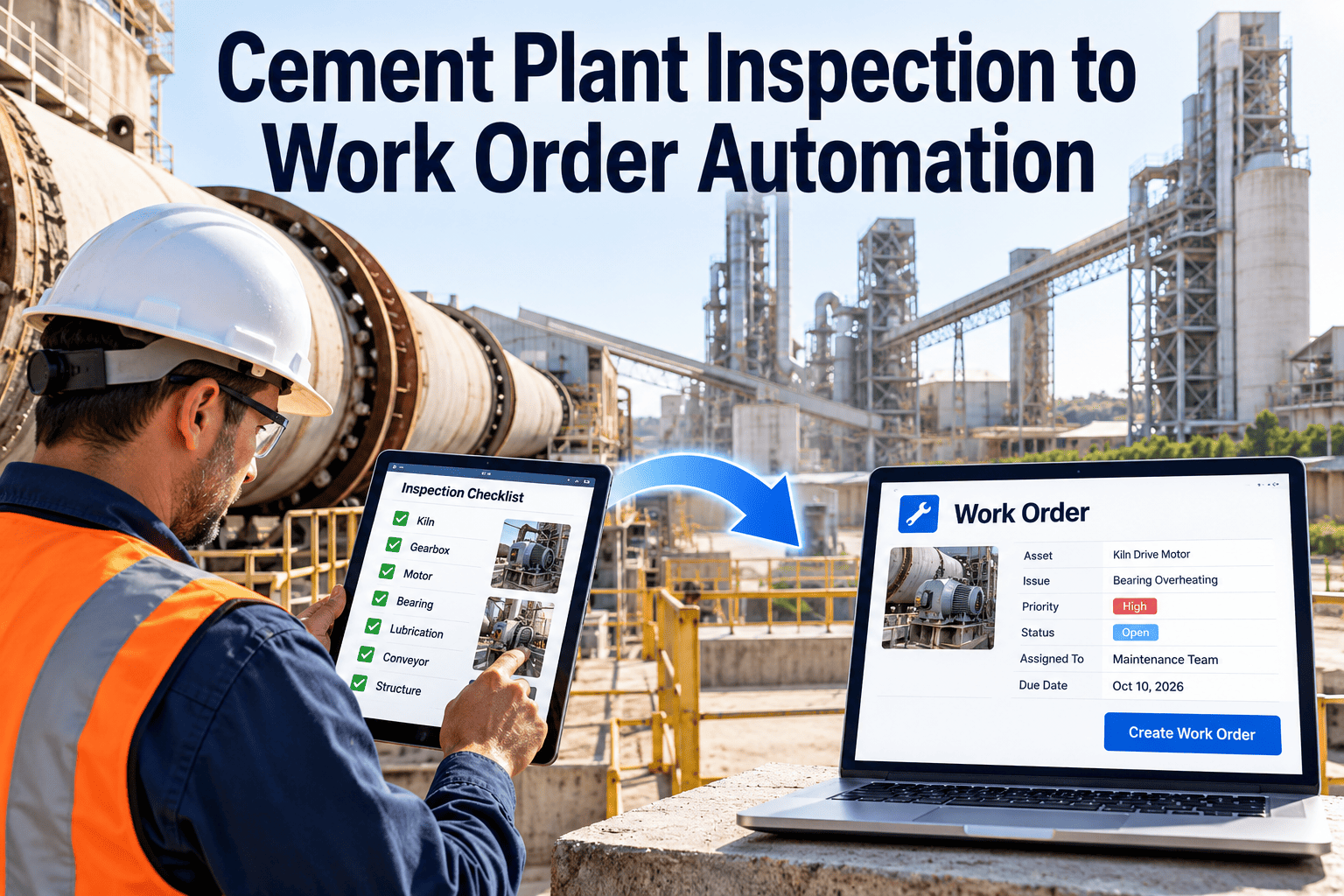
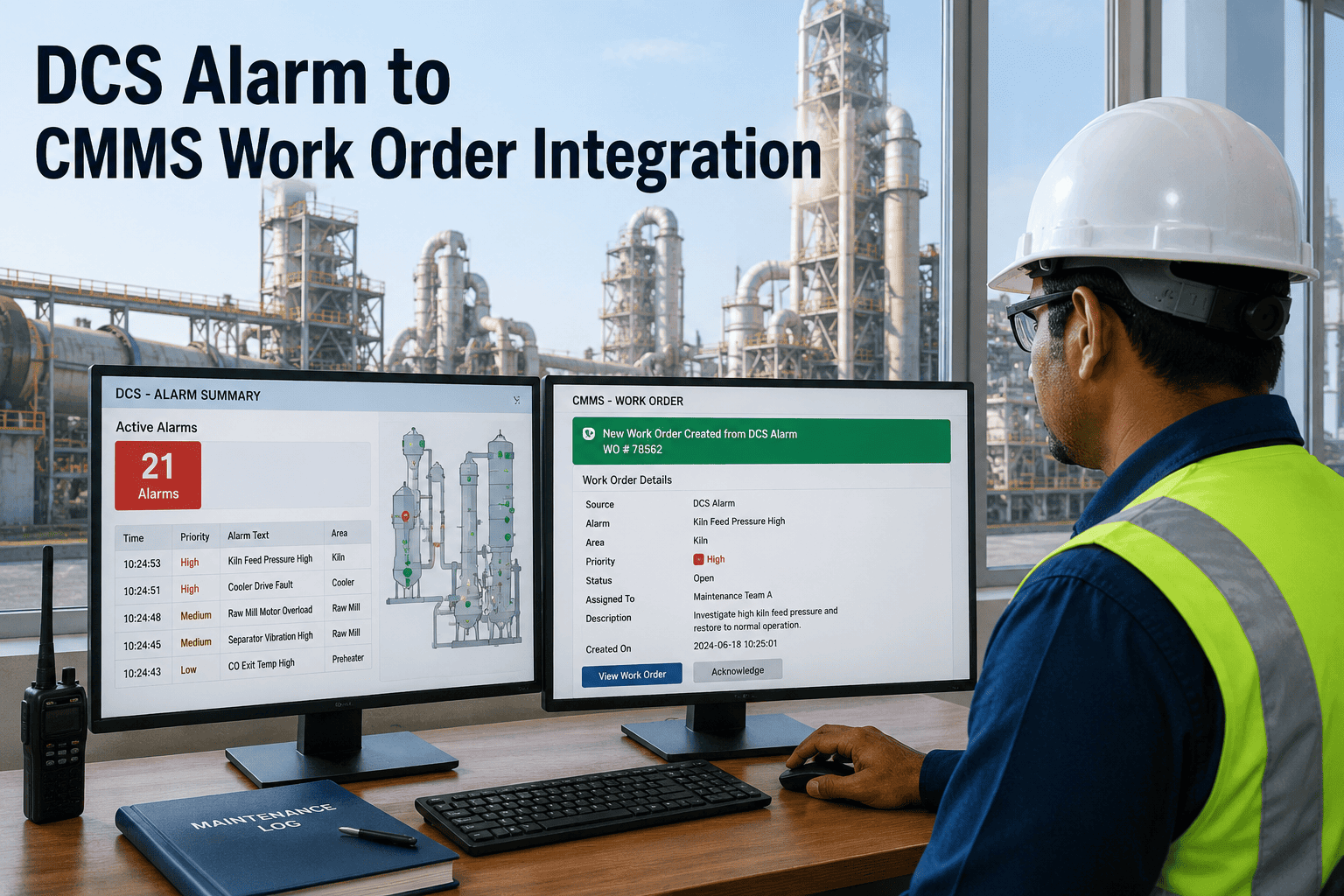
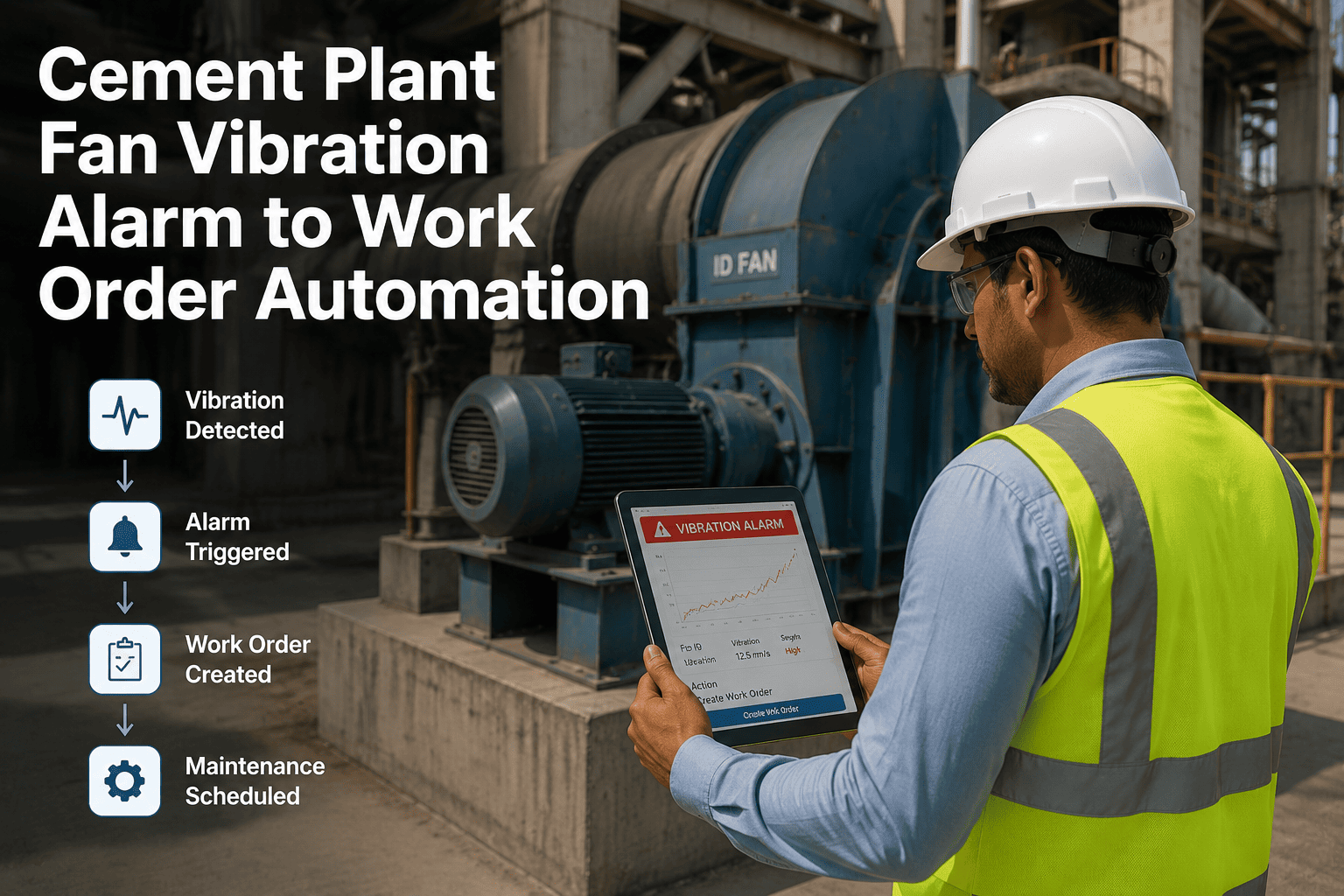
Your DCS is already watching the plant. It sees high vibration on the kiln drive, differential pressure spikes across the bag filter, and temperature excursions in the preheater. But in most cement plants, a DCS alarm reaching the right technician with a structured work order is a manual, error-prone chain of calls and log entries. OxMaint converts DCS alarm events into prioritized work orders automatically — cutting the gap between condition detection and field response from hours to minutes. Book a demo to see how alarm-to-work-order automation works for cement operations.
IoT Sensor Integration · DCS Integration · Cement Plant Automation
DCS to CMMS Work Order Automation for Cement Plants
Convert DCS alarms and condition events into structured, assigned, and prioritized OxMaint work orders — automatically, within seconds of detection.
DCS Alarm Fires
OxMaint Integration Layer
Work Order Created
Technician Assigned
Priority Set
Under 60 seconds
The Manual Gap
What Happens Without Alarm-to-Work-Order Automation
T+0
DCS alarm fires — vibration threshold exceeded on kiln main drive
T+15 min
Control room operator notices the alarm among 30 active alarms on screen
T+30 min
Operator calls shift supervisor — supervisor is on another call, callback pending
T+55 min
Supervisor locates the available technician and gives a verbal briefing
T+75 min
Technician arrives at the kiln drive — vibration has now caused bearing wear requiring longer repair
75 minutes of drift. A 15-minute early response could have prevented the failure entirely.
Automation Flow
How OxMaint Converts DCS Events into Work Orders
1
Alarm Event Received
OxMaint receives the DCS alarm via API or OPC-UA. The event includes tag name, asset ID, alarm type, and severity level from your control system.
2
Rule Matching
OxMaint matches the alarm tag to a configured rule. Rules define: which alarm creates a work order, what priority it gets, what checklist to attach, and who is the default assignee by area.
3
Work Order Created
A structured work order is created with asset ID, alarm value, timestamp, checklist, and suggested corrective action — drawn from historical fault data for that asset.
4
Technician Notified
The assigned technician receives the job on OxMaint mobile with all context. No phone chain, no verbal handover — the technician walks to the right asset with the right checklist.
5
Response Tracked
OxMaint records time from alarm to acknowledgement, technician travel time, and time to resolution. This data drives alarm response optimization across the plant.
Stop Letting Alarms Wait for a Phone Call
OxMaint converts DCS condition events into assigned, structured work orders in under 60 seconds — before the fault escalates into a forced stop.
Cement Equipment Coverage
DCS Alarm Types OxMaint Automates for Cement Plants
Rotary Kiln
Shell Temp HighRefractory inspection WO — Priority Critical
Drive Vibration HighBearing check WO — Priority High
Tyre Slip HighTyre and riding ring inspection WO
Vertical Roller Mill
Roller Pressure LowHydraulic system check WO
Mill Vibration HighFeed table and roller inspection WO
Gearbox Temp HighOil level and cooler check WO — Priority High
Bag Filter / ESP
Diff. Pressure HighBag compartment inspection WO
Pulse Valve FaultCleaning system check WO
Emission AlarmBag integrity check WO — Priority Critical
Cement Mill
Main Bearing Temp HighLube system check WO — Priority Critical
Separator Speed FaultSeparator drive inspection WO
Mill Load HighBall charge and liner check WO
Common Questions
DCS to CMMS Automation — What Teams Ask
Which DCS systems does OxMaint integrate with?
OxMaint connects to DCS systems via REST API, OPC-UA, and webhook-based alarm forwarding. Common cement DCS platforms supported include ABB System 800xA, Siemens PCS 7, and Honeywell Experion.
Book a technical session to confirm compatibility with your specific DCS version.
How do we prevent alarm floods from creating hundreds of unnecessary work orders?
OxMaint rule configuration includes alarm suppression windows, severity thresholds, and de-duplication logic. Only alarms above the configured severity level and sustained beyond a defined time window create work orders. Nuisance alarms below threshold are logged without triggering a job.
Does alarm-to-work-order automation require changes to the DCS?
No DCS changes are required. OxMaint connects via the existing data historian or alarm management layer using standard protocols. Your control system continues operating normally — OxMaint reads the output without writing to the DCS.
Start a free trial to explore the integration setup.
Can we track whether alarm-driven work orders were responded to on time?
Yes. OxMaint records alarm timestamp, work order creation time, technician acknowledgement time, and closure time for every alarm-driven job. This creates a response time report per asset and alarm type — visible in the OxMaint analytics dashboard.
Close the Gap Between Alarm and Action
OxMaint makes your DCS smarter by giving every alarm a structured response path. No more phone chains. No more missed conditions. Every cement plant event becomes a tracked, assigned, and closed work order.