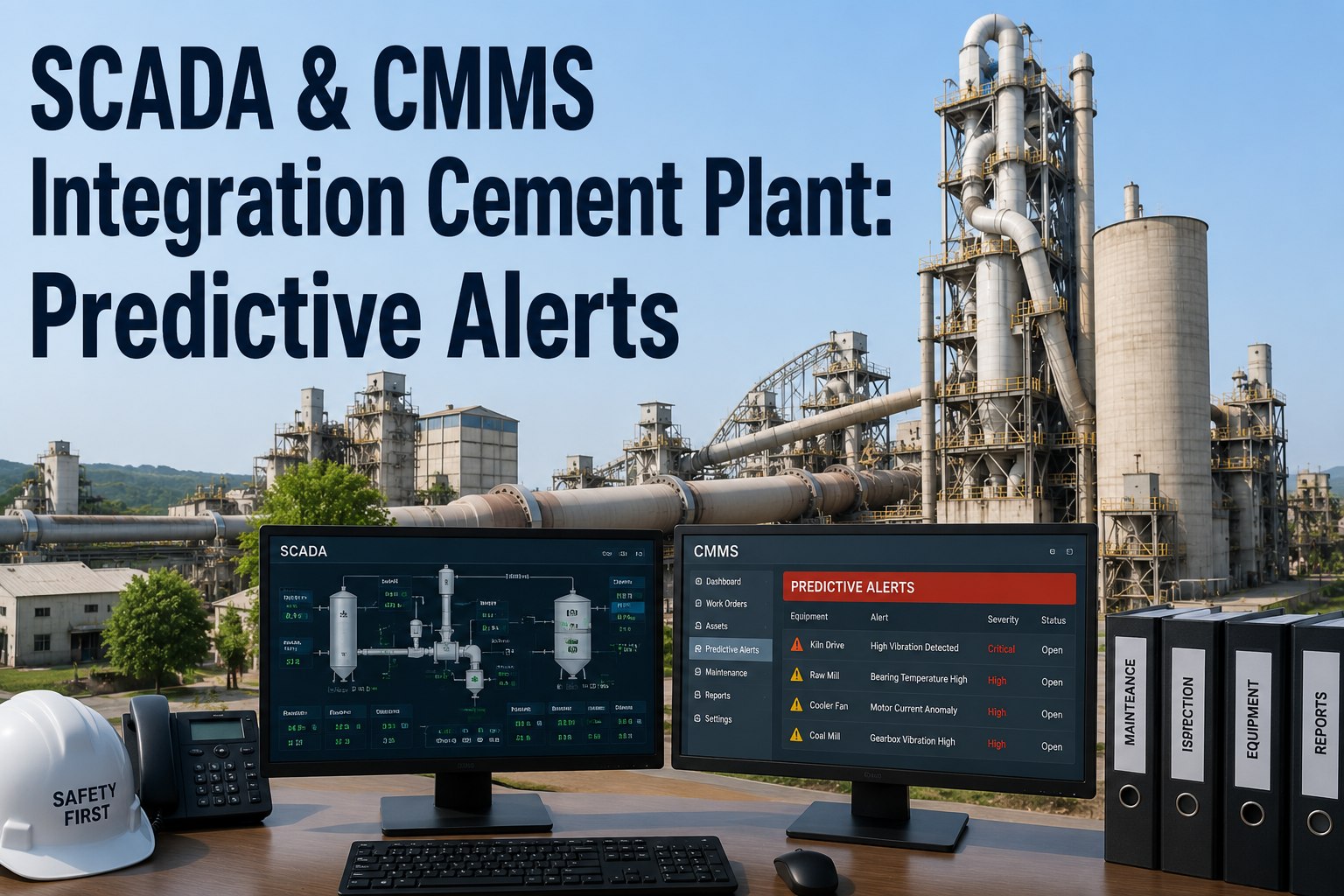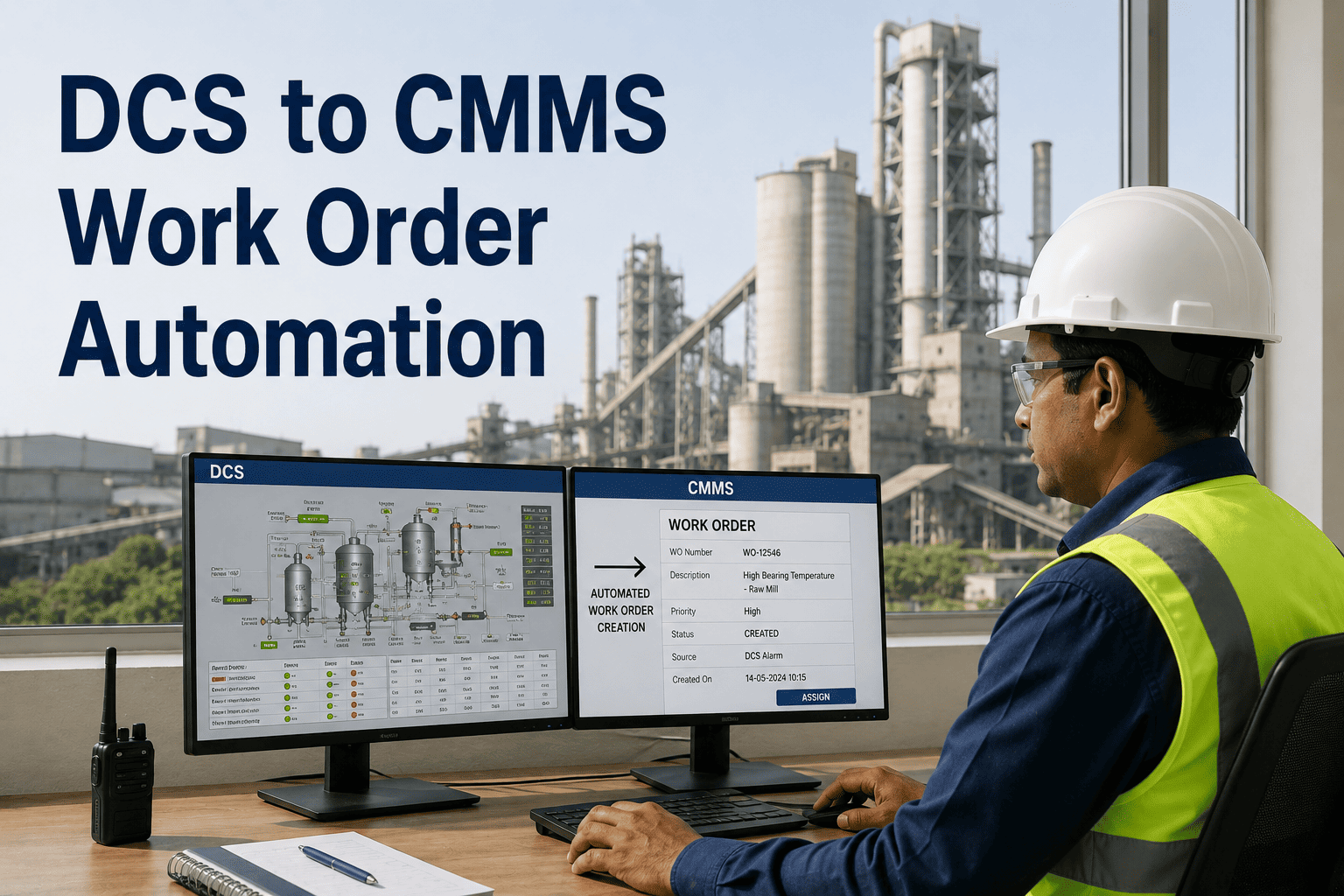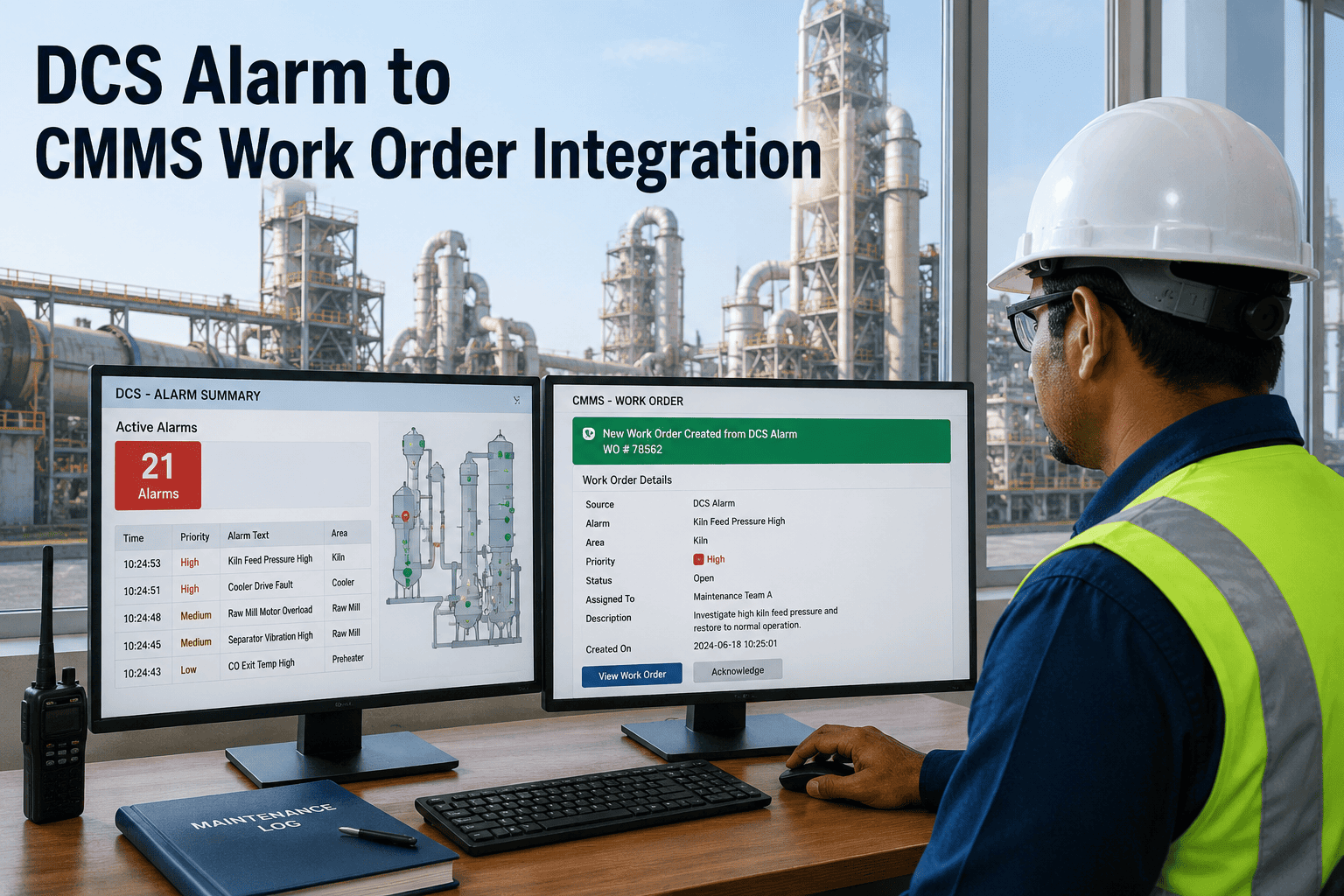
A kiln drive bearing temperature alarm fires in the DCS. The operator acknowledges it and moves on. Forty minutes later, someone mentions it verbally to the maintenance supervisor. A work order gets written from memory the next morning, with no process values attached. This sequence repeats across cement plants every shift — not because the data is missing, but because nothing connects the DCS alarm log to the maintenance system that should be acting on it. Closing that gap turns every qualifying alarm into a structured, fully-contextualized work order within about a minute of it firing. Sign Up Free on OxMaint to map this integration against your own DCS platform.
Kiln drive bearing temperature crosses set point. The DCS logs the event with tag name, alarm type, severity, process value, and timestamp.
A read-only connection in the IT-side DMZ reads the alarm from the OPC-UA server. No inbound connection touches the control network.
Severity, asset criticality, and historical frequency rules decide whether this alarm qualifies for a work order — filtering out nuisance alarms and process transients.
The tag maps to its asset record and a prioritized work order is created — P1 for trip conditions, P2 for high alarms, P3 for pre-alarm trending — with process values attached.
A push notification arrives with bearing temperature, alarm duration, and the last maintenance events on that asset — diagnosis starts before the first measurement.
Cement plants run a mix of automation vendors, often across different production lines installed in different decades. Integration has to meet each platform on its own terms rather than forcing a single proprietary path.
Native OPC-UA server exposes process tags directly — no additional middleware required for read access.
Aspect Object structure maps cleanly to OxMaint asset records, preserving the alarm context ABB's environment already carries.
Experion's Alarm Management module provides pre-filtered, prioritized alarm streams that route cleanly into work order rules.
Older SCADA layers without native OPC-UA connect through a lightweight OPC-DA to OPC-UA wrapper deployed on-site.
Bearing alarm fires. Operator acknowledges. Supervisor told verbally forty minutes later. Work order written from memory the next morning. No process values recorded.
Bearing alarm fires. Integration server creates a CMMS work order within seconds, with bearing temperature, alarm duration, and recent maintenance history already attached.
Not every DCS alarm carries the same urgency, and treating them all identically is what causes alert fatigue on the maintenance side. Mapping severity to a defined response window keeps the right alarms moving fast without flooding technicians with low-value notifications.
| Priority | Alarm Condition | Work Order Response Target | Typical Trigger |
|---|---|---|---|
| P1 — Trip | Equipment trip or safety interlock activation | Immediate dispatch, under 60 seconds | ID fan trip, kiln drive emergency stop |
| P2 — High Alarm | Process value crosses high-alarm threshold | Within current shift | Bearing temperature above set point, vibration spike |
| P3 — Pre-Alarm Trend | Value trending toward threshold but not yet breached | Next scheduled inspection window | Gradual current draw increase on a mill motor |
Connecting a CMMS to a DCS raises a fair question about control network security. The integration architecture is built specifically to avoid introducing risk into the OT layer, following the same principles plants already use for other read-only monitoring connections.
The integration server consumes data from the OPC-UA server but never writes to the DCS, so control logic and safety systems remain untouched.
The integration layer sits in the IT-side DMZ between the control network and the cloud CMMS, so no inbound connection from the internet reaches the OT layer.
Data leaving the DMZ toward the cloud platform travels over an encrypted channel with certificate-based authentication on both ends.
Maintenance status updates flowing back toward the process layer use a distinct, controlled API channel with its own validation rules.
No DCS configuration changes are required. The integration reads from the OPC-UA server already running on modern DCS platforms through a read-only connection. Your control system continues to operate exactly as it does today — the integration only observes data, it never writes to the OT layer.
An alarm rule engine classifies every alarm before a work order is created, using severity, asset priority, and historical frequency as filters. Nuisance alarms and short process transients are filtered out, so only alarms that meet defined criteria generate a tracked maintenance action. Sign up free to configure your own filtering rules.
A local edge buffer stores alarm events during any connectivity interruption and syncs them to the CMMS once the connection restores, so no alarm data is lost. Administrators are also alerted if historian connectivity drops below an acceptable threshold.
Yes. Runtime data such as equipment hours and cycle counts can trigger condition-based maintenance tasks independent of calendar schedules — a kiln auxiliary drive that accumulates a set number of operating hours since its last service can generate a PM work order automatically. Book a demo to see condition-based PM configuration.
Each DCS tag mapped into OxMaint can have independent threshold rules, priority assignment, and asset linkage configured directly through the console, with no code required. Rules can be cloned across similar assets to speed up rollout across a full production line.