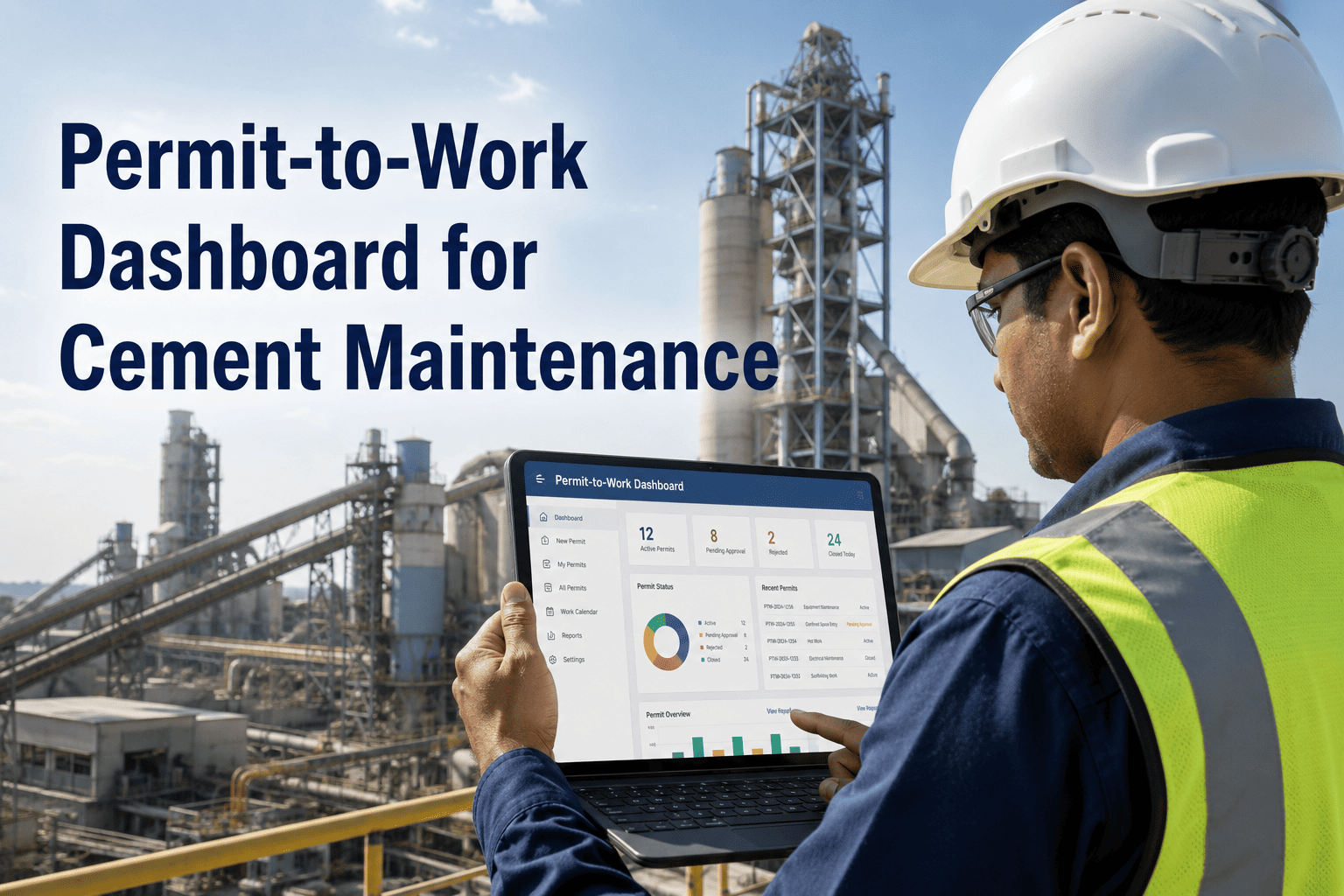
A welding crew gets a hot work permit signed off, but nobody confirms the atmospheric test inside the silo was actually completed before the torch lights. That gap between a permit existing on paper and a permit being genuinely safe to act on is where cement plant incidents actually happen — not from missing paperwork, but from paperwork nobody cross-checked against the real isolation status. A permit-to-work dashboard closes that gap by putting every hot work, confined space, height, and electrical permit on one live screen, where a supervisor can see approval status, checklist completion, and isolation state before a single tool is picked up. Build your live permit dashboard with OxMaint free and stop approving work you can't actually verify is safe.
AI Analytics & Reporting · Safety & Compliance
One Screen for Every Active Permit, Isolation, and Hazard in Your Cement Plant
OxMaint's permit-to-work dashboard shows every hot work, confined space, height, and electrical permit in real time — so supervisors approve based on verified status, not a clipboard signature they're hoping is current.
The Cost of Not Knowing
What a Permit Gap Actually Costs
74%
of OSHA inspections at cement and mineral processing facilities found at least one permit documentation failure
$156K
average OSHA citation per confined space entry without a current gas test and posted rescue plan
2–4 wks
typical time to deploy a digital permit dashboard across hot work, confined space, height, and electrical permit types
What's On the Screen
The Four Zones of a Live Permit Dashboard
Active Permits
Every hot work, confined space, height, and electrical permit currently open, sorted by zone and time remaining.
Isolation Status
Lock state, LOTO assignment, and energy isolation linked directly to the permit and the work order behind it.
Checklist Completion
Gas tests, atmospheric readings, and pre-conditions shown as complete or incomplete — never assumed.
Conflict Flags
Overlapping permit requests against existing isolation boundaries flagged automatically before approval.
No Job Starts Until the Permit Is Actually Verified
OxMaint enforces permit requirements at the system level — a work order linked to a hazardous task cannot move to in-progress until the permit reaches approved status and every checklist step is complete.
From Request to Closure
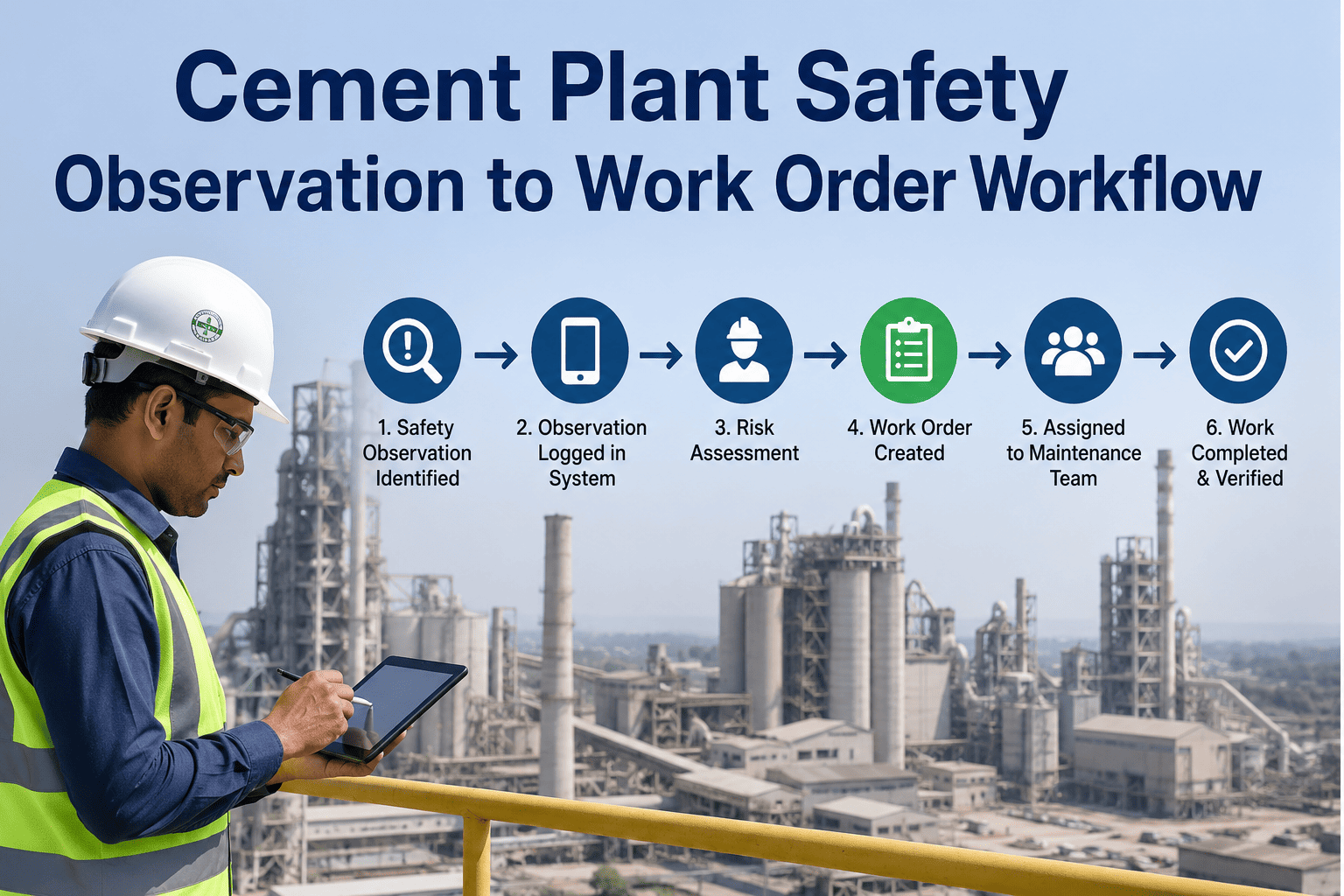
How a Permit Moves Across the Dashboard
01
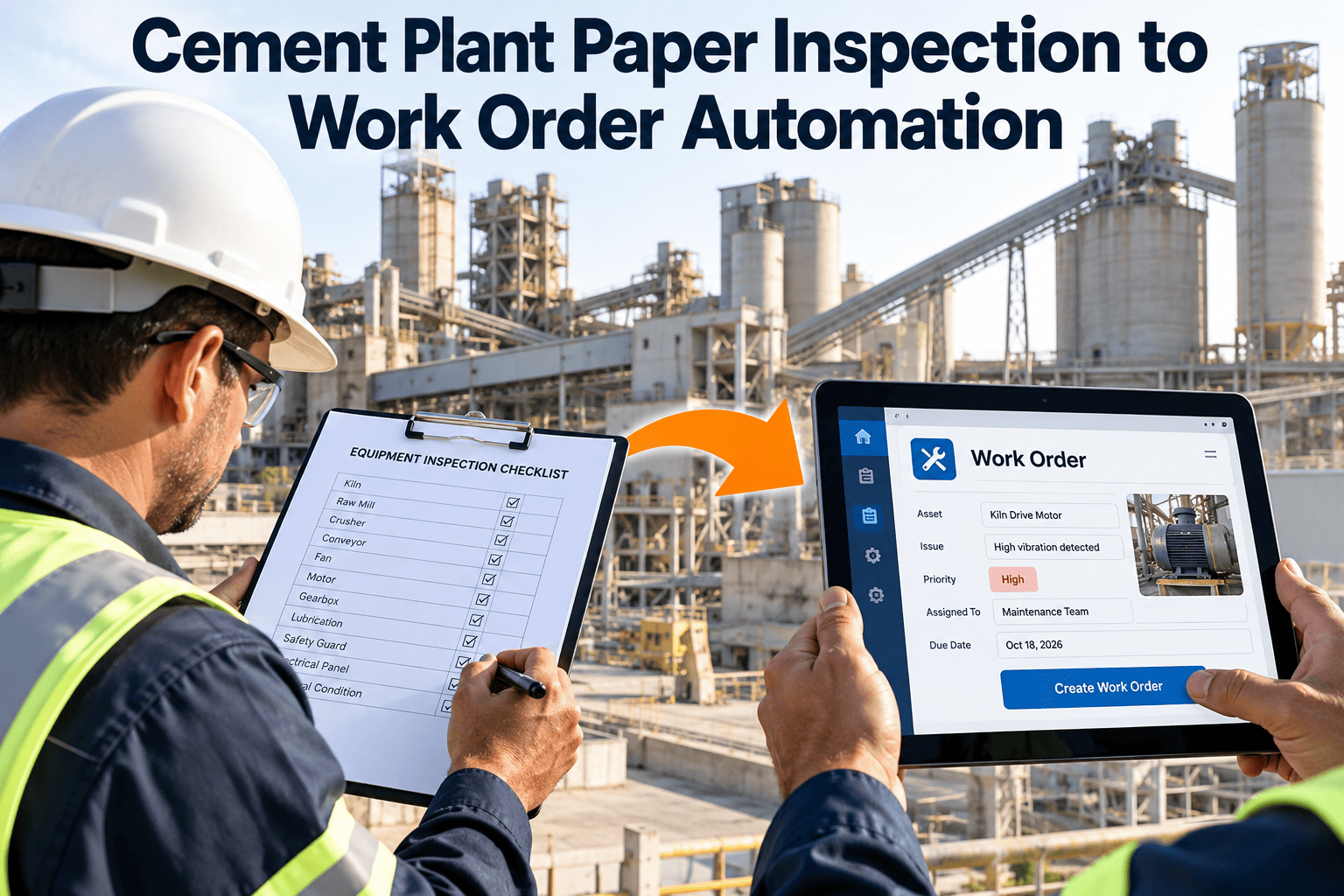
Request raised from the fieldTechnician selects work type, asset, and identified hazards directly from the mobile app.
02
Checklist must complete before approvalIncomplete steps block the approval action — there is no path to sign off on a partial checklist.
03
Dashboard shows conflict checks in real timeNew requests are checked against active isolation boundaries before a supervisor ever sees an approval prompt.
04
Work order unlocks only on approved statusThe linked work order can't move to in-progress until the permit is fully approved, not just submitted.
05
Closure captured with evidencePhotos, sign-offs, and timestamps attach to the permit record automatically — ready for export before an audit ever lands.
Built for Shutdowns
Dozens of Concurrent Permits, One Screen
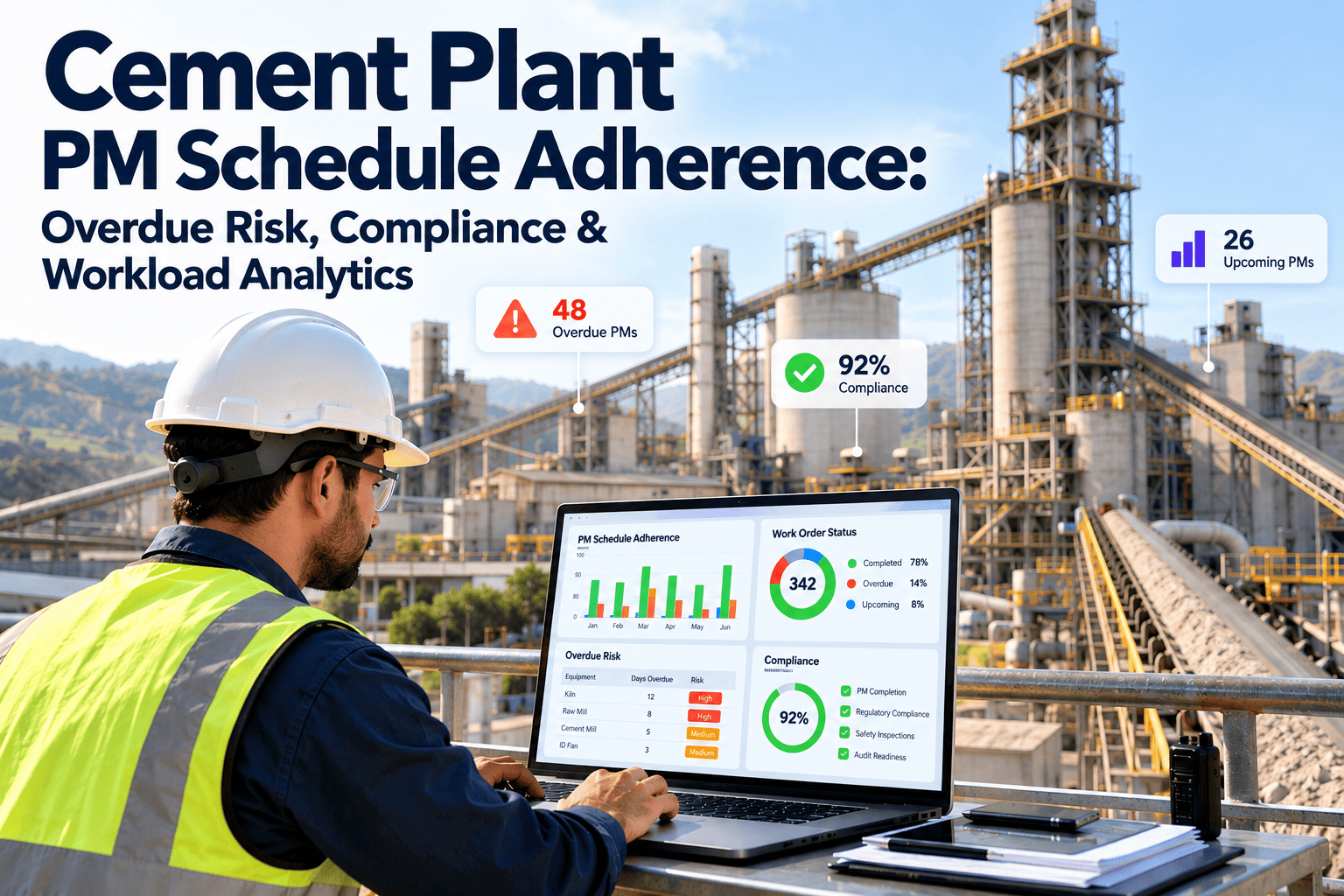
Annual kiln shutdowns concentrate enormous complexity into a short window — hundreds of work orders, dozens of contractor crews, and simultaneous confined space, refractory, and electrical work happening in the same footprint. A permit dashboard built for that density shows every active permit by zone and type at once, so a supervisor can spot an overlap before it becomes an incident instead of after.
| Without a Dashboard | With a Live Permit Dashboard |
|---|
| Approvals based on a verbal confirmation that isolation is complete | Approval blocked automatically until isolation is confirmed in the system |
| Electrical and confined space permits run on separate paper trails | Every permit type visible together, cross-referenced by zone |
| Overlapping work discovered only after a conflict occurs | Conflicting permit requests flagged before either is approved |
| Audit prep takes days of manually compiling paper records | Audit-ready export generated in minutes by date, asset, or type |
FAQ
Frequently Asked Questions
Can the dashboard handle a full shutdown with dozens of permits active at once?
Yes — it is built specifically for that density. Supervisors see all active permits on one screen during high-density shutdown periods, and the conflict detection system automatically flags when a new permit request would overlap with an existing isolation boundary before either gets approved.
How does the dashboard enforce compliance instead of just displaying it?
Enforcement happens at the system level, not through reminders. A work order linked to a permit-required task cannot move to in-progress until the permit reaches approved status, and approval itself is blocked unless every checklist step — including gas tests and atmospheric readings — shows as complete.
How long does it take to get a permit dashboard running across our plant?
Most cement plants have the permit dashboard operational within two to four weeks of kickoff, including configuring permit types for your specific plant, importing asset records, and training supervisors and technicians on the mobile app.
Start free to begin mapping your permit types today.
Can we generate permit records for an external safety audit on short notice?
Yes. Complete permit audit packages export by date range, asset, permit type, or technician in minutes, including the full approval chain, timestamps, checklist completion evidence, photos, and closure confirmation — work that previously took days of manual record assembly.
Does the dashboard cover contractor permits as well as internal staff?
Yes. Contractor permits run through the same dashboard alongside internal work, with safety certification and training documentation verified as a prerequisite before a permit is issued.
Book a demo to see contractor permit tracking in detail.
Approve Work You Can Actually Verify Is Safe
OxMaint's permit-to-work dashboard puts every approval, isolation, and checklist on one live screen — so compliance is built into the workflow, not dependent on someone remembering to check.