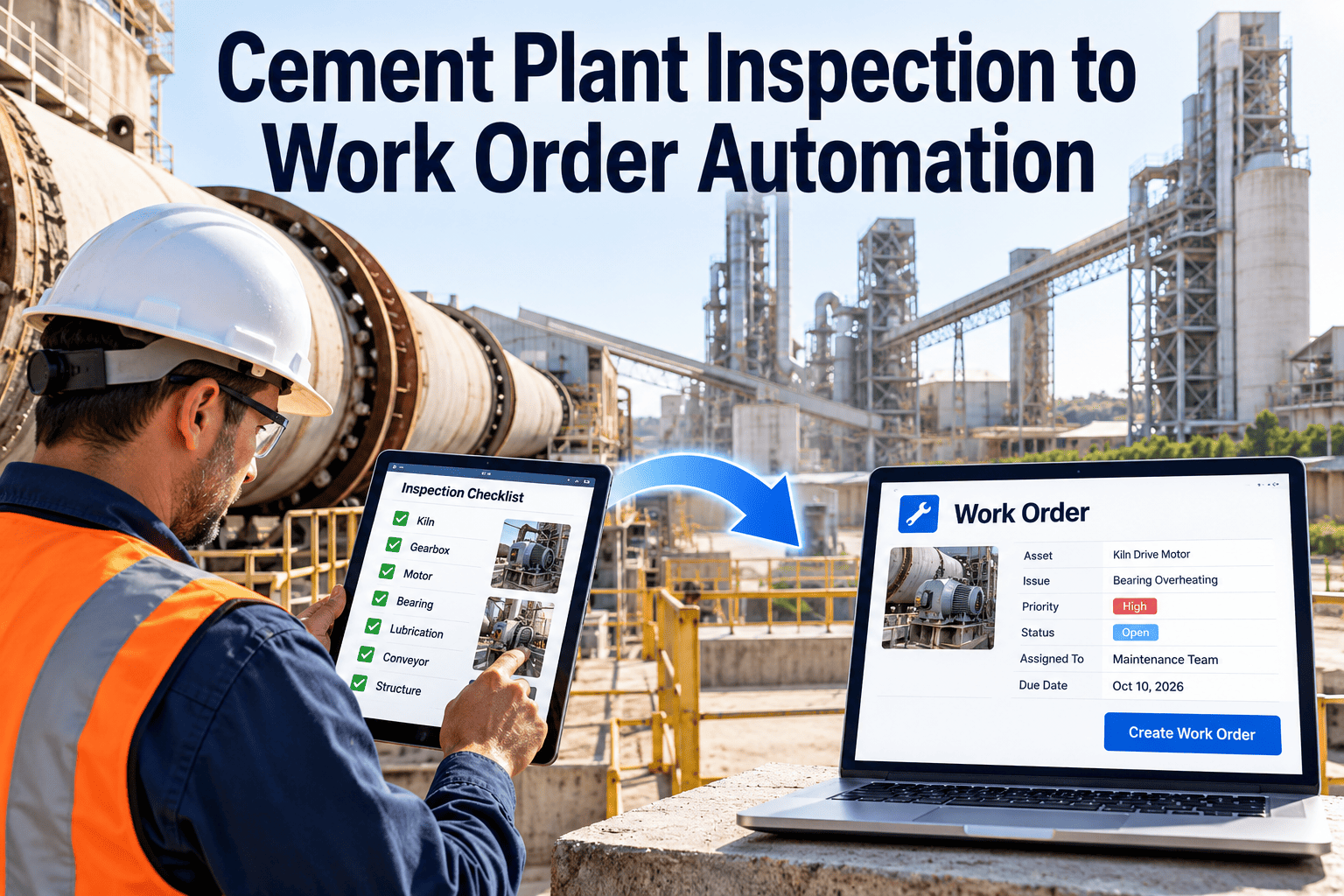
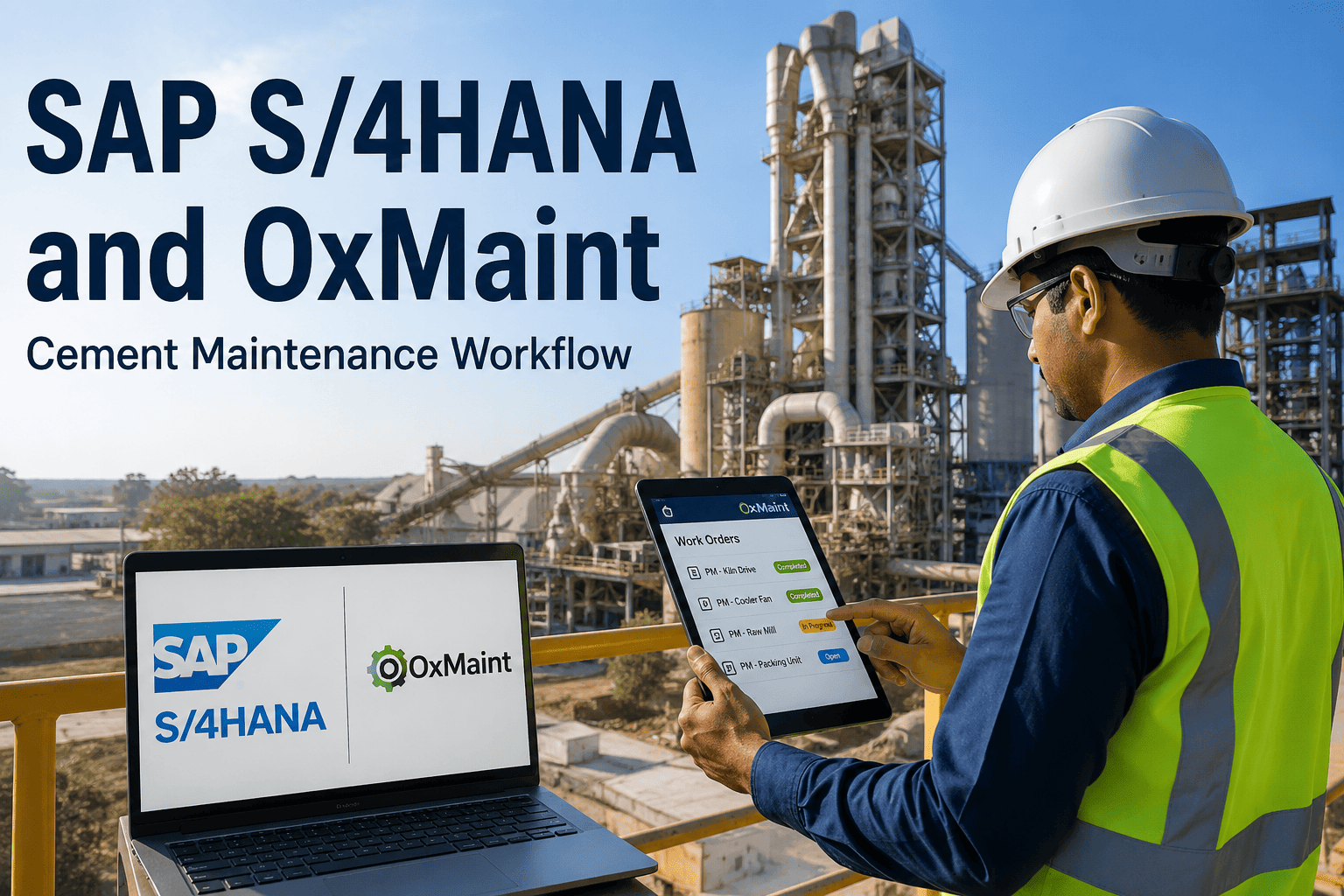
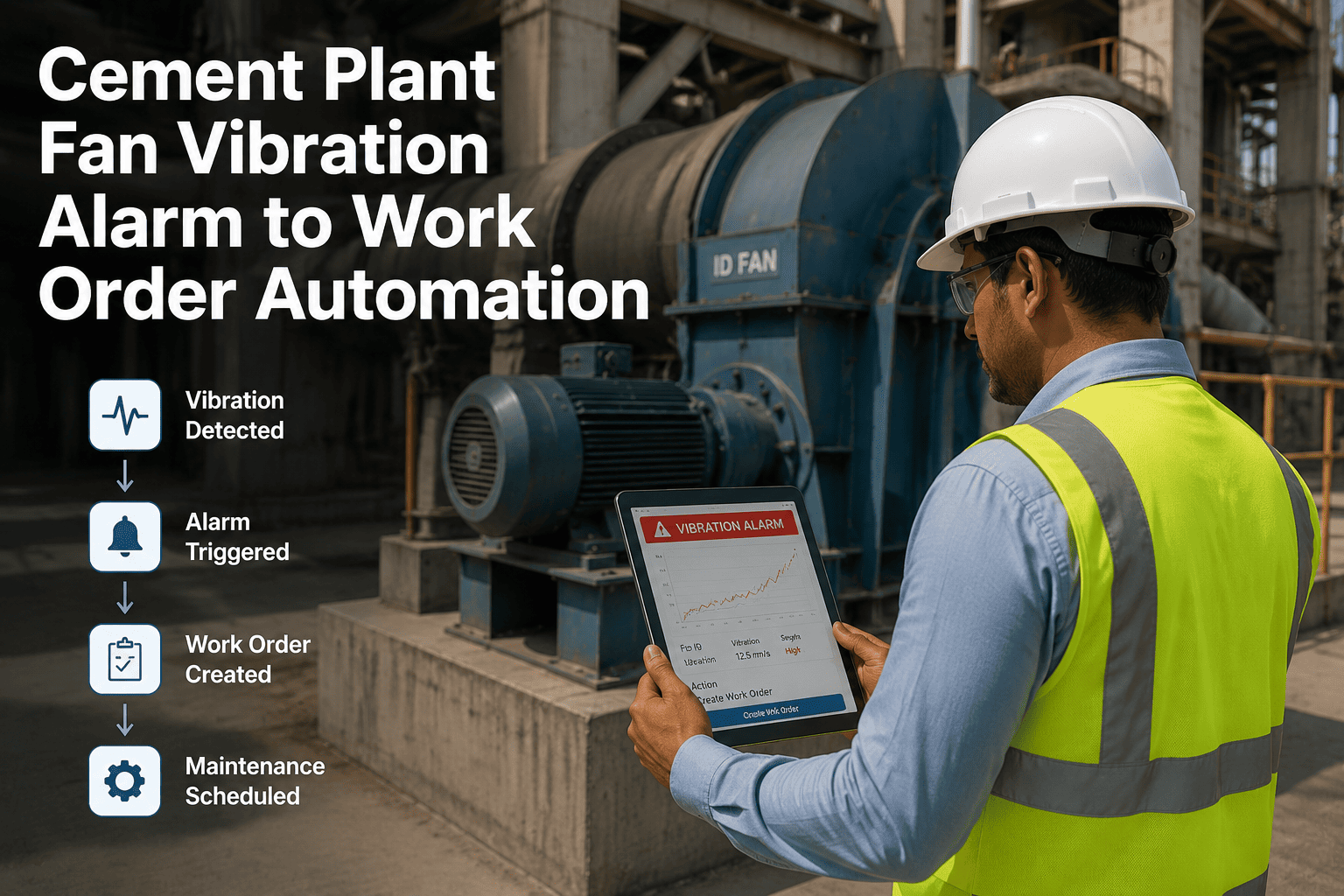
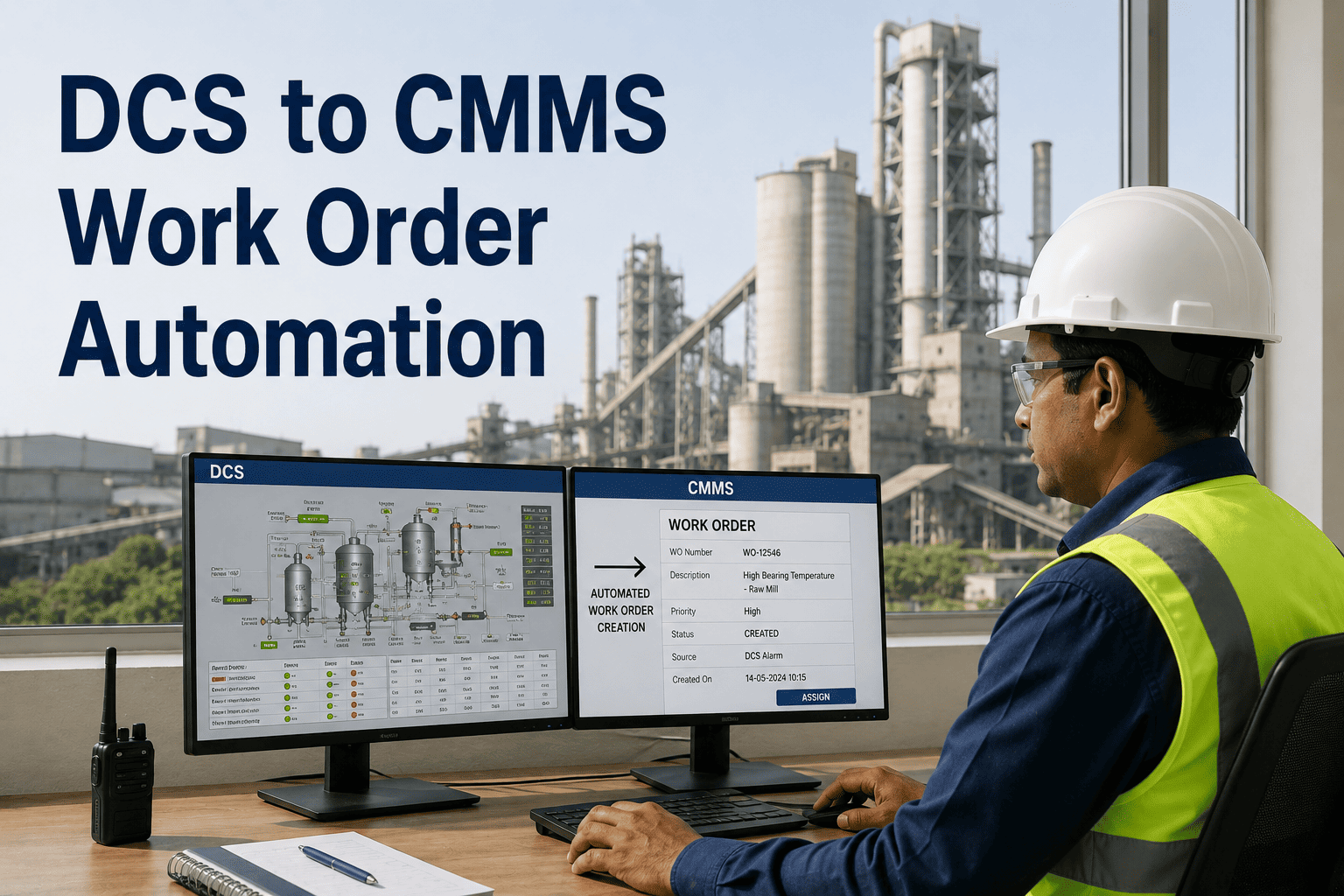
A cement manufacturer with three plants across Rajasthan struggled with fragmented maintenance data—SAP stored equipment masters and cost centers, spreadsheets tracked daily work, and paper logs recorded technician activities. Finance closed maintenance costs weeks after work completion, making budget management reactive at best. After integrating Oxmaint with their SAP Plant Maintenance module, work orders now flow bidirectionally in real-time: technicians complete work on mobile devices, data syncs to SAP PM automatically, and finance sees accurate costs within hours instead of weeks. The result: 34% reduction in maintenance spend through better visibility and 91% PM compliance through automated scheduling. Sign up for Oxmaint to connect your SAP PM system with modern mobile maintenance.
SAP Plant Maintenance Module for Cement Industry Operations
Bridge the gap between SAP's powerful enterprise maintenance planning and frontline execution. Oxmaint integrates with SAP PM to deliver mobile work orders, real-time data capture, and automated synchronization for cement plant maintenance teams.
SAP Plant Maintenance is the backbone of enterprise maintenance management for large cement manufacturers—it handles equipment masters, cost centers, maintenance plans, and financial integration. But SAP PM was designed for planning and reporting, not for frontline execution in dusty, high-temperature environments where technicians need mobile tools. This creates a persistent gap between what's planned in SAP and what actually happens on the plant floor.
Oxmaint connects to SAP Plant Maintenance through standard APIs and RFC interfaces, enabling bidirectional data flow without disrupting existing SAP configurations. Equipment masters, maintenance plans, and cost structures sync from SAP to Oxmaint; work order completions, labor confirmations, and material postings sync back to SAP in real-time. Book a demo to see the integration in action.
Oxmaint integrates with all core SAP PM module components used in cement plant maintenance. Equipment hierarchies, maintenance task lists, and notification workflows all synchronize seamlessly. Your existing SAP investment remains the system of record while Oxmaint provides the execution interface your technicians actually use.
Equipment records sync to Oxmaint with full hierarchy, technical specifications, and warranty information. Changes in either system propagate automatically.
Work orders created in SAP or Oxmaint appear in both systems. Order operations, material reservations, and scheduling data remain synchronized throughout the work lifecycle.
Time-based and counter-based maintenance plans generate scheduled work in Oxmaint. Counter readings from field technicians update SAP measurement documents automatically.
Maintenance requests created by operators or IoT sensors generate SAP notifications. Damage codes, cause codes, and activity details follow SAP catalog structures.
Spare parts issued against work orders post goods movements to SAP MM. Stock availability checks and reservation management keep inventory synchronized.
Labor confirmations and material postings settle to cost centers, internal orders, or WBS elements per SAP configuration. Real-time costing enables accurate budget tracking.
This reference shows how key data elements map between SAP Plant Maintenance and Oxmaint. The integration maintains data integrity while allowing each system to use its native terminology and structures. Understanding this mapping helps during implementation planning and troubleshooting.
| Data Element | SAP PM Field | Oxmaint Field | Sync Direction |
|---|---|---|---|
| Equipment ID | EQUNR (Equipment Number) | Asset ID | Bidirectional |
| Functional Location | TPLNR (Func. Location) | Location Hierarchy | SAP → Oxmaint |
| Work Order | AUFNR (Order Number) | Work Order ID | Bidirectional |
| Notification | QMNUM (Notification No.) | Work Request ID | Bidirectional |
| Labor Hours | RUECK/RMZHL (Confirmation) | Time Entry | Oxmaint → SAP |
| Material Usage | MBLNR (Material Doc.) | Parts Used | Oxmaint → SAP |
| Maintenance Plan | WARPL (Maint. Plan No.) | PM Schedule | SAP → Oxmaint |
| Counter Reading | MDOCM (Measurement Doc.) | Meter Reading | Oxmaint → SAP |
The typical workflow for SAP-integrated maintenance follows a clear path from planning through execution to financial posting. This process ensures that all work is properly documented, costs are accurately captured, and equipment history remains complete in SAP while technicians work in a modern mobile interface.
Cement manufacturing presents unique maintenance challenges that the SAP PM + Oxmaint integration addresses specifically. From kiln refractory tracking to mill liner management, the combined solution handles the cement industry operations requirements that generic CMMS platforms miss. Sign up for Oxmaint to see cement-specific features.
Track kiln shell temperatures, refractory condition, and bearing health with integrated sensor data. Counter-based PM triggers on kiln revolutions ensure timely inspections regardless of calendar dates.
Manage grinding media additions, liner wear tracking, and separator maintenance. Integration with SAP ensures material costs for mill internals post correctly to equipment cost collectors.
Connect vibration sensors, oil analysis, and thermography results to SAP notifications. Condition monitoring data triggers work orders automatically when thresholds are exceeded.
Coordinate major shutdown activities across SAP and Oxmaint. Task dependencies, contractor management, and material staging integrate with SAP project systems for capital maintenance.
Connecting SAP Plant Maintenance with Oxmaint delivers measurable improvements across maintenance operations. Organizations report significant gains in data accuracy, technician productivity, and cost visibility within the first months of deployment.
Frequently Asked Questions
QDoes integrating Oxmaint require changes to our SAP configuration?
Minimal changes. Oxmaint connects through standard SAP interfaces (BAPIs, RFC, IDocs) that don't require core SAP modifications. You may need to create a dedicated RFC user and configure connection parameters, but your existing PM configuration, equipment masters, and maintenance plans remain unchanged. Most implementations complete without any SAP Basis support beyond initial connectivity setup.
QHow does data synchronization handle offline scenarios?
Oxmaint stores work order data locally on mobile devices, allowing technicians to view assignments, complete work, and capture data without network connectivity—essential in cement plants where WiFi coverage may be limited. When connectivity resumes, changes sync to both Oxmaint cloud and SAP automatically. Conflict resolution rules ensure data integrity when the same record is modified in multiple places. Sign up to test offline functionality.
QCan we maintain some work orders only in Oxmaint without SAP sync?
Yes. The integration supports selective synchronization. You might sync PM orders for major equipment to SAP while handling minor corrective work entirely in Oxmaint. Configuration rules determine which order types, plants, or equipment categories participate in bidirectional sync. This flexibility lets you gain mobile benefits quickly without changing all maintenance processes at once.
QWhat SAP versions are supported?
Oxmaint integrates with SAP ECC 6.0 and all S/4HANA versions. The integration uses stable interfaces that SAP maintains across versions. If you're planning an S/4HANA migration, the Oxmaint integration typically requires only connection parameter updates—not a reimplementation. Book a technical discussion to review your specific SAP landscape.
QHow long does a typical SAP PM integration take to implement?
Most cement plants complete SAP integration within 4-8 weeks. The timeline includes: connectivity setup (1-2 weeks), data mapping and testing (2-3 weeks), user training (1 week), and pilot operation (1-2 weeks). Plants with complex SAP configurations or multiple company codes may require additional time for testing. We recommend starting with a single plant or equipment group and expanding after proving the integration works for your environment.
Connect SAP PM to Modern Mobile Maintenance
Oxmaint bridges the gap between SAP's enterprise maintenance planning and frontline execution. Keep SAP as your system of record while giving technicians the mobile tools they need for efficient work completion.