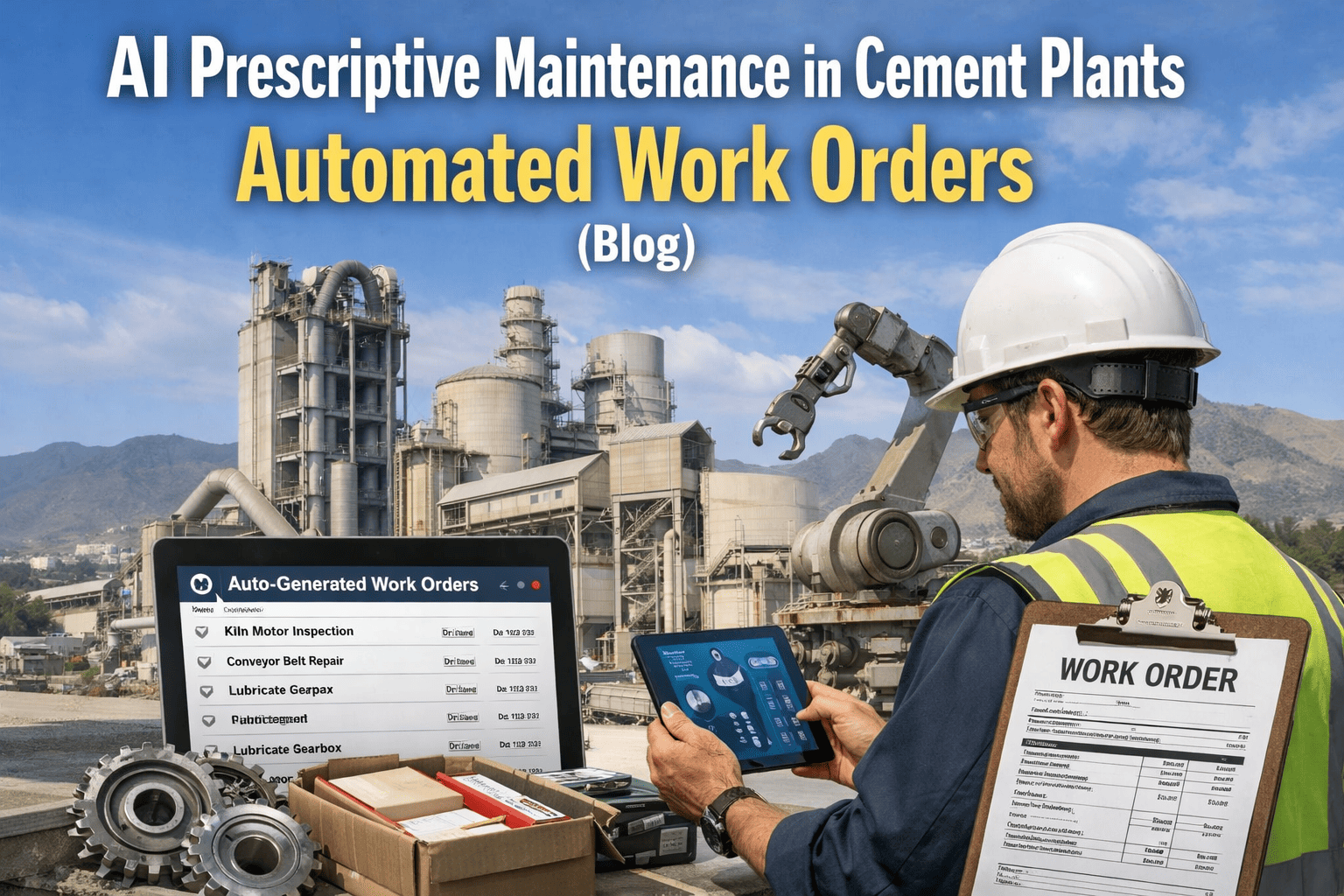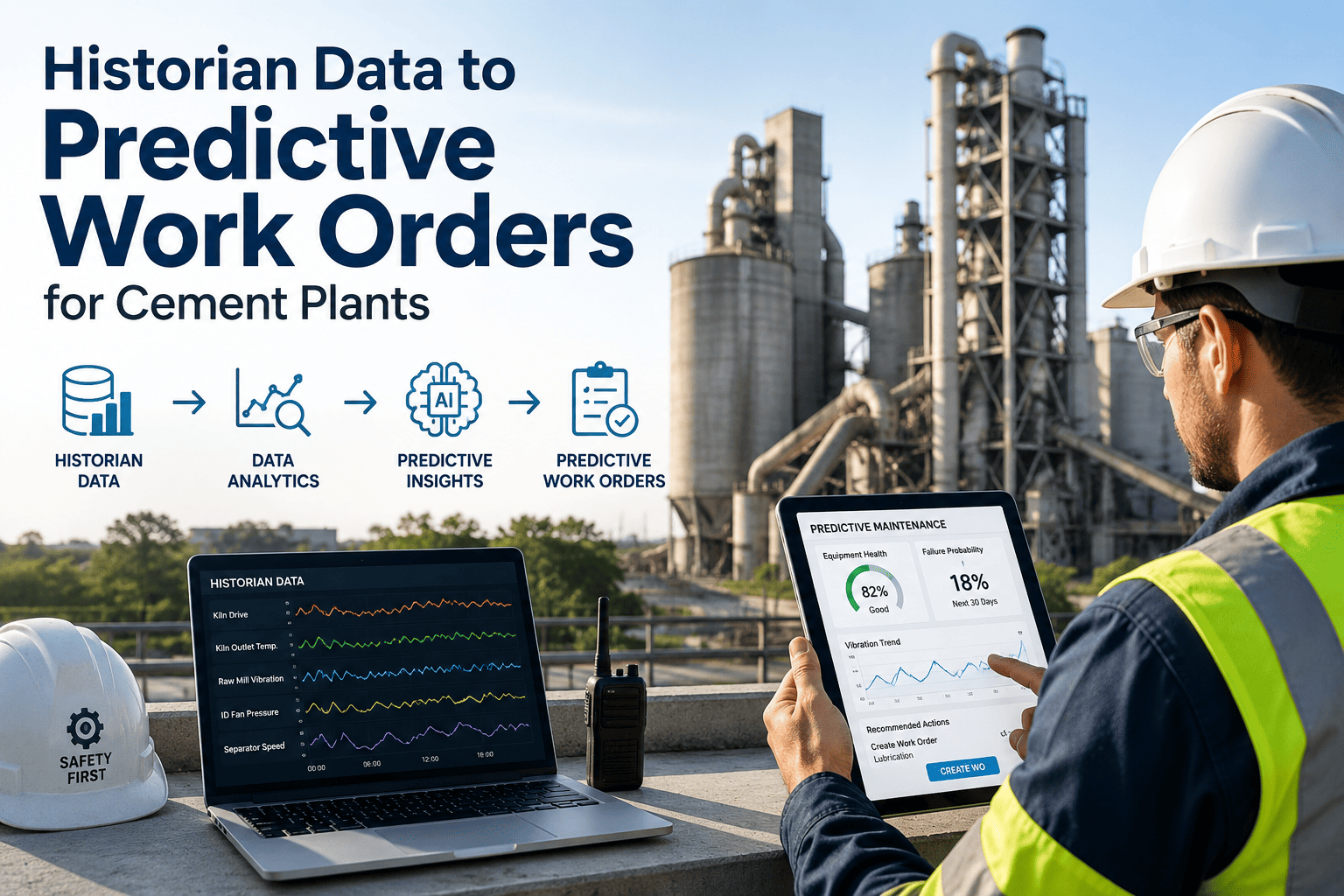
Your process historian already has fourteen months of vibration history on that bearing that eventually failed. The trend was there the whole time — nobody in maintenance ever saw it, because it lived in a historian database and never made it into a work order. That gap between captured data and acted-upon data is not a data problem; your historian is already doing its job storing millions of readings a day. It is a workflow problem, and closing it is what turns a passive archive into a system that writes its own predictive work orders. Sign Up Free on OxMaint to connect your historian and see this in action.
Process historians like OSIsoft PI were built to capture and compress high-frequency data at massive scale, retaining years of readings from sensors, PLCs, SCADA, and DCS infrastructure. That part of the problem was solved decades ago. What historians were never built to do is decide which trend matters enough to dispatch a technician — that decision has always depended on someone manually opening a trend chart and noticing a pattern, which means most patterns are never noticed until after the failure they predicted.
Different tag types signal different developing failures. Mapping each tag category to the right condition trigger is what makes the connection between historian and CMMS produce useful, specific work orders instead of generic alerts.
| Historian Tag Type | Equipment | What It Reveals | Resulting Work Order |
|---|---|---|---|
| Vibration spectra, bearing temperature | Kiln drive, mill gearbox, ID fan | Spectral anomalies indicating early bearing wear or gear mesh faults | Condition-based inspection days before mechanical failure |
| Differential temperature & pressure drop | Preheater, cooler, heat exchangers | Fouling or coating buildup tracked over time against baseline | Cleaning work order scheduled before efficiency drops below threshold |
| Current draw, power factor | Mill motors, fan motors, drive systems | Winding degradation, bearing wear, cooling fan failure signatures | Condition-based PM with diagnostic context pre-attached |
| Valve travel time, position feedback | Process control valves, dampers | Stem packing wear and actuator degradation before control loop impact | Inspection work order before process control accuracy degrades |
| Shell temperature arrays | Rotary kiln | Refractory thinning patterns visible as localized hot spots over time | Refractory inspection scheduled ahead of the next planned shutdown |
Fourteen months of vibration history sits in the historian for a turbine bearing. The trend is visible on a chart nobody opens. The bearing eventually fails, triggering a root cause analysis that finally surfaces the pattern — after the event it was warning about.
The same vibration pattern appears on a sister unit. OxMaint's condition trigger fires automatically, generating a work order six weeks ahead of failure. Inspection finds early-stage bearing damage — caught during a planned stop instead of an unplanned trip.
The connection between a historian and OxMaint follows a defined path that respects the historian's existing role as the system of record, while adding the decision and dispatch layer it was never built to provide.
Tag values are pulled via the historian's standard web API or OPC-UA connector at a configurable polling interval.
Each tag is checked against its asset-specific baseline and threshold rule, rather than a flat industry-wide setpoint.
When a threshold condition is met, OxMaint creates a prioritized work order with the relevant tag history and trend attached.
Completed work order findings feed back into the threshold model, sharpening accuracy on every subsequent maintenance cycle.
Most plants move through a predictable progression as they connect their historian to maintenance action — each stage delivers value before the next one is even necessary.
Historian captures and stores tag data reliably, but trends are only reviewed manually, usually after something has already gone wrong.
Static thresholds trigger notifications when a tag crosses a defined limit, catching clear deviations but missing slower, compounding trends.
Thresholds tied to asset-specific baselines generate prioritized work orders automatically, with trend context attached for faster diagnosis.
No. PI Vision and similar tools remain your operational visualization layer for real-time trend monitoring. OxMaint complements that by adding the maintenance workflow execution layer — converting an anomaly someone would otherwise have to notice on a chart into a scheduled, tracked work order automatically.
OxMaint connects to OSIsoft PI System (now AVEVA PI System) as well as any historian exposing data through an OPC-UA server. Sign up free to confirm compatibility with your specific historian version.
Condition thresholds are configured per tag, based on the equipment's own historical baseline rather than a generic industry setpoint. Findings from completed work orders write back, calibrating future thresholds and improving accuracy with every maintenance cycle.
A historian with even a few weeks of data can support basic threshold-based triggers immediately. The deeper value compounds over time, since longer historical context improves the accuracy of trend-based predictions on slower-developing failure modes. Book a demo to discuss your specific data depth.
No changes to historian configuration are required. OxMaint queries the historian via its standard web API or OPC-UA connector at configurable intervals, operating as a consumer of existing data rather than modifying how the historian itself collects or stores tags.