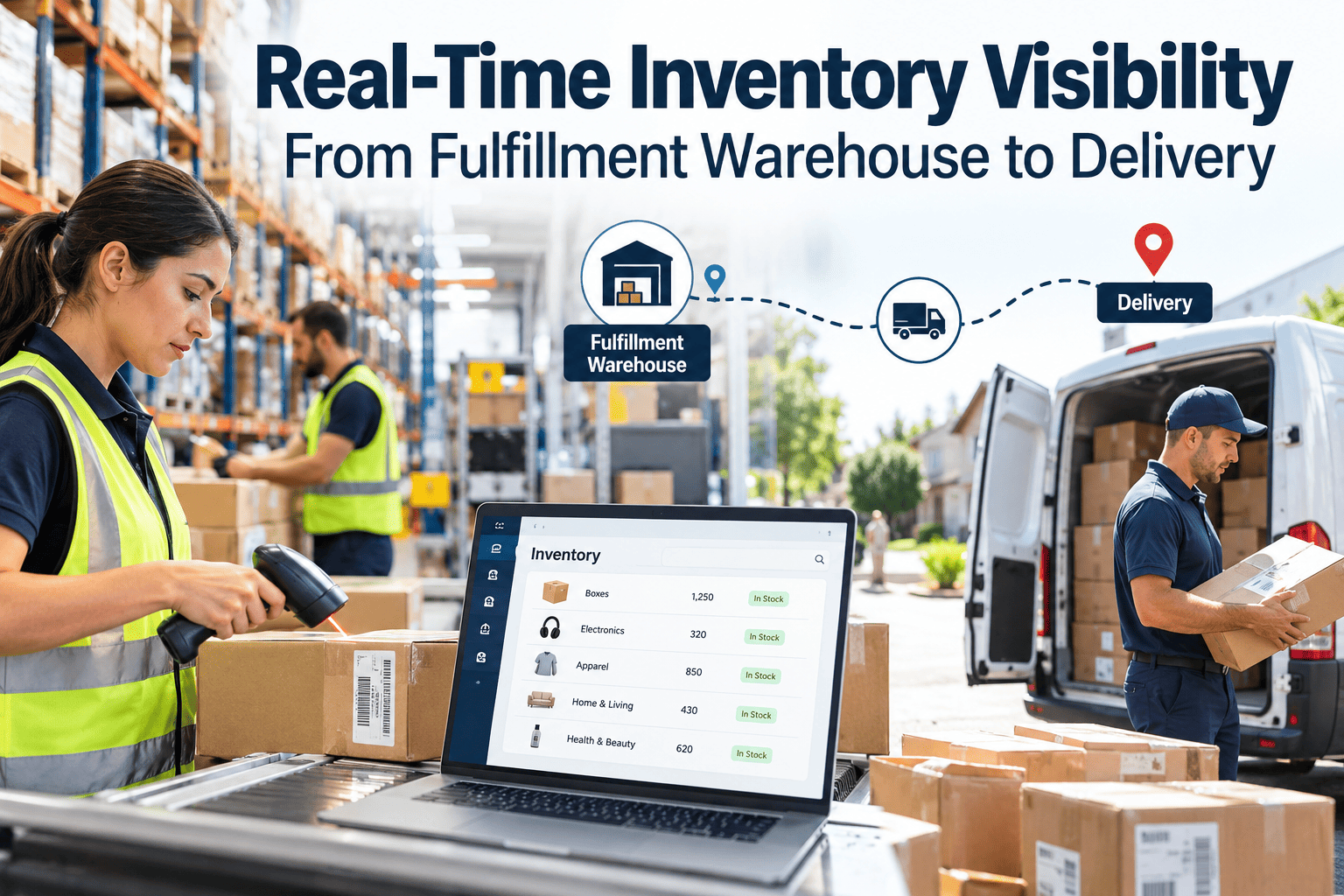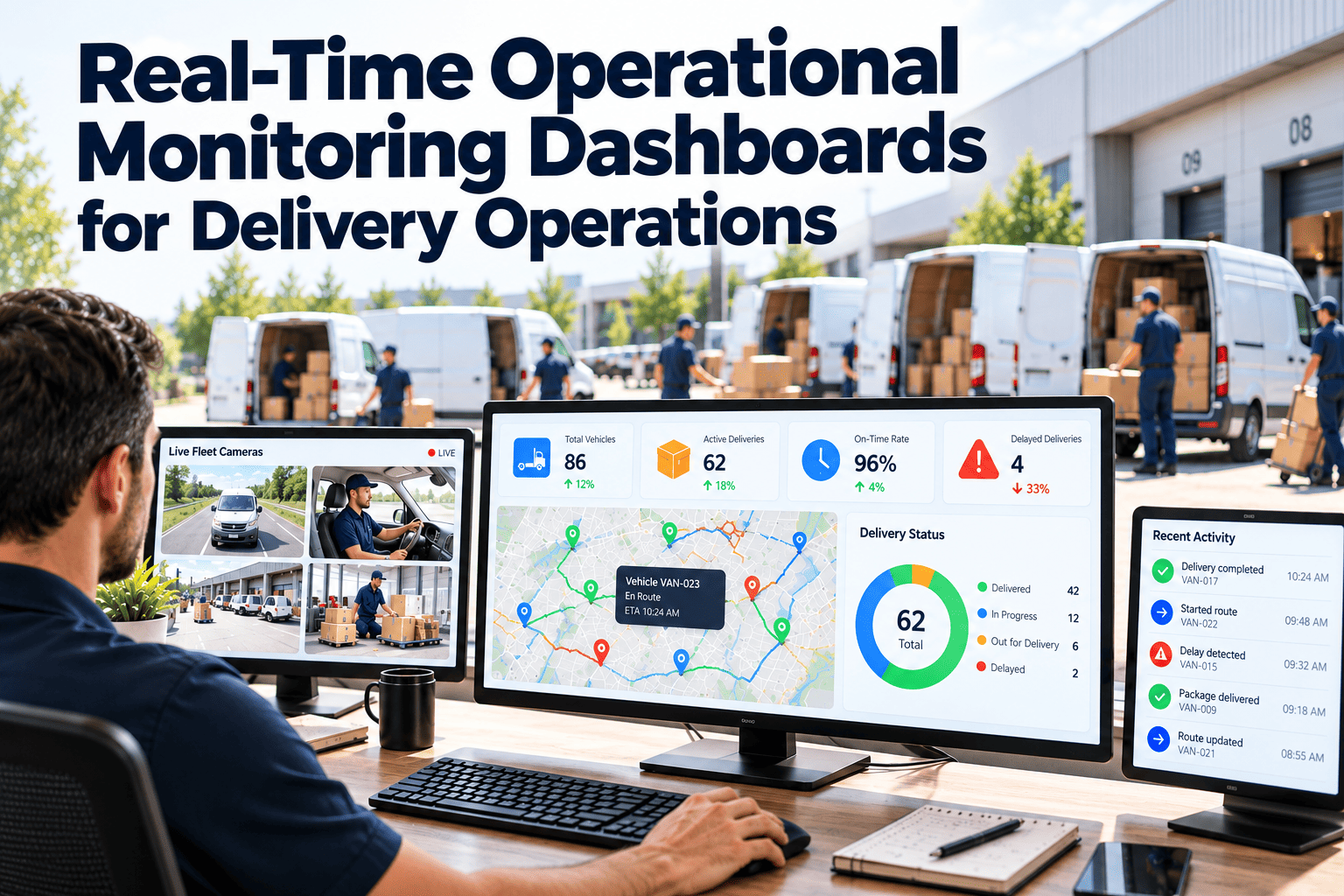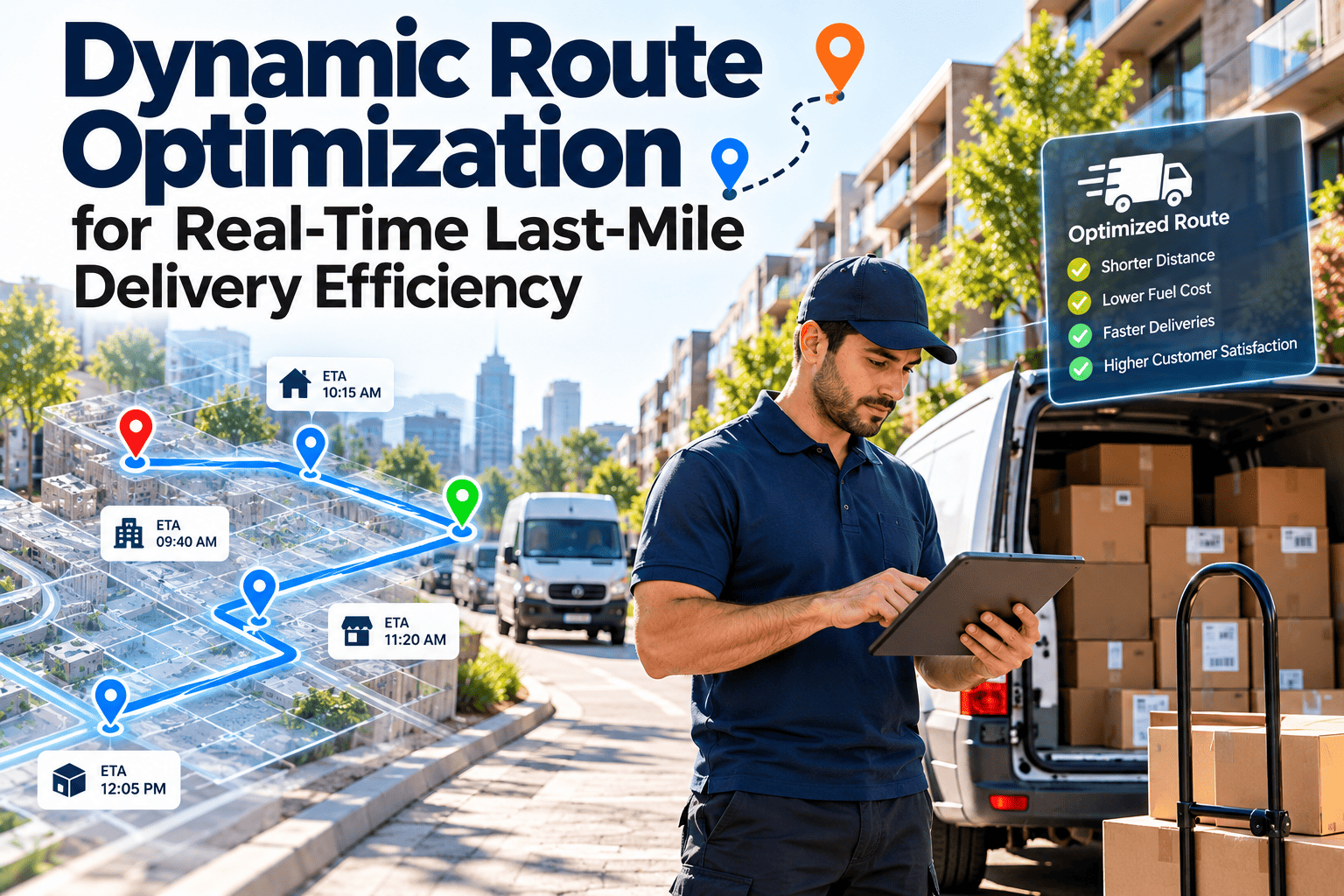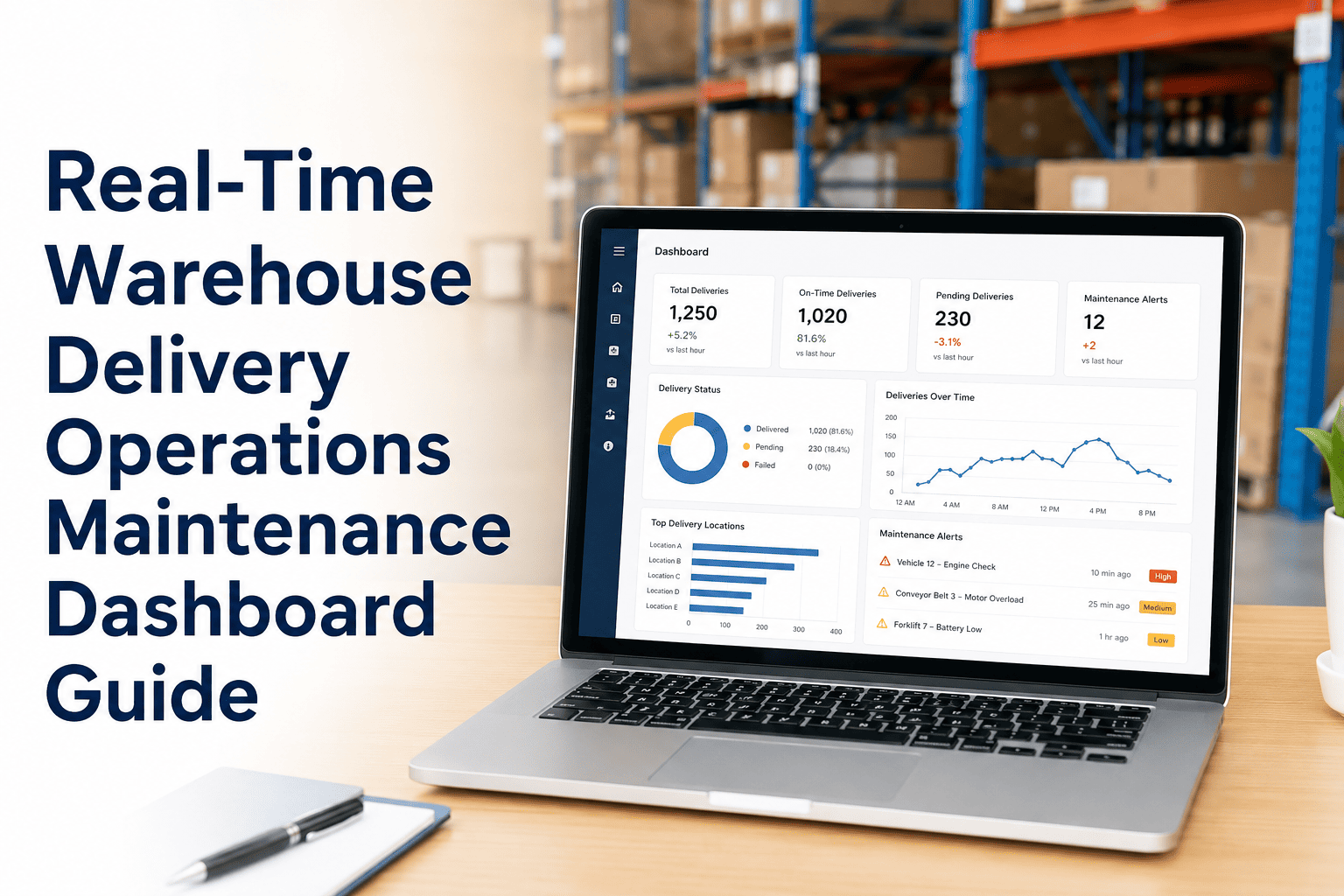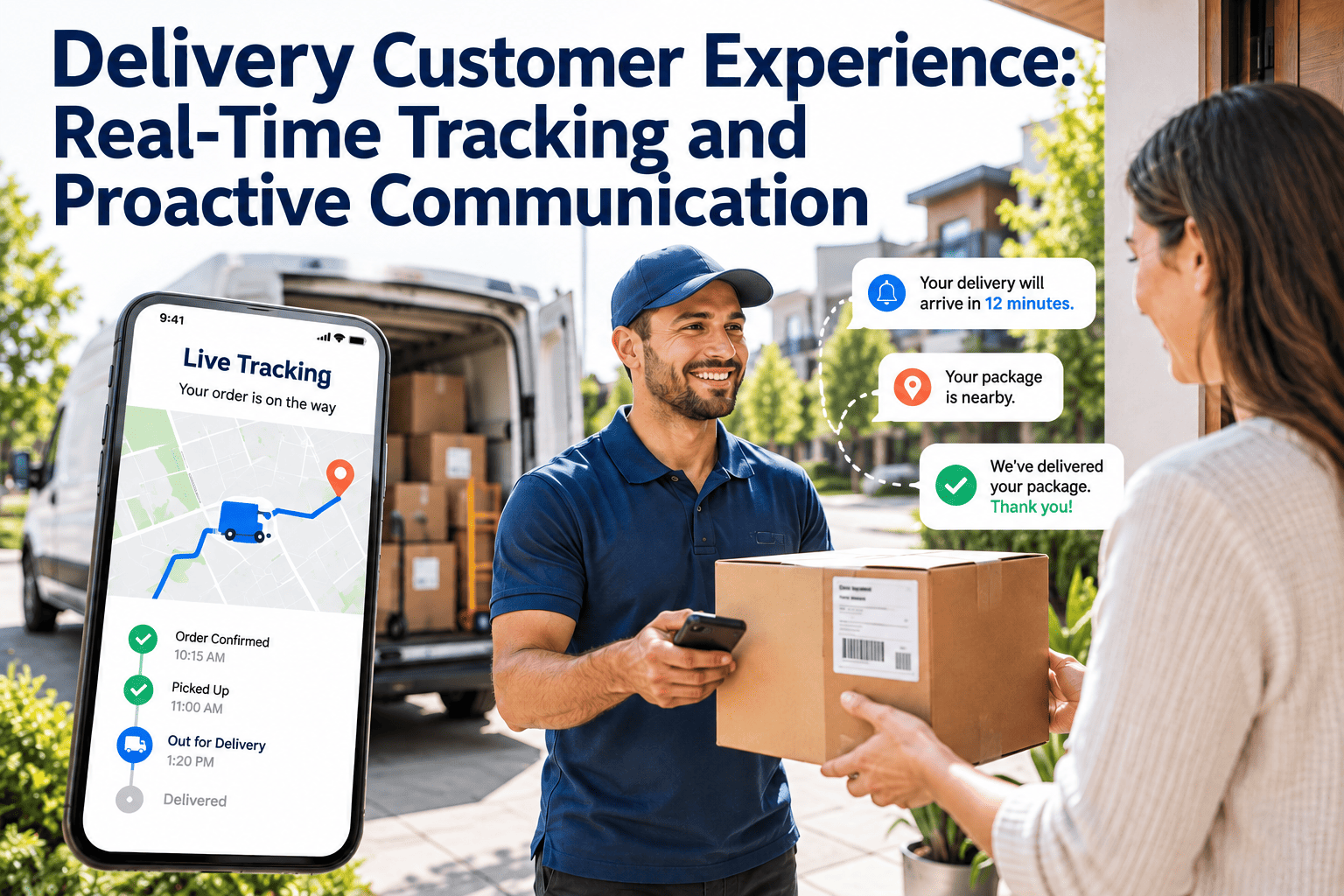
Customers rarely complain that a parcel took a day longer than hoped. They complain that nobody told them. Tracking pages, delivery windows and timely alerts have moved from a nice extra to the baseline of what buyers expect from any retailer or carrier. Delivering that experience takes more than a good app, because every status update depends on a scan, a working vehicle and a sorter that kept moving. Reliable equipment is therefore part of the customer promise, and teams use maintenance management software to keep the assets behind each tracking event dependable.
Delivery Customer Experience: Real-Time Tracking and Proactive Communication
Give customers an honest ETA, tell them early when plans change, and protect the equipment that makes every tracking update true.
What customers actually want to know
Behind every support contact about a late order is a small set of questions. A good visibility design answers them before the customer has to ask, and it does so in plain language rather than internal status codes.
Why visibility failures damage trust
- A silent delay feels like neglect, even when the cause was outside anyone's control.
- Repeated small misses teach customers to distrust every future promise, which pushes them toward competitors with firmer commitments.
- An inaccurate ETA that moves repeatedly is worse than a wider window that holds.
- Customers who must call for information experience the delivery as a problem even when the parcel arrives.
- Gaps between scans make the tracking page look broken, which invites unnecessary contacts.
The tracking journey, stage by stage
Each stage generates data, sends a message and carries a risk. Mapping all three keeps the customer view and the operational reality aligned.
| Stage | Data that must exist | Customer message | Typical risk |
|---|---|---|---|
| Order and promise | Inventory, carrier capacity, delivery zone | Confirmation with a delivery window | Promising dates the network cannot meet |
| Pick and pack | Packing scan, label print, parcel weight | Order is being prepared | Label printer or scanner failures stall the flow |
| Sort and dispatch | Induction scan, sort destination, load scan | Parcel has left the hub | Sorter downtime creates unrecorded delays |
| Line haul and transfer | Trailer or vehicle ID, departure and arrival scans | In transit with an updated date | Breakdowns and long dwell times |
| Out for delivery | Route plan, vehicle location, stop sequence | Delivery day notice with a time window | Late vehicle readiness and route changes |
| Final approach | Live position, stops remaining, driver status | Arriving soon with a narrow ETA | ETA drift from traffic or access problems |
| Delivery and proof | Photo or signature, time and location | Delivered, with proof and feedback option | Missing proof leads to disputes |
Designing an ETA customers can trust
An ETA is a promise that updates as facts change. Accuracy matters less than honesty about uncertainty, and the best systems show a window that narrows as the delivery day unfolds.
What makes ETAs wrong
- Stop times that ignore access problems, large drop-offs or building rules
- Routes planned around vehicles that are not actually ready at dispatch
- Traffic and weather assumptions that are never updated
- Missed scans that leave the system unaware of where parcels are
- Static promises that ignore the load already inside the network
What makes ETAs better
- Learning actual stop durations by area and building type
- Confirming vehicle readiness before route assignment
- Recalculating as routes progress and sharing changes quickly
- Showing a window plus the number of stops remaining
- Reviewing predicted versus actual arrival times weekly
Three rules for ETA communication
- Prefer a slightly wider window that holds over a narrow one that keeps moving.
- Update customers when the ETA shifts by a meaningful amount, not on every minor fluctuation.
- Always show the time of the last update so customers know how current the information is.
- Explain what an ETA is based on in one short line, such as stops remaining, so the figure feels earned rather than invented.
- Keep wording consistent between the app, email and text messages so customers never see conflicting information.
Proactive exception communication: tell them before they ask
Exceptions are inevitable. What the customer remembers is whether the company noticed first and offered a way forward. The matrix below shows how to structure those responses.
| Exception | Trigger | Message content | Customer option | Internal action |
|---|---|---|---|---|
| Vehicle breakdown on route | Driver report or telematics fault | Short delay notice and new window | Accept new time or reschedule | Urgent work order, backup vehicle, reassign stops |
| Sorter or conveyor outage | Downtime event at the hub | Parcels delayed at facility | Updated delivery date | Priority repair, manual sort plan, overtime review |
| Missed scan or stalled parcel | No scan within expected interval | We are checking your parcel | Contact option if prolonged | Search process, scanner and label equipment check |
| Address or access issue | Driver flag at the stop | Delivery attempt could not be completed | Confirm address, safe place or locker | Update address data, prepare reattempt |
| Severe weather | Route-level service alert | Safety-related delay | Hold or reschedule | Rebalance routes, verify vehicle readiness |
Keep the equipment behind every tracking update dependable
See how inspections, preventive maintenance and work orders reduce the vehicle and hub failures that turn into customer delays.
Fleet, sorter and scanning equipment maintenance in one connected workflow.The hidden dependency: visibility runs on equipment uptime
Tracking software only reports what operations produce. If a handheld scanner fails, a label printer jams or a van is not ready at dispatch, the customer sees a stalled or inaccurate status. Maintenance is therefore a direct input to customer experience.
- Vans fail on route and customers hear nothing until the next day
- Scanners and printers are repaired only after queues form
- Sorter faults create hidden delays between scans
- Support teams guess at causes when customers call
- Pre-trip inspections catch defects before the route starts
- Scanner and printer checks are scheduled and spares are on hand
- Critical sorter components are inspected before peak periods
- Downtime events are logged so exceptions can be communicated quickly
Assets that most affect the customer experience
- Route vehicles and refrigerated units, which determine whether the day starts on time.
- Sorters, conveyors and induction stations, which control when parcels leave the hub.
- Handheld scanners, mobile devices and label printers, which generate the scans that power tracking.
- Dock doors, levelers and loading equipment, which affect how fast vehicles are loaded and released.
- Trailers, yard trucks and dock scheduling tools, which decide when loaded vehicles can actually leave the hub.
- Power, networking and wireless coverage in the warehouse, since dead zones create the same scan gaps as broken scanners.
Message design: do and avoid
Even a well-timed message fails if it is confusing. Short, specific and actionable notices outperform long explanations.
- State what changed and the new expected time in the first sentence
- Offer one or two clear choices, with a single tap where possible
- Use the customer's language and avoid internal codes
- Send updates on the channel the customer selected
- Confirm resolution after a delay is fixed
- Generic delay notices that give no new date
- Blaming individuals or vague "operational issues"
- Sending many small updates that train people to ignore them
- Hiding bad news until a customer contacts support
- Promising a time the route cannot realistically meet
What a connected visibility stack needs
Operational and technical foundations determine whether proactive communication is possible. Use this checklist to find gaps before investing in new customer-facing features.
Peak season readiness: protecting the experience when volume surges
Peak periods expose every weak link at once. Customer expectations stay high while sorters run longer, vehicles cover more stops and spare capacity disappears. Preparation is mostly a maintenance and planning exercise.
Audit critical assets
Review work order history for sorters, conveyors, route vehicles and scanners. List the assets that failed most often and decide which need attention before volume rises.Complete preventive work
Pull forward lubrication, belt, brake, tire and battery tasks. Stock critical spares and confirm vendor response commitments for equipment you cannot repair in-house.Rehearse the exceptions
Run through a vehicle breakdown and a sorter outage with dispatch, support and maintenance, and confirm who sends which customer message and when.Watch and respond fast
Hold short daily reviews of downtime, overdue inspections and parts shortages, with maintenance staff positioned near the hub areas that matter most.Service recovery playbook for a delayed delivery
When a delay does happen, a repeatable response limits the damage. The following sequence turns a failure into evidence that the company is paying attention.
- 1
Detect early
Use scan gaps, vehicle faults and downtime alerts to identify affected parcels before the promised window ends. - 2
Contain the cause
Raise a prioritized work order for the failed asset, assign a backup vehicle or manual process, and estimate recovery time honestly. - 3
Notify with a new date
Send a short message with the reason, the revised window and any options the customer can choose. - 4
Deliver and confirm
Complete the delivery inside the revised window and send proof, so the promise made during the delay is visibly kept. - 5
Learn and prevent
Record the cause on the work order, review repeat failures and update inspection or preventive tasks so the same fault is less likely.
Measuring the customer experience from the operations side
Customer satisfaction scores arrive late. Operational indicators give earlier signals and connect directly to the teams who can act on them.
A staged roadmap to better delivery experience
Improvements work best in layers. Each stage builds the data and discipline that the next one needs.
Stabilize the basics
Fix scan gaps, standardize status codes and put pre-trip inspections and preventive maintenance in place for vehicles and critical hub equipment.Make updates reliable
Introduce delivery windows, live ETAs and exception alerts, with clear rules for when and how customers are notified.Act ahead of failure
Use maintenance history and equipment condition data to anticipate vehicle and sorter problems and rebalance routes before customers are affected.Frequently asked questions
Is real-time tracking enough on its own?
No. Tracking shows where a parcel is, while proactive messages explain delays and offer choices. Customers value both, and neither works if scans are unreliable.
How does maintenance affect delivery experience?
Vehicle, sorter and scanner failures create late or invisible parcels. Preventive maintenance reduces them. You can book a demo to see inspection and work order workflows.
How often should we send ETA updates?
Send them when the ETA changes meaningfully or an exception occurs. Too many small updates become noise, and too few leave customers guessing.
What is the first improvement to make?
Close scan gaps and confirm vehicle readiness before dispatch. Both strengthen every later feature. You can sign up to set up vehicle inspections first.
Do small delivery operations need this?
Yes. Customer expectations do not scale with company size, and simple tools such as windows, alerts and inspections already make a visible difference.
Deliver on the promise your tracking page makes
Connect vehicle inspections, preventive maintenance and hub equipment work orders so fewer failures reach the customer.
Inspections, work orders, scheduling and reporting in one maintenance platform.