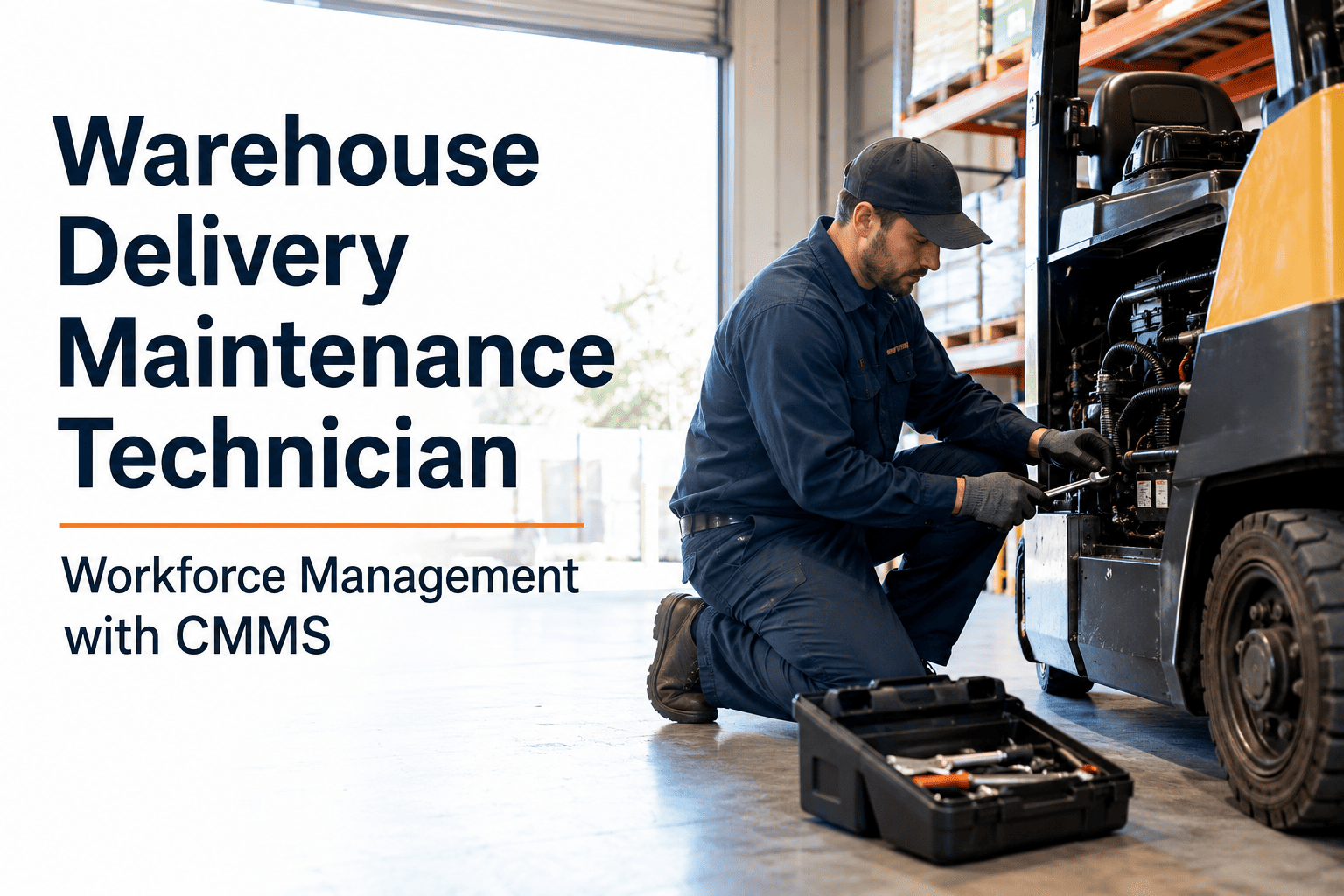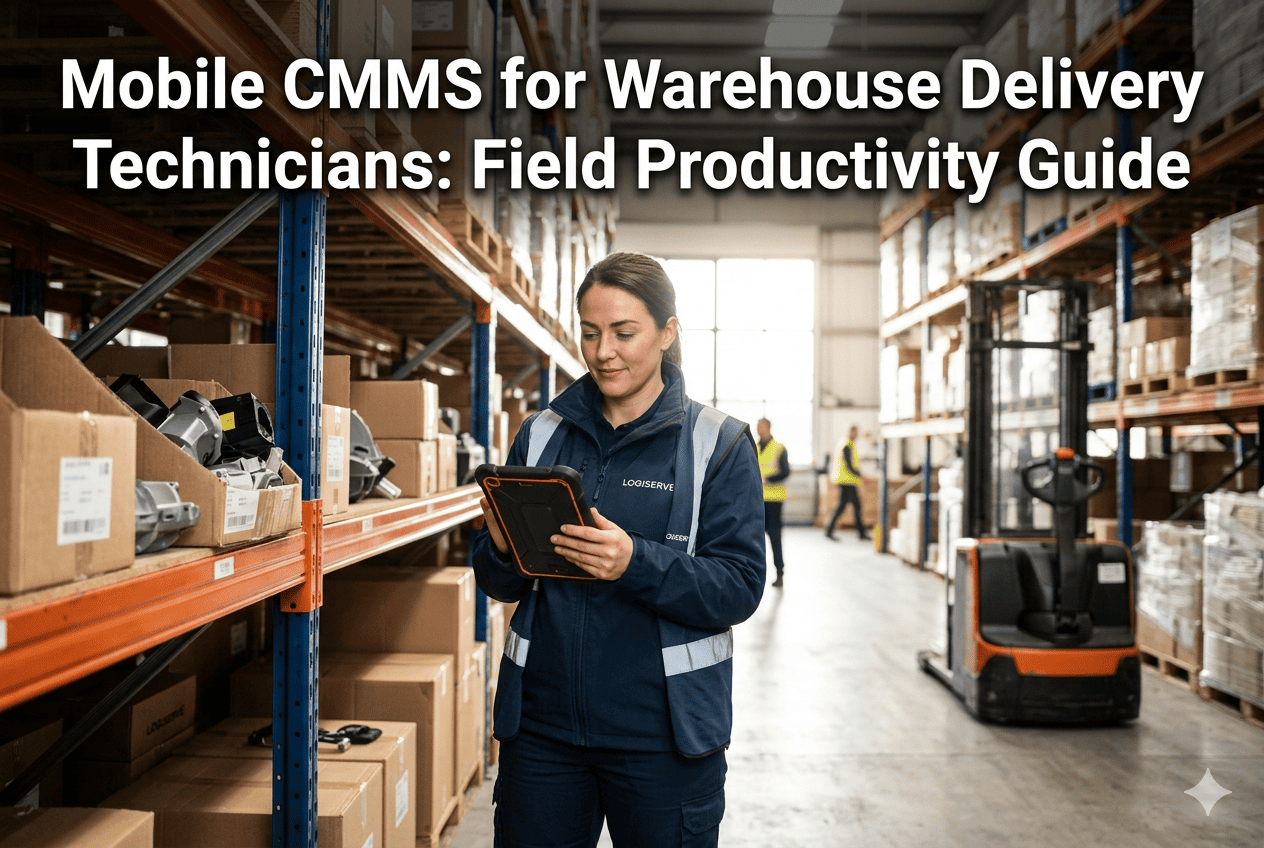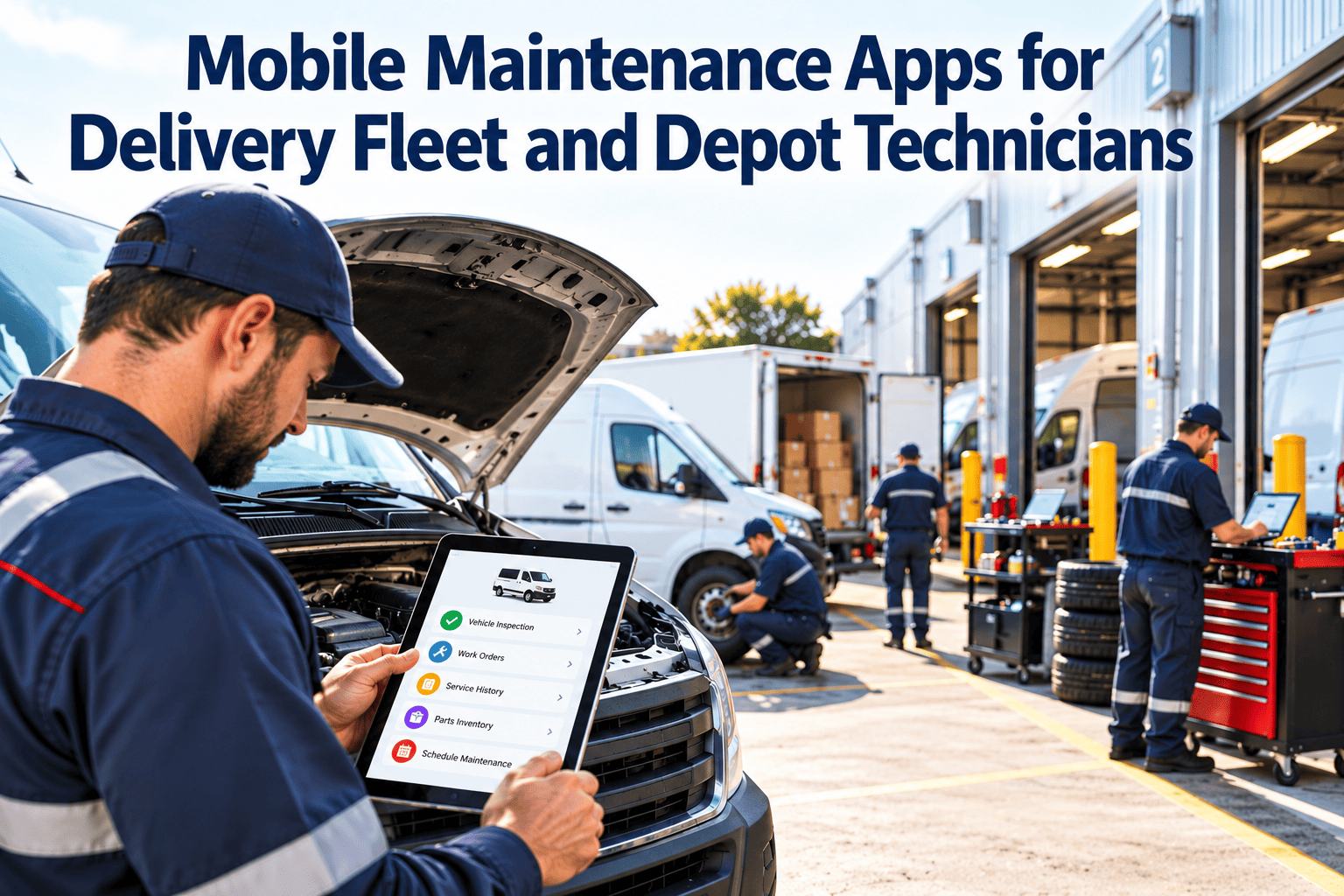
A delivery van with a failing sliding door, a conveyor that keeps tripping, a forklift with a hydraulic leak: none of these problems live at a desk. Yet in many depots the work order still starts on paper or in a shared inbox, gets typed in at the end of the shift, and arrives in the system hours after the fix. Mobile maintenance apps close that gap by putting the work order, the asset history and the parts list in the technician's hand at the asset itself. This guide covers what to demand from an app, how offline mode and integrations really work, and how to get technicians to use it. If you want to see these workflows in one place, you can start with Oxmaint.
Mobile Maintenance Apps for Delivery Fleet and Depot Technicians
Capture the defect, the fix, the parts and the photo where the work happens. Replace end-of-shift data entry with records that are accurate the moment the job closes.
One shift, four screens: what a technician actually needs
Prioritized queue
- Assigned work orders sorted by priority and due time.
- Vehicle or asset location and current status.
- Safety-critical items flagged first.
History at a glance
- Past repairs, repeat faults and open defects.
- Manuals, torque specs and wiring references.
- Last inspection result and mileage or hours.
Checklist and parts
- Step-by-step task list with required readings.
- Parts lookup and issue from stock.
- Photos and voice notes attached to the job.
Done means recorded
- Labor time, cause code and fix recorded once.
- Supervisor or driver sign-off where required.
- Asset returned to service in the system.
If a job takes five minutes to fix and ten minutes to write up later, the write-up is what will be skipped.
Paper and desktop versus mobile: what changes on the floor
Paper cards and end-of-shift entry
- Defects are reported by phone call, message or a note on the dashboard.
- Technicians walk back to a terminal to look up history or parts.
- Details such as the failed part or the real cause are written from memory.
- Planners cannot see which jobs are finished until the next day.
- Supervisors chase paper to prove inspections happened.
Mobile work orders at the asset
- Defects are raised with a photo and routed to the right queue immediately.
- History, manuals and parts are searched from the phone or tablet.
- Cause, labor and parts are captured while the details are fresh.
- Planners see real status and can reassign work during the shift.
- Inspections carry timestamps and attachments by default.
Must-have capabilities, and the questions that test them
| Capability | Why it matters in delivery and depot work | Question to ask in a demo |
|---|---|---|
| Offline operation | Yards, cold stores, basements and rural stops have poor signal | Show me a full job completed with the phone in airplane mode. |
| Fast issue creation | Drivers and pickers spot defects first and will not fill long forms | How many taps from the asset tag to a submitted request? |
| QR or barcode asset lookup | Removes typing errors and wrong-asset records | Can a scan open the asset, its history and open work orders? |
| Inspection checklists | Pre-trip, post-trip and equipment checks need consistent answers | Does a failed item raise a corrective work order automatically? |
| Photo, video and voice notes | Evidence supports warranty, damage and compliance records | Are attachments stored against the work order and asset? |
| Parts and stock access | Missing parts are a leading cause of repeat visits | Can a technician issue parts and see stock from the phone? |
| Role-based views | Drivers, technicians, supervisors and planners need different screens | Can a driver submit a request without seeing costs? |
| Notifications | Urgent jobs and approvals cannot wait for someone to check a list | What triggers a push alert, and can we tune it? |
Put the work order where the wrench is
Oxmaint gives technicians mobile work orders, inspections, asset history and parts access, so records are complete when the job is, not hours later.
Offline mode: how to judge it properly
Read access offline
Assigned jobs, asset history, manuals and checklists should be cached before the technician loses signal, not fetched on demand.
Write access offline
Status changes, notes, photos, labor time and parts issues should queue locally and sync automatically when a connection returns.
Conflict handling
If two people edit the same work order, the app should show both changes and let a supervisor resolve it rather than silently overwrite one.
Test it in your worst location
Run the pilot where signal is weakest, such as the back of the yard, a refrigerated room or a mezzanine. If the app works there, it will work anywhere in the operation.
Integration: the app is only as useful as what it connects to
Maintenance system of record
Work orders, PM schedules, asset history and inspection results live here and are shared with every connected view.
Dispatch and routing
Vehicle status tells planners which units are cleared to run, and which are in the workshop.
Parts and inventory
Issued parts reduce stock counts and trigger reorders, so the next job is not delayed.
Telematics and meters
Mileage, engine hours and fault codes can drive usage-based preventive maintenance.
Procurement and vendors
External repairs and purchase requests are linked to the work order that caused them.
- Decide which direction data flows: from dispatch into maintenance, the reverse, or both.
- Use one asset identifier across systems so records never need manual matching.
- Integrate the highest-value link first, usually vehicle status or parts, instead of everything at once.
Getting technicians to actually use it
Involve technicians in selection
Let two or three respected technicians trial candidate apps on real jobs. Their verdict on speed and layout carries more weight than any manager's.
Start with one workflow
Begin with inspections or corrective work orders, not the full feature set. Early wins build habit.
Remove the old path
If paper cards keep working, they will keep being used. Set a clear switch date and retire the old forms.
Fix friction quickly
Collect complaints in the first weeks, trim unnecessary fields and shorten forms. Show technicians their feedback changed the app.
Use the data in front of them
Show technicians how recorded history helped diagnose a repeat fault. Data that helps the person entering it gets entered.
Adoption is rarely a technology problem. It is a question of whether the app makes the next job easier than the old method did, and whether leaders visibly use the data technicians enter. Review one closed work order together in every weekly meeting so the habit sticks. Treat the first month as a pilot, ask technicians each week what slowed them down, and publish the fixes you make so the crew sees that the app improves because they use it.
Device, security and practical rollout choices
Devices
- Rugged cases and gloves-friendly screens suit workshops and cold stores.
- Shared tablets work for fixed bays; personal phones suit roving technicians.
- Check camera quality, battery life and scanner support before buying in bulk.
Security and access
- Use individual logins so every record is attributable.
- Set role permissions so drivers cannot edit completed work.
- Have a lost-device process that can lock access quickly.
Language and training
- Use plain labels and consistent terms across screens.
- Provide short job aids at the bay, not long manuals.
- Pair new users with a confident peer for their first week.
Support
- Name one person technicians can message when something breaks.
- Keep a simple fallback form for outages.
- Review sync failures weekly and fix the causes.
Who uses the app, and what each role needs from it
Report and verify
Complete the pre-trip and post-trip checks, attach a photo of any damage and see whether the issue was fixed before the next shift.
Diagnose and repair
Work through the checklist, pull history, issue parts and record the cause so the next repair starts with better information.
Flag equipment faults
Scan the forklift or conveyor tag, pick the symptom and send the request without leaving the aisle.
Assign and approve
See open work by priority, reassign jobs during the shift and approve repairs that exceed a cost or safety threshold.
Mobile inspections: what a failed check should trigger
| Inspection | Typical items | What a failed item should do |
|---|---|---|
| Pre-trip vehicle check | Tires, brakes, lights, mirrors, fluid leaks, cargo door and security | Block dispatch for safety items and open a corrective work order |
| Post-trip check | New damage, warning lights, unusual noise, cleanliness | Create a request so the fix is planned before the next shift |
| Forklift and pallet truck check | Forks, chains, hydraulics, horn, brakes, battery or fuel condition | Tag out the unit and notify the supervisor immediately |
| Conveyor and sorter walk-round | Guards, belts, rollers, emergency stops, unusual vibration | Raise a priority work order tied to the asset and location |
| Dock and door inspection | Leveler condition, door seals, restraint systems, lighting | Restrict use of the dock position until it is cleared |
Mistakes that sink mobile maintenance rollouts
Copying the paper form
A twenty-field form on a small screen guarantees skipped entries. Redesign for the phone, with defaults, pick lists and scans.
Ignoring the signal problem
If the app needs a connection to open a job, technicians will revert to paper the first time it fails in the yard.
Launching everywhere at once
Problems multiply across sites and shifts. Pilot with one crew, fix what breaks, then expand in stages.
Treating it as surveillance
If technicians believe the app exists to time them, they will game it. Be clear on how labor data will and will not be used.
Skipping data rules
Free-text cause fields produce records nobody can analyze. Agree a short code list before go-live.
No feedback loop
Technicians report friction and hear nothing back. Publish what changed so people see their input matters.
Measuring adoption and impact
Same-day closure
Share of work orders closed on the day work finished.
Record completeness
Jobs with cause, labor, parts and photo recorded.
Inspection completion
Checks finished on time with timestamps attached.
Repeat visits
Jobs reopened for the same fault, often caused by missing parts.
Read adoption and quality together
High usage with thin notes means people are tapping through to satisfy the system. Review a sample of closed jobs each month and check that the detail would help the next technician.
What good mobile data lets you do next
Better preventive maintenance
- Spot repeat faults by asset, route or driver pattern and adjust PM tasks.
- Move from fixed intervals to mileage or usage triggers once meter data is reliable.
- Retire PM tasks that never find defects and add checks where failures cluster.
Better operational planning
- Tell dispatch which vehicles are cleared before routes are built.
- Forecast workshop load from scheduled PM and recurring defect rates.
- Order parts for known jobs before the vehicle arrives in the bay.
Start with the questions you want to answer
Decide which questions leaders ask most often, such as which vans are down, which repairs repeat and which PMs are overdue. Then make sure the mobile workflow captures exactly the fields needed to answer them, and nothing more.
Where Oxmaint fits for delivery and warehouse maintenance
Capabilities that support mobile work
- Work orders that technicians can open, update and close from a phone or tablet.
- Preventive maintenance scheduling by date, mileage or usage.
- Inspections with checklists, photos and automatic follow-up work.
- Asset records covering vehicles, handling equipment and facility systems.
- Inventory tracking so parts are available when the job starts.
Data habits that make it work
- Tag each work order to a specific asset and location.
- Use a short list of failure and cause codes.
- Close jobs when the work finishes, not at the end of the week.
- Review overdue and repeat work in a short weekly meeting.
Frequently asked questions
Do technicians need a company phone to use a mobile maintenance app?
Not necessarily. Many operations allow personal devices with role-based access, while others issue shared tablets for fixed bays. Decide based on security policy and how often technicians move between sites.
What happens when there is no signal at the vehicle?
A properly designed app caches the day's jobs and queues updates until a connection returns. Always test full job completion offline during a pilot before committing.
Can drivers report defects through the same app?
Yes. A simple request form or inspection checklist with a photo gives drivers a fast route, and failed items can create work orders automatically. You can book a demo to see this flow.
How do we handle technicians who resist moving off paper?
Involve them in the trial, keep forms short and set a firm date to retire paper. Show how recorded history saves them diagnostic time.
Is mobile access enough, or do we need a full CMMS behind it?
A mobile front end needs a system of record for schedules, history and reporting. A platform such as Oxmaint provides both in one workspace.
Give every technician the full job in their pocket
Replace paper cards and late data entry with mobile work orders, inspections and asset history. Oxmaint helps delivery and warehouse maintenance teams keep records accurate and assets ready.