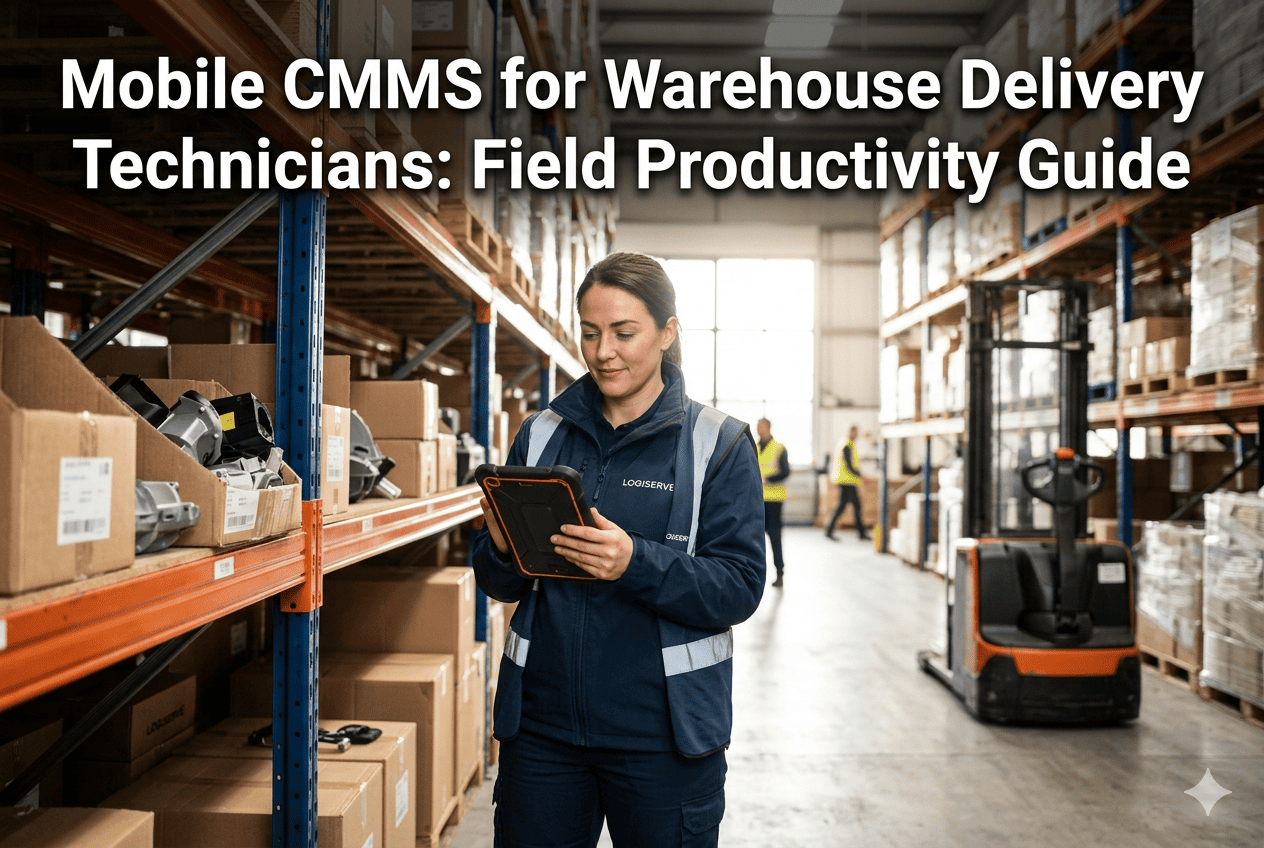
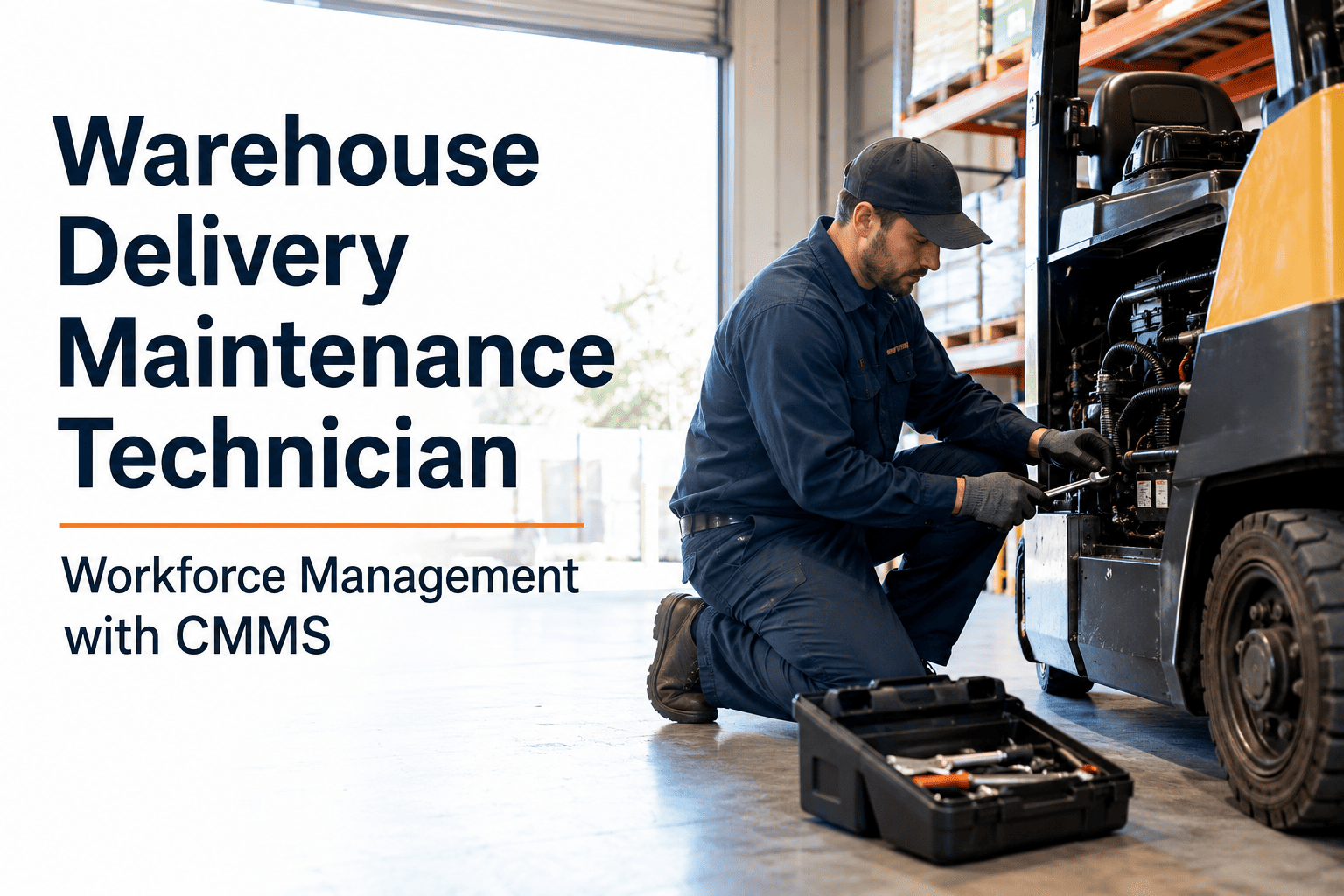
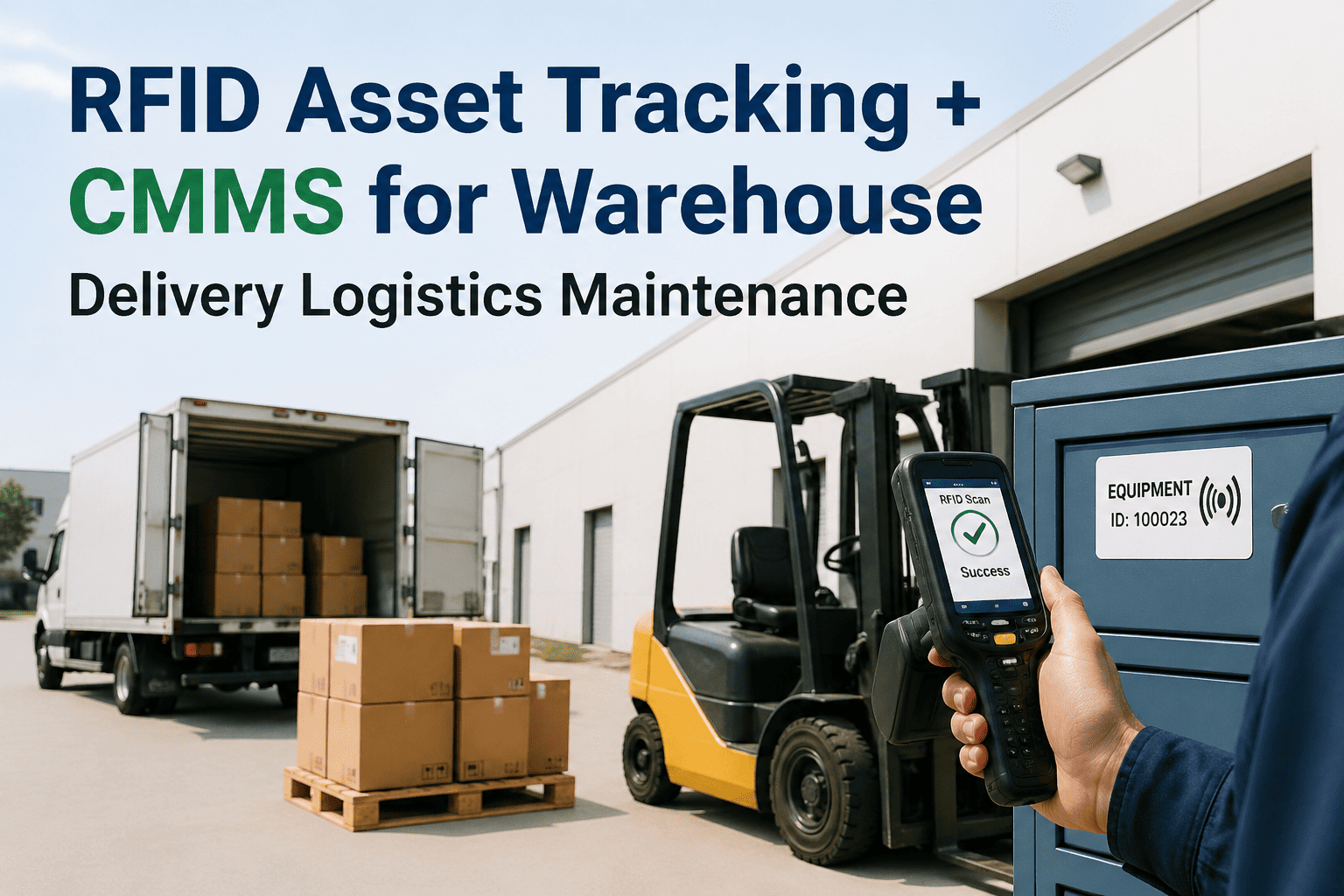
A warehouse maintenance technician who spends 35 minutes of every two-hour shift walking to a terminal to log work orders and retrieve parts instructions is operating at 70% of their actual capacity — and they have no idea. That invisible productivity drain adds up to over 300 hours per technician per year, at a cost your maintenance budget was never designed to absorb. Oxmaint's mobile CMMS puts the work order, asset history, parts checklist, and sign-off directly on the technician's phone — eliminating travel time, paper logs, and manual data entry without changing a single person on your team. If you manage a warehouse delivery operation with more than four technicians, book a 30-minute productivity audit and see exactly how much capacity you are currently leaving on the floor.
Field Productivity Guide · Warehouse Delivery · 2026
Mobile CMMS for Warehouse Delivery Technicians
Warehouse maintenance technicians lose 30–40% of every shift travelling to log work orders and retrieve parts. Mobile CMMS converts that dead time into productive repair work without changing your existing team.
38%
of technician shift time lost to non-repair travel and admin in paper-based systems
300+
hours per technician per year recovered by eliminating manual work order logging
4x
more assets maintained per technician when work orders arrive on mobile in real time
22 min
average time-to-response improvement when technicians receive push alerts on mobile
The Hidden Problem
Where Technician Time Goes In a Traditional Warehouse
Before analysing what mobile CMMS fixes, it helps to understand precisely where the time is going. The following breakdown is based on time-motion studies in mid-size distribution center operations with 5–20 maintenance technicians.
Average Technician Shift Time Allocation — Traditional System
Travel to/from Work Order Terminal
Manual Work Order Logging
Parts Room Trips & Verification
Waiting for Supervisor Sign-off
38% of every shift is administrative overhead that generates zero maintenance value
Core Capabilities
What Mobile CMMS Does for Warehouse Technicians in the Field
Mobile CMMS is not a scaled-down version of a desktop system. It is designed specifically for the physical constraints of warehouse maintenance work — hands occupied, facilities large, connectivity variable, and attention on the asset in front of you.
01
Push-Delivered Work Orders
Work orders arrive directly on the technician's device the moment they are generated — no terminal trip required. Each order includes asset location, fault description, priority level, and inspection checklist before the technician takes a single step toward the asset.
02
Full Asset History at the Equipment
When a technician scans an asset QR code, the complete maintenance history, previous fault patterns, and manufacturer service notes load instantly. Diagnosis time drops from 20–40 minutes to under 5 minutes because the context is already there.
03
Guided Digital Inspection Checklists
Step-by-step inspection protocols guide technicians through robot-specific maintenance tasks. No missed steps, no paper forms, no transcription after the fact. Checklist completion is captured in real time with technician ID and timestamp.
04
Parts Availability Check Before Walking
Before a technician walks to the parts room, the mobile app confirms whether the required component is in stock. If not, a reorder is triggered automatically. Technicians stop making empty trips and start making informed ones.
05
On-Device Work Order Sign-off
Completed maintenance tasks are closed and signed off directly in the app — no paper forms, no supervisor tracking down a technician for a signature. Compliance records are created automatically and time-stamped to the completion moment.
06
Photo Documentation of Faults
Technicians capture photos of fault conditions and completed repairs directly in the work order. Visual documentation accelerates second-opinion diagnosis, supports warranty claims, and builds a searchable fault image library over time.
See Mobile CMMS in a Real Warehouse Environment
Oxmaint's mobile CMMS is built for warehouse scale — large facilities, mixed fleets, and technicians who need information fast, not systems that slow them down.
Before & After
Mobile CMMS Impact Across Key Technician Activities
| Technician Activity |
Without Mobile CMMS |
With Mobile CMMS |
Time Recovered |
| Receiving a new work order |
Walk to terminal, log in, print or transcribe — 12–18 min |
Push notification on device — under 30 seconds |
12–17 min per job |
| Asset fault diagnosis |
Check paper logs, recall memory, call supervisor — 20–40 min |
Scan QR, load full history — under 5 min |
15–35 min per job |
| Parts availability check |
Walk to parts room, check stock manually — 8–15 min |
Check app before moving — under 1 min |
7–14 min per job |
| Work order sign-off |
Find supervisor, complete paper form — 10–20 min |
Sign off in app on completion — under 2 min |
8–18 min per job |
| End-of-shift reporting |
Manual shift summary, key handover, paper log — 25–40 min |
Auto-generated from completed work orders — 0 min |
25–40 min per shift |
| Compliance documentation |
Recreated from memory at shift end — incomplete |
Auto-created at task completion — always complete |
Full compliance with zero effort |
For Different Roles
How Mobile CMMS Serves Every Role in Your Maintenance Team
The productivity impact of mobile CMMS is not limited to field technicians. Every layer of your maintenance team benefits differently — and the compounding effect across roles is where the real ROI is found.
Field Technician
Stop Walking. Start Fixing.
Work orders arrive before you need to ask
Asset history loaded at the equipment
Checklists guide every inspection step
Sign-off done without leaving the asset
Maintenance Supervisor
Real-Time Fleet Visibility.
See every open work order status live
Reassign tasks without radio or phone calls
Identify bottlenecks before they delay shifts
Compliance records always ready for review
Operations Manager
Uptime Data, Not Opinions.
Fleet availability rate tracked in real time
Maintenance cost per unit automatically calculated
Peak-period downtime incidents tracked and trended
Audit documentation exportable on demand
Frequently Asked Questions
Give Your Technicians the Tool That Works as Hard as They Do
Oxmaint mobile CMMS is built for warehouse delivery operations — delivering work orders, asset history, and compliance tools directly to the technician's device so every minute on the floor is a productive one. Start free today.