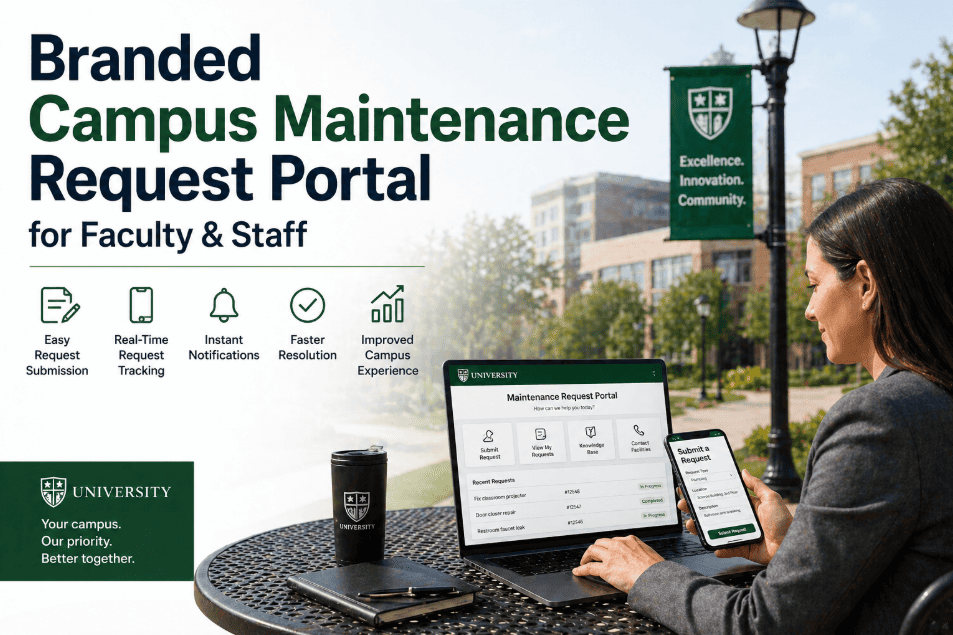
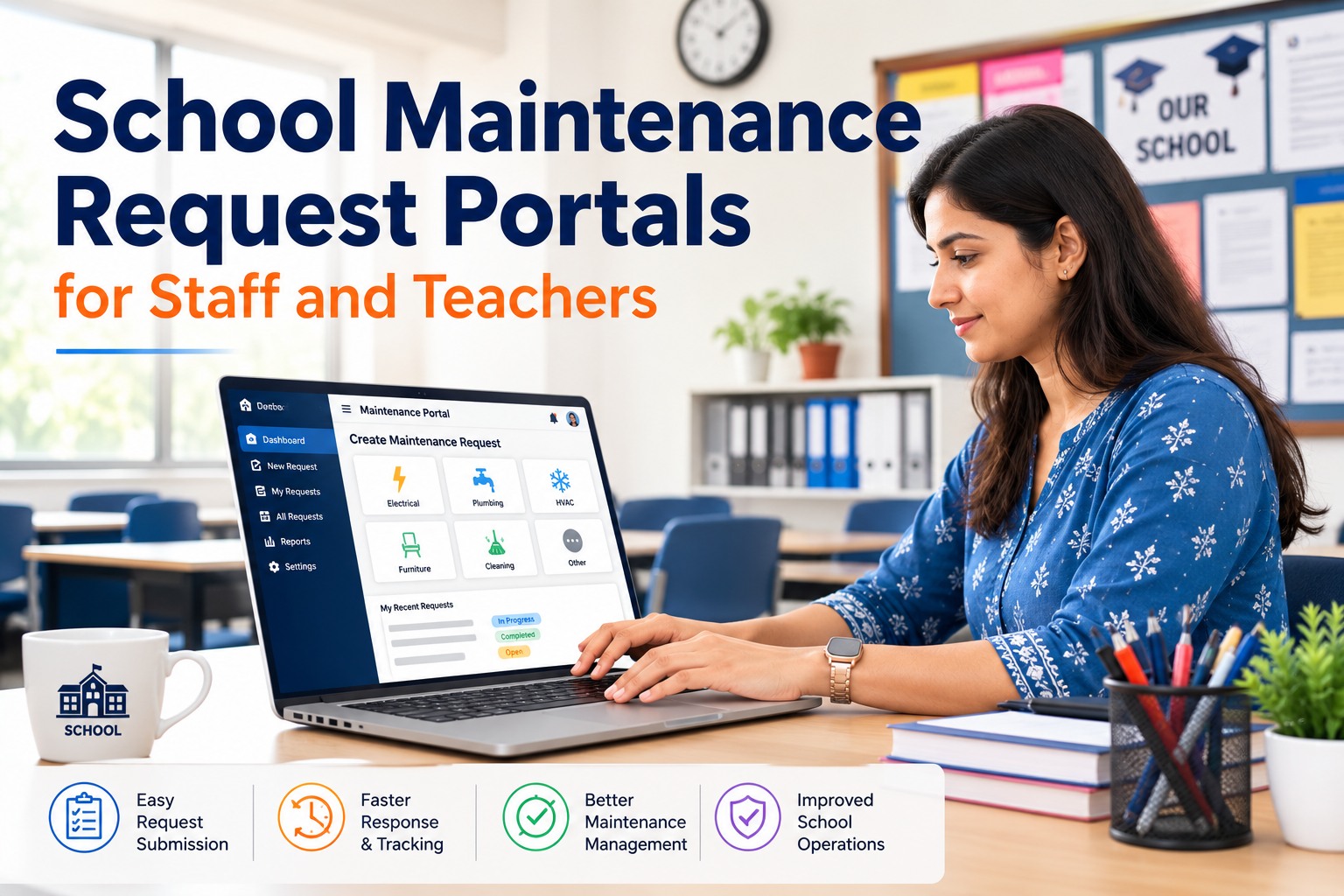
Branded Campus Maintenance Request Portal for Faculty & Staff
By Jamie lanister on April 27, 2026
The facilities office phone rings 40 to 60 times per day at a medium-sized campus. A faculty member reports a leaking faucet. A staff coordinator calls about an HVAC complaint in Building C. A custodial supervisor wants to log a broken exit sign. Every call requires a staff member to manually create a work order, interpret the location, prioritize the request, and assign it to a technician. It's a process that hasn't changed in 30 years — and it no longer needs to exist. A branded, mobile-friendly maintenance request portal embedded in your campus intranet or facility website lets faculty, staff, and student services coordinators submit and track requests directly — with automatic work order creation, routing, and status updates — without a single phone call to the facilities desk.
Branded Request Portal · OxMaint CMMS
A Campus Maintenance Portal That Replaces 70% of Facilities Phone Calls
Faculty submit from their office. Staff submit from their phone. Students submit from their dorm room. Every request becomes a tracked work order — with status updates, priority routing, and zero phone calls to your facilities desk.
Before Portal
40–60 calls/day
Phone calls to facilities desk
After Portal
12–18 calls/day
70% reduction in calls
What a Branded Portal Looks Like in Practice
Request Portal Interface (faculty/staff view)
?
Submit Maintenance Request
Chemistry Building — Room 204
HVAC — Cooling not working
Urgent
Class scheduled in 2 hours
Room temperature is 84°F and rising. Lab equipment is heat-sensitive. Class starts at 2:00 PM...
White-labeled with your campus logo and colors. Embeds via iframe or direct link. Mobile-optimized.
Auto-created work order (technician view)
URGENTOPEN
#WO-2847
HVAC — Cooling failure
Chemistry Building · Room 204
Requested by:Dr. Chen, Chemistry Dept
Submitted:Today 11:43 AM
Assigned to:Michael T. — HVAC Team
Due by:1:30 PM (before 2:00 PM class)
Room at 84°F. Lab equipment heat-sensitive. Class at 2PM.
Three Steps to Live in Under a Day
1
Configure Your Portal
Upload campus logo. Set building list, issue categories, and priority levels. Map buildings to technician groups. Configure SLA windows per priority. No code required — all in OxMaint settings.
Time required: 2–4 hours
2
Embed in Your Intranet or Share the Link
Paste the embed code into your campus intranet page — SharePoint, Confluence, or any CMS. Or share a direct URL with faculty and staff. Mobile-optimized out of the box.
Time required: 30 minutes
3
Go Live — Calls Drop Immediately
Send one email to all faculty and staff. Phone call volume drops 40–70% within the first week as requestors discover they can submit, track, and see updates without calling the facilities desk.
Time required: 1 email
Portal Features That Make Self-Service Work
Faculty & Staff Identity
Requestors log in with campus SSO or email — no separate account creation needed.
Real-Time Status Updates
Requestors see their work order status without calling. Email or app notifications at each stage.
SLA Tracking per Category
Emergency requests escalate automatically after 1 hour. Routine requests tracked against 48-hour SLA.
Request Volume Analytics
See which buildings generate the most requests, peak submission times, and recurring issue types.
Campus Request Portal · OxMaint
Set Up in Under a Day. See Phone Calls Drop in Under a Week.
OxMaint includes a branded, mobile-friendly request portal for faculty and staff as part of the standard platform — no add-on fees, no separate implementation project.
How long does it take to set up a branded campus maintenance portal?+
Most campuses complete initial portal configuration in 2–4 hours. This includes uploading the campus logo and colors, building the building/room list, defining issue categories, setting SLA windows, and mapping request types to technician groups. Embedding the portal in your intranet takes another 30 minutes. Total time from signup to live portal: typically under one business day.
Can different departments have separate request portals?+
Yes — OxMaint supports multiple portal configurations within a single campus account. Facilities can have a general portal for all campus buildings, a separate portal for student housing requests, and a third for lab-specific maintenance — each with different issue categories, routing rules, and SLA settings. All requests flow into the same unified work order system for the facilities team.
What happens to a request after it's submitted through the portal?+
Upon submission, OxMaint automatically creates a work order, applies the priority level based on issue type, assigns it to the correct technician group based on building and category, and sends notifications to both the requestor (confirmation) and the assigned technician (new assignment). The requestor can track status in real time without making a follow-up call. The facilities team sees the full queue in their dashboard with no manual data entry.
Does the portal work on mobile phones for faculty and staff?+
Yes — the OxMaint request portal is fully responsive and optimized for mobile submission. Faculty and staff can submit requests from their phone, attach photos of the issue, and receive status notifications via mobile. No app download required for requestors — the portal is a web-based interface accessible from any browser. Maintenance technicians use the OxMaint mobile app to receive, update, and close work orders in the field.
OxMaint · Campus Request Portal
Give Faculty & Staff the Portal. Give Your Team Back the Day.
A branded, mobile-friendly campus maintenance request portal reduces facilities phone calls by 70%, eliminates manual work order creation, and gives every requestor real-time visibility into their request status — all from the OxMaint platform, with no extra cost.