Every year, universities commission new buildings and capital renovations — and most of those projects hand over incomplete asset data at turnover. Without a structured university capital project handover template aligned to BIM and COBie standards, facilities teams inherit buildings they cannot maintain: assets with no warranty records, equipment with no O&M manuals, and PM programs with no activation baseline. A COBie-aligned handover template captures contractor-supplied data at the point of turnover — asset names, component types, warranty start and end dates, system classifications, O&M document links, and space identifiers — then flows that data directly into a CMMS for immediate PM activation. If your next capital project turnover is approaching, Sign Up Free on Oxmaint and import your COBie data in a single step — or Book a Demo to see how handover data maps into live preventive maintenance schedules.
Turn Your Next Building Handover Into a Live Maintenance Program
BIM/COBie data in — automated PM schedules out. Oxmaint closes the gap between construction turnover and operational readiness.
Essential Fields in a BIM/COBie-Aligned University Capital Project Handover Template
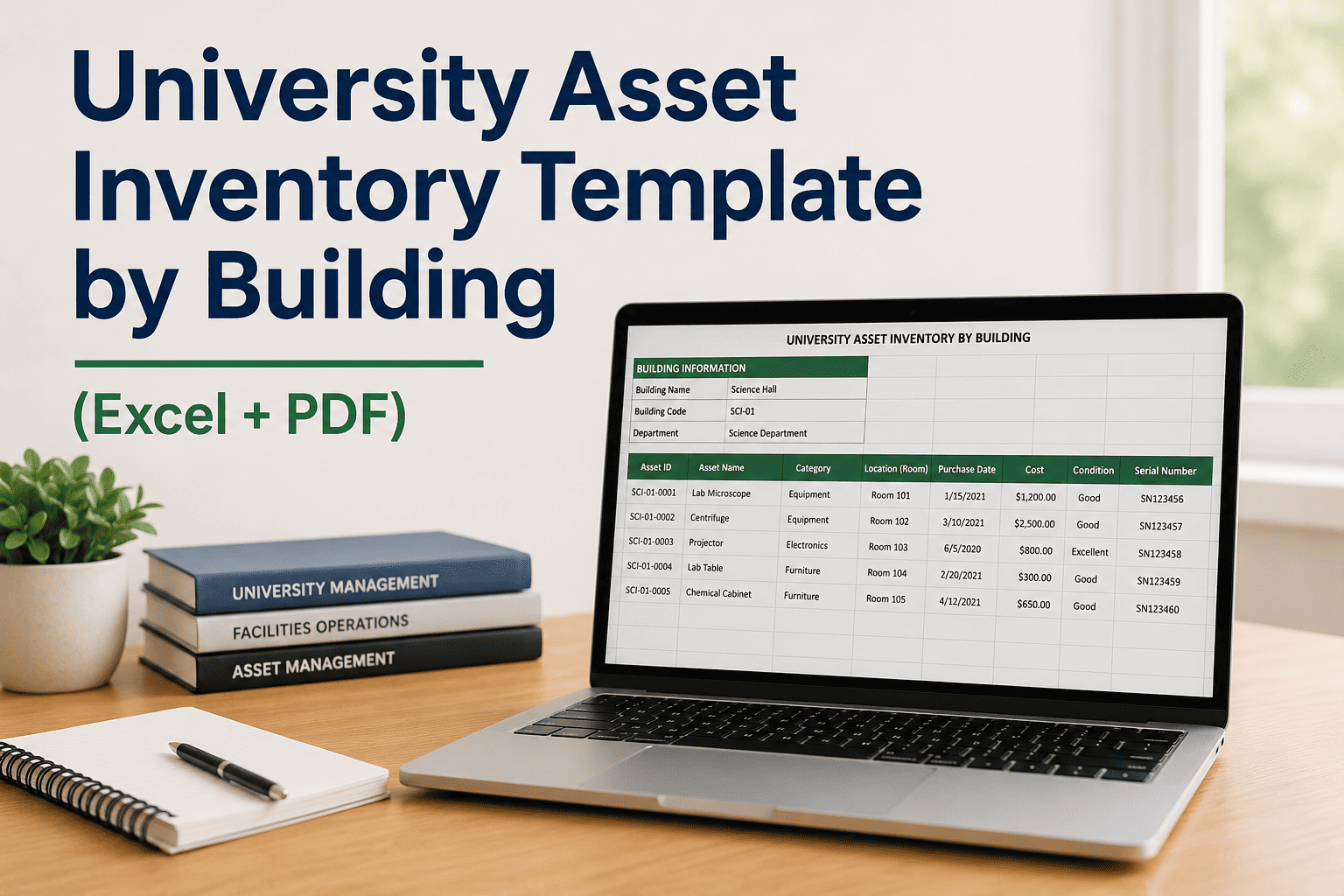
A COBie-compliant handover spreadsheet structures contractor-supplied data into six primary worksheets — Facility, Floor, Space, Component, Type, and Document — giving facilities teams a machine-readable asset inventory on day one of occupancy. When you Sign Up Free on Oxmaint, your COBie export uploads directly into the CMMS asset hierarchy — no manual re-entry, no translation layer. For complex multi-building handovers, Book a Demo to review the import workflow before your project reaches practical completion.
Why University Capital Project Handovers Fail Without a COBie-CMMS Connection
How Oxmaint Bridges BIM/COBie Data and Live Operations
What Universities Achieve with CMMS-Connected Capital Handovers
Manual Handover vs COBie-to-CMMS Handover
| Handover Activity | Paper / Binder Handover | Oxmaint COBie Import |
|---|---|---|
| PM schedule activation | Weeks to months post-occupancy | Day one of occupancy |
| Warranty date tracking | Manual binder check | Auto-alert 30/60/90 days prior |
| O&M manual access | Binder in facilities office | Mobile link at the asset |
| Asset data completeness | Highly variable — verbal turnover common | COBie-validated on import |
| CapEx forecast horizon | Not available at handover | 10-year rolling model from day one |
| Audit document retrieval | Multi-day manual search | Under 5 minutes via export |
| Contractor accountability | Phone/email trail only | Named installer linked to each asset |
Every Capital Project Deserves a Live Operations Start
Stop filing COBie spreadsheets. Import them into Oxmaint and launch your PM program the day the keys are handed over.
Frequently Asked Questions
What is a BIM/COBie-aligned university capital project handover template?
It is a structured spreadsheet (or BIM-exported file) that captures every maintainable asset's identity, location, warranty, O&M documentation, and PM requirements at construction turnover — formatted to the COBie standard so the data imports directly into a CMMS like Oxmaint.
Does Oxmaint accept COBie exports directly from BIM authoring tools like Revit or Autodesk Construction Cloud?
Yes. Oxmaint accepts COBie-formatted spreadsheets exported from Revit, Autodesk Construction Cloud, Bentley, and other BIM platforms. The import maps COBie Component, Type, Space, and Document worksheets to Oxmaint's asset hierarchy automatically. Book a Demo to verify your specific export format.
What happens to assets that are missing data in the COBie file?
Oxmaint's import validation flags incomplete COBie records before they are committed — identifying missing serial numbers, blank warranty dates, or unlinked documents so your team can resolve gaps with the contractor before occupancy rather than discovering them at the first service call.
Can Oxmaint track commissioning status as part of the handover workflow?
Yes. Oxmaint supports commissioning status fields at the asset level — functional performance test result, Cx agent sign-off, and punch list closure — which can be required before a PM schedule activates for that asset.
How does Oxmaint handle capital project handovers that span multiple buildings or phases?
Oxmaint's Portfolio hierarchy supports multi-building projects natively. Each building phase imports as a separate Property, with a shared Portfolio-level dashboard showing handover completion percentage, PM activation status, and open warranty alerts across all phases. Sign Up Free to explore the portfolio view.
Is Oxmaint suitable for both new construction handovers and major renovation turnover?
Yes. The COBie import workflow applies equally to new buildings and renovated spaces. For renovations, Oxmaint merges incoming COBie data with the existing asset record — updating warranty dates, component specifications, and O&M documents without duplicating the asset. Book a Demo to see a renovation merge in action.
Make Your Next Handover the Last One You Manage Manually
COBie import, automatic PM activation, warranty alerts, and 10-year CapEx forecasting — all from a single university capital project handover in Oxmaint.