A leaky drinking fountain, a flickering fluorescent tube, a door latch that won't catch — these are the everyday failures that quietly erode a school's learning environment, yet most never reach the maintenance team through an official channel. A purpose-built school maintenance request portal turns sticky notes, hallway stop-bys, and after-hours voicemails into structured, trackable work orders that operations teams can prioritize, assign, and close out. Industry data consistently shows that campuses using a centralized request portal resolve facility issues 40–60% faster than those relying on informal channels. If your district is still losing tickets to the bottom of a custodian's pocket, it's time to Start Free Trial and give every staff member a direct, accountable line to facilities.
Still chasing maintenance requests scribbled on sticky notes?
When a teacher reports a broken HVAC vent by mentioning it in the hallway, the request has a roughly 1-in-3 chance of ever becoming tracked work. A dedicated request portal captures every issue at the source — with photo, location, and category — so nothing falls through the cracks.
Why hallway requests keep your facilities team blind
A K–12 campus with 1,200 students typically generates 600–900 facility requests per year. When those arrive through five different informal channels, the maintenance director spends more time hunting tickets than fixing assets.
Consider a 4-building middle school campus where teachers email the principal, text the custodian, and tape notes to the maintenance office door. Over a 9-month academic year, the facilities team logged 340 work orders — but a follow-up audit found another 180 issues that were raised verbally and never recorded. Those untracked issues included three stuck fire-exit doors and a faulty cafeteria hand-wash station, both of which became compliance findings during the spring state inspection. A portal would have captured, categorized, and timestamped every one of them.
Anatomy of a request portal teachers actually use
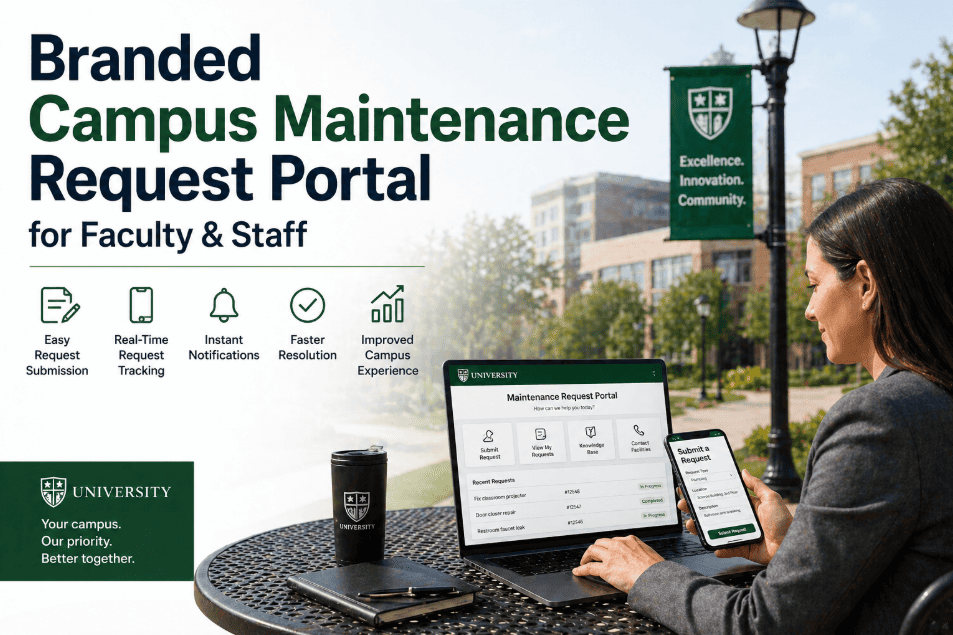
Adoption hinges on the 90-second rule: if a teacher can't submit a complete request in under 90 seconds from their phone, they'll revert to texting the custodian. These six design pillars drive adoption past 90%.
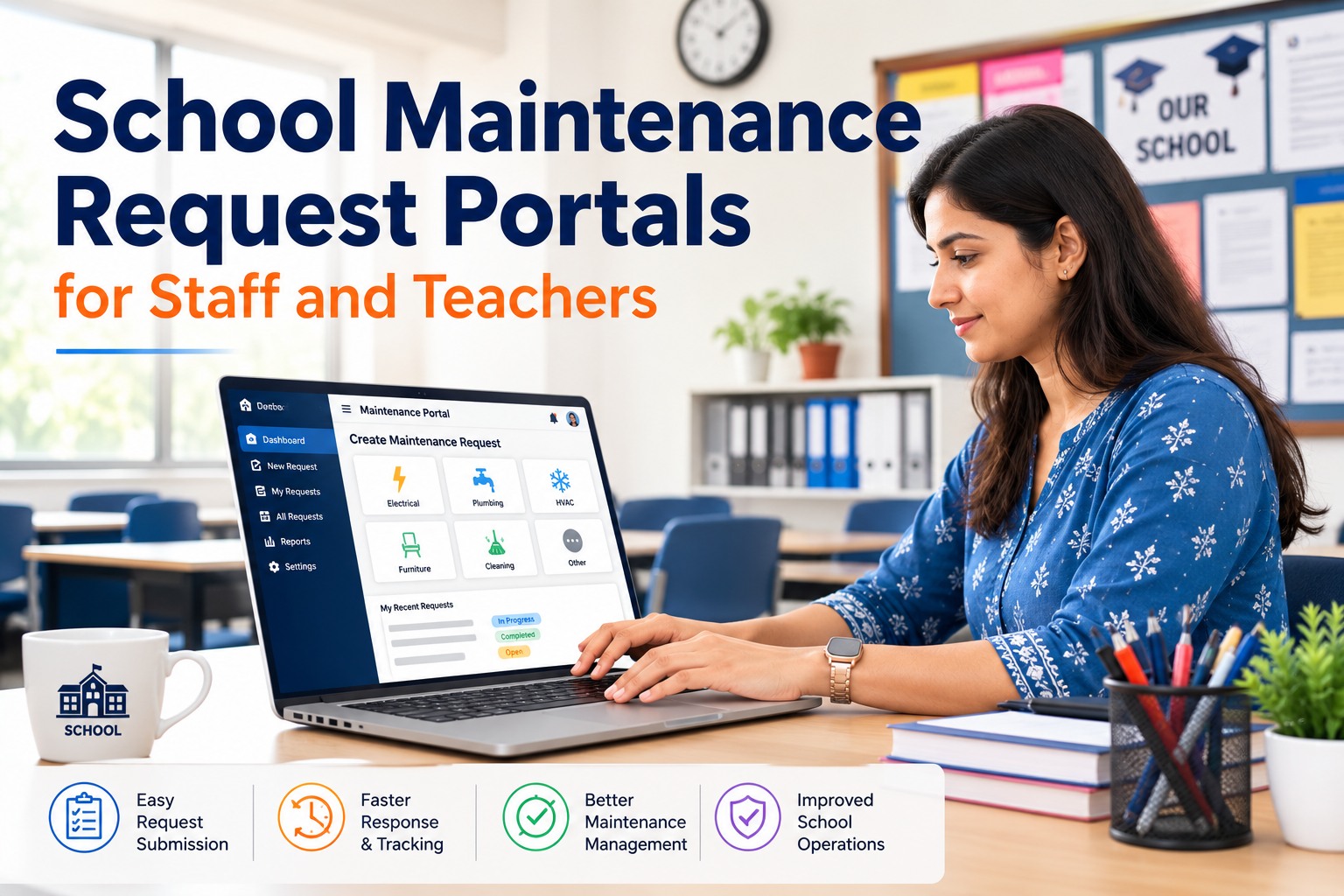
Mobile-first submission
A responsive form that loads in under 2 seconds on school Wi-Fi, with a 3-field minimum (location, category, description) and optional photo upload. Teachers submit from the classroom, not the front office.
Smart category structure
Eight to twelve parent categories — HVAC, plumbing, electrical, custodial, grounds, safety, IT hardware, furniture — each with 4–6 sub-types. This routes the ticket to the right technician without manual triage.
Status transparency
Every requester sees a live status bar: Submitted → Triaged → Assigned → In Progress → Closed. This alone cuts follow-up calls by up to 70%, because staff stop calling to ask "did anyone get my request?"
Two-way messaging
A technician can ask a clarifying question ("which sink — left or right?") inside the ticket thread, and the teacher gets a push notification. No phone tag, no lost context, no repeated visits.
CMMS integration
Every portal request auto-generates a work order in your CMMS with asset ID, location, priority, and requester attached — no duplicate data entry, no transcription errors, no orphaned tickets.
Role-based access
Teachers see their own requests; department heads see their building's queue; the facilities director sees the full district backlog. SSO via Google or Microsoft keeps access secure and provisioning instant.
From launch to 90% portal submission in 90 days
The most common failure mode is a soft launch with no training and no mandate. This four-phase timeline is how districts reach 90%+ of requests flowing through the portal within a single semester.
Configure & integrate
Map your building list, asset IDs, and category tree. Connect SSO. Sync with your CMMS so a submitted request instantly creates a work order. Test with 3–5 pilot staff per building.
Soft launch & training
Run 15-minute walkthroughs at staff meetings. Post QR codes in every classroom linking directly to the portal. Aim for 40% of staff submitting at least one request during this window.
Mandate & measure
Principal announces that portal is the official channel — phone and email requests are logged into the portal by office staff. Weekly dashboard review identifies buildings lagging adoption.
Optimize & sustain
Refine category tree based on real submission data. Recognize buildings with highest portal usage. Most districts hit 88–94% of requests through the portal by end of this phase.
What changes when requests become tracked work orders
The shift from informal intake to a portal isn't just about software — it's a measurable operational transformation across speed, accountability, and cost.
| Dimension | Sticky notes / phone / email | Request portal |
|---|---|---|
| Time to create work order | 1–5 days (if ever) | Under 2 minutes, auto-generated |
| Request tracking | None — requester has no visibility | Live status from submission to closure |
| Duplicate requests | Common — 15–20% of tickets | System flags duplicates by location + category |
| Photo documentation | Rare — verbal description only | Standard — photo or video with every request |
| Priority routing | Manual triage by maintenance director | Auto-routed by category and urgency rules |
| Audit trail | None — no timestamp or accountability | Full history with requester, assignee, and resolution |
| Follow-up calls from staff | 5–12 per week per building | 1–2 per week — status is visible |
What school operations teams say after switching
"We went from 340 logged work orders a year to over 520 — not because more things broke, but because teachers finally had a way to tell us. Our average resolution time dropped from 6 days to 2.4."
"The status tracker alone was worth it. Teachers stopped calling me every afternoon to ask if their request was seen. Now they just check the portal and see it's assigned and scheduled for Thursday."
"The portal didn't just organize our work orders — it gave us the data to prove we needed a second HVAC technician before the next budget cycle."
Give every teacher a direct line to facilities
Stop losing requests to sticky notes and hallway conversations. Deploy a portal that captures, tracks, and resolves — in under 90 seconds per submission.
School maintenance request portal — common questions
How long does it take to roll out a portal across a school district?
A typical 4–8 building district can be fully configured and live in 2–3 weeks. The first week covers category mapping, building/asset imports, and CMMS integration. The second week handles SSO setup, QR-code placement, and staff training. Most districts reach 80%+ adoption within 60 days of go-live, with sustained usage above 90% by the end of the first semester.
Can teachers submit requests from their phone without installing an app?
Yes. The portal is fully browser-based and mobile-optimized. A teacher scans a QR code posted in their classroom, the form loads in their phone's browser in under 2 seconds, and they submit with location, category, and photo — no app store download required. This is critical for adoption, since most teachers won't install a separate app just to report a broken pencil sharpener.
What happens to a request after a teacher hits submit?
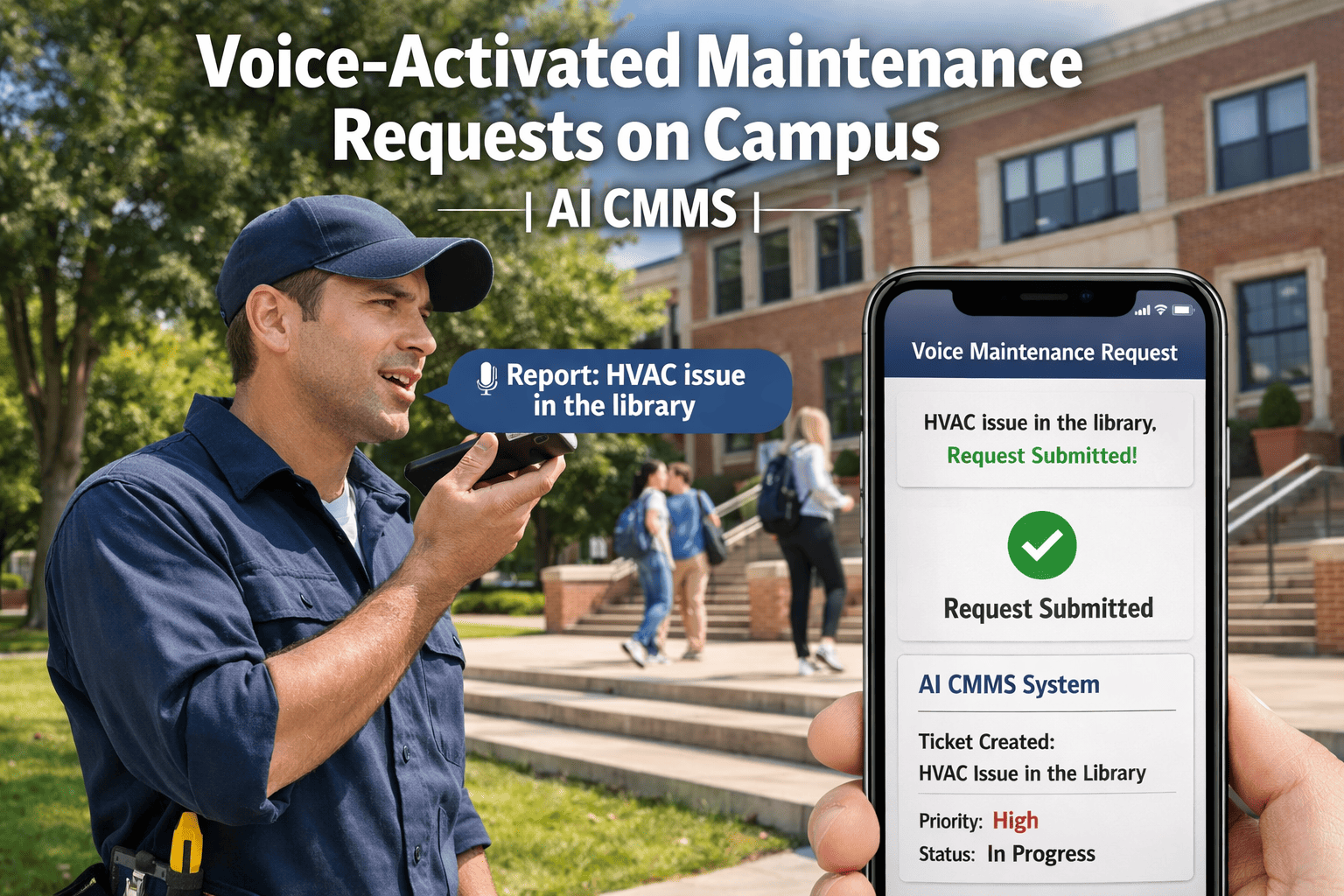
The portal instantly generates a work order in your CMMS with the requester's name, location, category, priority, and any attached photo. It auto-routes to the appropriate technician queue based on category rules — for example, all plumbing requests go to the plumbing team. The teacher receives a confirmation with a ticket number and can track status in real time. To see this workflow in action, you can Book a Demo and we'll walk through a live submission.
How do we handle emergency requests like a gas leak or active safety hazard?
The portal includes an "Urgent / Safety" category that bypasses the standard queue and triggers an immediate SMS or push notification to the on-call maintenance lead and building administrator. This is not a replacement for calling 911 for life-threatening emergencies, but it ensures that urgent facility issues — a leaking gas valve, a jammed fire exit, exposed wiring — reach the right person within minutes, not hours.
Does the portal work with our existing work order system?
Most modern CMMS platforms support REST API or webhook integration, so submitted requests flow directly into your existing work order system without duplicate data entry. If your current system lacks API support, the portal can export structured CSV reports on a schedule or serve as the primary work order system itself. You can Start Free Trial to test the integration with your specific stack before committing.
Turn sticky notes into tracked work orders today
Join the school districts that cut resolution times by 50% and stopped losing requests in the hallway. Your facilities team — and your teachers — will thank you.
Free 14-day trial · No credit card