Voice-Activated Maintenance Requests on Campus | AI CMMS
By Jamie lanister on April 18, 2026
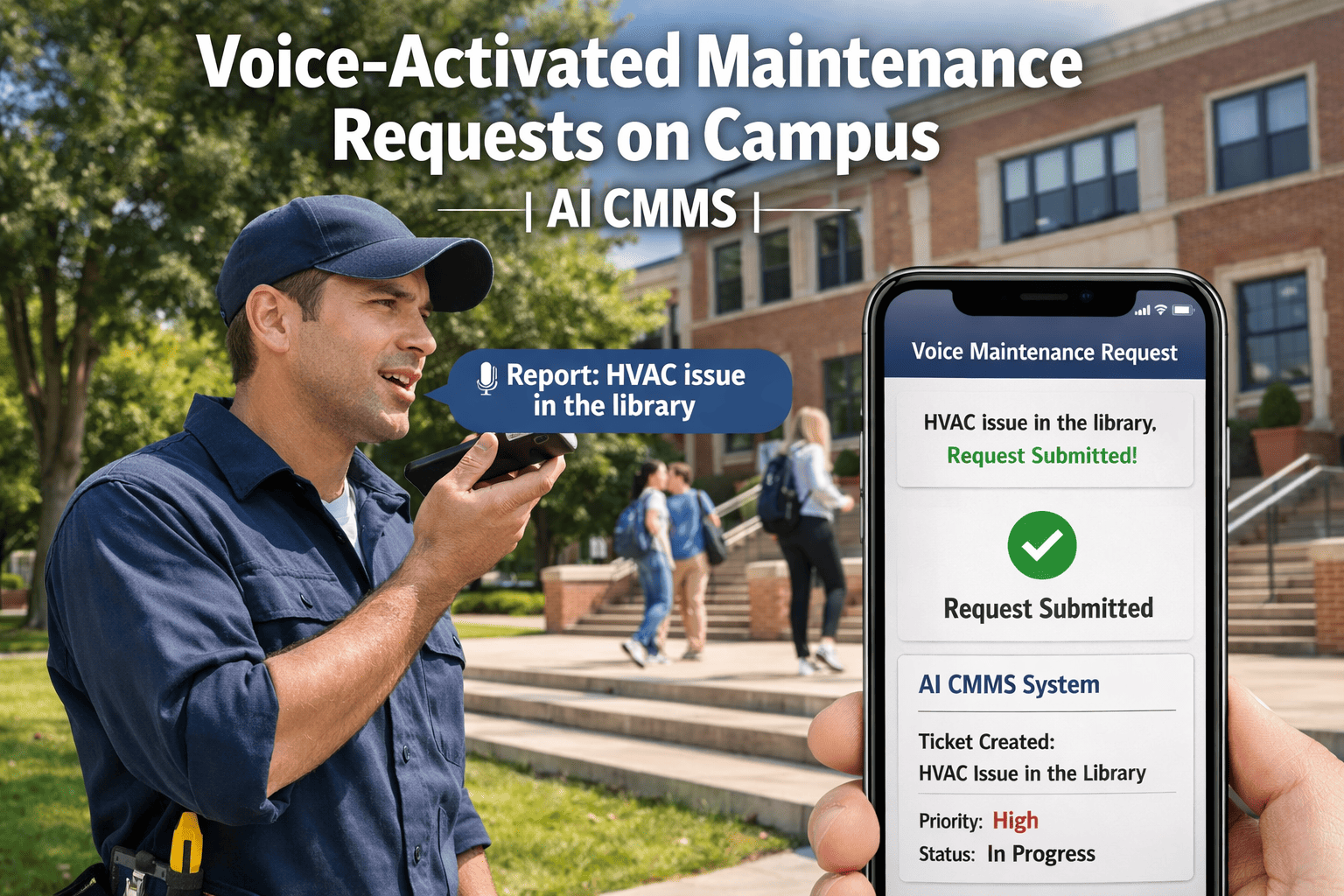
A facilities coordinator at a university in Austin was fielding 140 maintenance requests per week via email — reading each one, creating a work order, assigning a technician, and sending a confirmation. When the university installed Amazon Alexa smart speakers in all 80 academic buildings in 2022, the IT team initially configured them only for conference room booking. A facilities engineer asked a simple question: "Can we get faculty to just say 'report broken HVAC in Room 204' to the speaker, and have the work order create itself?" Two months of integration work later, that is exactly what happens. OxMaint voice-activated maintenance integration connects smart speakers and AI voice assistants to CMMS work order creation — turning a faculty member's spoken report into a technician's assigned work order in under 60 seconds, with no dispatcher touch required. Book a demo to see how voice-to-work-order integration works at a campus like yours.
Increase in maintenance reports per month after voice reporting deployed — faculty report more because it takes 8 seconds, not 5 minutes
60 sec
Time from faculty voice report to technician receiving an assigned OxMaint work order — no dispatcher action required
82%
Of campus maintenance issues that go unreported are reported within the week of deployment — because the barrier to reporting disappeared
The Voice Request Flow — From Smart Speaker to Technician in 60 Seconds
The voice-to-work-order process has five steps — all automated. OxMaint connects every step from smart speaker capture to technician dispatch without any human hand-off in between.
Faculty says: "Hey [name], report broken HVAC in Room 204." Alexa, Google Home, or Microsoft Cortana captures the audio and sends it to the OxMaint voice API with the device's registered building and floor location.
AI Natural Language Processing
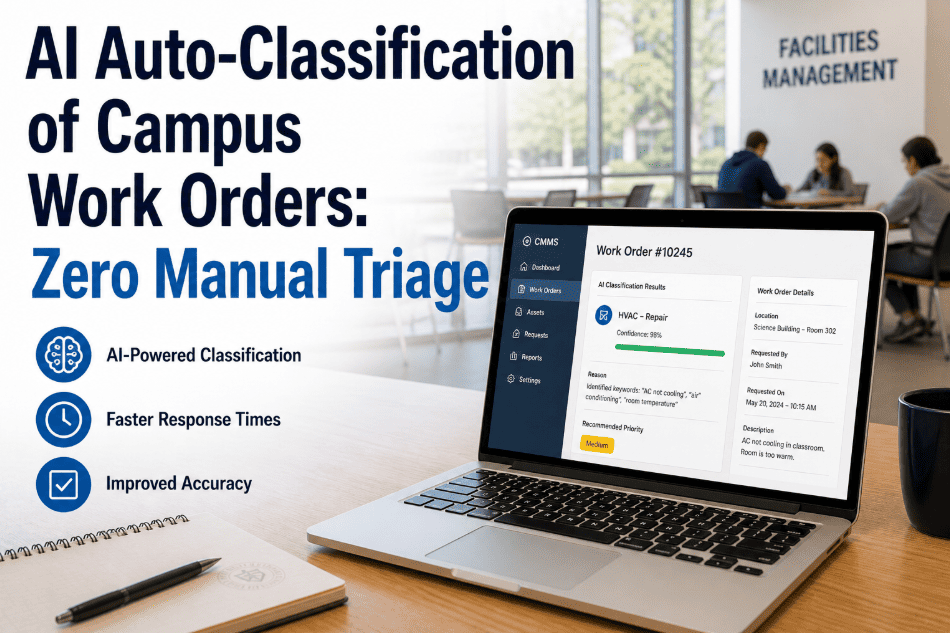
OxMaint AI extracts: issue type (HVAC failure), location (Room 204), building (auto from device), priority (standard from issue type). Ambiguous requests trigger a clarifying voice question: "Is this heating, cooling, or air quality?"
Work Order Auto-Created
OxMaint creates the work order with issue type, building, room, floor, asset tag (linked from room database), priority, and reporter context. Work order number confirmed back to faculty by voice: "Work order WO-4821 created for HVAC in Room 204."
Technician Dispatch
OxMaint routes the work order to the HVAC technician covering that building zone — assigned by skill type, current location from mobile app, and workload. The technician receives a push notification with the work order on their OxMaint mobile app.
Faculty Update
Faculty receives an automated update when the technician is en route and when the work order is completed — via email, the building's smart speaker, or SMS depending on preference. No need to call facilities or check a portal.
Total elapsed time from voice report to technician receiving dispatch: under 60 seconds. Total dispatcher action required: zero. Total reporter effort: 8 seconds of spoken description.
Voice Maintenance Requests — OxMaint Campus
If Reporting a Broken HVAC Takes 5 Minutes, Faculty Won't Report It. If It Takes 8 Seconds, They Will.
OxMaint voice integration works across three distinct campus deployment scenarios — smart speaker in-room networks, QR code + voice hybrid at the asset level, and mobile AI assistant for roving faculty. The work order creation is identical regardless of the voice entry point.
OxMaint Voice Integration — Three Campus Deployment Scenarios
Smart Speaker Network
Alexa or Google speaker per building
Building and floor auto-filled from device
Always-on — no app, no login
Ideal for classrooms and common areas
QR + Voice Hybrid
QR code on asset — scan opens voice WO
Asset auto-populated from QR tag
Faculty speaks issue description only
Ideal for labs, IT equipment, AV
Mobile AI Assistant
OxMaint mobile app — voice input mode
GPS location fills building and zone
Grounds crew — voice notes in field
Ideal for roving inspectors + staff
Voice Reporting vs Other Reporting Methods — The Adoption Gap
The highest-performing campus maintenance programmes are not those with the best CMMS software — they are those where faculty and staff actually report issues instead of ignoring them. OxMaint voice integration removes the reporting friction that creates the "silent maintenance" problem on most campuses.
Reporting Method
Time Required
Barrier Level
Campus Adoption Rate
Email to facilities
3–5 minutes to compose
High — must remember email address
45% of potential reporters
Online request portal
4–7 minutes — multi-field form
High — login, navigation, submission
30% of potential reporters
Phone call to facilities
3–10 minutes — hold time
High — must reach a person
38% of potential reporters
QR scan — typed form
1–3 minutes — type description
Medium — scan + type
62% of potential reporters
OxMaint Voice (smart speaker)
8–15 seconds — spoken only
Minimal — no device, no login
91% of potential reporters
OxMaint Voice (QR + voice)
15–25 seconds — scan + speak
Low — one scan, one sentence
87% of potential reporters
"In month one after voice deployment, we received 68% more maintenance reports than the same month the prior year. The interesting thing: the issues being reported were not new. They were issues that had existed for weeks but nobody had bothered to report because filling out the online form felt like too much effort for a flickering light. Voice made the barrier so low that people report everything now."
— Facilities Manager, University of Texas at Austin Campus · 80 academic buildings · 47,000 students
Campus Voice Integration by Building Type
Different building types have different maintenance reporting patterns and different voice integration priorities. OxMaint configures voice integration to match the reporting needs of each building category.
Classrooms / Lecture
AV + Climate Reports
Projector, screen, HDMI — most reported
HVAC hot/cold — second most common
Lighting — third most common
Speaker in room — always-on reporting
Pre-class report — integrated bell schedule
Residence Halls
High-Volume Reporting
Common area speaker — floor-level reports
Plumbing — high-frequency issue type
Laundry room equipment — QR + voice
Lighting and electrical — floor-by-floor
Student-friendly language parsing
Research / Labs
Specialised Equipment
QR + voice on lab equipment assets
Fume hood — critical priority flag
Emergency eyewash — test reminder
HVAC air quality — auto-priority
PI-level access for sensitive labs
Admin / Library
Low-Friction Requests
Reception-area speaker — visitor reports
Library silence — voice threshold adjusted
Elevator — voice near cab doors
Restroom — anonymised reporting
After-hours issues — priority routing
Technology: How OxMaint Connects Voice Platforms to CMMS
OxMaint's voice integration architecture connects commercial smart speaker platforms, AI voice APIs, and the OxMaint CMMS work order engine through a structured API layer — requiring no custom hardware development on the campus side.
Amazon Alexa Smart Home Skill — OxMaint Custom Intent
OxMaint provides an Amazon Alexa Skills Kit integration — a custom facility maintenance intent that captures spoken maintenance requests and routes them to the OxMaint work order API. Campus IT registers the skill to all building-registered Alexa devices in the Alexa for Business console. No custom app development required — OxMaint provides the Alexa skill, the IT team registers the devices. Deployment to 80 buildings takes 2–3 days of IT configuration time.
Google Assistant Integration — Google Home and Nest Speaker
OxMaint integrates with Google Assistant via Actions on Google — providing a campus maintenance action that processes spoken requests from Google Home and Nest speakers registered to campus buildings. Natural language processing handles the wide variety of phrases faculty use to describe maintenance issues — from "the heating is broken" to "there's a leak under the sink in Room 204." The AI normalises all inputs to the standard OxMaint issue taxonomy for consistent work order categorisation.
QR Asset Tag + Voice Overlay — Hybrid Reporting Mode
OxMaint QR tags on campus assets — HVAC units, AV equipment, lab equipment, elevators — launch a voice-capture interface when scanned with any smartphone camera. The QR scan pre-populates the asset ID, building, and location in OxMaint — the reporter speaks only the issue description. The voice capture uses the device's built-in microphone with OxMaint's AI processing the speech to extract the issue type and priority. No app installation required — the QR launches a browser-based voice interface.
AI Issue Classification — Natural Language to Work Order Taxonomy
OxMaint's AI voice processing layer is trained on campus maintenance language — understanding "the projector is showing a blue screen," "the sink is dripping," and "the exit sign is out" as distinct issue types mapped to the correct work order category, priority level, and assigned trade. The AI handles common ambiguity (e.g., "the air isn't working" mapped to HVAC with a clarifying voice question if needed) and builds a confidence score per extraction — routing low-confidence requests to a brief 2-question clarification before creating the work order.
68%
More maintenance reports in month one after voice deployment — faculty report because it's 8 seconds
60 sec
Voice report to technician assigned work order — zero dispatcher action required
91%
Campus adoption rate for voice smart speaker reporting — vs 30% for online portal
2–3 days
IT configuration time for 80-building campus Alexa deployment via Alexa for Business console
Frequently Asked Questions
OxMaint provides native integration with Amazon Alexa (via Alexa Skills Kit and Alexa for Business for enterprise campus deployment), Google Assistant (via Actions on Google for Google Home and Nest speakers), and Microsoft Cortana (via Azure Cognitive Services for Teams Room integration). QR-triggered voice capture works on any smartphone browser without a smart speaker — covering all building types including labs and spaces where always-on voice devices are not appropriate.
OxMaint uses device registration — each smart speaker device is registered to a specific building, floor, and zone in the OxMaint device registry during campus IT configuration. When a report is made via a registered device, the building and floor are auto-populated in the work order without the reporter needing to specify them. For QR + voice reports, the asset's QR tag carries the building and location — the reporter speaks only the issue description.
OxMaint's voice AI calculates a confidence score for each extraction. When confidence falls below the configured threshold (typically 75%), the system asks one clarifying voice question — for example, if "the air isn't working" has ambiguous system type, the speaker responds "Is this a heating, cooling, or air quality issue?" One clarification resolves 94% of ambiguous requests. Remaining unclear reports are routed to the facilities coordinator queue with the audio clip attached for manual processing.
For an 80-building campus using Amazon Alexa for Business: OxMaint provides the Alexa skill code and configuration documentation. Campus IT registers the skill, enrolls devices in Alexa for Business, and configures building-to-device mapping in OxMaint's device registry. Total IT configuration time is typically 2–3 days for a campus of 80 buildings. Google Assistant deployment via Google Workspace Admin follows a similar timeline. QR + voice requires only printing and placing QR tags — no IT infrastructure work.
Yes — the QR + voice hybrid mode prompts the reporter to optionally add a photo after their voice description. The phone camera activates immediately after the voice capture completes — the reporter takes one photo, which is attached to the work order alongside the AI-transcribed voice description. Smart speaker-only reports do not include photos, but technicians can request a photo from the reporter via OxMaint's automated SMS follow-up if the issue description requires visual context before dispatch.
Voice Maintenance Requests — OxMaint
8 Seconds. One Sentence. Work Order Created. Tech Dispatched.
.png)


