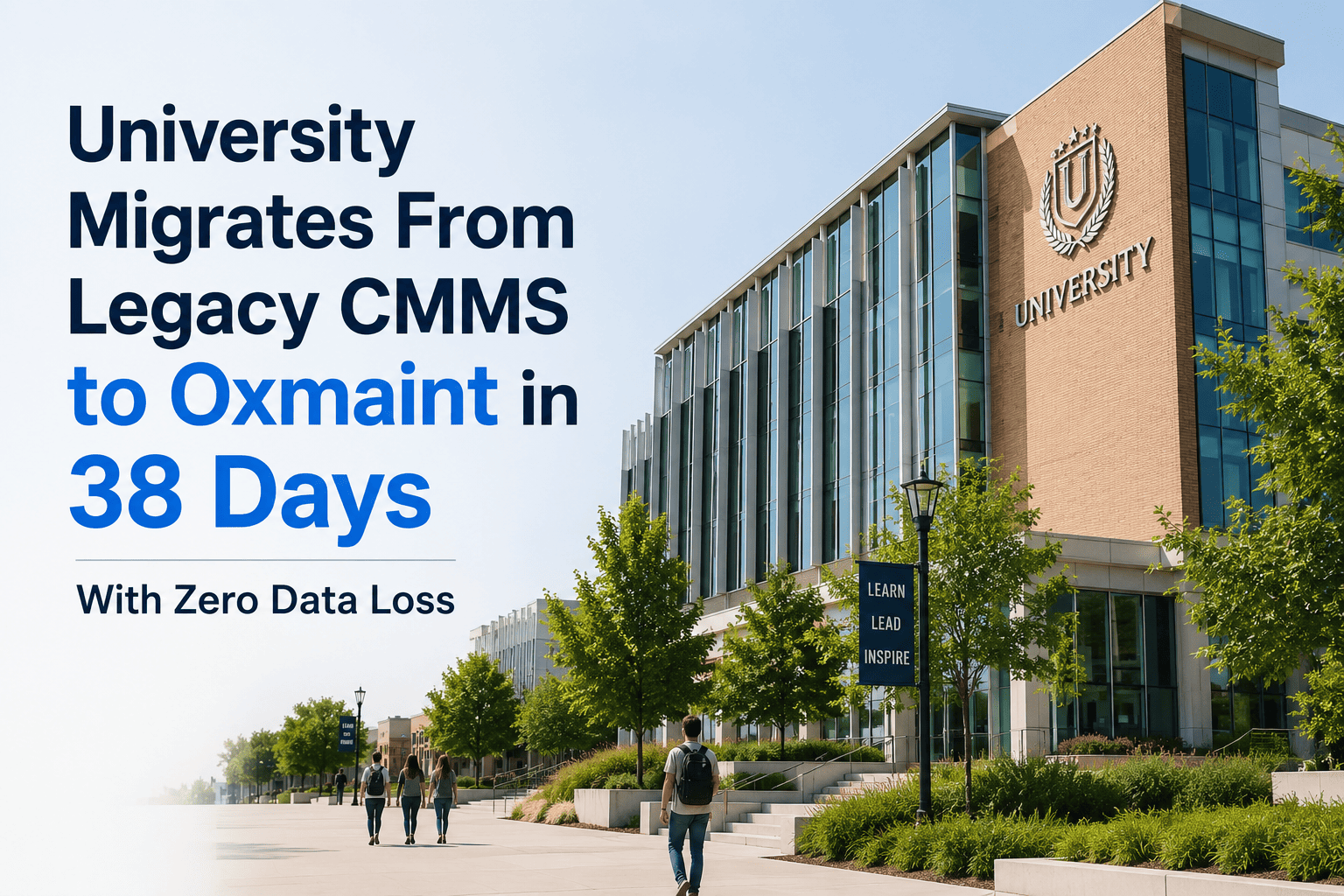
When a mid-sized university's facilities division attempted a routine audit of its maintenance history, the director realized the legacy CMMS had become the single biggest obstacle to operational improvement. Work orders were scattered across three platforms. Asset records duplicated across spreadsheets contradicted what the system showed. Technicians ignored the software entirely, logging jobs on paper and entering data — when they remembered — days later. The institution managed 22,000+ assets across 54 campus buildings, handled roughly 47,000 work orders annually, and ran a preventive maintenance program that existed mostly on paper. A CMMS migration had been discussed for four years. Fear of data loss, staff resistance, and implementation complexity had stalled every attempt. Then they migrated to Oxmaint in 38 days — with zero data loss, 92% technician adoption in the first month, and a measurable drop in open work order backlog within six weeks. Sign Up Free to see how Oxmaint handles migrations at scale.
Ready to leave your legacy CMMS behind?
Oxmaint migrates your assets, work orders, and PM schedules — fully structured, zero data loss, live in weeks.
The Challenge: A Legacy System That Created More Work Than It Solved
47,000+
Annual work orders trapped in a system technicians refused to use
22,000
Asset records with duplicate entries, missing fields, and zero PM linkage
4 years
Migration conversations stalled by fear of implementation failure
31%
Of scheduled PMs were being completed — the rest fell through the cracks
The legacy CMMS was originally deployed over a decade earlier and had never been properly configured for the university's actual asset hierarchy. Departments used it differently. The HVAC team tracked equipment by room number. The electrical team used building codes. The plumbing team didn't use it at all. Preventive maintenance schedules were manually entered by one administrator who left in 2021 — and were never updated. When the facilities director pulled a compliance report for an accreditation review, the system showed a 31% PM completion rate. The actual rate, reconstructed from paper logs and technician interviews, was closer to 67%. The data gap wasn't a performance problem — it was a visibility problem that made the department look far worse than it was. Book a Demo to see how Oxmaint's structured asset hierarchy eliminates this fragmentation from day one.
The Solution: Oxmaint's Structured Migration and Mobile-First CMMS
Asset Data Migration
Oxmaint's migration framework ingested the university's raw CSV exports, identified duplicate records, merged asset histories, and rebuilt a clean asset hierarchy across all 54 buildings — mapped to location, category, and criticality.
Work Order History Transfer
All 47,000 historical work orders were imported with original timestamps, technician assignments, and resolution notes intact — preserving the maintenance record required for compliance audits and warranty claims.
PM Schedule Rebuild
Rather than migrating broken PM schedules, Oxmaint's team worked with the facilities director to rebuild preventive maintenance triggers from scratch — aligned to manufacturer specifications and actual equipment age data.
Mobile-First Technician Adoption
Technicians received QR code-enabled asset tags and access to Oxmaint's mobile app. Work requests, inspections, and job completion — all handled from a phone, without logging into a desktop system or touching paper.
AI-Driven Work Order Automation
Oxmaint's AI layer auto-prioritized incoming requests based on asset criticality, flagged anomalies in PM completion rates, and suggested preventive actions before equipment reached failure thresholds.
Analytics and Compliance Reporting
Real-time dashboards gave the director a live view of open work orders, PM compliance by building, technician workload, and mean time to repair — replacing the manual reports that previously took two days to compile.
Implementation: How 38 Days Became the Benchmark
Days 1–7
Data Extraction and Audit
The facilities team exported all records from the legacy CMMS in CSV format. Oxmaint's onboarding team ran a structured data audit — identifying 4,200 duplicate asset records, 1,800 work orders with missing asset links, and 340 PM schedules pointing to decommissioned equipment.
Days 8–18
Data Cleaning and Asset Hierarchy Build
Duplicates were resolved. The 22,000 asset records were reorganized into Oxmaint's hierarchy: campus → building → floor → system → equipment. Each asset received a unique ID, a QR code assignment, and a linked maintenance history. The university's custom fields — department billing codes, warranty expiration dates, and regulatory inspection tags — were mapped into Oxmaint's configurable schema.
Sign Up Free to explore how Oxmaint's asset schema handles institutional complexity.
Days 19–28
PM Schedule Configuration and Go-Live Prep
New PM schedules were built directly in Oxmaint for 3,400 assets — including frequency rules, required parts, estimated labor hours, and compliance documentation requirements. Technician accounts were created, mobile app access was provisioned, and QR tags were printed and affixed to equipment across all 54 buildings.
Days 29–38
Go-Live, Training, and Parallel Run
The university ran both systems in parallel for 10 days — every new work order entered in Oxmaint, historical lookup still available in the legacy system. By day 38, the legacy system was decommissioned. Technician training averaged 90 minutes per person. By the end of week one of full operation, 89% of the team had completed at least one work order in Oxmaint.
Book a Demo to walk through the standard university migration timeline.
Results: What Changed in the First 90 Days
92%
Technician adoption rate
Measured by active mobile logins in month one — the highest adoption rate the facilities director had seen in 15 years of software rollouts
38 days
Full migration timeline
From data export to legacy system decommission — including cleaning 22,000 asset records and rebuilding 3,400 PM schedules
Zero
Work order or asset records lost
All 47,000 historical work orders migrated with timestamps, notes, and technician assignments intact
41%
Reduction in open work order backlog
Within six weeks of go-live — driven by mobile-first logging, auto-priority assignment, and real-time supervisor visibility
PM compliance: 31% → 84%
Preventive maintenance completion rate
Rebuilt PM schedules and automated mobile reminders drove a 53-point jump in verified PM completion within 90 days
2 days → 12 min
Time to generate compliance report
Real-time dashboards replaced manual spreadsheet compilation — accreditation-ready reports now available on demand
Key Business Impact
| Area |
Before Oxmaint |
After Migration |
| Asset record integrity |
4,200 duplicate records, inconsistent naming |
22,000 clean records in unified hierarchy |
| PM compliance |
31% verified completion rate |
84% within 90 days of go-live |
| Work order logging |
Paper-based, entered days after the fact |
Real-time mobile entry via QR scan |
| Technician system adoption |
Below 40% active usage |
92% active in month one |
| Open backlog |
Growing — no visibility or priority logic |
41% reduction in six weeks |
| Compliance reporting |
2-day manual process, frequently inaccurate |
On-demand, real-time, audit-ready |
We had been delaying this migration for four years because we were convinced we would lose data or lose our people in the process. We lost neither. What we lost was the 60% of our administrative time that used to go to working around a broken system.
— Director of Facilities Operations, Mid-Size University
Your legacy CMMS is costing you more than the migration ever would.
See how Oxmaint migrates university-scale asset and work order data without disrupting daily operations.
Frequently Asked Questions
How long does a university CMMS migration to Oxmaint typically take?
For institutions with 15,000–30,000 assets and up to 50,000 historical work orders, the standard migration window is 30–45 days. Timeline depends on source data quality and the complexity of existing PM schedules.
Will work order history and asset records be preserved during migration?
Yes. Oxmaint's migration framework is designed for zero data loss. Historical work orders, asset records, and maintenance notes are imported with original timestamps and technician attribution intact.
How does Oxmaint handle duplicate or inconsistent asset data from legacy systems?
The onboarding team runs a structured data audit before import — identifying duplicates, flagging missing fields, and rebuilding the asset hierarchy in Oxmaint's schema. Universities do not need to clean data before starting.
What does technician training look like for a university-scale rollout?
Average onboarding is 90 minutes per technician. Oxmaint's mobile app is designed for field staff with minimal software experience — QR scan to access an asset, tap to log a job, done.
Can Oxmaint support the compliance and accreditation reporting that universities require?
Yes. Real-time dashboards generate PM compliance rates, work order completion history, and asset inspection records on demand — formatted for accreditation submissions, internal audits, and regulatory reviews.
Does Oxmaint support multi-building, multi-department asset management across a campus?
Oxmaint's hierarchy supports campus → building → floor → system → equipment, with department-level permissions, billing code fields, and separate dashboards for each operational team.
Book a Demo to see campus configuration in action.
What happens to our legacy system during the migration period?
Oxmaint recommends a 10-day parallel run — new work is logged in Oxmaint while historical lookup remains available in the legacy system.
Sign Up Free and your migration plan begins within 48 hours.
38 days. 47,000 work orders. Zero data loss. Your campus is next.
Oxmaint handles the entire migration — data cleaning, asset hierarchy, PM rebuilds, and technician onboarding — so your team can focus on maintenance, not the move.


![university-sustainability-initiatives-carbon-tracking-scope-1-2-3-cmms[1]](./manage-post-2k26/uploads/university-sustainability-initiatives-carbon-tracking-scope-1-2-3-cmms[1].png)


