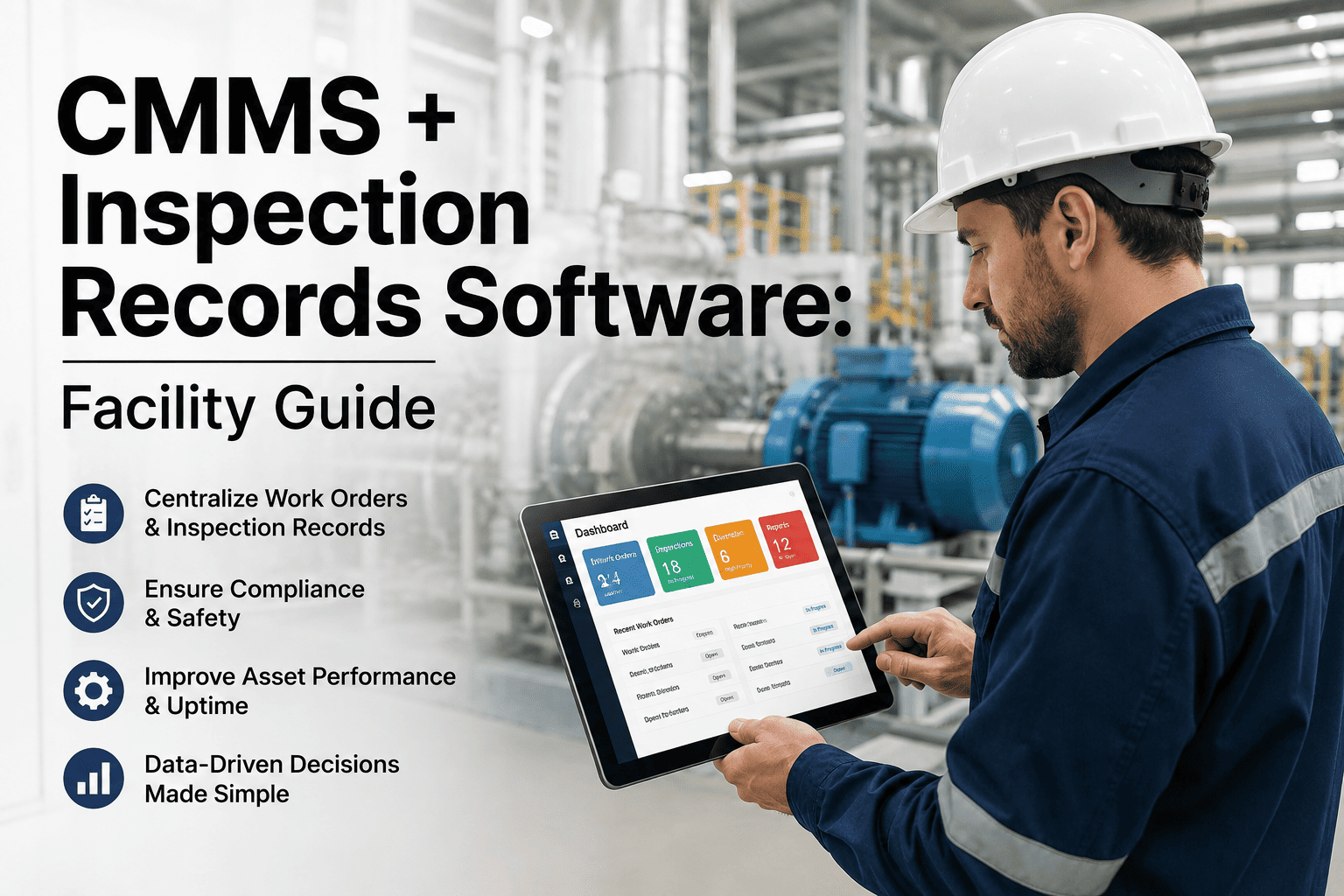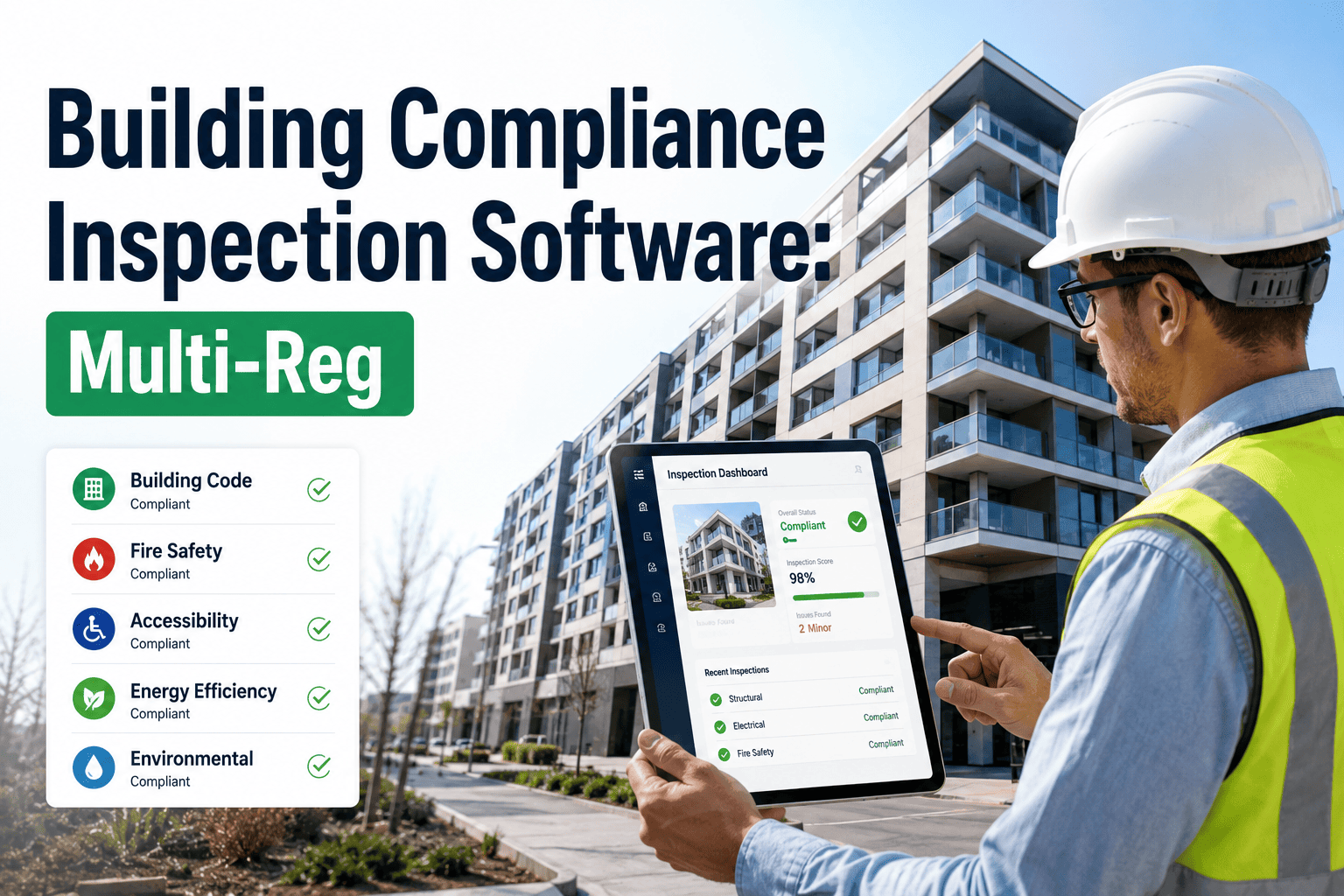
A 340-bed regional hospital in Ohio failed a joint life-safety inspection in early 2025 not because its sprinkler system was faulty, but because three separate binders — one for NFPA 25 sprinkler testing, one for ADA accessibility audits, and one for OSHA electrical panel checks — told three different stories about which floor had last been walked. The facilities director had technicians covering the same corridors four times a year under four different checklist names, because nobody had ever built one inspection that satisfied all four frameworks at once. That duplication is normal in buildings still running paper logs or disconnected spreadsheets, and it is exactly what auditors are trained to catch first. Multi-regulation inspection software collapses OSHA, ADA, IBC, and NFPA requirements into one recurring checklist per asset, so a single walkthrough produces four sets of audit-ready records instead of four separate trips, and OxMaint's compliance inspection software is built specifically to run that consolidated model across an entire building portfolio.
Why Facility Teams Are Drowning in Compliance Binders
Most commercial and institutional buildings are not failing inspections because equipment is unsafe. They are failing because the paperwork proving the equipment is safe lives in four disconnected places — a fire protection contractor's paper log for NFPA 25 and NFPA 72, a spreadsheet a facilities coordinator updates for ADA accessibility surveys, an OSHA safety binder in a maintenance office, and a folder of permits and inspection certificates tied to IBC occupancy requirements. Each framework has its own inspection cadence, its own documentation format, and its own owner, and none of them talk to each other. When a fire marshal, an OSHA compliance officer, or an ADA Title II auditor asks for records, someone spends hours reconstructing a timeline instead of exporting one.
This is not a small-facility problem. Large portfolios with dozens of buildings often have the worst version of it, because every property manager builds their own local system, and there is no shared standard across the portfolio. One building tracks ADA surveys in a shared drive folder, another keeps them in a binder in a maintenance closet, and a third has never formally documented one at all. Facility directors trying to report portfolio-wide compliance status to leadership end up calling individual site managers one by one, then manually compiling whatever comes back. That process does not scale past a handful of buildings, and it breaks down completely the moment a regulator shows up unannounced expecting a complete, current answer.
- Technicians re-walk the same floors multiple times a year because inspection schedules for different frameworks were never merged into one route
- Completion records exist as photos in text threads, paper clipboards, or personal notebooks with no timestamp or technician attribution
- Nobody owns cross-framework visibility, so a fire door that violates both NFPA 80 and ADA clearance requirements gets flagged twice, separately, months apart
- Audit prep becomes a multi-day scramble instead of a scheduled export, because records were never centralized in the first place
The Four Frameworks Every Facility Must Track — Side by Side
OSHA, ADA, IBC, and NFPA cover different risks, but they overlap constantly on the same physical assets — a fire door is a life-safety device under NFPA, an accessibility feature under ADA, and a code-compliance element under IBC, all at once. Multi-reg inspection software treats that overlap as a single data model instead of four unrelated ones, which is the core reason it eliminates duplicate work.
| Framework | Primary Focus | Typical Inspection Cadence | Penalty Exposure (2026) |
|---|---|---|---|
| OSHA | Electrical safety, fall protection, lockout/tagout, walking-working surfaces | Ongoing, plus documented periodic checks per standard | Up to $165,514 per willful violation |
| NFPA | Sprinkler systems (NFPA 25), fire alarms (NFPA 72), fire doors (NFPA 80) | Monthly visual checks, quarterly and annual full tests | $5,000–$50,000 per failed system |
| ADA | Accessible routes, door clearances, restroom compliance, signage | Periodic facility-wide accessibility survey | $45,000+ average Title III settlement |
| IBC / Local Code | Certificate of occupancy conditions, egress, structural code cycles | Tied to local code renewal and occupancy cycles | $500–$25,000 plus daily fines until corrected |
One Inspection Template, Four Regulatory Frameworks
Instead of building a separate checklist for every regulation, a multi-reg inspection template links each asset — a fire door, an electrical panel, an accessible ramp — to every framework that governs it, then schedules one combined walkthrough that satisfies all of them simultaneously. The technician on-site never sees four separate forms. They see one route through the building, with each stop asking the questions that matter for every framework tied to that specific asset, in the order the walkthrough naturally flows.
What Multi-Reg Inspection Software Actually Automates
A compliance module is only useful if it removes manual steps, not just digitizes a paper form. Here is what changes operationally once inspections are consolidated across frameworks.
Manual Compliance Binders vs a Unified Inspection Dashboard
The gap between paper-based compliance and a unified system is not cosmetic. It shows up directly in how long audit prep takes and how often deficiencies go unnoticed between inspection cycles.
| Compliance Task | Paper Binders / Spreadsheets | Unified Inspection Dashboard |
|---|---|---|
| Scheduling across frameworks | Four separate calendars, manually cross-checked | One merged schedule, auto-generated |
| Proving a past inspection occurred | Search filing cabinets or old spreadsheets | Timestamped record, searchable instantly |
| Preparing for a surprise audit | Multi-day document reconstruction | Export generated in minutes |
| Linking a deficiency across frameworks | Rarely connected — treated as separate issues | Automatically linked to one asset record |
| Portfolio-wide visibility | Building-by-building, manually compiled | Real-time dashboard across every property |
Built for Every Facility Type — Different Priorities, One Platform
A hospital, a school district, a manufacturing plant, and a government office building all answer to OSHA, ADA, IBC, and NFPA, but the weight each framework carries is different for each one. A configurable inspection template lets every facility type prioritize what matters most to its risk profile, rather than forcing every building onto one generic checklist that overweights the wrong regulations for that environment.
- NFPA 25 and 72 tested on tight statutory intervals
- ADA accessibility across patient-facing areas
- OSHA electrical and hazardous material checks
- Joint Commission-ready audit exports
- Multi-building compliance tracked from one dashboard
- ADA accessibility surveys across every campus
- Fire drill and alarm testing documentation
- Board-ready compliance reporting each term
- Lockout/tagout and machine guarding checks
- Fall protection and walking-surface inspections
- NFPA fire suppression tied to production areas
- Audit-ready OSHA 300 log support
- ADA Title II obligations across public-facing areas
- IBC certificate of occupancy renewal tracking
- Complete audit trail on every maintenance action
- Capital forecasting tied to compliance findings
Cross-Framework Deficiencies a Single-Regulation Checklist Will Miss
The most expensive compliance failures are rarely a single, obvious violation. They are the deficiencies that sit at the intersection of two frameworks, where a checklist built for only one of them never asks the right question. These are the gaps multi-reg inspection software is specifically designed to close.
Compliance Data That Connects to Systems You Already Run
A compliance module only earns its place if it plugs into the tools facility teams already depend on, instead of becoming one more disconnected system to check. Facility teams have usually already invested in a work order system, some form of building sensor data, and a reporting process for leadership. A compliance layer that sits apart from all three just becomes another login nobody has time for, which is exactly how compliance tracking ends up back in spreadsheets within a year.