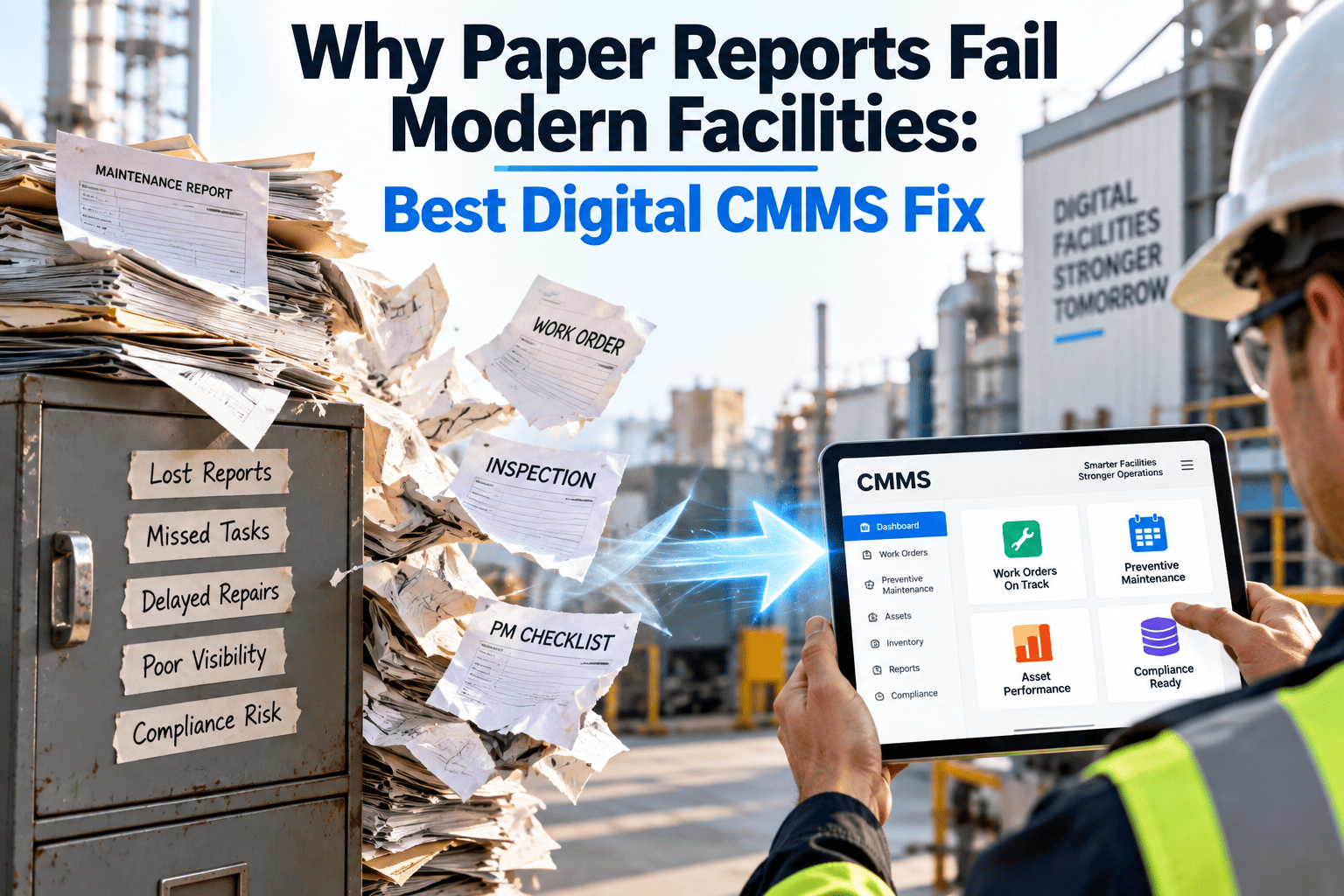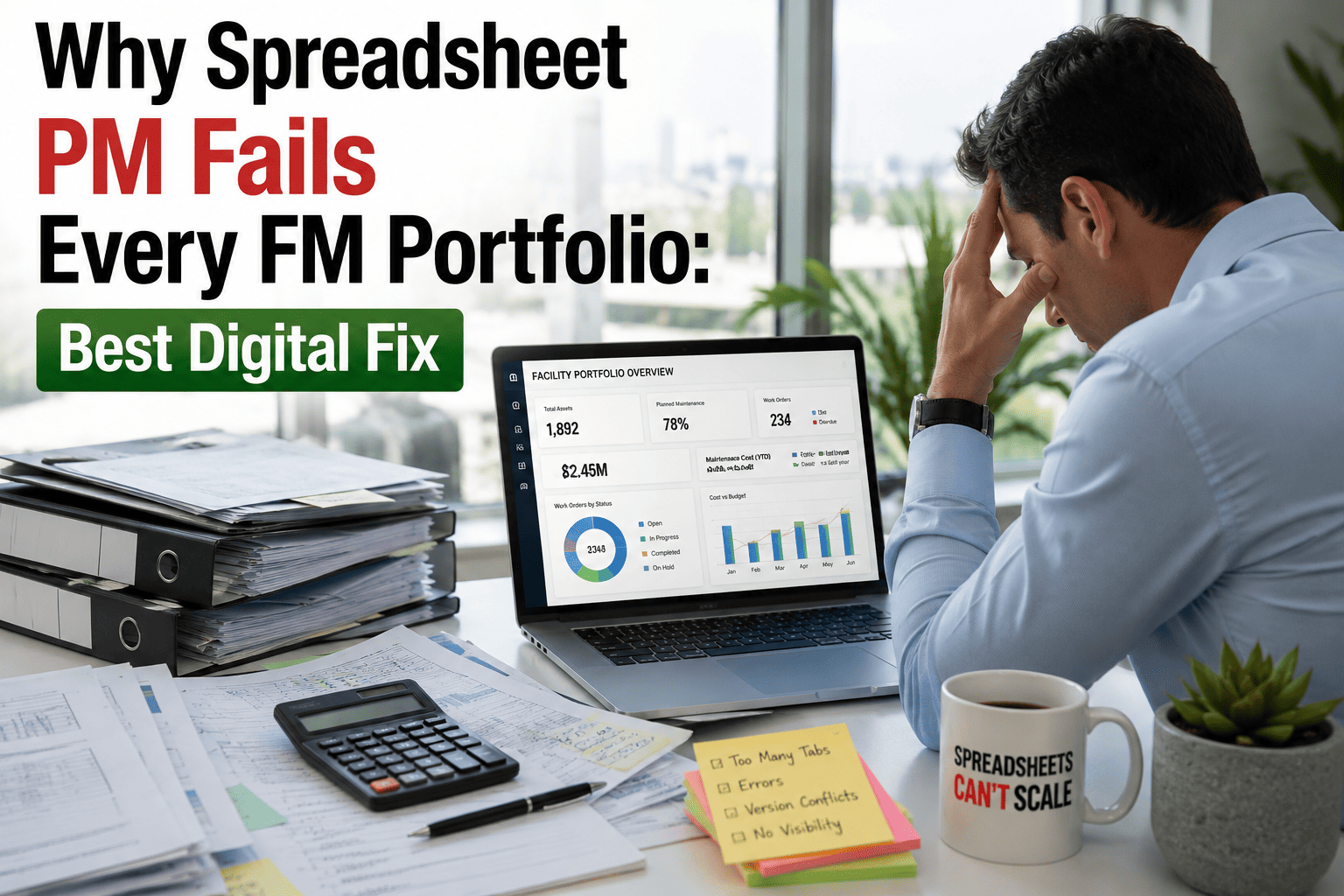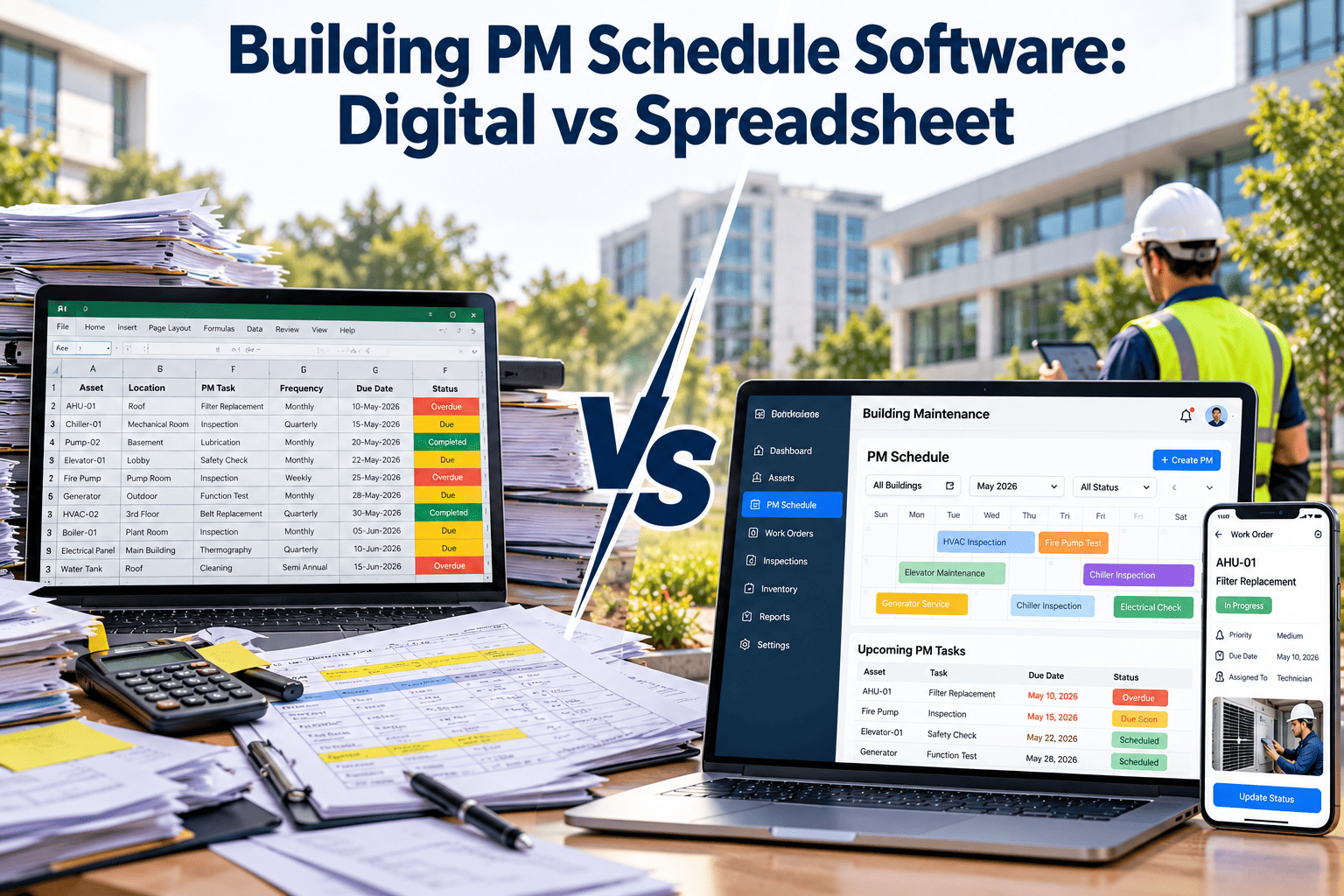
Most building maintenance teams begin with a spreadsheet, and for one small property it works. The trouble starts when buildings, systems, and technicians multiply and the file becomes the only record of what is due. A missed filter change is annoying, but a missed fire pump test, backflow inspection, or generator load test is a compliance problem. This comparison looks at where spreadsheet PM schedules break, what a digital schedule does differently, and how to migrate without losing history. If you are weighing building PM schedule software against your current workbook, the criteria below will help you decide.
Building PM Schedule Software: Digital vs Spreadsheet
See why spreadsheet PM calendars miss inspections as portfolios grow, and what an automated digital schedule changes for multi-building teams.
How a spreadsheet PM schedule decays over time
Spreadsheets rarely fail on day one. They drift, and the drift follows a recognizable pattern.
Side-by-side: spreadsheet versus digital PM software
Compare the two approaches on the capabilities that decide whether inspections happen on time.
| Capability | Spreadsheet | Digital PM software |
|---|---|---|
| Due-date reminders | Manual review or fragile conditional formatting | Scheduled work orders created automatically |
| Completion history | Overwritten dates or separate logs | Time-stamped history on every asset |
| Audit trail | Weak, because cells can be edited without trace | Records of who completed what and when |
| Technician access | Desktop file, often emailed | Mobile checklists with notes and photos |
| Multi-building view | Separate tabs or files | One portfolio view with filters by site |
| Parts and inventory | Separate or absent | Parts linked to tasks and assets |
| Reporting | Manual pivots and copy-paste | Dashboards for compliance and overdue work |
| Access control | Whole-file permissions | Roles for technicians, planners, and managers |
The digital PM cycle, step by step
A scheduling engine replaces manual date checking. Each step below happens without anyone rebuilding the calendar.
Choosing the right trigger for each task
Spreadsheets handle only calendar dates well. Digital systems support three trigger types.
Calendar-based
- Fixed intervals such as monthly, quarterly, or annual.
- Best for code-driven inspections and filter changes.
- Examples include fire pump tests and backflow checks.
Meter-based
- Triggered by run hours or cycles.
- Best for equipment whose wear follows use, not time.
- Examples include generators and compressors.
Condition-based
- Triggered by an inspection finding or reading.
- Best where sensors or rounds reveal wear early.
- Examples include vibration or temperature thresholds.
Building systems that drive the PM calendar
Many tasks on a building schedule exist because a standard or authority expects them. Confirm editions and local adoption for your site.
| Building system | Common driver | Typical PM focus |
|---|---|---|
| HVAC | ASHRAE Standard 180 and manufacturer guidance | Filters, coils, belts, controls, and economizers |
| Fire sprinklers and pumps | NFPA 25 | Inspection, testing, and impairment tracking |
| Fire alarm | NFPA 72 | Device testing and panel inspection |
| Emergency generators | NFPA 110 | Exercise runs, load tests, fuel, and batteries |
| Emergency lighting | Life safety code requirements | Periodic function and duration tests |
| Elevators | ASME A17.1 and jurisdiction rules | Contractor service and periodic inspections |
| Backflow preventers | Local water authority | Annual testing by certified testers |
What goes wrong when PM data lives in a workbook
Migrating from spreadsheet to digital PM without losing history
Treat the spreadsheet as a data source, not a failure. Most of its value transfers.
The week labels are an example pace. Smaller portfolios may move faster, and larger ones may phase by building.
Measuring the change: KPIs to compare before and after
A buyer checklist for PM scheduling software
Use this list during demos to separate real scheduling capability from a prettier spreadsheet.
- Recurring schedules support calendar, meter, and condition triggers.
- Technicians complete checklists on a phone, including where signal is poor.
- QR tags or similar methods let staff open an asset record in seconds.
- Overdue and upcoming work can be filtered by building, system, and priority.
- Parts and inventory connect to tasks, so stockouts do not delay jobs.
- Reports export cleanly for auditors, owners, and insurers.
- Roles limit who can edit schedules and who can only execute work.
- Existing data can be imported rather than retyped.
How Oxmaint supports building PM scheduling
A technician's PM round: spreadsheet versus digital
The scheduling problem is also a field problem. How a technician receives and closes a task decides whether data reaches the planner at all.
With a spreadsheet
- Print the list or open the file on a laptop before leaving the shop.
- Walk the building, writing readings on paper or in a phone note.
- Return to a desk and retype results, often hours or days later.
- Mark the task done, with no photo, reading, or finding attached.
- Hope someone remembers the leak that was mentioned in passing.
With digital PM software
- Open the assigned work order on a phone and scan the asset tag.
- Follow the checklist, entering readings and passing or failing each step.
- Attach photos and notes at the equipment, even where signal is weak.
- Close the job and the system logs completion with a timestamp.
- Raise a corrective request in the same screen when something fails.
Spreadsheet workarounds and where they stop working
Capable teams stretch spreadsheets with clever tricks. Each one solves a narrow problem and creates another.
| Workaround | Why teams use it | Where it breaks |
|---|---|---|
| Color-coded due dates | Quick visual signal for overdue tasks | Depends on someone opening the file and refreshing the formula |
| Shared cloud workbook | Several people can edit at once | Edit conflicts, accidental deletions, and unclear ownership |
| Calendar invites for each task | Reminders land in email inboxes | No checklist, no result recorded, and invites fall out of sync with the list |
| Separate tab for completed work | Preserves a rough history | Manual copying, missing details, and no link to asset or parts |
| Macros and formulas | Automate date math | Only the author understands them, and edits can break them silently |
Level-loading the PM calendar across buildings
A schedule can be correct on paper and still overwhelm the team. Digital tools make workload visible before it becomes a backlog.
- Spread quarterly and annual tasks across weeks instead of stacking them in the first week of the month.
- Group tasks by location so one technician completes several jobs on a single visit.
- Plan seasonal HVAC changeovers ahead of cooling and heating demand, not during it.
- Reserve shutdown windows for work that requires isolation, such as electrical testing or tank cleaning.
- Review the upcoming load by technician and trade so skills match the work.
Managing contractor-performed PM alongside in-house tasks
Many building tasks belong to specialist vendors. A schedule that ignores them leaves the biggest compliance items outside the system.
The hidden labor of maintaining the schedule itself
Spreadsheet PM looks free because the software costs nothing. The cost appears as administrative hours spent keeping the file alive.
Handling overdue PM work without hiding it
Every program has overdue tasks. The difference is whether they are visible, prioritized, and resolved or quietly rolled forward.
PM task design: what a good building checklist contains
Software only helps if each task is written well. A vague line item such as "check unit" produces vague records.
Specific actions
- Name the step, such as inspect belt tension or clean condensate drain.
- State the pass or fail condition clearly.
- List required tools and safety steps, including isolation.
Measurable readings
- Capture values such as pressure, temperature, or amperage.
- Compare readings to a previous result or a limit.
- Use trends to spot slow deterioration early.
Clear follow-up
- Define what happens when a step fails.
- Link failed steps to a corrective work order.
- Record parts used so inventory stays accurate.
Questions to ask before you move off the spreadsheet
Not every team needs software today. These questions help you judge whether the workbook has reached its limit.
Reporting that building owners and auditors actually ask for
A schedule is only half the story. Stakeholders want evidence that the schedule was followed, and spreadsheets make that evidence slow to assemble.
- PM completion by building and system for any chosen period, drawn from closed work orders.
- A list of overdue tasks with age, priority, and assigned technician.
- Inspection history for a single asset, such as a fire pump or generator, in date order.
- Findings raised during PM rounds and the time taken to resolve each one.
- Parts and labor recorded against preventive versus corrective work for budget reviews.
Why this matters for planning
- Repeat findings point to intervals that are too long or tasks that miss the real failure mode.
- Assets that consume far more corrective work than expected become candidates for replacement analysis.
- Completion data shows whether the team is sized for the schedule it has been given.