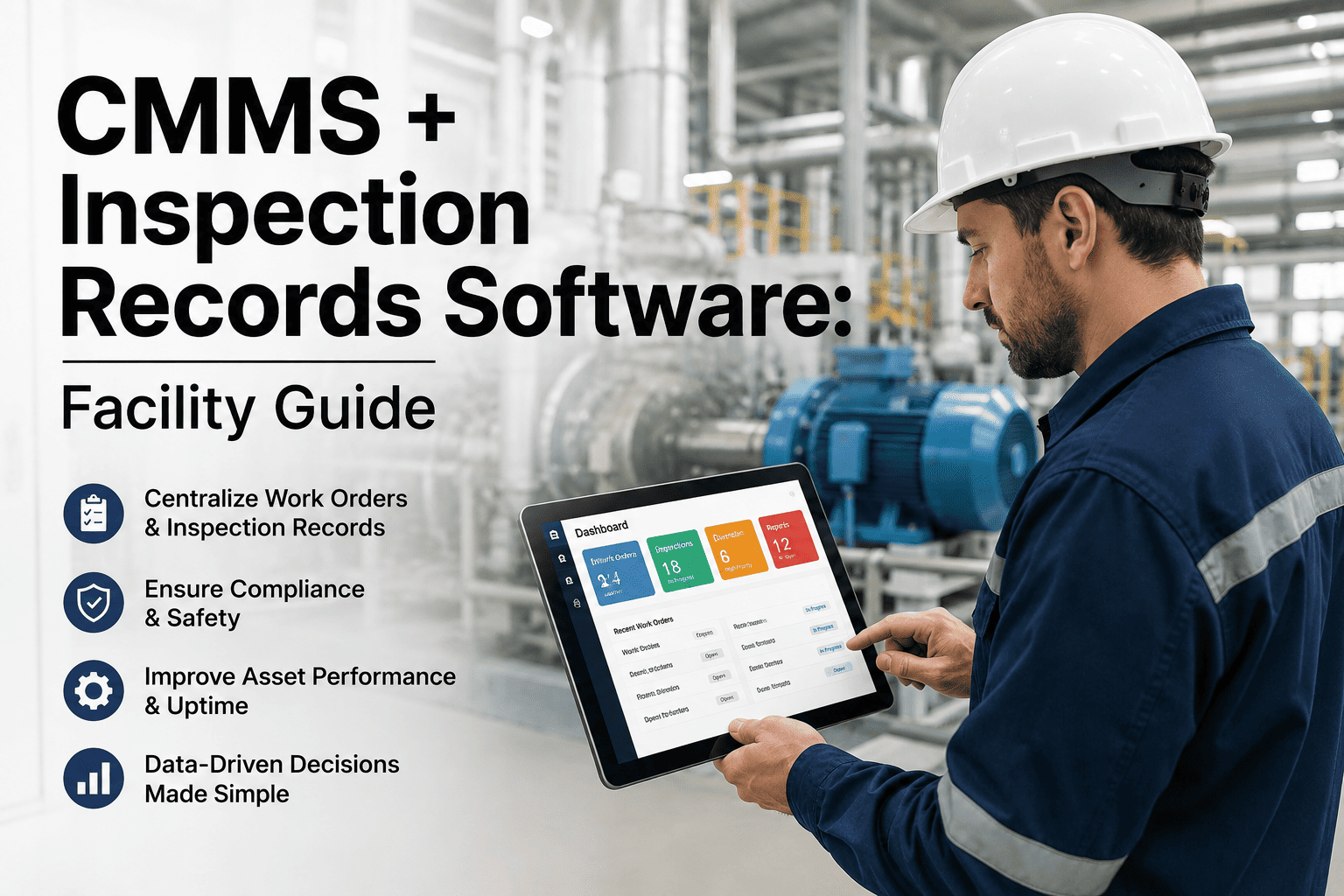
An OSHA inspector does not call ahead. In fiscal year 2025 alone, federal inspectors conducted nearly 80,000 inspections and issued more than 116,000 violations, and the same ten hazards — fall protection, hazard communication, lockout/tagout and machine guarding among them — showed up on the list for roughly the tenth year running. Facilities that get cited are rarely unaware of the hazard; they simply had no system tracking whether last quarter's flagged issue was ever actually fixed before the next walkthrough arrived. Building safety hazard software closes that gap by turning every walkthrough finding into a tracked, time-stamped corrective action instead of a note on a clipboard that quietly disappears. See how an OSHA-aligned inspection workflow looks on your own facility — start a free trial or read on for the full breakdown.
If an inspector walked in today, would every open hazard already have a work order?
Most facilities do not fail an OSHA inspection because nobody noticed the hazard. They fail because the finding lived in an inspector's notebook, a shared drive, or a supervisor's memory, and nobody could prove it was closed by the time the next walkthrough happened. OxMaint turns every hazard finding into a tracked corrective action with a timestamp, an owner and an audit trail, so readiness is a daily state instead of a scramble the week before a visit.
What an OSHA citation actually costs a facility
Enforcement in 2026 is not slowing down, and penalties are not getting friendlier. Most visits are not accident-driven either — the majority are planned or complaint-based, which means the hazards that get cited are usually ones that existed long before anyone walked through the door, sometimes for months.
What a repeat finding can cost once it becomes a pattern
A single serious citation is expensive enough. What actually drives penalties into six figures is the same hazard appearing in inspection records more than once, which OSHA treats as evidence the employer knew about the risk and chose not to fix it — the exact scenario a closed-loop corrective action system is built to prevent.
| Citation Type | Typical Trigger | Maximum Penalty (2026) |
|---|---|---|
| Other-than-serious | Minor, low-risk procedural gap | Up to $16,550 |
| Serious | Hazard with realistic potential for death or injury | $16,550 |
| Willful or repeated | Same hazard cited again, or known risk left unaddressed | $165,514 |
| Failure to abate | Previously cited hazard still open at follow-up | $16,550 per day past deadline |
The ten OSHA violations that never leave the list
Fall protection has held the top spot for over a decade, and hazard communication has rarely dropped out of the top three. If a facility has exposure to even half of the standards below, they belong at the top of the next internal audit, well ahead of whatever schedule a state or federal inspector happens to be working from.
| Rank | Standard | What Typically Triggers It |
|---|---|---|
| 01 | Fall Protection — General Requirements | Unprotected roof edges, floor openings and leading edges above 4–6 feet |
| 02 | Hazard Communication | Missing or outdated safety data sheets and unlabeled chemical containers |
| 03 | Ladders | Damaged ladders left in service, improper angle, no extension above landing |
| 04 | Scaffolding | Missing guardrails, improper planking, or unqualified erection sign-off |
| 05 | Powered Industrial Trucks | Untrained forklift operators or expired recertification records |
| 06 | Lockout/Tagout | No written energy-control procedure or missing periodic inspection |
| 07 | Respiratory Protection | No fit testing, medical evaluation, or program documentation on file |
| 08 | Fall Protection — Training | Workers exposed to fall hazards without documented training records |
| 09 | Eye and Face Protection | No ANSI-rated eyewear during grinding, chipping or chemical handling |
| 10 | Machine Guarding | Missing point-of-operation guards on presses, saws and fabrication equipment |
A flagged hazard needs a visible path to closure
A documented finding only reduces risk when someone owns the corrective action, tracks the due date and verifies the fix. The flow below shows the difference between simply recording a hazard and moving it through a closed-loop process.
Hazard flagged
Inspection identifies the issue and captures the finding with the relevant details.
Owner assigned
A corrective action gets an owner, priority and target date.
Fix tracked
The work order remains visible until the corrective action is completed.
Closure verified
Completion is documented so the finding has a clear, auditable end point.
What should happen the moment a hazard is flagged
A hazard finding is only as good as what happens to it in the next sixty seconds. This is the loop OxMaint runs on every failed checklist item, from field flag to audit-ready record.
Flag it in the field
A technician fails a checklist item on a mobile inspection, attaches a photo, and tags the exact OSHA standard it relates to — no separate incident form required.
Auto-generate the work order
OxMaint creates a corrective work order in seconds, complete with priority, assigned technician, required parts and the relevant safety standard reference.
Track it to closure
The safety manager sees open, overdue and closed hazards on one dashboard, with automatic escalation if a corrective action sits past its due date.
Keep an audit-ready record
Every finding, photo, work order and closure timestamp stays attached to the asset, ready to export the moment an inspector or auditor asks for proof.
The entire loop, from a failed checklist item to a closed and documented corrective action, typically runs in minutes rather than the days or weeks a paper-based process usually takes to notice a repeat problem and finally act on it.
See a hazard turn into a closed work order — live
Book a 30-minute demo and we will fail a sample checklist item, watch OxMaint auto-generate the corrective work order, and show you the audit-ready record it leaves behind for the next review.
Five steps to build an inspection cadence that actually holds
A hazard program does not need a full safety department to get off the ground. It needs a consistent rhythm and a way to prove every finding was closed, not just logged in a binder that nobody revisits until the next scheduled walkthrough months later.
Map your top 10 exposure
Walk the facility against the ten standards above and note which areas carry real exposure versus which are already well controlled.
Build digital checklists
Turn each exposure area into a standard-mapped checklist so every failed item is automatically tied to the regulation it relates to.
Set a recurring schedule
Assign a check frequency to each area based on risk level, and let the system trigger reminders instead of relying on memory.
Close the loop, every time
Require a photo or sign-off before a corrective action can be marked closed, so completion is verified rather than assumed.
Why paper checklists keep failing OSHA audits
A clipboard checklist can catch a hazard just as well as a phone can. The failure almost never happens at the point of inspection — it happens afterward, when nobody can prove the finding was actually resolved by the time the next scheduled visit or internal review comes around.
| Dimension | Paper / Spreadsheet Checklist | OxMaint Digital Inspection |
|---|---|---|
| Finding capture | Handwritten note, easy to lose or misfile | Timestamped entry with photo, tagged to the standard |
| Corrective action tracking | Relies on someone remembering to follow up | Auto-generated work order with owner and due date |
| Audit trail | Boxes of paper, hours to assemble before a visit | One-click export of every finding and closure record |
| Recurring scheduling | Manual calendar reminders, easy to skip | Automated recurring inspections by area and frequency |
| Multi-site visibility | Each site's binder tells a different story | One dashboard shows open hazards across every site |
Inspection readiness checklist, by facility area
Not every area of a facility carries equal risk. These six zones account for a disproportionate share of citations and deserve a standing, recurring check rather than an annual walkthrough that treats every corner of the building the same way, regardless of how much exposure it actually carries.
| Facility Area | Related OSHA Focus | Recommended Check Frequency |
|---|---|---|
| Roof access & fall protection points | Fall Protection — General & Training | Monthly |
| Egress routes & fire exits | Means of Egress | Monthly |
| Lockout/tagout stations | Lockout/Tagout | Quarterly |
| PPE stations & eyewash units | Eye and Face Protection | Monthly |
| Chemical storage & SDS binders | Hazard Communication | Quarterly |
| Powered industrial trucks | Powered Industrial Trucks | Daily pre-shift, annual recert |
How OxMaint keeps a facility audit-ready every day
OxMaint brings inspections, corrective actions and compliance records into one workflow, helping teams keep hazard findings visible from the moment they are reported through verified closure.
Digital hazard checklists
Create repeatable inspection templates, capture failed items in the field and record the relevant safety or compliance reference with each finding.
Corrective work orders
Turn a failed checklist item into a corrective work order with an owner, priority, due date and supporting instructions so the next action is clear.
Overdue-hazard tracking
Monitor open and overdue corrective actions in one place and use escalation workflows to keep aging hazards visible to the right people.
Audit-ready records
Keep findings, photos, work orders and closure details together so teams can retrieve the evidence needed for internal reviews and compliance discussions.
Together, these capabilities create a closed-loop workflow: capture the hazard, assign the corrective action, track progress and retain the evidence of closure in one system.
Four signs a facility's hazard program is running on hope
These patterns show up long before an inspector does, and each one is a reliable predictor of a rough audit day rather than a random coincidence of bad timing or an unlucky inspector assignment.
Nobody can say how many hazards are open
If the honest answer to "how many open findings do we have right now" is a shrug, the tracking system is not actually tracking anything.
The same hazard gets flagged every quarter
A repeat finding on the same checklist item means the corrective action either was never assigned or was closed without actually being verified.
Audit prep takes a full week
If compiling records for a compliance review means digging through binders and email threads, the program is reactive instead of continuously ready.
Sites report hazards inconsistently
One site logs everything and another logs almost nothing, which usually means the process depends on individual habit rather than a shared system.
Building safety hazard software — frequently asked questions
What is building safety hazard software?
It is a digital system for running hazard inspections, generating corrective work orders and keeping an audit-ready record of every finding across a facility, replacing the clipboard-and-binder process most teams still rely on. Start a free trial to see the workflow on your own checklists.
Does OxMaint map inspections directly to OSHA standards?
Yes. Checklist items are pre-mapped to the relevant OSHA, NFPA or ISO 55000 reference, so a failed item is automatically tied to the exact standard an inspector would cite, instead of leaving that lookup to whoever fills out the report later.
How fast does a flagged hazard turn into a work order?
Under a minute. The moment a checklist item fails in the field, OxMaint generates a corrective work order with priority, technician and instructions already filled in, ready for the assigned tech to act on immediately. Book a demo to see it happen live.
Can OxMaint handle inspections across multiple sites?
Yes. Every site's open, overdue and closed hazards appear on one shared dashboard, so a regional safety director does not need to call each location for status before a corporate audit or executive review.
How long does it take to prepare for an audit with OxMaint?
Most compliance reports export in minutes because every finding, photo and closure record is already attached to the asset — no last-minute binder assembly, no chasing down supervisors for old sign-off sheets.
Stop hoping hazards get fixed. Start proving it.
Join the facility teams using OxMaint to turn every inspection finding into a tracked, closed, audit-ready corrective action — long before an inspector, a regulator or an insurer ever walks in and asks for proof.
Free 14-day trial · No credit card