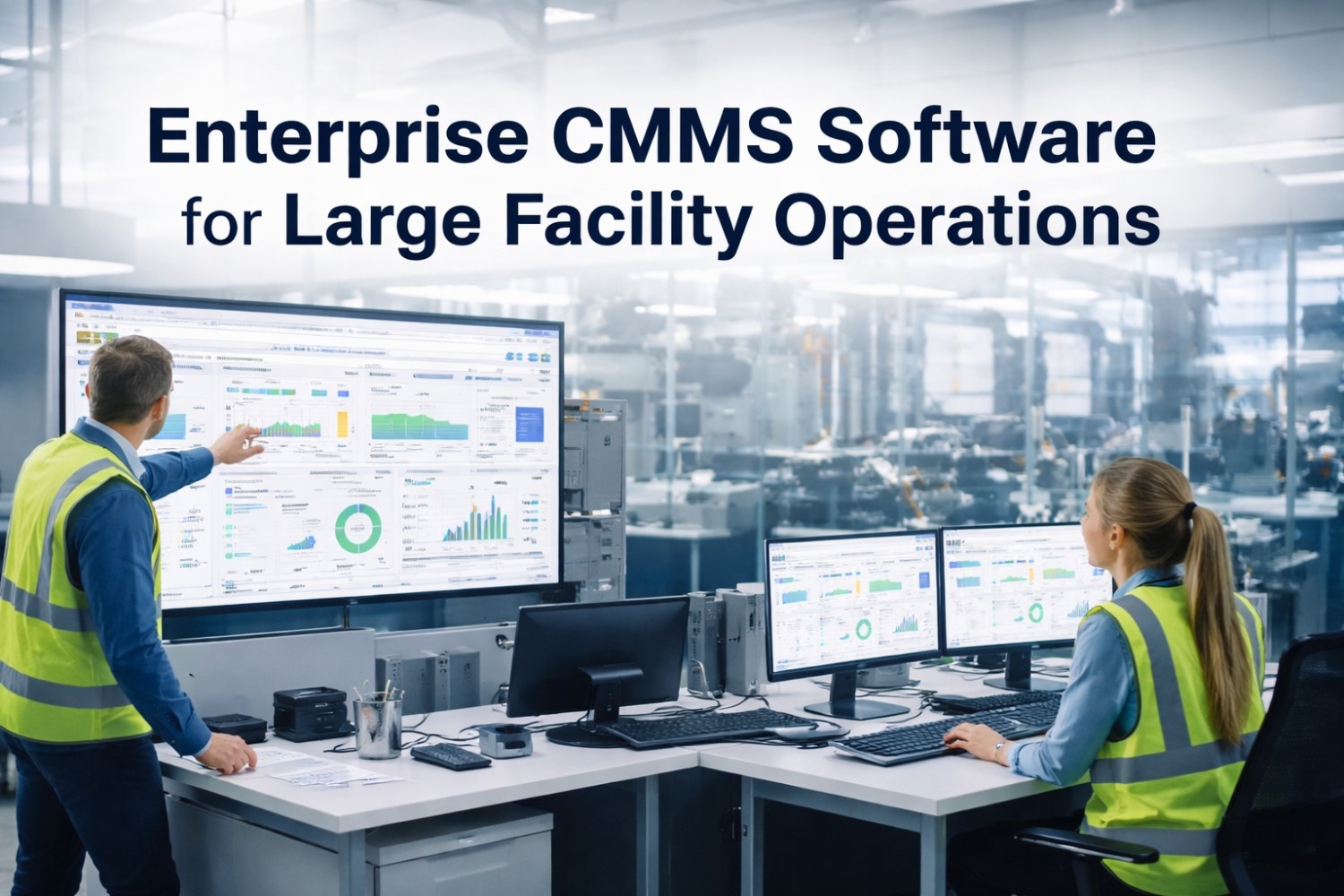
Enterprise facility teams evaluating CMMS platforms face a market saturated with tools that look identical in a feature matrix but perform very differently in daily operations. The right platform is not the one with the longest feature list — it is the one that reduces time-to-value, scales across multiple sites without IT overhead, and gives FM directors the data they need without custom development. This comparison covers the critical dimensions enterprise buyers must evaluate before committing to a platform. See how OxMaint performs across all criteria — book a live demo.
Comparison · Software · Facility Management · BOFU
Enterprise Facility Management Platform Comparison
CMMS Features · Mobile Apps · Integrations · AI Analytics · Reporting · Scalability · Support · Pricing Transparency
9 Dimensions That Separate Enterprise FM Platforms
01
Work Order Engine
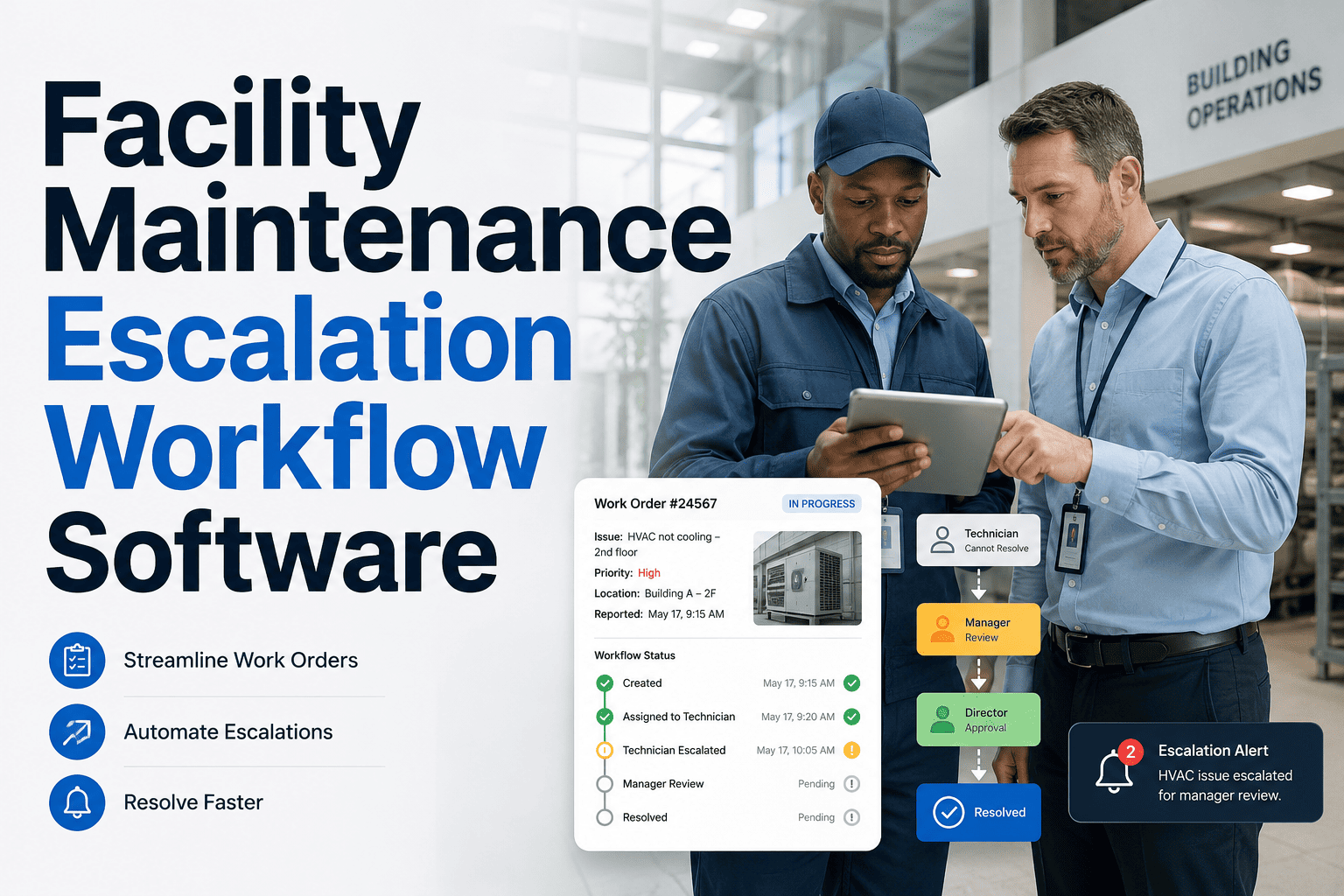
The core of any CMMS. Evaluate: automated PM generation, priority tiers, SLA tracking, escalation rules, and mobile completion with photo and signature capture.
02
Asset Management Depth
Room-level or location-level asset records, service history per asset, QR/barcode scanning for field identification, and full life-cycle cost tracking from purchase to disposal.
03
Mobile App Quality
Offline functionality is non-negotiable for field technicians. Evaluate whether the mobile app functions without connectivity — and whether it was built for field use or ported from a desktop UI.
04
Multi-Site Architecture
True multi-site platforms allow site-level configuration, role-based access by location, and portfolio-level rollup reporting without custom development or data exports.
05
Integration Ecosystem
BMS, BAS, IoT sensor platforms, ERP, and PMS integrations via open API. Evaluate whether integrations require paid professional services or are self-configurable.
06
Reporting and Analytics
Pre-built dashboards for MTTR, PM compliance, cost per work order, and vendor performance — available without custom report development or BI tool licensing.
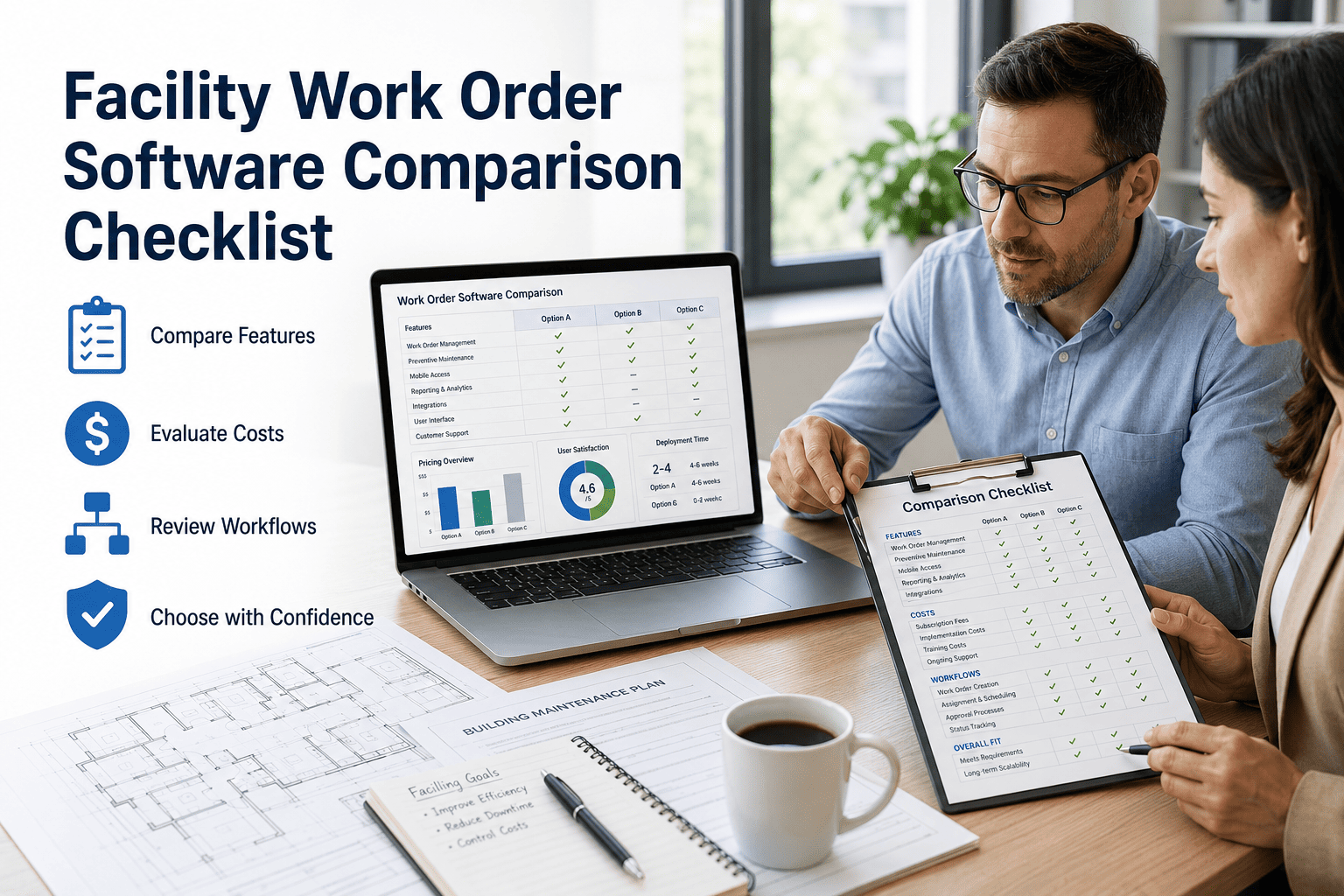
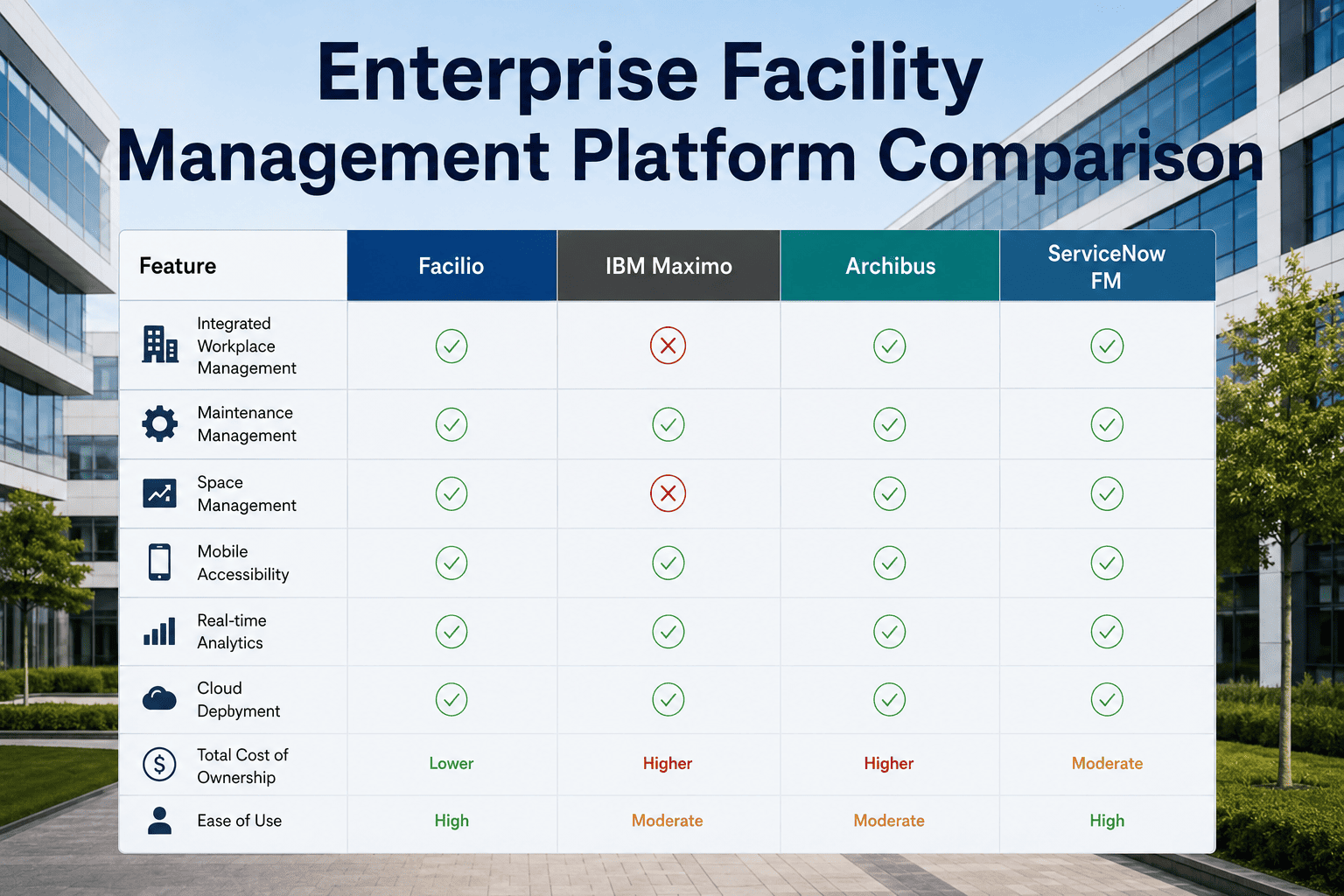
Platform Comparison — Key Feature Matrix
| Feature | OxMaint | IBM Maximo | Archibus | ServiceChannel |
|---|---|---|---|---|
| Mobile app (offline) | Yes — full offline | Limited | No native app | Partial offline |
| Multi-site dashboard | Native · No setup cost | Requires config | Module add-on | Yes |
| IoT sensor integration | Open API · MQTT | Enterprise licence | Limited | Not available |
| Time to go live | Days to weeks | 6–18 months | 3–12 months | 4–8 weeks |
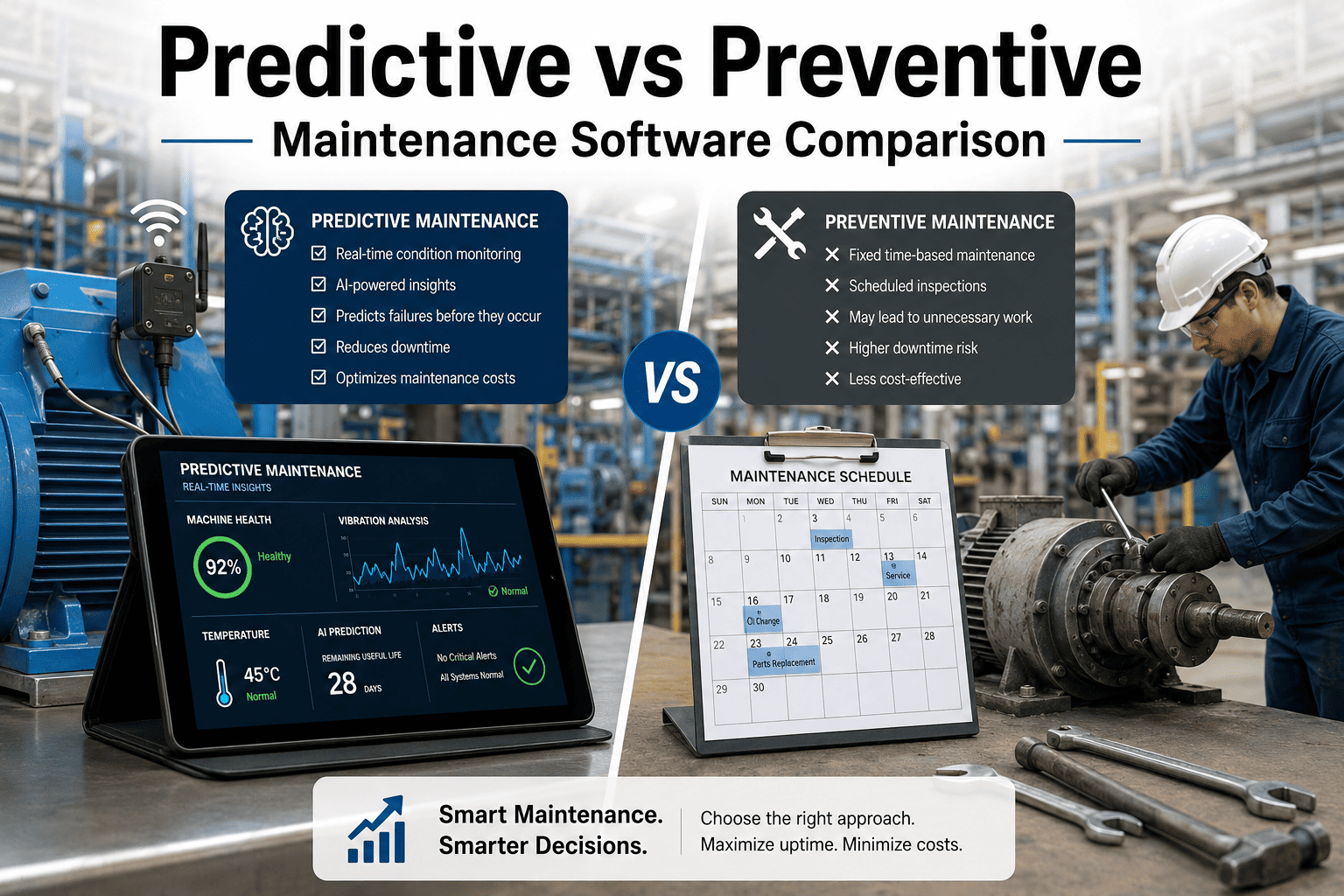
| Predictive maintenance AI | Built-in | Add-on cost | No | No |
| Transparent pricing | Published · Per site | Custom quote | Custom quote | Partial |
| Free trial available | Yes — no card | No | No | No |
| PM auto-scheduling | Yes · Rule-based | Yes | Basic | Vendor-side only |
Note: Platform capabilities reflect publicly available documentation and general market positioning as of 2024–2025. Enterprise software configurations vary. Verify specific capabilities with each vendor for your use case.
Enterprise Buyer Decision Framework
Start Here
How many sites do you manage?
1–5 sites → Prioritise ease of setup and mobile UX over deep integration
6–50 sites → Multi-site dashboard and role-based access are non-negotiable
50+ sites → API integrations, custom reporting, and enterprise support SLAs determine platform fit
Key Question
What is your IT resource for implementation?
No dedicated IT → Choose cloud-native, low-code configuration with strong onboarding support
Internal IT team → Evaluate API flexibility and on-premise deployment options
Critical Check
Does the vendor's demo show real FM workflows or polished slides?
Ask to see: creating a PM schedule, running a cross-site report, completing a work order on mobile
If they can't demo live in under 20 minutes, the product is likely harder to use than they admit
See OxMaint's Full Enterprise Feature Set — Live
Our 30-minute demo covers multi-site dashboard, PM automation, IoT integration, and mobile work orders — on your actual use case, not a generic walkthrough.
"
The enterprise CMMS market has not meaningfully simplified in the last decade — most of the well-known platforms were designed for large IT-supported deployments and still carry that complexity even in their SaaS versions. What I look for when advising FM teams on platform selection is the ratio of configuration time to operational value: how quickly can a site manager create a PM schedule, assign a work order, and see the data on a dashboard without logging a support ticket? OxMaint consistently leads on that metric in evaluations I have conducted. The mobile experience in particular is where legacy platforms consistently underperform — and mobile is where 80% of the FM team's interaction with the system happens. A CMMS that your technicians use well is always a better investment than one with a longer feature list that sits underused.
Dr. Priya Nambiar, PhD, FCIBSE
Independent FM Technology Consultant · 25 Years Facilities and Built Environment · Fellow of CIBSE · Former Head of FM Systems — Global Property Portfolio · Specialist in enterprise CMMS selection, implementation governance, and FM technology ROI assessment
Frequently Asked Questions
How does OxMaint handle data migration from an existing CMMS or spreadsheet system?
OxMaint provides a structured data import process for assets, work order history, PM schedules, and vendor records via CSV upload with field mapping guidance. For larger enterprise migrations from platforms like Maximo or Archibus, the OxMaint implementation team conducts a data audit and provides a migration plan with defined timelines. Most mid-size facility portfolios complete migration within two to four weeks. Book a demo to discuss your specific migration scenario. Historical work order data and asset service records are preserved in the migration to ensure continuity of maintenance history — critical for warranty, compliance, and insurance purposes during and after transition.
What enterprise integrations does OxMaint support out of the box?
OxMaint's open REST API supports integration with building management systems, ERP platforms including SAP and Oracle, property management systems including Yardi and MRI, IoT sensor platforms via MQTT, and HR systems for technician scheduling. A pre-built integration library covers the most common enterprise platforms and reduces custom development requirements for most deployments. Start a free trial to explore the integration library. For bespoke integration requirements, OxMaint's enterprise support team provides scoping and development support under the enterprise tier — avoiding the professional services fees that add significantly to the cost of comparable platform implementations.
What support SLAs does OxMaint offer for enterprise accounts?
Enterprise OxMaint accounts include a dedicated customer success manager, 4-hour response SLA for critical issues, 24-hour SLA for standard support requests, and monthly business reviews to track platform adoption and ROI metrics. Onboarding support includes a structured implementation programme covering asset configuration, PM schedule setup, user training, and integration testing over a defined go-live timeline. Discuss enterprise support options in a demo call. This contrasts with the ticketed support models common among legacy CMMS vendors, where enterprise accounts often wait days for responses and pay additional fees for priority access to the support queue.
OxMaint · Enterprise CMMS Platform
Stop Comparing Slides. Start Comparing Results.
OxMaint is built for enterprise FM teams that need a platform that works in the field, scales across sites, and delivers visible ROI within the first quarter — not the first year.