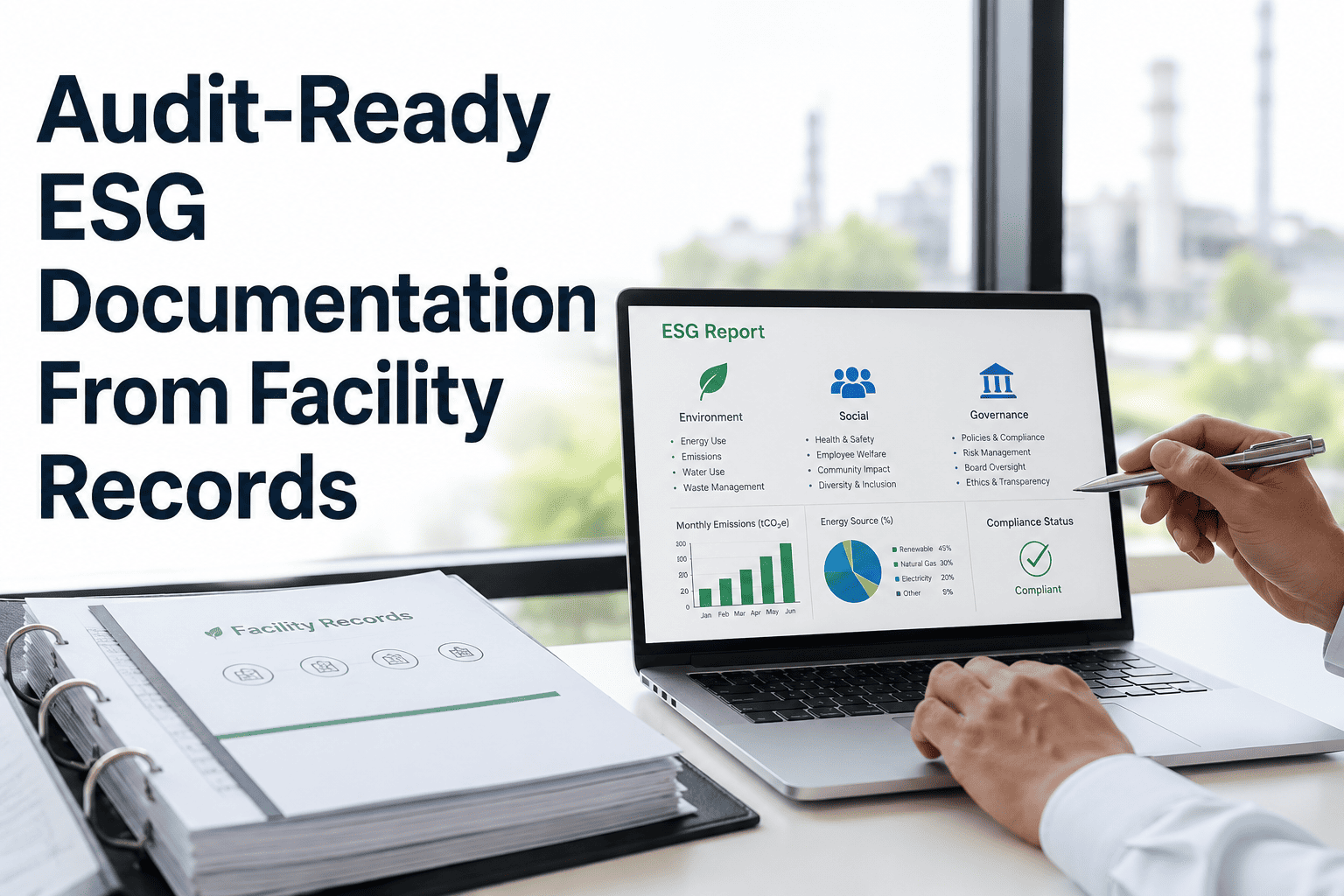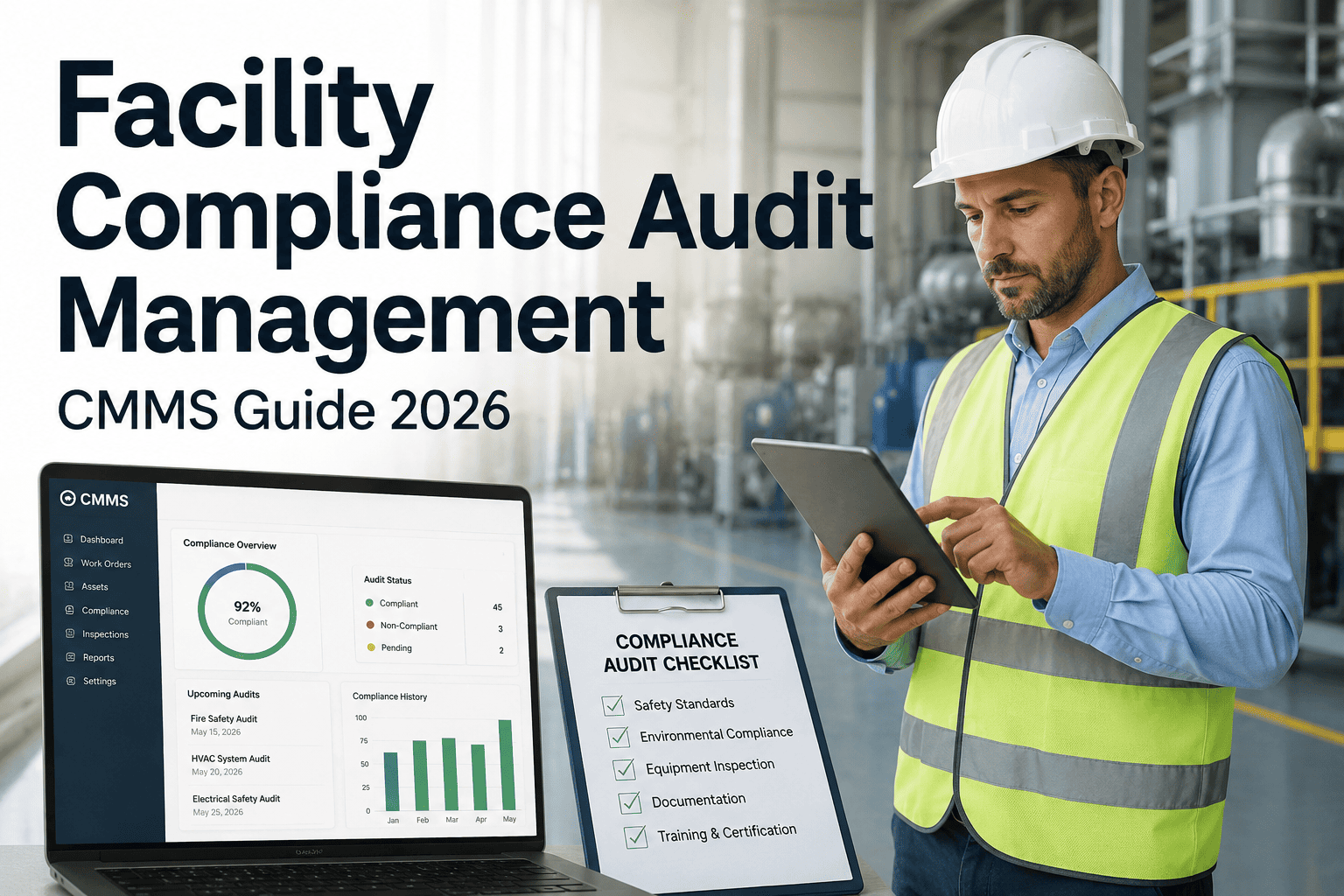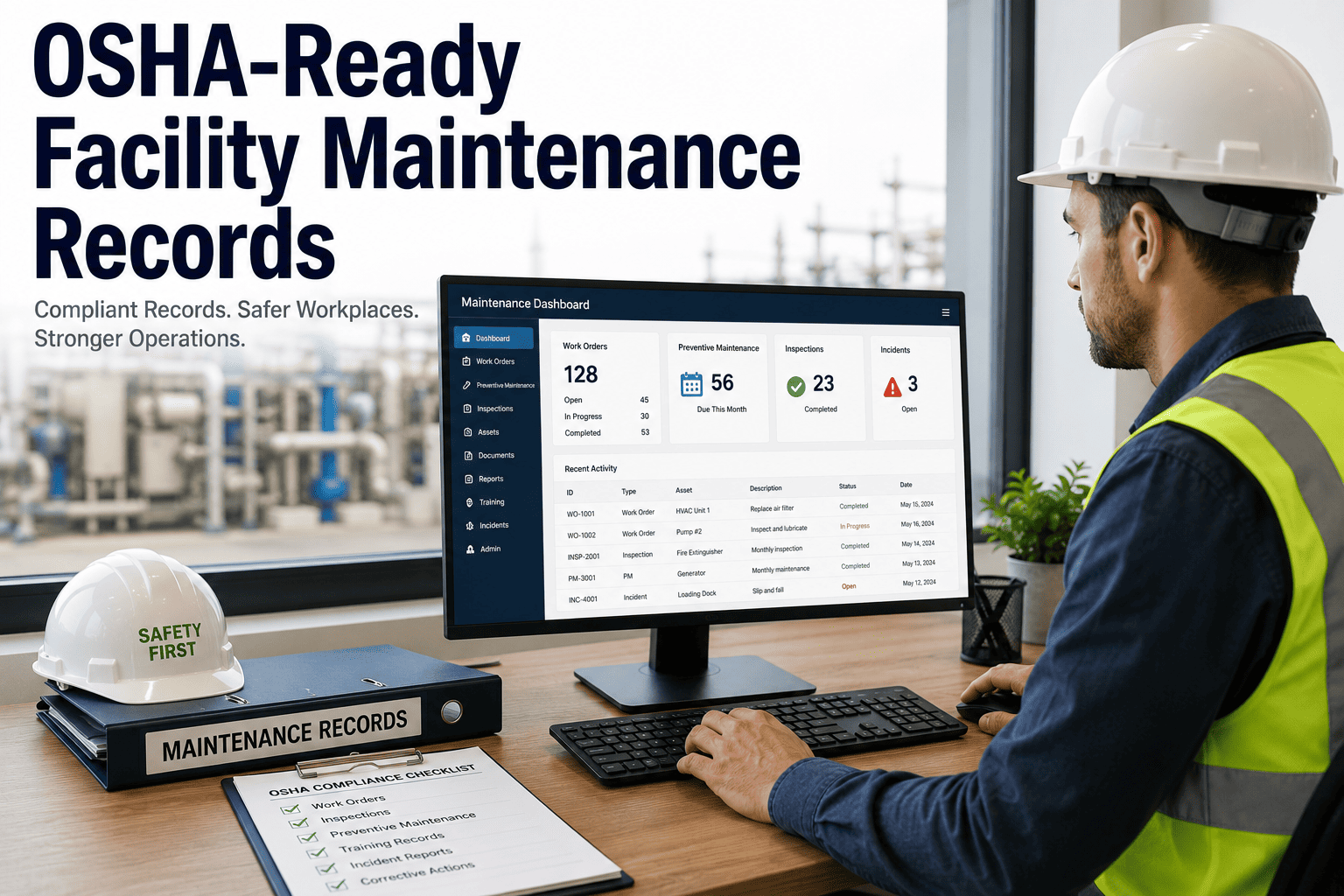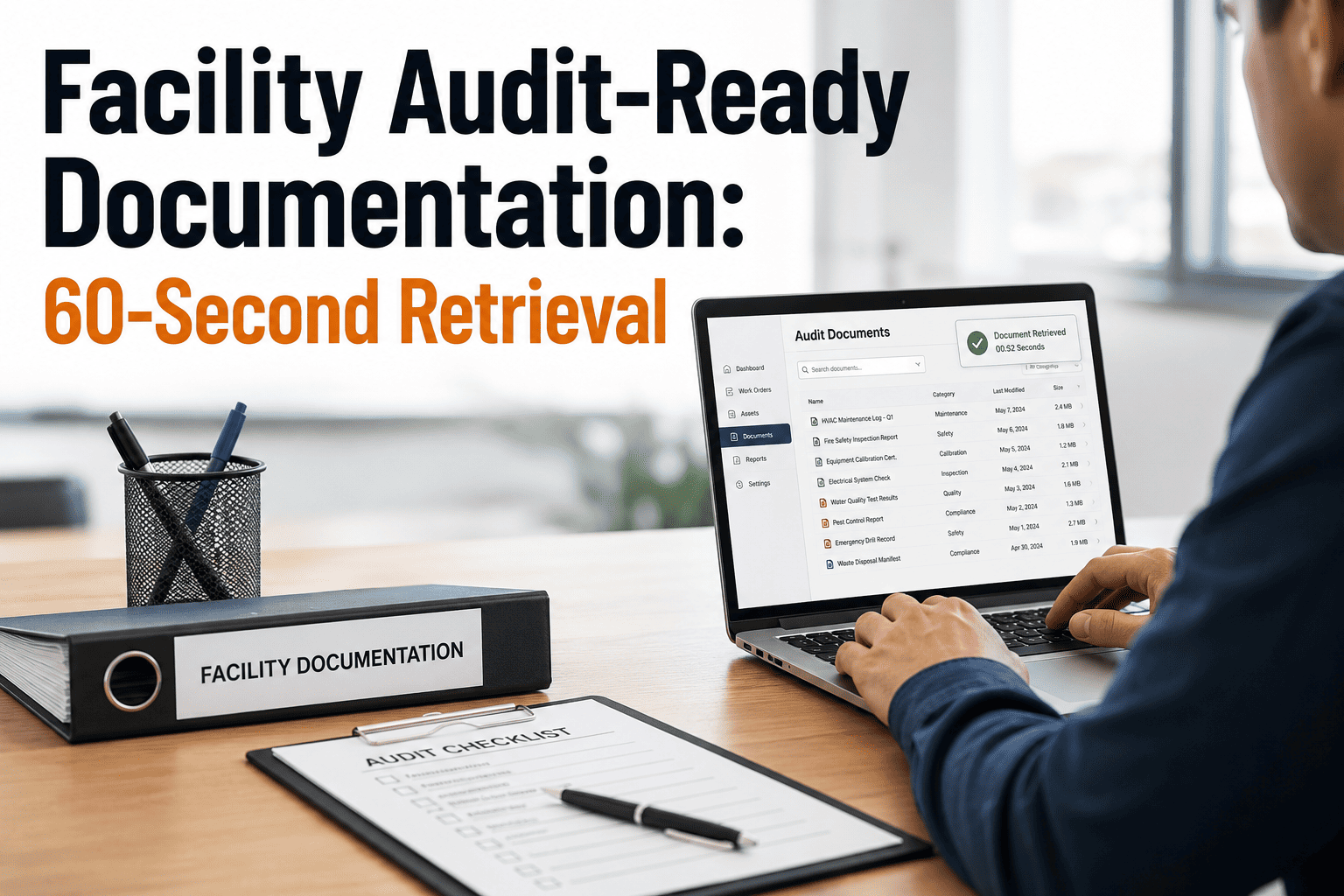
Audit-ready documentation is no longer a quarterly scramble — with a properly configured CMMS, the average facility team can retrieve any inspection record, photo, and signature in under 60 seconds. Industry benchmarks from NFPA, ISO 55000, and Joint Commission surveys all point to the same truth: missing or incomplete records are the single most cited deficiency during facility audits. This guide walks through the exact record architecture, timestamp standards, and retrieval workflows that turn a 3-day audit prep into a same-day response. Start by mapping your current gaps, then Start Free Trial to build the compliant documentation layer described below.
The 60-Second Audit Standard
Can your team pull last quarter's boiler inspection record in under one minute?
When an auditor asks for a specific timestamped record, every second counts. Facilities with a structured CMMS documentation layer retrieve complete evidence packages — photos, signatures, work orders — in an average of 47 seconds. Paper-based teams average 3.2 days and a 22% record-gap rate.
Documentation Architecture
The five-layer audit-ready record
A defensible facility record is not a single PDF — it is a linked stack of five evidence layers. Each layer answers a specific question the auditor will ask.
Timestamped Work Order
Every PM, corrective task, and inspection carries an immutable UTC timestamp at creation, start, and completion. ISO 55000 §7.5 requires evidence of "documented information retained for traceability" — the timestamp is the spine.
Photo Evidence Chain
Pre- and post-repair photos geotagged to the asset ID. A 240-bed hospital network cut its Joint Commission finding rate by 71% after requiring two photos per corrective work order.
Technician Signature
Electronic signature captured on the mobile CMMS app at task closure, legally binding under 21 CFR Part 11 and E-SIGN. Links the individual credential to the completed work.
Parts & Material Log
Every part consumed is auto-deducted from inventory against the work order, creating a forward-traceable chain from storeroom shelf to asset to invoice — critical for recall scenarios.
Compliance Cross-Reference
Each record is tagged to the governing standard — NFPA 70B, ASHRAE 90.1, FMCSA §396.11, EPA RICE NESHAP. The auditor filters by standard code and sees every linked record instantly.
Audit Export Bundle
One-click PDF or CSV export that assembles all five layers into a single dated package. Replaces the typical 6–11 hours of manual binder assembly before an audit window opens.
The Retrieval Benchmark
Why 60 seconds is the line that separates compliant from exposed
Auditors do not warn you in advance. When they request a record, the clock starts — and the speed of your response signals the maturity of your entire documentation system.
A 180-asset pharmaceutical packaging plant in New Jersey was spending roughly $42,000 annually on audit-prep labor — two technicians pulled off-line for 11 days each quarter to assemble binders. After implementing a CMMS with the five-layer record architecture, audit prep dropped to a 20-minute export. The same team now retrieves any individual record in under 50 seconds, and their last FDA inspection produced zero Form 483 observations related to documentation.
Timeline to Compliance
From paper binders to 60-second retrieval in 90 days
A structured rollout moves a facility from fragmented records to a fully audit-ready CMMS in three months. Each phase has a measurable exit criterion.
Asset Hierarchy & Standard Tagging
Build or import the full asset hierarchy into the CMMS. Tag every asset to its governing compliance standard (NFPA, ASHRAE, FMCSA, EPA). Exit criterion: 100% of audit-scope assets tagged and searchable by standard code.
PM Templates & Mobile Capture
Convert all recurring inspection checklists into CMMS PM templates with mandatory photo and e-signature fields. Deploy the mobile app to technicians. Exit criterion: 90% of new work orders include photo evidence and captured signature at closure.
Backfill & Retrieval Drill
Backfill the prior 12 months of paper records into the CMMS as scanned attachments linked to asset IDs. Run a timed retrieval drill with three randomly selected records. Exit criterion: all three retrieved in under 60 seconds each.
Audit Day Readiness
The audit-day retrieval checklist
When the auditor walks in, this is the exact sequence your team should run. Each item maps to a CMMS function that eliminates manual searching.
System Comparison
Paper binders vs. spreadsheet logs vs. audit-ready CMMS
The documentation method you choose directly determines your retrieval speed, gap rate, and audit exposure. Here is how the three approaches compare across the metrics that matter on audit day.
| Capability | Paper Binders | Spreadsheet Logs | Audit-Ready CMMS |
|---|---|---|---|
| Record retrieval time | 3.2 days avg. | 45–90 minutes | Under 60 seconds |
| Photo evidence attached | Printed, if at all | Separate folder | Embedded in work order |
| Technician e-signature | Wet ink only | Manual entry | 21 CFR Part 11 compliant |
| Standard-code filtering | Not possible | Manual sort | One-click filter |
| Record-gap rate | 22% avg. | 8–12% | Below 2% |
| Audit-prep labor (quarterly) | 88+ hours | 20–30 hours | Under 1 hour |
| Timestamp integrity | Easily altered | Cell-editable | Immutable UTC log |
Ready to retrieve any record in 60 seconds?
Join the facility teams who walked into their last audit with confidence and walked out with zero documentation findings.
Frequently Asked Questions
Audit-ready documentation, answered
What exactly counts as an audit-ready facility record?
An audit-ready record contains five linked elements: a timestamped work order, photo evidence (pre and post), a technician e-signature, a parts and material log, and a cross-reference to the governing compliance standard. If any one layer is missing, the record is considered incomplete and can trigger a finding during ISO 55000, Joint Commission, FDA, or FMCSA reviews.
How long does it take to migrate from paper binders to a CMMS?
A typical 150–300 asset facility completes the full migration in 90 days: Month 1 builds the asset hierarchy and standard tagging, Month 2 deploys PM templates and mobile capture, and Month 3 backfills the prior 12 months of records. You can accelerate this by Book a Demo to get a scoped migration plan from our implementation team.
Does the CMMS support 21 CFR Part 11 electronic signatures?
Yes. The mobile app captures a legally binding electronic signature at work order closure, with an immutable audit trail showing who signed, when (UTC timestamp), and the associated asset and task. This meets 21 CFR Part 11, E-SIGN Act, and EU eIDAS requirements for facilities in FDA-regulated and pharmaceutical environments.
What happens if an auditor requests a record from three years ago?
The CMMS retains records indefinitely in cloud storage with full searchability. You filter by asset ID, date range, or compliance standard code and retrieve the complete five-layer record — including photos — in under 60 seconds. Paper systems typically cannot produce 3-year-old records at all; spreadsheet systems average 2–4 hours of manual searching.
How much does incomplete documentation actually cost a facility?
Beyond the direct penalty — which averages $14,000 per finding — incomplete documentation triggers re-inspection fees, operational downtime during re-audits, and in regulated industries, potential product holds or facility license suspensions. A single FDA Form 483 observation can cost a pharmaceutical facility $250,000–$1M in remediation labor and delayed production. You can eliminate this exposure — Start Free Trial to build your audit-ready layer today.
Build your audit-ready documentation layer this week
Every record timestamped, photo-tagged, signed, and retrievable in under 60 seconds. Your next audit does not need to be a fire drill.
Free 14-day trial · No credit card