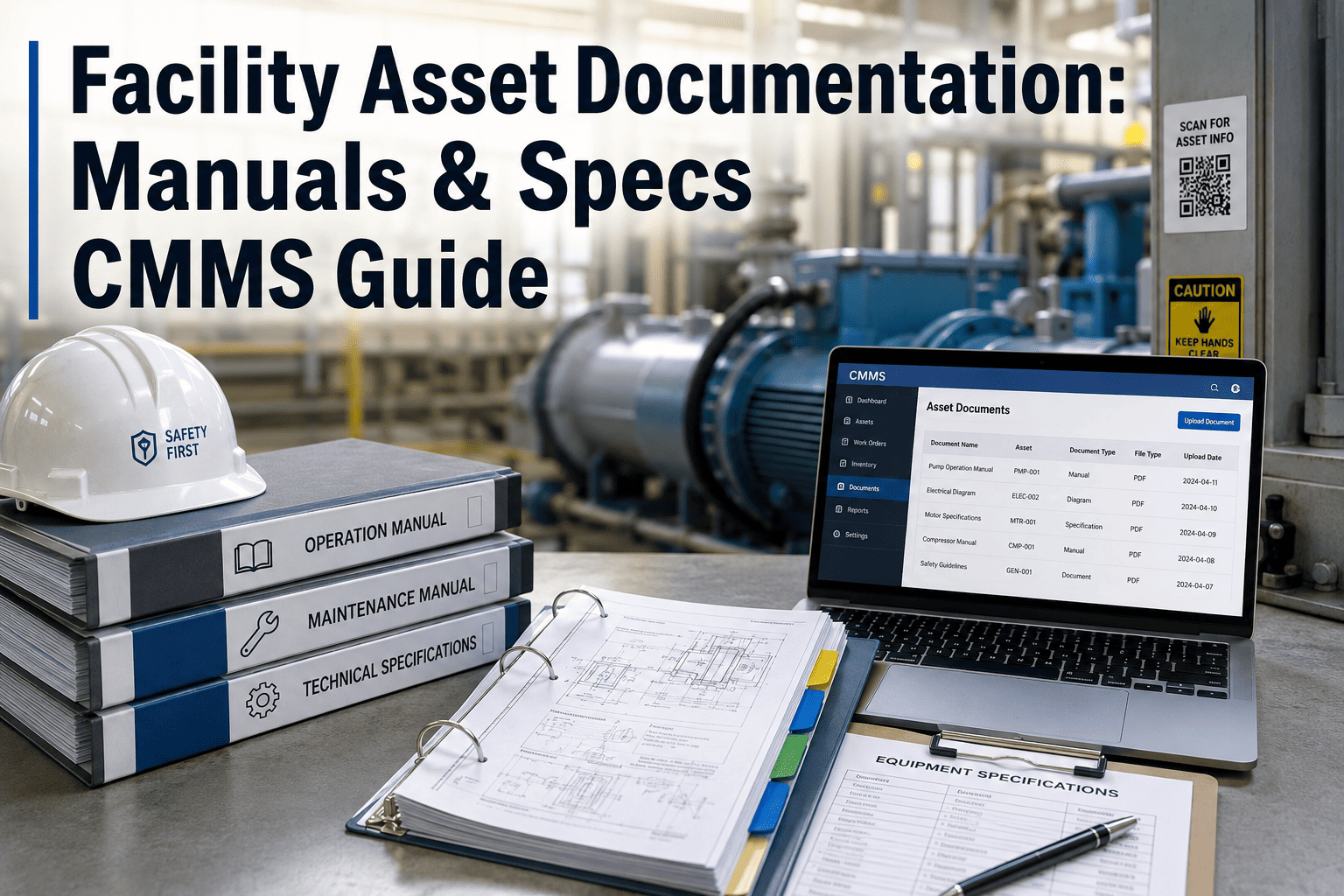
Facility asset documentation is the operational backbone that separates a predictable maintenance program from a reactive one — yet industry studies suggest technicians spend up to 30% of their shift simply hunting for manuals, spec sheets, or warranty records. A CMMS-built digital library collapses that search time to seconds by attaching OEM manuals, equipment specifications, P&IDs, and service history directly to each asset record. This guide walks through the structure, the numbers, and the workflow that make a facility documentation library pay for itself inside the first quarter. Ready to stop digging through shared drives? Start Free Trial and build yours today.
Still searching shared drives for the right equipment manual?
A CMMS-attached documentation library cuts manual lookup time by up to 80% and turns scattered PDFs into a structured, searchable asset knowledge base — accessible from the floor, the office, or the field.
The hidden tax of fragmented facility records
Most plants own the manuals — they just can't find them. A 2024 maintenance reliability survey found that 67% of facilities store equipment documentation across three or more unconnected locations, from paper binders to personal desktops.
Five steps to a fully digitized asset documentation library
A structured CMMS approach transforms loose PDFs into a queryable knowledge base. Each step compounds the value of the last — ISO 55000-aligned asset information standards recommend this layered attachment model.
Audit existing manuals and identify gaps
Walk every asset, photograph nameplates, and catalog every manual, wiring diagram, and spec sheet. A 180-asset plant typically finds 40–60% of documentation is outdated, missing, or referencing retired equipment.
Link documents to CMMS asset records
Upload OEM manuals, exploded parts diagrams, P&IDs, and warranty certificates directly to each asset's profile. Modern CMMS platforms accept PDFs, images, and video — no separate document management system required.
Tag specs with searchable metadata fields
Capture horsepower, voltage, model number, serial number, install date, and criticality rating as structured fields — not buried in prose. This unlocks filter-based lookups across 10,000+ assets in under two seconds.
Push the library to tablets and phones so techs pull manuals by scanning an asset QR code. Field teams report 25% faster mean time to repair (MTTR) when documentation is one tap away from the work order.
Schedule quarterly documentation reviews
Assign document owners, set review cadences, and archive superseded manuals. ISO 55000 asset information requirements call for version-controlled, reviewable documentation — a CMMS automates the reminders.
What every asset record should contain
A complete CMMS asset profile merges structured specification fields with attached reference documents. The table below outlines the minimum documentation set reliability leaders attach to every critical asset.
| Document Type | Format | Recommended Storage | Lookup Impact |
|---|---|---|---|
| OEM Installation & Operation Manual | Direct asset attachment | −15 min per service event | |
| Equipment Specification Sheet | Structured fields | Metadata + searchable tags | Filter in <2 seconds |
| Parts & Exploded Diagrams | PDF / image | Linked to BOM module | −40% parts ordering errors |
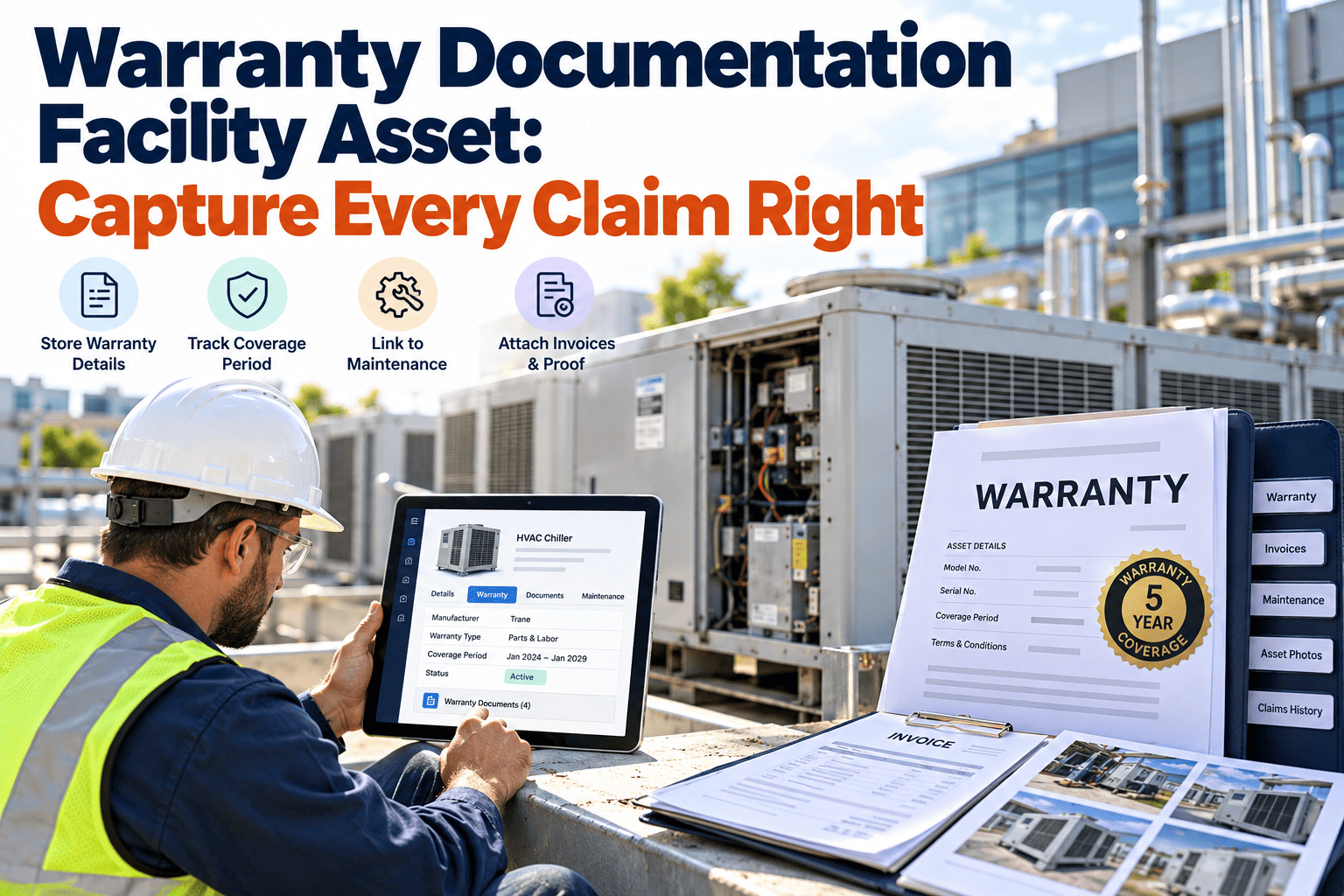
| Warranty Certificate | PDF + expiry date | Asset attachment + alert | Recover $3K–$12K per claim |
| P&ID / Single-Line Diagrams | PDF / DWG | System-level linkage | Faster root-cause tracing |
| Inspection & Test Reports | PDF + structured log | Work order history | Audit-ready in minutes |
| Service History Log | Auto-generated | CMMS work order archive | Full lifecycle visibility |
Turn 18-minute searches into 2-second lookups
Build your facility's digital documentation library in OxMaint — attach manuals, structure specs, and give every technician mobile access on day one.
Six capabilities that define a documentation-ready CMMS
Not every CMMS handles documentation well. These six features separate a true asset knowledge base from a glorified work order tracker.
Unlimited document attachments
Attach any number of PDFs, images, or videos per asset — no per-file storage caps that force you to pick which manual survives.
Full-text search across all manuals
Search inside attached PDFs by keyword — find "thermal overload setting" across 500 manuals in one query, not fifty downloads.
Structured specification fields
Store HP, voltage, RPM, model, serial, and install date as filterable fields — not as free text buried inside a PDF.
QR code asset lookup
Scan a sticker on the machine, land on the asset profile with every manual, spec, and history record instantly loaded.
Role-based access control
Restrict edit rights to reliability engineers while giving technicians read access — so documentation stays governed but always available.
Version history & audit trail
Every document upload, replacement, and review is logged with user and timestamp — ISO 55000 and audit-ready out of the box.
The math: a 180-asset plant spending $42K a year on lost time
Consider a mid-sized food processing facility with 180 tracked assets, 6 technicians, and documentation scattered across a shared drive, three paper binders, and one retired engineer's laptop. Here is what centralization delivers.
Facility asset documentation — answered
What file types can I attach to a CMMS asset record?
Most modern CMMS platforms accept PDFs, JPEG/PNG images, MP4 videos, Word documents, and CAD files. For facility documentation, PDF is the recommended standard for OEM manuals because it preserves formatting, supports full-text search, and renders identically across desktop and mobile devices. You can Start Free Trial and test uploads on your own assets today.
How long does it take to digitize an existing documentation library?
A 180-asset facility typically completes the audit, upload, and tagging cycle in 3–6 weeks with a two-person team. The bottleneck is usually locating manuals, not uploading them — which is why the inventory audit step accounts for roughly 60% of the total project timeline.
Can technicians access manuals offline or from the field?
Yes. Leading CMMS mobile apps cache recently viewed asset documents for offline access, so technicians working in basements, rooftops, or remote pump stations can still pull up a manual without a cell signal. Synced changes upload automatically once connectivity returns.
How does CMMS documentation support ISO 55000 compliance?
ISO 55000 requires asset information to be identified, maintained, and accessible throughout the lifecycle. A CMMS satisfies this by attaching manuals and specs to each asset record, logging version history, scheduling review cadences, and producing audit-ready reports showing who accessed or modified documentation and when. You can see the compliance workflow in action — Book a Demo for a guided walkthrough.
What happens to documentation when an asset is retired?
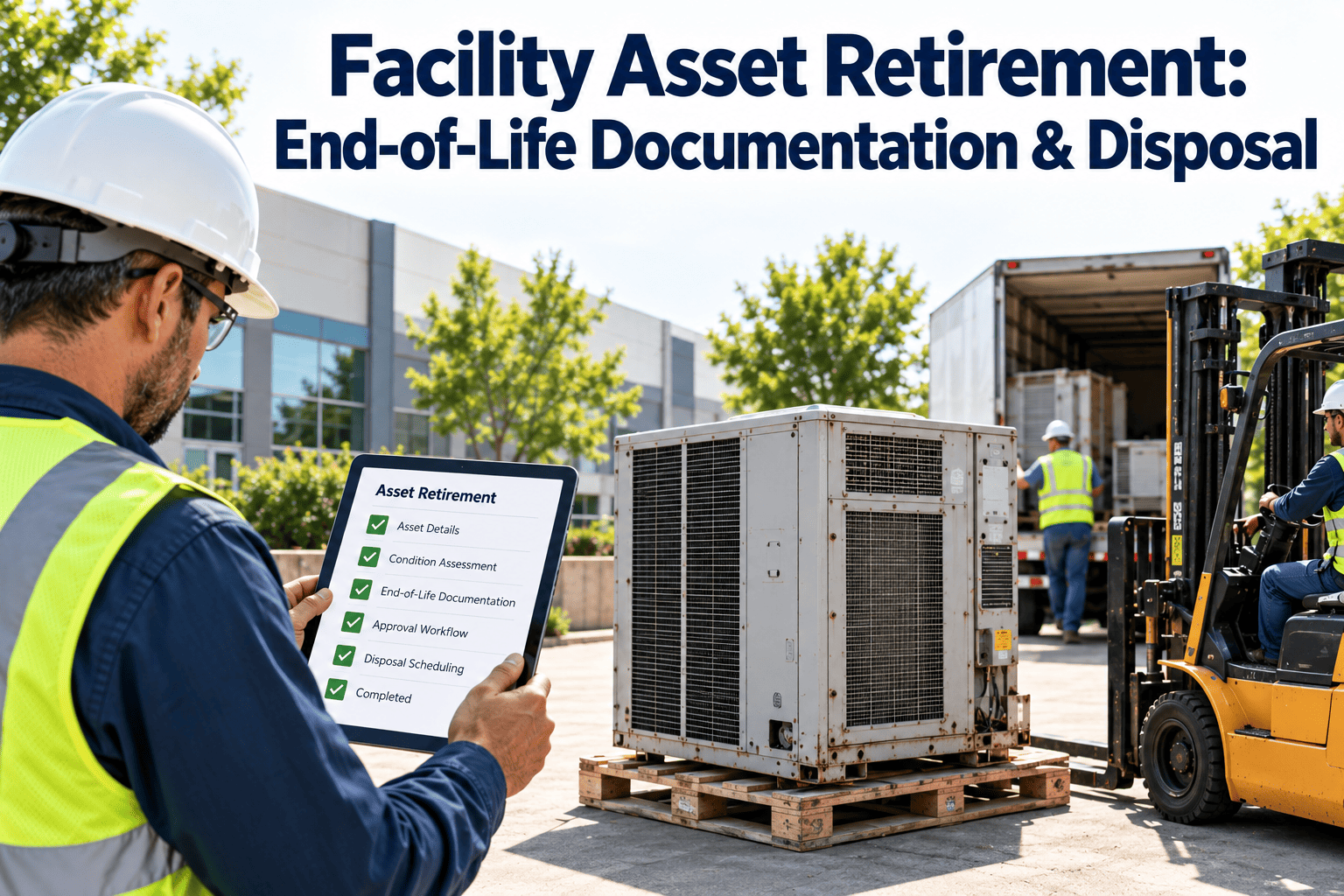
Best practice is to mark the asset as decommissioned while retaining all attached documents, service history, and specifications in an archived state. This preserves institutional knowledge for successor equipment, supports warranty claims on replacement units, and satisfies regulatory record-retention requirements that often range from 7 to 10 years.
Your facility's documentation library — built this week, not next quarter
Upload manuals, attach specs, tag metadata, and put every document one QR scan away from the technician who needs it. OxMaint makes it happen in days, not months.
Free 14-day trial · No credit card
.jpeg)