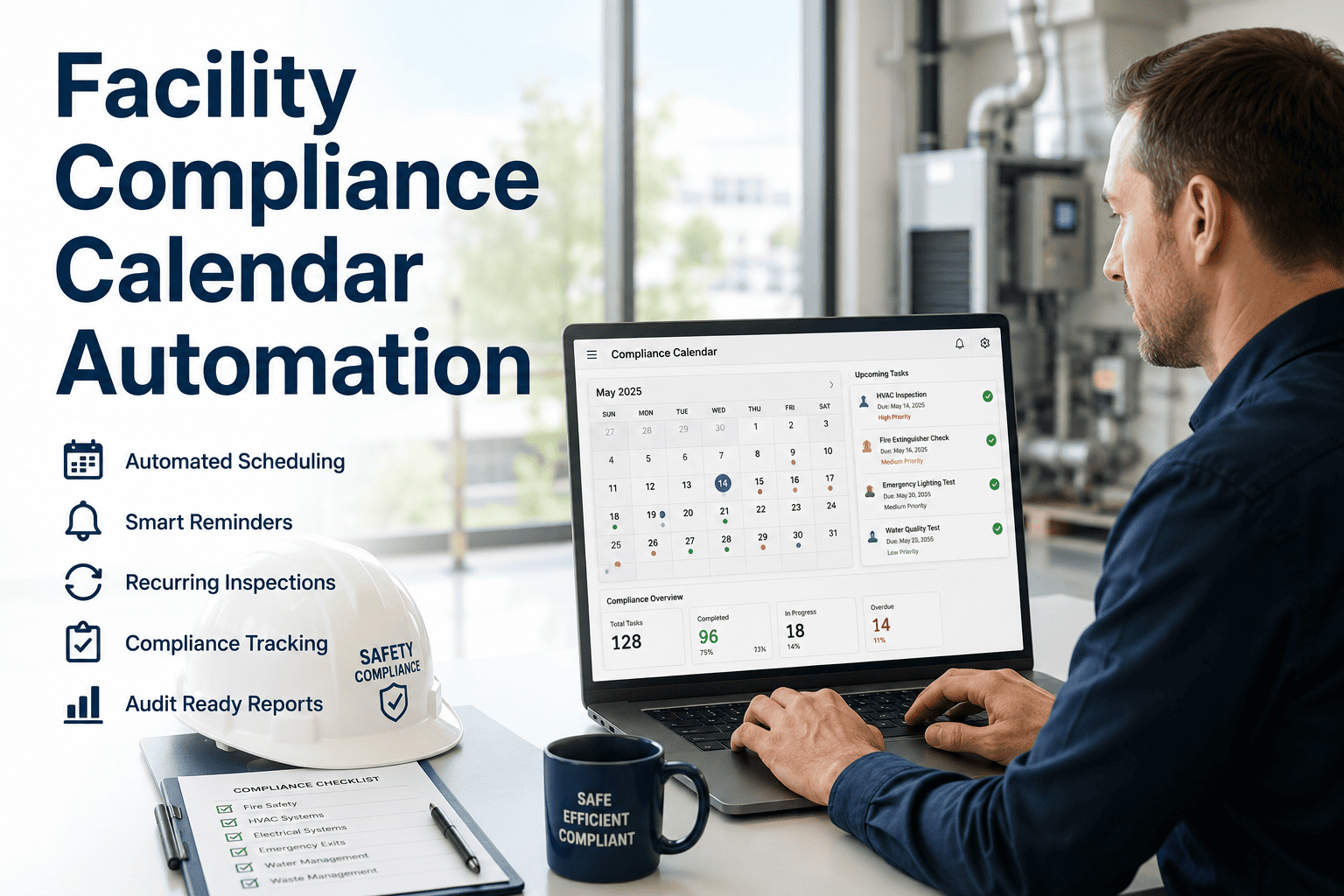
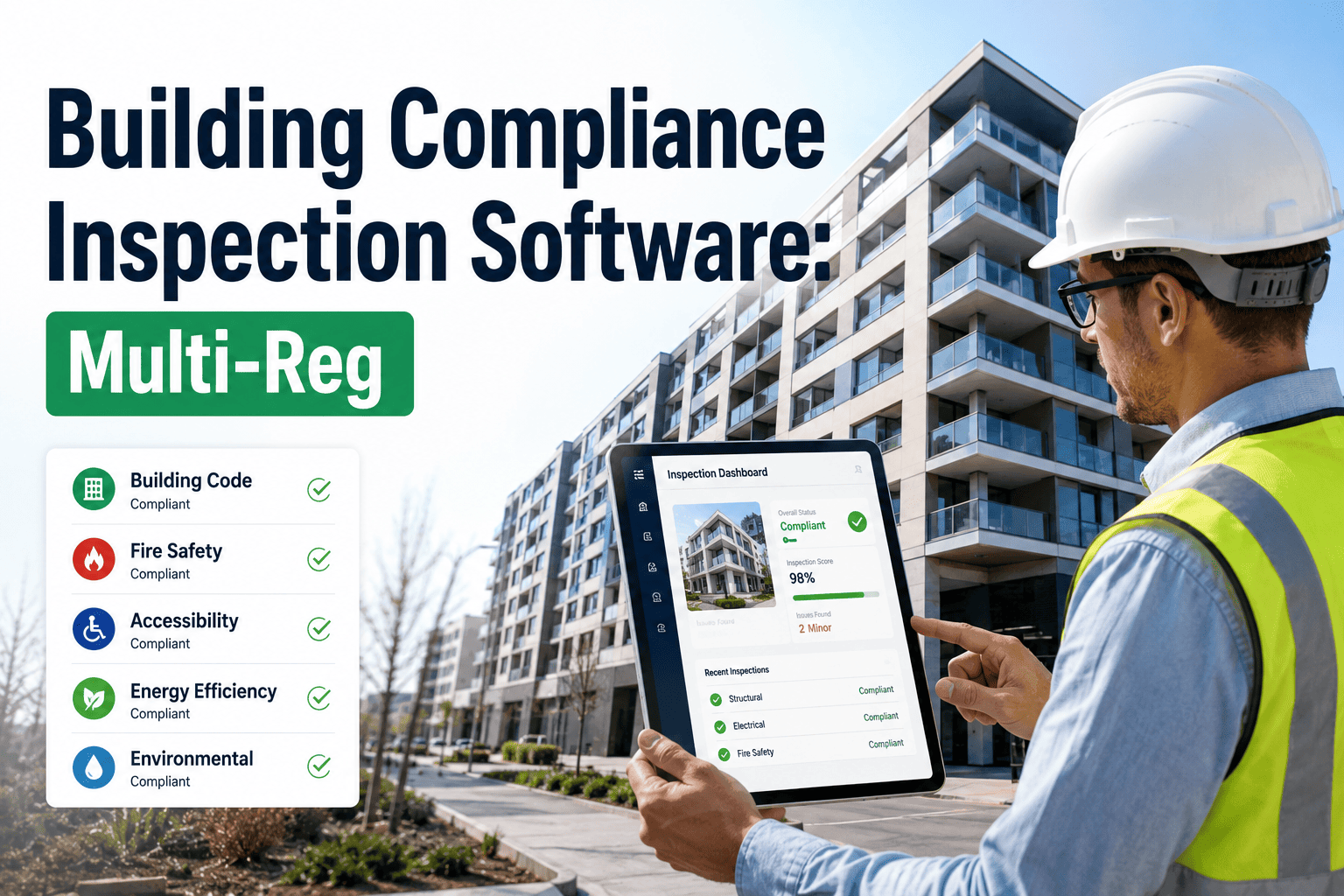
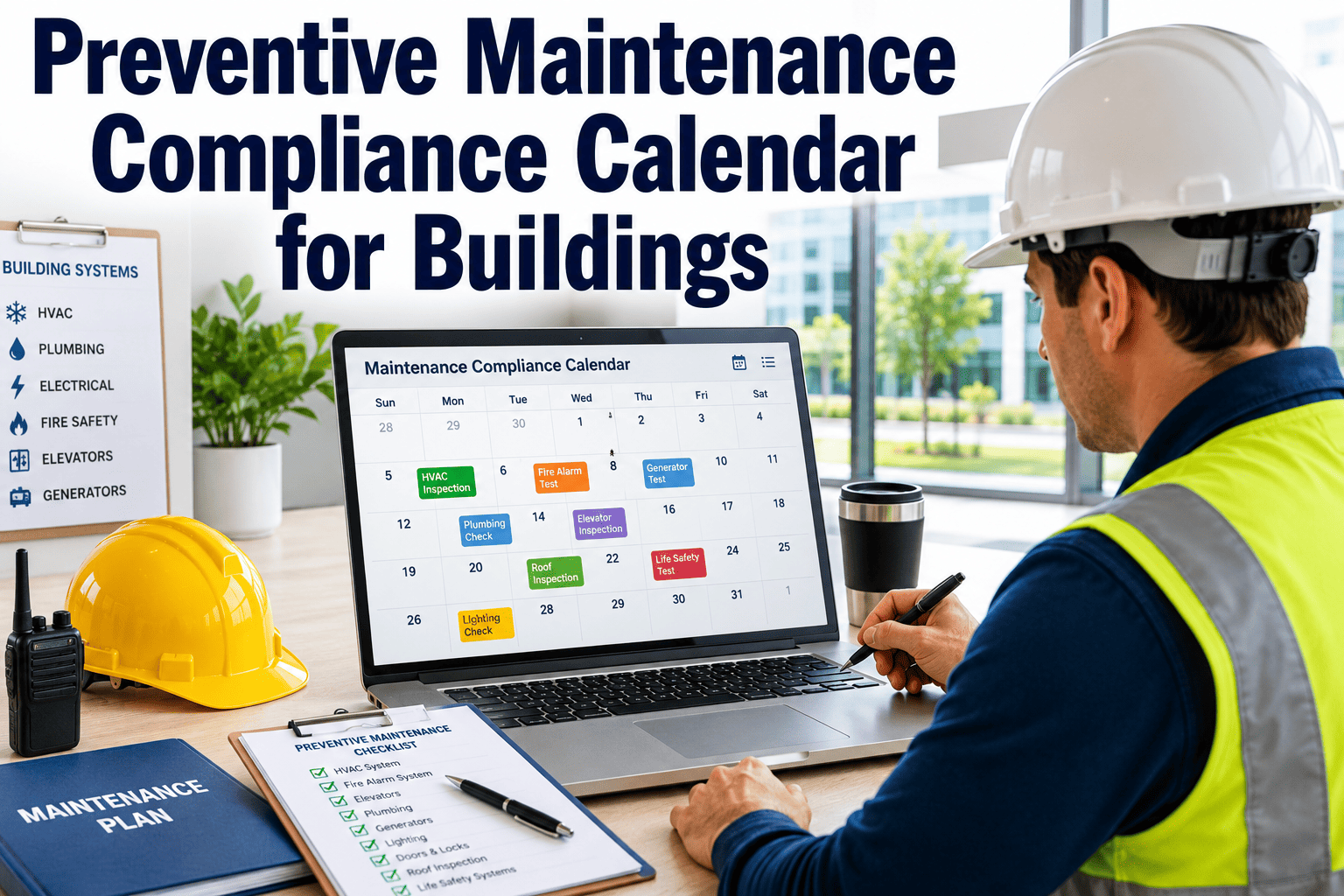
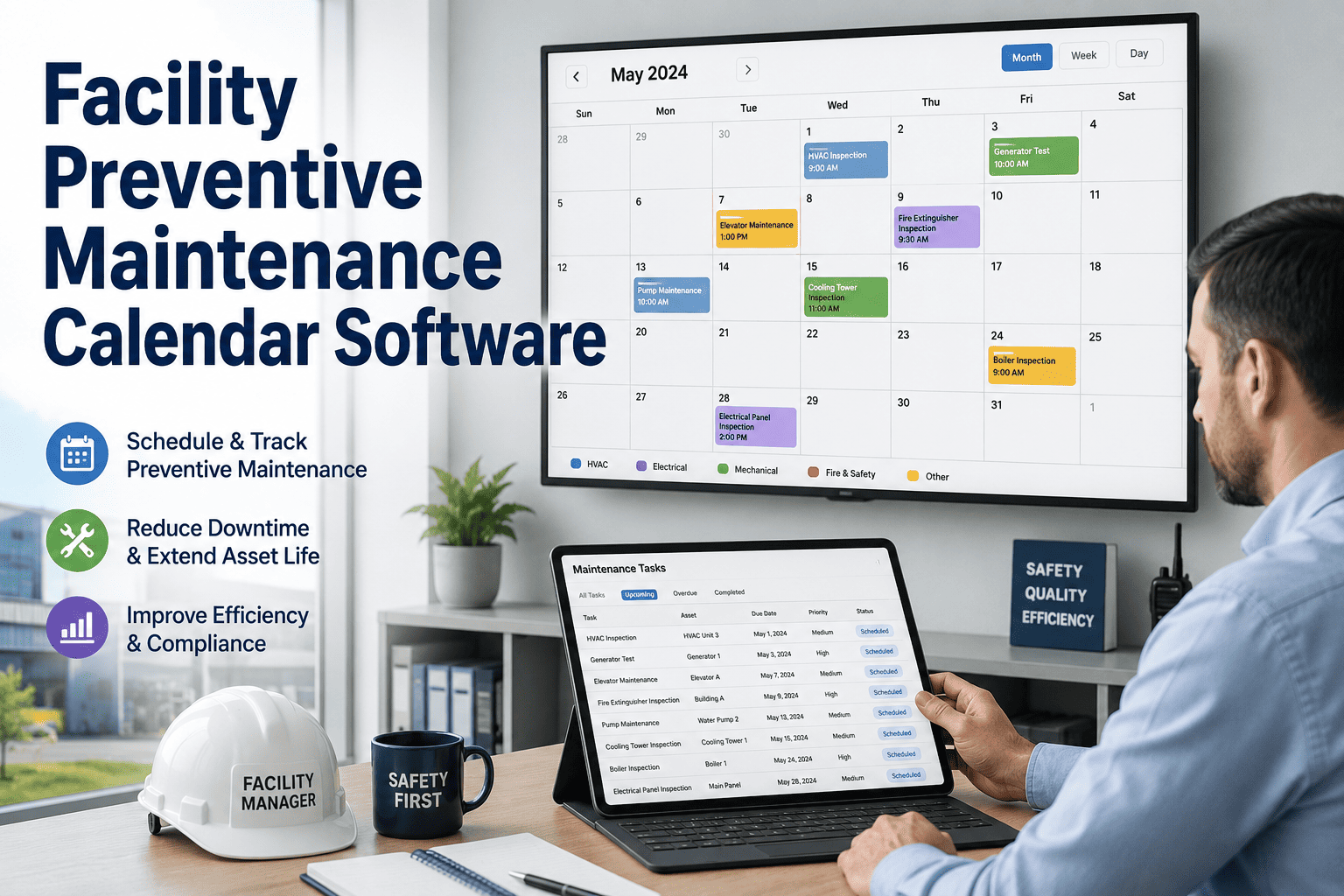
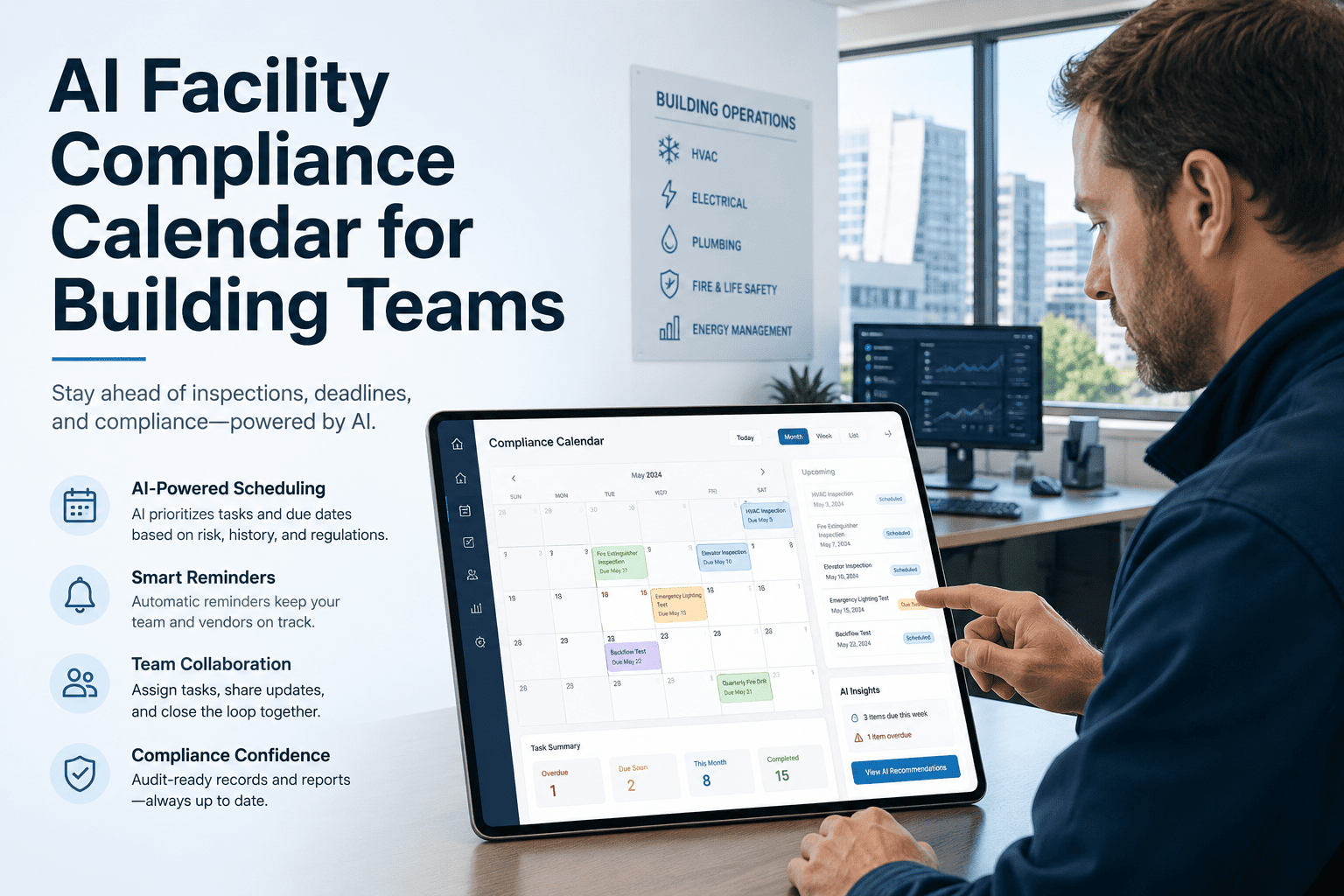
Every facility carries a calendar of mandatory obligations — inspection cycles, permit renewals, fire suppression tests, elevator certifications, HVAC filter changes, emergency lighting checks — and the penalty for missing even one is rarely proportional to how easy it was to forget. Manual tracking across spreadsheets, calendar apps, and personal reminders fails systematically because the person holding the information changes, the spreadsheet doesn't escalate, and the reminder sends to the wrong inbox. Facility compliance calendar automation replaces that fragile system with one that never forgets, always escalates, and generates the proof your auditor will ask for before you remember to collect it.
Compliance Automation · Facility Management
Never Miss a Compliance Deadline Again
Oxmaint automates your entire facility compliance calendar — recurring inspections, permit renewals, safety task reminders, and audit-ready completion records — all in one system that escalates automatically when deadlines are at risk.
$156K
Average OSHA fine for a single serious compliance violation at a commercial facility (2025 benchmark)
3 in 10
Facility managers report missing at least one compliance task per quarter due to manual tracking failures
100%
Of completed tasks in Oxmaint are timestamped and technician-signed — audit-ready without any extra documentation step
What Gets Automated
Every Compliance Obligation, One Calendar
Facility compliance obligations span dozens of categories and regulatory bodies. Oxmaint handles all of them on a single automated calendar — configurable to your building type, industry, and jurisdiction.
Fire Safety
Fire extinguisher inspection
Sprinkler system test
Fire door swing check
Suppression system service
Electrical & Emergency
Emergency lighting test
Generator load test
Panel inspection cycle
Exit sign battery check
HVAC & Mechanical
Filter replacement PM
Coil cleaning schedule
Boiler annual certification
Cooling tower treatment
Permits & Certificates
Elevator operating permit
Pressure vessel certificate
Building occupancy permit
Environmental discharge permit
Health & Safety
Backflow preventer test
Legionella water sample
First aid kit audit
Safety signage inspection
Structural & Grounds
Roof membrane inspection
Parking lot lighting check
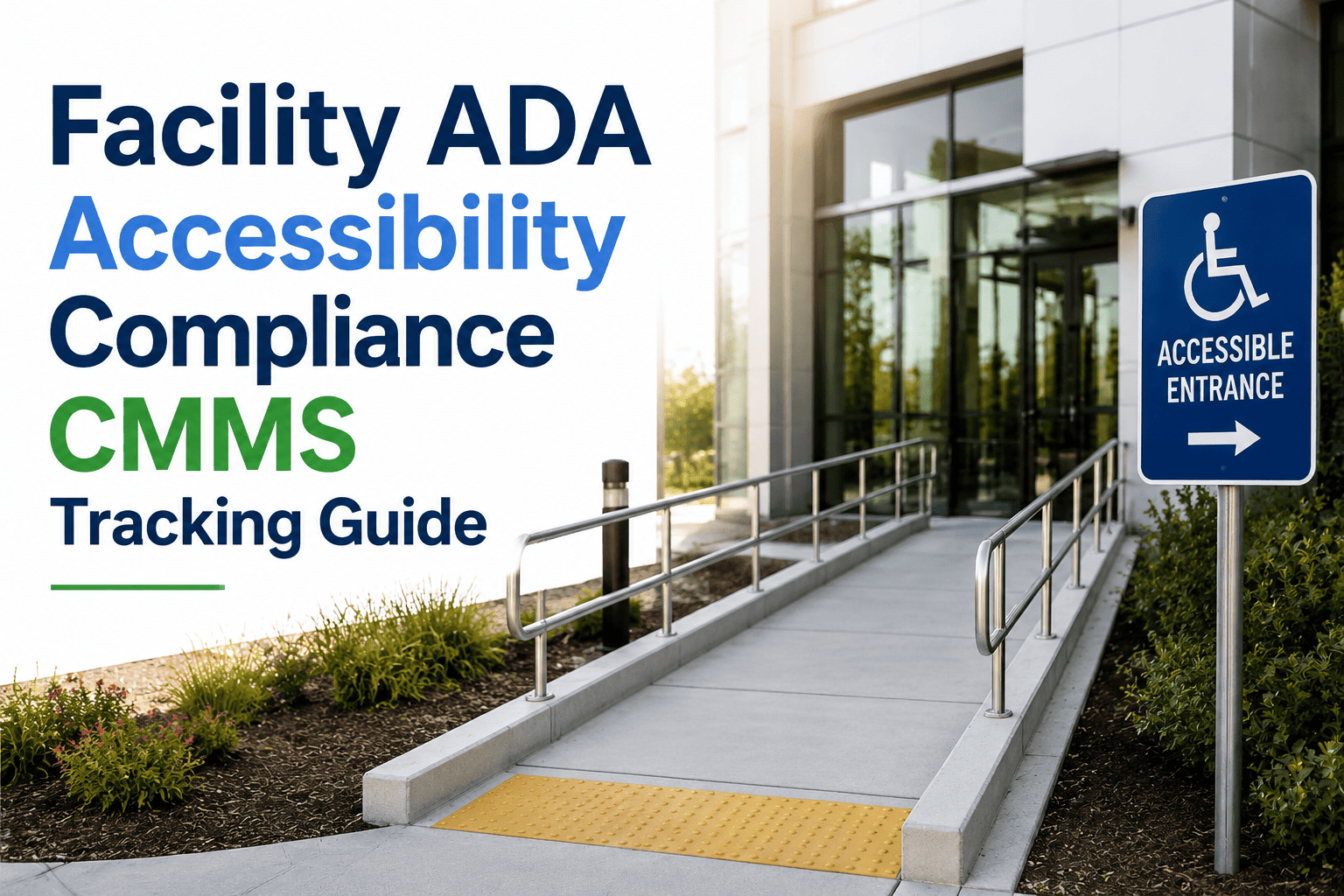
ADA compliance audit
Facade / cladding inspection
How Automation Works
From Setup to Audit-Ready Proof
Configure Your Calendar
Add every recurring compliance task — inspection type, frequency, responsible team, required checklist items, and pass/fail criteria. Oxmaint ships with pre-built templates for NFPA 72, NFPA 25, OSHA 1910, and ASHRAE 180.
Automated Reminders Trigger on Schedule
Oxmaint generates work orders and sends push notifications at configurable lead times — 30 days, 14 days, 7 days, and day-of — to the assigned technician and their supervisor. No manual calendar management required.
Escalation on Missed Deadlines
If a task is not completed by its due date, Oxmaint automatically escalates to the next level — facility manager, then compliance officer — with the specific task, asset, and regulation cited, so the right person acts before a violation window opens.
Audit-Ready Proof Generated Automatically
Every completed task is recorded with timestamp, technician signature, checklist responses, and photo evidence. Oxmaint generates compliance reports by task category, asset, or date range — exactly the format auditors request.
Compliance Calendar Coverage
Inspection & Permit Automation by Regulation
| Regulation / Standard |
Task Type |
Typical Frequency |
Oxmaint Automation |
| NFPA 72 (Fire Alarm) |
Fire alarm system inspection and test |
Annual / Semi-annual |
Pre-built checklist + work order + report |
| NFPA 25 (Water-Based Systems) |
Sprinkler, standpipe, and fire pump test |
Weekly / Quarterly / Annual |
Recurring schedule with pass/fail logging |
| OSHA 1910.303 |
Electrical panel inspection |
Annual |
Work order + photo evidence requirement |
| ASHRAE 180 |
HVAC inspection and PM |
Quarterly / Annual |
Multi-step checklist with condition scoring |
| Local Elevator Authority |
Elevator operating permit renewal |
Annual |
Permit expiry tracking + renewal reminder |
| EPA / Local Water Authority |
Backflow preventer test, Legionella sample |
Annual |
Automated scheduling + lab result upload |
Ready to Automate
See Your Compliance Calendar Running in Oxmaint
Book a 30-minute demo and bring your current compliance task list. We'll show you how Oxmaint automates every item, who gets notified, and what audit proof looks like when an inspector arrives.
Expert Perspective
What Facility Managers Say
A compliance miss is never the result of not knowing about the task — it is always the result of a broken handoff. Someone left, a spreadsheet wasn't updated, or the reminder went to an inbox no one monitored. Automated compliance calendars that escalate without relying on any single person's attention are the only reliable solution at scale. Once a task is in the system, the system owns the deadline.
Auditors don't care about your spreadsheet — they care about timestamps, signatures, and photographs. If you can't produce signed completion records with dates and the technician's name for every inspection in the last three years, you have a compliance exposure regardless of whether the work was done. Oxmaint generates that paper trail automatically, and it's searchable by asset or date in under a minute.
Sign up free to see the audit report format.
Common Questions
What Facility Teams Ask About Compliance Automation
Can we customize the compliance calendar for specific building types or industry requirements?
Yes. Oxmaint allows fully custom task libraries, inspection checklists, and recurrence schedules. Healthcare facilities can configure Joint Commission Environment of Care inspection cycles alongside standard fire code requirements. Industrial sites can add pressure vessel certification schedules alongside HVAC PMs. Every task type, checklist field, approval requirement, and escalation path is customizable without any code or IT involvement.
Book a demo to walk through configuration for your facility type.
What happens when a compliance inspection fails — does Oxmaint automatically create a corrective action?
Yes. When a technician marks a checklist item as failed during an inspection, Oxmaint automatically generates a corrective action work order with the failed item documented, the asset linked, and the regulatory reference attached. The corrective work order enters the standard workflow for assignment, scheduling, and completion — and its resolution is linked back to the original inspection record, giving auditors a complete corrective action chain in one place.
Can we give our auditors or external inspectors access to compliance records without sharing our full system?
Oxmaint supports read-only report sharing via secure links, so you can generate a compliance summary report for a specific date range and regulation category and share it directly with an auditor without giving them system access. Reports include all completion timestamps, technician signatures, and photographic evidence attached during inspections. For ongoing relationships with third-party auditors, you can configure a dedicated report export on a recurring schedule.
How does Oxmaint handle compliance tasks that require third-party contractors rather than internal staff?
Contractor tasks are handled natively. Oxmaint allows you to assign compliance work orders to external contractor accounts, who receive the task details, checklist requirements, and deadline by email. Once they complete the work, they submit their completion report directly in Oxmaint — or your team uploads the contractor's service report to the work order. Either way, the completion record links to the compliance task with the same audit trail as internal completions.
Sign up free to test contractor workflows.