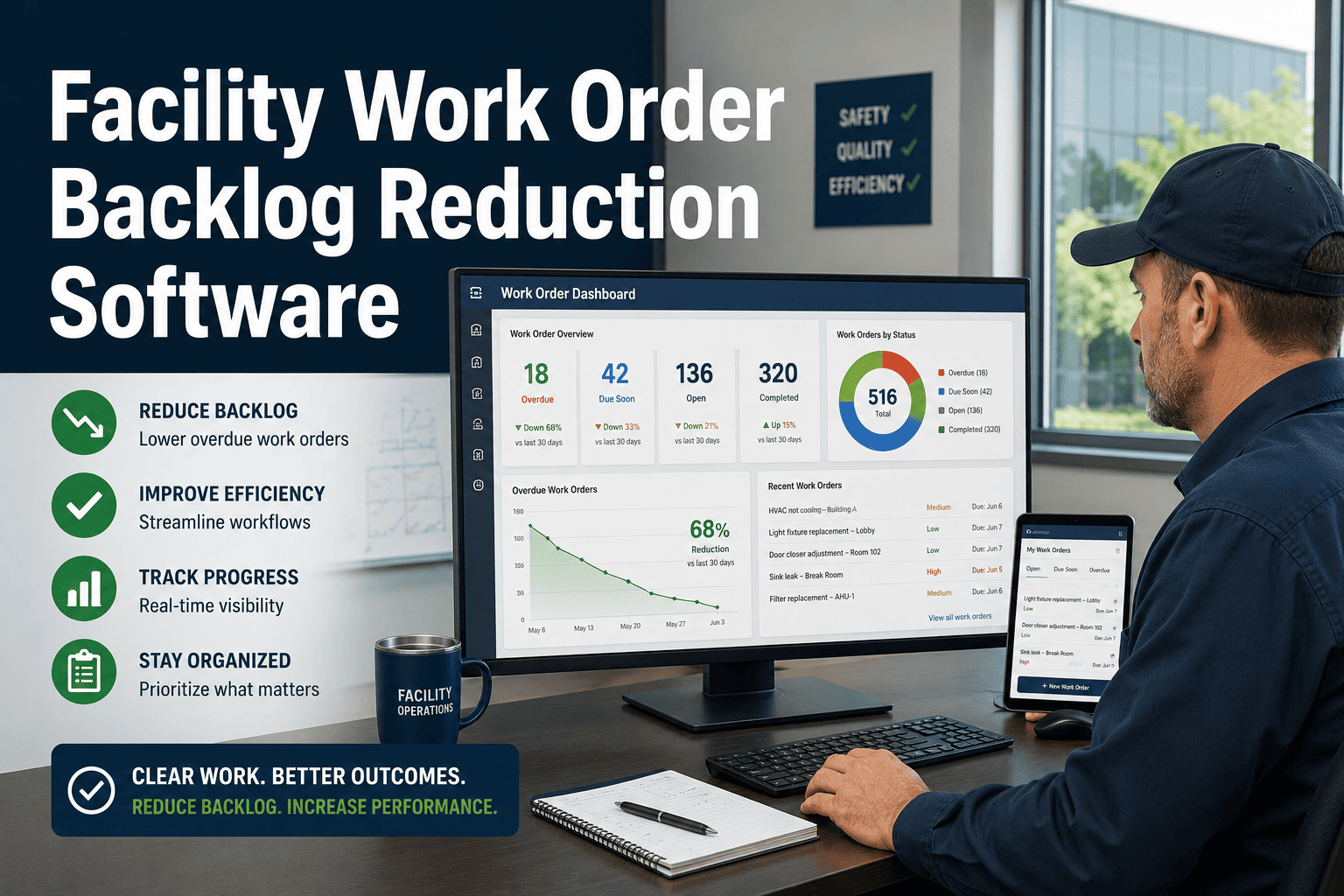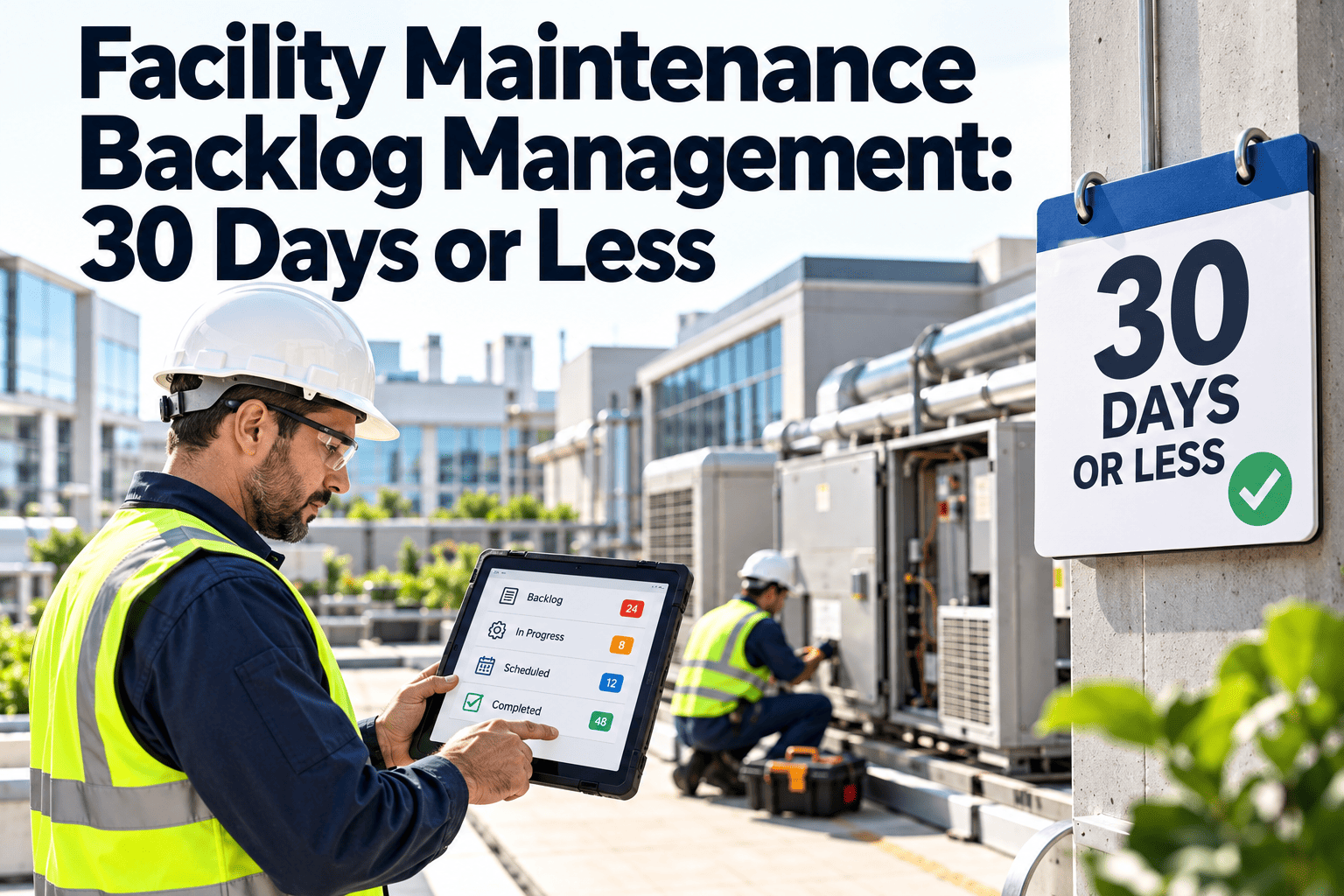
A backlog is not a failure on its own. Every facility has open work orders waiting for parts, access, or a shutdown window. The problem starts when nobody can say how big the queue is, how old it is, or which items carry real risk. Commercial facilities that let the queue drift past a month of crew capacity usually find that reactive calls crowd out preventive tasks, and the queue grows faster. Managing it means measuring it in weeks, classifying it honestly, and burning it down on purpose. A CMMS backlog dashboard makes that routine instead of heroic.
Facility Maintenance Backlog Management: Keep the Queue at 30 Days or Less
Measure backlog in weeks of crew capacity, classify every open job, and reduce aging work before it becomes an emergency.
Backlog in weeks of crew capacity
How to Calculate Backlog the Right Way
Estimated hours
of all open, ready-to-work orders
divided by
Weekly capacity
available technician hours
equals
Weeks of backlog
target: 4 or fewer
A raw count of open tickets hides more than it shows. Ten hour-long tasks and ten week-long projects are not the same queue, so estimate hours on every order and split out work that is waiting on parts or approvals.
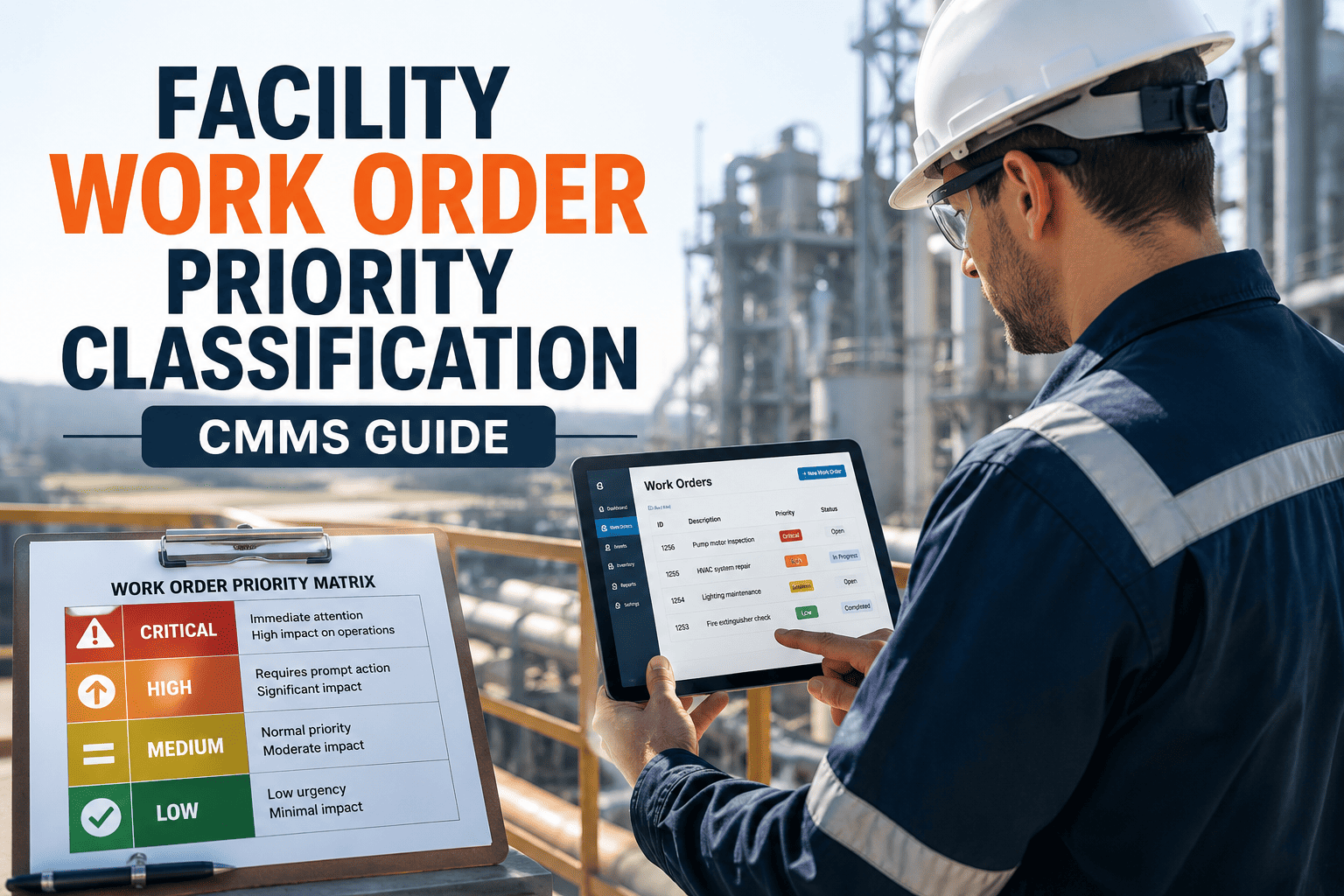
Classify Before You Burn Down
Urgent and ready
Safety, code, or comfort issues with parts and access available. Schedule immediately.
Urgent and blocked
Waiting on parts, vendors, or approval. Escalate the blocker, not the technician.
Routine and ready
Fill gaps in the weekly schedule. Group by location to save travel time.
Routine and blocked
Review monthly. Cancel, bundle into projects, or fund properly.
Read the Age, Not Just the Size
| Age bucket | What it usually means | Action |
|---|---|---|
| 0 to 7 days | Normal flow of new requests | Triage and schedule |
| 8 to 30 days | Work competing for limited labor | Prioritize by criticality |
| 31 to 90 days | Blocked, misprioritized, or forgotten | Resolve the blocker or re-plan |
| Over 90 days | Likely stale, duplicated, or unfunded | Close, convert to a project, or escalate |
See Your Backlog by Age, Priority, and Blocker in One View
Watch how Oxmaint work orders, scheduling, and dashboards make backlog visible to the whole facility team.
A Five-Step Burn-Down Plan
1
Clean the list
Remove duplicates, completed work, and orders for retired assets.
2
Estimate hours
Add labor estimates and required parts to every open order.
3
Set a weekly quota
Reserve part of capacity for backlog work, protecting preventive tasks.
4
Clear blockers
Review parts, vendor, and approval delays in a weekly meeting.
5
Track the trend
Chart weeks of backlog and adjust staffing or contractors.
Why Reactive Work Feeds the Backlog
Skipped preventive tasks
leads to
More breakdowns
leads to
Emergency calls displace planned work
leads to
Larger backlog
Breaking the loop means protecting preventive maintenance hours first, then using inspection findings to plan corrective work instead of waiting for failure.
Backlog KPIs Worth Tracking
Weeks of backlog
Primary health measure against a 4-week target.
Ready backlog
Work that could start today if labor were free.
Average age
Signals neglected work even when volume looks fine.
PM compliance
Shows whether preventive work is being protected.
Backlog Management FAQs
Is a zero backlog realistic?
No. A small queue lets you schedule efficiently. Aim for stable and short.
Should preventive work count in backlog?
Track overdue PMs separately, since they signal different risks. Sign up to separate them by type.
When should we use contractors?
When backlog exceeds capacity for several weeks and work needs specialist skills.
How often should we review it?
Weekly for ready work, monthly for blocked and aging orders.
Can dashboards show backlog by building?
Yes, filtered by site, trade, and priority. Book a demo to see it.
Turn an Unknown Queue Into a Managed 30-Day Backlog
Give your facility team clear priorities, honest aging data, and a repeatable plan to keep work moving.