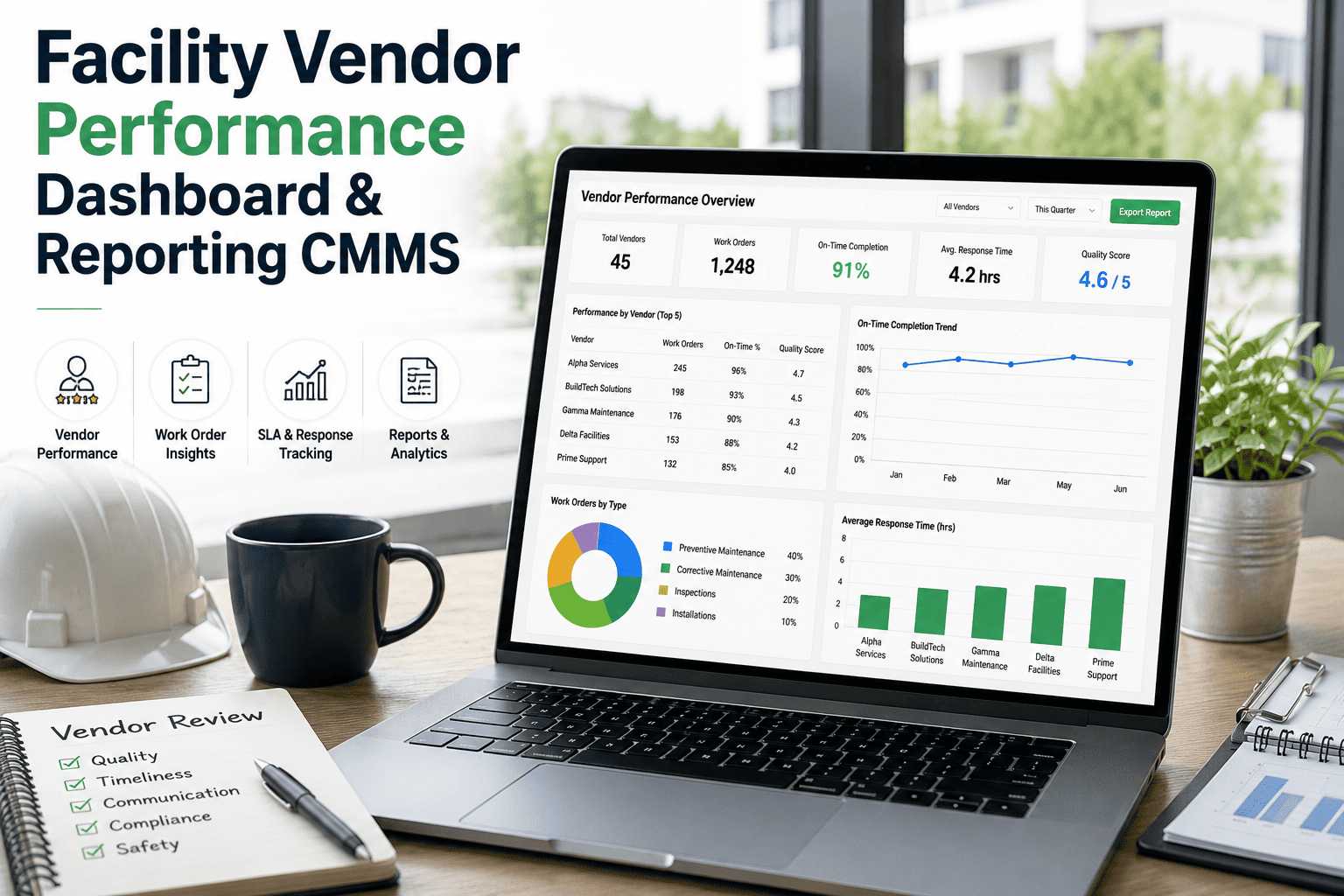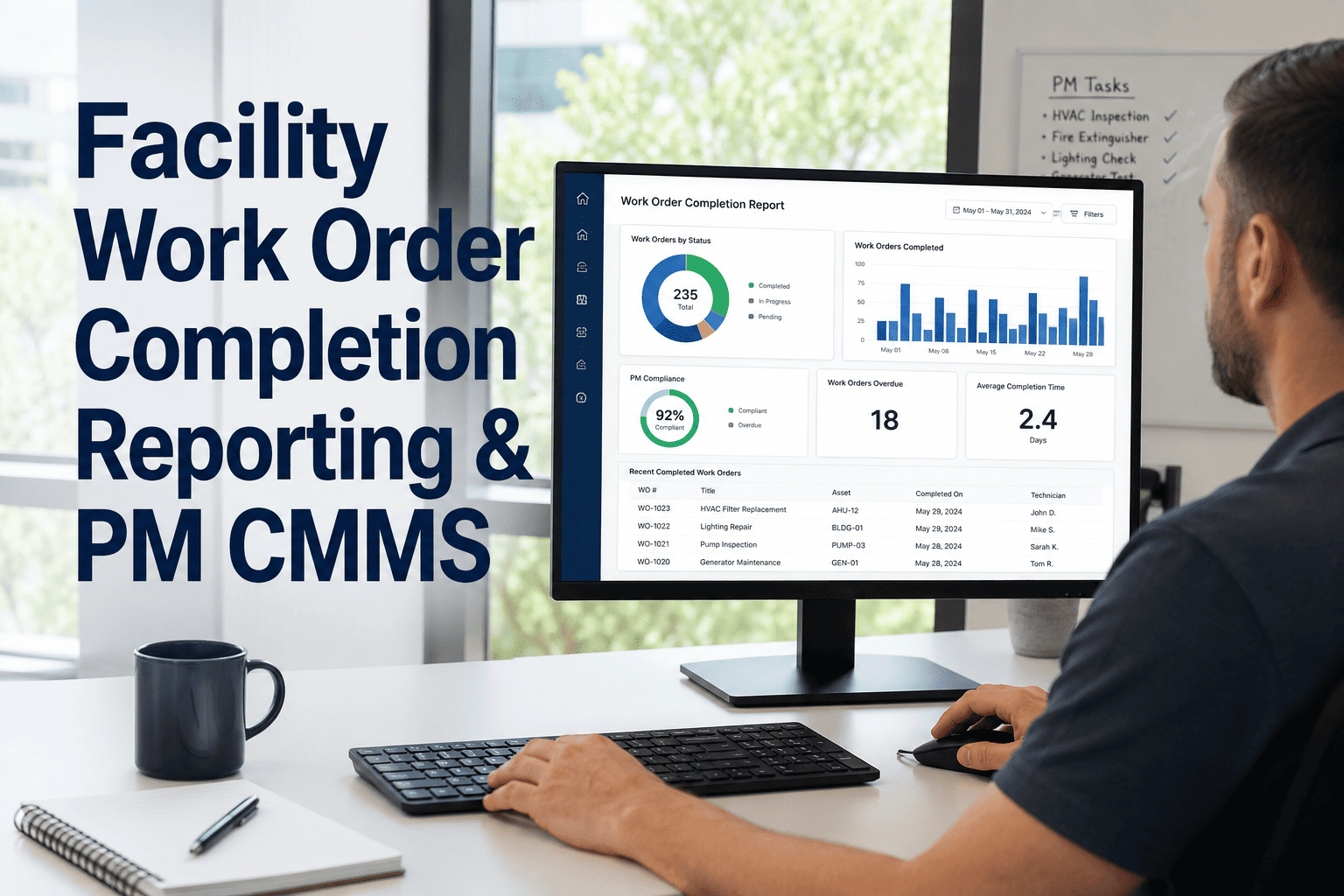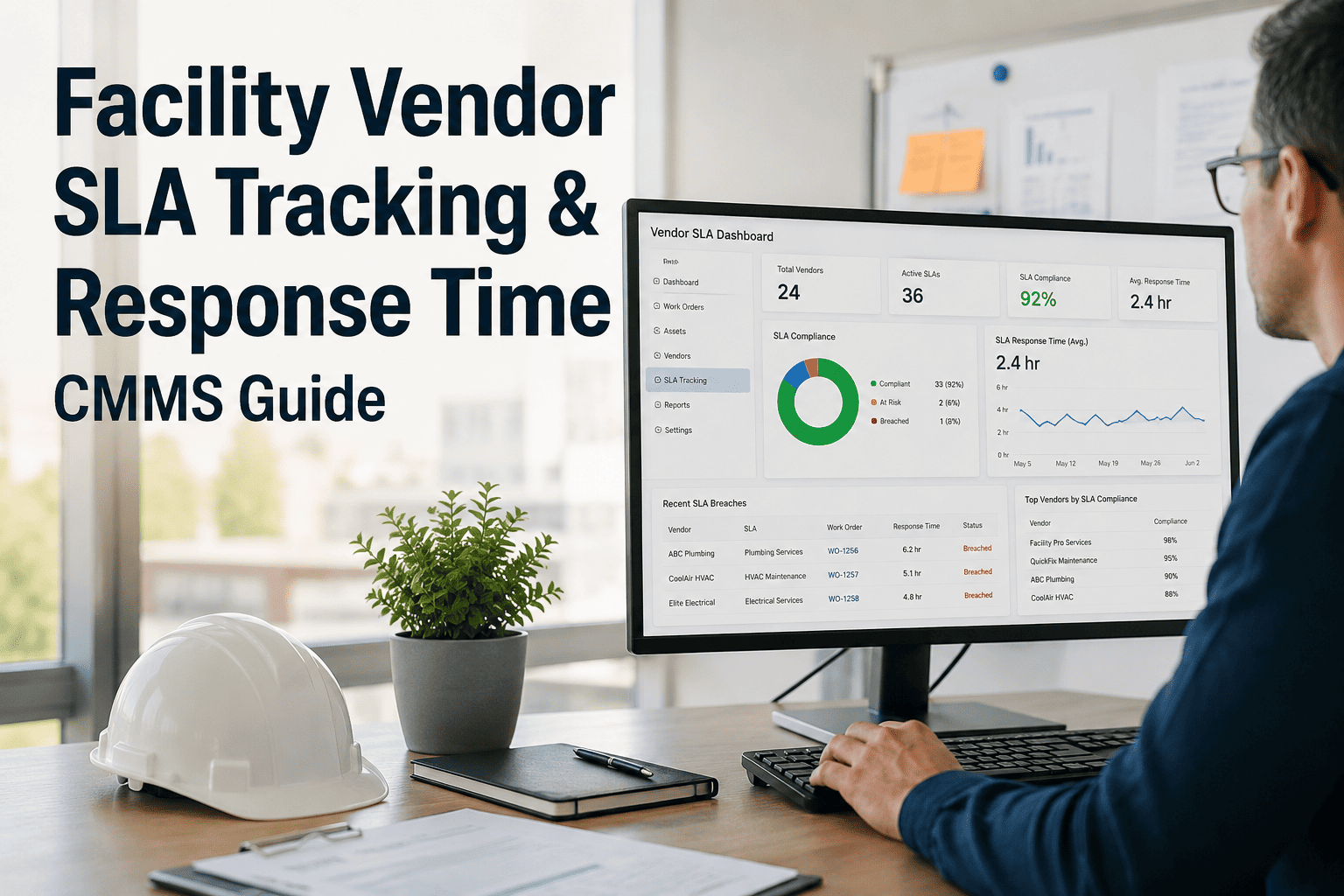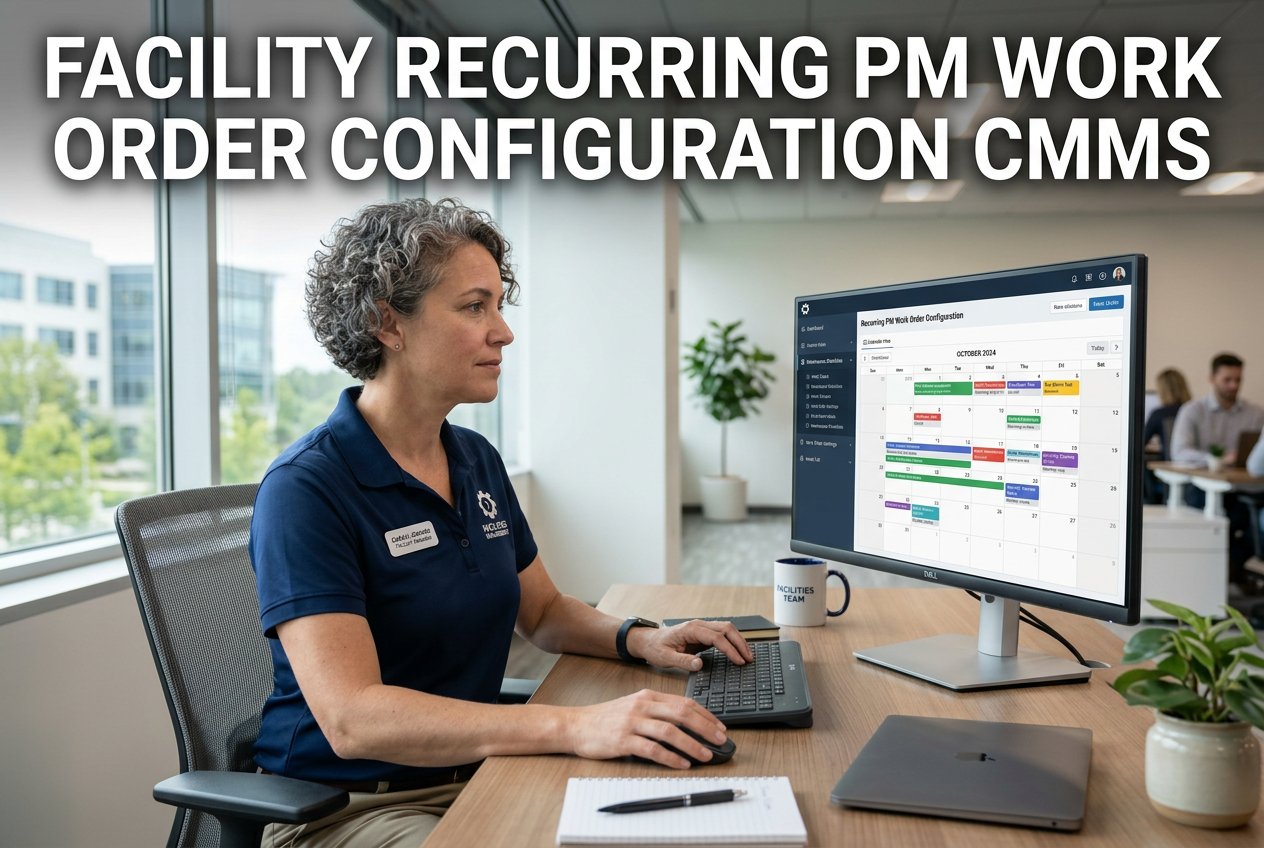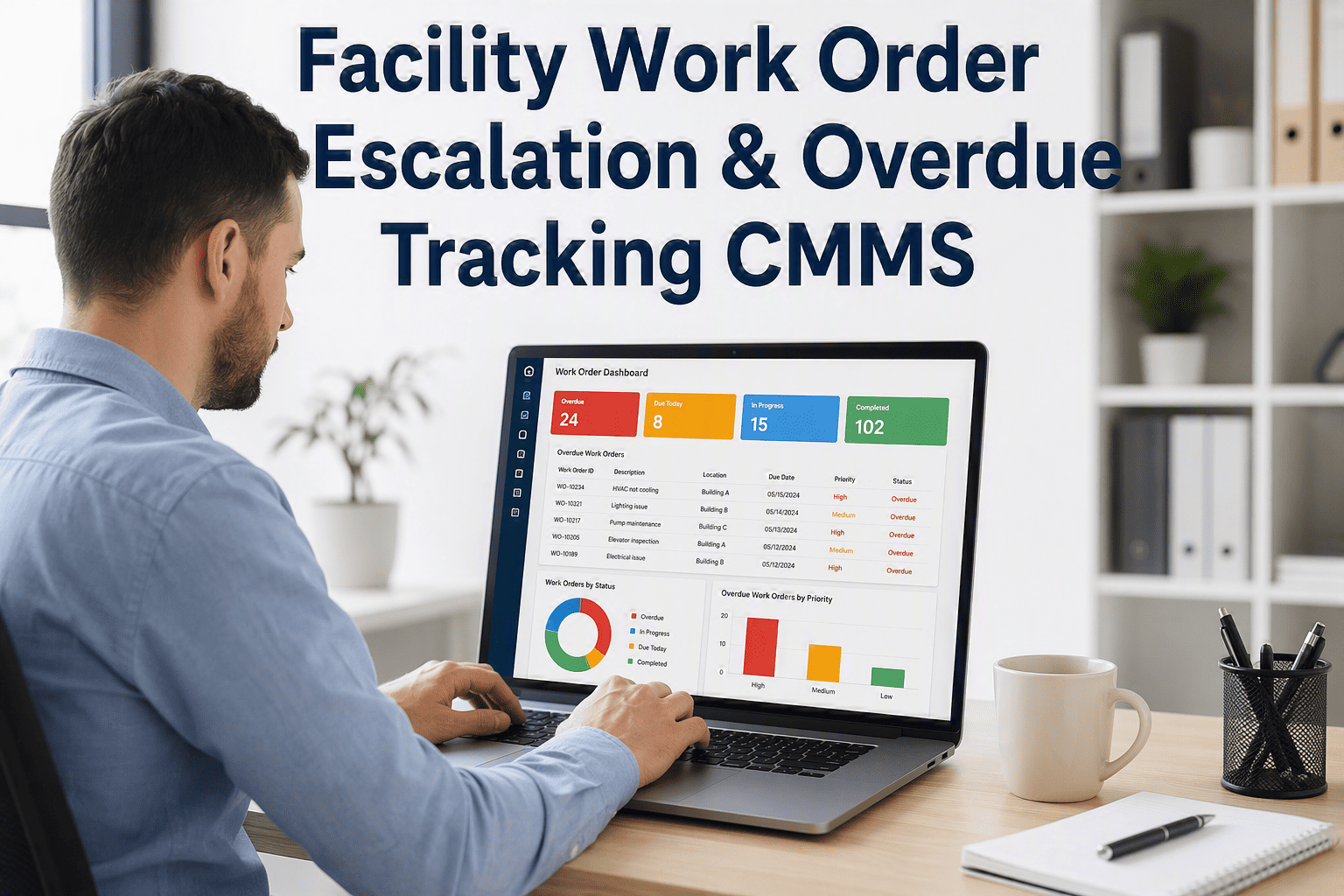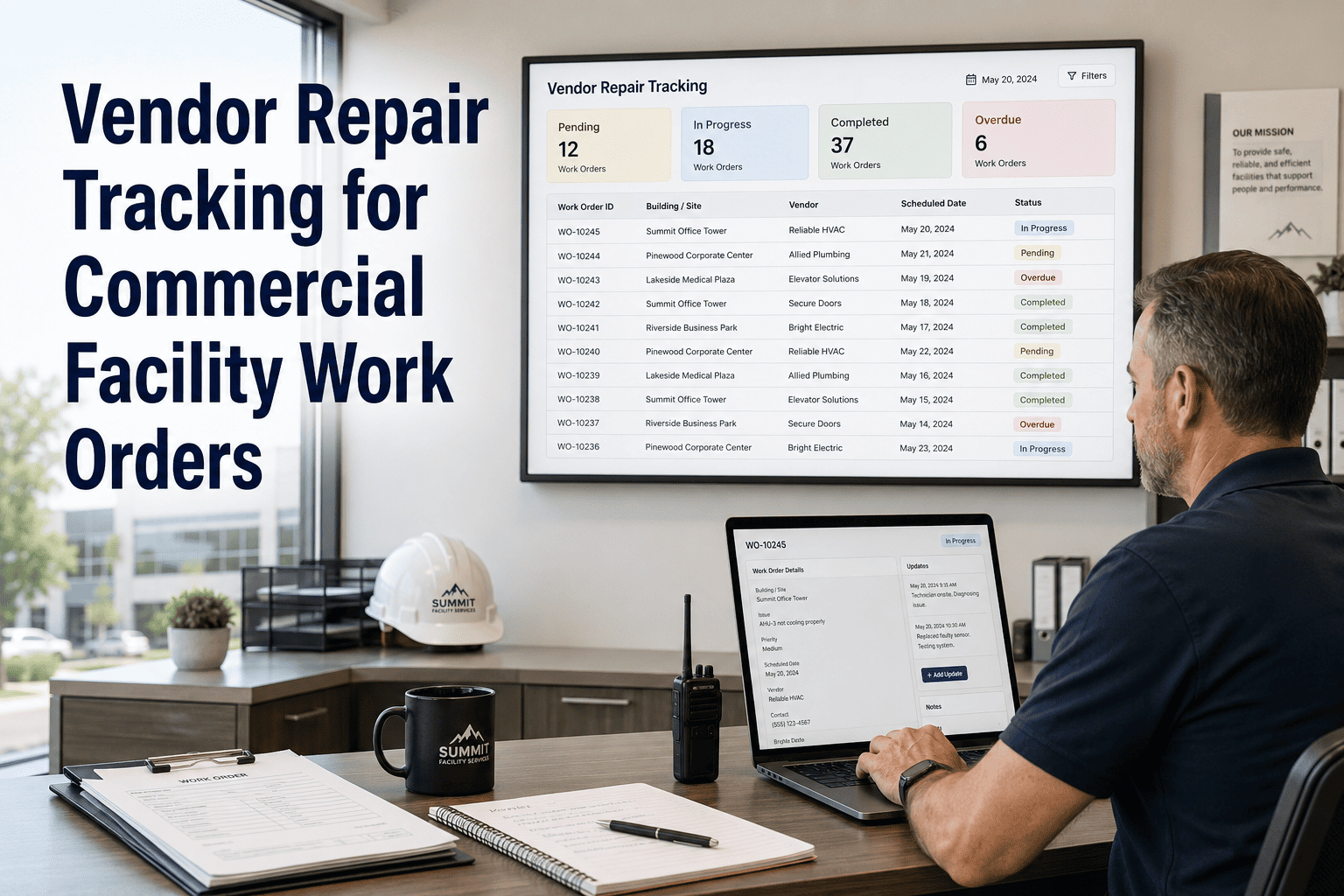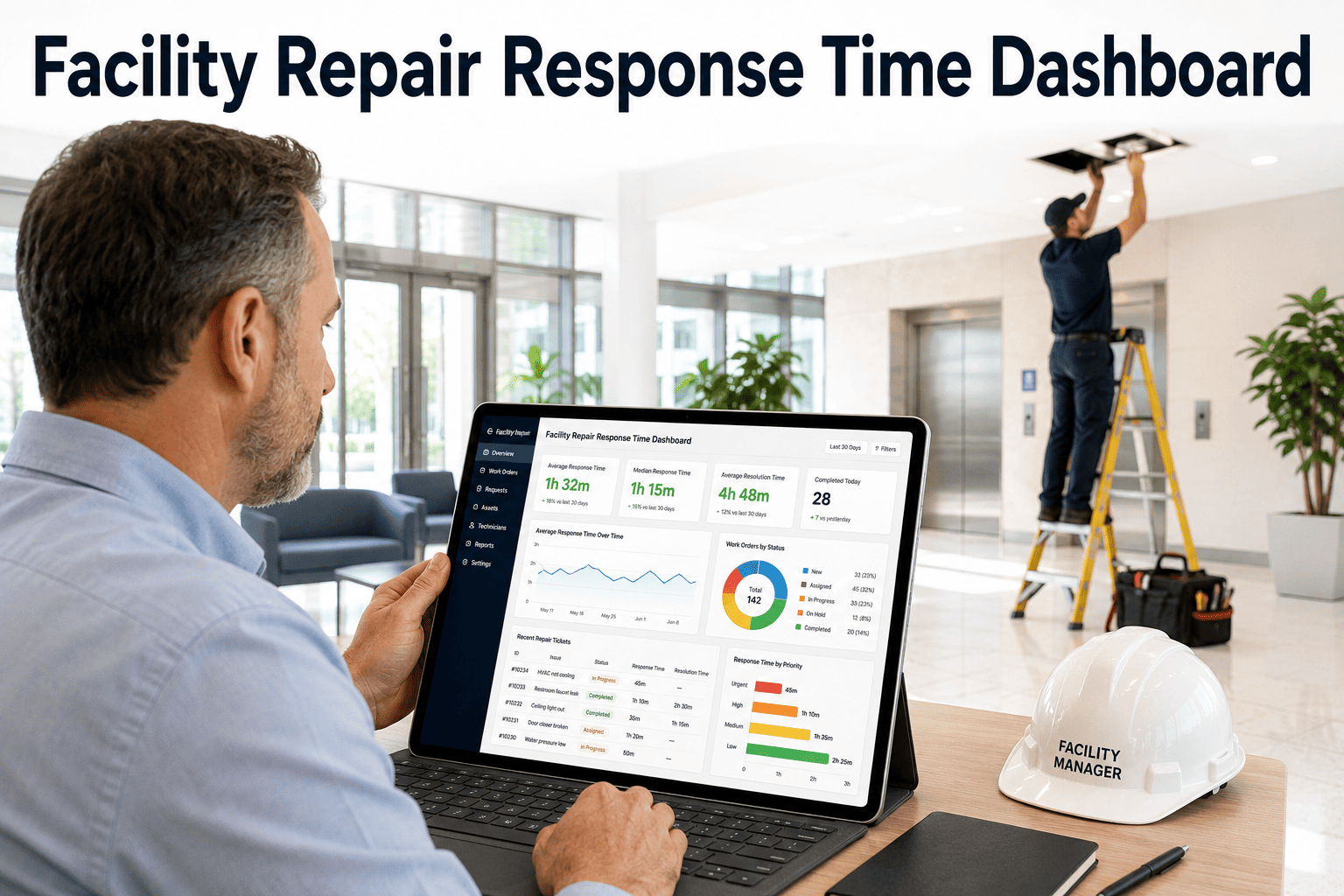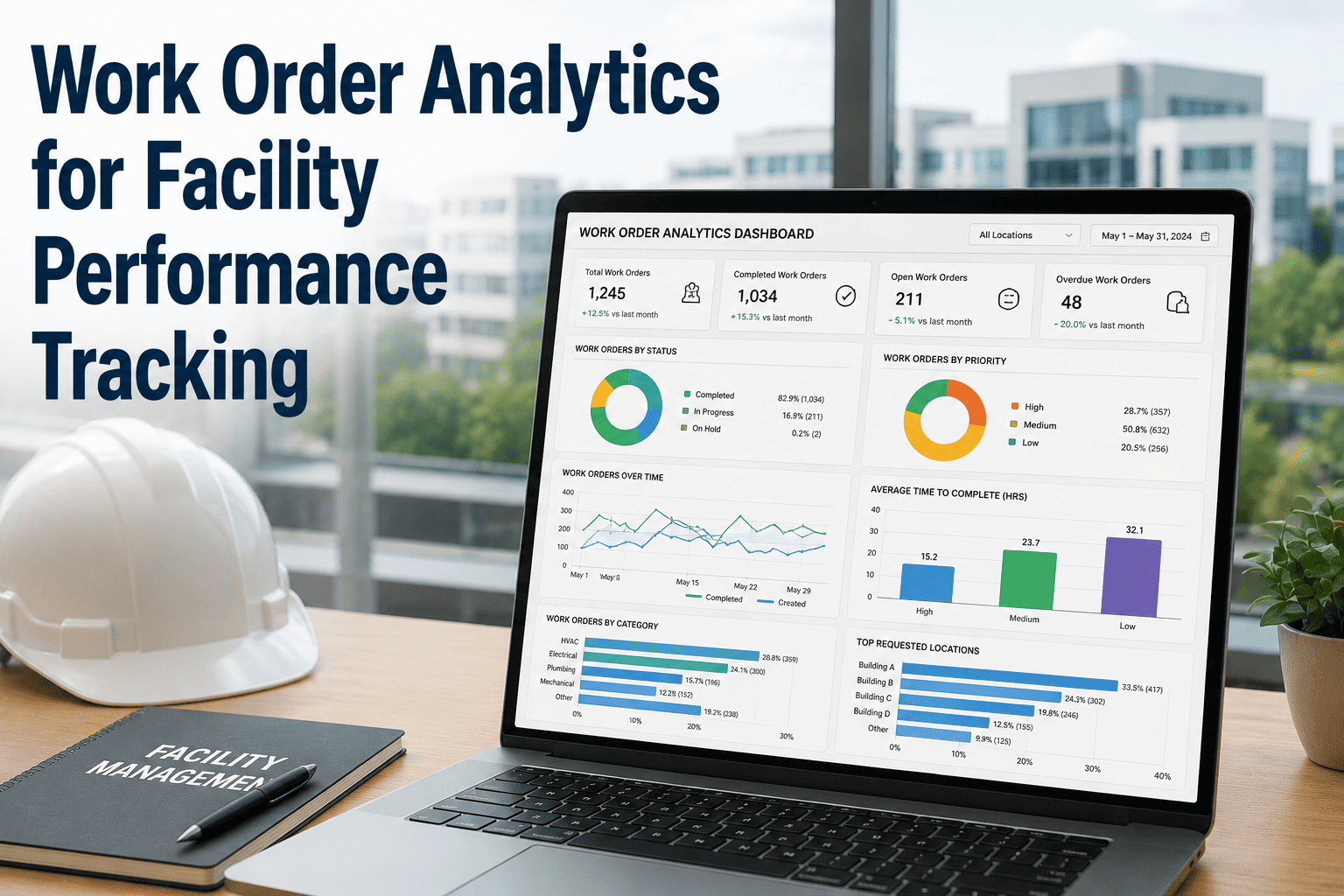
Every work order your facility generates contains data — response times, recurring failures, technician hours, vendor delays, and hidden cost patterns. Most facility managers never see this data clearly because it is buried in paper logs, disconnected spreadsheets, or CMMS systems with reports nobody opens. OxMaint's Analytics and Reporting module surfaces the metrics that matter, turning your work order history into a real-time performance dashboard that helps you make faster, better maintenance decisions.
Work Order Analytics for Facility Performance Tracking
How to measure response time, recurring failures, technician productivity, vendor delays, and asset cost trends — and what to do with the numbers.
The 6 Analytics That Change Facility Management
Work order analytics are only useful when they measure the right things. Here are the six metrics that high-performing facility teams track — and what each one reveals about your operation.
How long does it take from a maintenance request being submitted to a technician arriving on site? Facilities with poor MTTR visibility routinely discover that tenant and occupant complaints cluster around specific shifts or building zones — patterns invisible without work order timestamp data. Benchmark: commercial buildings average 4.2 hours; top-quartile operations achieve under 90 minutes for priority requests.
Which assets are generating repeat work orders for the same fault within 30–90 days? A recurring failure rate above 15% on any asset class signals that reactive repairs are not solving the root cause — and that a PM adjustment or capital replacement decision is overdue. This metric requires clean work order categorization to calculate accurately.
What percentage of a technician's logged hours are spent actually performing maintenance versus traveling, waiting for parts, completing paperwork, or attending briefings? Industry studies place average wrench time at 25–35%. Facilities using digital work order management consistently reach 55–65% — doubling effective output without hiring additional staff.
For facilities that rely on contracted maintenance services, vendor SLA compliance is one of the most financially significant — and least tracked — performance metrics. Work order data reveals exactly which vendors are meeting response and completion time commitments, and quantifies the penalty exposure or service credit implications of SLA breaches.
What share of your total work order volume is planned preventive maintenance versus unplanned reactive repairs? A healthy facility operation targets 70–80% planned work. Facilities below 40% planned work are operating in reactive mode — spending 3–5x more per repair event and experiencing unpredictable failure cascades that planned maintenance would prevent.
Which asset categories — HVAC, electrical, plumbing, elevators, fire systems — are consuming disproportionate shares of your maintenance budget? Cost-per-asset analytics identify capital replacement candidates, uncover underperforming service contracts, and give facility managers the evidence needed to justify budget requests with data instead of anecdotes.
See All 6 Dashboards Live in OxMaint
OxMaint tracks every metric on this page automatically — no manual reporting, no spreadsheet exports. Book a 30-minute walkthrough and see your facility's performance data in a live dashboard.
What Good Analytics Infrastructure Looks Like
Analytics are only as good as the data feeding them. Here is how the data flows from a maintenance event to an actionable facility performance insight in OxMaint.
Work Order Analytics Benchmark Table
How does your facility compare? Use this benchmark table to evaluate current performance against industry standards and digital CMMS targets.
| KPI | Paper / Spreadsheet | Basic CMMS | OxMaint Analytics |
|---|---|---|---|
| Mean time to respond | Unknown / estimated | 4–6 hrs avg | Under 90 min |
| Recurring failure visibility | None | Manual report | Auto-flagged in dashboard |
| Technician wrench time | 25–35% | 40–45% | 55–65% |
| Vendor SLA compliance | Not tracked | Partial tracking | Real-time SLA monitor |
| Planned work ratio | 30–45% | 50–60% | 75–85% |
| Cost per asset visibility | Monthly / quarterly | Weekly export | Real-time by asset |
| Budget variance | ±22–30% | ±12–18% | ±4–6% |
Expert Review
Facility managers who shift from monthly paper-based reporting to real-time work order analytics consistently report the same discovery in the first 30 days — they find two or three assets they had no idea were responsible for 40–50% of reactive maintenance volume. That insight alone typically justifies the entire investment in a CMMS. The deeper value comes at 6–12 months, when recurring failure trends become statistically clear and you can start making capital replacement decisions based on actual cost-per-incident data rather than age or gut feel. What OxMaint does well is close the gap between data collection and decision-making — the analytics are surfaced in the same interface where work orders are managed, so insights don't require a separate reporting workflow.
Frequently Asked Questions
Your Work Orders Are Telling You Something — Are You Listening?
Every day without analytics is a day where recurring failures go undetected, vendor SLAs slip unchallenged, and budget overruns build silently. OxMaint turns your work order history into a live performance dashboard — starting from day one, with no IT project required. Book a demo and see your facility's data in action.