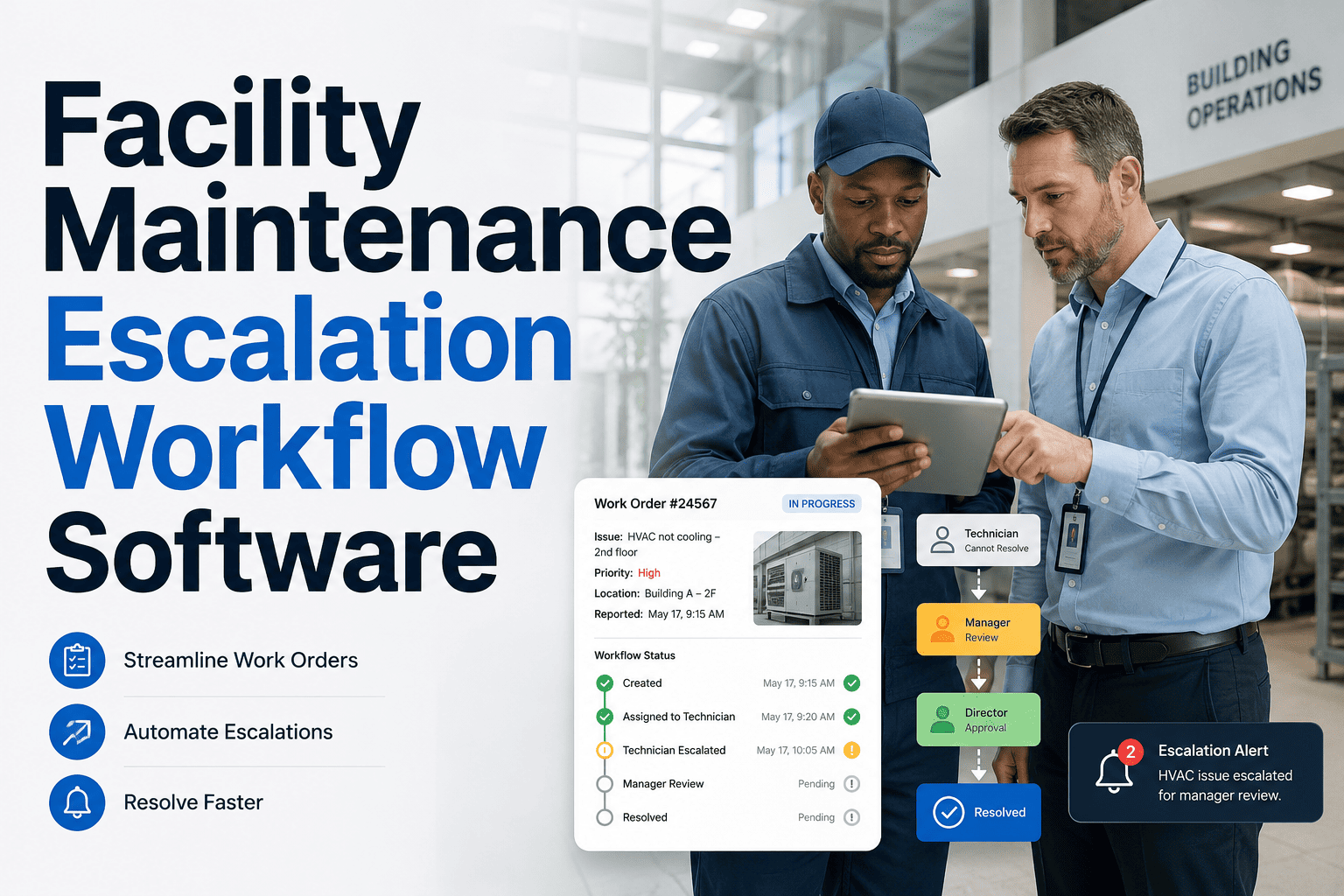
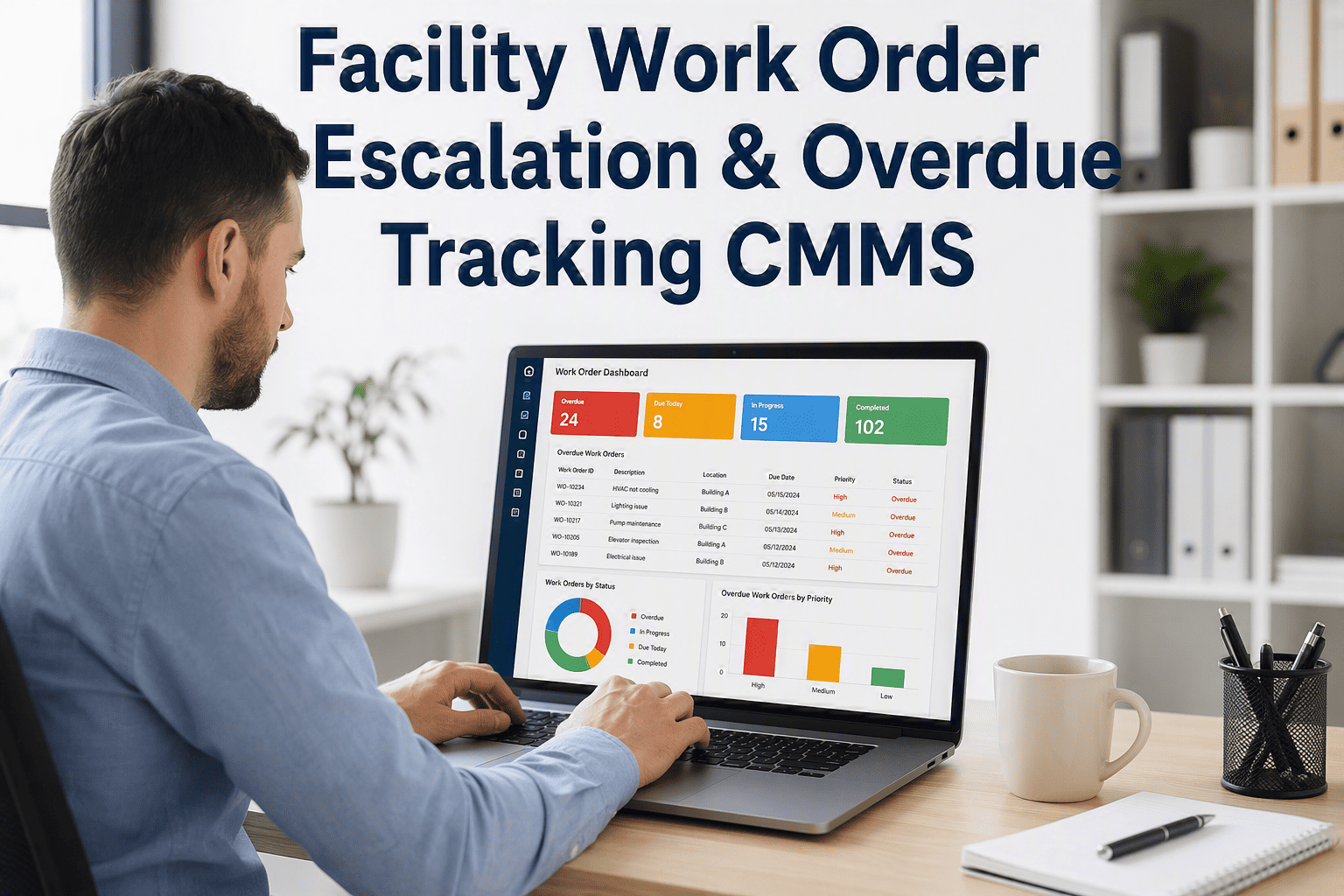
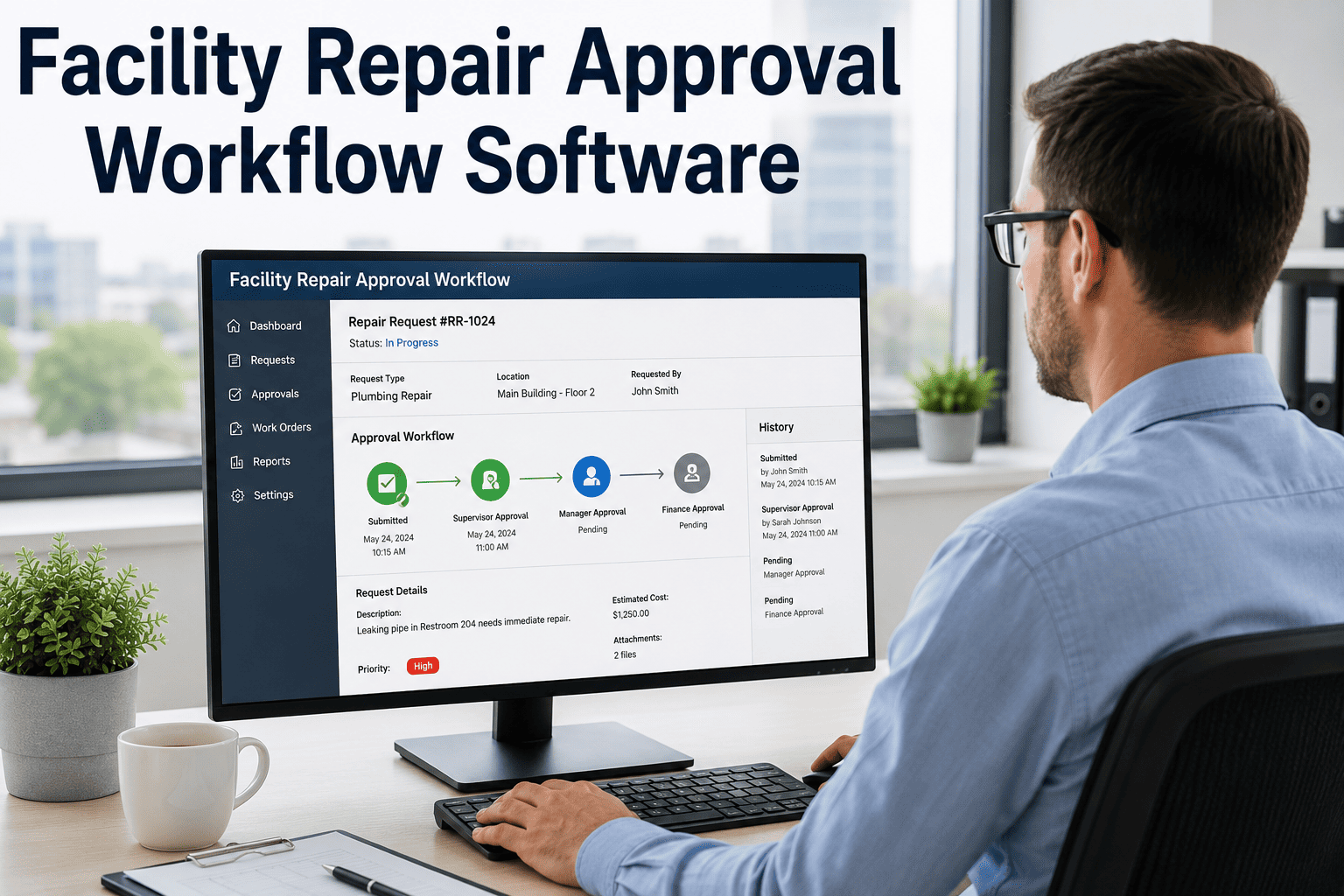
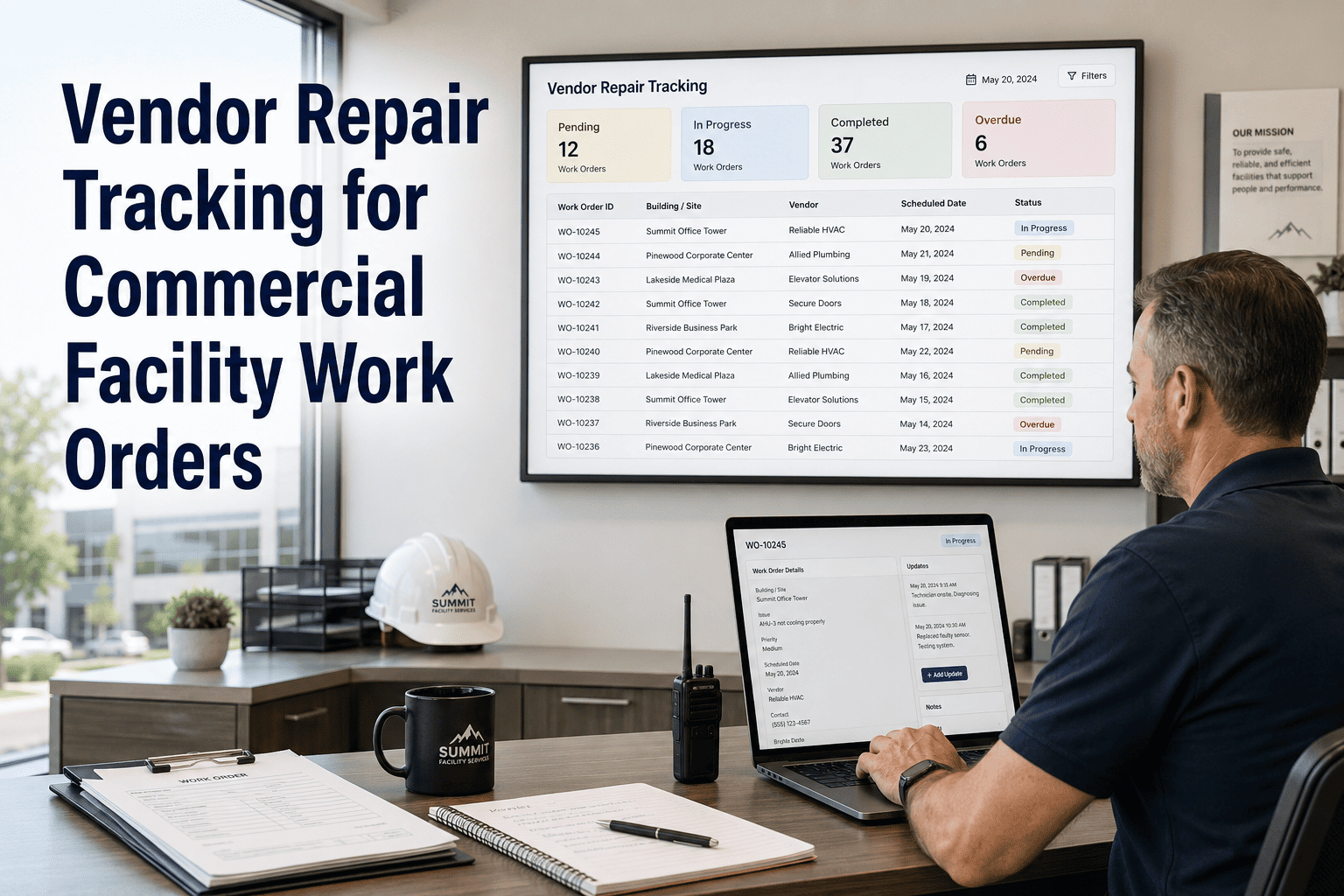
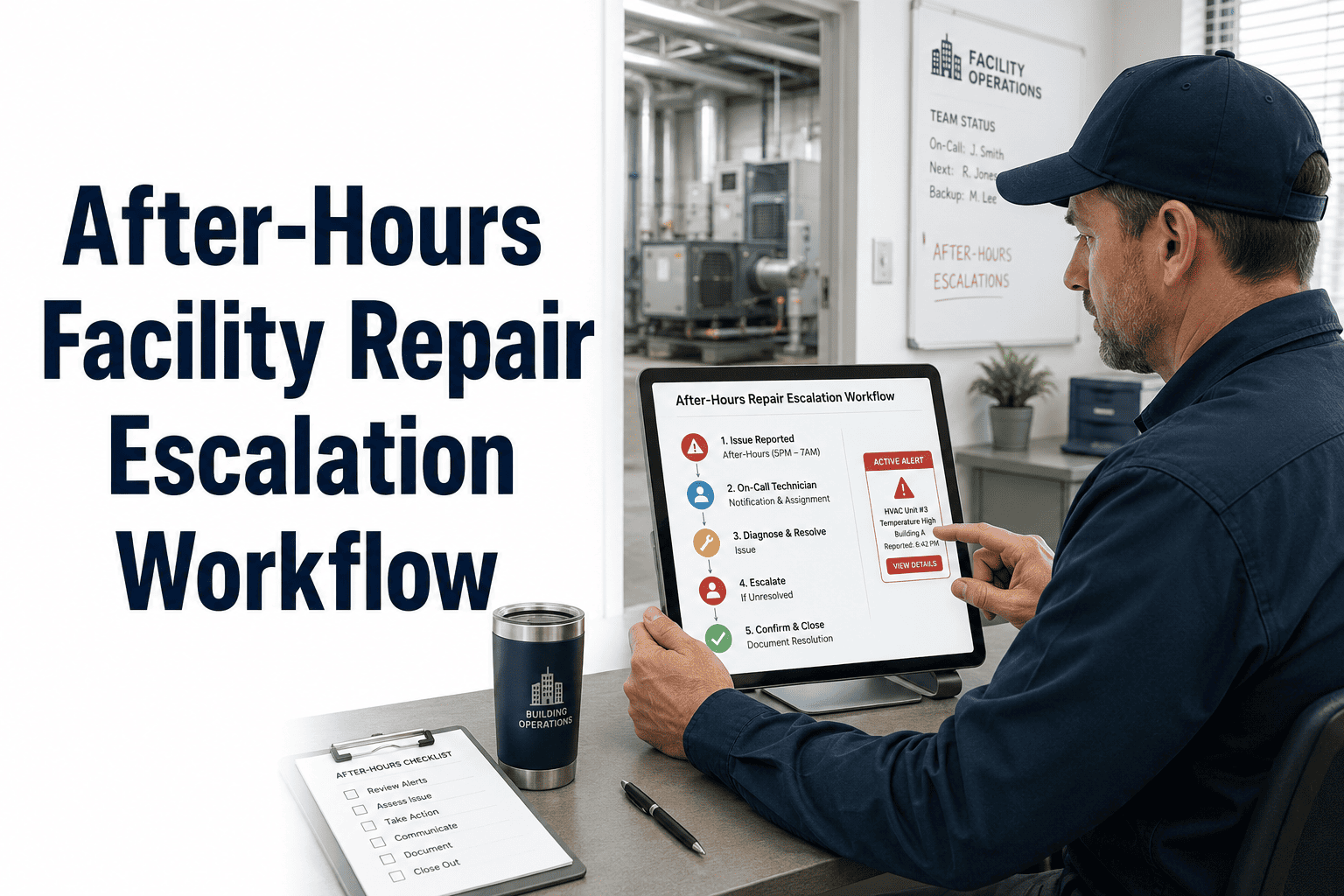
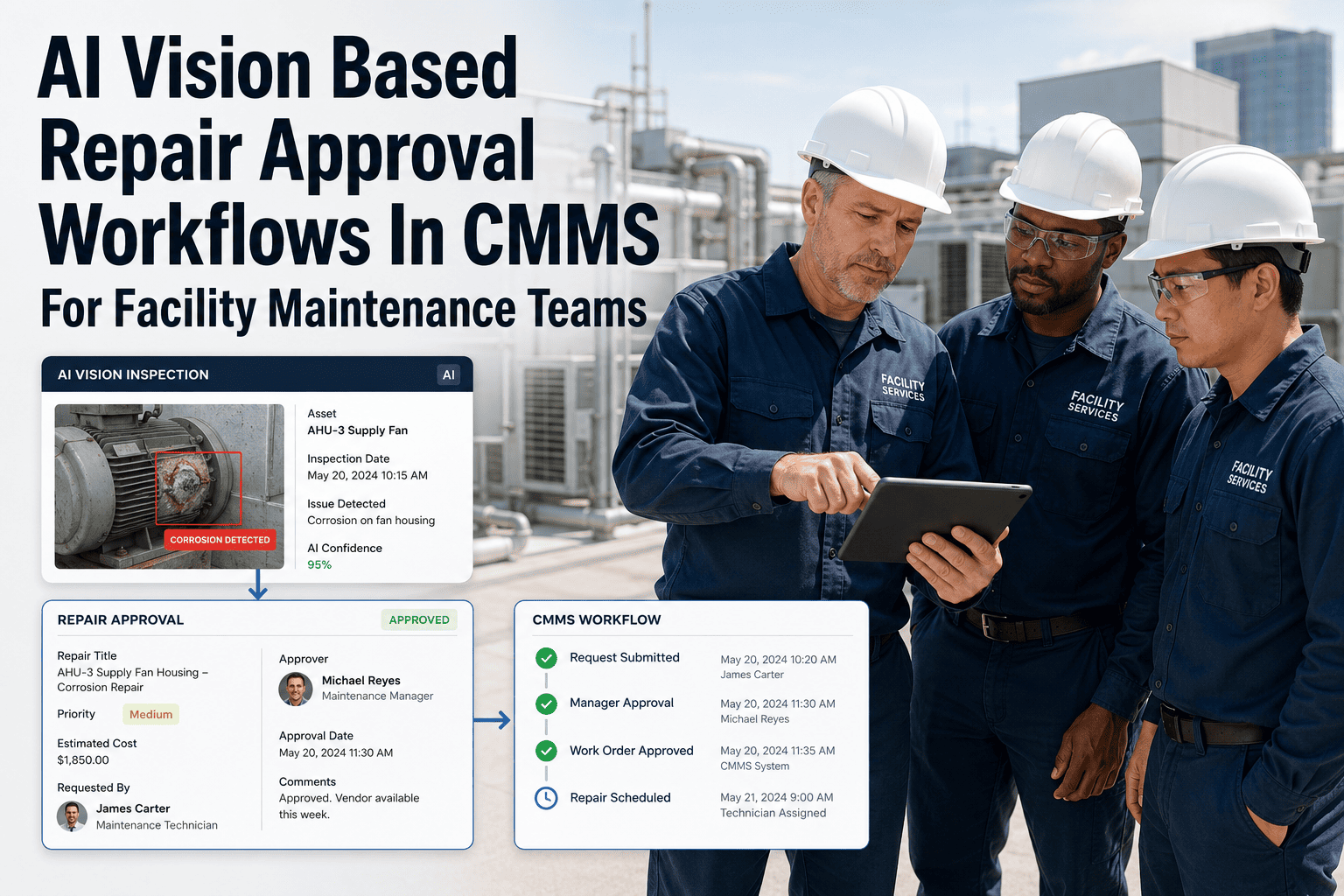
An overdue maintenance request does not fix itself — and it does not escalate itself either, unless your system is built to do it automatically OxMaint's facility maintenance escalation software removes the human bottleneck from escalation entirely: define your rules once, and every overdue job, every ignored alert, and every stalled repair automatically moves up the chain — from technician to supervisor to facility director — until someone acts. No more chasing, no more missed emergencies, no more tenants waiting in silence while a request sits in a forgotten inbox.
3 min
Average time to first escalation trigger after threshold breach
5 levels
Configurable escalation depth — from tech to CEO if needed
Zero
Manual intervention required for standard escalation chains
The Escalation Problem Most Facilities Ignore
Most facilities have escalation policies written down somewhere in a procedures manual that nobody reads. In practice, escalation happens when a manager gets frustrated enough to pick up the phone. That means the window between a problem forming and management knowing about it is measured in days, not minutes. OxMaint closes that gap by making escalation an automatic, rule-driven process — every time, for every job, with a complete audit trail of every alert sent and every action taken.
Trigger Event
Level 1 (Technician)
Level 2 (Supervisor)
Level 3 (Manager)
Job assigned, no acknowledgment
Alert at 15 min
Alert at 30 min
Alert at 60 min
Job in progress, no update
Alert at 2 hours
Alert at 4 hours
Alert at 6 hours
SLA deadline approaching
Alert at 25% remaining
Alert at 10% remaining
At breach
Emergency — no response
Alert at 3 min
Alert at 6 min
Alert at 10 min
Repeat repair (same asset)
Flagged on job card
Alert on 2nd occurrence
Report on 3rd occurrence
AUTOMATE YOUR ESCALATION
Never Manually Chase a Stalled Repair Again — Let OxMaint Escalate While You Focus on Operations.
OxMaint's escalation workflow engine fires alerts in minutes, not hours, and gives every manager a complete audit trail of every escalation event across every building. Book a demo to configure your first escalation rule live.
How Escalation Workflows Are Built in OxMaint
1
Define Trigger Conditions
Choose what starts an escalation: job not acknowledged, SLA threshold crossed, no status update for X hours, emergency tag applied, or repeated asset failure. Triggers can be combined with AND/OR logic.
2
Set Escalation Levels and Recipients
Assign each escalation level to a role, individual, or distribution group. Level 1 goes to the technician, Level 2 to the supervisor, Level 3 to the facility director — each with configurable delay and notification method.
3
Choose Notification Channels
Escalation alerts can fire via push notification, email, or SMS depending on the level and urgency. Critical escalations can trigger simultaneous multi-channel alerts to guarantee visibility.
4
Activate and Monitor
Once live, every escalation event is logged with timestamps, recipient name, and acknowledgment status. The escalation audit log is always available for reporting and dispute resolution.
Expert Review
Marcus Lindqvist — Director of Operations, Mixed-Use Property Group, 20 Years Experience
"Before we had automated escalation, our emergency repair protocol relied entirely on the technician's judgment to call a supervisor when they were stuck. Half the time, they would work on a problem for two hours before admitting they needed backup — and by then the SLA was already gone. OxMaint's escalation workflow removed that human hesitation from the equation. If a job isn't moving, the system escalates automatically and the supervisor knows within minutes. We cut our SLA breach rate on emergency repairs from 22 percent to under 4 percent in the first quarter."
Escalation Performance: Before and After Automation
| Metric |
Manual Escalation |
Automated (OxMaint) |
Improvement |
| Time to escalate emergency |
25 — 90 min |
3 — 10 min |
85% faster |
| SLA breach rate |
18 — 24% |
3 — 6% |
75% reduction |
| Manager hours on follow-up |
8 — 14 hrs/week |
Under 2 hrs/week |
80% reduction |
| Tenant complaint rate |
Baseline |
37% lower |
Significant drop |
| Audit trail completeness |
Partial (verbal logs) |
100% digital |
Full compliance |
Frequently Asked Questions
Can I create different escalation rules for different buildings or repair types?
Yes. OxMaint supports granular escalation rule configuration by building, repair category, priority level, tenant type, or any combination. A healthcare facility might require 5-minute escalation on any life-safety repair, while a standard office building uses a 30-minute threshold for routine HVAC issues. All rules are managed from a central configuration panel and take effect immediately across all active and new work orders.
Sign up free to explore escalation rule configuration for your property type.
What happens if an escalation notification is ignored at every level?
OxMaint can be configured with a final escalation action that fires when all levels have been triggered without resolution — for example, sending an executive-level alert, flagging the job as a critical incident, or triggering a secondary on-call contact. All unacknowledged escalation events are prominently displayed on the management dashboard as urgent items requiring immediate action. The system does not silently drop an escalation if it goes unacknowledged.
Book a demo to walk through a full escalation chain simulation.
Does the escalation system integrate with our existing communication tools?
OxMaint escalation alerts can be delivered via in-app push notification, email, and SMS. For teams already using Slack, Microsoft Teams, or similar platforms, OxMaint offers webhook-based integration so escalation alerts can appear directly in your existing communication channels without requiring team members to switch tools. All escalation delivery is logged regardless of the channel used, maintaining a complete audit record for compliance purposes.
How are escalation events documented for compliance and reporting?
Every escalation event is recorded in OxMaint's audit log with a full timeline: when the trigger fired, who was notified, at what time, through which channel, and whether or when each recipient acknowledged. This log is tied to the parent work order and is accessible at any time from the job record or the escalation reporting dashboard. Monthly and quarterly escalation reports can be generated automatically and exported for tenant reviews, property audits, or internal performance tracking.