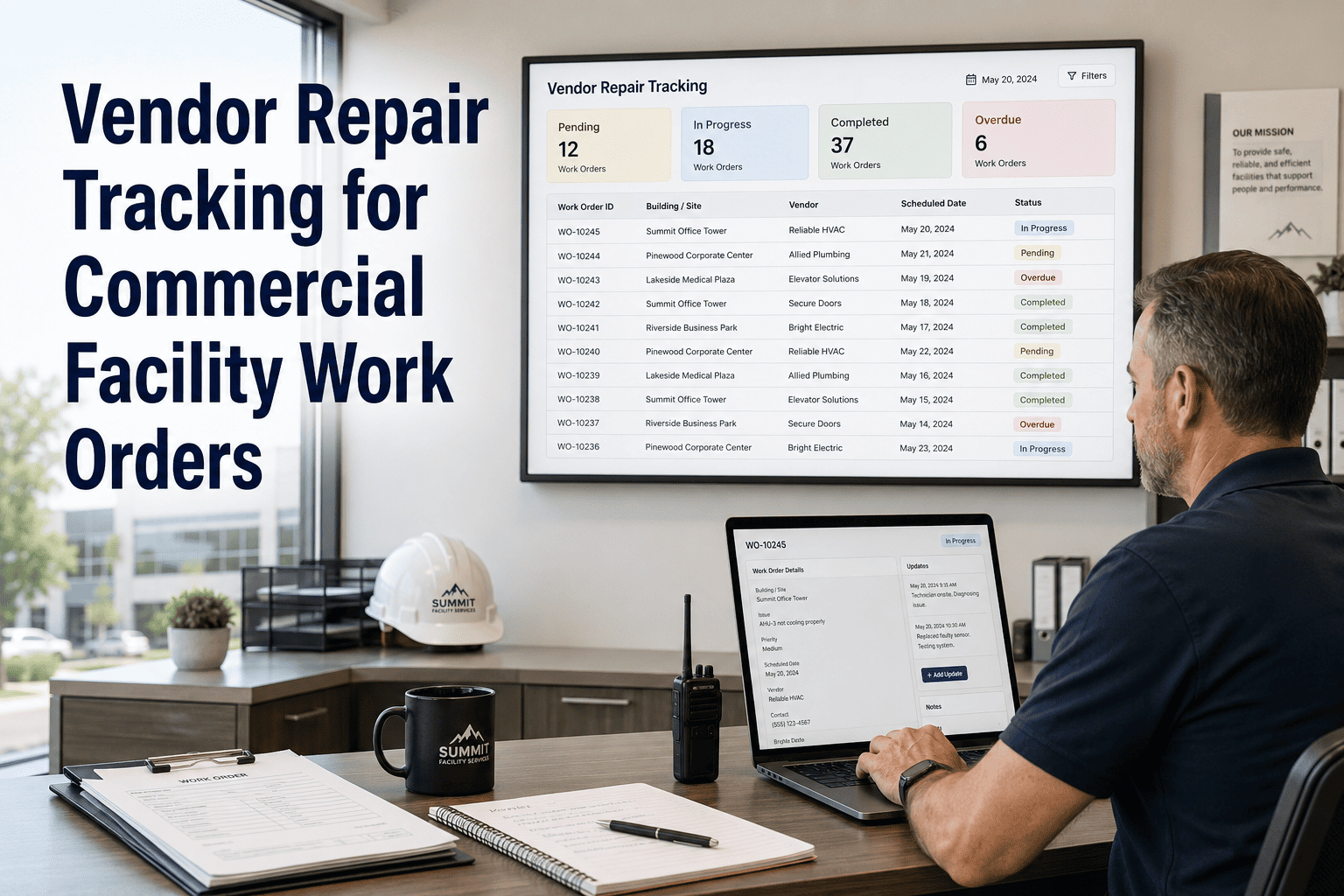
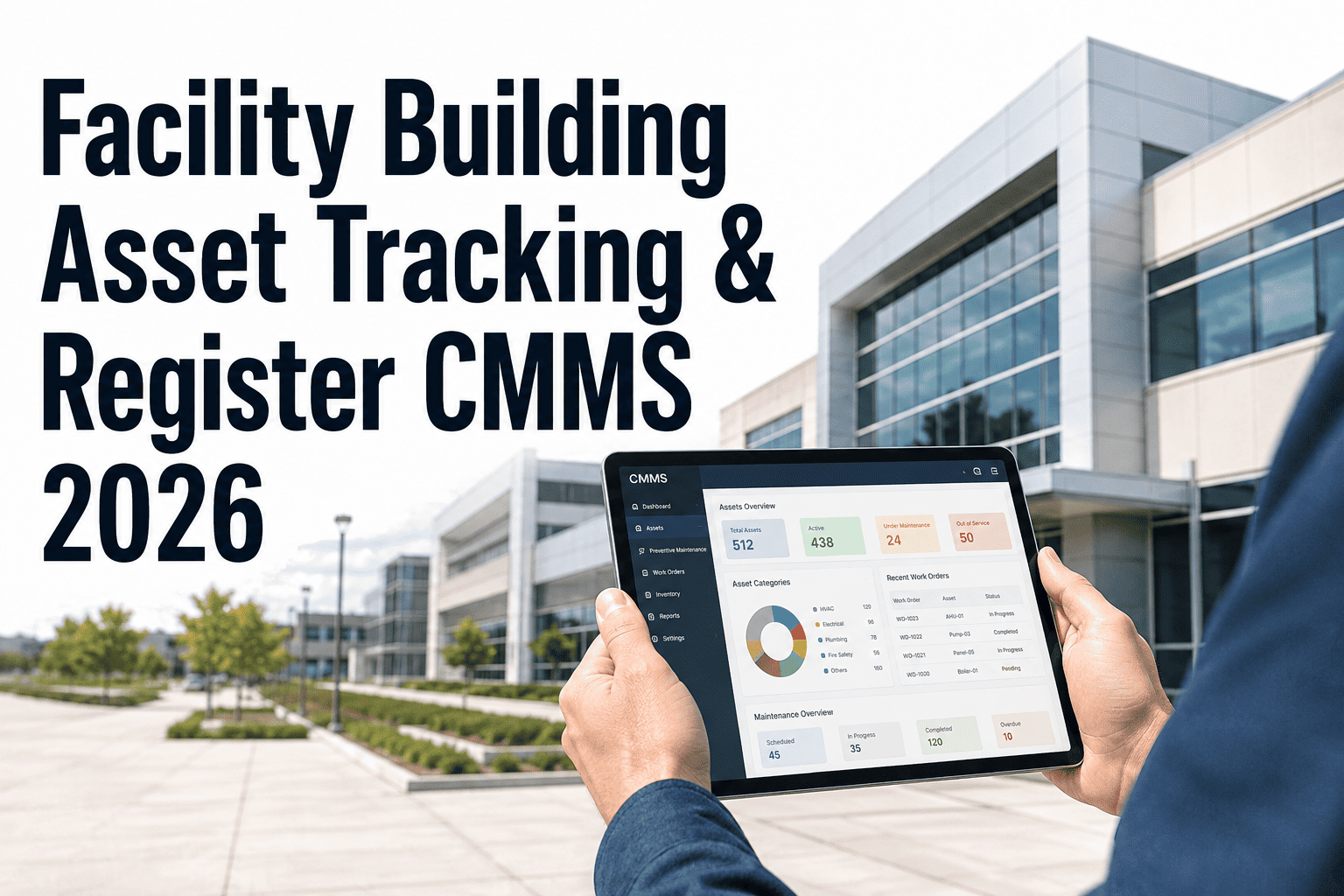
Commercial facility teams regularly hand off repair work to external vendors — specialist contractors, OEM service providers, lift maintenance companies, fire system specialists — and then lose visibility the moment the work order leaves the building. No quote trail, no approval record, no confirmation that the job was done to specification, and no history to show when the same vendor is underperforming across multiple sites. Vendor Repair Tracking built into your CMMS closes that visibility gap, giving facility managers a complete record of every vendor assignment, quote, approval, service visit, completion photo, invoice, and SLA result — all tied to the asset and accessible from the same platform used to manage internal work orders. Sign in to OxMaint to start tracking your vendor repairs, or book a demo to see how the full vendor workflow operates inside the CMMS.
Where Vendor Visibility Breaks Down
The Six Points Where Vendor Repairs Go Untracked
1
Assignment
Vendor notified by phone or email — no record in the CMMS
Vendor assigned directly from the work order with confirmation logged
2
Quote
Quote arrives by email — filed in a shared inbox nobody monitors
Quote attached to the work order, approval tracked against the job record
3
Site Visit
Visit date and duration unrecorded — only the vendor knows when they attended
Arrival, time on site, and technician name recorded on the work order
4
Completion
Job marked done by the vendor — no photo proof, no independent check
Completion photos and sign-off captured before the work order closes
5
Invoice
Invoice arrives weeks later — no connection to the original scope or quote
Invoice attached to the work order and matched against approved quote
6
SLA Performance
Response and resolution times never measured — poor performers rehired
SLA compliance tracked per vendor across all jobs — data drives renewal decisions
Every Vendor Repair Should Have A Paper Trail Inside Your CMMS
OxMaint tracks vendor assignments, quotes, approvals, visits, completion evidence, invoices, and SLA performance — all tied to the asset record.
Vendor SLA Dashboard
What Vendor Performance Looks Like When It Is Actually Tracked
CoolTech HVAC
24
3.2h
18h
96%
★★★★★
SafeLift Services
11
6.8h
31h
82%
★★★☆☆
ProPlumb Co.
17
2.1h
14h
100%
★★★★★
ElectroPrime Ltd
8
11.4h
52h
63%
★☆☆☆☆
ElectroPrime Ltd flagged automatically — SLA compliance below 70% threshold. Data like this replaces gut-feel vendor decisions with evidence. Book a demo to see the vendor performance dashboard.
What Gets Tracked
Vendor Repair Record Fields In OxMaint
| Record Field |
What It Captures |
Why It Matters |
| Vendor Assignment |
Which vendor, who assigned, when dispatched |
Accountability from the first touchpoint |
| Quote & Approval |
Quote amount, approver, approval date |
Controls spend before it is committed |
| Service Visit Log |
Arrival time, technician name, time on site |
Verifies vendor presence and effort independently |
| Completion Photos |
Before and after photos attached to the job |
Evidence the repair was done to standard |
| Invoice Matching |
Invoice attached and checked against quote |
Catches scope creep and billing errors |
| SLA Performance |
Response and resolution time vs agreed SLA |
Drives vendor selection and contract renewal |
| Service History |
All vendor visits and repairs by asset |
Informs warranty claims and replacement decisions |
From The Field
What Facility Procurement Leads Say After Tracking Vendors In The CMMS
"
We were renewing vendor contracts based on relationships and rough memory of how often we had problems. When we started tracking every repair in OxMaint — response times, completion photos, SLA results, invoice-to-quote variance — the data told a very different story. One vendor we had been using for four years was hitting SLA only 61% of the time. Another we thought was expensive turned out to have the lowest cost per resolution in the portfolio. The decisions got easier and better because the evidence was finally there.
Common Questions
Facility Teams Ask Before Centralizing Vendor Tracking
Does the vendor need to use OxMaint themselves to submit completion records?
No. Facility managers or on-site staff can log completion photos, visit records, and close-out details on the vendor's behalf. Alternatively, vendors can be given limited portal access to submit completion evidence directly — without seeing the rest of the CMMS. Either model works within the same work order record.
Book a demo to see both vendor access models.
How does quote approval work inside the work order?
When a vendor submits a quote, it is attached to the work order and routed to the designated approver based on value thresholds you configure — for example, quotes above a set amount require regional manager sign-off. The approval or rejection is recorded on the work order with the date and approver name, creating a full spend-control audit trail.
Sign in to configure your approval thresholds.
Can we run SLA reports across all vendors to compare performance?
Yes. OxMaint generates vendor performance summaries covering response time, resolution time, SLA compliance rate, and cost per job — across any time period and filterable by vendor, asset type, or building. These reports are designed to replace the guesswork in contract renewal with measured evidence.
Book a demo to see the vendor comparison report.
Does vendor service history connect to asset records for warranty or replacement planning?
Every vendor repair is logged against the specific asset in OxMaint — so the full service history, including what was done, by whom, at what cost, and with what outcome, is accessible from the asset record. This history supports warranty claims, informs replacement decisions, and gives capital planners the data to justify spend.
Sign in to view your asset service history.
Stop Managing Vendors By Memory. Start Managing Them By Data.
OxMaint tracks every vendor repair from assignment to invoice — quote approval, completion evidence, SLA compliance, and service history all tied to the asset record. Free trial, no setup fees.