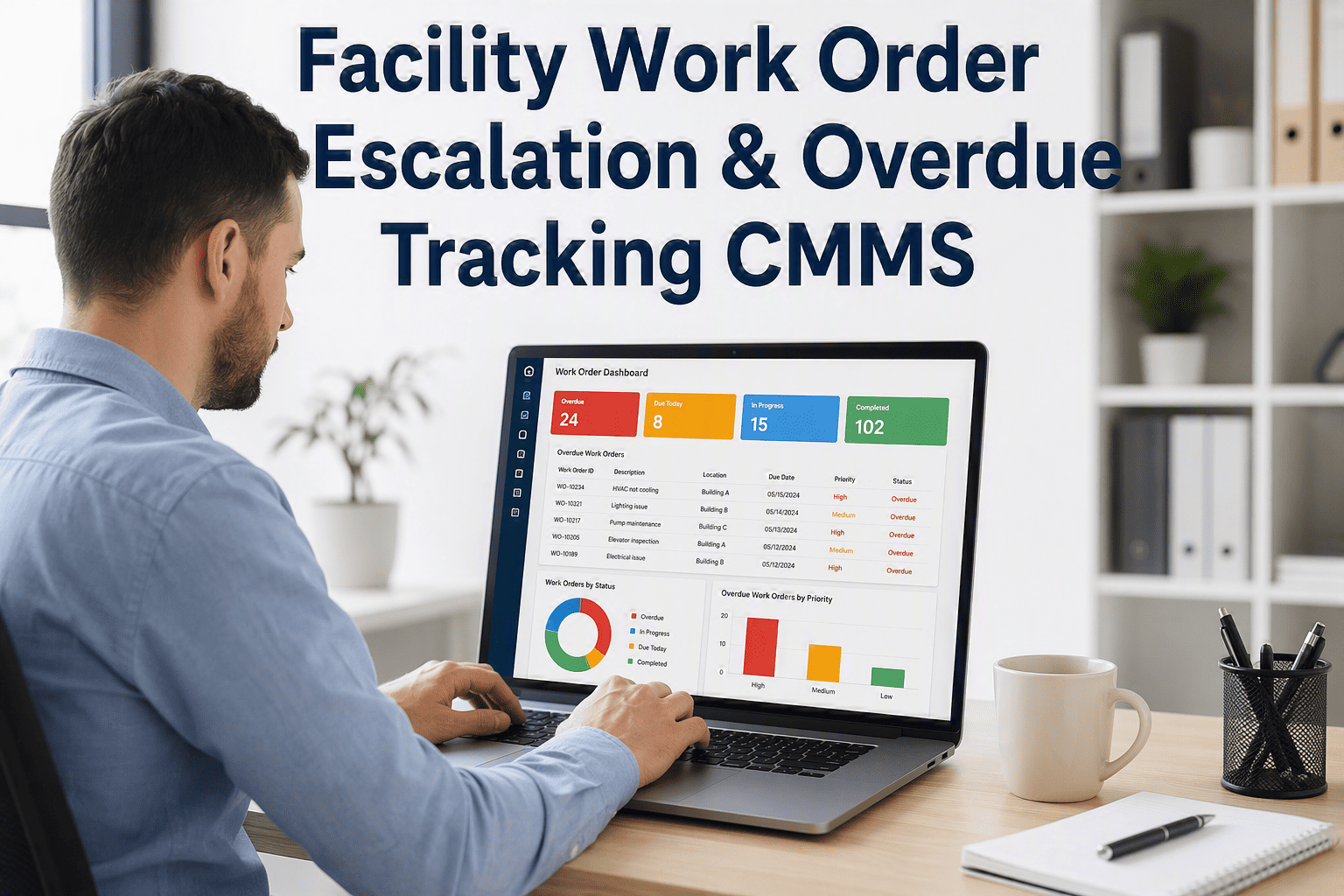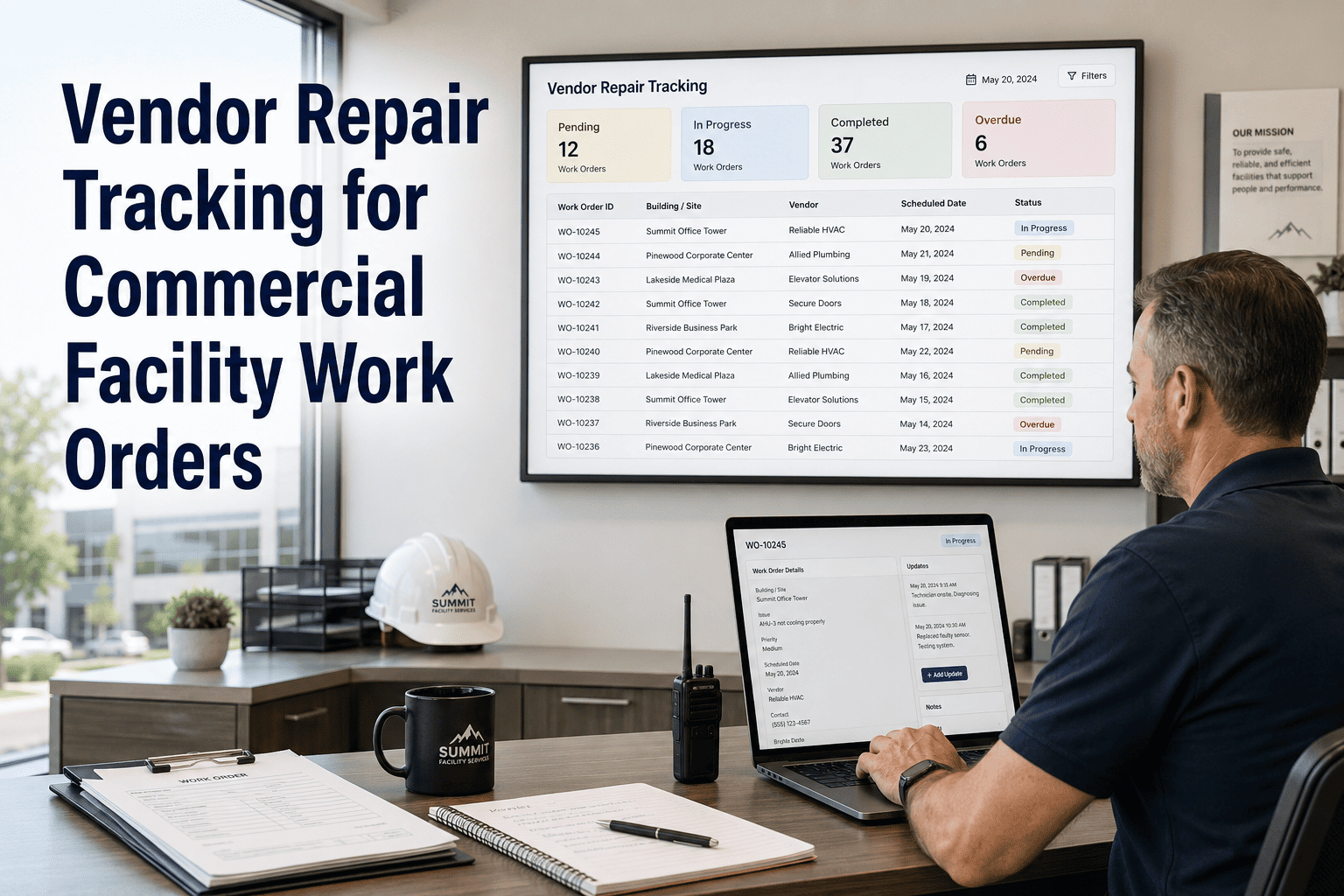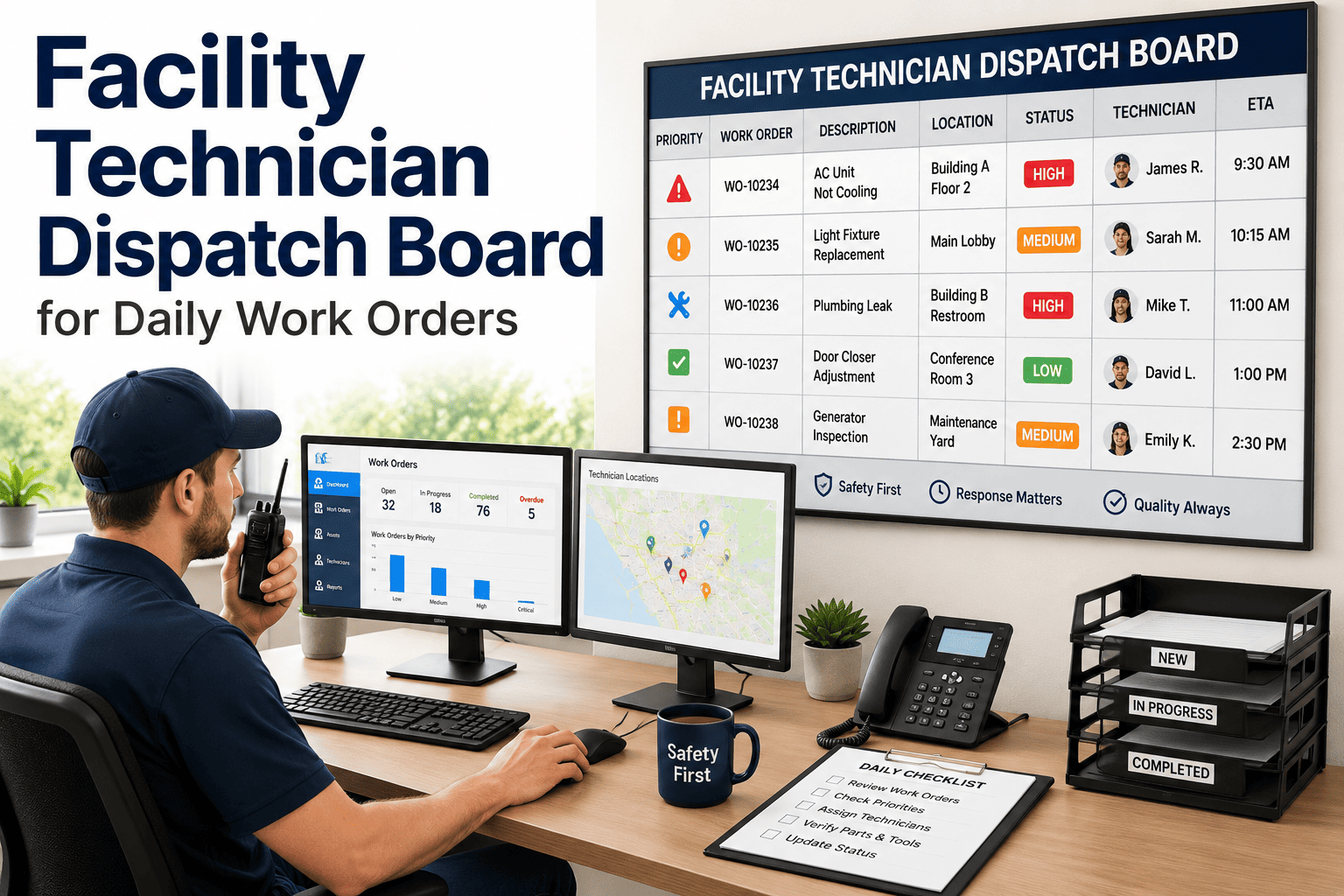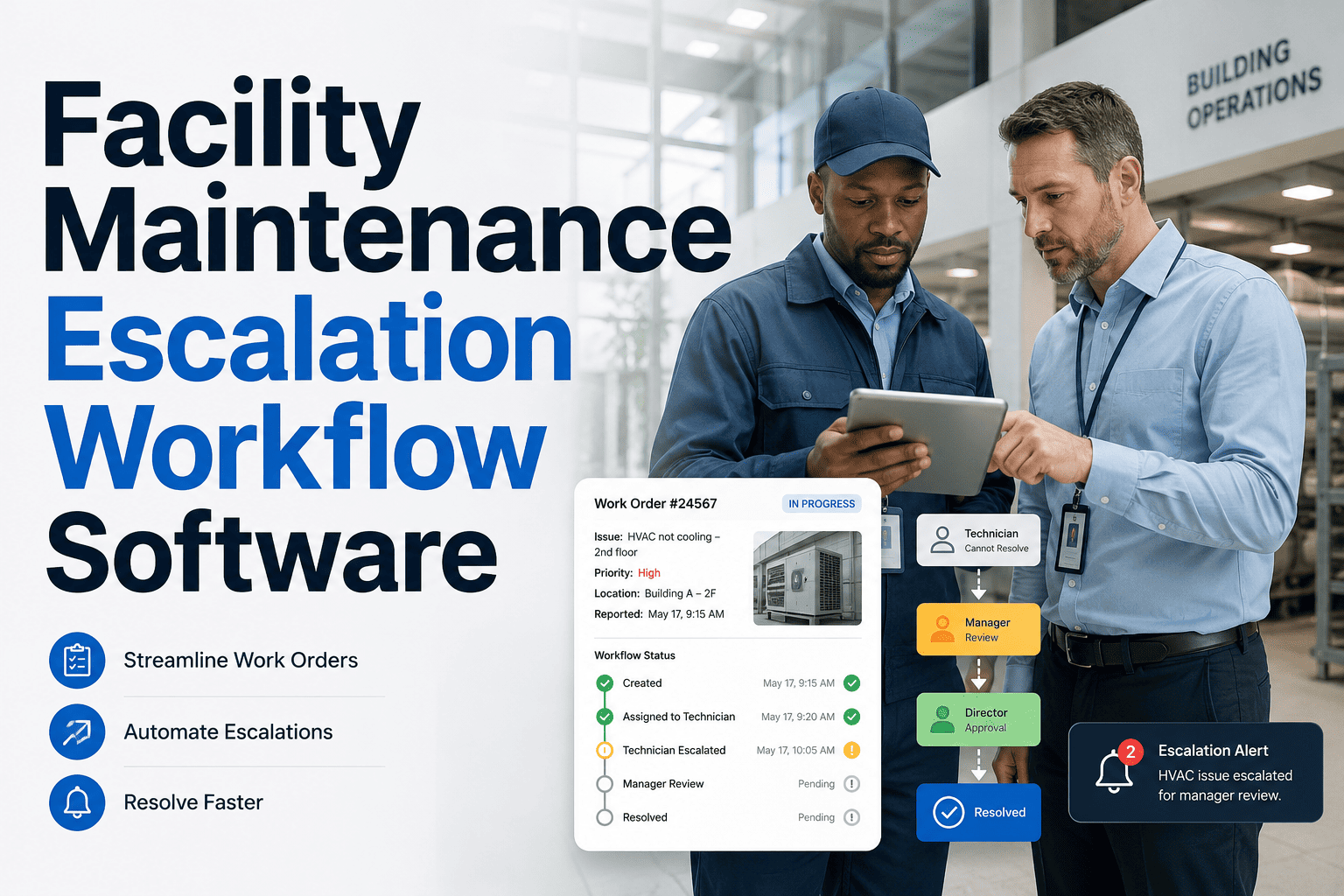
At 9 a.m., a broken HVAC unit is a routine work order. At 2 a.m. on a holiday weekend, the same failure becomes a flooded server room, a freezing tenant, and a liability claim — because the building is empty, the request lands in a voicemail, and the one person who could act is asleep with their phone on silent. After-hours repairs fail for a predictable reason: manual escalation depends on someone noticing, and at night nobody is watching. Studies of night-shift operations find manual escalation chains break down in well over a third of critical incidents. An after-hours escalation workflow fixes that by turning every off-hours request into an automatic chain — notify, wait for acknowledgment, and escalate to the next responder the moment the clock runs out. See how OxMaint Work Order Management runs that chain for you. Book a demo to pressure-test your night and weekend coverage.
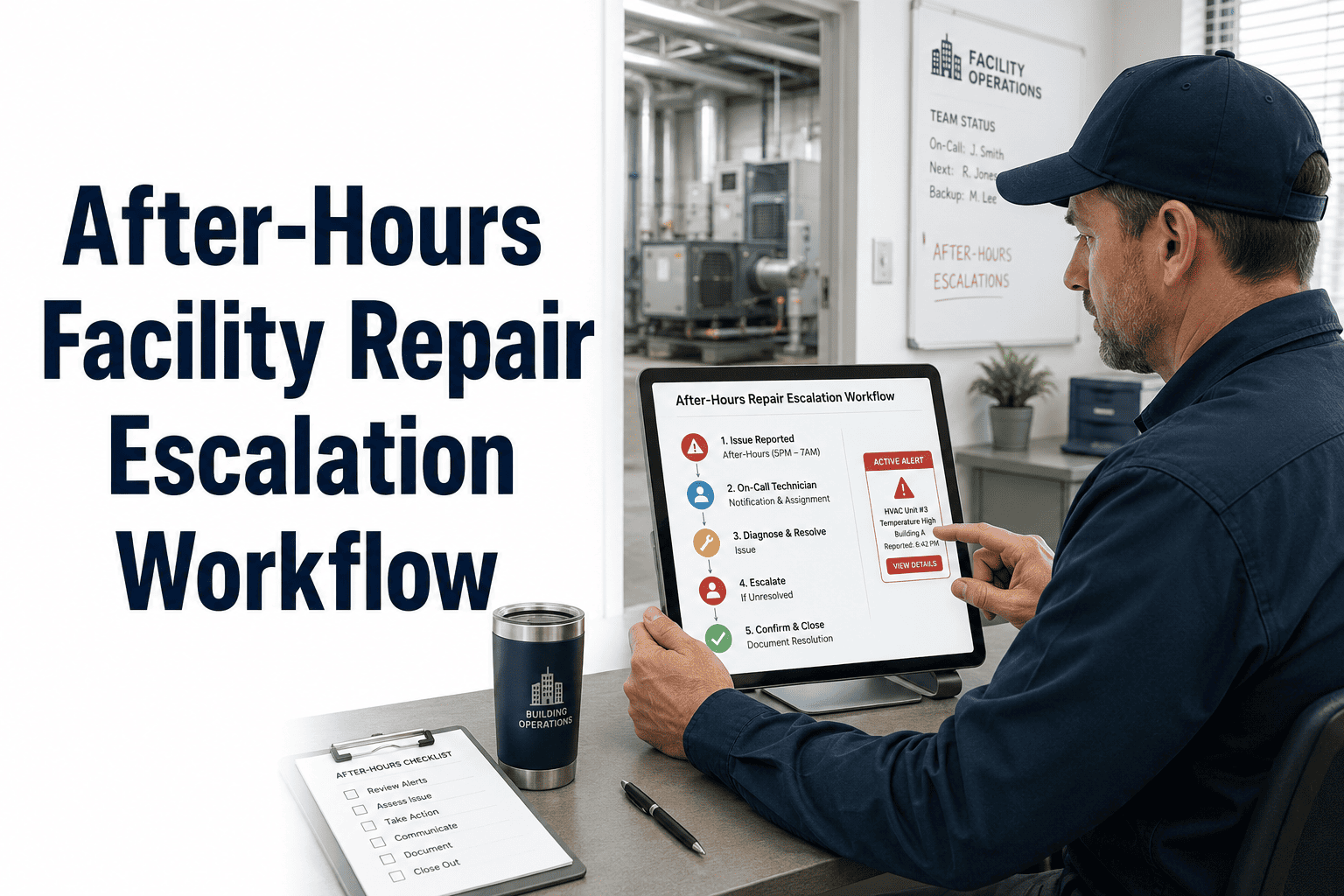
After-Hours Facility Repair Escalation Workflow
Control night and weekend repairs with automatic escalation rules, time-based priority routing, and mobile proof for every emergency response — so an empty building never means an unanswered call.
After Hours, Silence Looks Exactly Like "Handled"
During the day, a stuck work order gets noticed — someone walks past the board, a supervisor asks about it, a tenant follows up at the desk. At night none of that happens. A request sitting unacknowledged looks identical to one being worked, and the gap is invisible until morning, by which point a small leak has become a ceiling collapse. The most dangerous after-hours work order is not the highest priority one; it is the one no human is watching. Automation replaces that watching with a clock that never sleeps.
One Request, an Automatic Chain of Responders
The clock starts when the request is created, not when someone finally sees it. Each responder gets a mobile push with full context; if they do not acknowledge within the window, the next person is notified automatically — no human trigger required.
Response Means Acknowledgment — Not Resolution
The single most common after-hours mistake is treating the SLA as a fix deadline. A response window measures when a responder is engaged and has taken ownership, not when the repair is finished. That distinction is what makes acknowledgment timeouts work: the chain advances on silence, so a sleeping phone never quietly absorbs an emergency. Set the clock to start at creation, keep acknowledgment windows tight, and let the system re-notify and re-escalate until a human owns the job.
Adjust Priority for the Hours Nobody Is There
With fewer people on site and longer reach times, the same fault carries more risk overnight than at noon. Time-based rules raise the stakes automatically, and a clear call-out threshold keeps you from waking a crew for a job that can safely wait for morning.
| Window | Routing Rule | Call-Out Threshold |
|---|---|---|
| Overnight (22:00–06:00) | Priority raised one level automatically | P1 & rising P2 dispatched now |
| Weekends & holidays | On-call chain only, priority raised | P1 & safety risks dispatched now |
| Business hours | Standard escalation chain | Full team available |
| Any time — P3 / P4 | Logged and scheduled | Waits for next business day |
Every Off-Hours Response, Timestamped and Defensible
After hours is where liability lives, and the only defense is a record. From the moment the request lands to the final sign-off, each step is captured on the technician's phone — so you can prove exactly when you were notified, when you acknowledged, and when you arrived.
OxMaint creates the work order, pushes it to the on-call technician, advances the escalation chain on every missed acknowledgment, and logs each step with a timestamp — turning a chaotic 2 a.m. phone tree into a documented, defensible response.
Five Decisions That Make the Workflow Hold
An after-hours workflow is only as strong as the rules behind it. Set these five once, and the chain runs itself every night without a supervisor babysitting the phone.
What Operations Leaders Say
The most dangerous work order is never the loud one — it is the one nobody notices, and after midnight that is most of them. We stopped relying on a technician remembering to call a supervisor. The system pages the on-call, and if there is no acknowledgment in ten minutes it pages the next person, then the next. Nothing sits in a voicemail box waiting for sunrise anymore.
Facilities Operations Manager · 18 Years Multi-Site BuildingsAfter hours is where the liability actually lives. If a tenant claims we ignored a 1 a.m. report, the only thing that protects us is the record — when the ticket was created, when it was acknowledged, when the tech arrived, with photos. A verbal "I called him and he said he'd go" is worth nothing in a claim. Timestamped proof is the entire defense.
Risk & Compliance Lead · 21 Years Property OperationsFrequently Asked Questions
What does "response time" actually mean for an after-hours SLA?
It measures acknowledgment and engagement — when a responder takes ownership of the work order — not when the repair is finished. The clock should start the moment the ticket is created, not when someone finally notices it, so the window reflects true responsiveness. Confusing response with resolution is the most common reason after-hours SLAs look broken when they are not. Book a demo to see acknowledgment timers in action.
What happens if the on-call technician doesn't answer?
The chain advances on its own — if the primary on-call does not acknowledge within the window, the secondary is notified automatically, then the supervisor, then the facility manager with vendor dispatch. No human has to remember to escalate, which is exactly why it works at 3 a.m. Every hand-off is timestamped so you can see where any delay occurred. Start free to configure your escalation chain.
Should night and weekend requests use different priorities than daytime?
Yes — with fewer people on site and longer reach times, the same fault carries more risk, so time-based rules raise priority one level overnight and on weekends. Pair that with a clear call-out threshold so true emergencies get a crew immediately while P3 and P4 work is logged for the next business day. This prevents both ignored emergencies and unnecessary 2 a.m. call-outs. Book a demo to set time-based routing.
How do we prove a technician actually responded overnight?
Every emergency work order builds a complete, timestamped audit trail: the original report, the acknowledgment, any escalation events, arrival time, on-site photos, parts used, resolution notes, and sign-off. That record is exportable for insurance, regulatory inspection, and post-incident review — turning a contested verbal account into documented proof. Start free to see the audit trail it captures.
Can third-party or after-hours contractors be part of the chain?
Yes — contractor work orders can run on SLA-based escalation with pre-breach alerts at the four-hour and two-hour marks, so your internal team can intervene before any penalty clock runs out. Contractors can receive read-only alert notifications by email without needing a full platform login, keeping the loop closed without adding licenses. That makes outside crews as accountable to the chain as your own staff. Book a demo to add contractors to your workflow.
Make 2 A.M. Run as Smoothly as 2 P.M.
OxMaint turns every after-hours request into an automatic escalation chain with tight acknowledgment windows, time-based priority, and timestamped proof — so night and weekend repairs get answered, escalated, and documented without anyone watching the phone.