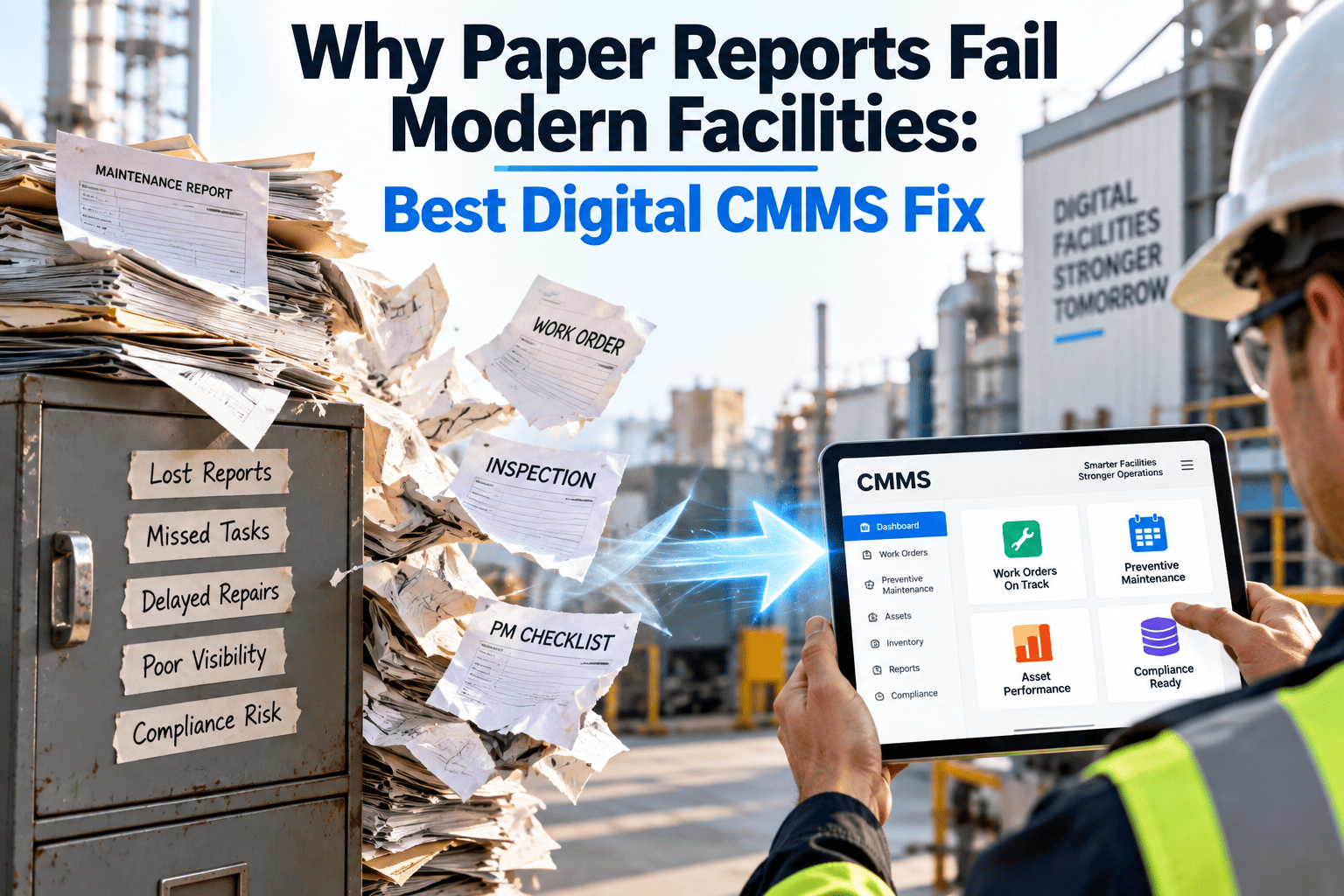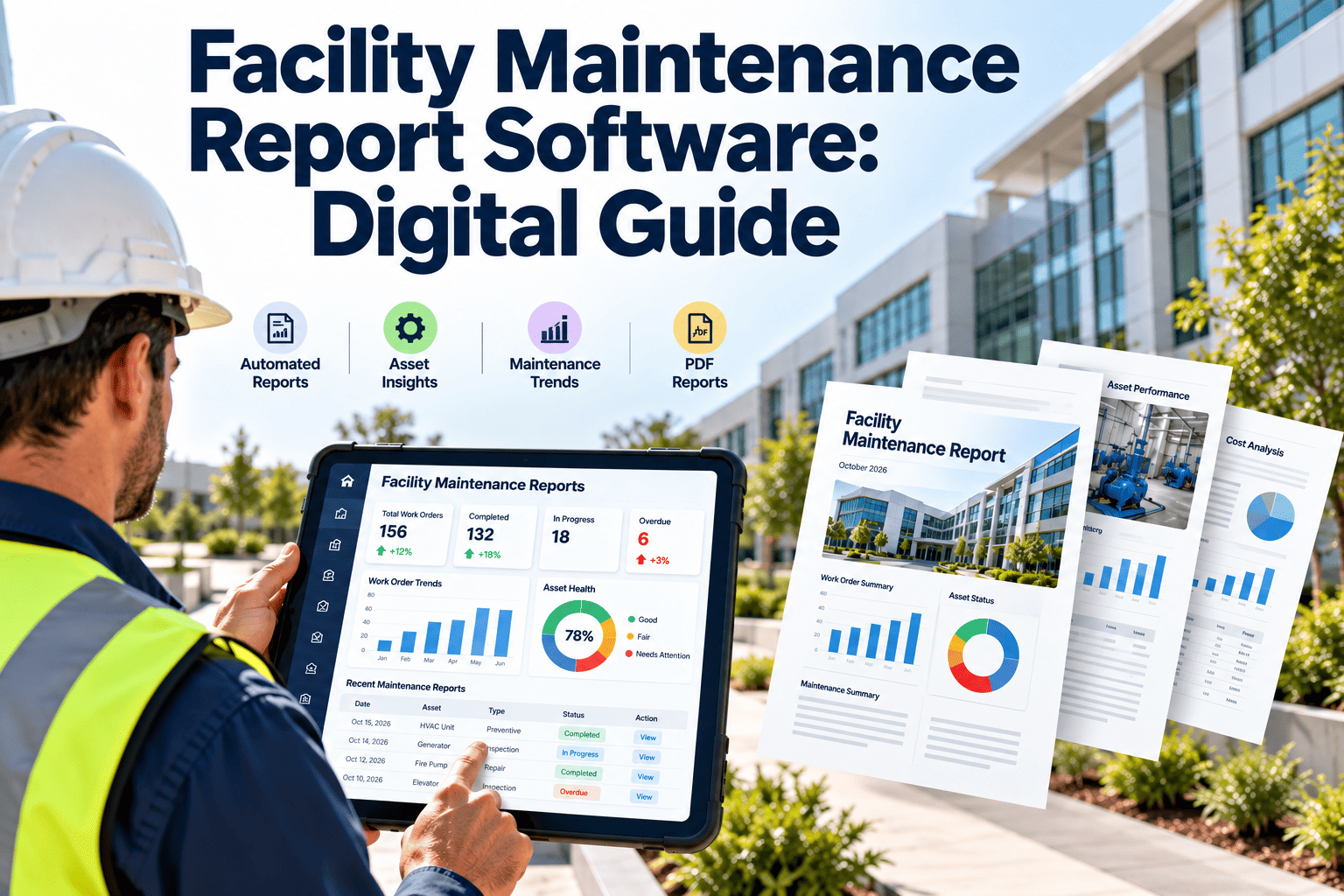
A facility maintenance report is only as reliable as the data behind it, and in many buildings that data still lives in a three-inch binder, a shared spreadsheet, and a technician's memory. Directors ask for a monthly summary, and teams lose days assembling it, only to find work orders closed without notes or PM sign-offs missing. Digital reporting fixes the source of the problem, not just the format of the output. If you are comparing report-ready CMMS platforms for 2026, you can start a free Oxmaint account and test it against your own assets and work orders.
Facility Maintenance Report Software: Retire the Binder, Keep the Evidence
Turn every work order, inspection, and PM sign-off into a report that is ready before the review meeting starts. Built for facility managers, engineers, and multi-site operations teams.
Why the paper binder keeps failing facility teams
The binder is not the real problem. It is the symptom of a workflow in which information is recorded after the work, by someone other than the person who did it, and then re-keyed for reporting.
- Reports are assembled, not generatedWhen a monthly report depends on copying numbers from three sources, the report is late, and the numbers rarely agree with each other.
- Closed does not mean documentedA work order marked complete with no cause, no labor time, and no parts used tells a manager nothing about cost or recurrence.
- Audit requests become scavenger huntsInsurers, fire marshals, and accreditation reviewers ask for dated proof. Finding it across filing cabinets burns hours and exposes gaps.
- Budget conversations lack evidenceWithout clean history by asset, a request to replace a chiller or roof sounds like opinion rather than a case built on repair cost and downtime.
- Knowledge leaves with peopleWhen a veteran technician retires, the unwritten history of every quirky pump and air handler goes with them.
The reports a facility maintenance program is expected to produce
Different readers want different views of the same records. A good system produces all of them from one source rather than five separate files.
| Report | Primary reader | Typical cadence | Built from |
|---|---|---|---|
| Work order summary | Facility manager | Weekly or monthly | Open, closed, overdue, and backlog work orders |
| PM compliance report | Operations director | Monthly | Scheduled versus completed preventive tasks |
| Asset history report | Reliability engineer | On demand | Repairs, parts, labor, and downtime by asset |
| Inspection and compliance log | Safety and risk teams | Per inspection cycle | Checklists, findings, signatures, and corrective actions |
| Cost and budget report | Finance and executives | Monthly and annual | Labor hours, contractor spend, and parts consumption |
| Inventory usage report | Storeroom lead | Monthly | Parts issued against work orders and reorder points |
How a report gets built: the six-stage reporting chain
Every number on a dashboard is the end of a chain. If any stage is weak, the report inherits the weakness.
Stage four is where most reports quietly break. If work order types and failure causes are free text, no dashboard can group them reliably.
Stop rebuilding the same report every month
Put work orders, inspections, and asset history in one place, and let the report assemble itself.
Binder versus digital report: what actually changes
Paper and spreadsheets
- Reports compiled by hand after month end
- Handwriting, missing fields, and lost pages
- Asset history scattered across files and inboxes
- Overdue PMs found only when someone checks
- Audit evidence reconstructed under pressure
- Cost data separated from the work that caused it
Digital CMMS reporting
- Reports generated from live records at any time
- Required fields enforced before a work order closes
- Full history attached to each asset and location
- Overdue and upcoming PMs visible on a dashboard
- Time-stamped inspection records ready to export
- Labor and parts cost tied to each work order
KPIs worth putting in every facility maintenance report
A report with forty metrics gets ignored. These eight cover most of what a facility director needs to see, and each can be calculated directly from work order data.
Compliance records: the part of reporting auditors care about most
Requirements vary by jurisdiction and building type, so confirm the schedule that applies to your sites. The pattern, though, is consistent: recurring inspections, dated results, and proof that deficiencies were corrected.
Standards such as NFPA fire protection codes, OSHA requirements, and ISO 55000 asset management principles all rely on documented evidence. A digital log with time stamps and signatures is far easier to defend than a signed paper sheet.
Why maintenance reports go wrong: symptom, cause, and fix
Most unreliable reports trace back to a handful of data habits. Each one is fixable once you can see where it starts.
What poor reporting costs in day-to-day operations
The impact rarely appears as a single line item. It spreads across labor, risk, and decision quality.
- Wasted supervisor timeHours spent compiling figures are hours not spent walking the buildings or planning work.
- Late detection of chronic problemsWithout searchable history, the third repair on the same pump looks like a first repair.
- Weaker audit positionMissing or undated records can turn a routine inspection into a finding, even when the work was done.
- Poor capital planningReplacement requests built on anecdotes are easier to defer than those backed by repair history.
- Contractor accountability gapsIf vendor visits are not recorded against assets, repeat callouts are hard to challenge.
A practical agenda for the monthly maintenance review
A report earns its keep when it drives decisions. This simple sequence keeps the meeting short and focused on action.
Checklist: what to demand from report-ready CMMS software in 2026
Marketing pages all promise dashboards. Use these questions to separate genuine reporting depth from a nice-looking home screen.
- Can technicians complete work orders on a phone, including with no signal, and sync later?
- Do QR or barcode asset tags open the correct asset record in seconds?
- Can you force required fields such as cause, labor time, and parts before closing a job?
- Are reports filterable by building, system, asset class, vendor, and date range?
- Can inspection results, signatures, and photos be exported as audit-ready records?
- Does cost roll up from labor, parts, and contractor invoices to the asset level?
- Can sensor or IoT readings trigger work orders or sit beside the maintenance history?
- Can reports be scheduled and shared with people outside the maintenance team?
- Is data exportable, so you are never locked out of your own history?
Reporting across multiple sites without losing detail
Portfolio teams need one comparable view, while site teams need the detail behind it. Good software serves both from the same records.
Comparison only works when every site uses the same definitions. Standardize work order types and failure codes before you compare buildings.
Reporting trends shaping facility maintenance in 2026
How Oxmaint supports facility maintenance reporting
Oxmaint is cloud-based maintenance management software that keeps day-to-day work and reporting in the same system.
A realistic rollout in 30, 60, and 90 days
Facility maintenance report software: common questions
Give your next review meeting a report you can trust
Move from binders and spreadsheets to maintenance reports built from live work order, inspection, and asset data.