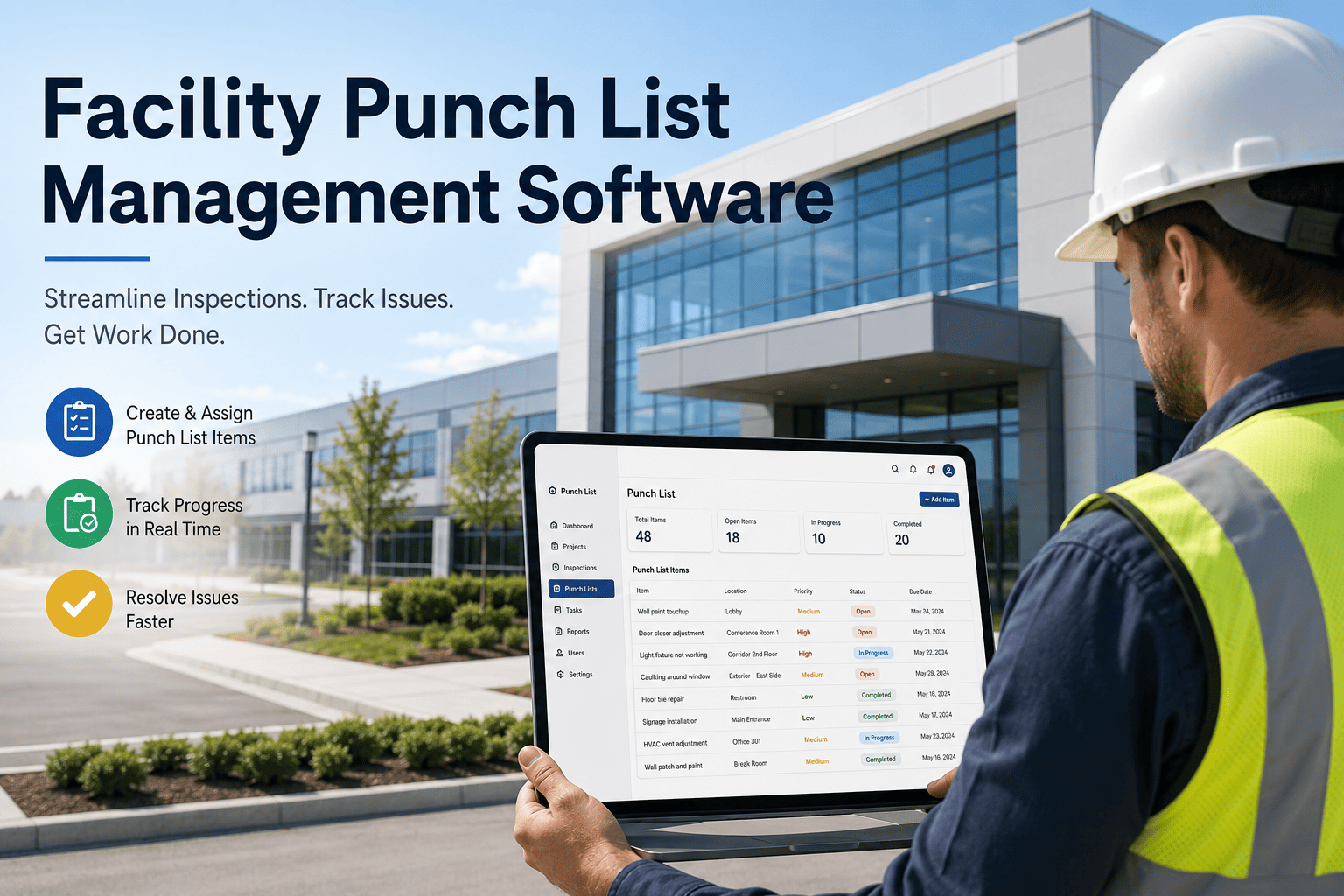
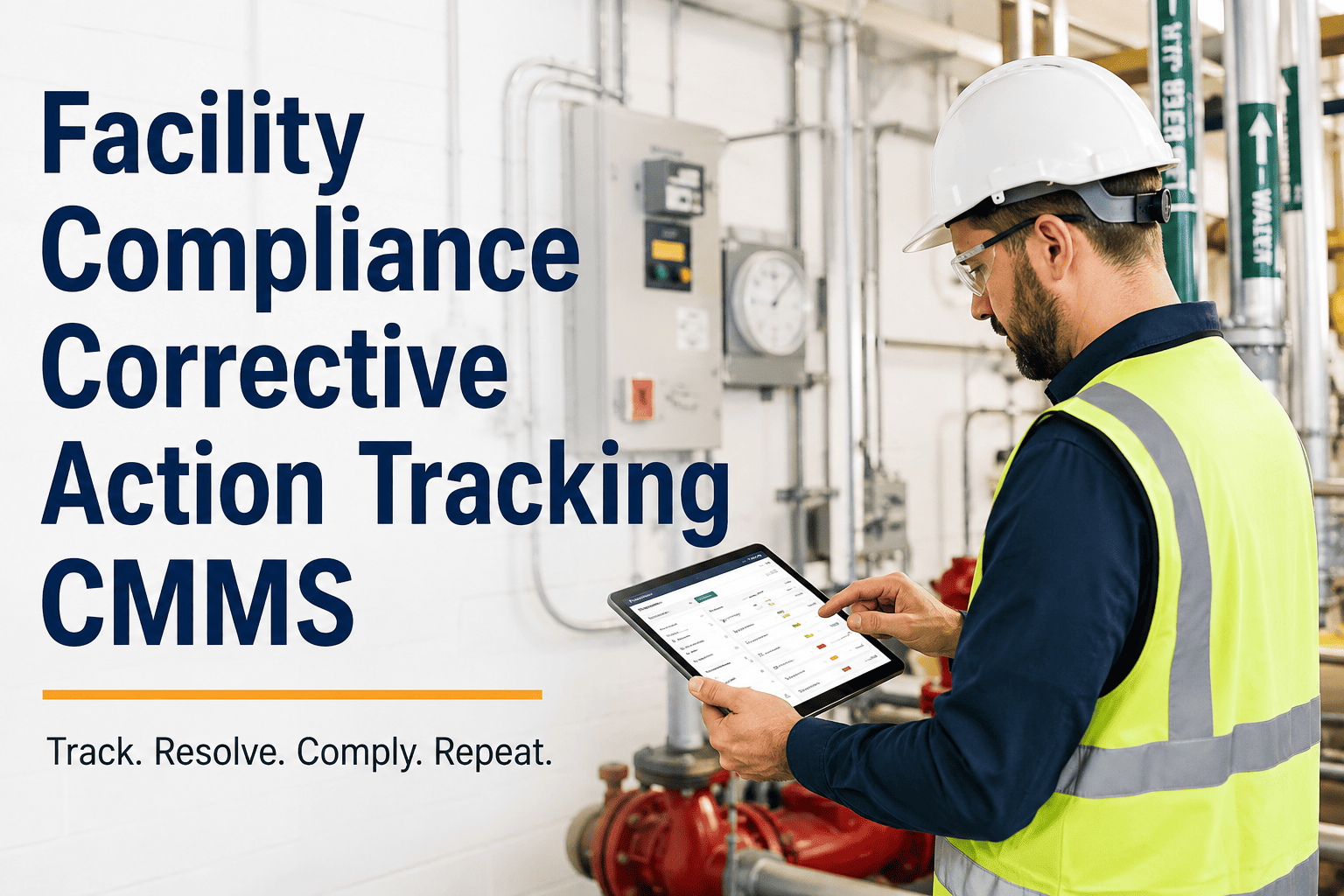
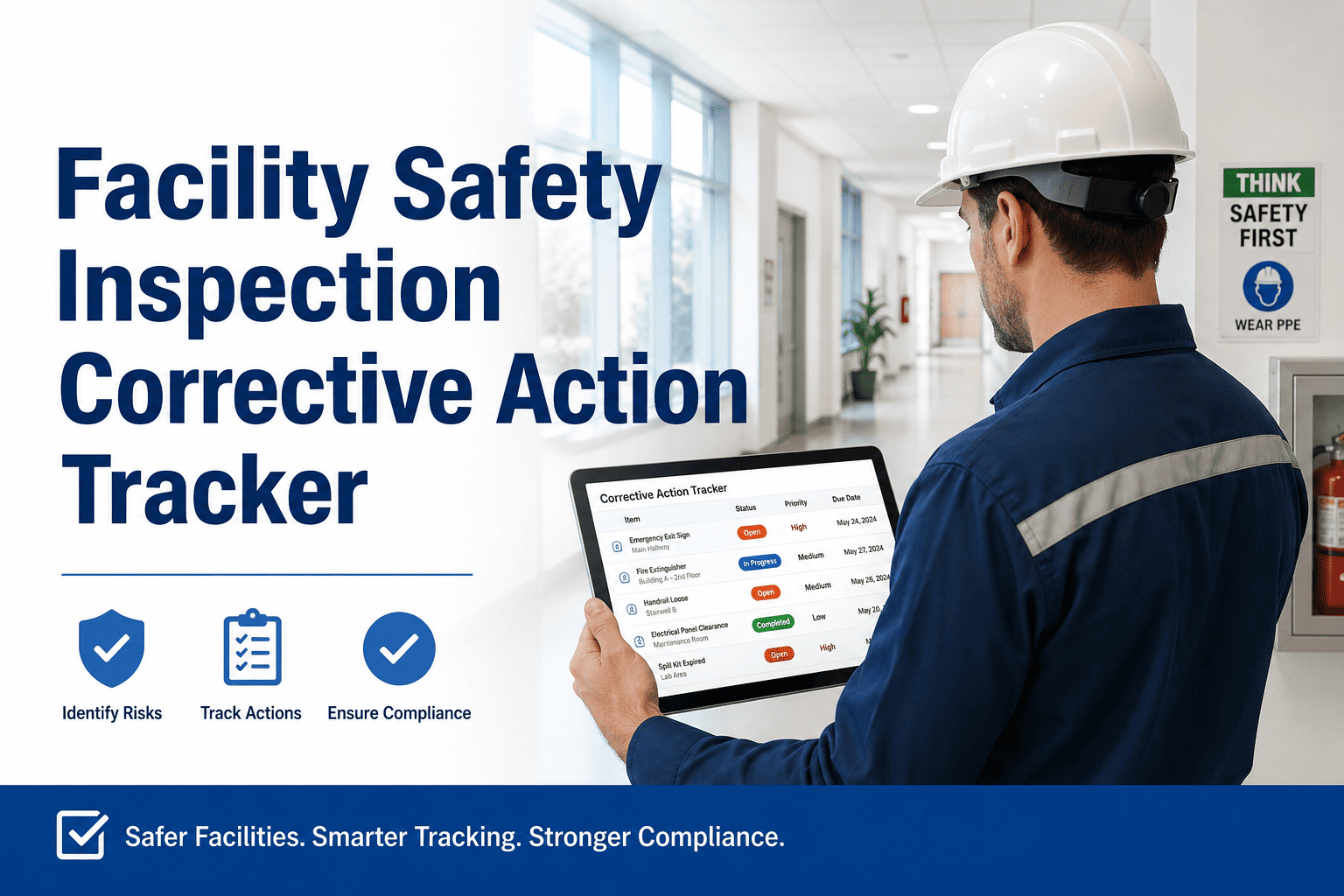
Managing facility punch lists manually — on spreadsheets, paper walkthroughs, or email chains — creates accountability gaps that delay project handovers, inflate defect resolution costs, and expose building owners to warranty liability. Oxmaint's facility punch list management software digitizes every walkthrough item from inspection to closure, captures photo proof at each step, and keeps contractors, facility managers, and auditors working from a single live record. Whether you are handling post-construction defects, routine building audits, or pre-handover sign-off, every open item is tracked, assigned, escalated, and closed with documented evidence — automatically routed into your CMMS without a manual step. Book a demo to see how facility teams cut punch list closure time by up to 60% in the first month.
Facility Management
Inspection Management
Checklist
Facility Punch List Management Software
From walkthrough to closure — every defect assigned, tracked, and proven resolved with photo evidence and CMMS-connected work orders.
60%
Faster punch list closure with digital workflows
3x
More defects captured per walkthrough vs paper
100%
Closure proof on every resolved item
Zero
Manual handoffs between inspector and CMMS
The Problem
Why Punch Lists Get Lost Before They Get Done
A typical facility walkthrough generates 40 to 120 open items. Paper forms get photocopied. Spreadsheets get emailed to the wrong contractor version. Photos sit in personal phone galleries. Three weeks later, a building owner asks for closure proof on item 47 and no one can find the record. This is not a people problem — it is a process architecture problem, and it costs facility teams weeks of rework on every handover cycle.
01
No single source of truth
Items exist across email, spreadsheets, and verbal instructions. Contractors work from different versions and miss items entirely.
02
Zero photo evidence trail
Without before-and-after photos linked to each item, disputes about whether defects were resolved correctly waste weeks in negotiation.
03
No escalation on overdue items
Manual lists do not chase contractors. Items sit open past due dates with no automated reminder, re-assignment, or escalation to the facility manager.
04
Audit failure risk
When inspectors or auditors request closure documentation, manually managed punch lists cannot produce timestamped, photo-backed evidence records on demand.
How It Works
From Walkthrough to Closed Work Order in Five Steps
Oxmaint turns every facility walkthrough into a structured, trackable, and provable punch list process — with zero manual handoffs between the inspector, the technician, and the CMMS record.
1
Conduct the walkthrough
Inspector opens the Oxmaint mobile app, selects the building zone or system, and logs each defect with location, category, severity, and photo — offline capable, syncs on reconnect.
↓
2
Auto-assign to contractor or technician
Each item is immediately routed to the responsible party based on trade type or zone assignment — with due date, priority level, and access to the original photo.
↓
3
Technician resolves and submits proof
Technician completes the repair, uploads an after-photo, and marks the item resolved — triggering an automatic notification to the facility manager for review.
↓
4
Manager reviews and approves or rejects
Facility manager inspects the photo evidence in the app. Approved items close with a timestamped record. Rejected items re-open with notes and return to the assignee.
↓
5
Export audit-ready closure report
One-click export generates a PDF punch list report with every item, before/after photos, assignee, timestamps, and approval signature — ready for handover, audit, or warranty claim.
Stop losing punch list items between walkthroughs and work orders
Oxmaint connects your inspection app to automated work orders, contractor routing, and closure proof — all in one platform.
Checklist Coverage
What Facility Punch Lists Oxmaint Manages
| Punch List Type |
Triggered By |
Common Items |
Closure Proof Required |
| Post-construction handover |
Project completion walkthrough |
Finish defects, incomplete fixtures, safety gaps |
Photo + sign-off |
| Routine facility audit |
Scheduled or triggered inspection |
HVAC filters, fire exits, lighting, signage |
Photo + timestamp |
| Pre-handover tenant walkthrough |
New tenant move-in |
Cosmetic defects, equipment function, access |
Signed report |
| Corrective action follow-up |
Failed inspection finding |
Safety violations, compliance gaps, repairs |
Re-inspection photo |
| Warranty defect claims |
Defect liability period |
Structural defects, system failures, finishes |
Evidence report PDF |
Results
What Facility Teams Achieve with Digital Punch List Management
60%
Reduction in average punch list closure time
45%
Fewer contractor disputes due to photo evidence
3x
More items captured per walkthrough vs paper
100%
Audit-ready closure documentation on every item
Expert Review
What Facility Operations Professionals Say
"We used to spend two days chasing contractors for closure photos after every walkthrough. With Oxmaint, the evidence comes in automatically and the facility manager approves it from the app. Our handover cycle dropped from 18 days to 7."
FM
Facility Manager
Commercial Property Group, UAE
"Post-construction punch list management was our biggest pain point. Items fell through spreadsheet cracks constantly. Oxmaint gave us a single live list that contractors could not ignore — every item has a due date, a responsible party, and a closure photo requirement."
PM
Project Manager
Real Estate Developer, India
FAQ
Frequently Asked Questions
Can Oxmaint handle punch lists across multiple buildings or sites simultaneously?
Yes.
Oxmaint's facility punch list software supports multi-site deployment with separate building hierarchies, zone structures, and contractor assignments per location. Facility managers can view a consolidated punch list dashboard across all sites or filter by building, floor, or system. Each site's data stays isolated for reporting while remaining visible at the portfolio level for management oversight.
Does the software work offline during walkthroughs in areas with no connectivity?
Oxmaint's mobile inspection app is fully offline-capable. Inspectors can log defects, capture photos, and complete punch list items without an internet connection. All data syncs automatically when the device reconnects — no manual upload required. This is particularly important for basement mechanical rooms, parking structures, and buildings under construction where cellular coverage is inconsistent.
Book a demo to see the offline workflow live.
How does Oxmaint generate closure proof that satisfies building owners and auditors?
Every closed punch list item in Oxmaint carries a timestamped before-photo, an after-photo submitted by the technician, the approving manager's name, and the closure date. The platform generates a PDF punch list closure report on demand — organized by building zone, defect category, or contractor — with all evidence embedded. This report is accepted by building owners, warranty administrators, and regulatory auditors as documented proof of resolution without any additional formatting or manual compilation.
Can contractors access the punch list without a full Oxmaint licence?
Oxmaint provides contractor portal access that allows external vendors to view their assigned punch list items, upload resolution photos, and mark items complete — without access to the broader CMMS or other facility data. Contractor access is controlled by the facility manager, scoped to specific buildings and work orders, and automatically revoked when the project or defect liability period ends. No additional licence cost is required for contractor portal users.
Every punch list item closed — with proof
From first walkthrough to signed-off handover, Oxmaint tracks every defect, routes every assignment, and generates closure documentation automatically. No spreadsheets. No missing photos. No disputed items.