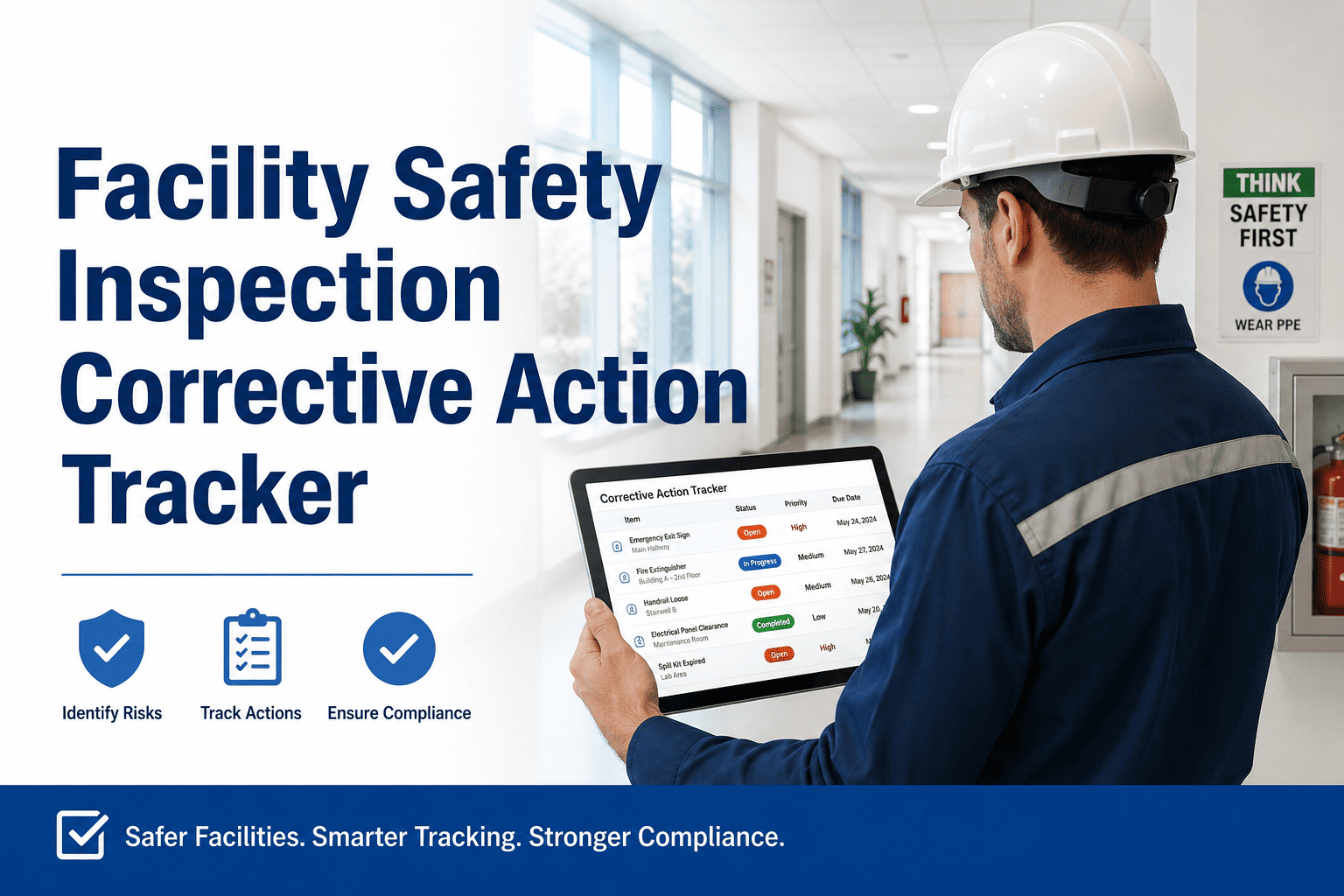
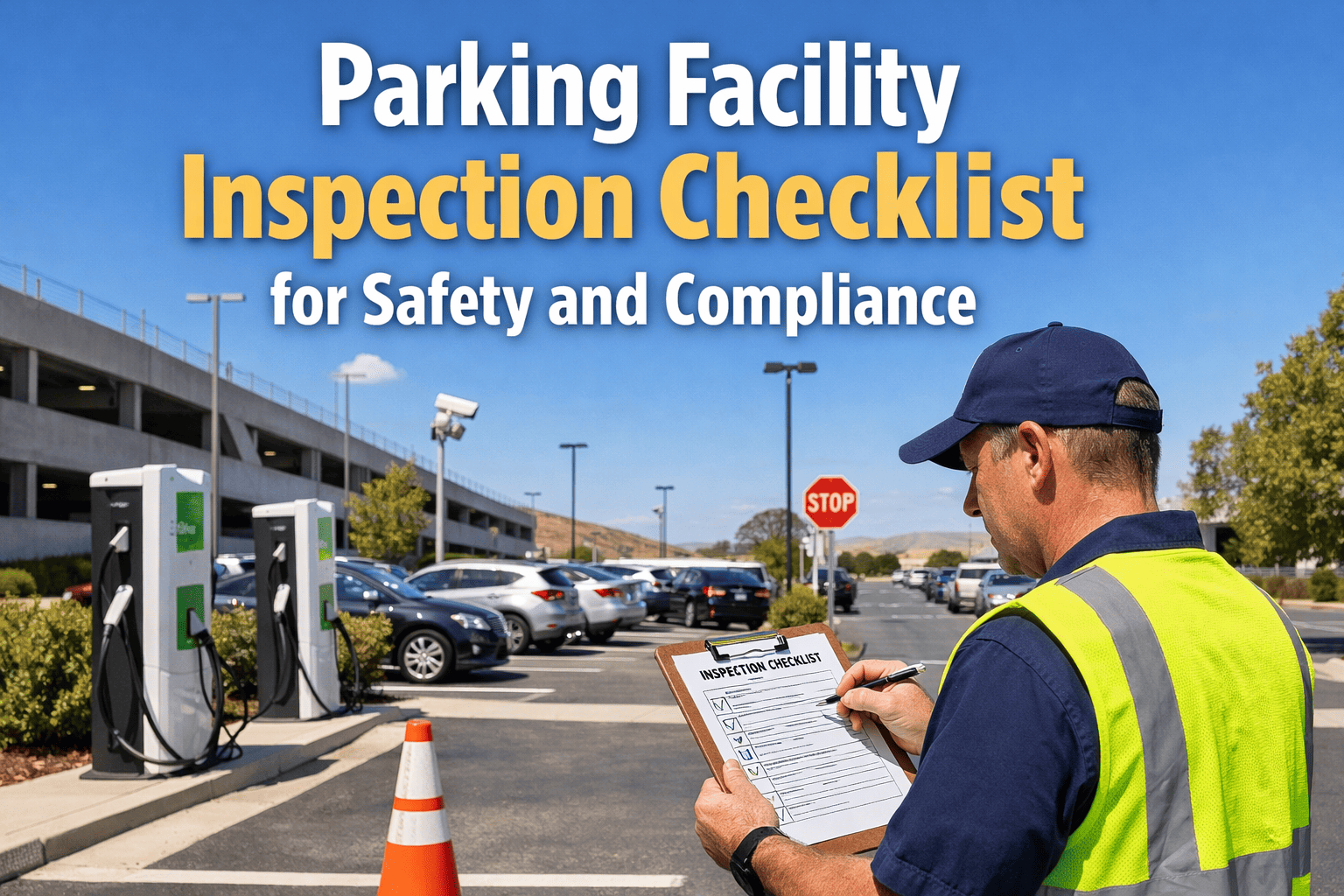
Every failed safety inspection that goes unresolved is a liability waiting to happen. Facility managers across commercial buildings, manufacturing plants, and healthcare campuses lose compliance standing not because inspections aren't conducted — but because corrective actions fall through the cracks after the inspection closes. OxMaint turns every failed inspection finding into a tracked, assigned, and verified work order — so nothing is left unresolved when an auditor walks through your door.
COMPLIANCE & SAFETY
Facility Safety Inspection
Corrective Action Tracker
From failed inspection to verified repair — every finding tracked, assigned, and closed with photo proof and an audit-ready trail.
68%
of OSHA citations involve documentation failures, not missing repairs
3.4x
higher repeat-violation risk when corrective actions are tracked manually
$15,625
average OSHA penalty per serious violation in 2024
The Corrective Action Gap — Why Facilities Fail Audits
Most facilities complete inspections on schedule. The breakdown happens in the hours and days after — when findings are buried in spreadsheets, emails go unread, and repairs are assumed done without verification. The audit trail goes cold before the repair is confirmed.
01
Inspection Completed
Inspector finds 4 failed items — tagged on paper or a shared spreadsheet
→
02
Assignment Lost
Email sent to maintenance team — no due date, no priority, no follow-up mechanism
→
03
Repair Unverified
Technician fixes 2 items — no photo proof, no sign-off, no record update
→
04
Audit Exposure
Auditor arrives — no documented closure, repeat violation issued
How OxMaint Closes Every Finding
✓
Digital Inspection Checklist
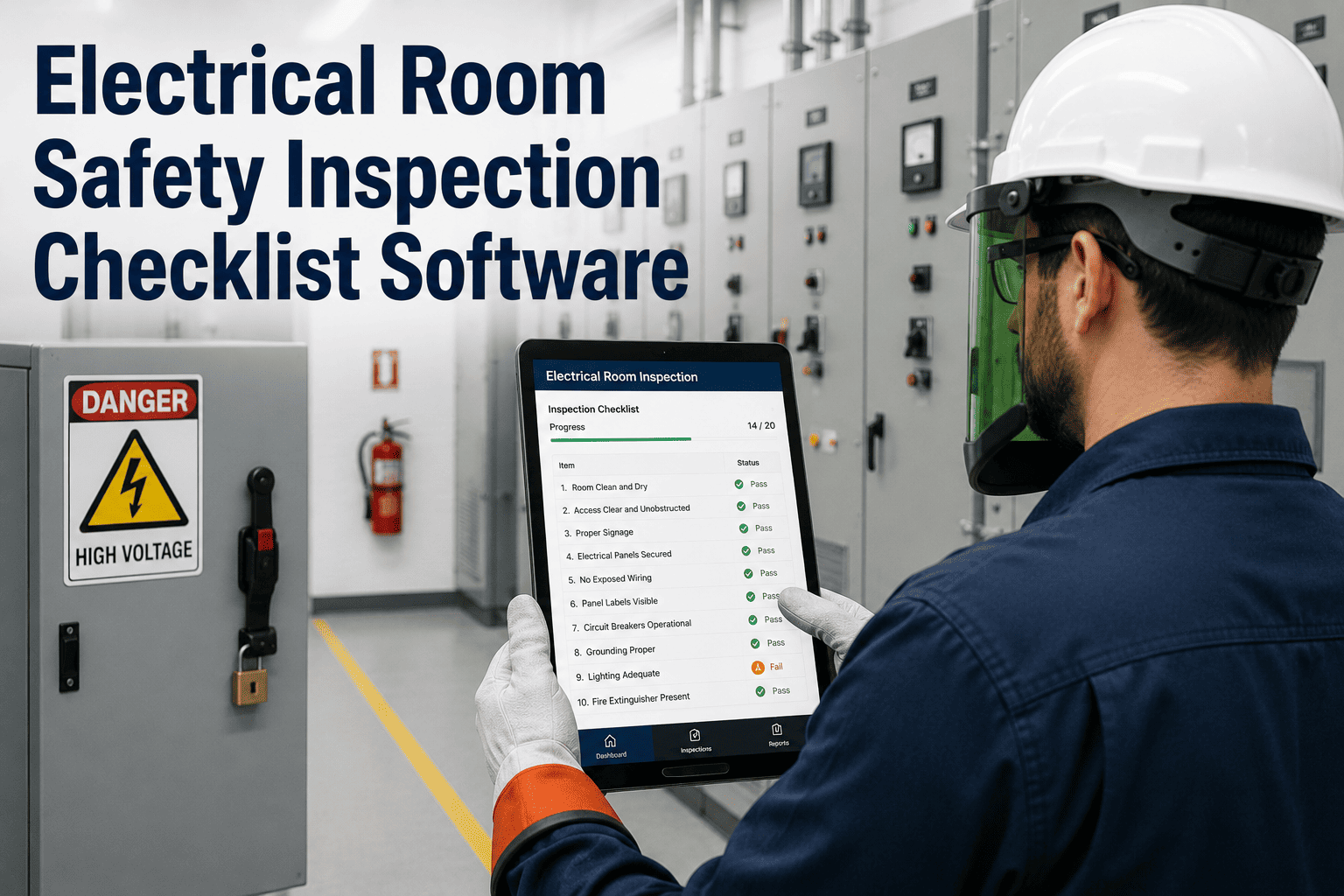
Inspectors complete structured checklists on mobile — each failed item creates a corrective action record instantly, with photo and timestamp attached.
▶
Auto-Assigned Work Orders
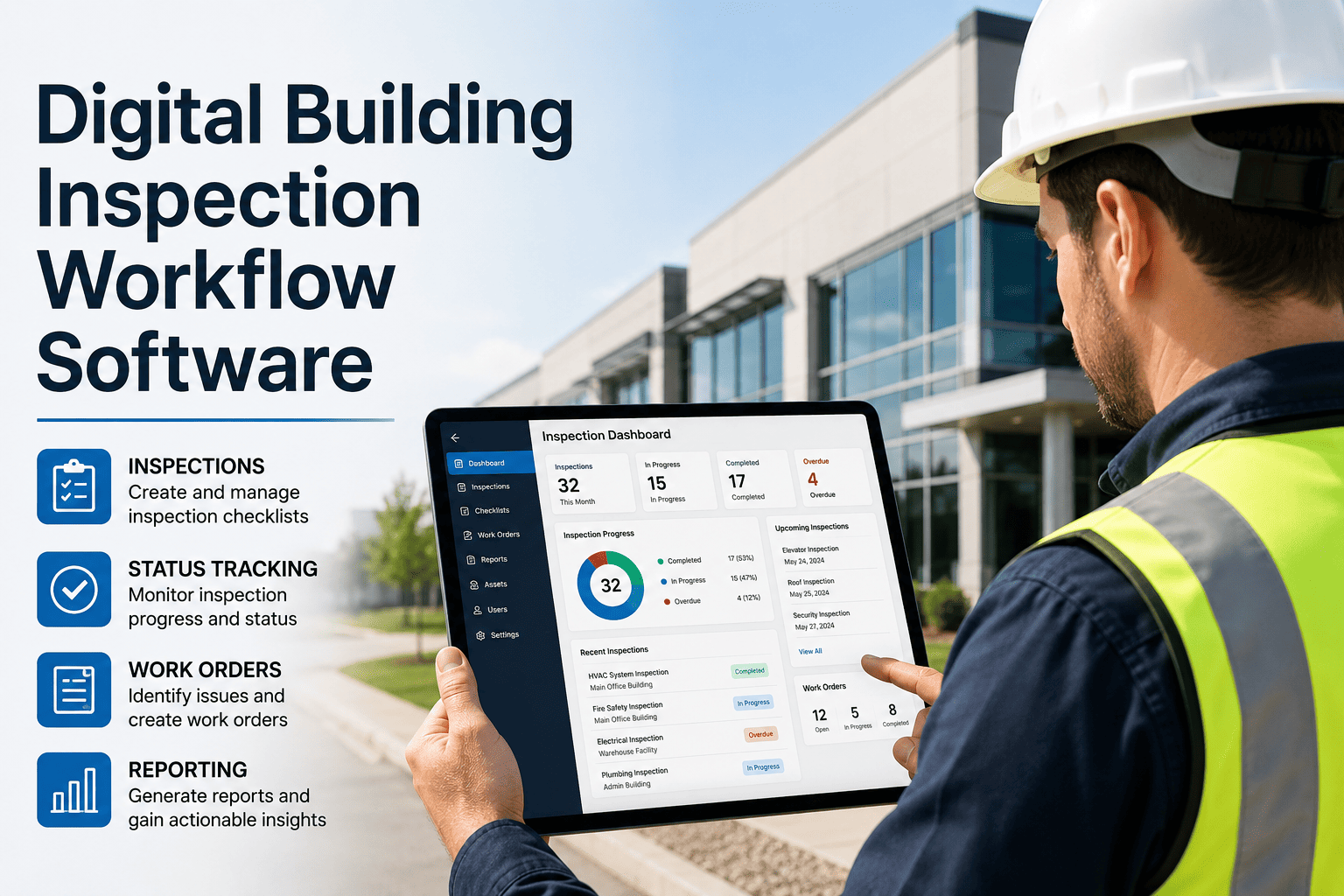
OxMaint routes each corrective action to the right technician or contractor based on trade, zone, or priority — no manual dispatching required.
⚑
Due Date & Escalation Tracking
Every finding has a deadline. Overdue corrective actions escalate automatically to the supervisor dashboard — missed deadlines never go unnoticed.
?
Photo-Verified Closure
Technicians submit after-repair photos directly in OxMaint. Closed work orders with photo proof form your audit evidence package automatically.
Corrective Action Priority Matrix
| Finding Type |
Priority Level |
Closure Deadline |
Escalation Trigger |
Documentation Required |
| Imminent hazard (slip, fall, electrical) |
Critical |
Same day |
Immediate supervisor alert |
Photo + sign-off |
| Fire safety deficiency |
Critical |
24–48 hours |
Fire safety lead notified |
Photo + repair record |
| Equipment safety guard missing |
High |
72 hours |
Auto-escalate at 48 hrs |
Before + after photo |
| Signage or labeling gap |
Medium |
7 days |
Overdue alert at day 5 |
Completion photo |
| Minor housekeeping finding |
Low |
14 days |
Manager reminder only |
Work order closure |
EXPERT REVIEW
Marcus Webb, CSP, CHST
Certified Safety Professional — 19 Years EHS Management, Fortune 500 Facilities
"The most common reason facilities fail re-inspections isn't that repairs weren't made — it's that repairs were made without documentation. A verbal confirmation or a memory of fixing something has zero value in a regulatory proceeding. What auditors want to see is a timestamped corrective action record with a closed work order, a photo of the repaired condition, and the name of the person who verified it. That chain of evidence is what digital maintenance platforms provide that spreadsheets and paper logs never can."
Inspection Categories Covered in OxMaint
Stop Managing Corrective Actions in Spreadsheets
OxMaint turns every failed inspection item into a tracked work order — assigned, escalated, and closed with photo proof.
Frequently Asked Questions
Can OxMaint link corrective actions directly to specific inspection line items?
Yes. When an inspector marks a checklist item as failed in OxMaint, the system automatically creates a linked corrective action work order that references the exact inspection question, the inspector's notes, and any photos captured on-site. This linkage means auditors can trace every corrective action back to its originating inspection finding — critical for
EHS compliance records and repeat-violation defense.
How does OxMaint handle corrective actions that require contractor involvement?
OxMaint supports contractor-assigned work orders with controlled access — contractors receive work order details, can submit completion photos and notes, and close jobs from their mobile devices without full system access. Facility managers see real-time status on all open contractor corrective actions from one dashboard. This eliminates the back-and-forth email chains that delay closures and create documentation gaps.
Book a demo to see contractor workflows in action.
What compliance standards does OxMaint's corrective action module support?
OxMaint's inspection and corrective action documentation supports OSHA 29 CFR recordkeeping requirements, ISO 45001 operational controls, NFPA life safety inspection records, and facility-specific regulatory programs. The 5-year audit trail with date-stamped photos, technician sign-offs, and work order histories provides the evidence documentation needed for OSHA inspections, insurance audits, and ISO recertifications without additional report preparation.
How quickly can we import existing inspection templates into OxMaint?
OxMaint's onboarding team converts your existing paper or spreadsheet inspection checklists into digital templates during setup — typically completed within 5 to 7 business days. Custom templates can also be built directly in OxMaint's template builder without IT support. Once live, all inspectors access checklists from their mobile devices and corrective actions begin generating automatically on the first inspection run.
Sign up free to start with pre-built safety templates.
Make Every Inspection Audit-Ready
Close the gap between inspection findings and verified repairs — with photo proof, automated escalation, and a complete compliance record.