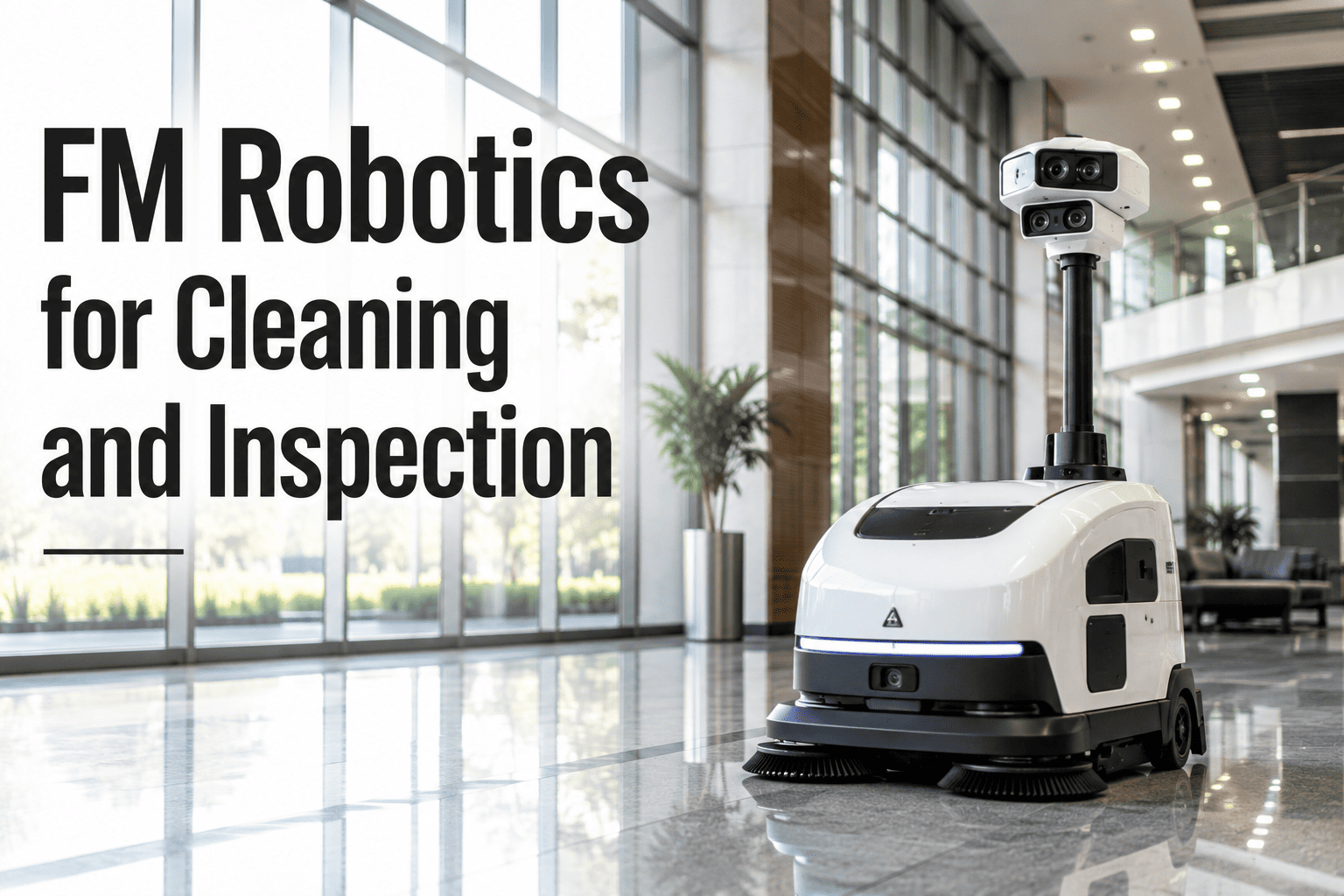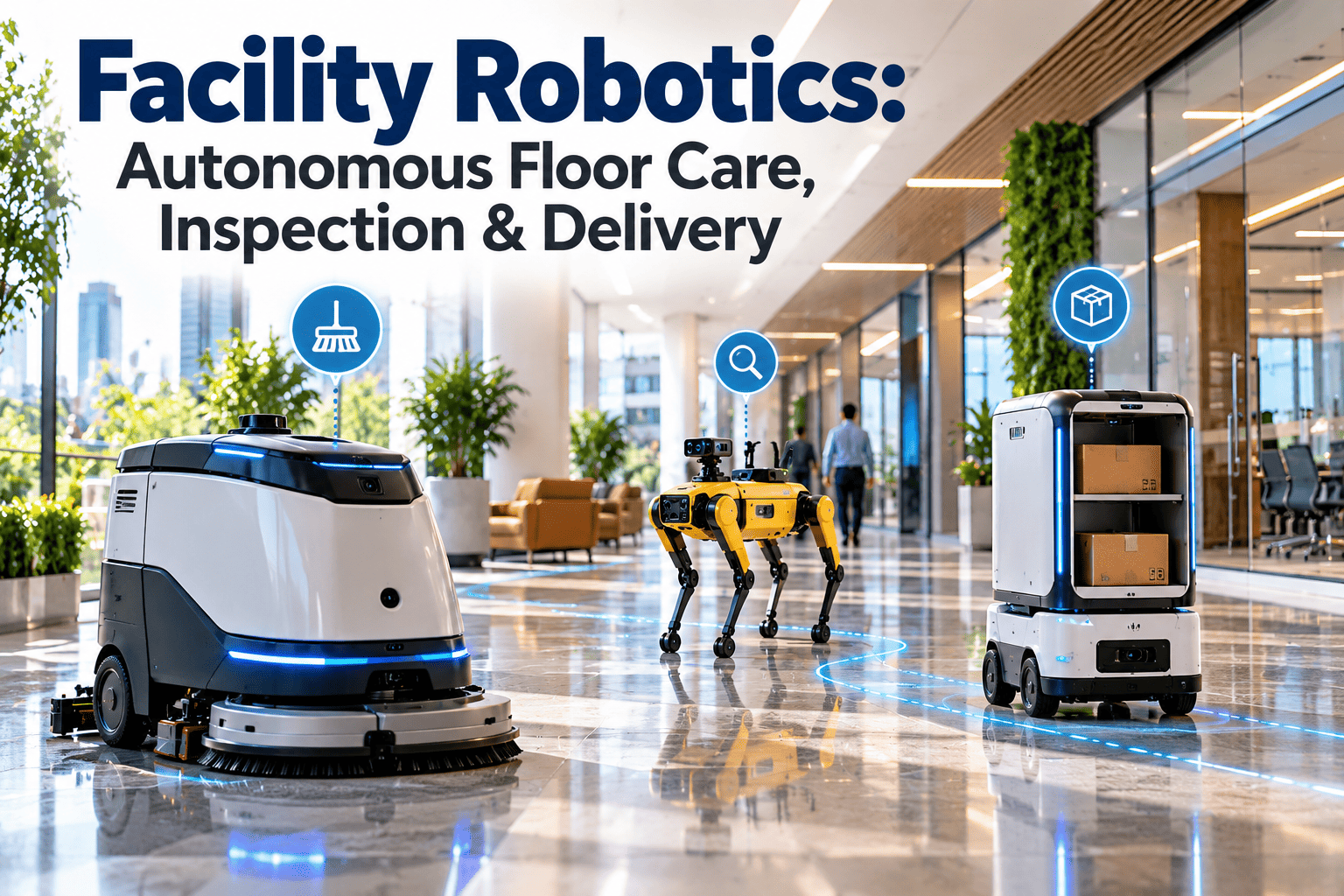
Facility robotics has moved from trade-show demonstrations to everyday operations in airports, hospitals, warehouses, malls, and corporate campuses. Autonomous scrubbers, inspection robots, and delivery units now take on repetitive tasks that are hard to staff and hard to standardize. Each robot is also a maintenance asset with batteries, sensors, wheels, and software that must be kept in working order. This guide explains where robots fit, what they cost to run, and how an asset-centred maintenance platform keeps fleets productive.
Facility Robotics: Autonomous Floor Care, Inspection and Delivery
Robots absorb the repetitive routes so your technicians and cleaners can focus on judgment work. Oxmaint tracks every robot, route finding, and consumable as part of one maintenance program.
Why facility teams are adding robots now
- Hard-to-fill shifts. Overnight cleaning, patrol rounds, and internal courier work are among the first roles to go unfilled.
- Inconsistent results. Manual scrubbing and walk-around inspections vary by person, shift, and workload.
- No proof of completion. Clients and auditors increasingly ask for coverage maps and timestamps instead of signatures.
- Rising scrutiny of safety. Wet floors, night-time walks through plant rooms, and heavy carts all create injury exposure.
What robots do not replace
- Detail cleaning, restrooms, and edge work
- Diagnosis and repair of building systems
- Decisions about priorities and risk
Most successful deployments treat robots as a way to redirect skilled people, not as headcount removal.
Three robot jobs, three different maintenance profiles
| Robot type | Typical tasks | Key components to maintain | Best-fit sites |
|---|---|---|---|
| Autonomous floor scrubber | Scrubbing and drying large open floors on a schedule | Brushes, squeegee blades, solution and recovery tanks, drive wheels, lidar and cameras, battery | Retail, airports, warehouses, large corridors |
| Inspection robot | Patrols for leaks, thermal anomalies, gauge readings, open doors | Sensors, thermal camera, docking station, legs or tracks, battery, software licence | Plant rooms, data centers, industrial and utility sites |
| Delivery robot | Moving linen, supplies, samples, or parcels between points | Drive train, cargo bays and locks, elevator interface, Wi-Fi link, battery | Hospitals, hotels, campuses, multi-floor offices |
Shared failure patterns
- Dirty or scratched sensors that cause stops and detours
- Battery wear that shortens shifts before anyone notices
- Wheel and caster wear on rough or wet surfaces
- Network dead zones that interrupt routes
Autonomy levels: how much supervision a robot really needs
Why the level matters for maintenance
- Higher autonomy means more reliance on sensors and software that must stay clean and current.
- Teach-and-repeat routes need re-teaching after layout changes, which should trigger a work order.
- Fleet systems need ownership: someone must be named for exceptions, not just installation.
Autonomous floor care: manual shift versus robot-assisted shift
Manual shift
- One cleaner spends most of the shift walking a scrubber across open areas
- Coverage depends on the individual and interruptions
- Results are verified by inspection after the fact
- Machine faults are reported verbally, if at all
Robot-assisted shift
- The robot scrubs open areas on a fixed schedule
- The cleaner handles edges, restrooms, spills, and detail work
- Coverage reports show what was cleaned and when
- Faults and consumable wear can be logged as work orders
Where floor robots struggle
- Cluttered, tightly packed, or constantly changing layouts
- Glass walls, mirrors, and highly reflective floors that confuse some sensors
- Heavy soiling that needs pre-treatment or multiple passes
Inspection robots: from patrol to work order
An inspection robot only adds value when what it sees leads to action. The path from finding to fix should be short and traceable.
Good uses for robotic inspection
- Repeat readings on analog gauges in hard-to-reach or hazardous areas
- Thermal scans of electrical rooms and rotating equipment
- Out-of-hours checks of doors, leaks, and housekeeping conditions
Autonomous delivery: readiness checklist
Delivery robots depend more on the building than on the robot. Check these items before choosing a platform.
- Elevators and automatic doors can be integrated or controlled safely.
- Wi-Fi or private network coverage is continuous along every route.
- Corridors stay clear enough for safe passage during peak hours.
- Drop-off points and pickup points have named owners.
- Cargo locking and chain-of-custody rules are defined for sensitive items.
- A fallback exists for outages, such as manual runs by staff.
Technology shifts shaping commercial facility robots
The hardware is maturing, but the biggest changes are in software, connectivity, and how robots share data with building systems.
What this means for maintenance teams
- Service contracts should state response times, loaner units, and who owns routine consumable changes.
- Data from the robot is useful only if someone is responsible for reviewing it.
- Subscription renewals and software updates deserve calendar reminders like any other compliance item.
A realistic 120-day rollout plan
Define the job
- Pick one site and one task with a measurable baseline
- Record current labor hours, complaints, and incidents
- Walk the routes and note stairs, narrow points, and glass
Prepare the site and the system
- Survey Wi-Fi coverage and place the charging station
- Register the robot as an asset and load preventive tasks
- Train operators and name an escalation contact
Run supervised operations
- Log every intervention, stop, and error with a reason
- Review coverage reports weekly with the cleaning or security lead
- Adjust schedules to avoid peak foot traffic
Decide and scale
- Compare KPIs against the baseline
- Review downtime, consumable use, and service response
- Approve, adjust, or stop before ordering more units
Questions to ask before you sign a vendor contract
| Topic | What to ask | Why it matters |
|---|---|---|
| Service | What is the response time and is a loaner provided? | Downtime directly erodes the labor value the robot was bought to deliver. |
| Consumables | Which parts are proprietary and what do they cost? | Brushes, blades, and batteries are recurring costs. |
| Data | Who owns run logs, maps, and camera footage? | Affects privacy, audits, and switching vendors later. |
| Safety | Which standards does the unit meet and what testing is documented? | Supports your own risk assessment and insurer discussions. |
| Changes | What happens when layouts change or the site expands? | Re-mapping effort and cost can surprise teams after go-live. |
| Exit | What are the terms for early termination or hardware return? | Pilots should be reversible if results fall short. |
Common mistakes that stall robotics projects
- Buying before measuring the manual baseline, which makes ROI impossible to prove.
- Assigning no owner for daily checks, so sensors stay dirty and tanks stay full.
- Ignoring the people side: staff need to know what the robot does and what remains their job.
- Leaving robots outside the maintenance system, so faults live in emails and memory.
- Scaling to many sites before one site runs smoothly for a full quarter.
Calculating facility robotics ROI
The numbers below are illustrative arithmetic only, not a customer result. Replace them with your own figures.
| Input | Example value | How to validate |
|---|---|---|
| Hours of manual scrubbing replaced per week | 40 | Timesheets or task logs before deployment |
| Loaded hourly labor cost | 25 | Payroll or contractor invoices |
| Annual running cost (subscription, consumables, service) | Quoted by vendor | Contract plus actual consumable usage |
| Downtime hours per month | Track from day one | Work-order records for robot faults |
Hidden costs that change the answer
- Site mapping, training, and route changes after layout updates
- Battery replacement and charging infrastructure
- Wi-Fi upgrades and elevator interfaces
- Time spent by staff on freeing stuck robots
- Software subscriptions that renew annually
Safety and compliance considerations
Mobile robots share space with people, so risk review is part of the rollout, not an afterthought.
Standards worth checking with vendors
- ANSI/A3 R15.08 for industrial mobile robot safety
- ISO 3691-4 for driverless industrial trucks, where applicable
- Local electrical, battery, and fire code requirements for charging areas
Managing robots as assets in Oxmaint
A robot that is not in your maintenance system is a robot that will fail without warning. Treat each unit like any other critical asset.
Register
Add each robot to asset management with serial number, location, warranty, and manuals.
Plan
Create preventive maintenance for brush, blade, sensor, wheel, and battery checks by hours or calendar.
Execute
Technicians complete mobile checklists and record findings on site.
Respond
Fault reports become corrective work orders with priority and history.
Improve
Dashboards and reporting reveal repeat failures, parts usage, and downtime.
Inventory and inspection tasks that fit well
- Spare brushes, squeegee blades, filters, and batteries tracked with reorder levels
- Inspection robot findings converted into corrective tasks with photos
- Route re-teaching or re-mapping scheduled after renovations
- Vendor service visits recorded against each asset
Plan your robot fleet with maintenance in mind
Set up robots as assets, schedule preventive tasks, and turn inspection findings into work orders.
Who owns what once robots go live
Unclear ownership is the quiet reason many pilots fade. Write responsibilities down before the first shift.
| Role | Daily duties | Escalates when |
|---|---|---|
| Cleaning or security operator | Starts the unit, empties and fills tanks, wipes sensors, checks the route is clear | The robot stops repeatedly or shows an error code |
| Maintenance technician | Performs scheduled preventive tasks, replaces consumables, closes corrective work orders | A part fails twice in a short period or a safety issue appears |
| Facility manager | Reviews KPIs, vendor performance, and incident logs each month | Targets are missed for two consecutive periods |
| IT or network lead | Maintains Wi-Fi, accounts, and software updates | Connectivity drops affect routes or data capture |
| Vendor service contact | Provides remote diagnostics, repairs, and software support | Response times exceed the contract |
A simple habit that helps
- Hold a ten-minute weekly review of stops, rescues, and open work orders.
- Rotate which route gets re-checked so problems surface before complaints do.
- Record every layout change so the robot team hears about it first.
KPIs to prove the robots are working
Pilot first, then scale
- Choose one site and one robot type with a clear success measure
- Run for at least one full operating cycle, including a layout change
- Compare KPIs against the manual baseline before buying more units
Signs a pilot is ready to expand
- Interventions per shift fall steadily as routes are tuned.
- Staff describe the robot as predictable and know who to call when it stops.
- Preventive tasks are completed on time and consumable stock stays above its reorder level.
- The finance owner accepts the measured savings and the cost of ownership.
Facility robotics FAQs
Do robots replace cleaning and maintenance staff?
Not in most deployments. They take repetitive open-area work while people handle detail, repairs, and exceptions.
What maintenance does an autonomous scrubber need?
Regular checks of brushes, blades, sensors, wheels, and batteries. You can schedule these in Oxmaint alongside other assets.
How do we measure robotics ROI?
Compare labor hours redirected and avoided costs against subscription, consumables, and downtime. Track from a pre-deployment baseline.
Can inspection findings become work orders?
Yes, teams can log each confirmed finding as a corrective task with photos and priority. A short demo shows the flow.
Which sites suit delivery robots?
Multi-floor sites with clear corridors, reliable Wi-Fi, and elevator integration, such as hospitals, hotels, and campuses.
Keep every robot, route, and finding under control
Bring robots into the same maintenance system as the rest of your facility and see downtime, cost, and compliance in one place.