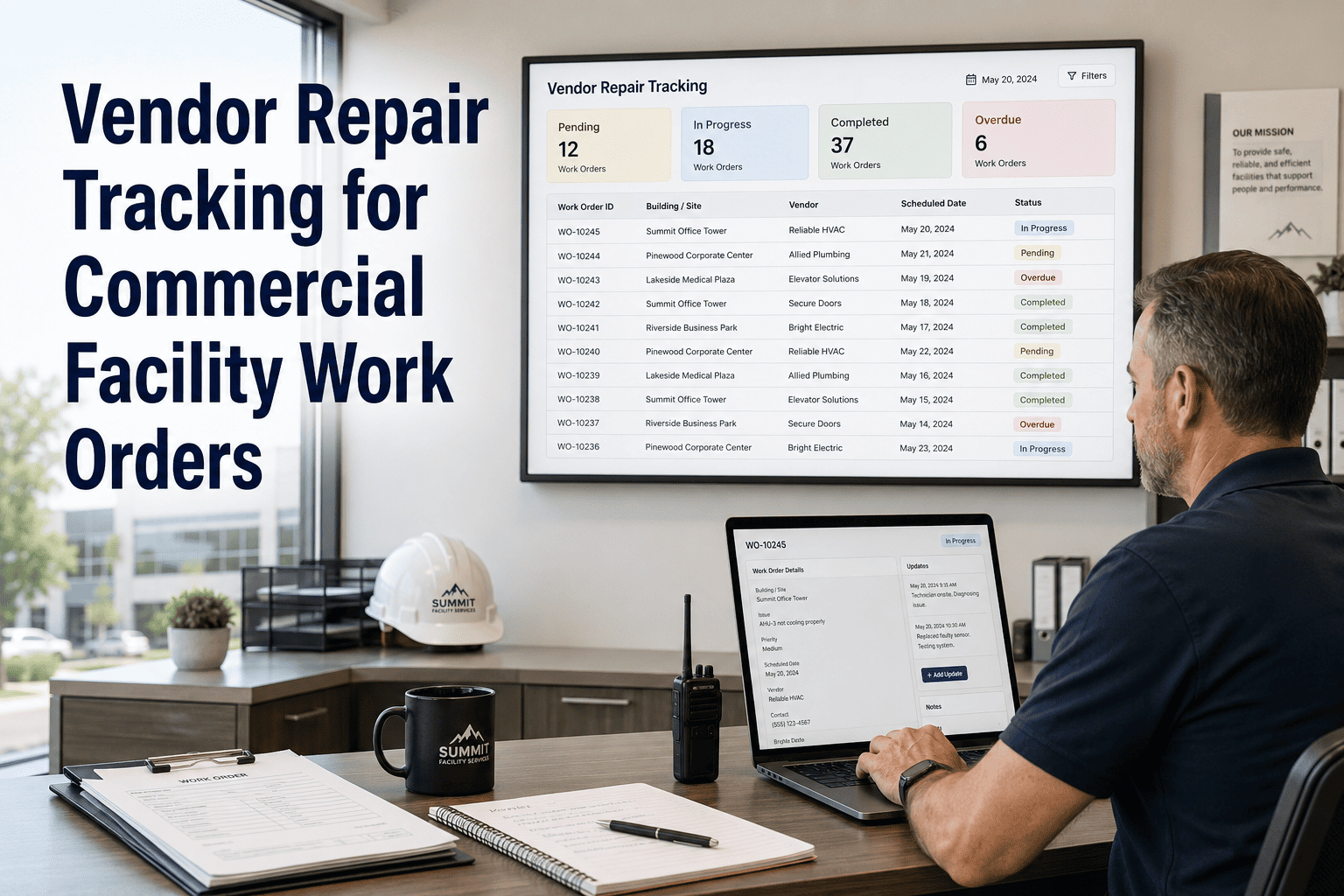
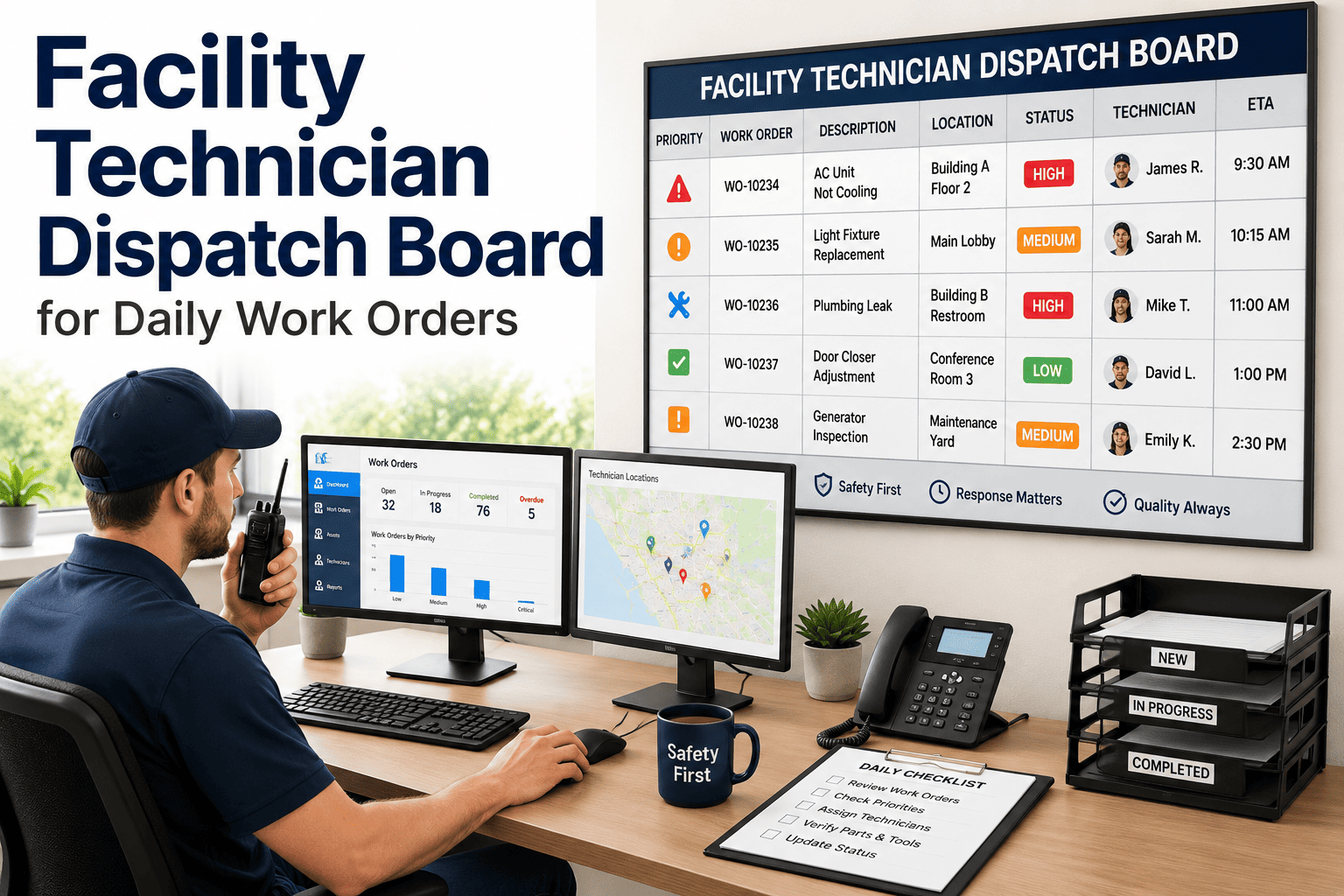
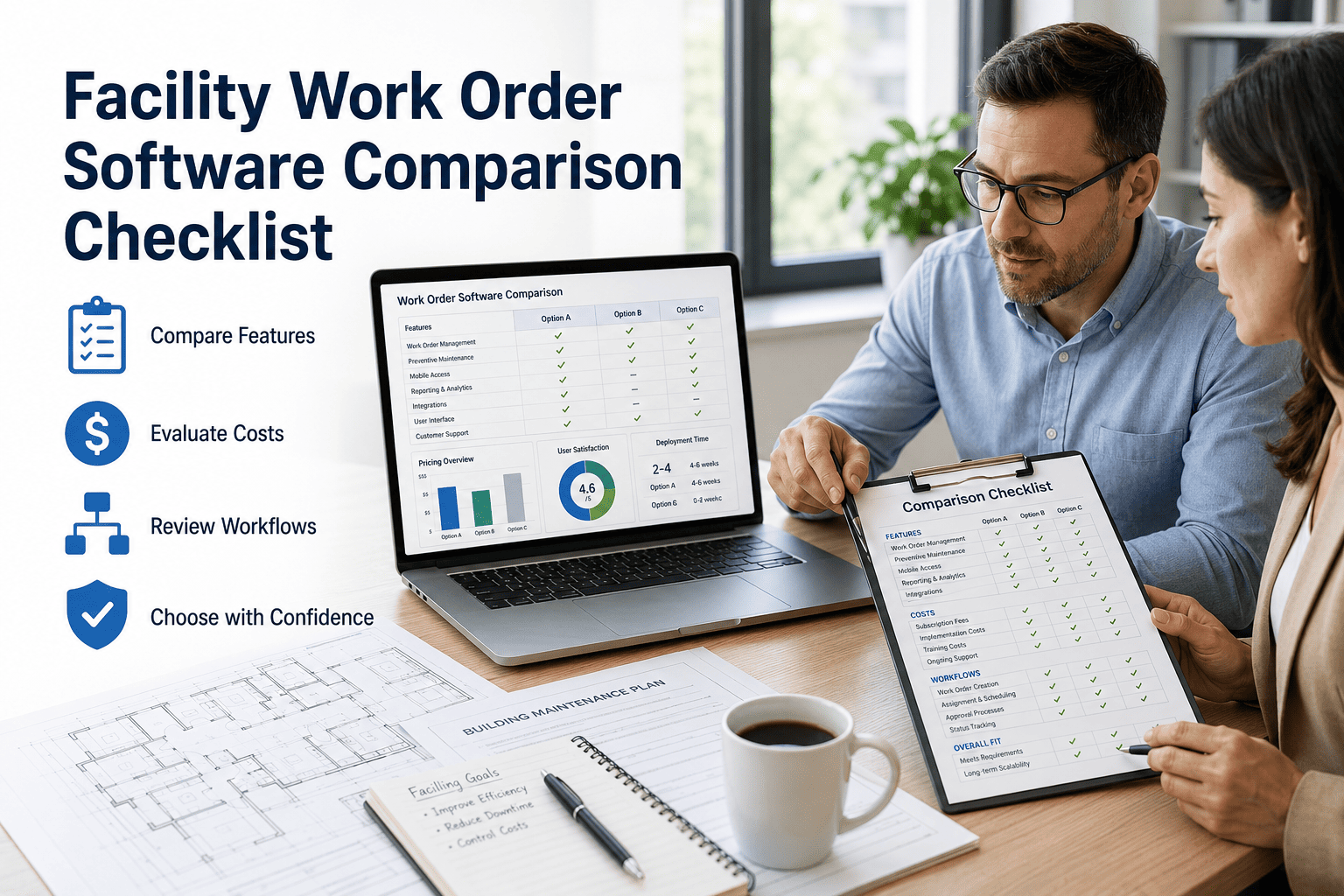
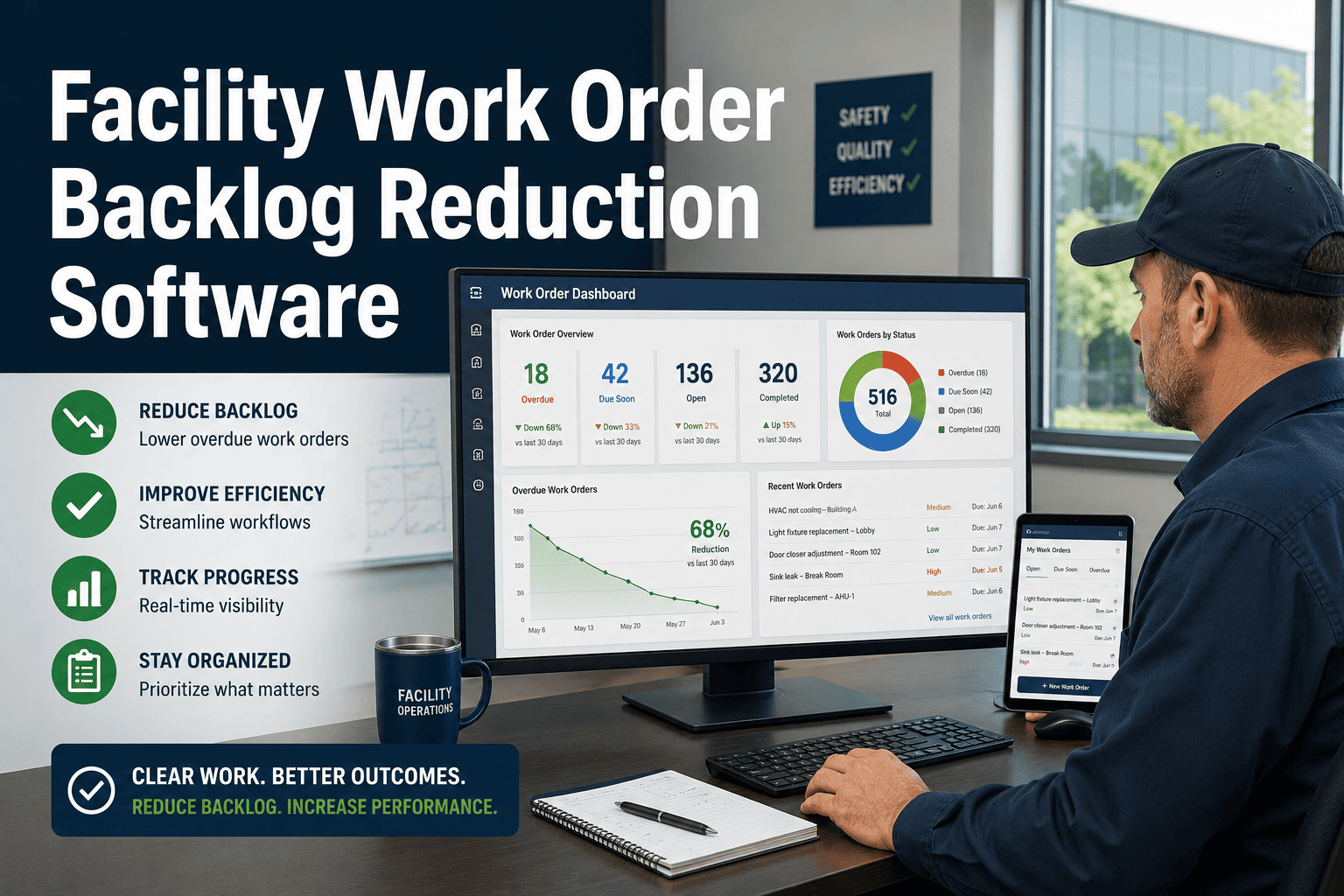
Open maintenance queues that grow faster than they're resolved are the silent killer of facility operations. A single building with 15 technicians and no queue management system can accumulate hundreds of unassigned, aging, or stalled work orders within weeks — creating invisible risk for asset failure, tenant complaints, and compliance gaps. OxMaint's queue management module gives facility directors full visibility into every open order across every building: who owns it, how long it has been open, what is aging past acceptable thresholds, and where escalation should trigger. Get your open queue under control in OxMaint free or book a live walkthrough of the queue dashboard.
Queue Management
Your Maintenance Queue Is a Risk Register. Treat It Like One.
OxMaint turns your open work order backlog into a managed, aging-tracked, escalation-ready queue — across every building, every team, every shift.
Live Queue Snapshot
P1
Chiller Unit — HVAC Zone B
4h 22m
P2
Fire Exit Door — Floor 6
1d 3h
P2
Elevator Sensor — Tower A
1d 8h
P3
Lobby Light Fixture
2d 1h
P3
Restroom Fan — Level 2
3d 0h
47%
of facility work orders are never formally closed
+62%
increase in asset failures linked to aging open work orders
2.1x
more tenant complaints in buildings without queue visibility
Core Capabilities
What OxMaint Queue Management Does
Aging Alerts
Set aging thresholds by priority level. When a P1 order exceeds 4 hours without closure, an alert fires automatically to the supervisor — no manual monitoring required.
Automated Assignment
Incoming requests are routed to the nearest available qualified technician based on open job count, skill match, and building location — no dispatcher required.
Escalation Rules
Define multi-tier escalation: from technician to supervisor to director. Each tier triggers at a configurable time threshold and includes a full order context in the alert.
Technician Mobile Updates
Technicians close, update, and add notes from their phone — keeping queue status accurate in real time without back-office data entry or status chasing.
Aging Report Breakdown
Understanding Your Queue Age Distribution
Most facilities don't know the age distribution of their open queue until something breaks. Here's what a typical unmanaged queue looks like — and the target with OxMaint.
| Order Age |
% of Open Queue (Unmanaged) |
% of Open Queue (OxMaint) |
Risk Level |
| Under 4 hours |
18% |
71% |
Low |
| 4–24 hours |
24% |
22% |
Medium |
| 1–3 days |
22% |
6% |
Elevated |
| 3–7 days |
19% |
1% |
High |
| Over 7 days |
17% |
0% |
Critical |
Benchmark data from OxMaint facility deployments. Unmanaged baseline from facility CMMS migration assessments.
Expert Review
Reviewed by Facility Operations Professionals
"We had 340 open work orders when we audited our queue for the first time. 90 of them were over 30 days old. With OxMaint's aging rules active, we haven't had a single order go past 5 days in six months — and the team actually closes work now because they can see who is watching."
VP of Property Operations, Commercial REIT Portfolio
Verified Review — 5 / 5
Stop Managing Backlogs. Start Managing Outcomes.
See the full queue dashboard, aging report, and escalation matrix in a 30-minute live demo tailored to your facility type.
FAQ
Questions on Maintenance Queue Management
What is the difference between a queue view and a standard work order list?
A standard work order list shows open orders by submission date. OxMaint's queue view ranks orders dynamically by a combination of age, priority score, SLA risk, and technician assignment status — updated in real time. This means the order at the top of your queue is always the one that needs immediate action, not just the most recently submitted.
See the queue view in your free account. The queue view also filters by building, technician, and asset type for targeted management.
How does OxMaint handle unassigned orders in the queue?
Unassigned orders are flagged separately in the queue with a configurable aging alert. If an order remains unassigned past a set threshold — typically 30 minutes for P1 orders — the system sends an alert to the supervisor and, if configured, auto-assigns to the next available qualified technician.
Book a demo to see the unassigned order handling workflow. This prevents critical requests from going unnoticed in a shared inbox or paper log during busy shift transitions.
Can managers see technician workload and queue assignments in real time?
Yes. OxMaint's manager dashboard shows each technician's current open order count, location (if mobile GPS is enabled), active job status, and estimated completion time for the current task. Managers can reassign queue items from the dashboard without calling or messaging the technician. Workload balancing suggestions are generated automatically based on current queue depth and available capacity.
Access the live technician dashboard from your free account.
Does OxMaint integrate with existing work order submission systems or portals?
OxMaint accepts incoming requests from QR code portals, email-to-ticket parsing, web forms, and API connections to existing ticketing platforms. Requests from all channels enter the same prioritized queue — eliminating the channel fragmentation that creates parallel backlogs. Integration setup typically takes under 2 hours for common channel types including email and web form.
Discuss your integration setup with the OxMaint team.
Every Hour an Order Sits Unmanaged Is an Hour Closer to a Failure
OxMaint gives your team a live, aging-aware queue that scales from a single building to a 50-property portfolio. Book a demo and bring your current backlog — we'll show you how the system would have managed it.