A fixed calendar treats every rooftop unit, air handler and chiller the same, even though no two run the same hours or breathe the same air. One unit sits idle through a mild spring while another runs around the clock behind a dusty loading dock. Both get a quarterly visit anyway. Interval-based maintenance built on runtime, filter pressure drop and coil temperature fixes that mismatch, and you can track each trigger as automated work orders in Oxmaint instead of a shared spreadsheet.
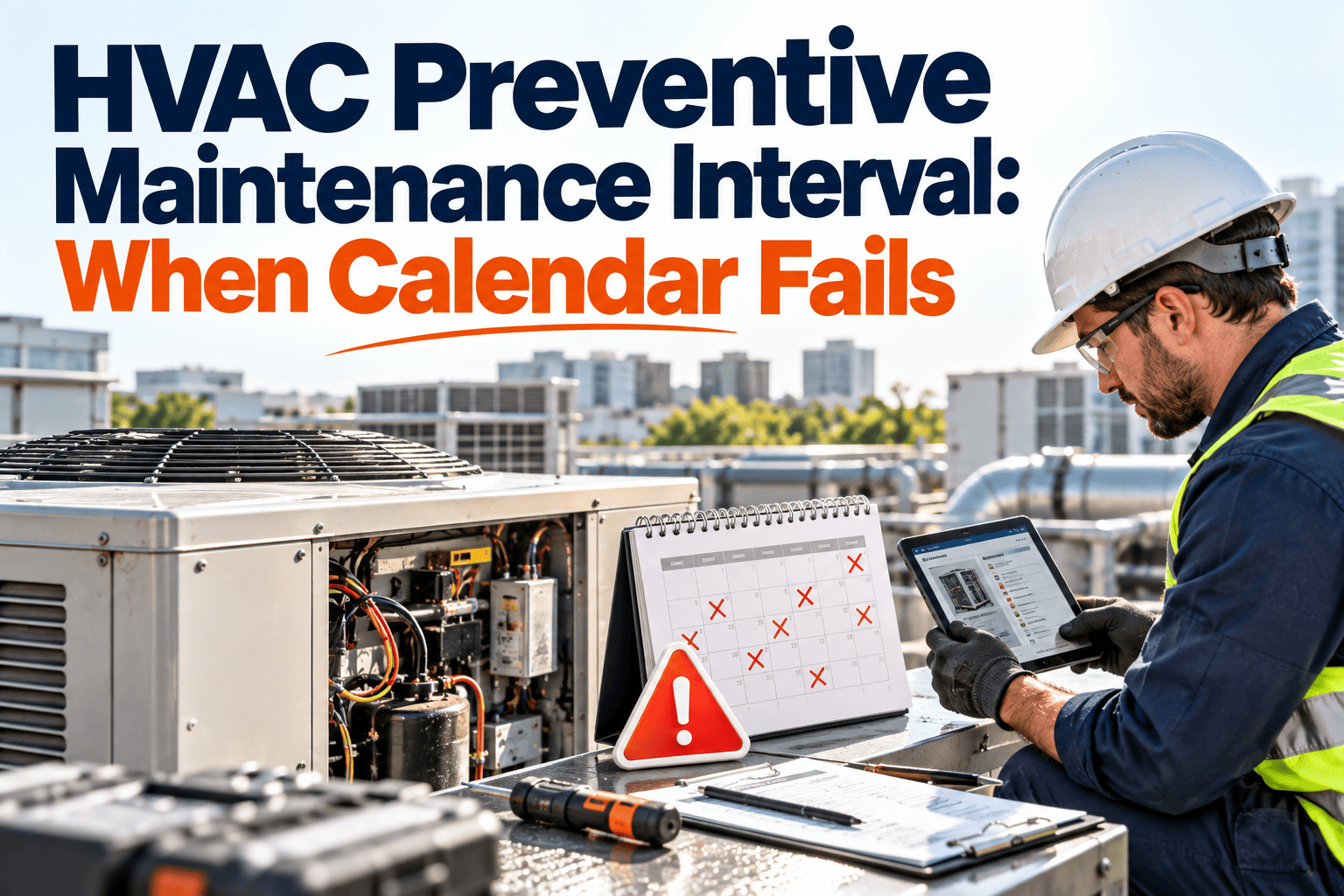
HVAC Preventive Maintenance Interval: When the Calendar Fails
Commercial HVAC fails on usage and condition, not on dates. Learn which signals should trigger PM, and which tasks still belong on a fixed schedule.
Same year, same unit. Calendar visits land on fixed dates; condition visits land when the equipment needs them.
Where calendar-based HVAC PM breaks down
Calendar schedules are easy to plan and easy to audit. They are also blind to how hard the equipment actually worked.
Over-maintenance
- Lightly loaded units get filter changes they do not need
- Technician hours go to inspections that find nothing
- Filters, belts and lubricants are replaced with life left in them
Under-maintenance
- Heavily loaded units clog filters and foul coils between visits
- Fault signals appear days after the last inspection
- Comfort complaints and energy waste arrive before the technician does
The usage gap in real buildings
Occupancy, weather, process loads and outside air quality change run hours dramatically between units in the same building. A fixed interval is only correct for the average unit, and few units are average.
Four signals that should trigger PM
Condition-based intervals do not need exotic technology. Most commercial HVAC already exposes these signals through building automation or low-cost sensors.
Run hours
Compressors, fans and pumps wear by operating hours. Trigger lubrication, belt and bearing checks on hours run, not weeks passed.
Filter differential pressure
Rising pressure drop across a filter bank shows loading. Change filters when the reading crosses a set limit, not on a guess.
Coil temperature split
A shrinking temperature difference across a coil points to fouling, low airflow or refrigerant trouble.
Motor current
Rising amps at steady load can signal bearing drag, belt problems or restricted airflow before a failure.
Mapping triggers to tasks
Each signal should launch a specific, pre-defined task. That keeps the trigger useful rather than just another alarm.
| Trigger | Typical threshold basis | Resulting PM task |
|---|---|---|
| Fan or compressor run hours | Manufacturer service interval in hours | Lubrication, belt tension, bearing and vibration check |
| Filter pressure drop | Manufacturer final resistance, adjusted for the site | Replace filters, inspect seals and bypass |
| Coil temperature split | Deviation from commissioning baseline | Clean coil, check airflow and refrigerant condition |
| Motor amps | Percent rise from healthy baseline | Inspect drive, bearings and damper position |
| Season change | Calendar date | Cooling or heating readiness inspection |
| Condensate alarm | Float switch or drain status | Clear drain line, check pan and pump |
Thresholds should start from manufacturer documentation and your own commissioning baseline, then be tuned as work-order history builds up.
Let runtime and filter readings schedule the work
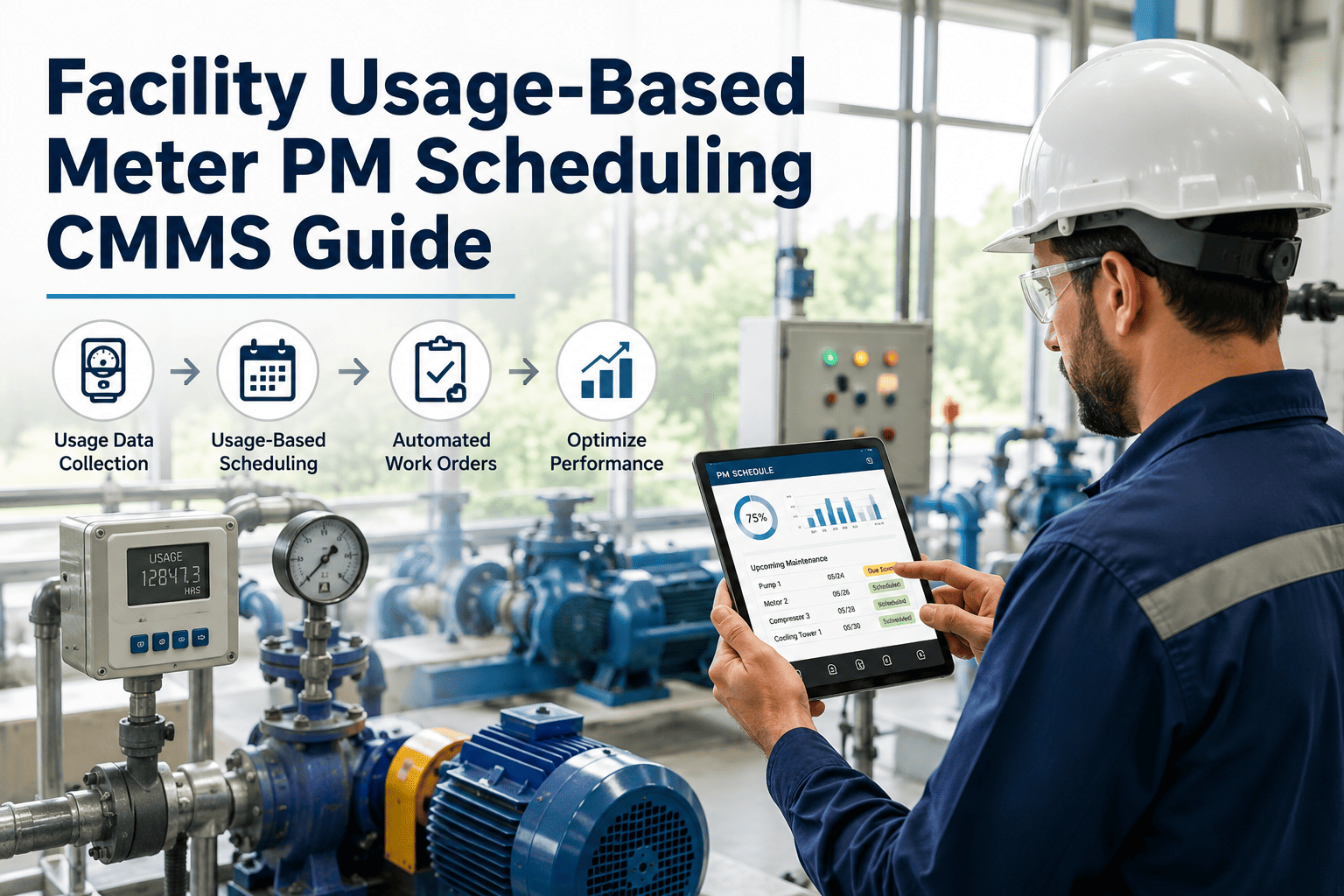
Oxmaint supports meter-based and condition-driven preventive maintenance so HVAC work orders generate when equipment reaches a limit.
What should stay on the calendar
Condition-based does not mean calendar-free. Some tasks are driven by regulation, safety or seasons, and they belong on fixed dates.
A hybrid model works best
Use the calendar as a safety net and usage or condition triggers as the primary driver. If a trigger has not fired by a maximum interval, the calendar still forces an inspection.
Indoor air quality and ventilation: the standards angle
ASHRAE Standard 62.1 sets minimum ventilation and indoor air quality requirements for commercial buildings, and maintenance directly affects whether a system can meet them.
Industry maintenance guidance
SMACNA publishes guidance on HVAC system inspection, cleaning and maintenance practices, and ASHRAE Standard 180 addresses inspection and maintenance of commercial HVAC systems. Use them as reference points when defining task content and minimum frequencies.
Before and after: filter changes as an example
Calendar approach
- Every unit gets filters every quarter
- A dusty dock unit clogs at week six and runs restricted for weeks
- A quiet office unit is changed with plenty of life left
- Waste and risk exist at the same time
Pressure-drop approach
- Each filter bank is changed when its own limit is reached
- The dock unit is serviced early, before airflow suffers
- The office unit runs longer, saving material and labor
- The work order records the reading that triggered it
How to move from calendar to condition in stages
You do not need to instrument every unit on day one. A staged approach keeps risk and cost under control.
Clean the asset register
List every HVAC asset with model, location, area served and criticality.
Use data you already have
Pull run hours and alarms from the building automation system.
Add targeted sensors
Fit pressure and temperature sensors on critical or high-load units.
Tune and expand
Review work orders, adjust limits and extend to more units.
Why two identical units need different intervals
Run hours are only the start. Several site conditions change how fast an HVAC unit degrades, and a calendar cannot see any of them.
What this means for planning
Group assets by operating profile, not only by equipment type. Two rooftop units of the same model can belong in different maintenance groups.
From trigger to closed work order
A trigger only helps if the response is fast, consistent and recorded. Define the whole path before going live.
Chillers, boilers and cooling towers: special cases
Large plant behaves differently from packaged units. Interval logic should reflect how these assets fail and what regulations apply.
Chillers
- Track approach temperatures and load, since fouling raises energy use before it causes a trip
- Base oil, tube cleaning and vibration checks on run hours and trend data
- Log alarms and refrigerant checks for compliance records
Cooling towers and boilers
- Keep water treatment and inspection tasks on a fixed schedule
- Trigger fill inspection, strainer and drift eliminator checks on condition
- Keep combustion and safety control tests on dated compliance tasks
In every case, document the reason for the interval. Auditors and insurers accept flexible intervals when the logic and results are written down.
Fault detection and PM: two sides of one program
Fault detection finds problems that have already started. Interval PM prevents the ones that have not. Used together, they cover more ground than either alone.
Feed findings back into intervals
If the same fault keeps returning, shorten the interval or change the task. If inspections keep finding nothing, lengthen it. The work-order history is the evidence.
Checklist before changing any HVAC interval
- Confirm manufacturer requirements and warranty conditions
- Identify regulatory or insurer-mandated tasks that must stay fixed
- Record a baseline for airflow, temperatures and current
- Define the owner and response time for every trigger
- Set a maximum calendar interval as a fallback
- Agree how results will be reviewed and by whom
- Communicate the change to technicians and building occupants
Building the business case
Estimate value from your own records rather than borrowed benchmarks. Count emergency HVAC calls, filter spend, wasted inspection hours and energy anomalies over the last year, then compare after the change.
Sample task content by asset type
Interval logic decides when to act. Task content decides what happens on site. Keep both specific to the asset.
| Asset | Condition-driven tasks | Calendar-driven tasks |
|---|---|---|
| Air handling unit | Filter change on pressure drop, belt and bearing check on run hours, coil cleaning on temperature split | Damper operation test, drain pan inspection, seasonal readiness check |
| Rooftop unit | Filter and coil service based on load and location, compressor checks on run hours | Economizer test, heat exchanger inspection, safety control check |
| Chiller | Tube cleaning on approach trend, oil analysis on run hours | Refrigerant leak check, safety device test, controls verification |
| Fan coil unit | Filter change on hours or complaint trend | Condensate line clearing before cooling season |
| Pump and motor | Bearing lubrication on hours, alignment check on vibration rise | Seal inspection, coupling check |
Measures that show the intervals are working
Pick a few indicators and review them monthly. Trends matter more than any single value.
Time from threshold breach to technician arrival. It shows whether alerts turn into action.
Share of HVAC work that is reactive versus planned. A falling ratio suggests intervals are catching problems early.
Visits that found nothing. A high share suggests intervals are too short or triggers too sensitive.
The same fault returning on the same asset points to a task or root-cause gap.
Keep the data honest
Measures are only useful if work orders are closed with real findings. Encourage technicians to record readings, parts and causes rather than just marking a job complete.
Measuring whether the new intervals work
Track a small set of measures before and after the change, so results are visible to management and technicians.
- PM completion on time, measured against the trigger rather than the calendar
- Emergency and corrective work orders on HVAC assets
- Filter and consumable spend per unit
- Comfort and hot-cold complaints per building zone
- Technician hours spent on inspections that found no defect
- Energy use on units with restored airflow and clean coils
Common pitfalls
- Setting thresholds without a commissioning baseline
- Letting condition alerts pile up without an owner
- Removing calendar tasks that regulations still require
- Trusting sensors that were never calibrated or checked
- Skipping feedback from technicians who see the equipment daily
Where Oxmaint supports the workflow
Oxmaint helps facility teams keep interval logic, asset history and technician work in one place.
- Asset records for every air handler, rooftop unit, chiller and pump
- Time-based and meter-based preventive maintenance schedules
- Mobile work orders with checklists, photos and notes
- Inventory for filters, belts and other HVAC spares
- Reports on PM compliance, repeat failures and corrective work
Why a single system matters
- Technicians see the reading that triggered the task, so they arrive with context instead of guesses
- Managers can compare planned and reactive HVAC work across buildings without rebuilding spreadsheets
- Compliance tasks and condition-driven tasks live side by side, with a single history for each asset
- Replacement planning draws on real repair records rather than memory or opinion
- Parts usage stays linked to the work that consumed it, which makes filter and belt stocking more accurate
Frequently asked questions
Is calendar PM ever the right choice?
Yes, for regulated, safety and seasonal tasks. Use it as a maximum-interval safety net.
What is the easiest trigger to start with?
Run hours and filter differential pressure, since many systems already provide both.
Do I need new sensors on every unit?
No. Start with critical units, then expand. Set up your assets first.
How do I set thresholds?
Start with manufacturer limits and a healthy baseline, then tune using work-order results.
Can PM triggers create work orders automatically?
Yes. Book a demo to see meter-based scheduling.
Stop servicing dates. Start servicing conditions.
Give your HVAC team intervals that follow real usage, with records that stand up to audits and owner questions.