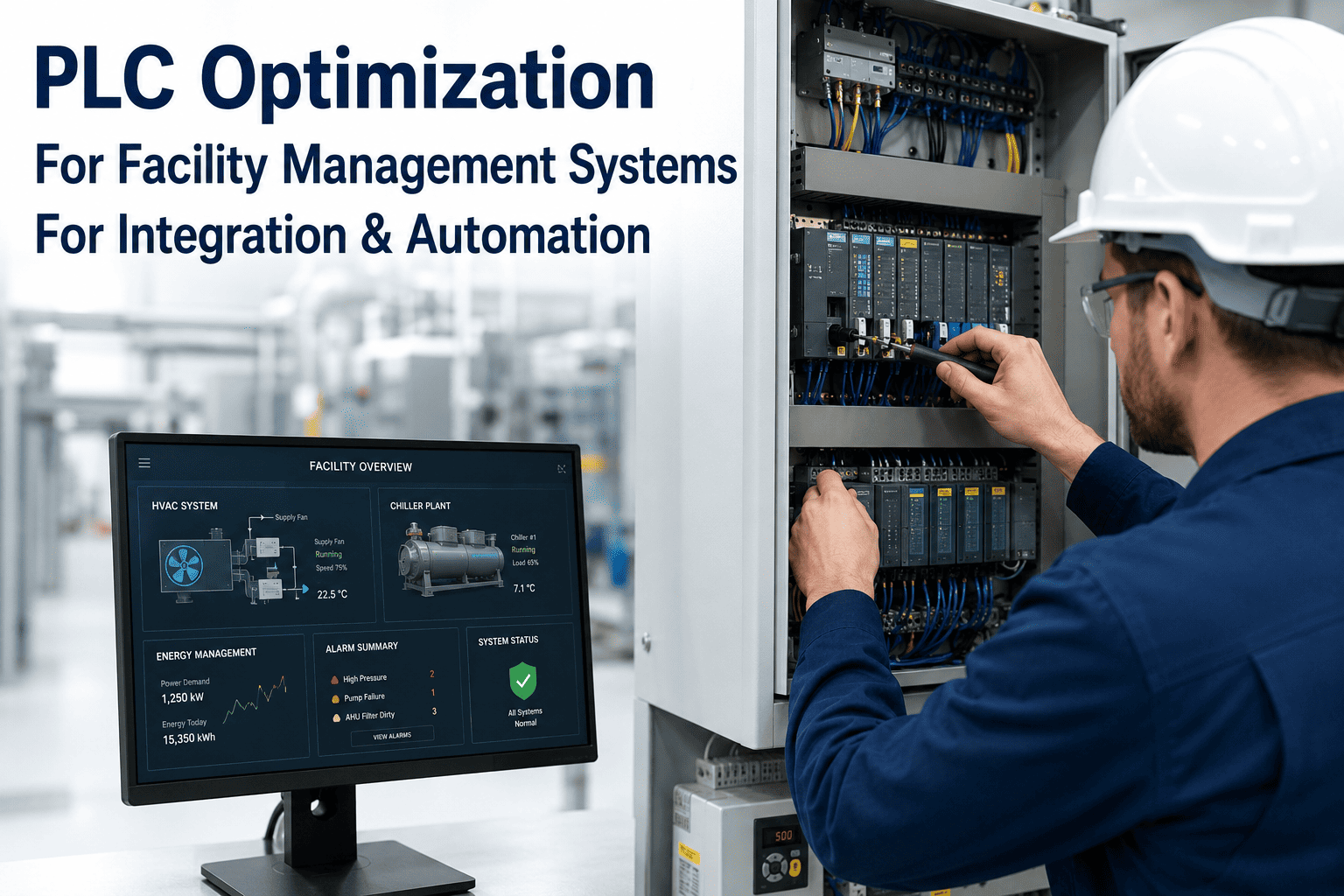
Most PLC programs were written to keep a process running, not to tell anyone when something is about to go wrong — alarms fire at hard limits that were set during commissioning years ago and rarely revisited, so by the time a fault trips the controller, the failure is already in progress. PLC optimization is the unglamorous work of tightening those thresholds, cutting nuisance alarms, and routing what's left into a system that can actually act on it. Done well, it doesn't touch the control logic that keeps equipment running safely — it changes what happens to the data the PLC was already generating the whole time. See how PLC alarms become tracked work orders. None of this requires a controller replacement; most legacy PLCs can be read non-invasively once the right gateway sits between them and a CMMS.
Your PLC Already Knows Something Is Wrong. It Just Has Nowhere To Tell.
OxMaint reads existing PLC tags and alarms and turns the ones that matter into prioritized work orders, without touching the control logic that keeps your process safe.
Most Legacy PLC Setups Share The Same Five Problems
What Untouched PLC Logic Is Actually Costing Facility Teams
How A Typical Alarm Gets Treated, Before And After
| Alarm Type | Common Legacy Behavior | Optimized Behavior | Routed To |
|---|---|---|---|
| High-high temperature trip | Logged in HMI history only | Auto work order at the trip event | Maintenance, immediate |
| Repeated low-priority alarm | Floods the alarm log, eventually ignored | Suppressed once pattern confirmed, flagged for tuning | Controls engineer review |
| Communication fault / dropped tag | Often unnoticed until a data gap is found | Flagged the moment it occurs | IT / OT support |
| Drift toward setpoint | No early warning, only the hard trip | Early-warning threshold added below the trip point | Maintenance, scheduled |
Optimizing doesn't mean replacing the controller. Most facilities don't need to swap out a PLC from the 1980s to get usable maintenance data out of it — an edge gateway can read existing tags non-invasively and normalize the output for a CMMS, leaving the control logic that keeps the process safe completely untouched.
Any change to alarm thresholds tied to safety functions should go through a formal management-of-change process, not get adjusted informally because an alarm felt noisy. Optimization work delivers the most value when it stays focused on non-safety nuisance alarms and the routing of data that already exists, rather than rewriting control logic. Validate against at least a few months of real trip history before suppressing anything — an alarm that looks like noise in week one sometimes turns out to matter in month three.
Find Out What Your Existing PLC Data Could Already Be Telling You
A short technical review usually shows which alarms are worth automating first.
PLC Optimization For Facility Management — Common Questions
Does PLC optimization mean rewriting our control logic?
Can this work with PLCs that are decades old?
How do we avoid suppressing an alarm that actually mattered?
Does this require new hardware on the plant floor?
How long does a first optimization pass typically take?
Stop Letting Alarm Data Disappear Into The HMI History.
Book a 30-minute walkthrough and we'll map your existing PLC tags to a live work order workflow.