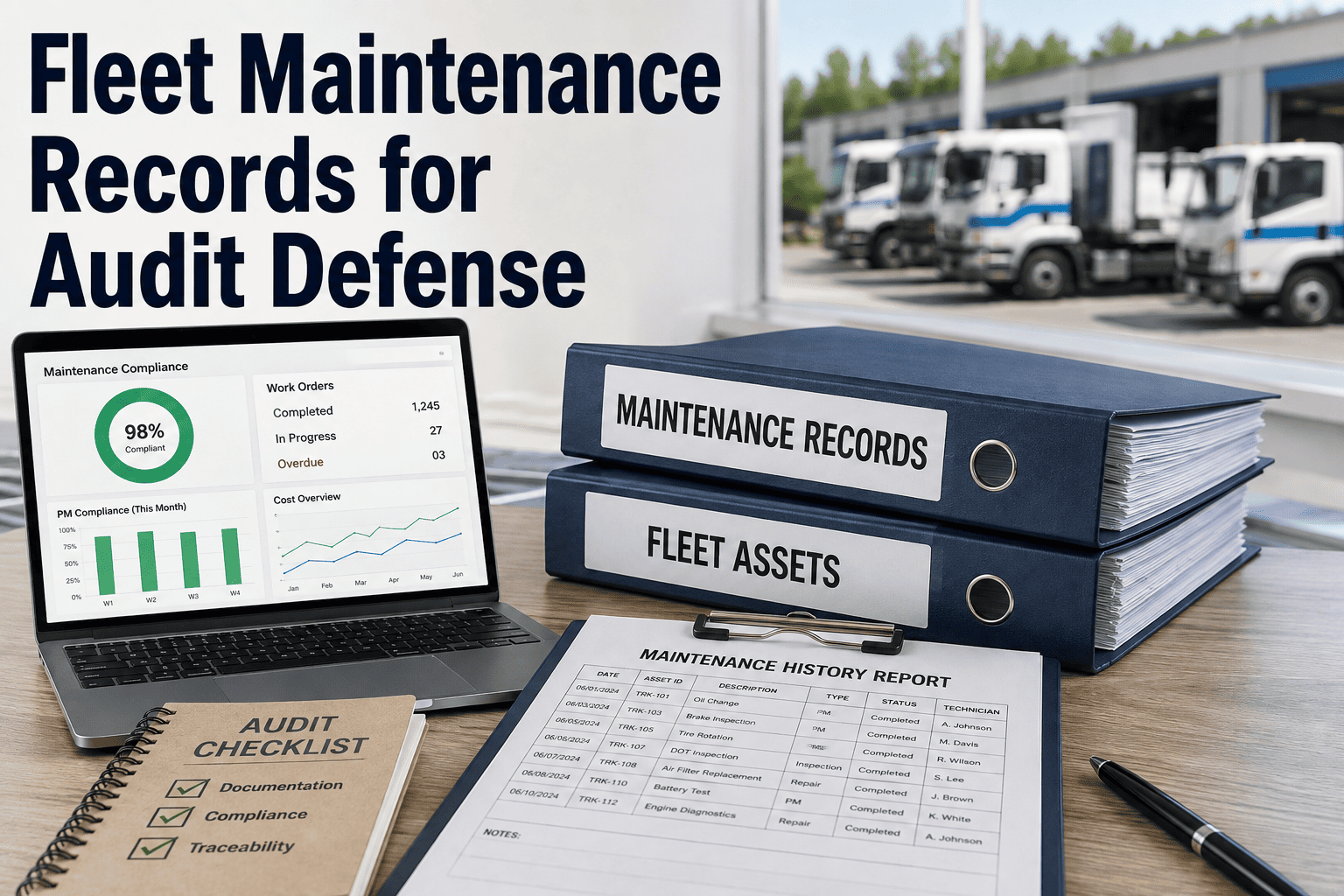
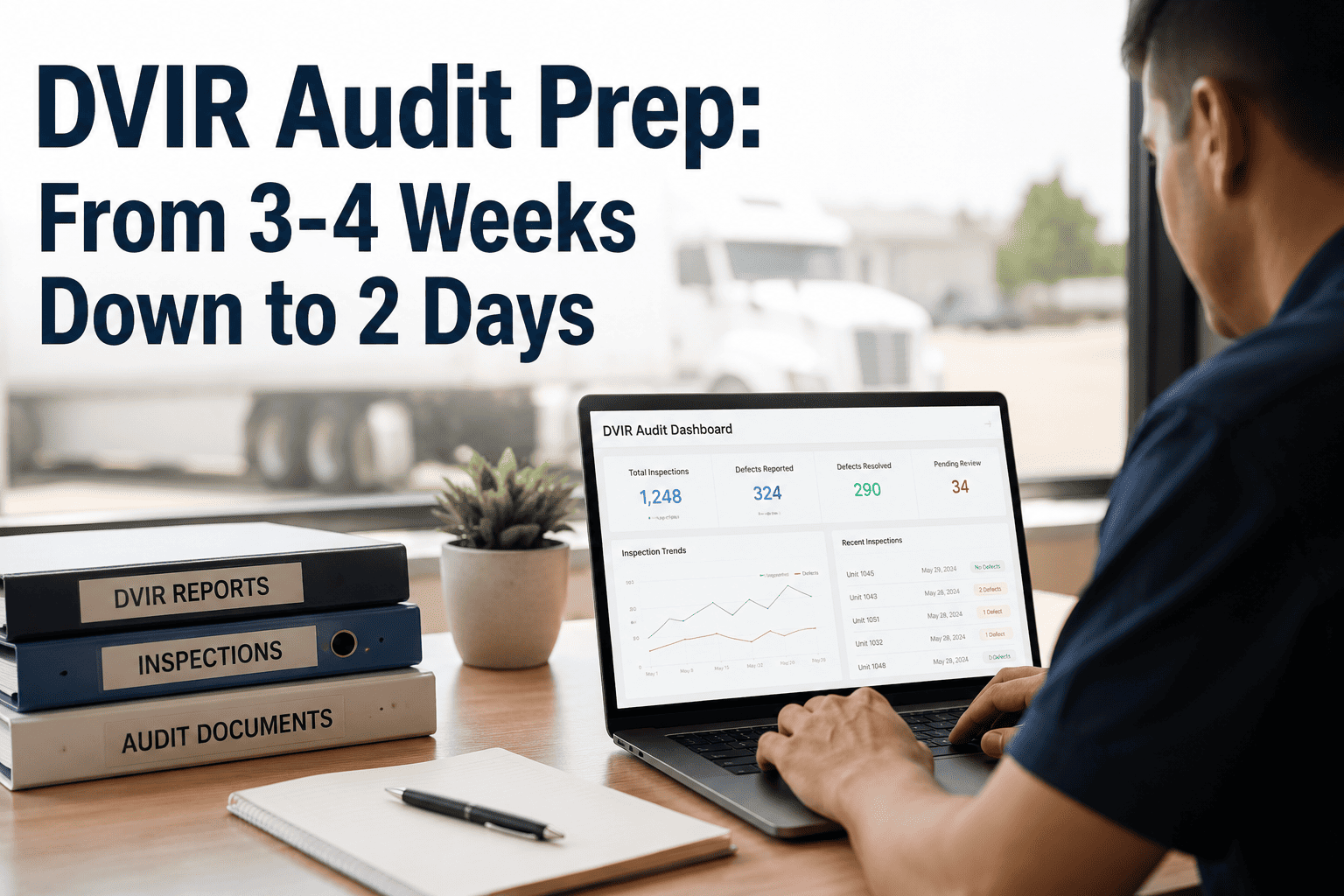
A fleet maintenance system going dark for even a single afternoon can erase years of service records, warranty proof, and inspection history in ways a spreadsheet backup never fully captures. Outages, botched migrations, vendor shutdowns, and plain database corruption all leave the same aftermath: technicians who can no longer answer basic questions about when a unit was last serviced or which parts went into a repair. The damage rarely announces itself right away — it surfaces months later, when a warranty claim gets denied or a DOT auditor asks for proof of a repair nobody can locate anymore. Reconstructing that history is possible, but only with a structured process that treats every surviving fragment of data as evidence rather than clutter. Oxmaint's reconstruction workflow at app.oxmaint.ai pulls those fragments back into one verified maintenance timeline.
Fleet Maintenance
Data Recovery
CMMS Reconstruction
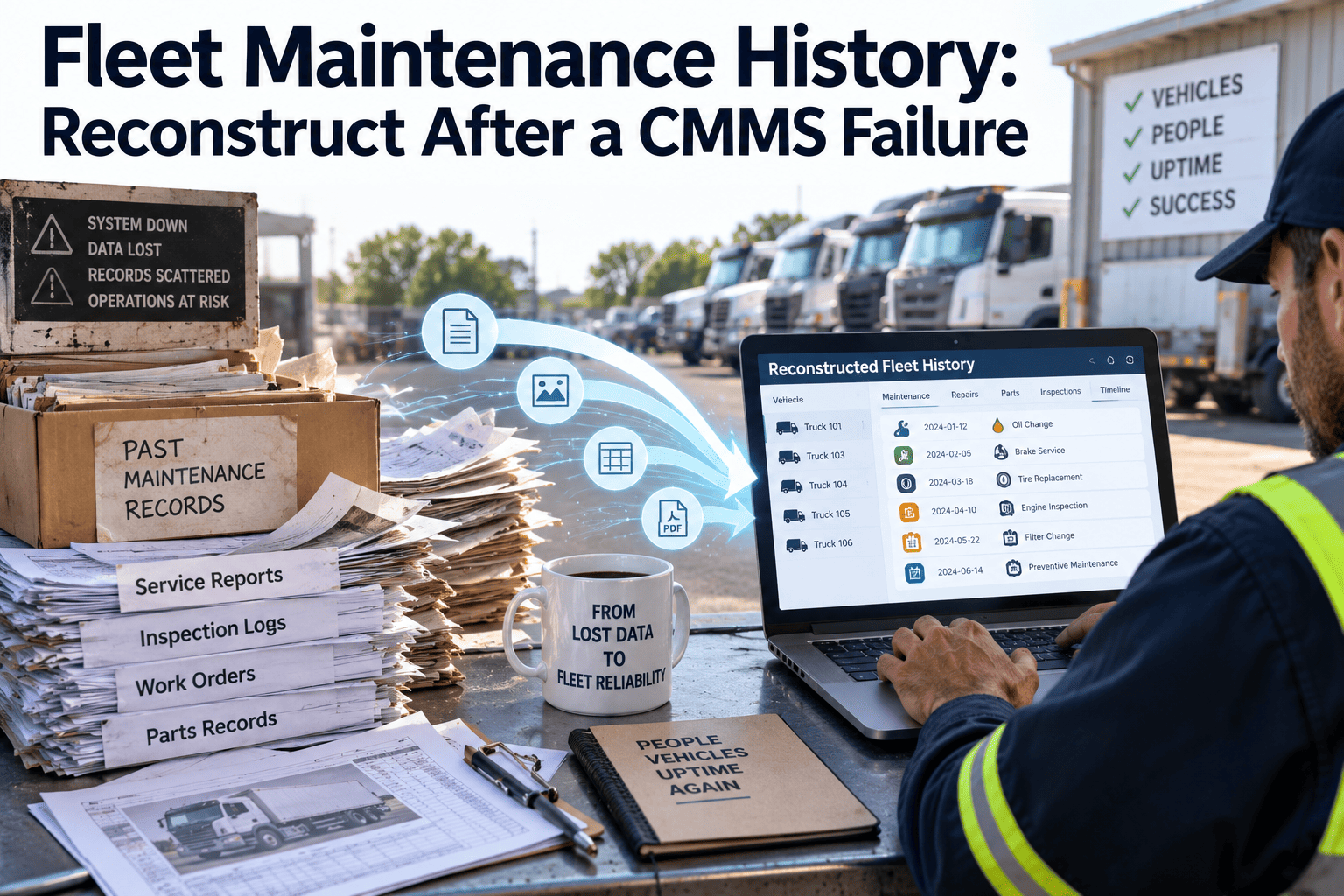
Fleet Maintenance History: Reconstruct After a CMMS Failure
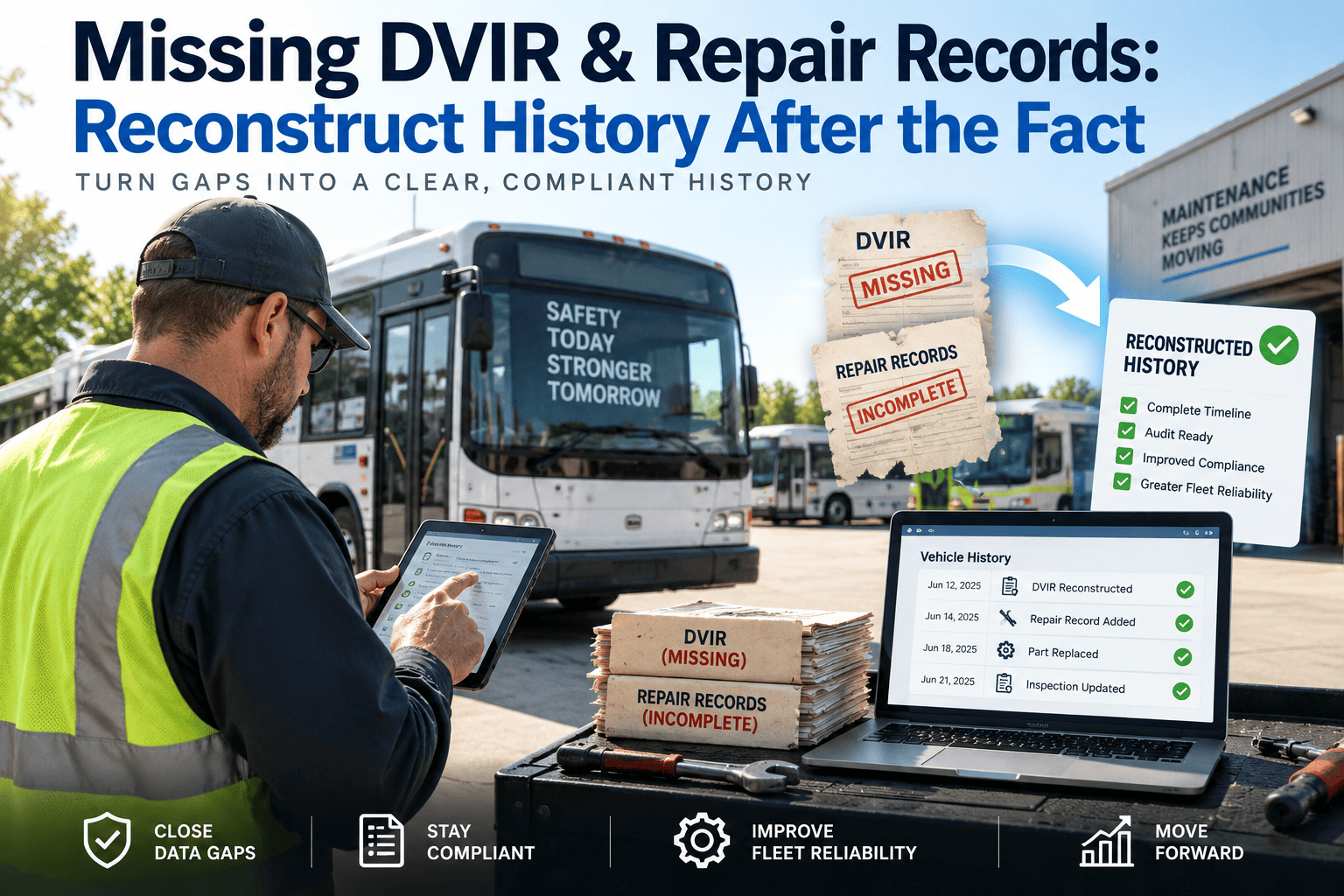
A structured recovery workflow that rebuilds verified service records, preventive maintenance history, and compliance documentation from whatever data survived the outage, corruption, or failed migration — turning scattered fragments back into one timeline a technician, auditor, or insurer can trust.
Start rebuilding your fleet's verified maintenance record today.
2–4 Weeks
Typical time needed to fully reconstruct a mid-size fleet's maintenance history from surviving data fragments
4 Years
Warranty claim history one trucking fleet lost during a rushed database export, discovered only when a transmission failure needed proof of prior repair
6 Sources
Independent data sources a thorough reconstruction workflow cross-checks before a record is treated as verified rather than assumed
Root Causes
The Five Ways Fleet Maintenance History Actually Disappears
Data loss rarely looks like a single dramatic event with a clear before-and-after moment. It usually starts as a quiet gap in the record that nobody notices until a specific document is needed and cannot be found anywhere. Understanding which failure mode created the gap is the first step, because it determines which recovery sources are still usable and which have already been overwritten. A plan built for a clean outage will miss the silent overwrites that come with a rushed migration, so matching the reconstruction approach to the actual failure mode is what keeps the project efficient instead of an open-ended search through every system the fleet has ever touched.
Server or Cloud Outage
An extended outage during a write operation can leave a database in a partially committed state. Records created in the hours around the outage are the most likely to be incomplete, duplicated, or missing entirely once service resumes.
High Recoverability
Corrupted Database
Corruption can strike a single table or an entire instance, and the symptoms often show up gradually as reports return blank fields or mismatched totals. The most recent backup taken before corruption set in becomes the anchor point for everything after it.
Moderate Recoverability
Rushed Migration
Unmapped custom fields are the most common source of silent data loss during a migration — records that appear to transfer successfully but drop details technicians only notice months later, during an audit or a warranty dispute.
Moderate Recoverability
Vendor Shutdown or End-of-Life
A CMMS vendor discontinuing a product or going out of business can leave a fleet with a short export window before the servers go dark permanently. Fleets that miss that window are left reconstructing from every source except the original system.
Low Recoverability
Accidental Deletion or Overwrite
A bulk import run without a reconciled test batch, or a well-meaning staff member cleaning up "duplicate" records, can silently overwrite months of history in minutes. These losses are often the hardest to notice because the system keeps running normally.
High Recoverability
Recovery Sources
What Actually Survives a Failure — and What's Gone for Good
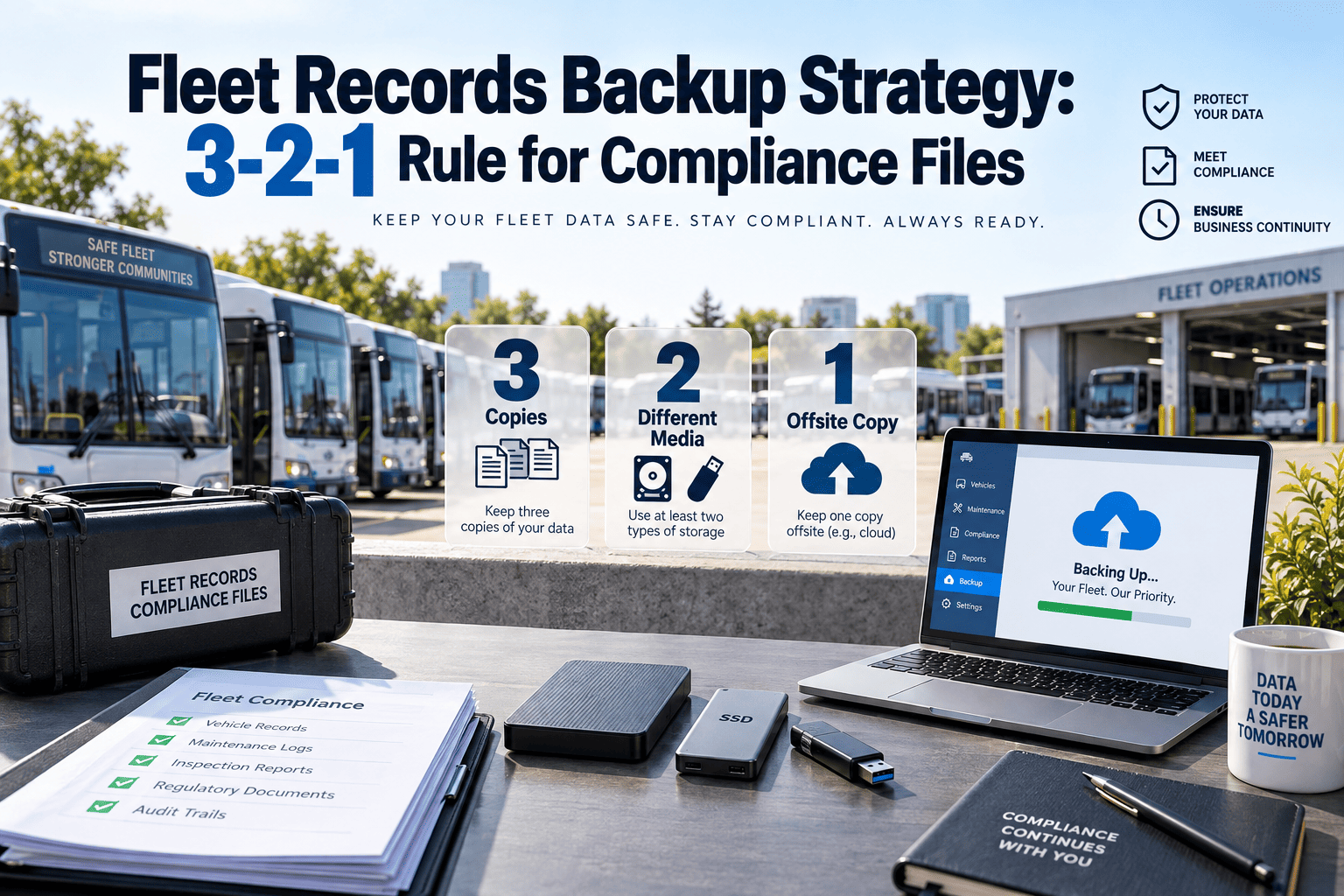
Every fleet has data living outside the CMMS whether it planned for that redundancy or not. Telematics platforms, parts vendors, and OEM warranty portals each hold a partial copy of the same underlying history, and combining them is usually more complete than fleet managers expect going in. The table below ranks each source by how much can typically be recovered from it, so a reconstruction team can prioritize the highest-yield sources first instead of collecting everything in an arbitrary order.
| Data Source |
What It Typically Holds |
Recoverability |
Best Used For |
| Legacy CMMS backup file |
Full work order history, PM schedules, parts usage records |
High, if a backup predates the failure |
Primary reconstruction source |
| Vendor data escrow export |
Asset registry, recent work orders, user accounts |
Moderate, depends on vendor cooperation |
Cross-checking the asset list |
| Telematics / ELD engine-hour logs |
Mileage, engine hours, fault codes, idle time |
High, stored entirely outside the CMMS |
Rebuilding PM trigger timing |
| Parts vendor invoices |
Parts purchased, purchase dates, unit numbers |
High, held independently by a third party |
Verifying repair dates and cost |
| Paper work orders and DVIRs |
Technician notes, signatures, inspection results |
Depends entirely on physical storage practice |
Filling gaps digital sources miss |
| OEM warranty claim records |
Repair proof, claim dates, covered components |
High, held by the manufacturer directly |
Defending a denied warranty claim |
| Driver logs and dispatch notes |
Breakdown dates, symptoms, downtime windows |
Low, informal and often inconsistent |
Corroborating a timeline only |
Scroll horizontally on smaller screens to view all columns
Rebuild your fleet's maintenance history without starting from zero
Oxmaint's reconstruction workflow cross-references every surviving data source, flags conflicting records for review, and reloads a verified history into a single asset timeline — with no manual spreadsheet reconciliation required.
Reconstruction Workflow
The Six-Step Process for Rebuilding a Verified Fleet History
A reconstruction project succeeds or fails based on sequencing. Pulling data before scoping the loss, or loading records before reconciling them against the asset registry, creates a second mess on top of the first one. The steps below reflect the order that keeps a rebuild auditable from start to finish, and skipping ahead to reduce the timeline almost always adds rework later once conflicting records surface during the load step.
1
Freeze and scope the loss
Stop any further writes to the damaged system immediately. Identify the exact date range and the specific assets affected before touching any recovery source, so the reconstruction has a clear boundary rather than an open-ended search.
2
Pull every surviving fragment
Export legacy backups, vendor escrow files, telematics logs, parts invoices, and any paper records covering the affected window. Collect first and sort later — a fragment left behind at this stage is rarely recovered afterward.
3
Reconcile against the asset registry
Match every fragment to a specific VIN or unit number rather than assuming context from the file it came from. Records that cannot be matched to a known asset get flagged as orphaned rather than discarded.
4
Rebuild PM schedules from OEM intervals
Where trigger history is gone entirely, reconstruct preventive maintenance timing from current mileage or engine-hour readings against manufacturer-recommended intervals, rather than guessing at when the last service actually occurred.
5
Validate against compliance requirements
Cross-check every reconstructed record against FMCSA proof-of-repair and inspection retention requirements before treating it as final. A record that cannot survive an audit request is not yet ready to load, no matter how confident the reconstruction team feels about the underlying source it came from.
6
Load into the new system and archive the old one
Import the verified history as the new operational baseline, then lock the legacy system in a read-only archived state rather than deleting it. Fragments missed on the first pass are frequently found later, sometimes months afterward, and an archived legacy system means that discovery can still be folded into the verified record.
Avoidable Errors
Common Mistakes That Undermine a Reconstruction Project
Most failed reconstructions are not caused by missing data — they are caused by a rushed process that treats reconstruction as a data-entry task instead of a verification task. These four mistakes account for the majority of reconstruction projects that need to be redone from scratch, usually because a shortcut taken early on compounded into a larger cleanup effort by the time anyone noticed.
Loading unverified records first
Importing whatever data is available before reconciling it against the asset registry creates duplicate and conflicting entries that are far harder to clean up after the fact than before.
Trusting a single source completely
Any one source, including the legacy backup, can contain gaps or errors of its own. Cross-referencing at least two independent sources catches mistakes a single-source rebuild would carry forward silently.
Deleting the damaged legacy system
Wiping the old system to "start clean" removes the option to go back for a fragment discovered later. A read-only archive costs almost nothing and preserves that option indefinitely.
Skipping compliance validation
A reconstructed record that looks complete but cannot be traced back to a source document will not hold up during a DOT audit or a warranty dispute review.
Cost of Inaction
What Skipping Reconstruction Actually Costs a Fleet
Fleets that decide the gap is not worth fixing tend to discover the true cost at the worst possible moment — during a claim, an audit, or a sale. These are the four places that cost shows up most often, and in every case the expense of the gap ends up far higher than the cost of the reconstruction project that would have prevented it.
Warranty Claims Denied
Manufacturers routinely deny claims when a fleet cannot produce proof of a prior repair or the required PM interval leading up to a failure.
DOT Audit Failure
Missing inspection and repair documentation during a compliance review can trigger fines, out-of-service orders, and a longer audit cycle going forward.
Insurance Disputes
Without a maintenance trail, insurers can question whether an incident was preventable, slowing claim payouts or reducing the settlement offered.
Resale Value Loss
Buyers and auction houses discount vehicles with no verifiable service history, since the absence of records reads as a maintenance risk rather than a data problem.
FAQ
Frequently Asked Questions on Fleet Maintenance History Reconstruction
Can maintenance history be reconstructed if the legacy CMMS backup is gone entirely?
Yes, though completeness depends on how many independent sources survive. Telematics logs, parts vendor invoices, and OEM warranty portals often hold enough to rebuild most recent history even with zero CMMS backup.
Oxmaint's import tools accept exports from any of these sources directly.
How far back should a fleet try to reconstruct history?
Most fleets prioritize the last twelve to twenty-four months as the operational baseline, since that window covers active warranty periods and recent PM compliance. Older records are archived for reference rather than fully reconstructed.
Does reconstructed data hold up during a DOT or insurance audit?
It can, provided each reconstructed entry cites its source document and the reconciliation process is documented from the start. Auditors generally accept a documented reconstruction trail even when the original digital record is gone, as long as each entry can be traced back to a real source document rather than an estimate.
How long does a typical reconstruction project take?
For a mid-size fleet, two to four weeks covers triage, source collection, and reconciliation. Larger fleets with paper records mixed in can take six to eight weeks depending on how much manual entry and cross-checking against physical files is needed along the way.
Should the damaged legacy system be kept after reconstruction is complete?
Yes — keep it in a read-only archived state rather than deleting it, since fragments missed during the first pass are often found later.
Book a demo to see how Oxmaint handles legacy archiving alongside a live rebuild.
Documentation Standard
What a Defensible Reconstructed Record Actually Needs
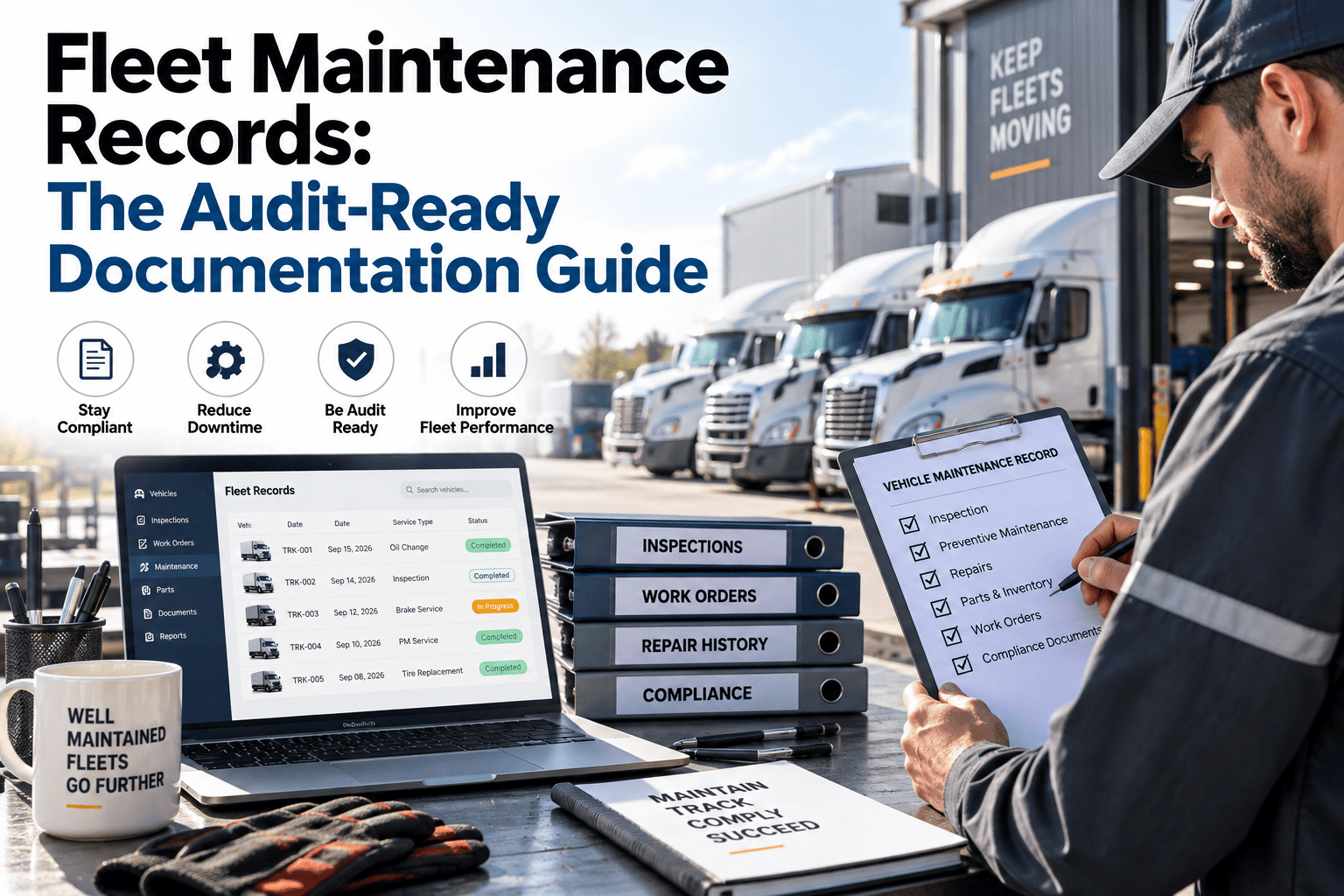
A reconstructed record is only as strong as the paper trail behind it. Auditors, insurers, and OEM warranty reviewers are not looking for a perfectly formatted work order — they are looking for evidence that the entry can be traced back to something real, and a rebuild that skips this standard tends to pass an internal review but fail the first external one. The checklist below reflects the minimum documentation standard a reconstructed entry should meet before it is treated as final and loaded into the live system.
Source document identified — every reconstructed entry names the exact file, invoice, or backup it was pulled from, not a general description of where it came from.
Asset match confirmed — the VIN or unit number on the source document has been verified against the current asset registry, with no assumed matches.
Date reconciled across sources — where two sources disagree on a repair date, the conflict is documented and a resolution method is recorded rather than picking one silently.
Compliance window checked — the record has been checked against FMCSA retention requirements to confirm it falls within, or is correctly marked as predating, the required window.
Reviewer sign-off recorded — a named person, not an automated import script, has reviewed and approved the entry before it moves from draft to verified status.
Original fragment archived — the source document itself, not just the reconstructed summary, is retained alongside the new record for future reference or audit request.
Turn scattered maintenance records into one verified fleet history
Oxmaint reconstructs service records, PM schedules, and compliance documentation from whatever survived the failure — then keeps every record current from day one forward.