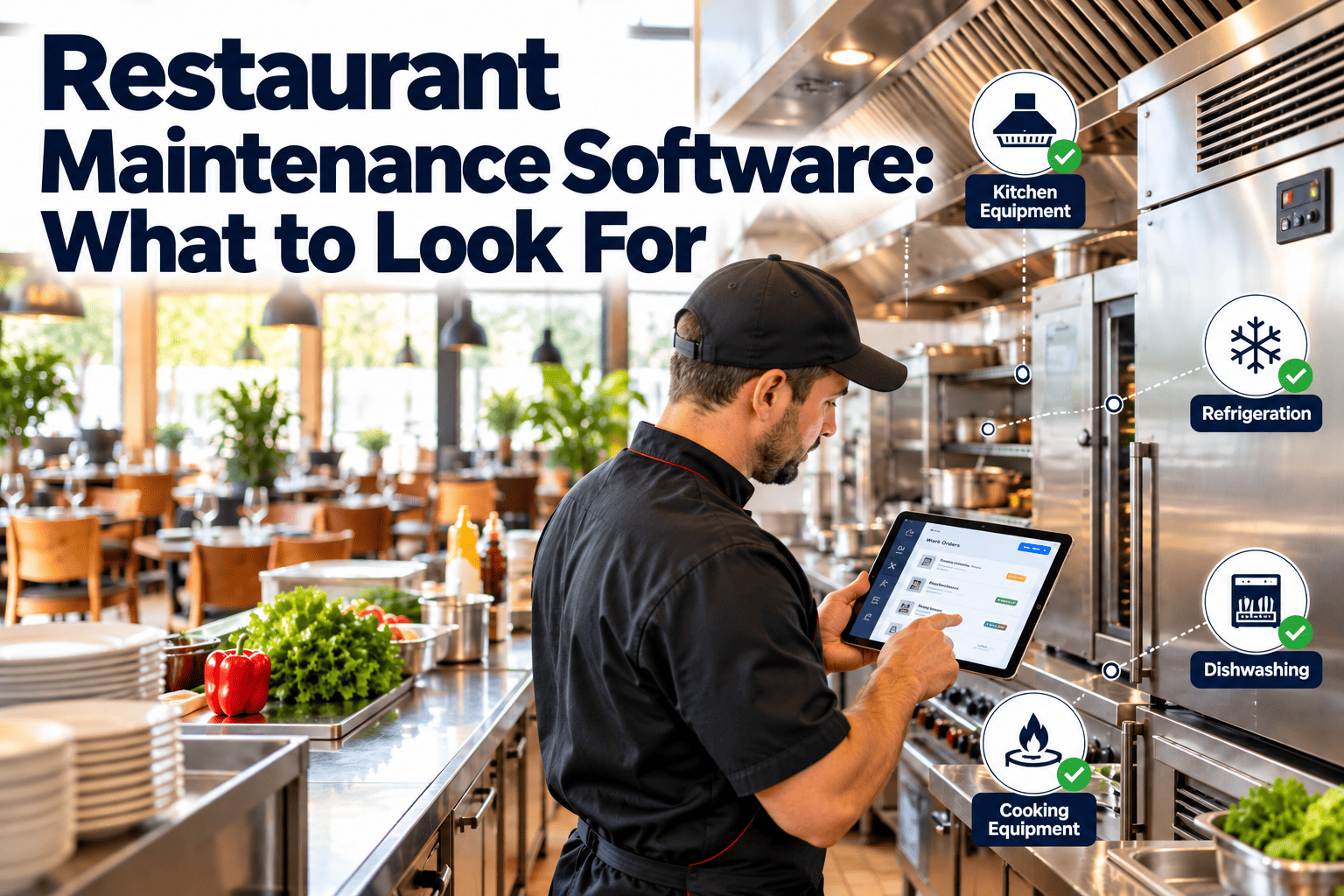
Restaurant kitchens depend on equipment that nobody thinks about until service stops: walk-in coolers, fryers, combi ovens, dish machines, ice machines, hood fans and prep refrigeration. Most groups still manage repairs through text messages, phone calls and a shared spreadsheet, so nobody can see which unit keeps failing, which vendor was called last or whether a scheduled service was ever done. Choosing the right restaurant maintenance software means replacing those scattered threads with one record for every asset. This guide explains what to look for before you commit, and a modern maintenance management platform can cover most of it.
Restaurant Maintenance Software: What to Look For
A buyer's guide for restaurant groups and commercial kitchens that need work requests, PM reminders, vendor tracking and equipment history in one place instead of five.
1RequestCook or manager reports the fault with a photo
2TriagePriority set by food safety and service impact
3DispatchInternal tech or approved vendor assigned
4RepairParts, labor and notes captured on the job
5HistoryEverything stays on the equipment record
Why spreadsheets and text threads stop working
What multi-location teams live with today
- Repair requests arrive by text, phone and email, and half of them never get a reply.
- Managers describe faults differently, so the technician arrives without the right part.
- Nobody knows whether the same reach-in has been repaired three times this year.
- Vendor invoices arrive weeks later with no link to the original request.
- PM tasks such as condenser cleaning and filter changes depend on someone remembering.
- Regional managers cannot compare locations because every store tracks things differently.
What a single system gives you
- Every request lands in one queue with a time stamp, a location and a photo.
- Structured fields force a clear description, so the first visit is more likely to fix the problem.
- Each asset carries its own repair log, which exposes repeat failures quickly.
- Invoices and approvals attach to the work order that caused them.
- Recurring tasks generate themselves on a calendar or usage schedule.
- Head office sees open work, overdue work and spend across every kitchen.
Seven capabilities that separate real software from a digital to-do list
01Simple work request intake
If a line cook cannot submit a request in under a minute on a phone, requests will go back to text messages. Look for photo upload, a short asset picker and the option to submit without a full account. Ask whether a QR code on the equipment can open the request form directly.
02Priority and escalation rules
A failed walk-in cooler is not the same as a loose shelf bracket. Good software lets you define priority levels tied to food safety, revenue and guest impact, and escalates automatically when a critical request sits unacknowledged.
03Preventive maintenance scheduling
Restaurants need recurring tasks by calendar and by usage: weekly gasket checks, monthly condenser coil cleaning, quarterly hood and exhaust inspection, filter changes and drain line flushing. Check that templates can be copied across locations and adjusted by equipment model.
04Vendor and contractor tracking
Most commercial kitchen repairs go to outside service companies. The system should hold vendor contacts by region and trade, approval limits, response history and certificates of insurance, so dispatching is a decision rather than a search.
05Equipment history and asset records
Every unit needs a record with model, serial number, install date, warranty status, manuals, repairs and cost. This is the evidence you use to decide whether to repair or replace, and to claim warranty work that would otherwise be missed.
06Mobile-first workflows
Technicians and managers work standing up in kitchens, often with poor connectivity. Confirm the mobile experience covers accepting a job, adding notes and photos, logging parts and closing the order, and ask how it behaves when the signal drops.
07Reporting across locations
Multi-location groups need to compare stores, equipment brands and vendors. Look for dashboards that show open and overdue work, repeat repairs, spend per location and PM completion without exporting to a spreadsheet first.
Feature scorecard to use during vendor demos
| Capability | What good looks like | Warning sign |
|---|
| Request intake | Phone form, photo, QR code, status updates back to the requester | Requires a full login and desktop access |
| Work order detail | Asset, priority, assignee, parts, labor, notes and photos in one record | Free-text notes only, no structured fields |
| PM scheduling | Calendar and usage triggers, location-level templates | Recurring reminders that cannot be assigned or tracked |
| Vendor management | Vendor list by trade and region, approval thresholds, history | Vendor is just a text field |
| Equipment history | Full timeline per asset with cost and warranty dates | History scattered across work orders with no asset link |
| Inventory of parts | Common spares such as gaskets, filters and igniters tracked by location | No parts module or manual entry only |
| Reporting | Cross-location dashboards, overdue lists, repeat repair view | Reports available only as raw exports |
| Onboarding | Bulk asset import, template libraries, short training for managers | Months of setup before the first work order |
See how your repair requests would flow
Walk through a request, a dispatch and a PM schedule using your own equipment list.
Matching the software to the size of your operation
Single restaurant or small chef-owned groupPriorities are quick request intake, a PM calendar and a clean equipment list. You can usually run without complex approval chains, but you still need one place that records every repair and every vendor call.
Regional group with a handful of kitchensAdd vendor tracking, approval limits and location-level dashboards. The regional manager needs to see which stores have overdue PM and which vendors respond slowly, without calling every general manager.
Large multi-location or franchise operationAdd user roles, location hierarchy, standard PM libraries, spend controls and reporting by equipment brand. Governance matters here: franchise operators and corporate teams need different views of the same data.
Vendor tracking that actually saves time
What each vendor record should hold
- Trades covered, such as refrigeration, cooking equipment, plumbing or hood cleaning.
- Service regions and after-hours availability.
- Spend approval limit before a manager must sign off.
- Insurance and licence documents with expiry reminders.
- Response time and first-visit fix history drawn from closed work orders.
What to review every quarter
- Which vendors resolve problems on the first visit and which need repeat trips.
- Where invoices exceed the quoted amount without an approved change.
- Which equipment brands generate the most vendor calls.
- Whether a preferred vendor list exists in every region or only in some.
Equipment history and the repair-or-replace decision
Repeat failureTwo or three repairs for the same fault inside a short window point to a root cause that parts swaps are not fixing.
Cumulative costCompare total repair spend against the replacement price and the equipment's expected life, using the asset record rather than memory.
Warranty statusInstall dates and warranty terms on the record prevent paying for repairs the manufacturer should cover.
Service disruptionCount how many lost service hours or discarded products the unit has caused, not just the invoice amount.
Rolling out without disrupting service
Phase 1Build the asset list
Start with the equipment that stops service or threatens food safety: refrigeration, cooking lines, dish machines and ventilation. Add the rest later.
Phase 2Pilot one or two kitchens
Use work requests and a short list of PM tasks in a small group, and collect feedback from the people who actually submit requests.
Phase 3Standardize templates
Turn the pilot's PM tasks, priorities and vendor rules into templates so new locations start with a working setup.
Phase 4Roll out and review
Extend to the remaining locations and hold a monthly review of open work, overdue PM and repeat repairs.
Metrics worth tracking from the first month
Time to acknowledgeHow long a request waits before someone owns it.
Time to closeRequest to completed repair, split by priority.
PM completionTasks done on time versus tasks scheduled.
Repeat repairsAssets with more than one repair for the same fault.
Spend per locationRepair and PM cost, compared across similar kitchens.
Vendor first-visit fixJobs resolved without a second trip.
Why maintenance records matter for food safety and inspections
Records an inspector may ask about
- Evidence that refrigeration is serviced and that failures are repaired promptly.
- Dish machine servicing and the corrective action taken when sanitizing temperatures or concentrations are wrong.
- Pest-related repairs such as door sweeps, sealed gaps and drain covers.
- Hood and exhaust cleaning certificates and the dates of each visit.
- Calibration or replacement of thermometers used for food safety checks.
How software helps without adding paperwork
- Completed work orders become dated, attributable records automatically.
- Photos and notes show the fault and the fix, which is more convincing than a signature alone.
- Recurring inspections create a visible trail of what was checked and when.
- Reports can be filtered by location and equipment type before a visit, rather than during it.
Common mistakes when choosing a system
ABuying for head office instead of the kitchen
A system with excellent dashboards but a clumsy request form will fail because the data never gets entered. Test the experience of the person closest to the equipment before anyone looks at the reports.
BLoading every asset on day one
Groups that try to catalogue every shelf, table and small appliance stall before they start. Begin with equipment that affects food safety and revenue, and expand when the habit is established.
CTreating vendors as an afterthought
If vendor invoices and approvals sit outside the system, you will never see the true cost of an asset. Insist on a clear way to attach quotes, approvals and invoices to the work order.
DIgnoring the training burden
Restaurants have high staff turnover, so the tool must be learnable in minutes. Short instructions, QR codes on equipment and role-based screens reduce the amount of training new managers need.
ESkipping the data ownership question
Ask how you can export your asset records, work orders and vendor history if you change systems later. Your equipment history is a long-term business asset and should not be locked away.
Preventive tasks most kitchens should schedule
Refrigeration and ice
- Condenser coil cleaning on walk-ins, reach-ins and prep tables.
- Door gasket inspection and replacement before seals fail.
- Evaporator fan and drain line checks.
- Ice machine cleaning and descaling to the manufacturer's instructions.
Cooking and ventilation
- Fryer filtration checks, oil-level controls and thermostat verification.
- Oven door seals, burner and igniter inspection.
- Hood filter cleaning and exhaust fan belt inspection.
- Grease trap service scheduled with the contractor.
Questions to ask in every demo
- Can a line cook submit a request with a photo from a phone without training?
- How are priorities defined, and what happens when a critical request is ignored?
- Can I copy PM templates between locations and adjust them by equipment model?
- Where do vendor approvals, invoices and certificates of insurance live?
- Can I see the full history of one walk-in cooler, including cost, in a single screen?
- How does the mobile app behave in a basement kitchen with poor reception?
- Can I import my existing equipment list and open requests in bulk?
- What reports can a regional manager see without asking for an export?
- How are user roles handled between corporate staff, managers and outside technicians?
- What does onboarding look like for a group with several kitchens?
Before any trial ends, ask each vendor to load ten of your real assets and three recent repairs so you can judge the result with your own data rather than sample screens. A tool that looks simple with demo data can become awkward once you add several brands of the same equipment type, multiple service companies and the naming habits of different managers and regions. Oxmaint covers work orders, preventive maintenance scheduling, asset records, inspections, parts inventory, mobile workflows and dashboards, which maps directly to the scorecard above.
Restaurant maintenance software FAQs
Do small restaurants need maintenance software?
If you already lose time to repeat repairs or forgotten PM, yes. A simple system with requests, a PM calendar and an equipment list is enough to start, and you can
get started without a large rollout.
What is the difference between restaurant work order software and a CMMS?
Work order tools handle requests and dispatch. A CMMS adds asset history, preventive schedules, parts and reporting, which is what multi-location groups need to control cost over time.
Can the software track outside vendors as well as in-house technicians?
It should. Look for vendor records, approval limits and work orders that can be assigned to either, so history stays complete whoever does the repair.
Which equipment should I add first?
Start with refrigeration, cooking lines, dish machines, ice machines and ventilation, because failures there affect food safety and service immediately.
How do I check that a tool will work for my group?
Run a pilot in one or two kitchens using real equipment. You can
book a demo to set that up.
Give every kitchen one place for repairs, PM and equipment history
Replace text threads and spreadsheets with a maintenance system your managers will actually use.